
Futuristic AR Music Cards Street Edit
Transforms a street musician photo into a warm cinematic viral edit with floating holographic music-player cards.
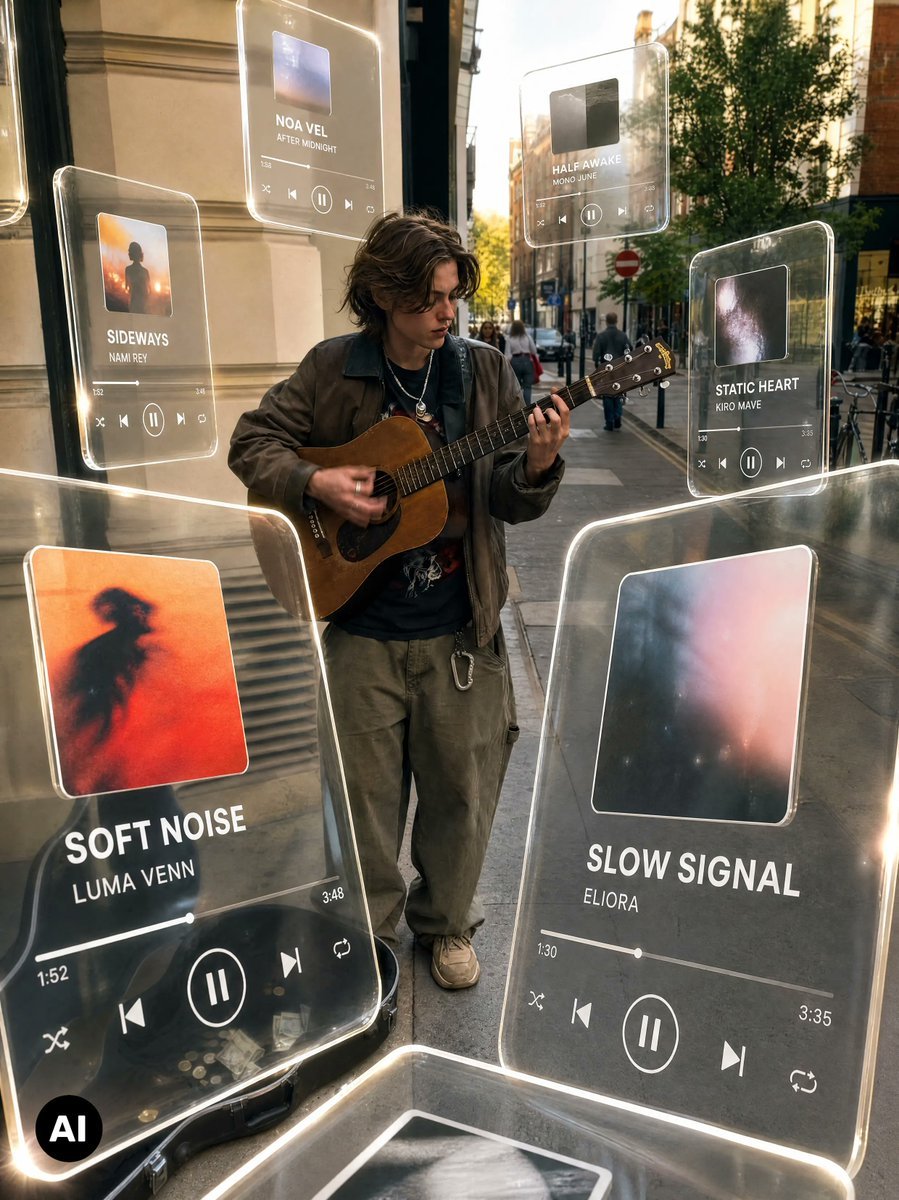
- Prompt included
- Model and format preset
- Free template
The prompt behind this image
Copy the exact prompt behind Futuristic AR Music Cards Street Edit, or open it in the studio and make it yours.
Using the provided street musician photo as the base, keep the original person, guitar, sidewalk setting, and camera angle intact, but transform it into a viral futuristic music-discovery edit. Add a warm cinematic color grade with deeper contrast, golden highlights, subtle background blur, and a polished social-media look. Overlay exactly 8 floating translucent glass music-player cards around the musician, with rounded corners, glowing white edges, realistic reflections, and slight perspective depth as if they are hovering in the street. The cards should feel like holographic acrylic UI panels integrated into the scene lighting. Visible cards to add: 1. Large foreground left card: album art with an orange blurred silhouette, title “SOFT NOISE”, artist “LUMA VENN”, progress time 1:52 to 3:48, playback controls. 2. Large foreground right card: soft abstract pink/blue album art, title “SLOW SIGNAL”, artist “ELIORA”, progress time 1:30 to 3:35, playback controls. 3. Mid-left smaller card: sunset silhouette album art, title “SIDEWAYS”, artist “NAMI REY”, playback controls. 4. Upper-center card: small blue album art, title “NOA VEL”, subtitle/artist “AFTER MIDNIGHT”, playback controls. 5. Upper-right card: dark album art, title “HALF AWAKE”, artist “MONO JUNE”, playback controls. 6. Right-side smaller card: galaxy-like album art, title “STATIC HEART”, artist “KIRO MAVE”, playback controls. 7. Bottom foreground partial card, cropped by the frame, showing only a glowing glass edge and partial album image. 8. Far-left edge partial card, cropped by the frame, showing only a sliver of another glowing glass panel. Style: premium AR music interface, realistic transparent glass, luminous rim lighting, shallow-depth street photography, warm evening grade, mild motion/hand blur preserved on the guitarist. Keep the original busker and environment recognizable; do not replace the subject. Preserve the black circular “AI” watermark in the lower-left corner. Optional customizable main titles: {argument name="left main song title" default="SOFT NOISE"}, {argument name="left main artist" default="LUMA VENN"}, {argument name="right main song title" default="SLOW SIGNAL"}, {argument name="right main artist" default="ELIORA"}, {argument name="overall color grade" default="warm cinematic golden street edit"}.
Reference images included
Futuristic AR Music Cards Street Edit needs input media to work. They load alongside the prompt when you open it in the studio.
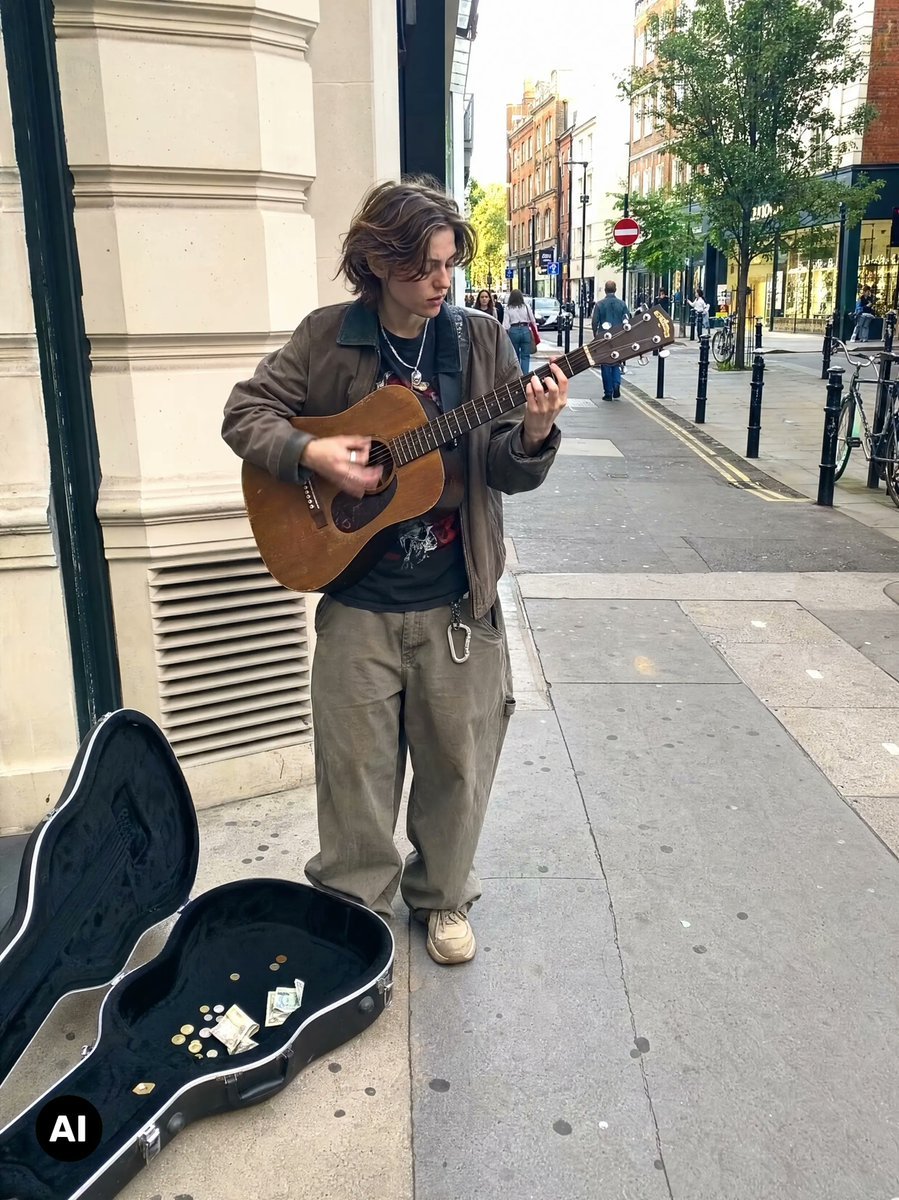
How to use Futuristic AR Music Cards Street Edit in 3 steps
- 1Upload ImagePNG, JPG or paste
Add your photo
Upload the photo the template builds on. The prompt, model and format are already set.
- 2…a portrait of your subject in softgolden-hour light, 85mm…
Personalize
Edit the subject and creative details for your destination.
- 3Generate
Generate
Press Generate — your image is created in PicX Studio, so you can compare it with the original and refine one variable at a time.
More like this
Templates with the same subject, style or setup. Open one to see its prompt.

Blue Hour Editorial Fashion Portrait

Two Tickets, One Night

Our Song was on a Cassette

Meet Me When It Rains

Two Hearts. One Scooter.

1986 Street Couple

1985 Street Scene
Y2K Music Editorial Portrait
Korean Streetwear Urban Editorial

Cinematic Street Fashion Portrait Motion Blur Crowd

Futuristic Chrome Helmet Fashion Portrait

Futuristic Studio Neon Ring Minimalist Portrait
Make it yours
Futuristic AR Music Cards Street Edit works as-is. These are the safest ways to change it without losing the look.
Change one field
Copy a single group, rewrite it, and generate again so you can see what that field is doing.
Keep the frame, change the subject
Hold the composition and light of Futuristic AR Music Cards Street Edit, then swap wardrobe, props or the person for a new take.
| If the result… | Why | Fix |
|---|---|---|
| The result drifts from the preview | Too many fields changed at once. | Reuse Futuristic AR Music Cards Street Edit as-is first, then change one group — subject, light, or setting. |
| The model over-stylizes the scene | The prose prompt leaves finish and camera underspecified. | Add one camera or lighting sentence and stay on GPT Image 2. |
More GPT Image 2 templates
Other prompts made for GPT Image 2.

Six VTuber Japanese Logo Sheet

Realistic Portrait of Woman and Deer

The Vista Modular Condo Poster

AI Model Routing Comparison Infographic

2.5D Anime Art Board

Isometric Productivity Desk Scene

New York Double Exposure Poster

Four-Panel AI Landscape Comparison

Japanese Tatami Lifestyle Magazine Cover

NESCAFÉ Coffee Map Poster
More image prompts
Fresh picks from across the catalog.
Girl cornered by three male students
Viral 3D Caricature Generation Prompt
Detailed Medical Anatomy Infographic
Surreal Macro Selfie with Doodles
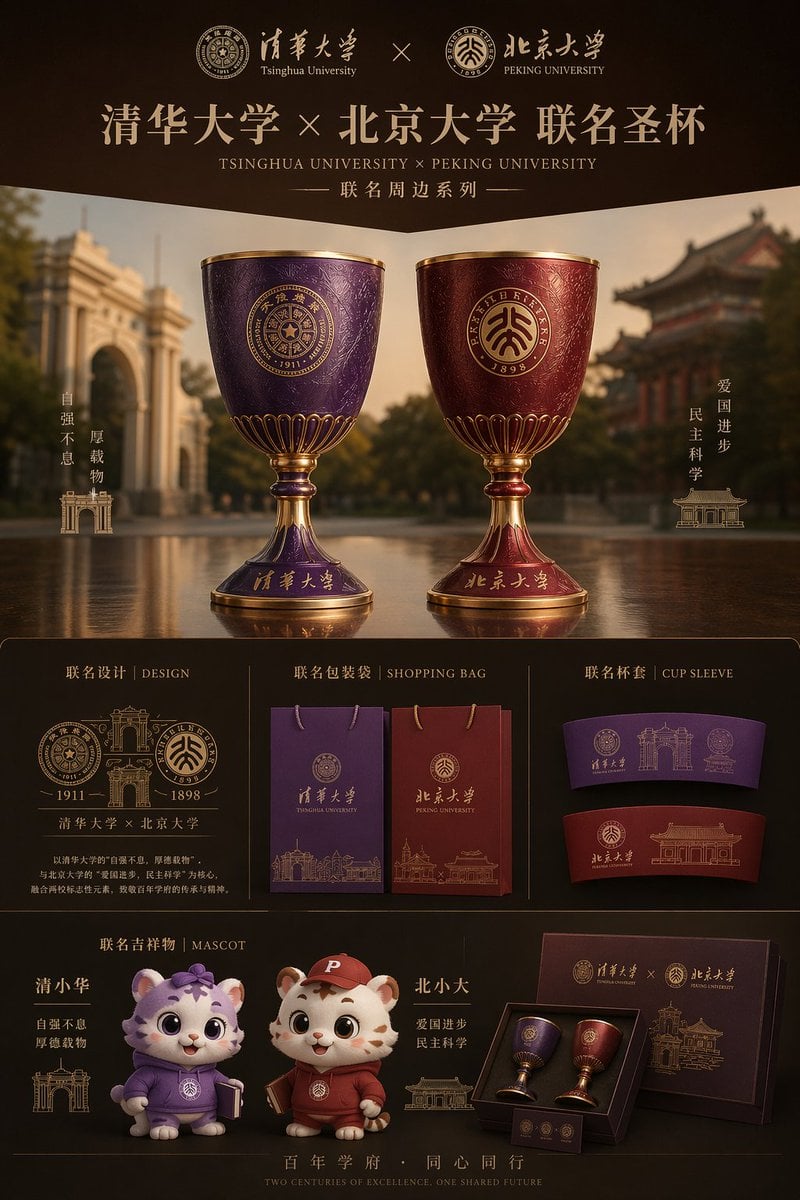
Luxury University Co-Branded Gift Poster
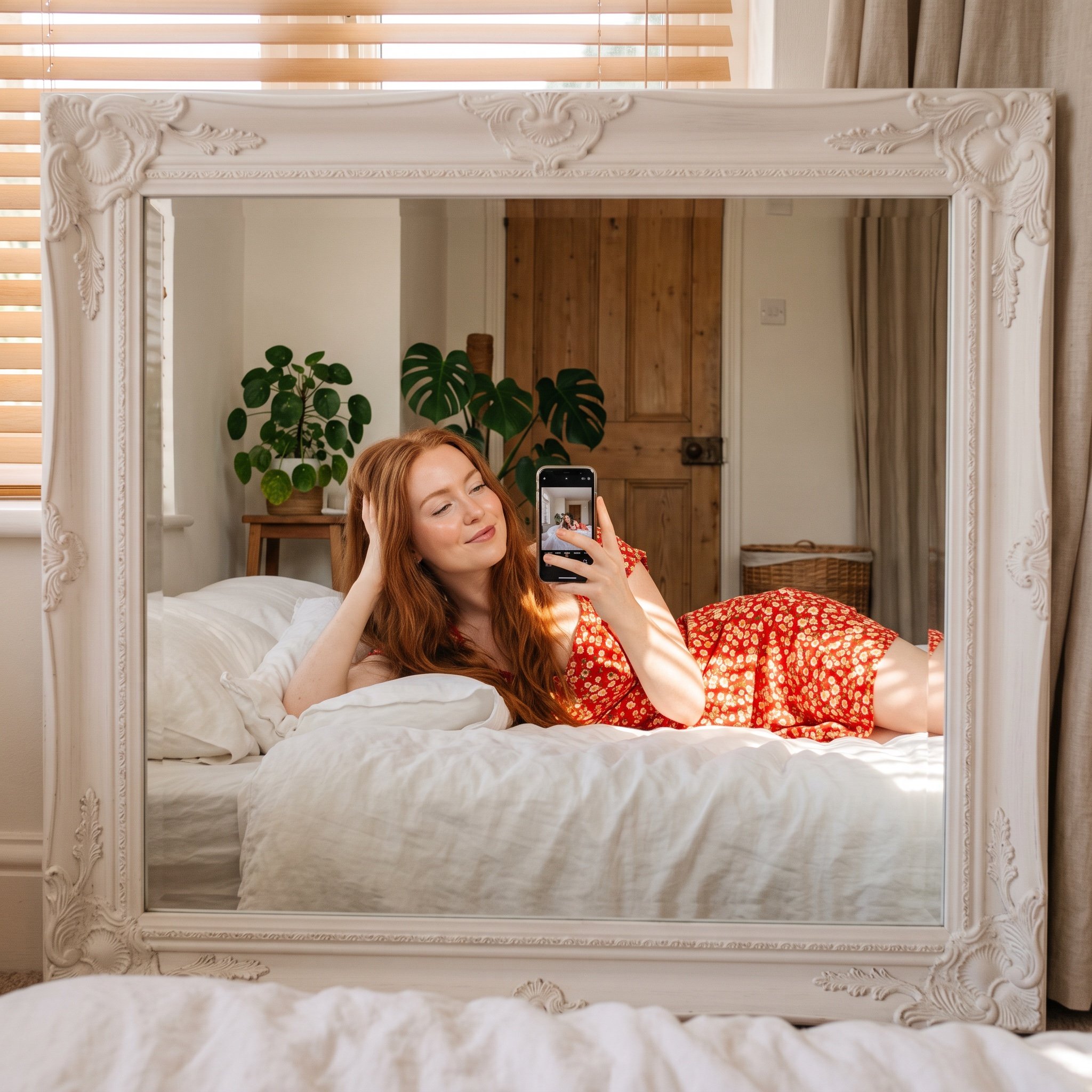
Aesthetic Mirror Selfie in Bedroom
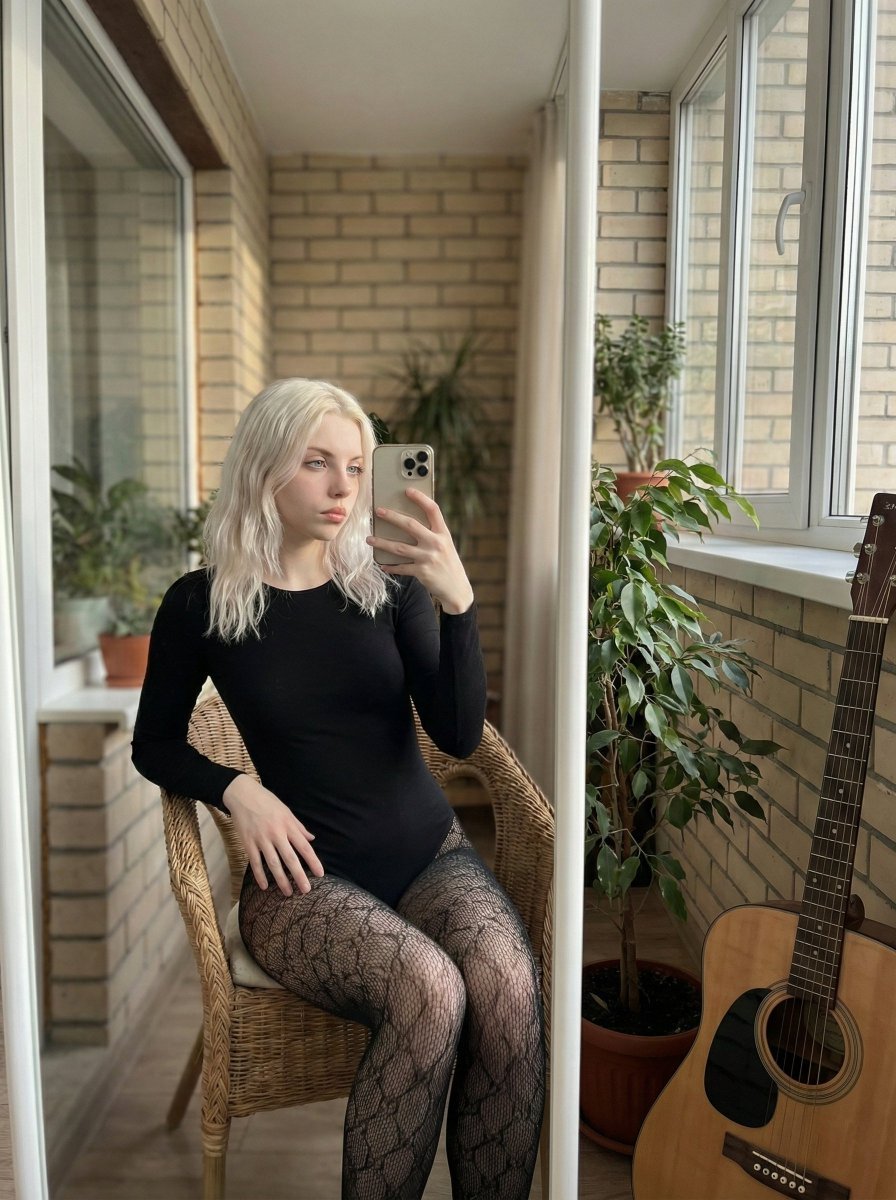
Hyper-Realistic Mirror Selfie Prompt
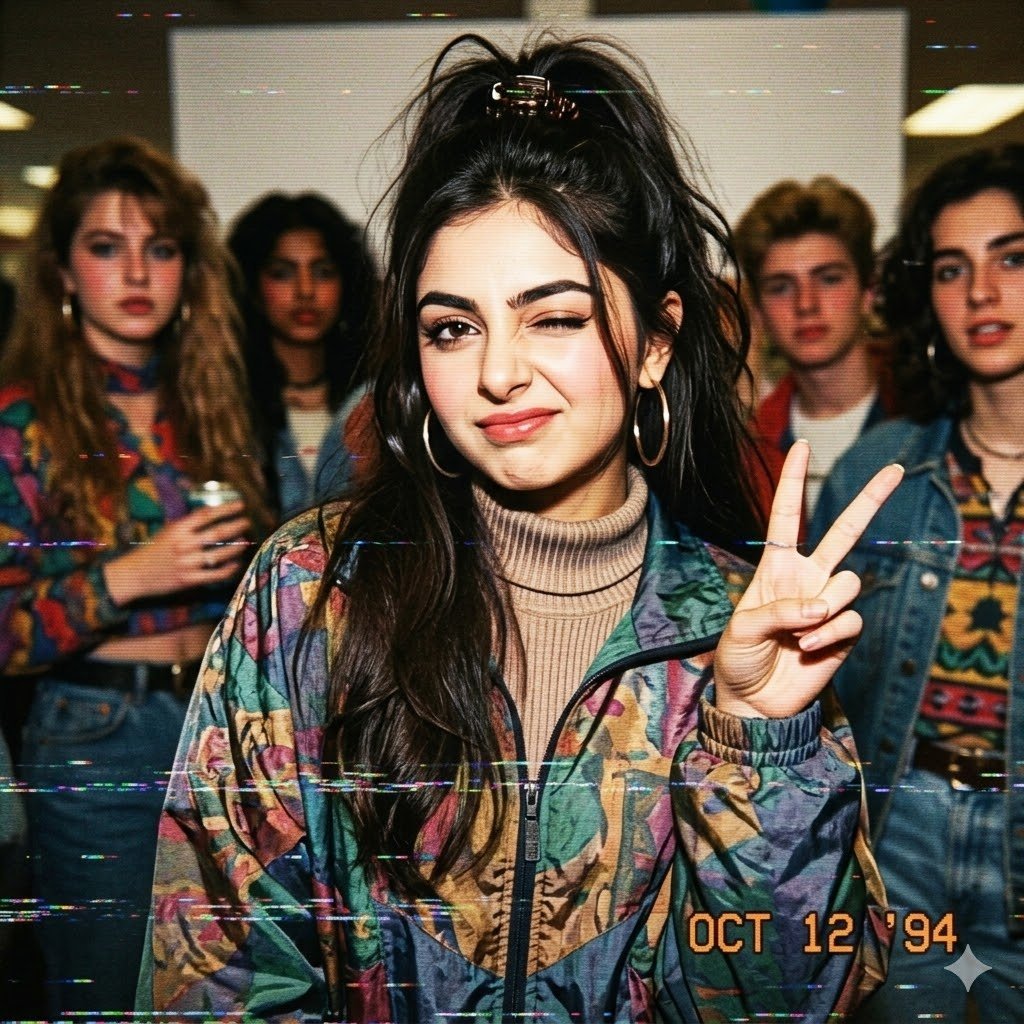
VHS 90s Mall Teen Group Portrait
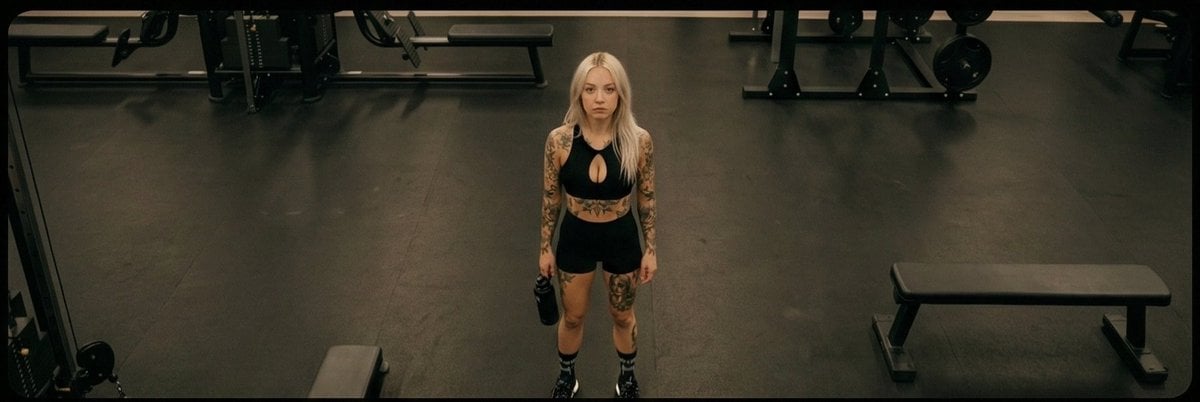
Four-Angle Cinematic Panel Composition
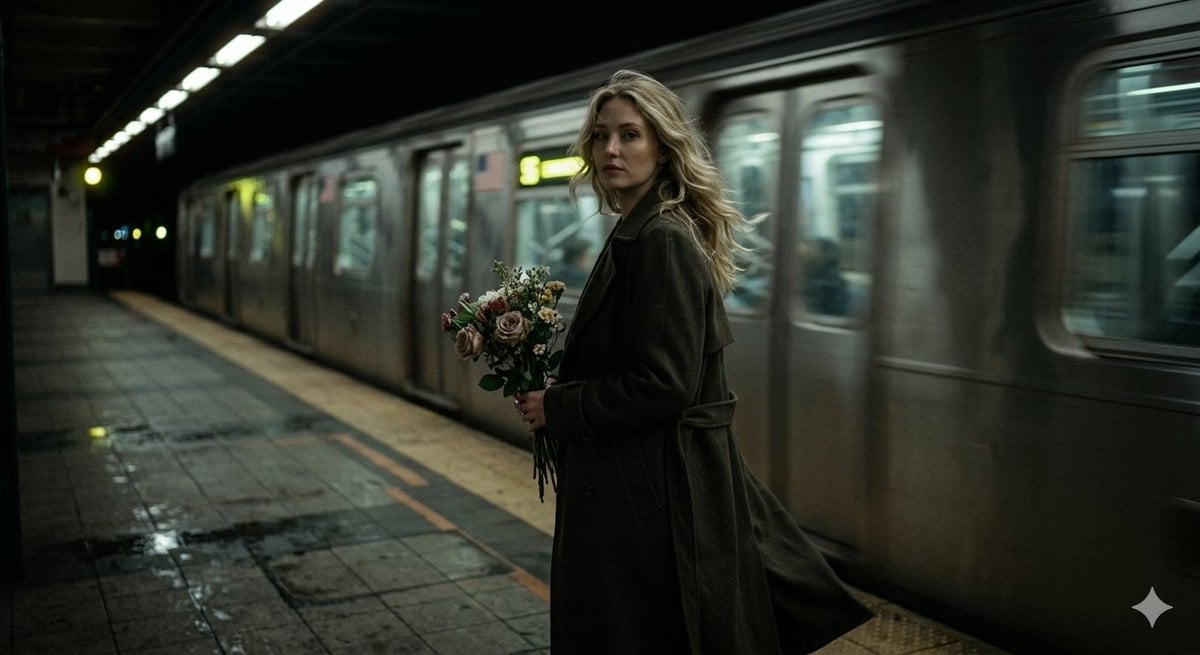
Cinematic Night Scene on Subway Platform
Browse template categories
Futuristic AR Music Cards Street Edit questions
How do I use the Futuristic AR Music Cards Street Edit template?
Add your photo if the template asks for one, edit the prompt if you like — the template's model and format are already selected — and press Generate. Your version opens in PicX Studio.
Can I customize the Futuristic AR Music Cards Street Edit template?
Yes. You can change the subject, setting, lighting, mood, format, and available model controls before creating your image.
Is the Futuristic AR Music Cards Street Edit template free?
Opening and editing this template is free. Generating uses credits, shown on the Generate button when you are signed in.
Which AI model should I use?
Start with GPT Image 2, which is the model associated with this template. You can compare another compatible model for a different finish.
Looking for something else? Browse all templates.

Your photo, any look
Thousands of ready templates for every top image and video model, from one credit balance.