
Cinematic Sci-Fi Containment Pod
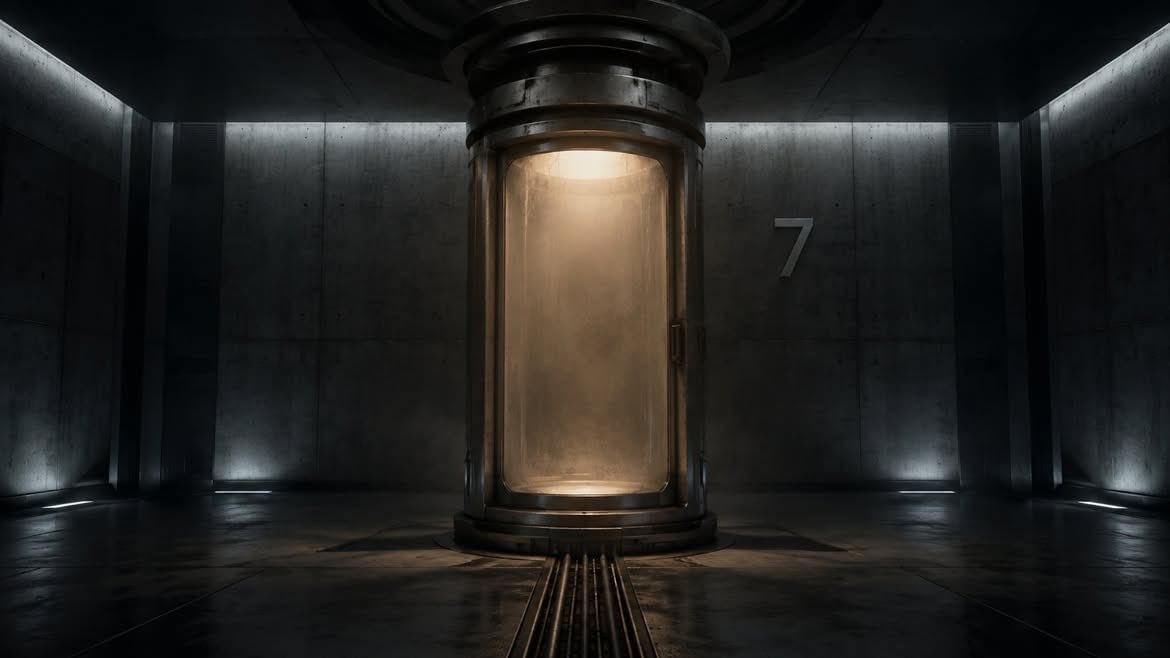
A photorealistic dark laboratory scene with a glowing cylindrical containment chamber for use in sci-fi concept art or cinematic environment design.
- Prompt included
- Model and format preset
- Free template
The prompt behind this image
Copy the exact prompt behind Cinematic Sci-Fi Containment Pod, or open it in the studio and make it yours.
Create a cinematic sci-fi interior showing a single large cylindrical containment pod centered in a dark industrial laboratory corridor. The pod is made of heavy blackened metal rings and a tall rounded rectangular glass chamber, filled with warm amber fog and a soft glowing light from above and below, obscuring anything inside. The room is symmetrical, wide 16:9 composition, with dark concrete wall panels, glossy wet-looking metal floor, ceiling shadows, and cool white strip lights running along the upper side walls and low baseboards. Include one visible wall marking: a large gray number “7” on the right rear wall. Add three narrow cable or rail tracks leading from the foreground floor directly into the base of the pod. Use moody high-contrast lighting, volumetric haze, realistic textures, subtle reflections, no people, no creatures, no extra text, no watermark. The atmosphere should feel like a secret underground cryogenic facility or experimental containment chamber, photorealistic, cinematic, detailed, dark teal-gray shadows contrasted with warm orange light inside the pod.
How to use Cinematic Sci-Fi Containment Pod in 3 steps
- 1Upload ImagePNG, JPG or paste
Add your photo
Upload the photo the template builds on. The prompt, model and format are already set.
- 2…a portrait of your subject in softgolden-hour light, 85mm…
Personalize
Edit the subject and creative details for your destination.
- 3Generate
Generate
Press Generate — your image is created in PicX Studio, so you can compare it with the original and refine one variable at a time.
More like this
Templates with the same subject, style or setup. Open one to see its prompt.
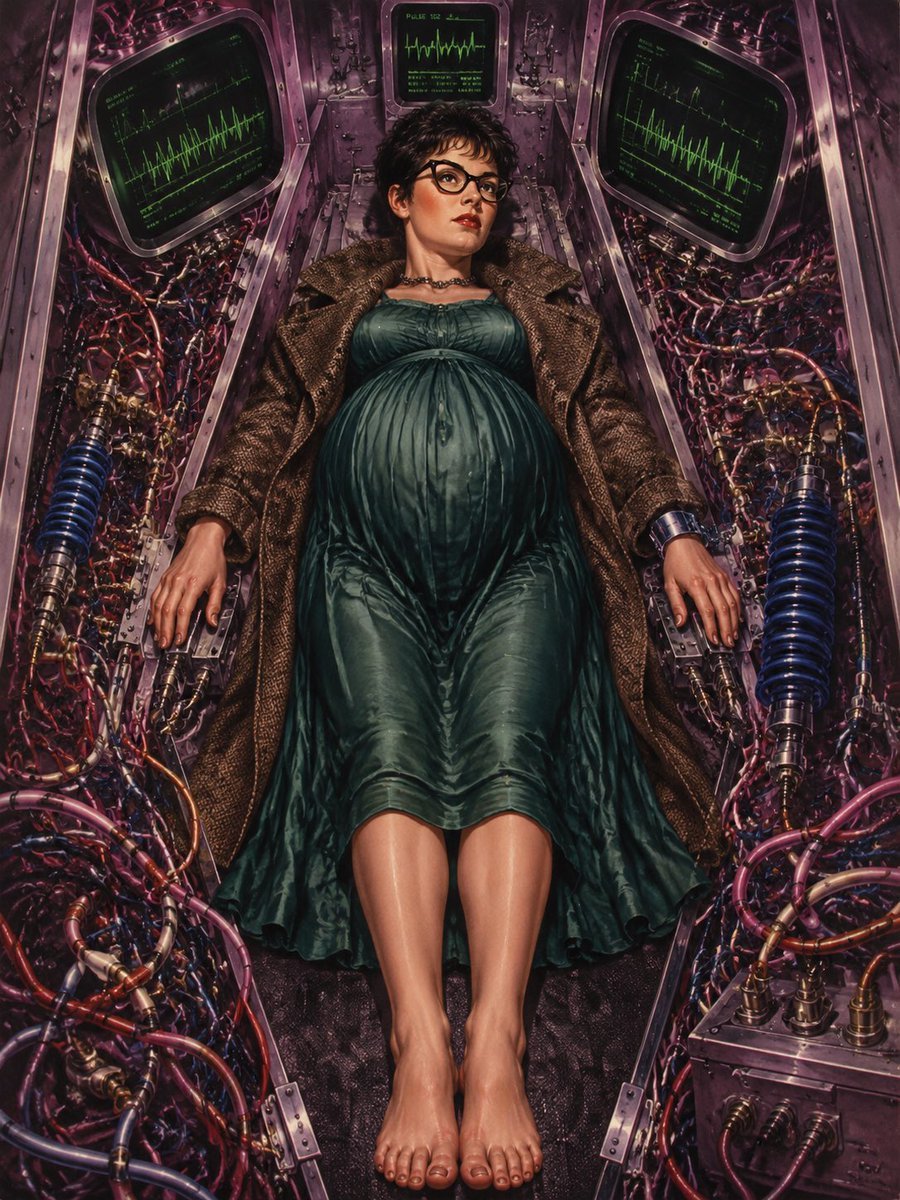
Pregnant Woman in Retro Sci-Fi Medical Pod
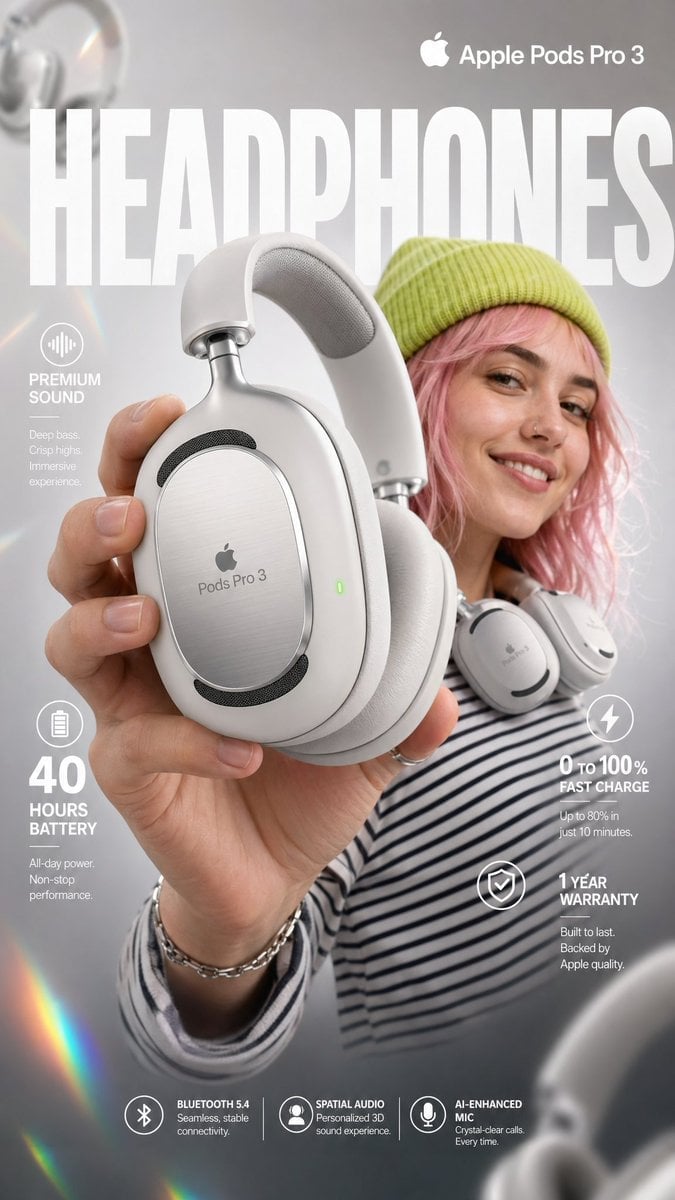
High-impact e-commerce infographic for Apple Pods Pro 3

AirPods Style Tech Ad Poster
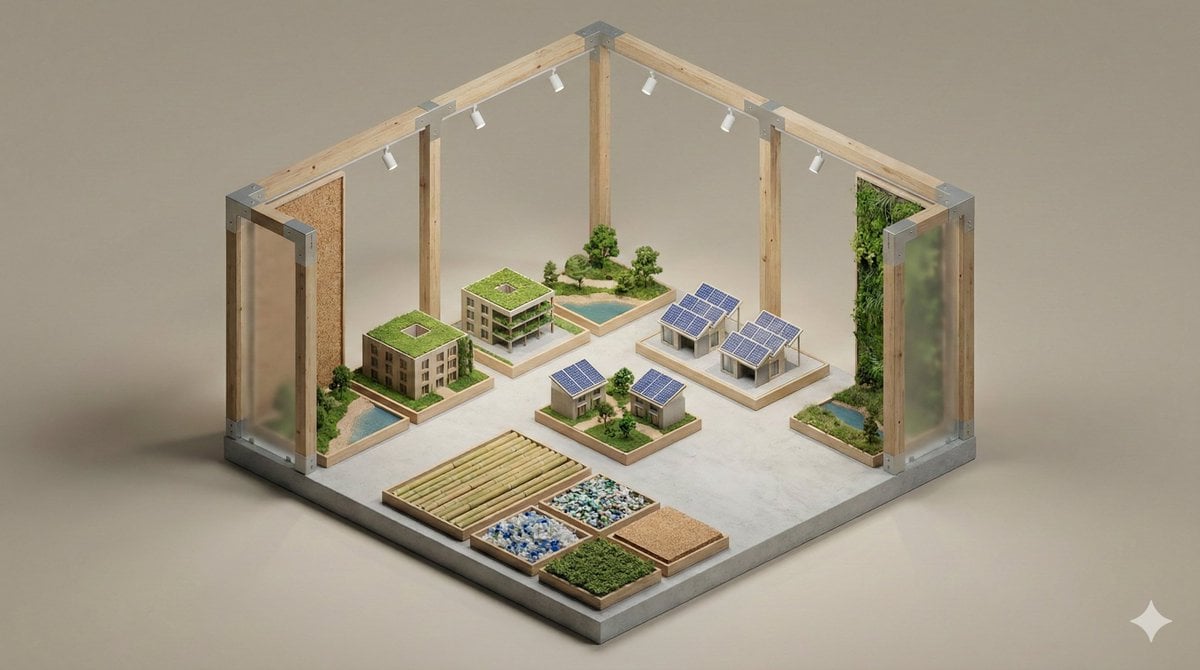
Minimalist 3D Isometric Exhibition Pod Diorama

Gpt2 Apple Pods Pro 3 Infographic
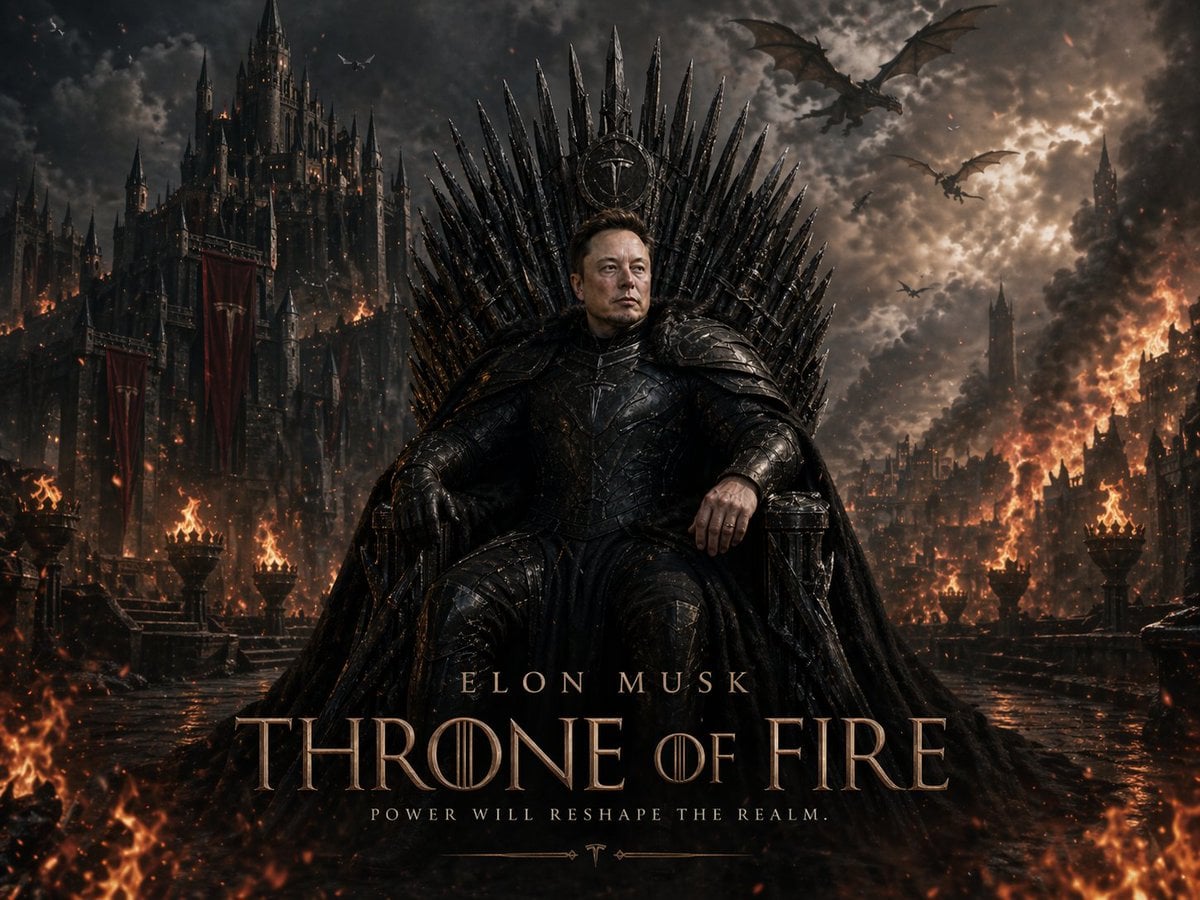
Sci-Fi AI Battle Movie Poster
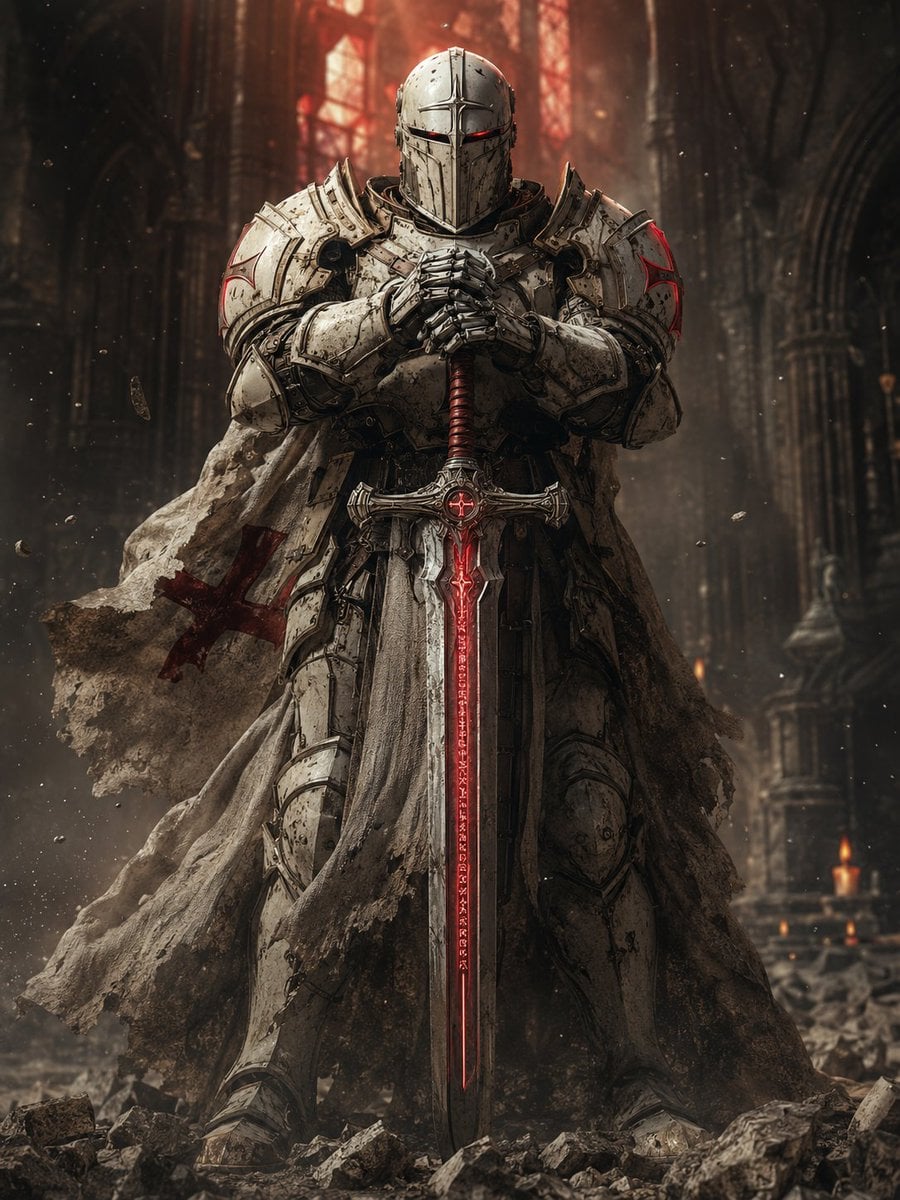
Sci-Fi Knight of the Order
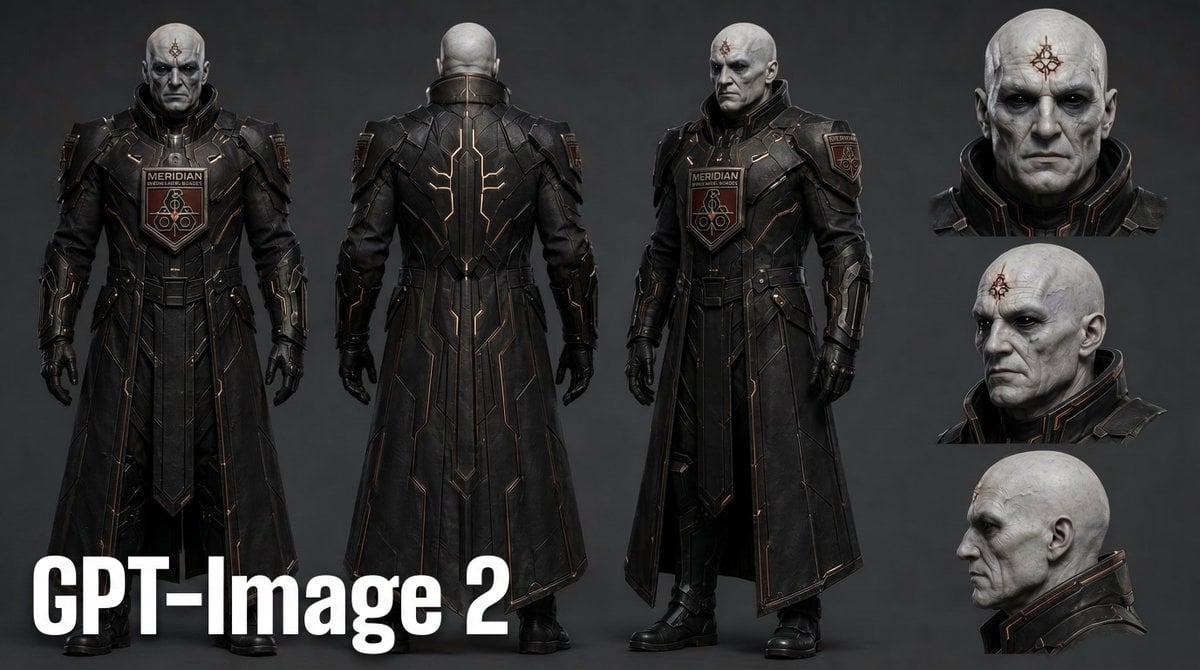
Dark Sci-Fi Commander Character Sheet
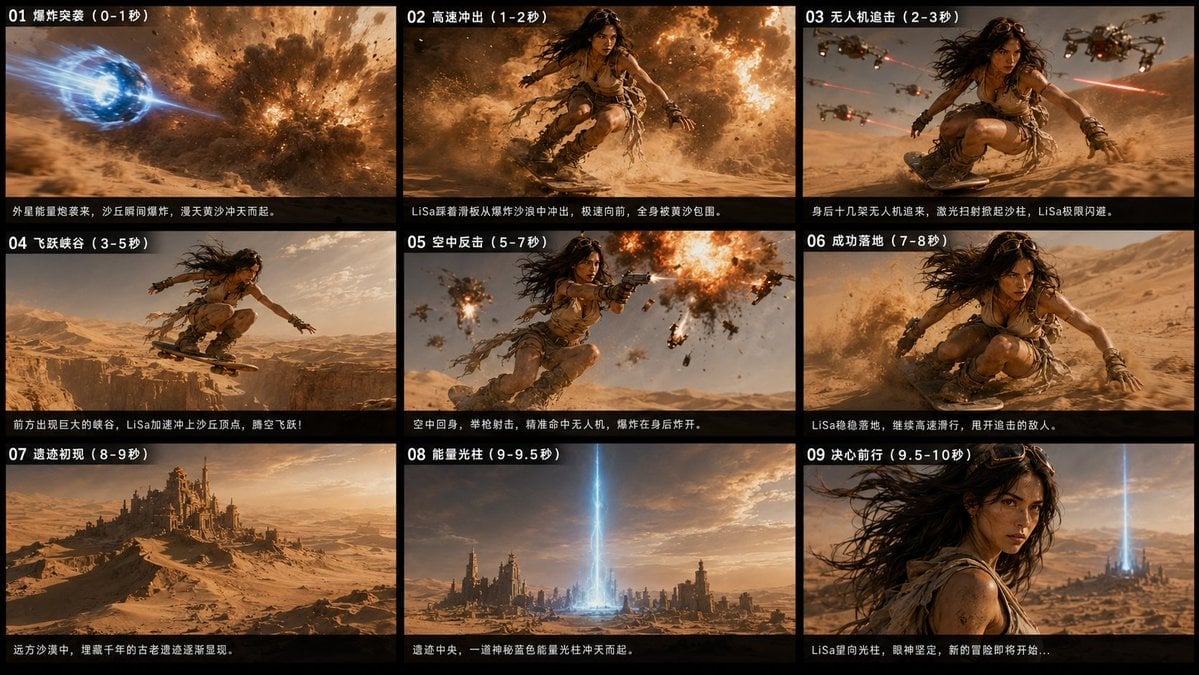
Desert Sci-Fi Action Storyboard
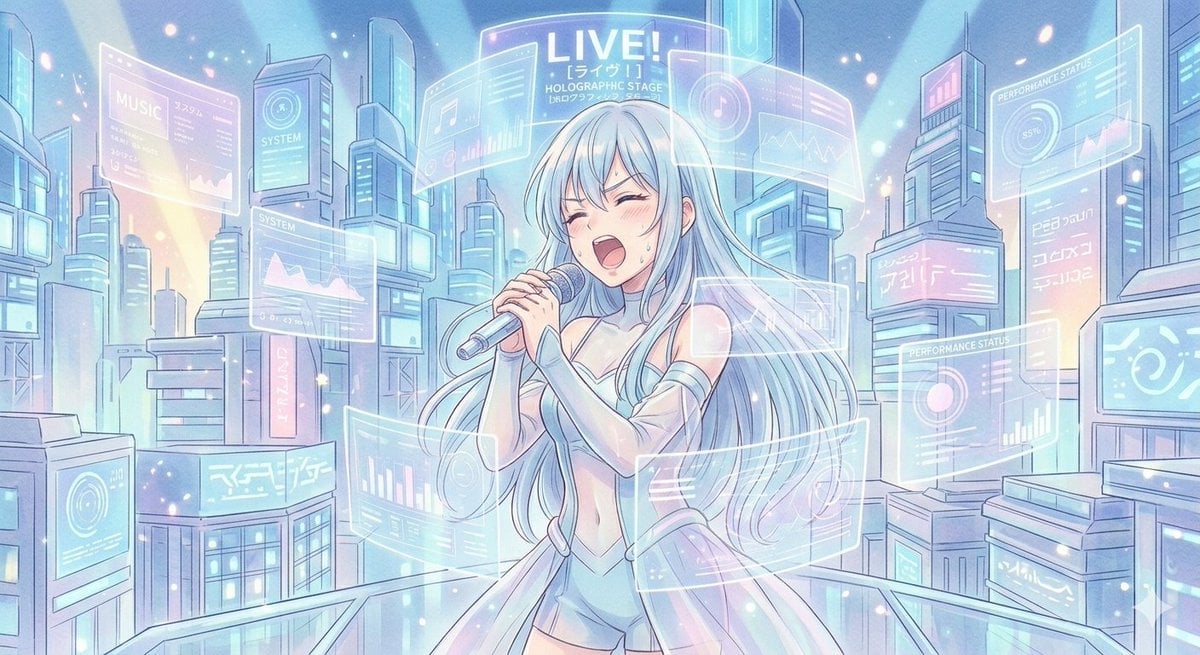
Sci-Fi Anime Songstress Illustration
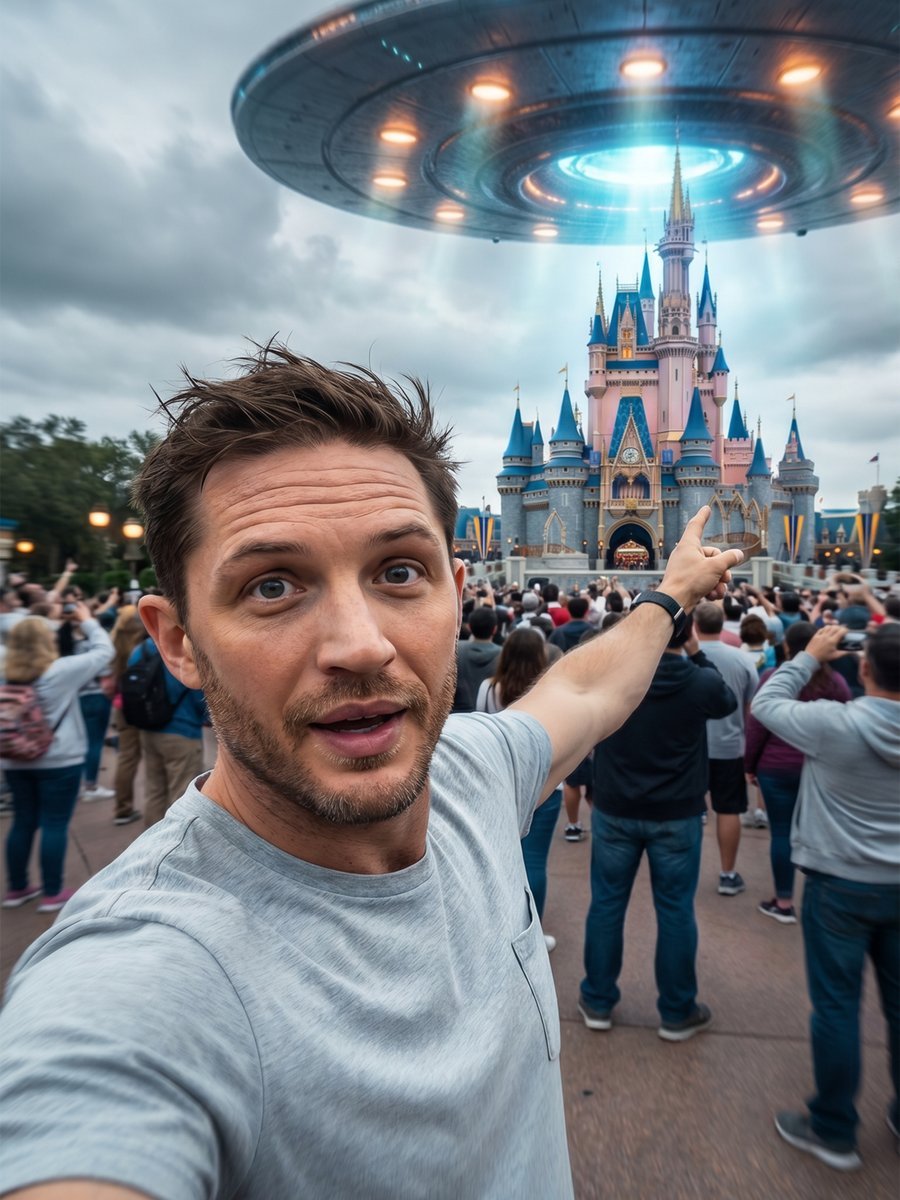
Sci-Fi UFO Invasion Selfie

Organic Sci-Fi Magazine Cover
Make it yours
Cinematic Sci-Fi Containment Pod works as-is. These are the safest ways to change it without losing the look.
Change one field
Copy a single group, rewrite it, and generate again so you can see what that field is doing.
Keep the frame, change the subject
Hold the composition and light of Cinematic Sci-Fi Containment Pod, then swap wardrobe, props or the person for a new take.
| If the result… | Why | Fix |
|---|---|---|
| The result drifts from the preview | Too many fields changed at once. | Reuse Cinematic Sci-Fi Containment Pod as-is first, then change one group — subject, light, or setting. |
| The model over-stylizes the scene | The prose prompt leaves finish and camera underspecified. | Add one camera or lighting sentence and stay on GPT Image 2. |
More GPT Image 2 templates
Other prompts made for GPT Image 2.

Six VTuber Japanese Logo Sheet

Realistic Portrait of Woman and Deer

The Vista Modular Condo Poster

AI Model Routing Comparison Infographic

2.5D Anime Art Board

Isometric Productivity Desk Scene

New York Double Exposure Poster

Four-Panel AI Landscape Comparison

Japanese Tatami Lifestyle Magazine Cover

NESCAFÉ Coffee Map Poster
More image prompts
Fresh picks from across the catalog.

Editorial Fashion Portrait on Stone Stairs
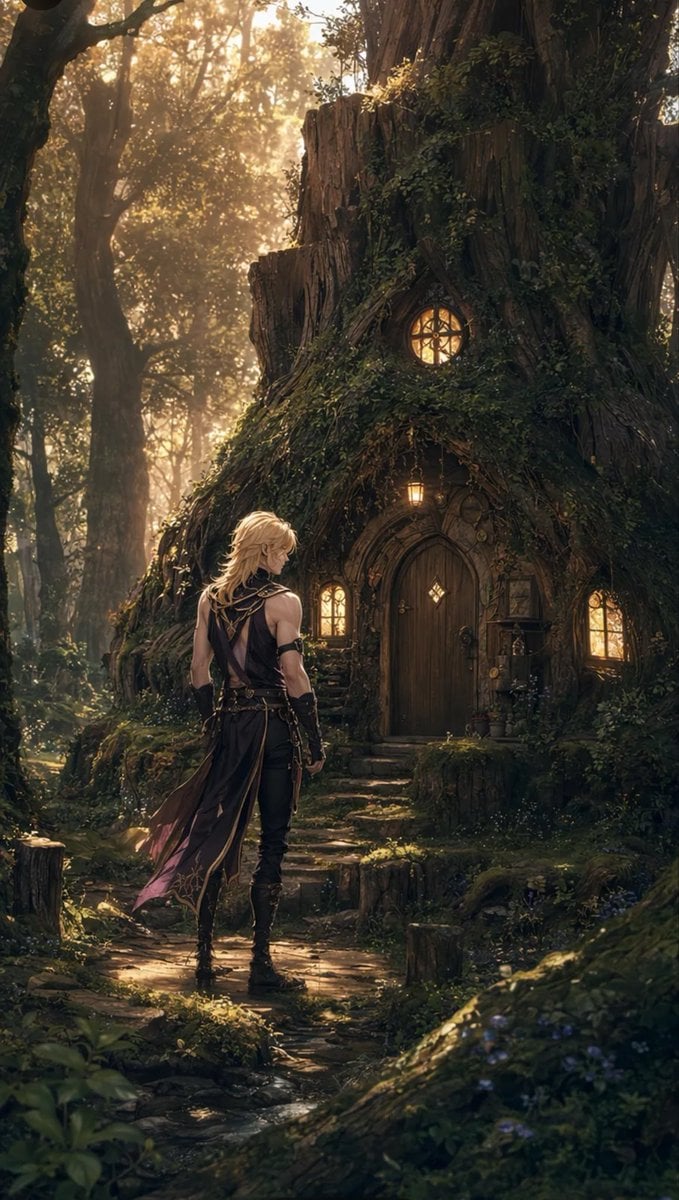
Blond Adventurer at Tree Cottage
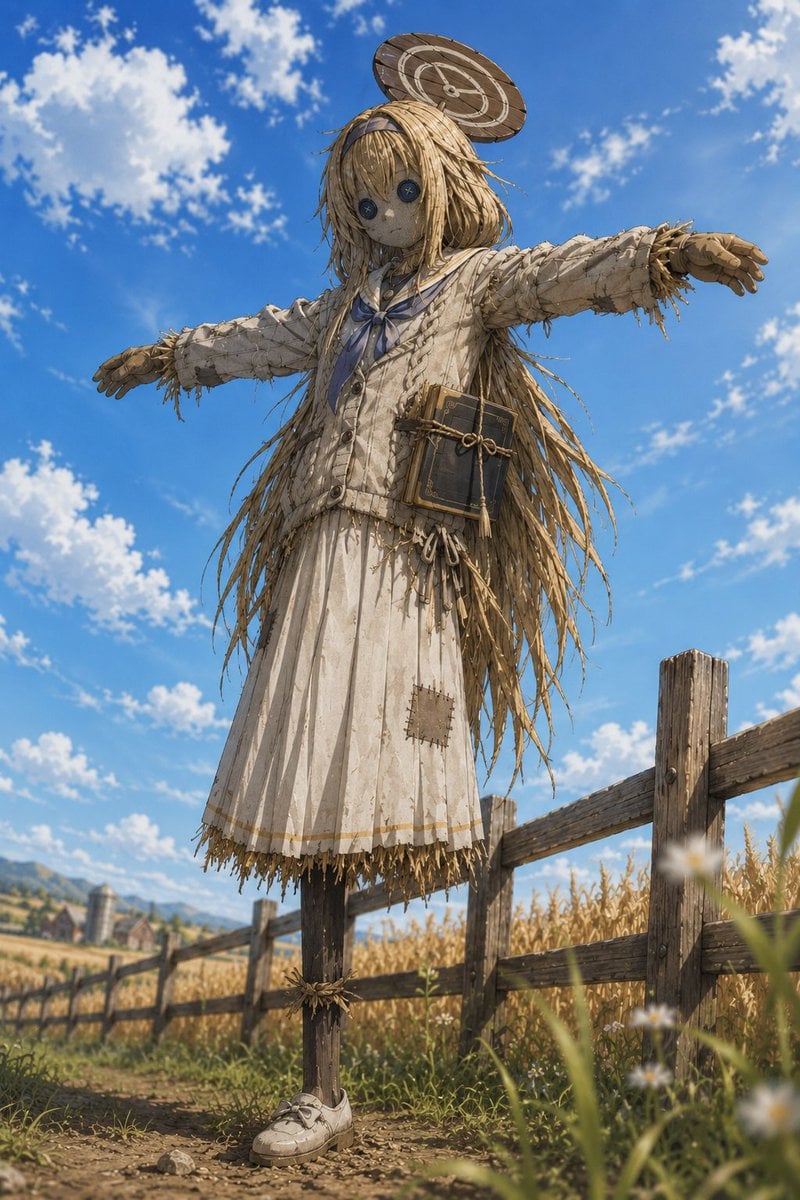
Anime Schoolgirl Scarecrow in Rural Field
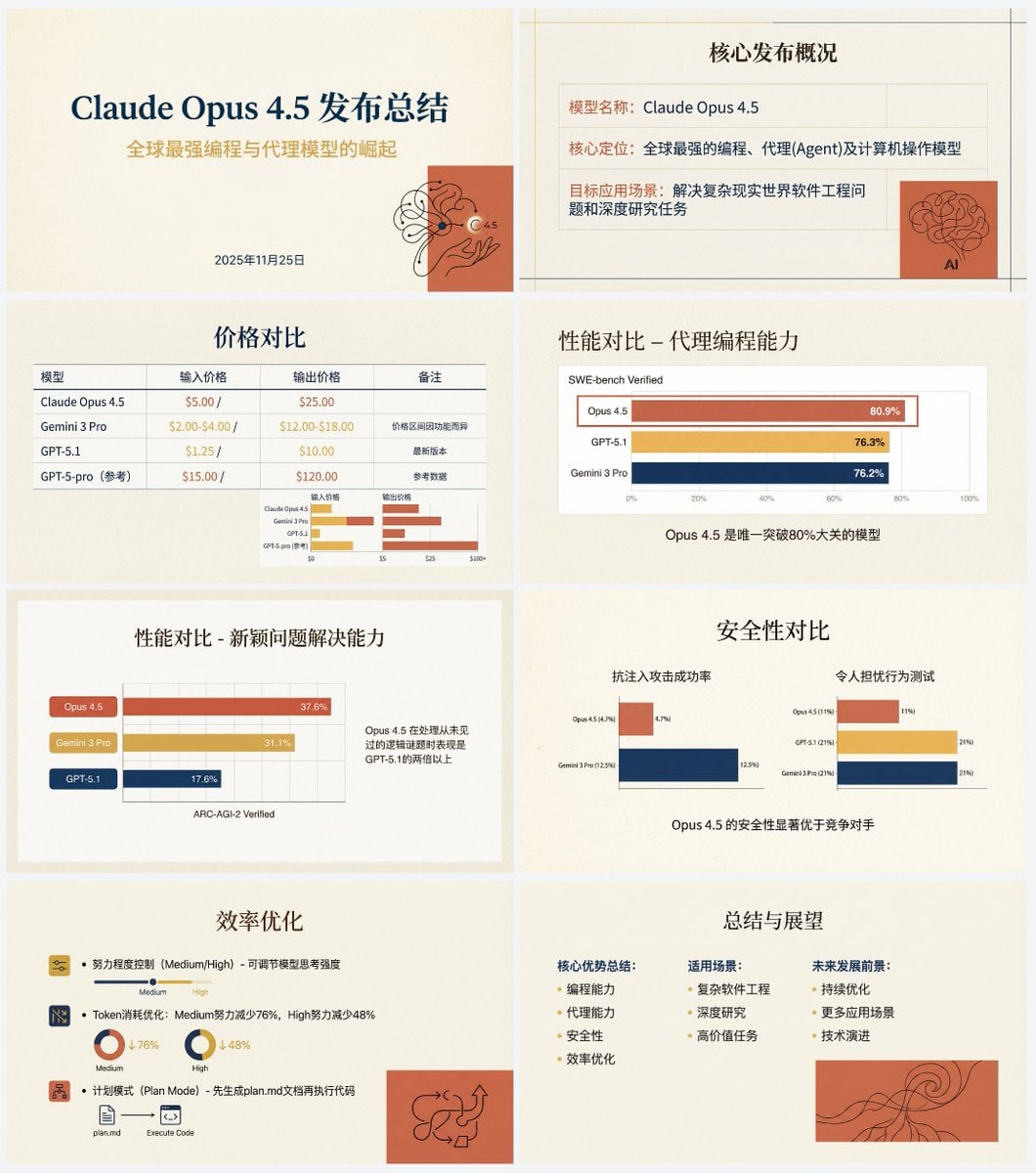
Anthropic-style warm academic PPT workflow prompt
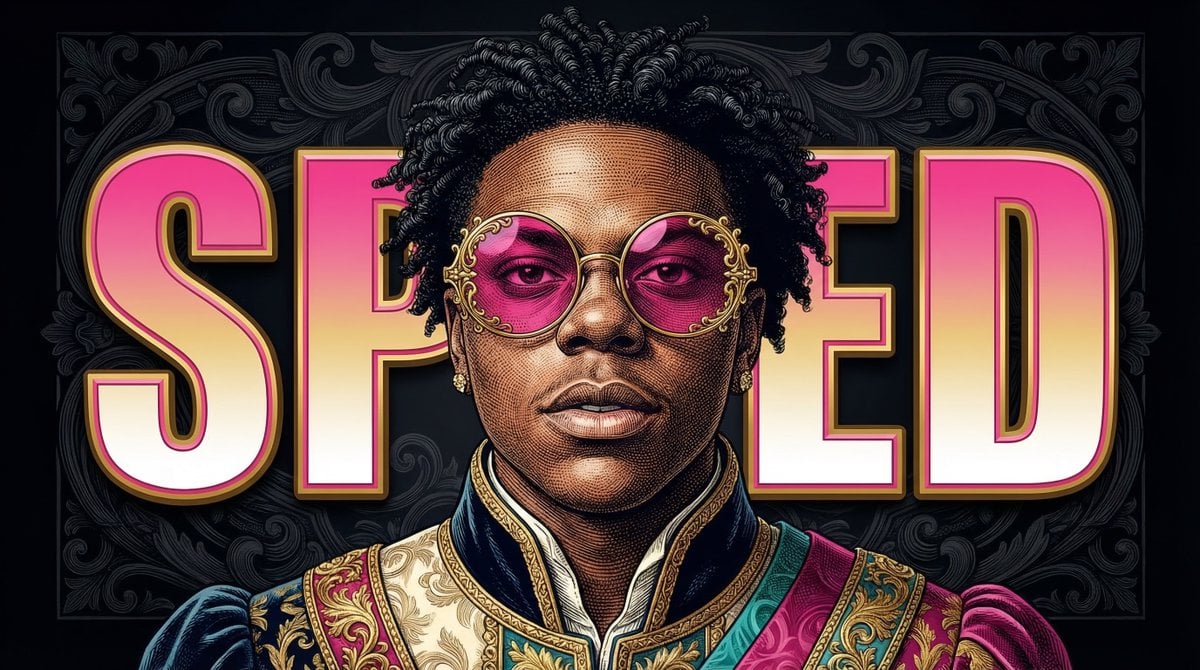
Neo-Baroque Engraved Pop Portrait

High-Fashion Urban Editorial Portrait with Grillz
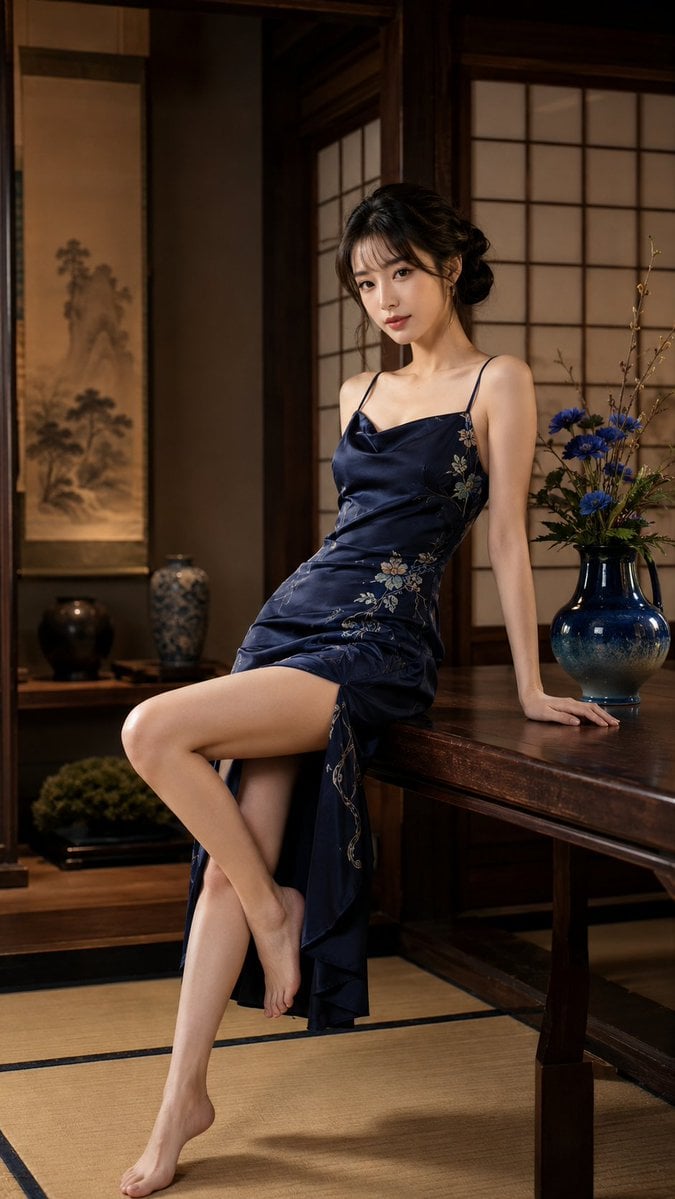
Japanese Woman in Indigo Dress
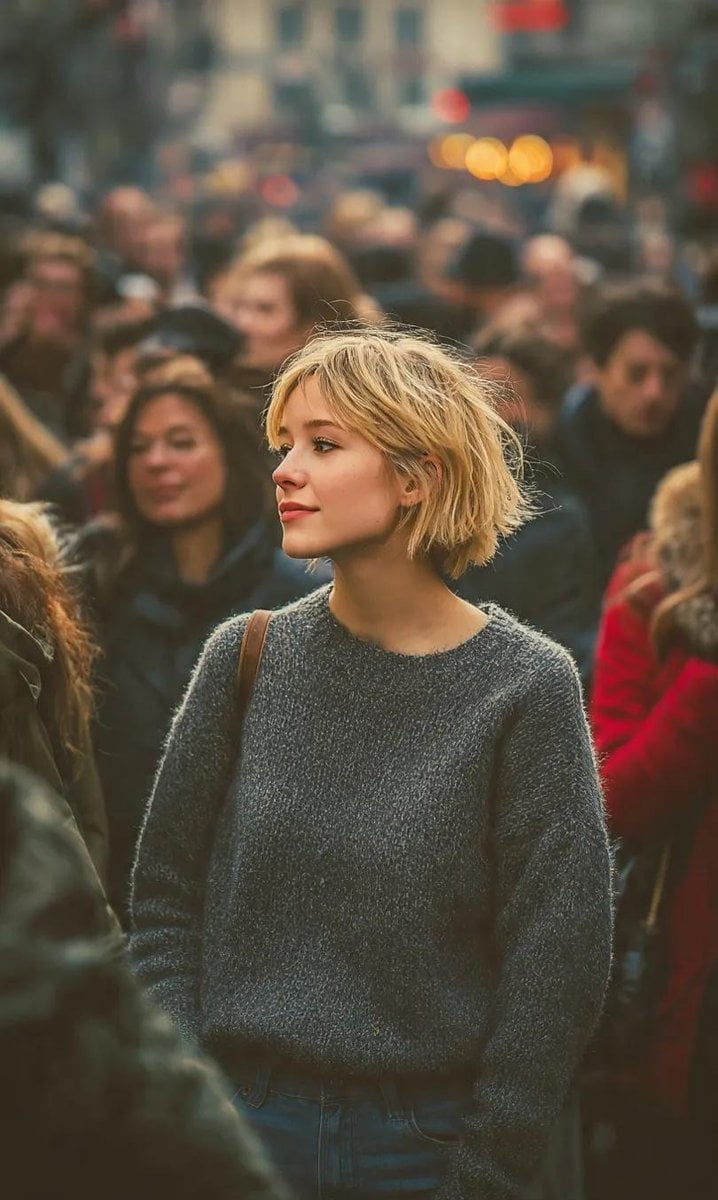
Ultra-Realistic 8K Candid Street Portrait
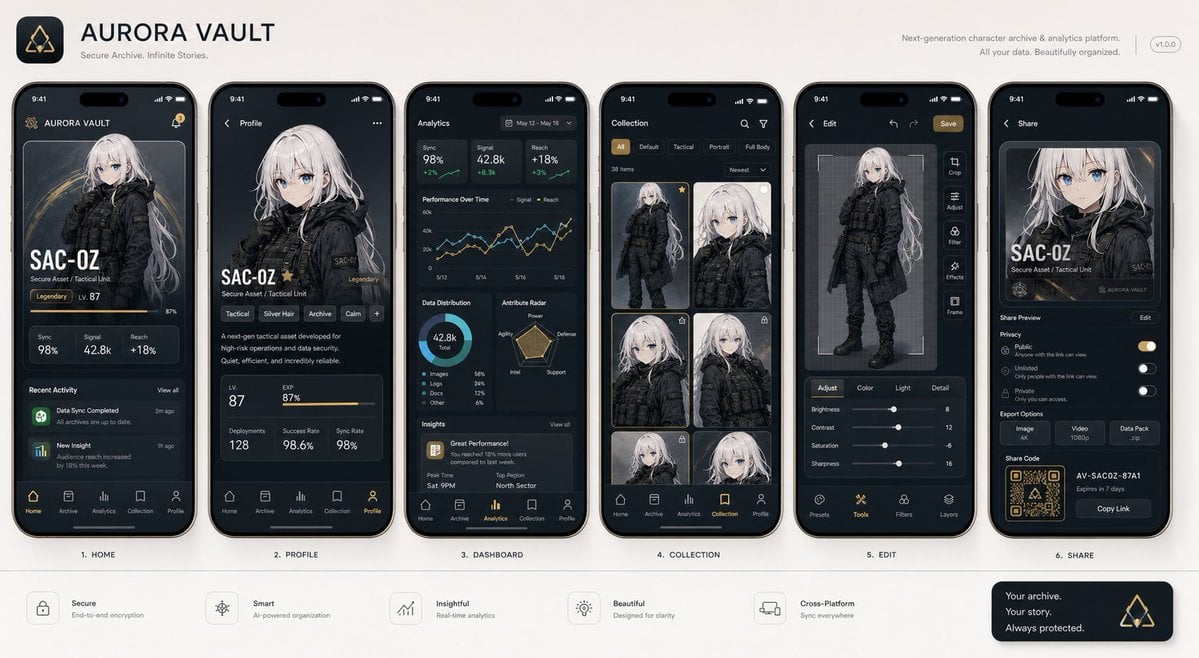
Next-Gen Mobile App UI Showcase
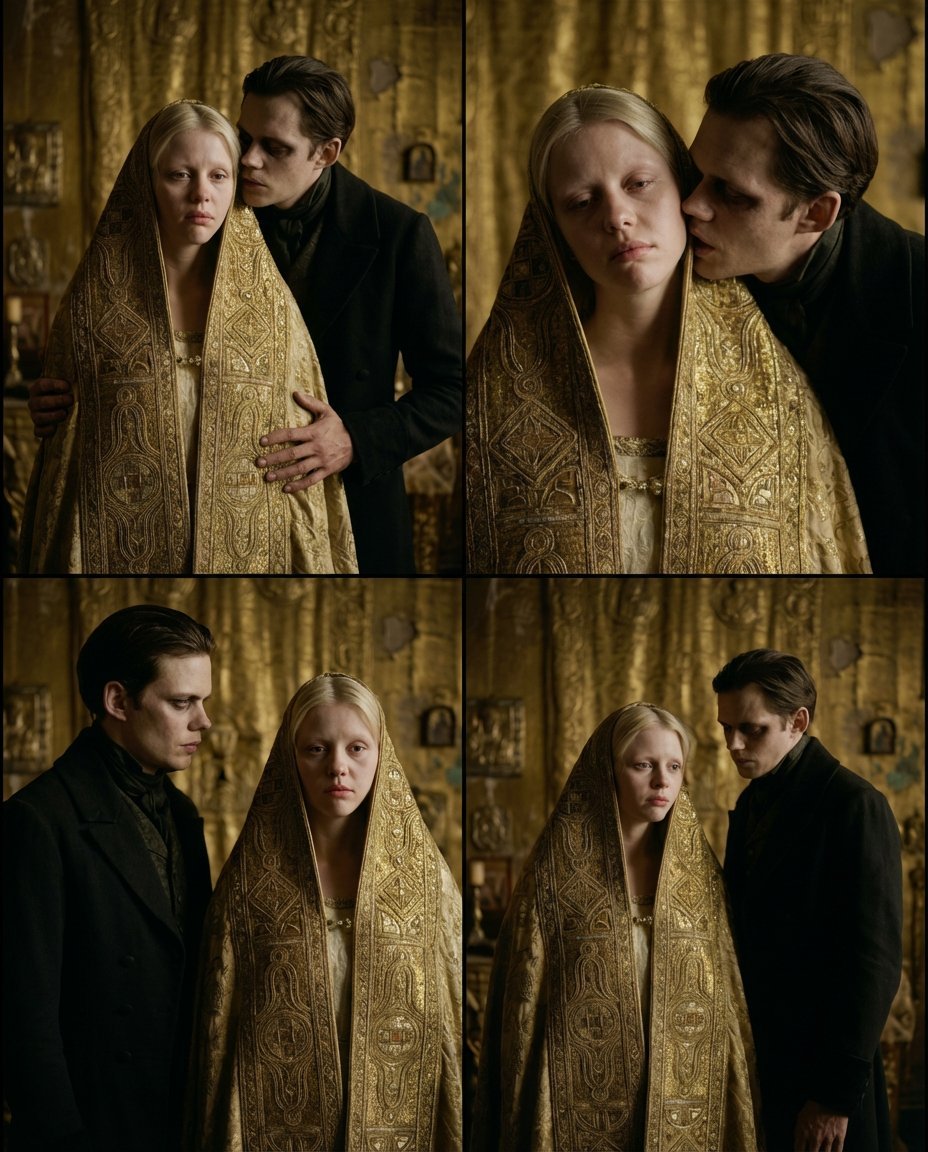
Nosferatu Cinematic 2x2 Grid Prompt
Browse template categories
Cinematic Sci-Fi Containment Pod questions
How do I use the Cinematic Sci-Fi Containment Pod template?
Add your photo if the template asks for one, edit the prompt if you like — the template's model and format are already selected — and press Generate. Your version opens in PicX Studio.
Can I customize the Cinematic Sci-Fi Containment Pod template?
Yes. You can change the subject, setting, lighting, mood, format, and available model controls before creating your image.
Is the Cinematic Sci-Fi Containment Pod template free?
Opening and editing this template is free. Generating uses credits, shown on the Generate button when you are signed in.
Which AI model should I use?
Start with GPT Image 2, which is the model associated with this template. You can compare another compatible model for a different finish.
Looking for something else? Browse all templates.

Your photo, any look
Thousands of ready templates for every top image and video model, from one credit balance.