
Leonardo Career Retrospective Poster
A cinematic awards-style collage poster showing one actor across many iconic roles with timeline text, props, quote, and laurels.
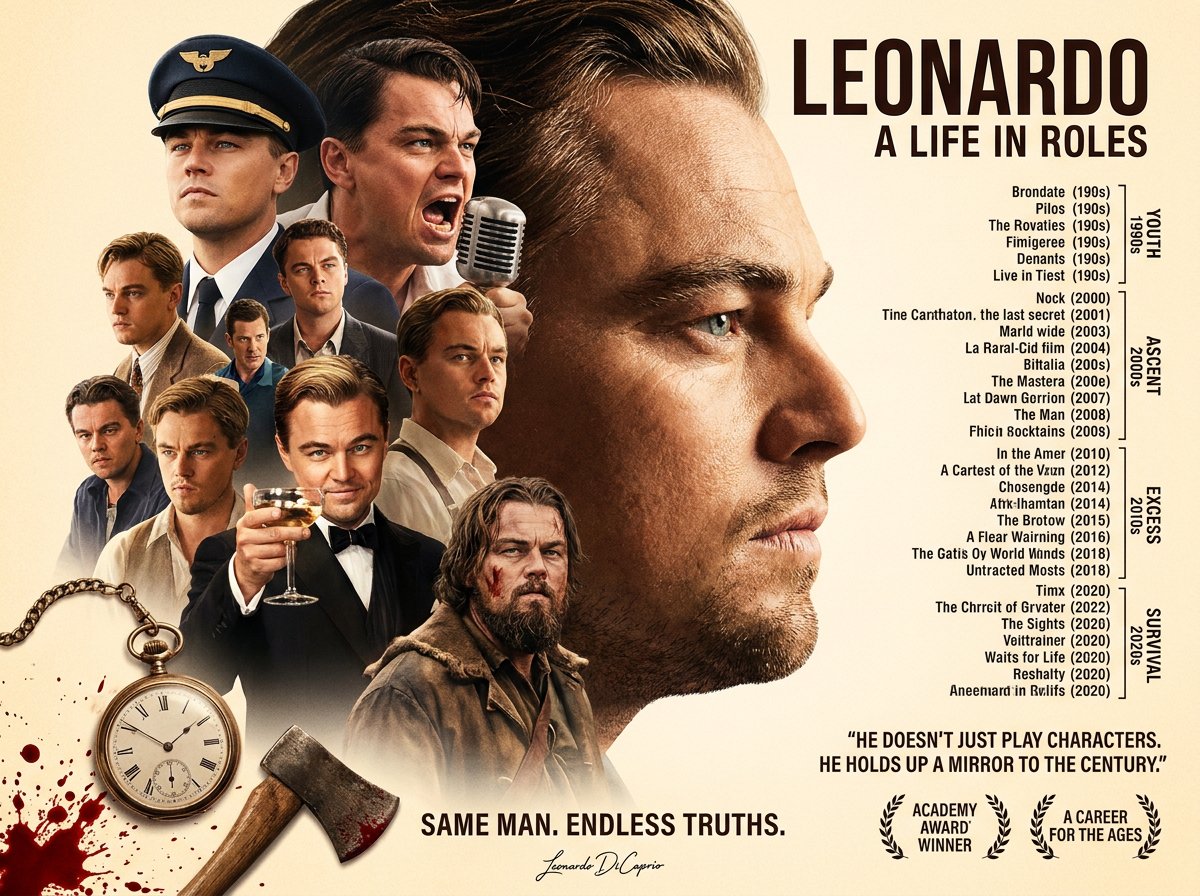
- Prompt included
- Model and format preset
- Free template
The prompt behind this image
Copy the exact prompt behind Leonardo Career Retrospective Poster, or open it in the studio and make it yours.
Goal: Create a cinematic biographical movie-poster collage celebrating {argument name="actor name" default="LEONARDO"}, with the subtitle {argument name="subtitle" default="A LIFE IN ROLES"}, styled like an awards-season retrospective poster. Canvas: Landscape 4:3 poster, warm cream parchment background with subtle vignette, high-resolution photorealistic composite, dramatic studio lighting, sepia-gold color grade, sharp faces, soft feathered collage edges. Layout: Place one enormous close-up side-profile portrait of the actor dominating the right-center, facing right, cropped from forehead to chin with detailed skin texture and blue-green eye. On the left half, build a layered collage of exactly 9 smaller role portraits around him, all depicting the same man at different ages and costumes: 1) a stern airline pilot in a navy cap at upper left, 2) a young man shouting into a vintage microphone at upper center-left, 3) a blond 1990s youth in a tan jacket at mid-left, 4) a serious man in a blue shirt behind the center group, 5) a neatly dressed man in a pale shirt at mid-center, 6) a dark-suited intense man at lower left, 7) a blond brooding man in a dark jacket at lower center-left, 8) a tuxedoed millionaire holding a coupe glass of champagne at lower center, and 9) a rugged bearded frontiersman with facial wounds and fur clothing at lower right of the collage. Props: Add exactly 3 prominent symbolic props in the lower-left foreground: 1) an antique pocket watch with chain, 2) a blood-splattered axe angled diagonally near the bottom center-left, and 3) red blood splatter stains along the bottom-left edge. Include a vintage chrome microphone near the shouting portrait. Typography: At the top right, large condensed bold black title text: {argument name="headline text" default="LEONARDO"}. Directly beneath it, smaller bold uppercase subtitle: {argument name="subtitle text" default="A LIFE IN ROLES"}. On the right side under the subtitle, include a narrow vertical filmography timeline made of tiny black text entries with bracket marks and era labels; the text may be partially nonsensical but should resemble a chronological list. Include exactly 4 vertical era labels on the far right: YOUTH 1990s, ASCENT 2000s, EXCESS 2010s, SURVIVAL 2020s. Bottom text: Centered near the bottom, add the slogan in bold uppercase: {argument name="slogan" default="SAME MAN. ENDLESS TRUTHS."}. Under it, add a small handwritten signature reading "Leonardo DiCaprio". At lower right, add the quote in uppercase: {argument name="quote" default="HE DOESN'T JUST PLAY CHARACTERS. HE HOLDS UP A MIRROR TO THE CENTURY."}. Beneath the quote, include exactly 2 laurel award badges: one labeled "ACADEMY AWARD WINNER" and one labeled "A CAREER FOR THE AGES". Style constraints: Make it look like a polished Hollywood retrospective poster, not a flat infographic. Use realistic actor likeness, seamless photomontage blending, warm highlights, deep shadows, crisp black typography, and no visible watermark or border. Keep the exact count of 10 total portraits including the large profile and 9 smaller role portraits, 3 foreground props, 4 era labels, and 2 laurel badges.
How to use Leonardo Career Retrospective Poster in 3 steps
- 1Upload ImagePNG, JPG or paste
Add your photo
Upload the photo the template builds on. The prompt, model and format are already set.
- 2…a portrait of your subject in softgolden-hour light, 85mm…
Personalize
Edit the subject and creative details for your destination.
- 3Generate
Generate
Press Generate — your image is created in PicX Studio, so you can compare it with the original and refine one variable at a time.
More like this
Templates with the same subject, style or setup. Open one to see its prompt.

Japan Travel Brochure Poster

Cartoon TV Show Poster Pack

Trendy Cafe Drink Promo Poster

Urban Fashion Editorial Collage Streetwear Poster

Premium Fashion Editorial Cover Layout System

Polo Ralph Lauren Luxury American Heritage Fashion Campaign

Monochrome Halftone Editorial Fashion Poster

Retro Mirror Luxury Fashion Campaign Poster

Luxury Fashion Campaign Typography Poster System

Premium Fashion Editorial Campaign Poster System

Ultra-Stylized High-Fashion Streetwear Poster

Urban Fashion Editorial Collage Poster
Make it yours
Leonardo Career Retrospective Poster works as-is. These are the safest ways to change it without losing the look.
Change one field
Copy a single group, rewrite it, and generate again so you can see what that field is doing.
Keep the frame, change the subject
Hold the composition and light of Leonardo Career Retrospective Poster, then swap wardrobe, props or the person for a new take.
| If the result… | Why | Fix |
|---|---|---|
| The result drifts from the preview | Too many fields changed at once. | Reuse Leonardo Career Retrospective Poster as-is first, then change one group — subject, light, or setting. |
| The model over-stylizes the scene | The prose prompt leaves finish and camera underspecified. | Add one camera or lighting sentence and stay on GPT Image 2. |
More GPT Image 2 templates
Other prompts made for GPT Image 2.

Six VTuber Japanese Logo Sheet

Realistic Portrait of Woman and Deer

The Vista Modular Condo Poster

AI Model Routing Comparison Infographic

2.5D Anime Art Board

Isometric Productivity Desk Scene

New York Double Exposure Poster

Four-Panel AI Landscape Comparison

Japanese Tatami Lifestyle Magazine Cover

NESCAFÉ Coffee Map Poster
More image prompts
Fresh picks from across the catalog.
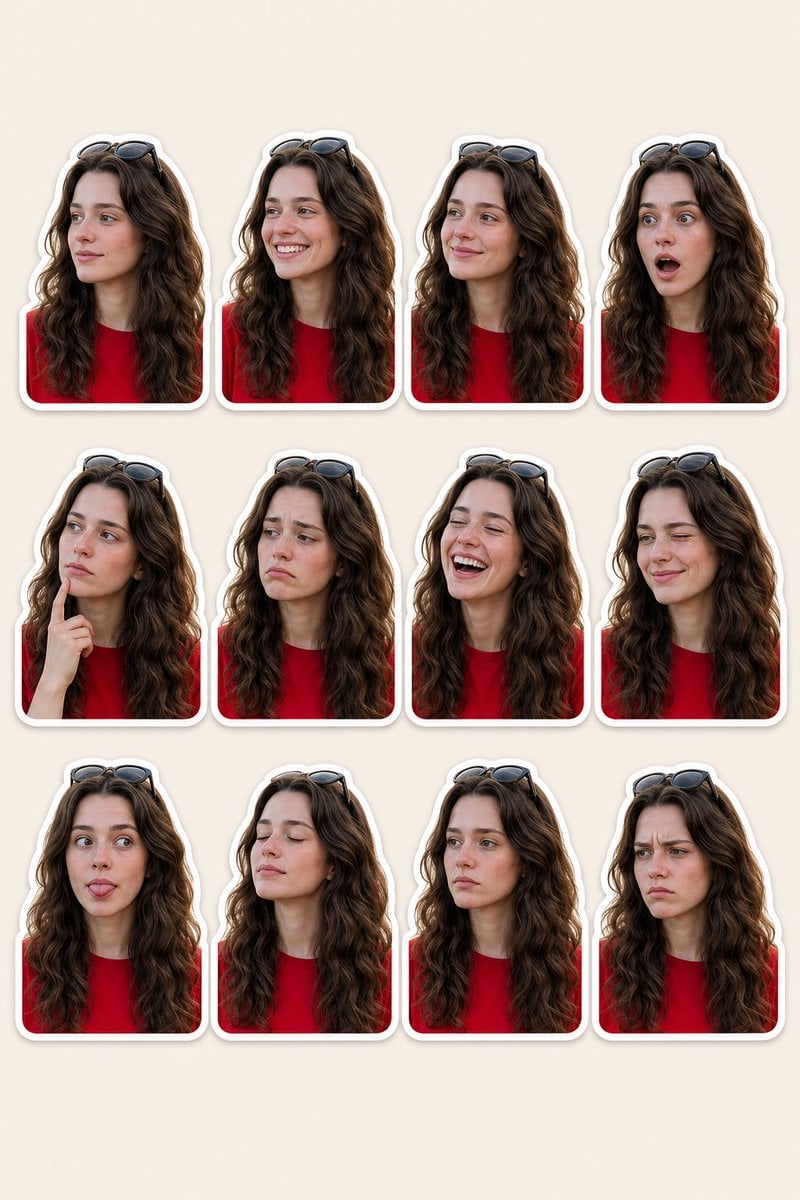
Woman Portrait Sticker Pack
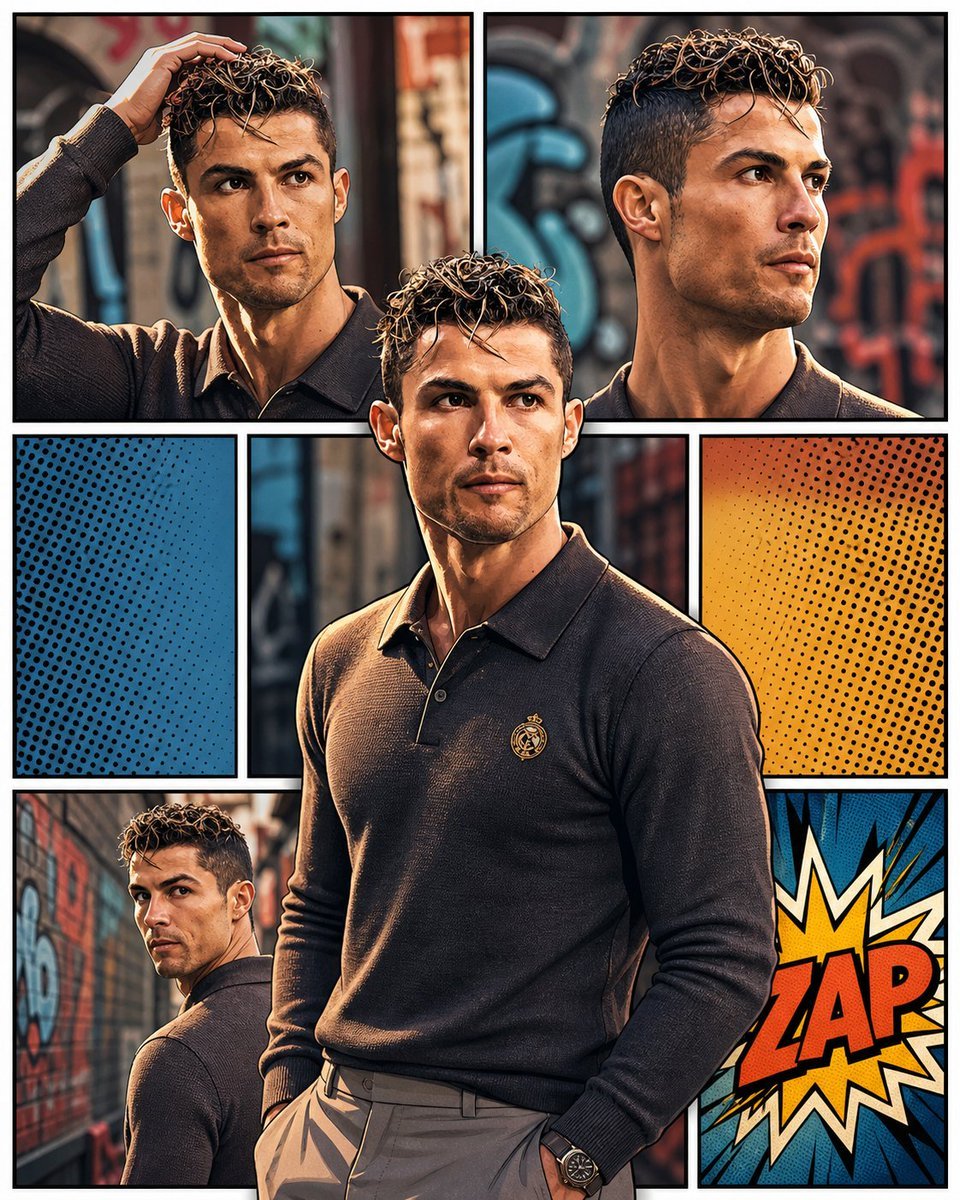
3D Pop-Art Comic Grid

Candid Morning Bedside Selfie
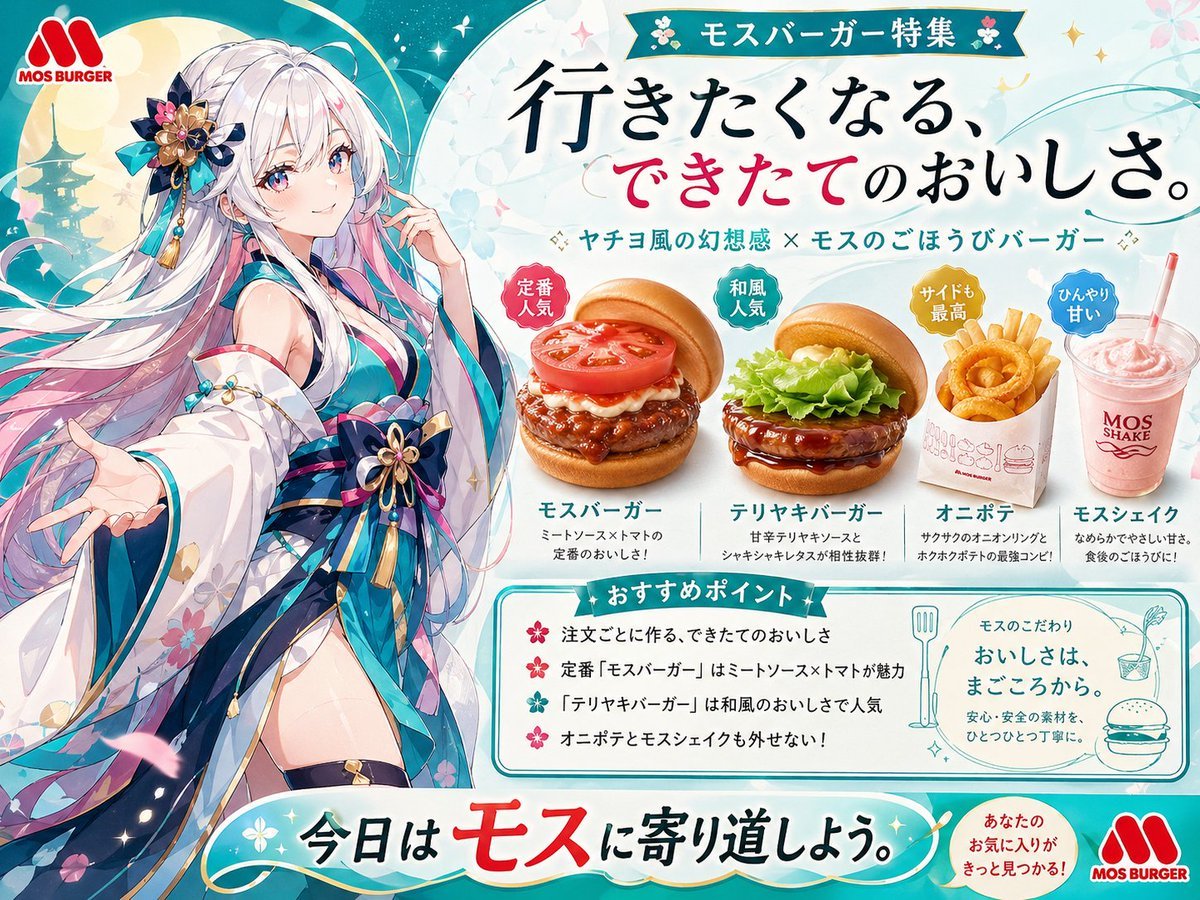
Anime MOS Burger Promo Poster

Japanese labeled-ingredients dish photo

Poem-Based Ulzzang Aesthetic Portrait Prompt
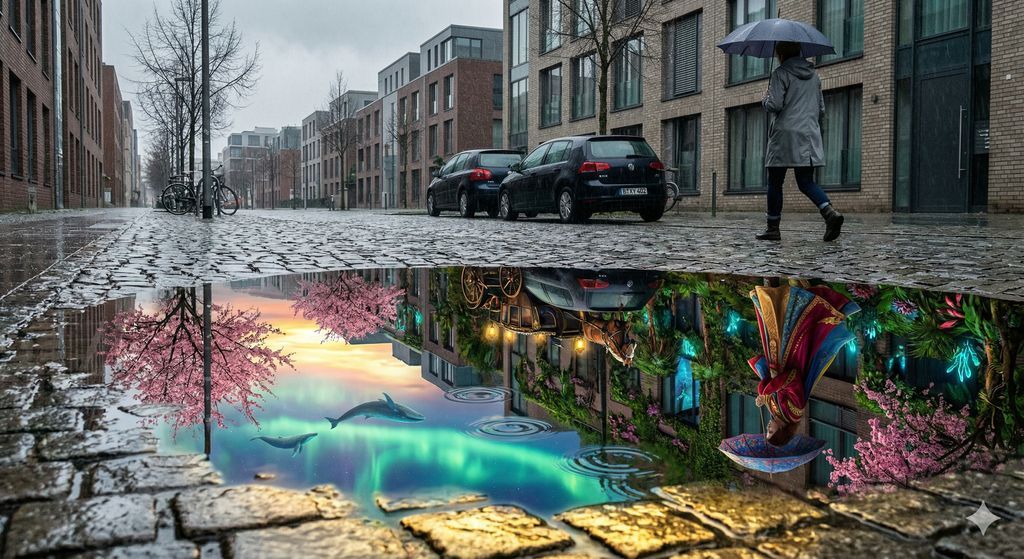
Impossible Reflection - Parallel Reality Puddle
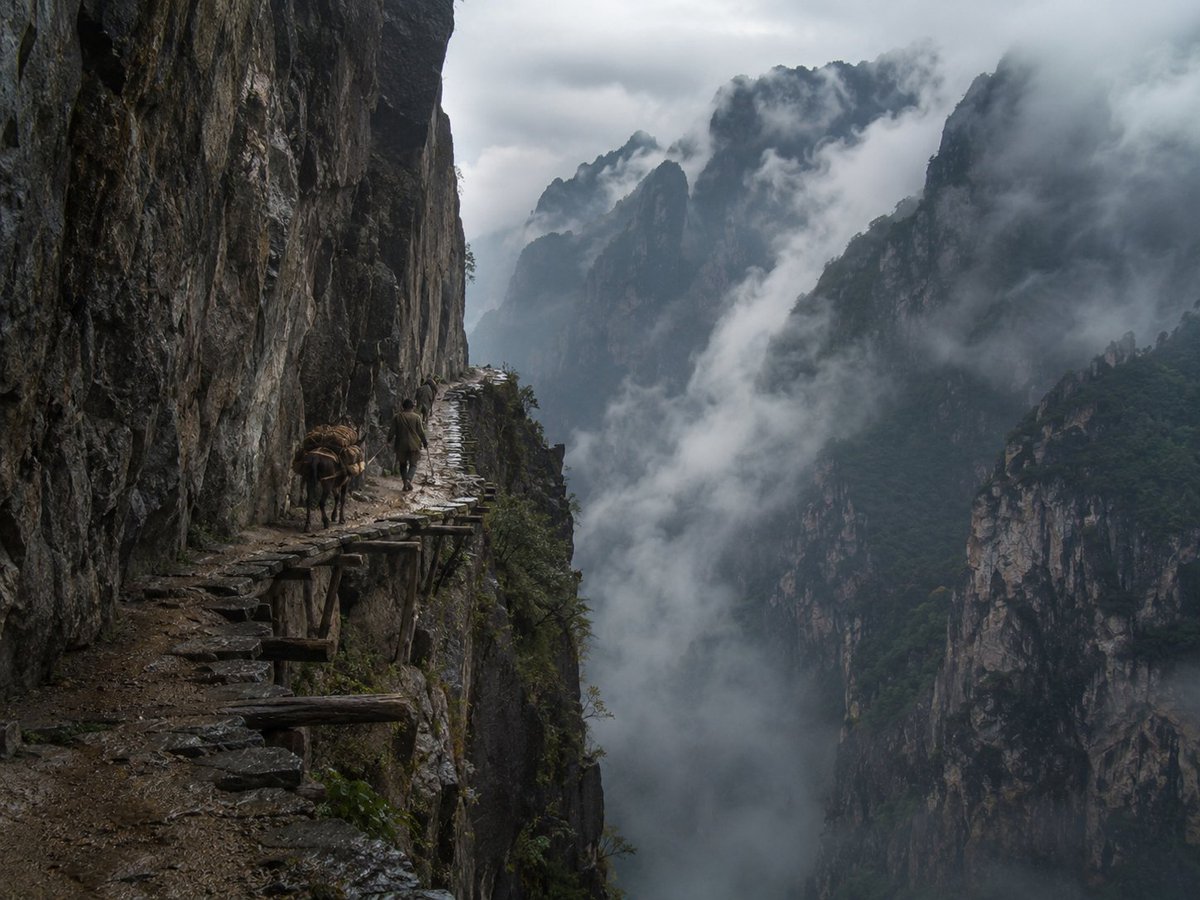
Misty Cliff Plank Road Photograph

Style Transfer with Nano Banana Pro

AI-Proof Prompt Generation (Japanese)
Browse template categories
Leonardo Career Retrospective Poster questions
How do I use the Leonardo Career Retrospective Poster template?
Add your photo if the template asks for one, edit the prompt if you like — the template's model and format are already selected — and press Generate. Your version opens in PicX Studio.
Can I customize the Leonardo Career Retrospective Poster template?
Yes. You can change the subject, setting, lighting, mood, format, and available model controls before creating your image.
Is the Leonardo Career Retrospective Poster template free?
Opening and editing this template is free. Generating uses credits, shown on the Generate button when you are signed in.
Which AI model should I use?
Start with GPT Image 2, which is the model associated with this template. You can compare another compatible model for a different finish.
Looking for something else? Browse all templates.

Your photo, any look
Thousands of ready templates for every top image and video model, from one credit balance.