How do I use the Vintage Comic Book Character Portrait template?
Choose the primary action to open PicX Studio with the available template settings. Review the model and format, personalize the creative direction, and generate when ready.
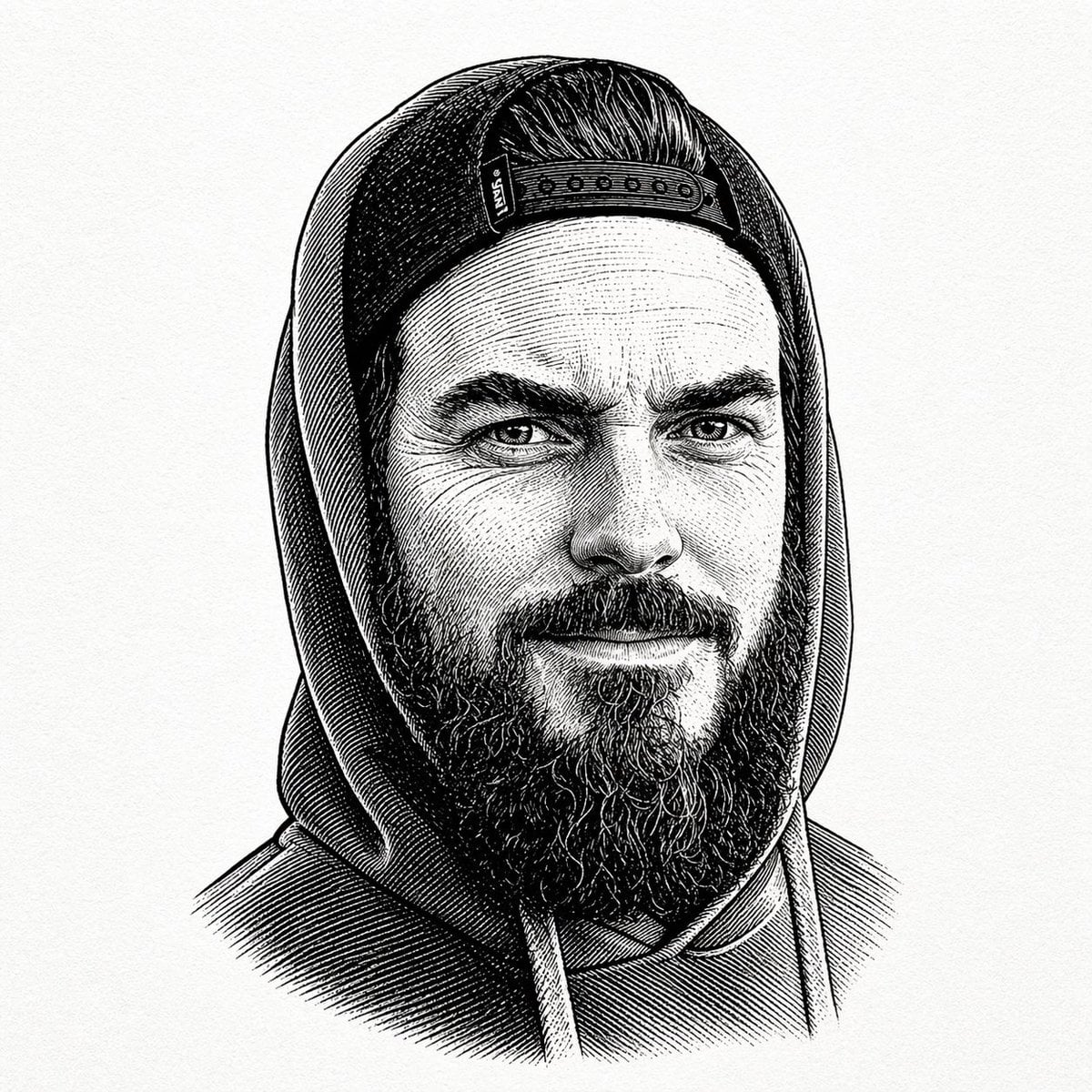
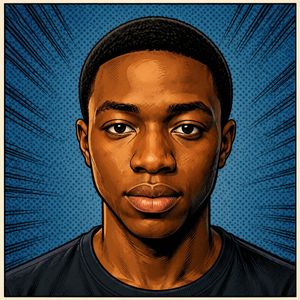
A detailed graphic novel style illustration of a charismatic middle-aged man, featuring intricate linework and a 1970s retro aesthetic.
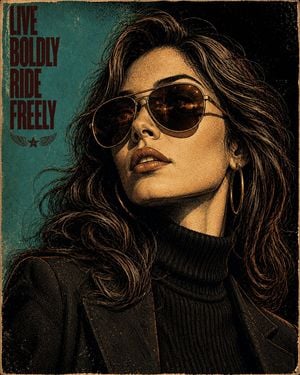
A rugged, charismatic middle-aged man with long wavy swept-back hair, full beard and mustache, wearing {argument name="sunglasses style" default="vintage aviator"} sunglasses, a black ribbed turtleneck and tailored dark blazer. Dramatic close-up three-quarter portrait, looking slightly upward with a confident, contemplative expression. Highly detailed vintage comic-book / graphic-novel illustration, intricate hand-inked linework, dense cross-hatching, stippling and engraved textures, bold black shadows, limited palette of cream, charcoal, burgundy, muted teal and warm amber. Retro 1970s poster aesthetic, halftone print texture, screen-print effect, strong rim lighting, textured {argument name="background color" default="turquoise"} background fading into deep black, cinematic composition, sharp facial details, expressive hair strands, sophisticated editorial artwork, high contrast, vertical poster, 4:5 aspect ratio.
Choose the primary action to open PicX Studio with the available template settings. Review the model and format, personalize the creative direction, and generate when ready.
Yes. You can change the subject, setting, lighting, mood, format, and available model controls before creating your image.
This template is free to open and customize. Generation usage is shown in PicX Studio before you create.
Start with GPT Image 2, which is the model associated with this template. You can compare another compatible model for a different finish.
Follow a topic to a crawlable collection of related PicX Studio templates.