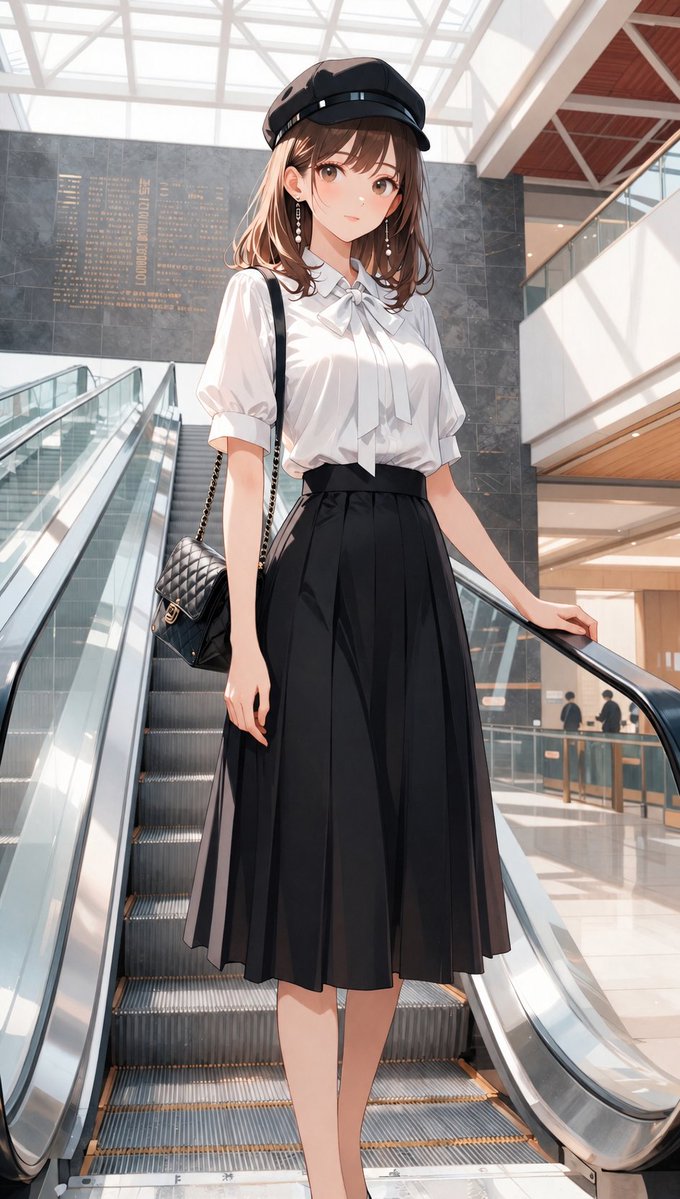
How do I use the Golden Hour Portrait with Chunky Knit Sweater template?
Choose the primary action to open PicX Studio with the available template settings. Review the model and format, personalize the creative direction, and generate when ready.
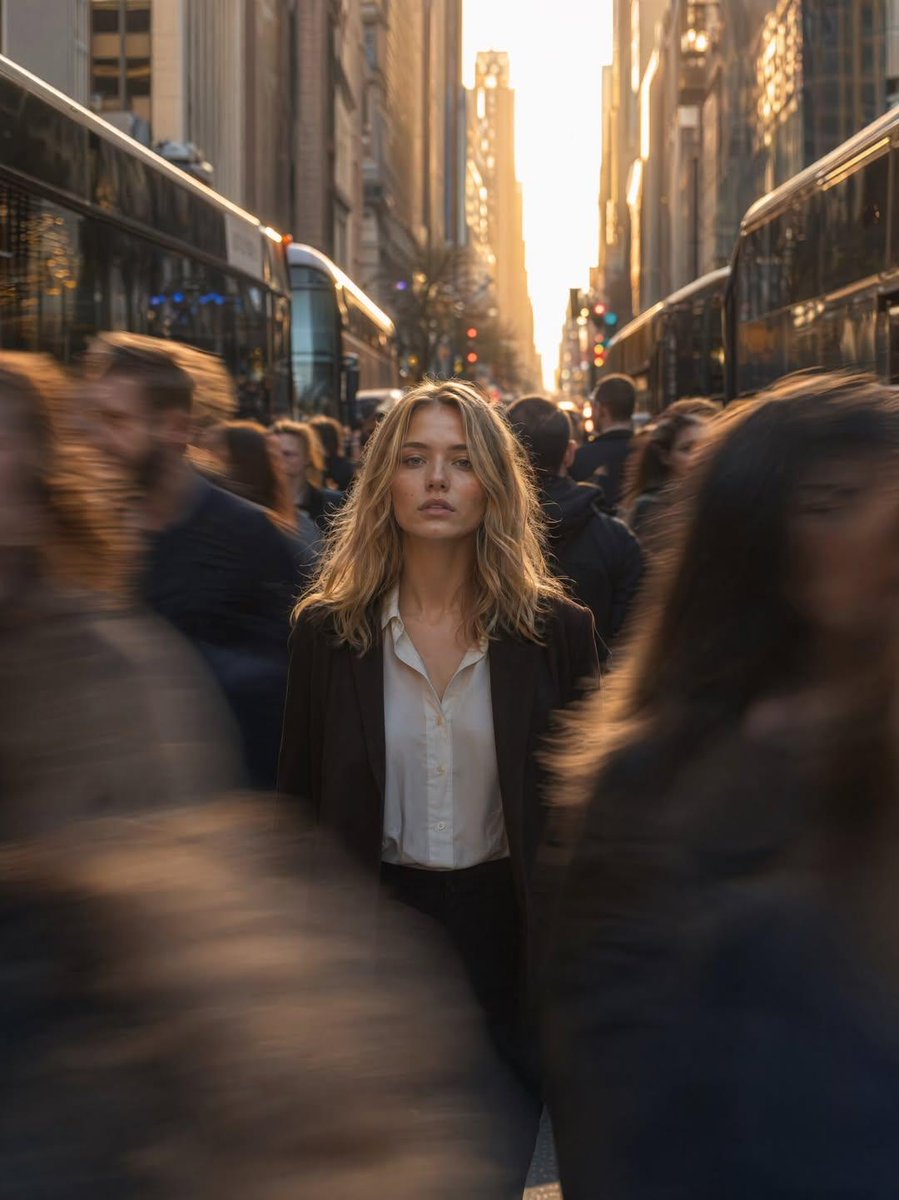
A highly structured, technical prompt for generating an ultra-realistic, cinematic portrait of a young woman during golden hour, emphasizing specific hair texture, minimal makeup, a chunky knit sweater, and detailed camera specifications like 85mm lens and f/1.8 aperture. Change the subject, setting, or lighting one variable at a time.

{ "prompt_schema": { "subject": { "demographics": "Young woman, approximately early 20s", "hair": { "style": "Messy, voluminous, wavy, shoulder-length bob", "color": "Dark brown with warm undertones", "texture": "Tousled, wind-swept, natural strands" }, "facial_features": { "skin": "Fair, flawless texture, natural finish", "eyes": "Brown, soft gaze, looking directly at camera", "lips": "Natural rosy pink, soft matte", "makeup": "Minimal, 'no-makeup' look, fresh faced" }, "clothing": { "item": "Chunky knit sweater", "color": "{argument name="sweater color" default="Muted olive green"} or earthy taupe", "texture": "High detail wool texture, cozy, oversized fit" }, "pose": "Head slightly tilted, relaxed, candid front-facing portrait" }, "environment": { "setting": "Outdoor, possibly urban or residential patio", "background": "Heavily blurred (bokeh), indistinct architectural structures, wooden elements", "time_of_day": "Golden hour, late afternoon" }, "lighting": { "type": "Natural sunlight, hard directional light", "quality": "Warm, sun-kissed, high contrast", "effects": "Dappled light and shadows across face, hair illuminated by backlight/sidelight" }, "technical_specs": { "quality": "Ultra Realistic, HDR (High Dynamic Range), UHD (Ultra High Definition)", "resolution": "8k", "aspect_ratio": "9:16 (Vertical/Long)", "camera_settings": { "focus": "Sharp focus on eyes and face", "depth_of_field": "Shallow, f/1.8 or f/2.8", "lens": "85mm portrait lens" }, "style": "Cinematic lighting, high fidelity, photorealistic" } }, "generation_parameters": { "width": 1080, "height": 1920, "sampler": "DPM++ 2M Karras", "steps": 30, "cfg_scale": 7.0 } }
Choose the primary action to open PicX Studio with the available template settings. Review the model and format, personalize the creative direction, and generate when ready.
Yes. You can change the subject, setting, lighting, mood, format, and available model controls before creating your image.
This template is free to open and customize. Generation usage is shown in PicX Studio before you create.
Start with Nano Banana 2, which is the model associated with this template. You can compare another compatible model for a different finish.
© 2026 PicX Studio. All rights reserved.

Follow a topic to a crawlable collection of related PicX Studio templates.
43,474 public templates available. Verified via the PicX Studio public templates API; refreshed hourly.






















![Naive doodle-style subject illustration — A doodle-style {argument name="subject" default="[subject]"}, naive lines, humorous shape exaggeration](https://pbs.twimg.com/media/G6Wl2YxbsAARB2b.jpg)









![Luxury Fukubukuro (Lucky Bag) Advertisement Key Visual Prompt — キャラクター名:{argument name="キャラクター名" default="[あなたのキャラクター名]"}
## 広告・ポスター・宣材用キービジュアル生成プロンプト(福袋版)
###](https://pbs.twimg.com/media/G9f4XeOboAAFRhL.jpg)
![Editorial chair on lake — Use [reference image] as the base for {argument name="subject identity" default="subject identity, facial structure, and likeness"}. R](https://pbs.twimg.com/media/HGu8p3aaMAASMdh.jpg)








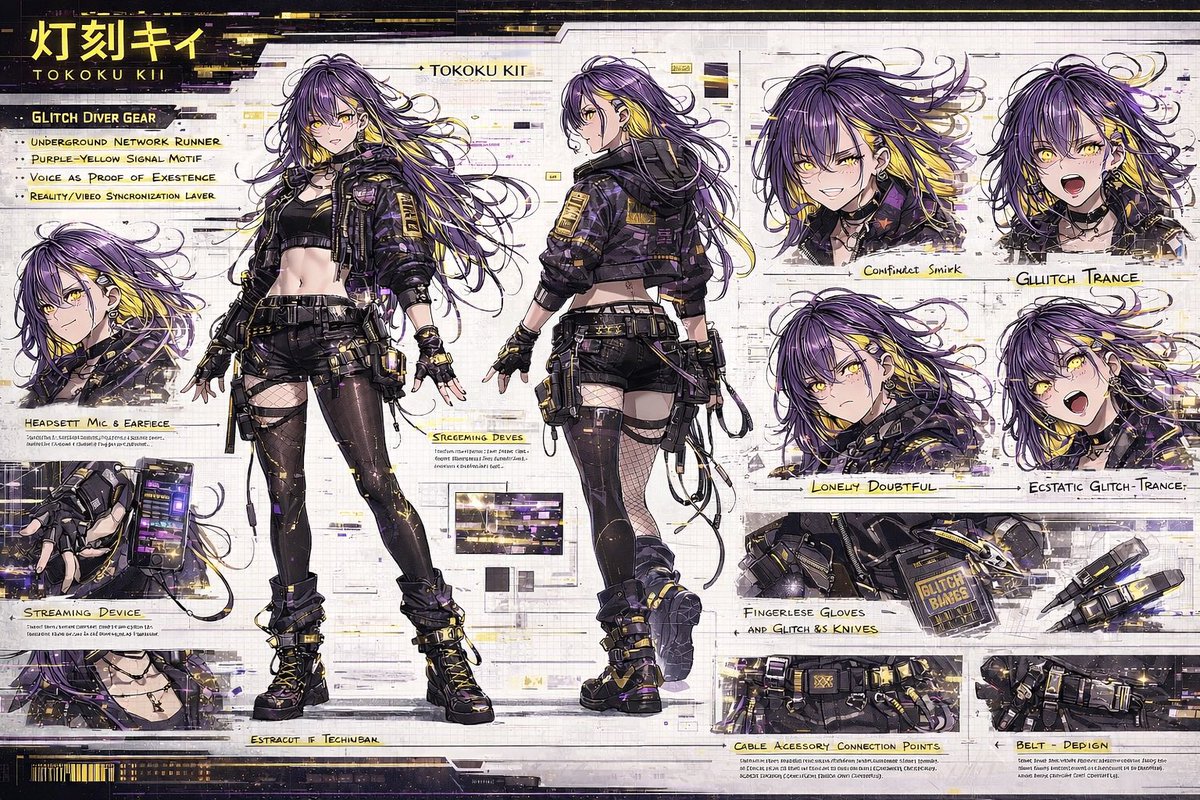

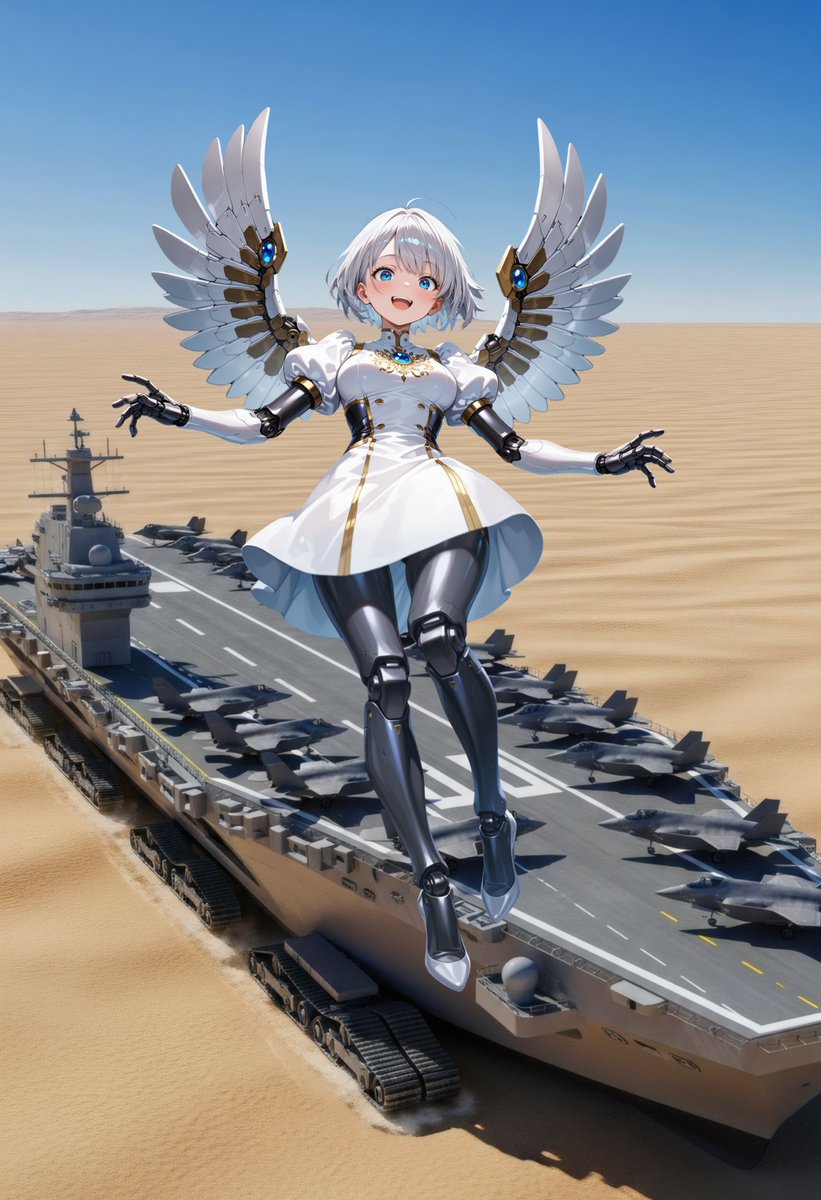

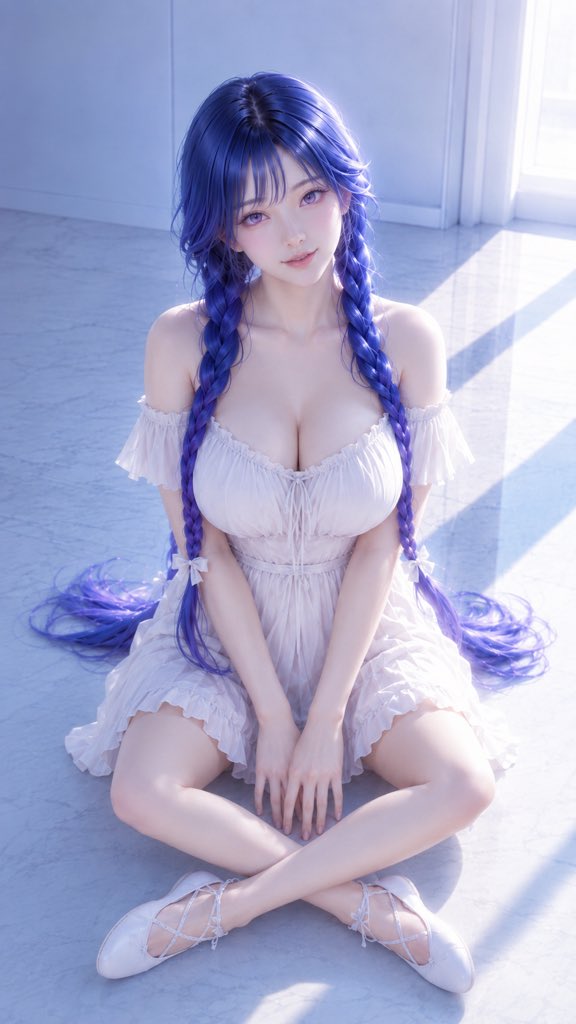

![Tilt-Shift Diorama Miniature City Prompt (Shanghai) — City_Name = {argument name="city name" default="Shanghai"} {+Macro +Tilt_Shift +Diorama +[CITY_NAME]_Archi](https://pbs.twimg.com/media/HB-bcoKXIAAG9Kk.jpg)
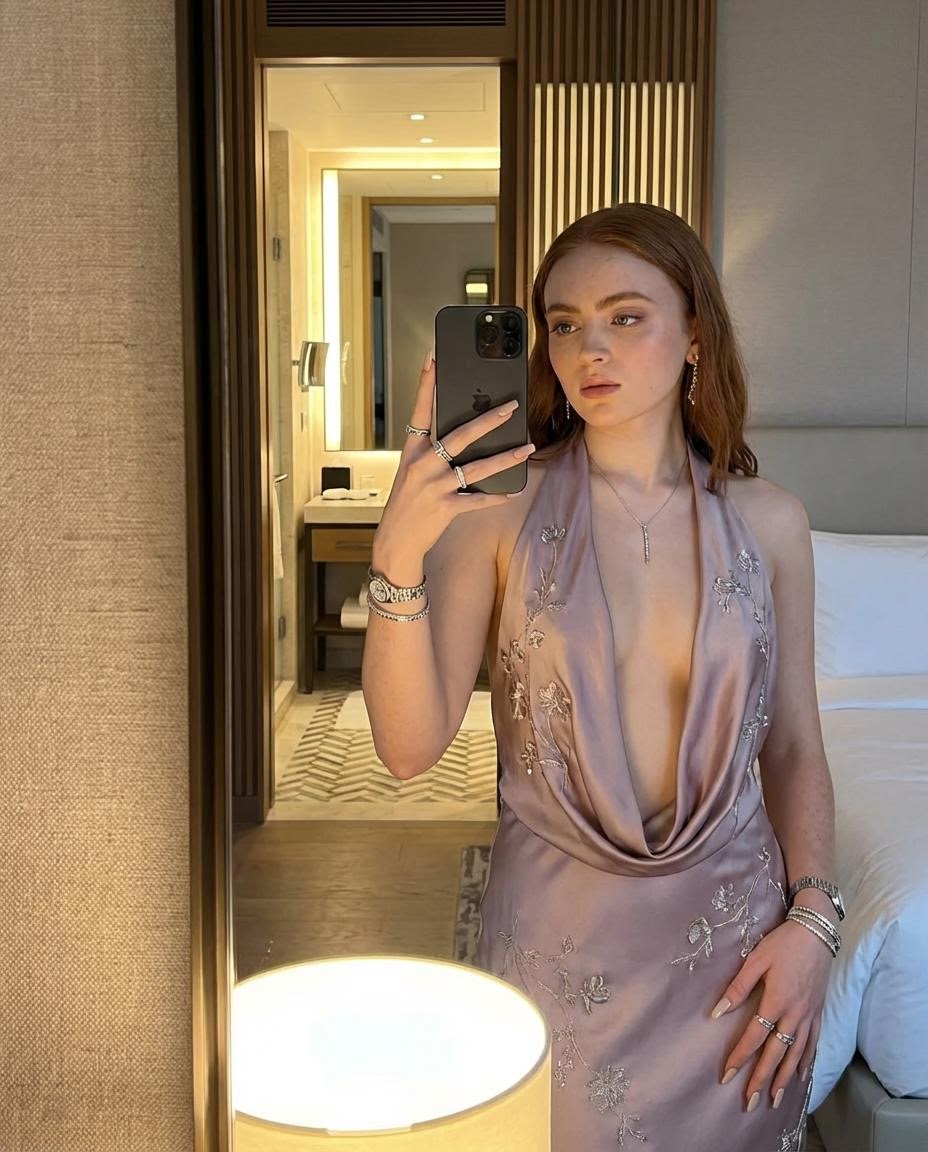
![Children's Book Illustration Style Prompt for Character Drawing — DRAWING a drawing of {argument name="角色" default="[Character]"}, crayon on white paper, in the](https://pbs.twimg.com/media/G7UDR6vbYAALCVo.jpg)