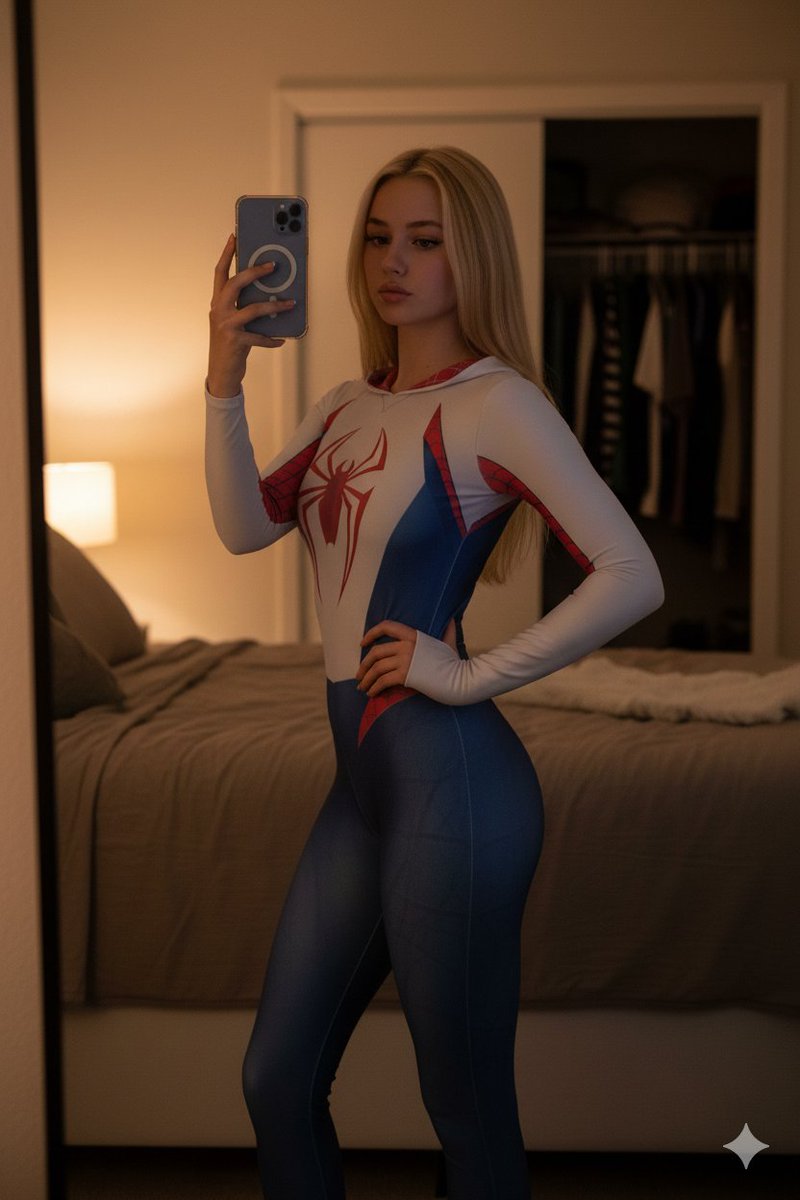
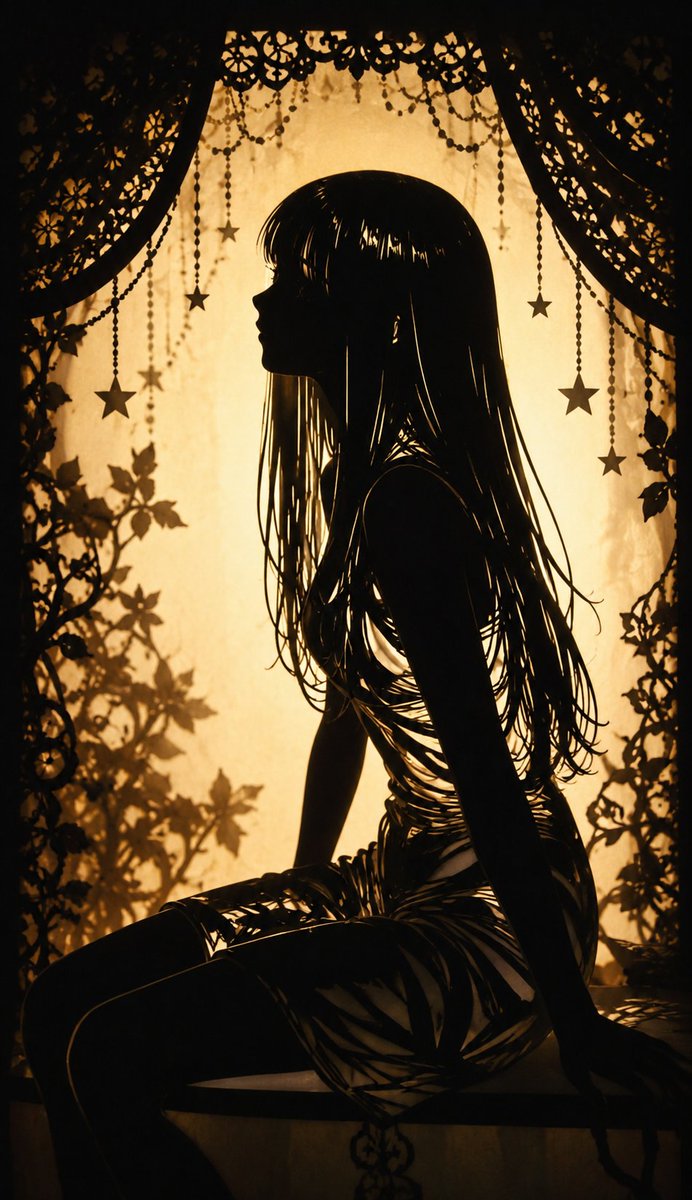
Sunlit Butterfly Mirror Portrait
Use the uploaded portrait only as the identity and hairstyle reference. Preserve the subject’s facial identity, face shape, hairstyle, skin tone, natural body proportions, and realistic personal features. Do not copy the uploaded portrait’s background, outfit, lighting, or pose. Create a vertical hyper-realistic lifestyle portrait in a cozy indoor bedroom or dressing room, shot like a real casual smartphone photo with a dreamy warm sunlight atmosphere. The subject is sitting slightly forward, facing the camera with a soft natural expression, relaxed shoulders, and gentle eye contact. The composition should feel intimate, youthful, bright, and slightly nostalgic. The scene is lit by strong golden sunlight coming from the side and behind the subject, creating glowing rim light around the hair, bright sun flares, soft overexposed highlights, and natural shadow contrast. The hair should catch the sunlight with visible fine hair strands and realistic texture. The background includes a casual mirror, bookshelves, posters, soft room clutter, and a warm lived-in interior. In the mirror, show a partial rear reflection of the subject, naturally matching the main subject’s hairstyle and outfit from behind. Keep the reflection physically realistic and not distorted. The subject wears a casual light cream or pastel graphic T-shirt with tasteful English text on it, such as “SUNLIT BUTTERFLY DIARY” or “SOFT SUMMER MEMORY”, paired with a relaxed plaid shirt or light jacket slipping off the shoulders. The outfit should look natural, casual, cute, and realistic, not cosplay and not overly styled. Add many colorful realistic butterflies flying around the subject and filling the frame, with different sizes, colors, and depths. Some butterflies are close to the camera, some are mid-air, and some are farther in the background. The butterflies should look like realistic photo elements, softly integrated with the lighting, perspective, and depth of field. Use orange, blue, yellow, white, purple, and green butterflies. The lower foreground can have denser butterflies, while the upper area has scattered flying butterflies. Style: real-life photography, photorealistic, natural skin texture, realistic facial details, soft warm sunlight, dreamy indoor portrait, casual youthful mood, smartphone snapshot realism, high detail, realistic mirror reflection, cinematic golden-hour backlight, no anime style, no cartoon style, no illustration. Aspect ratio: 9:16 vertical portrait. Negative Prompt: watermark, logo, AI-generated text watermark, Korean text, Chinese text, unreadable text, messy typography, duplicated face, different face in mirror, wrong reflection, distorted mirror, deformed body, broken neck, unnatural skin, plastic skin, over-beautified face, fake doll face, anime style, cartoon style, illustration, 3D render, CGI, low quality, blurry face, bad anatomy, extra fingers, missing fingers, twisted hands, distorted arms, extra limbs, unnatural pose, harsh face smoothing, oversaturated colors, ugly lighting, dirty background, random letters, incorrect shadows, floating objects without perspective, fake butterflies, sticker-like butterflies, flat butterfly overlay, poor blending, compression artifacts, noise, cropped head, cropped face, duplicated subject, cloned person, bad composition




![Vintage Car Sofa Design Concept — Product design concept: a {argument name="car details" default="[year, make, model]"} reimagined as a sofa, with its signature](https://cms-assets.youmind.com/media/1784968614311_3mblxc_HNw-QSBXoAALBz1-300x533.jpg)
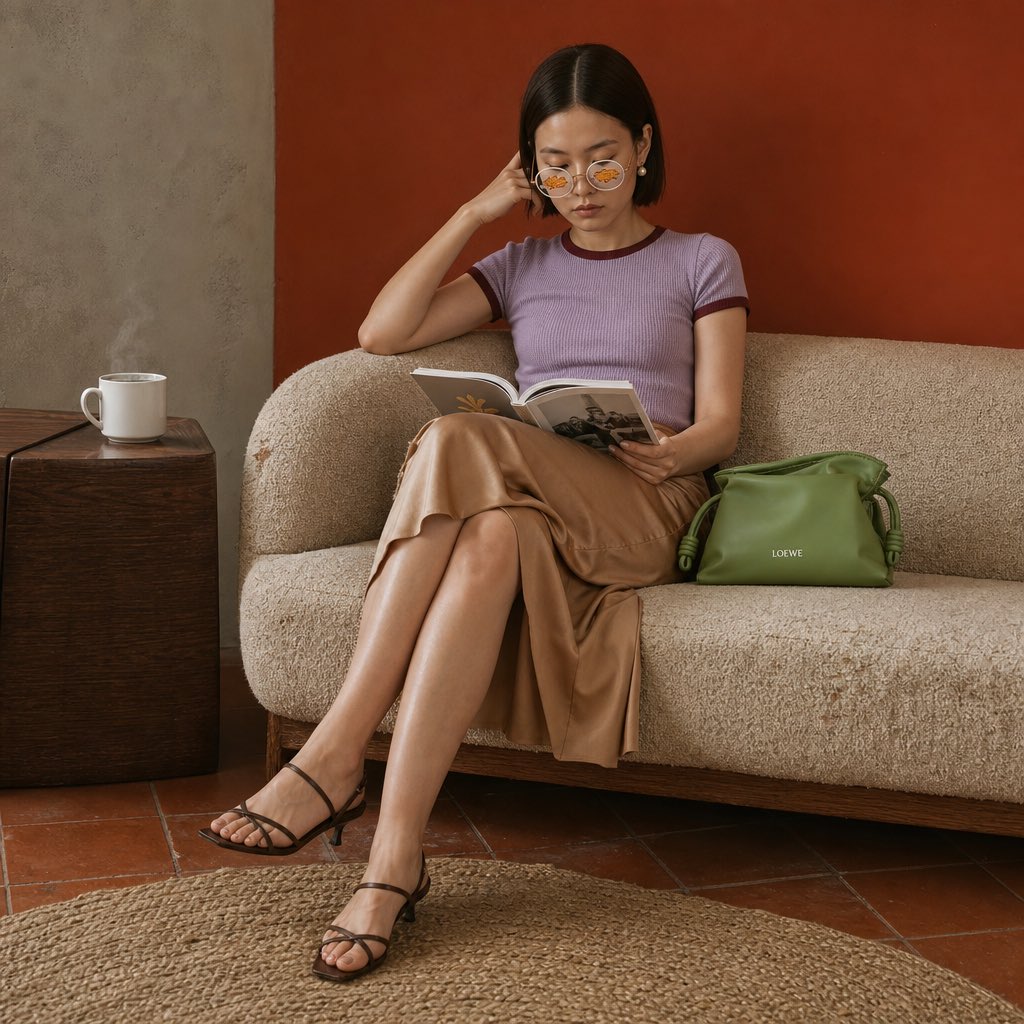









![69-untitled — FORMAT: 15s / 145 BPM / 14 SHOTS
SUBJECT: @[image1]
WARDROBE: Clean modern outfit
ENVIRONMENT: Street / indoor transitions
MOOD: Discovery → contr](/_next/image?url=https%3A%2F%2Fcdn.picxstudio.com%2Fuploads%2Fpost69_img0_d45faecf-38c3-4bcb-81a4-f6eb1cf42bb2.jpg&w=828&q=100)



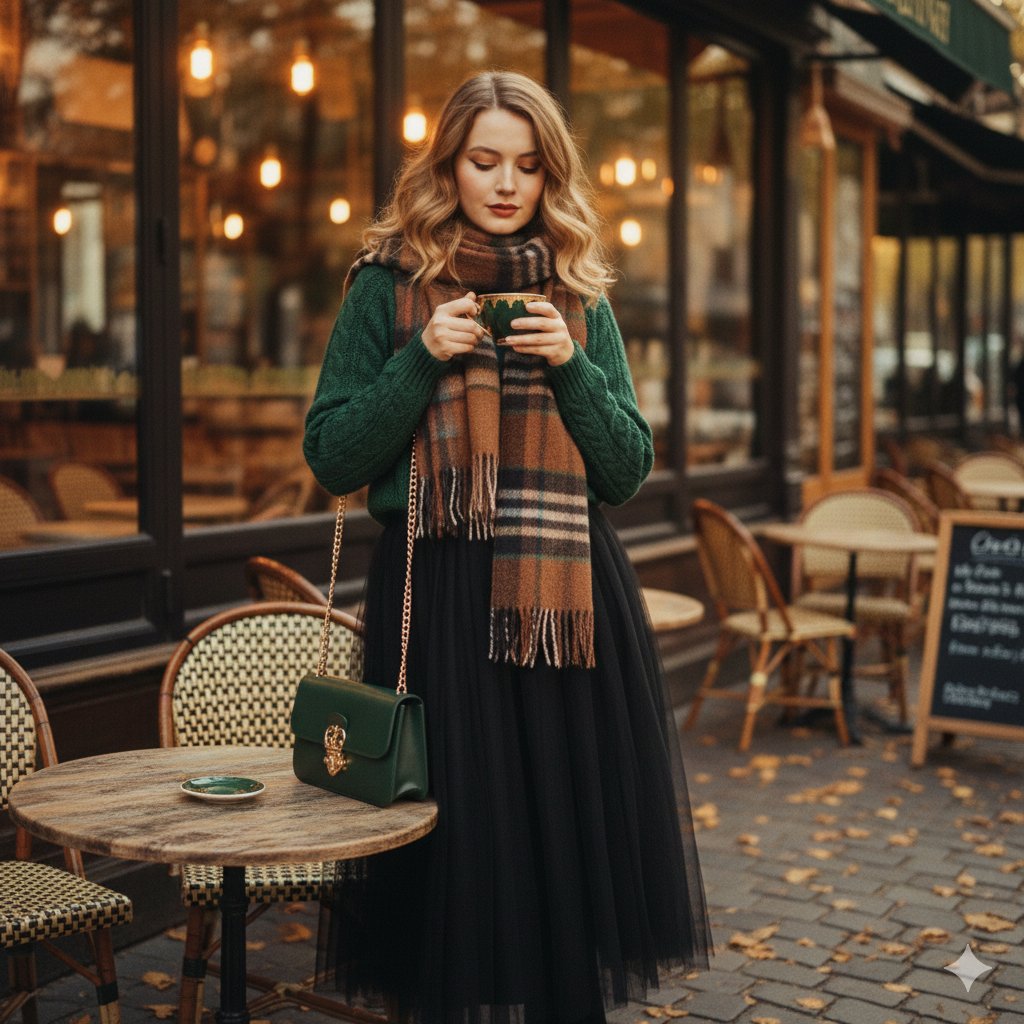




![Naive doodle-style subject illustration — A doodle-style {argument name="subject" default="[subject]"}, naive lines, humorous shape exaggeration](https://pbs.twimg.com/media/G6Wl2YxbsAARB2b.jpg)















![Technical Infographic Sheet Product Specification Template — Create a branded technical infographic of a [{argument name="product name" default="PRODUCT NAME"}]](https://pbs.twimg.com/media/HCnWqiOX0AAMPnq.jpg)


![High-Fashion Editorial Magazine Poster — Create a premium high-fashion editorial poster for {argument name="brand name" default="[BRAND NAME]"}.
TOPIC:
{argume](https://cms-assets.youmind.com/media/1780217235044_smzono_HJilV0qaYAACTg9.jpg)