How do I use the Cinematic High-Fashion Couple Portrait in Studio template?
Choose the primary action to open PicX Studio with the available template settings. Review the model and format, personalize the creative direction, and generate when ready.
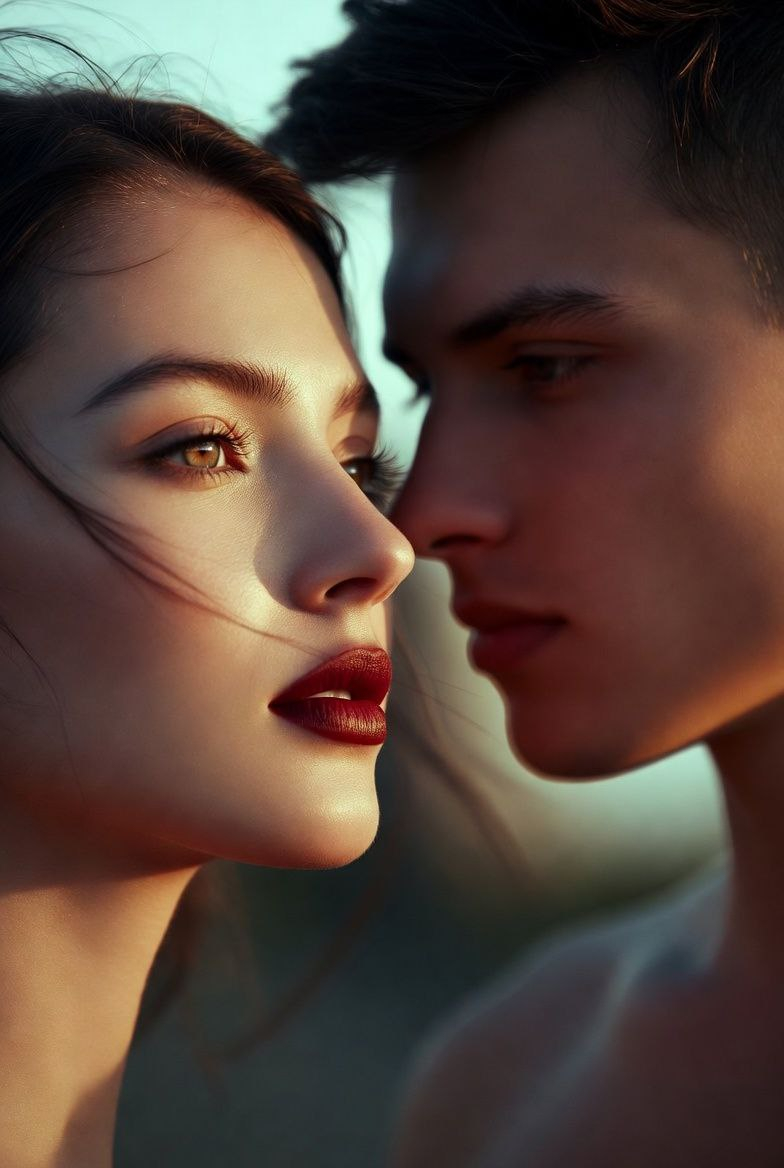
A highly detailed JSON prompt for generating a hyper-realistic, cinematic studio portrait of a romantic couple sharing an intimate kiss. Change the subject, setting, or lighting one variable at a time.
{ "metadata": { "title": "Cinematic High-Fashion Couple Portrait", "genre": "Fashion Photography", "style": "Photorealistic, Editorial, Romantic", "aspect_ratio": "2:3", "model_version": "v6.0_or_SDXL" }, "prompts": { "positive_main": "A hyper-realistic, high-fashion cinematic studio portrait of a romantic couple sharing an intimate, soft kiss. The man is seated on a minimalist stool, wearing a sleek, tailored black button-down shirt and black trousers, exuding masculine elegance. The woman is sitting on his lap, facing him, draped in a vibrant, tight-fitting scarlet {argument name="dress color" default="red"} cocktail dress and elegant black high heels. Her long, dark wavy hair cascades down her back, catching the light. She wears long, sparkling diamond drop earrings. The background is a solid, matte dark charcoal grey. sophisticated atmosphere, intense chemistry.", "positive_modifiers": [ "8k resolution", "UHD", "RAW photo", "award-winning photography", "highly detailed skin texture", "soft focus bokeh", "Vogue editorial style", "masterpiece", "sharp focus on eyes and lips" ], "negative": "deformed, bad anatomy, disfigured, extra limbs, crossed eyes, blurry, low quality, watermark, text, signature, grainy, cartoon, 3d render, illustration, painting, oversaturated, messy hair, casual clothing, bright background, distorted hands, missing fingers" }, "subject_details": { "man": { "pose": "Sitting on stool, holding partner firmly but gently", "attire": "Tailored black button-down shirt, slim-fit black trousers, unbuttoned collar", "expression": "Intimate, closed eyes, romantic" }, "woman": { "pose": "Sitting on man's lap, legs draped, facing him", "attire": "Vibrant tight-fitting red cocktail dress, fabric texture distinct (silk or satin), elegant black stiletto heels", "accessories": "Long sparkling diamond earrings, light jewelry", "hair": "Long, dark, voluminous wavy hair" }, "interaction": "Soft kiss, profiles visible, intimate embrace" }, "environment": { "setting": "Professional photography studio", "background": "Solid dark charcoal grey, seamless backdrop, matte finish" }, "lighting_and_camera": { "lighting_setup": "Cinematic studio lighting, softbox key light, subtle rim lighting to separate subjects from background, deep dramatic shadows (chiaroscuro), soft highlights on profiles", "camera_type": "DSLR, 85mm portrait lens", "aperture": "f/1.8", "iso": "100", "shutter_speed": "1/125" } }
Choose the primary action to open PicX Studio with the available template settings. Review the model and format, personalize the creative direction, and generate when ready.
Yes. You can change the subject, setting, lighting, mood, format, and available model controls before creating your image.
This template is free to open and customize. Generation usage is shown in PicX Studio before you create.
© 2026 PicX Studio. All rights reserved.

Start with Nano Banana 2, which is the model associated with this template. You can compare another compatible model for a different finish.
Follow a topic to a crawlable collection of related PicX Studio templates.
43,474 public templates available. Verified via the PicX Studio public templates API; refreshed hourly.
















![Naive doodle-style subject illustration — A doodle-style {argument name="subject" default="[subject]"}, naive lines, humorous shape exaggeration](https://pbs.twimg.com/media/G6Wl2YxbsAARB2b.jpg)