Sunlit Coastal Picnic Portrait
{
"scene": {
"setting": "{argument name="location" default="sunlit coastal park near a sandy beach"}",
"background": "clear blue sky, soft sand dunes, coastal vegetation, distant beach pathway, lush green grass, overhanging tree branches creating natural shade patterns, bright summer atmosphere",
"lighting": "natural midday sunlight filtered through tree leaves, realistic dappled shadows across skin and clothing, soft ambient bounce light from grass and sand, authentic outdoor highlights and natural contrast"
},
"subject": {
"type": "female",
"pose": "kneeling naturally on a striped picnic blanket, legs folded beneath body, hands resting gently on blanket and thigh, shoulders relaxed, facing camera directly",
"expression": "warm genuine smile, relaxed eyes, cheerful and approachable mood, natural candid energy",
"face": "Use uploaded reference image, keep identity exact, preserve natural facial proportions, realistic skin texture with visible pores, natural imperfections, no artificial smoothing",
"hair": "Use uploaded reference image, keep identity exact, long naturally hair, realistic individual strands, soft volume, slight movement from coastal breeze",
"eyes": "Use uploaded reference image, keep identity exact, natural daylight reflections, highly detailed iris texture",
"skin": "fair natural skin tone, realistic texture, authentic complexion variation, natural sunlight highlights, realistic subsurface scattering",
"body": "accurate anatomy with natural proportions and realistic posture"
},
"clothing": {
"outfit": "{argument name="clothing" default="light red and white gingham one-piece swimsuit"} with thin shoulder straps, front bow detail, realistic fabric texture, natural stretch and folds",
"footwear": "casual neutral-toned sandals with realistic leather texture",
"accessories": "minimal styling, natural appearance"
},
"environment_details": {
"props": "striped picnic blanket spread across green grass",
"atmosphere": "fresh summer beach-day aesthetic, carefree outdoor lifestyle photography, bright and joyful mood",
"details": "realistic leaf shadows, natural grass textures, authentic beach vegetation, subtle wind movement, true outdoor lighting conditions, professional lifestyle photography quality"
},
"camera": {
"angle": "eye-level portrait perspective",
"framing": "full-body vertical composition capturing subject and surrounding environment",
"focus": "sharp focus on subject with gentle background separation",
"lens": "50mm professional full-frame lens with realistic depth rendering and natural perspective",
"settings": "f/2.8 aperture, ISO 100, 1/1000 shutter speed, professional mirrorless camera"
},
"style": {
"realism": "ultra realistic outdoor lifestyle photography",
"color_tone": "bright summer colors, natural greens, soft blue sky, warm skin tones"
}
}



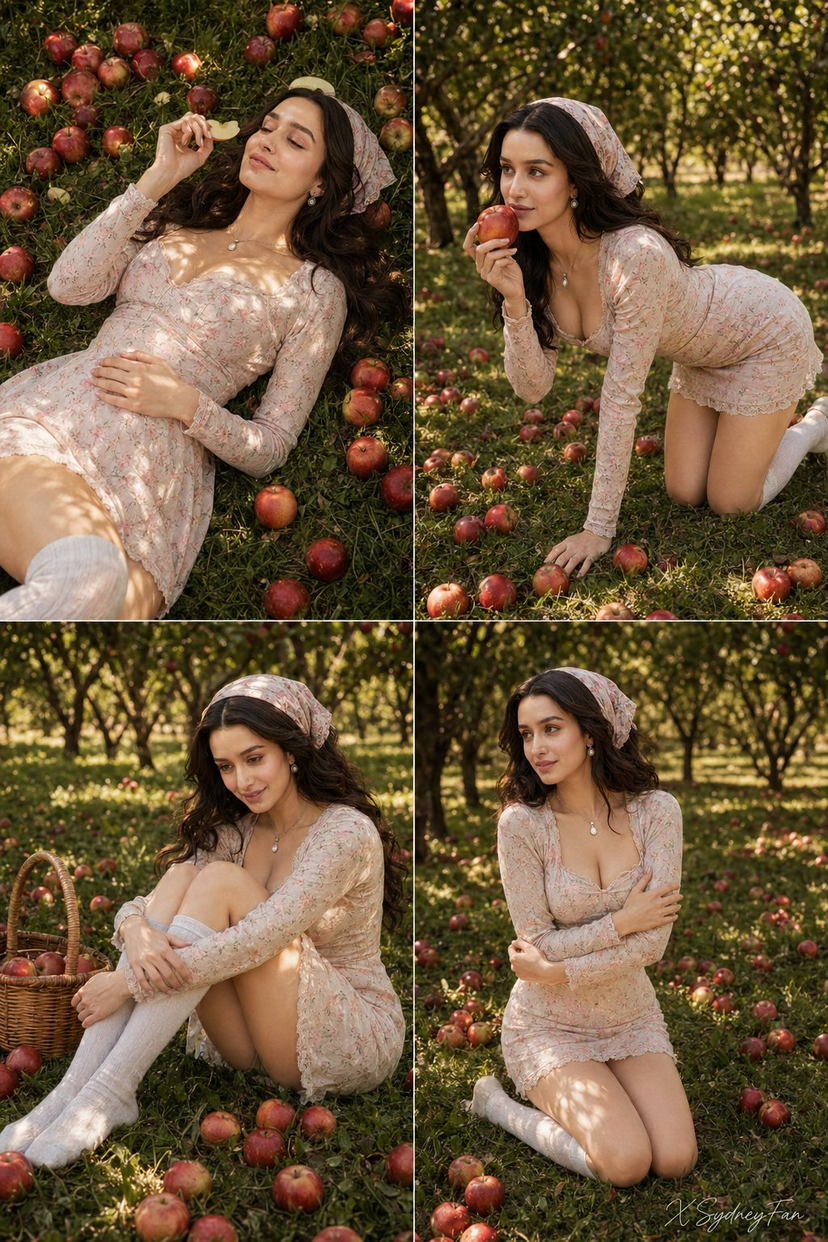











![Naive doodle-style subject illustration — A doodle-style {argument name="subject" default="[subject]"}, naive lines, humorous shape exaggeration](https://pbs.twimg.com/media/G6Wl2YxbsAARB2b.jpg)