How do I use the Y2K Retro Tech Lifestyle Photo template?
Choose the primary action to open PicX Studio with the available template settings. Review the model and format, personalize the creative direction, and generate when ready.
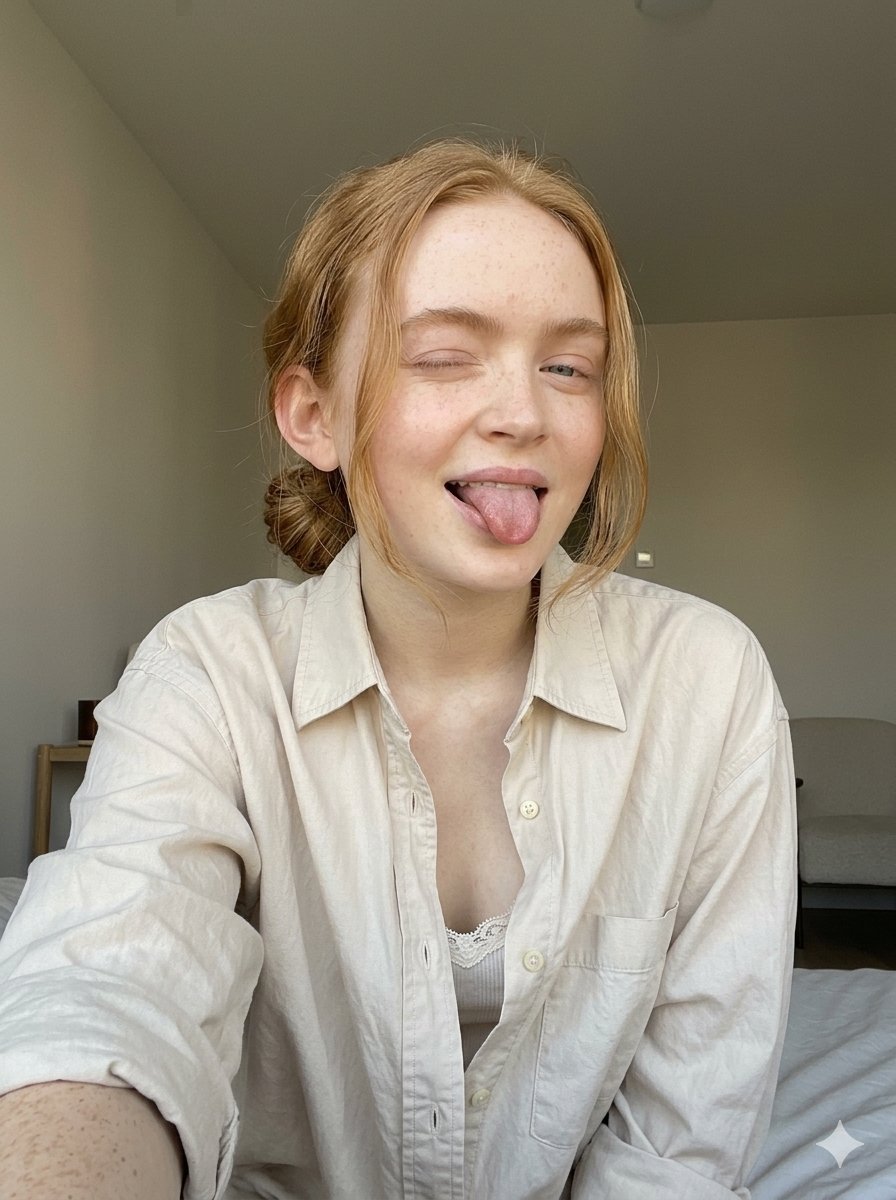
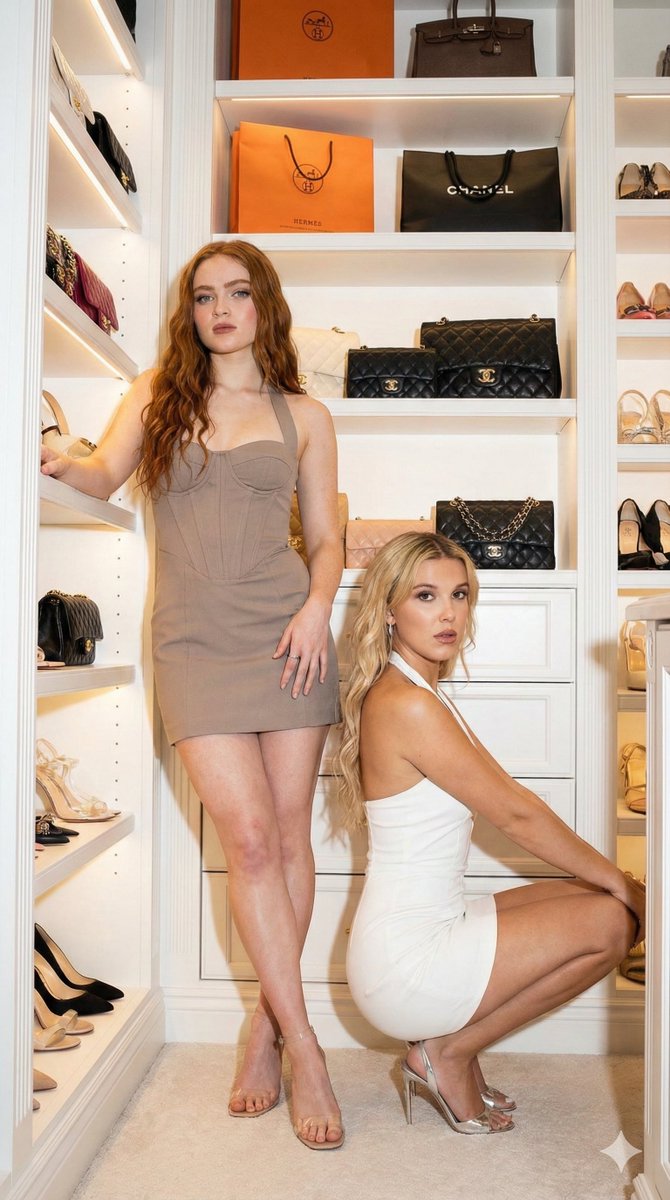
A structured prompt for Gemini Nano Banana Pro to generate a photorealistic lifestyle image of a young woman in a tight brown ringer t-shirt and bikini bottoms, holding both a vintage silver camcorder and a modern black smartphone, blending Y2K aesthetic with modern fashion. (free to use) — Free AI image template on PicX Studio.
{ "image_prompt": { "subject": { "description": "Young woman with a photorealistic, model-like appearance.", "Skin " : " pair skinned tone " "hair": "Long, wavy, platinum white blonde hair with lighter highlights, styled with a center part.", "eyes": "Green-hazel eyes looking directly at the camera.", "facial_features": "Soft natural makeup," }, "attire": { "top": "Brown ringer t-shirt with red ribbed trim around the neck and sleeves, tight fit.", "bottom": "Matching Brown bikini bottoms with red trim." }, "props": { "right_hand": "Holding a vintage silver handheld digital camcorder (video camera) up near her face.", "left_hand": "Holding a modern black smartphone." }, "pose": "Sitting casually on a sofa, facing forward, hands raised holding the devices.", "environment": { "location": "Indoor studio or living room setting.", "furniture": "Dark grey fabric sofa.", "background": "Textured grey concrete or plaster wall, neutral tones." }, "style": { "aesthetic": "High-quality lifestyle photography, slight Y2K/retro tech vibe mixed with modern fashion.", "lighting": "Soft, diffused studio lighting, even illumination on the face.", "technical": "8k resolution, highly detailed, sharp focus, photorealistic, cinematic composition." } } }
Use Y2K Retro Tech Lifestyle Photo to plan an AI image around nano-banana-2 generation. Match the preview's composition first, then personalize the subject, setting, and mood for your own project.
Use the primary action to load the template settings in PicX Studio.
Adjust the subject and creative details for your destination.
Create the image, compare the result with the preview, and refine one variable at a time.
A continuous mix — similar concepts first, woven with same-model prompts and fresh picks from the catalog.
Choose the primary action to open PicX Studio with the available template settings. Review the model and format, personalize the creative direction, and generate when ready.
Yes. You can change the subject, setting, lighting, mood, format, and available model controls before creating your image.
This template is free to open and customize. Generation usage is shown in PicX Studio before you create.
Start with nano-banana-2, which is the model associated with this template. You can compare another compatible model for a different finish.
Follow a topic to a crawlable collection of related PicX Studio templates.
39,155 public templates available. Verified via the PicX Studio public templates API; refreshed hourly.
A continuous mix — similar concepts first, woven with same-model prompts and fresh picks from the catalog.