How do I use the Instant Camera Polaroid 3 template?
Choose the primary action to open PicX Studio with the available template settings. Review the model and format, personalize the creative direction, and generate when ready.
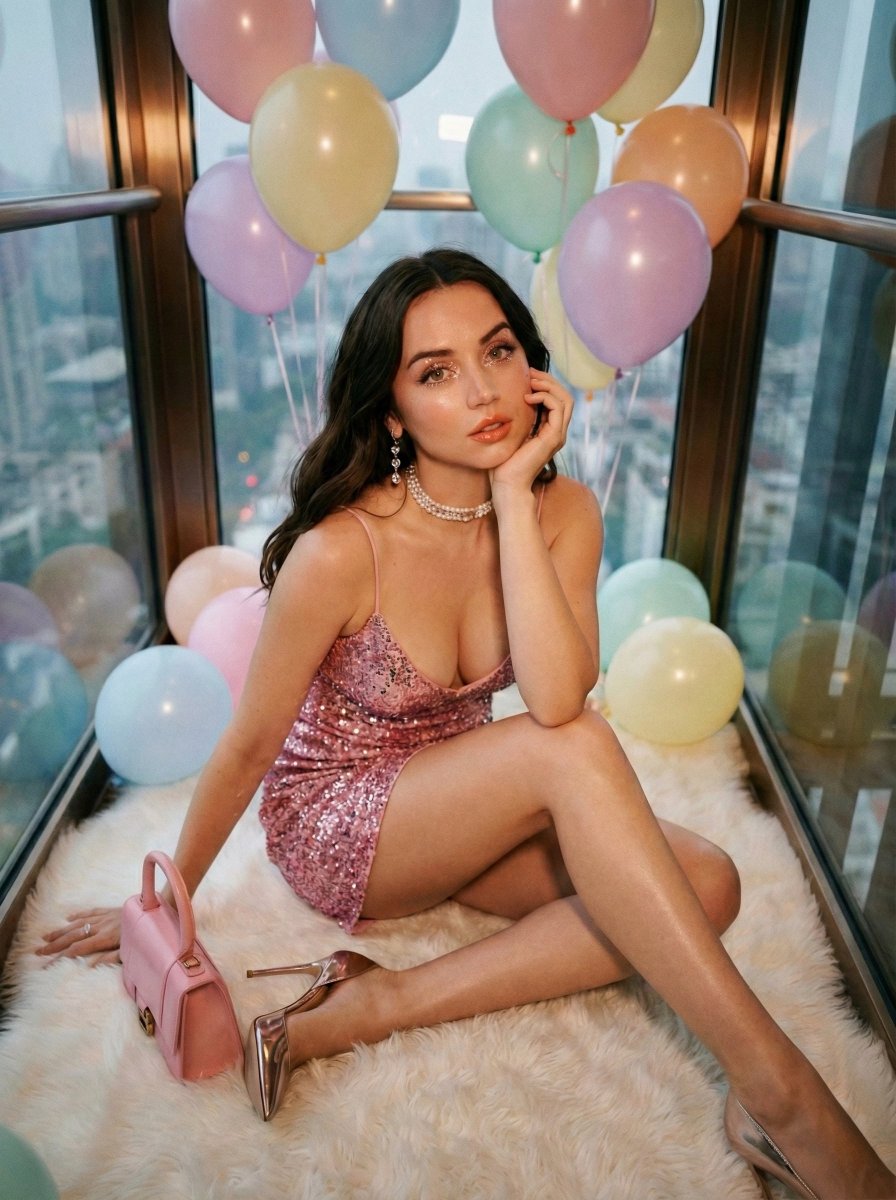
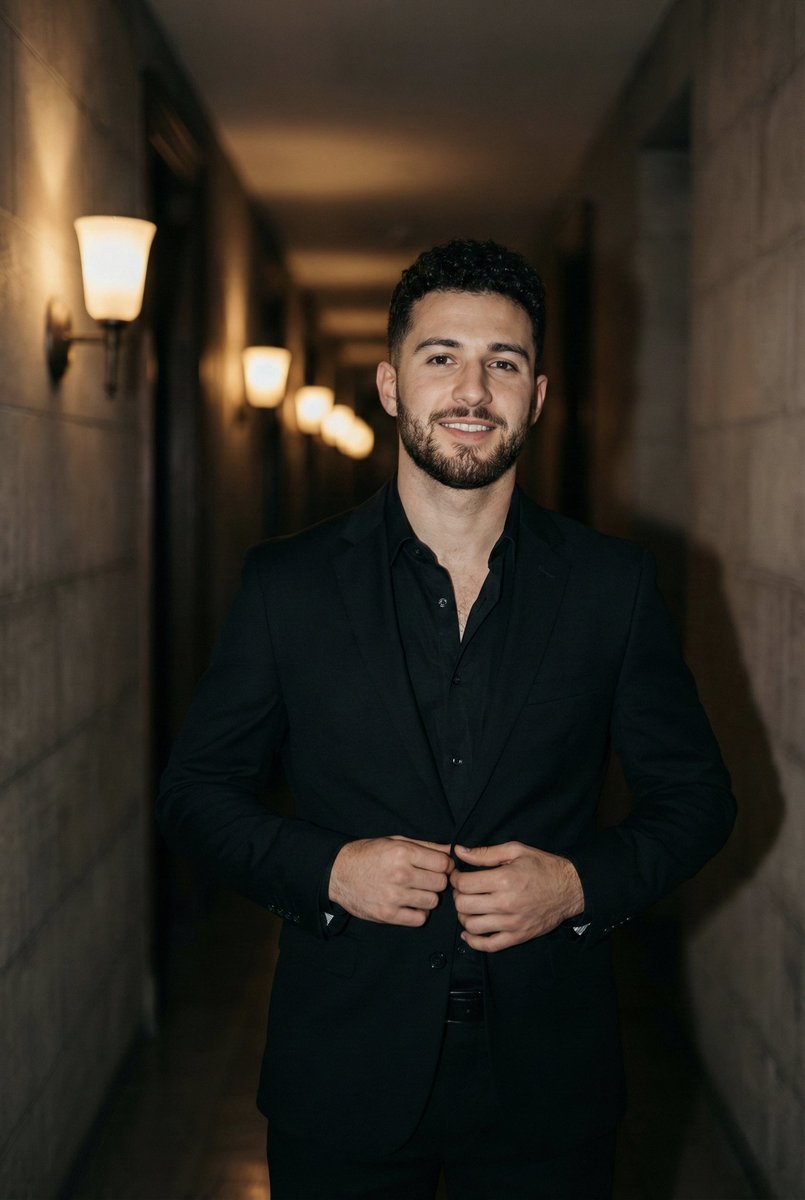
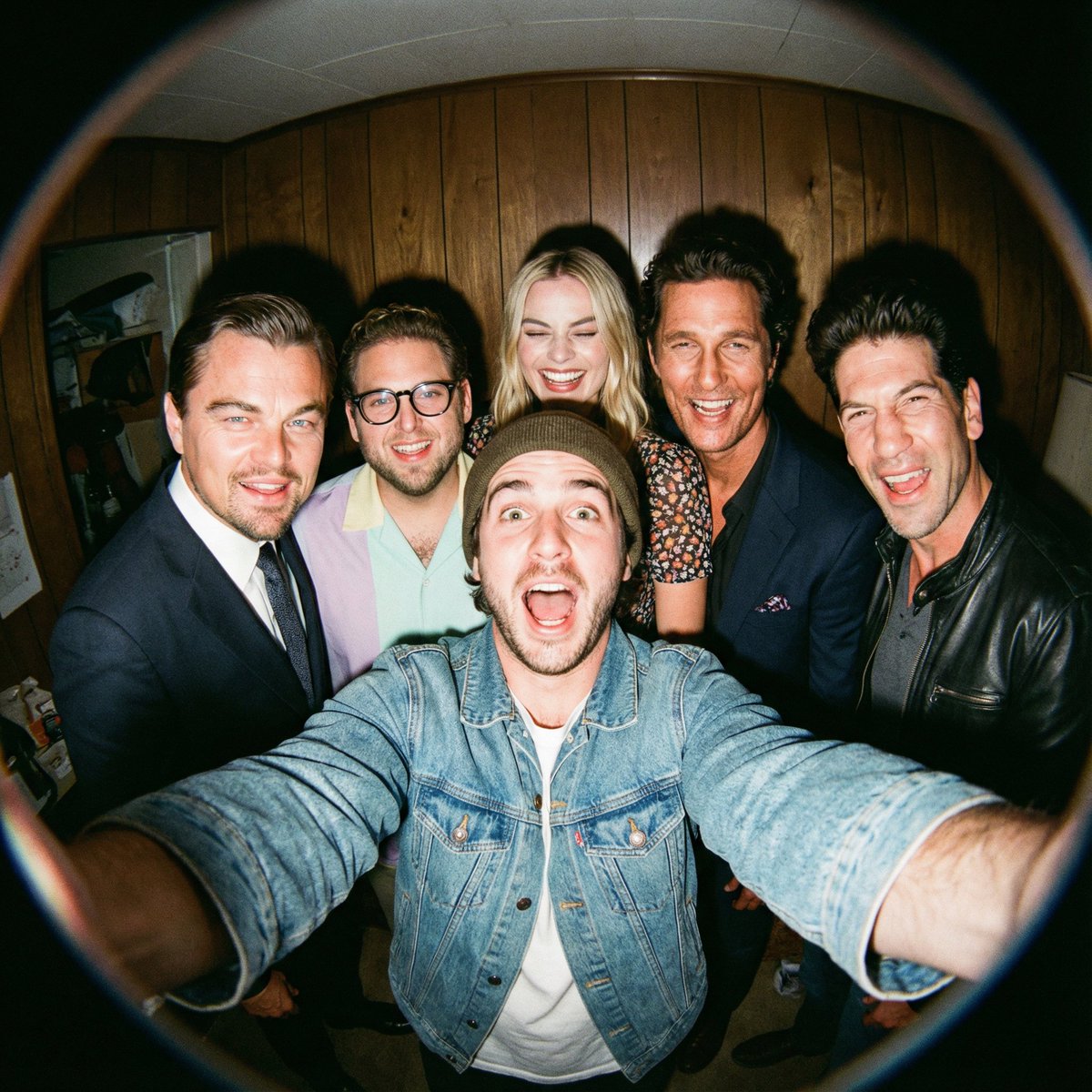
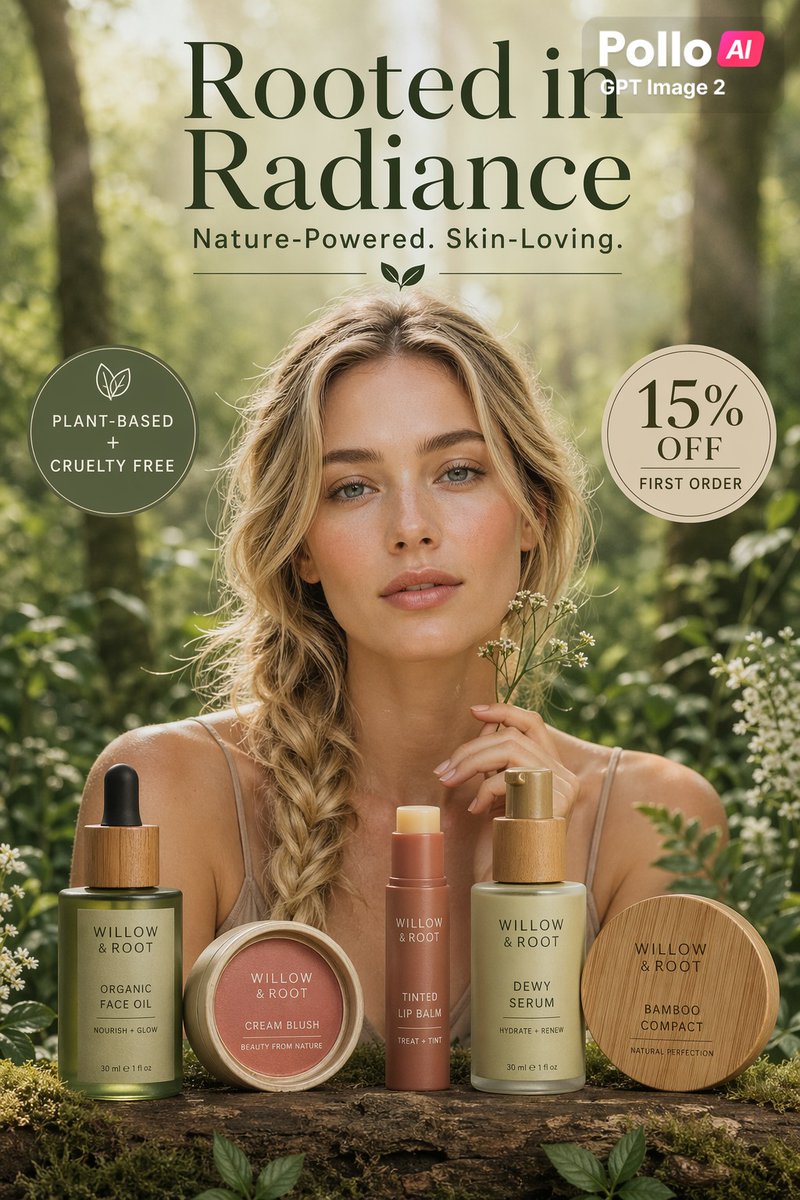
A ready image prompt for PicX Studio. Change the subject, setting, or lighting one variable at a time.
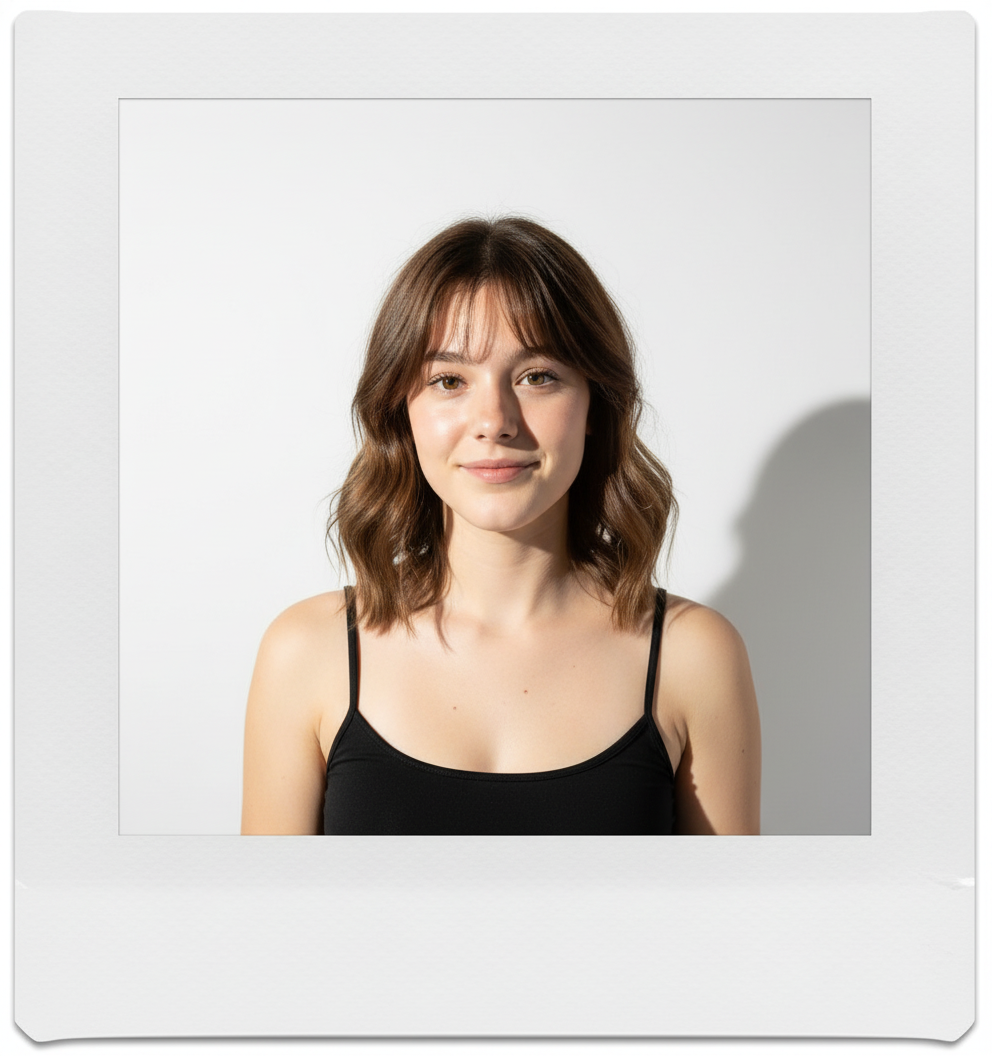
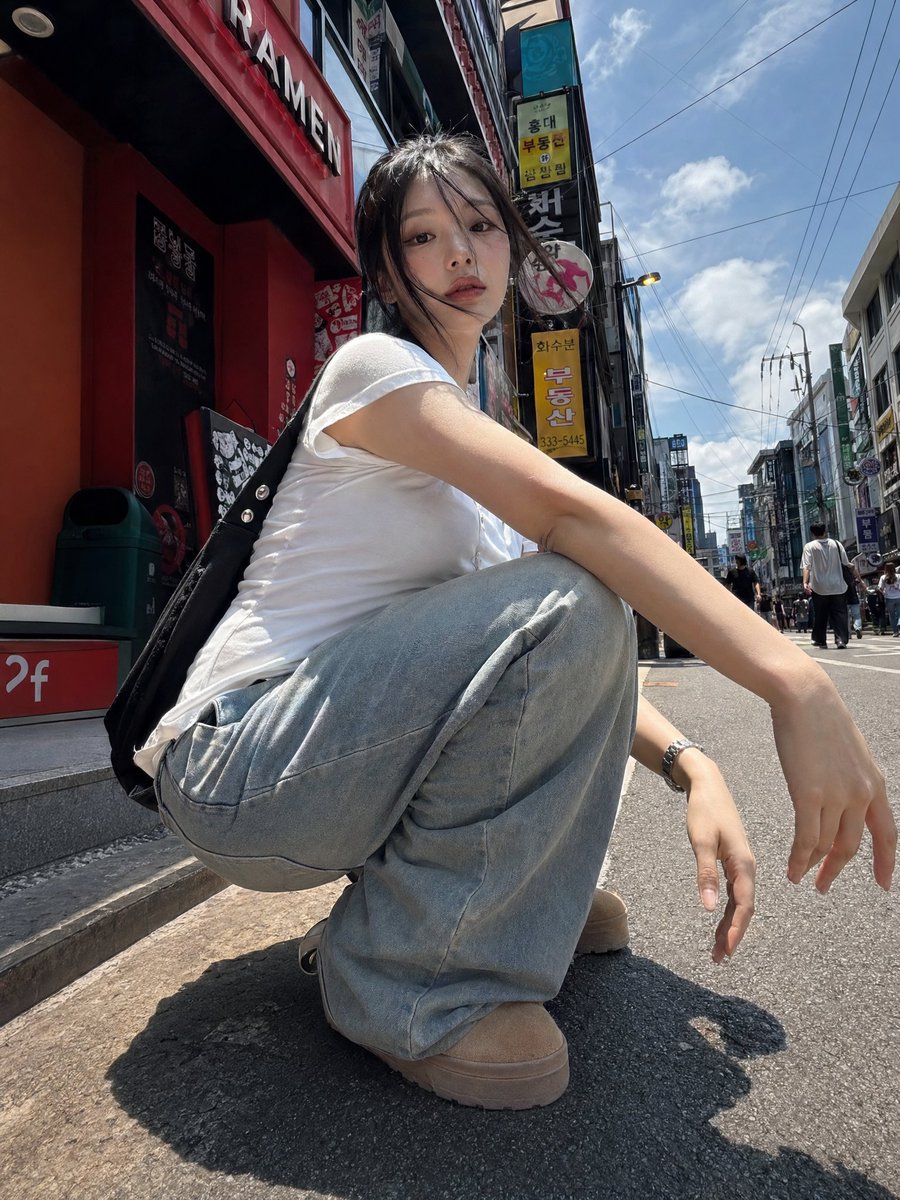
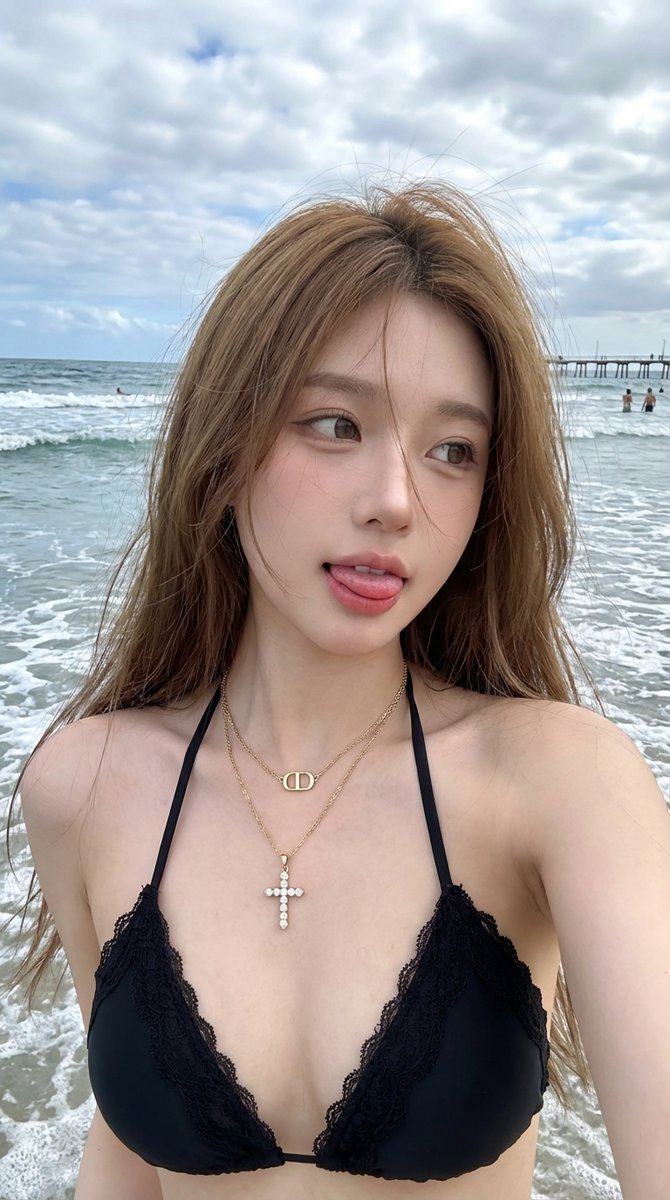
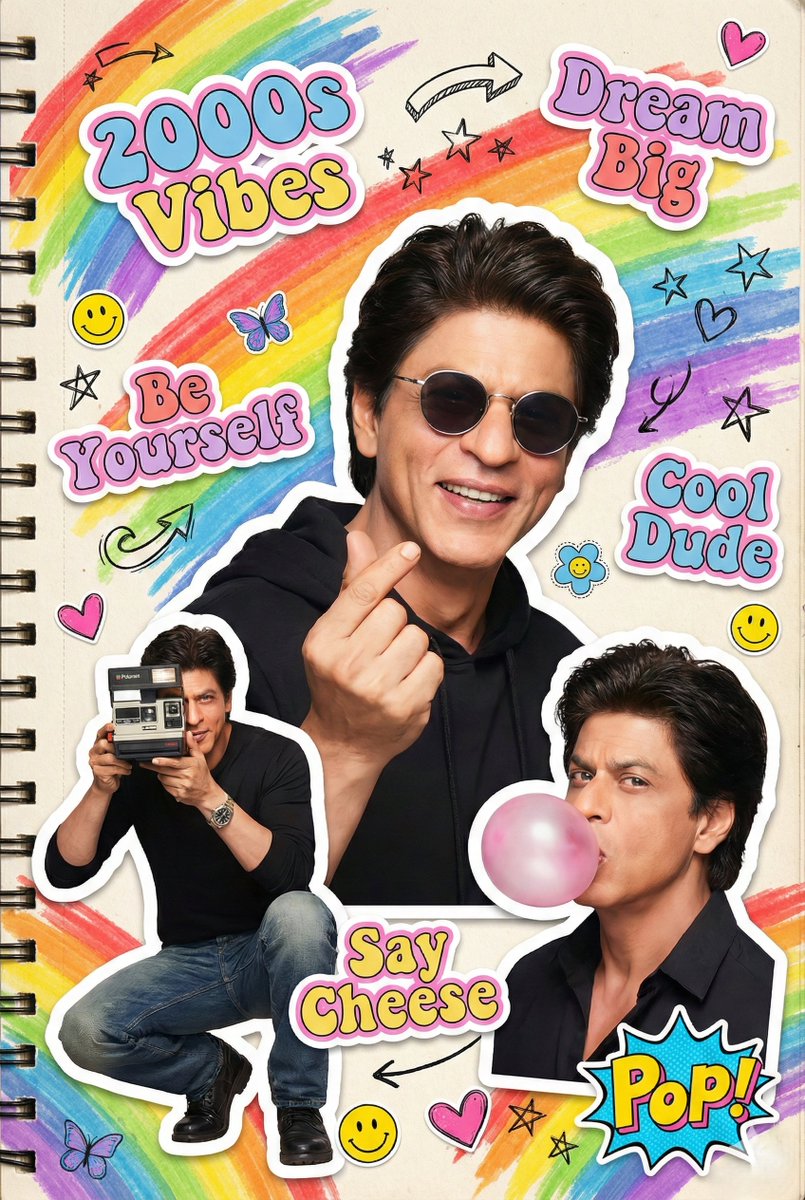
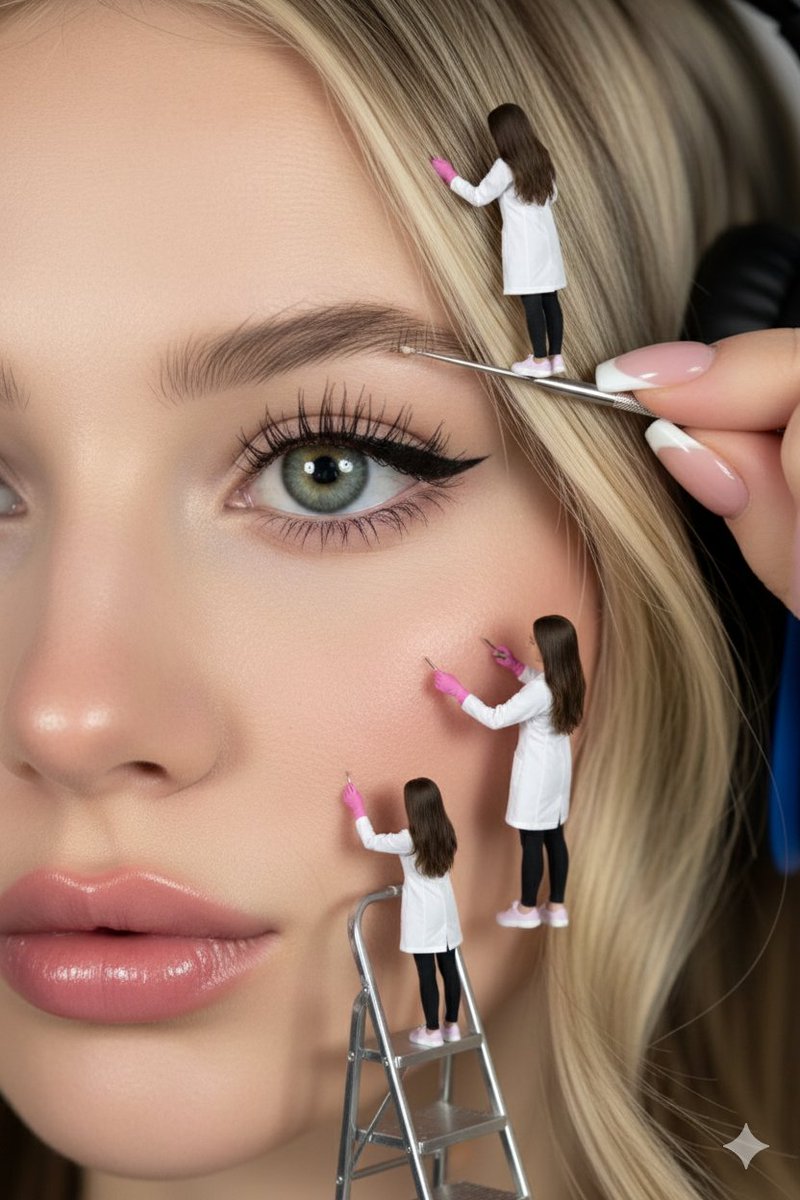
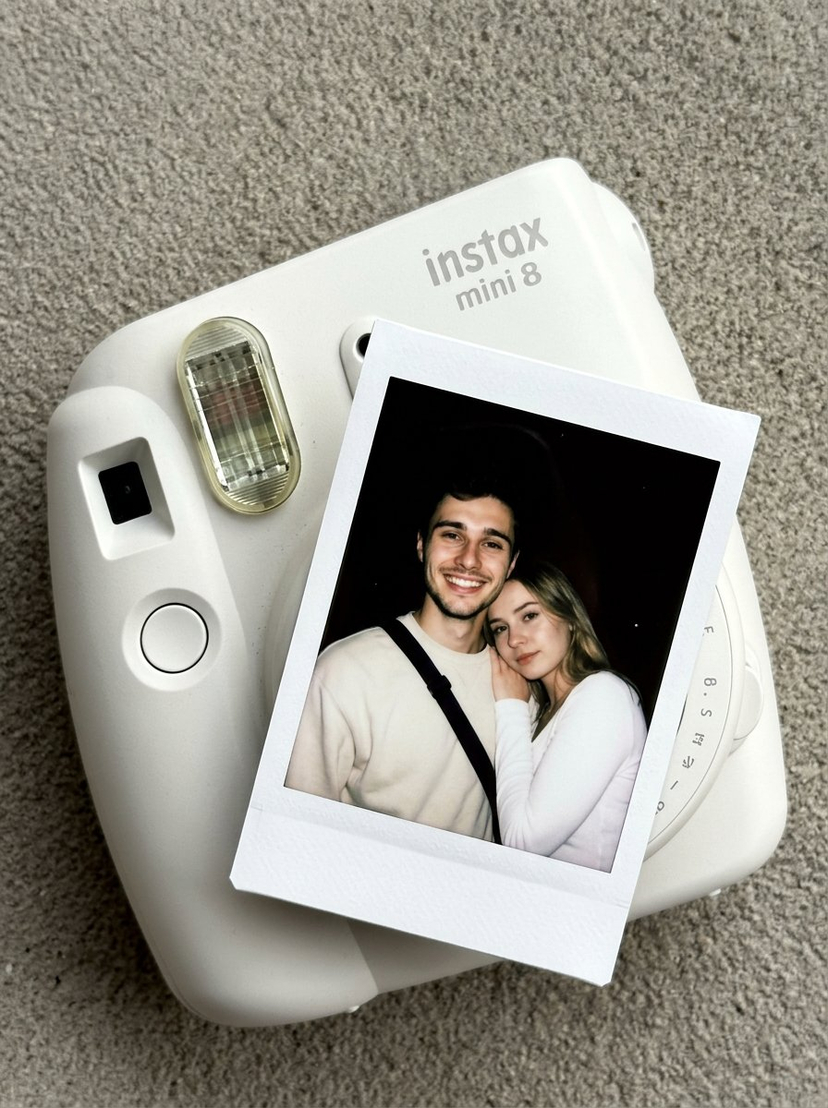
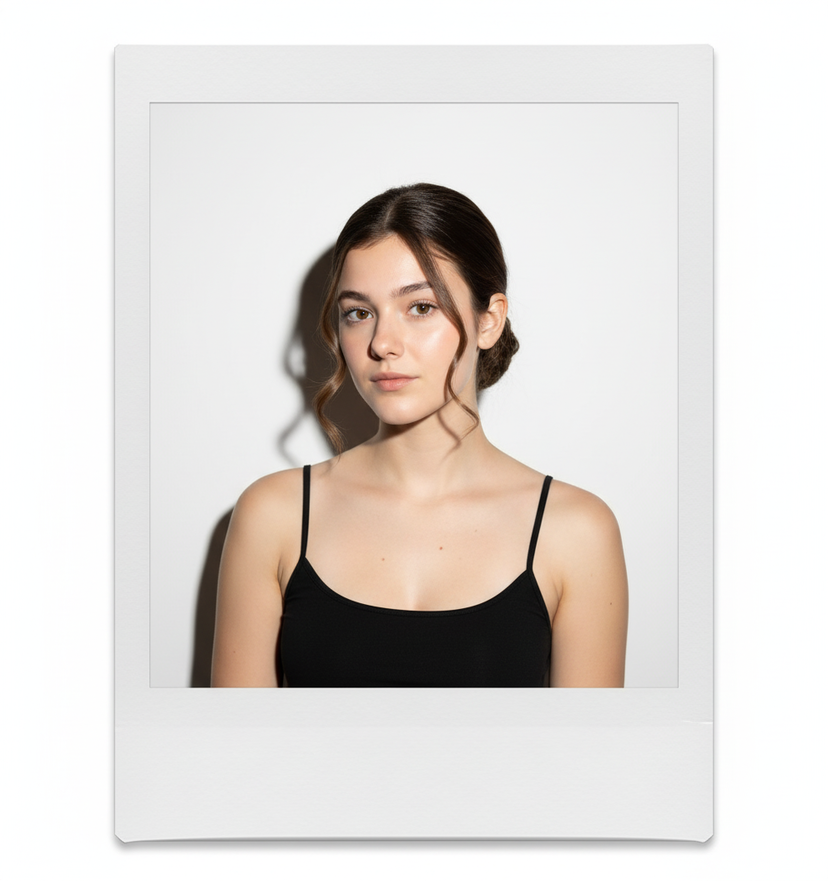
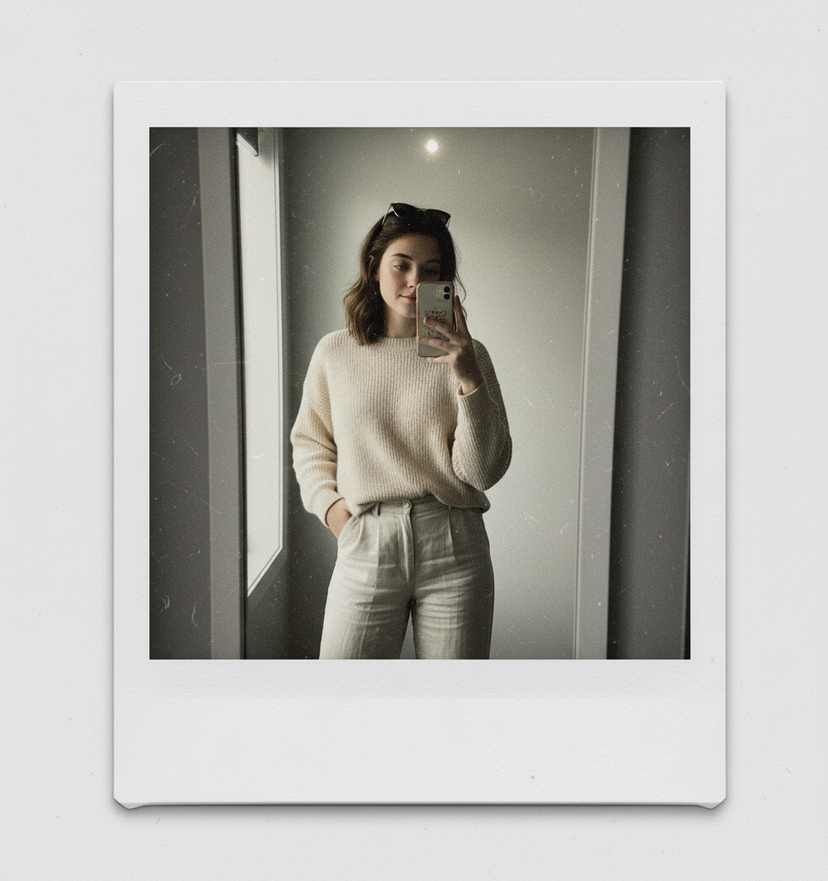
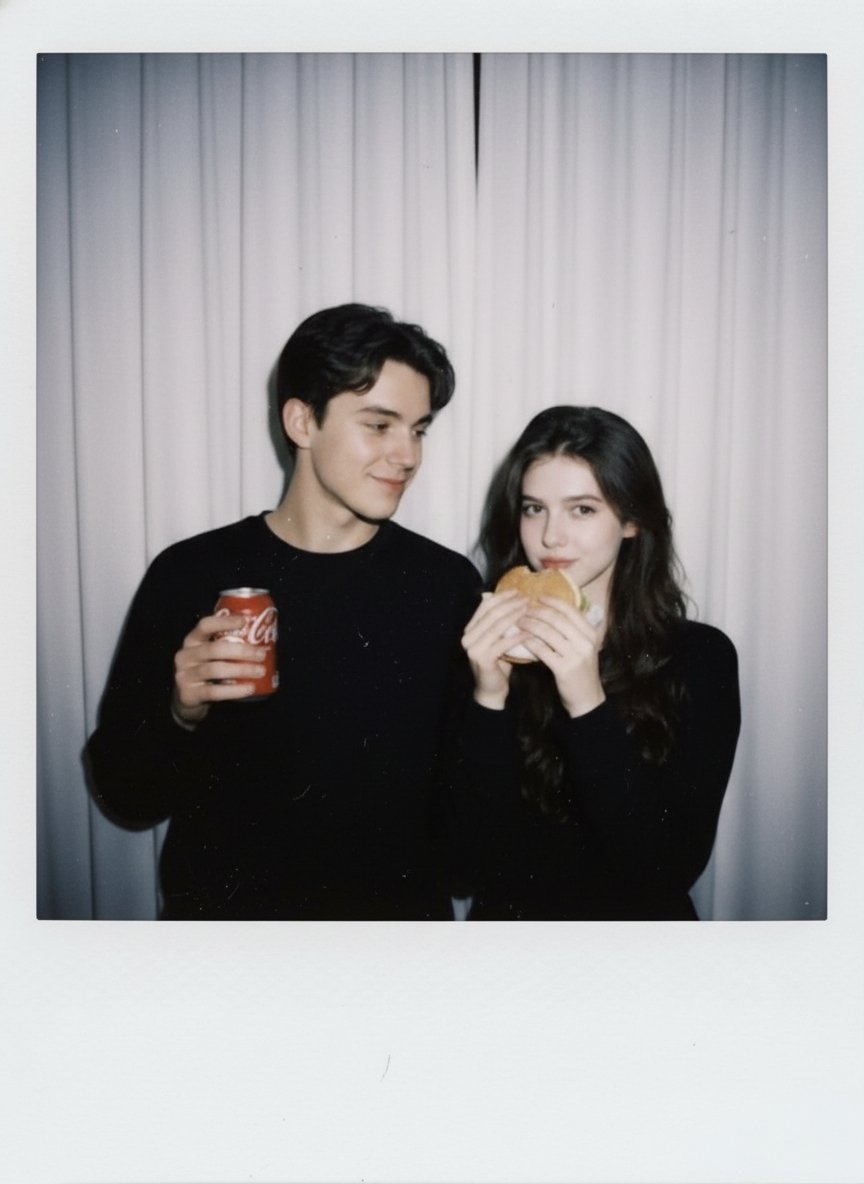
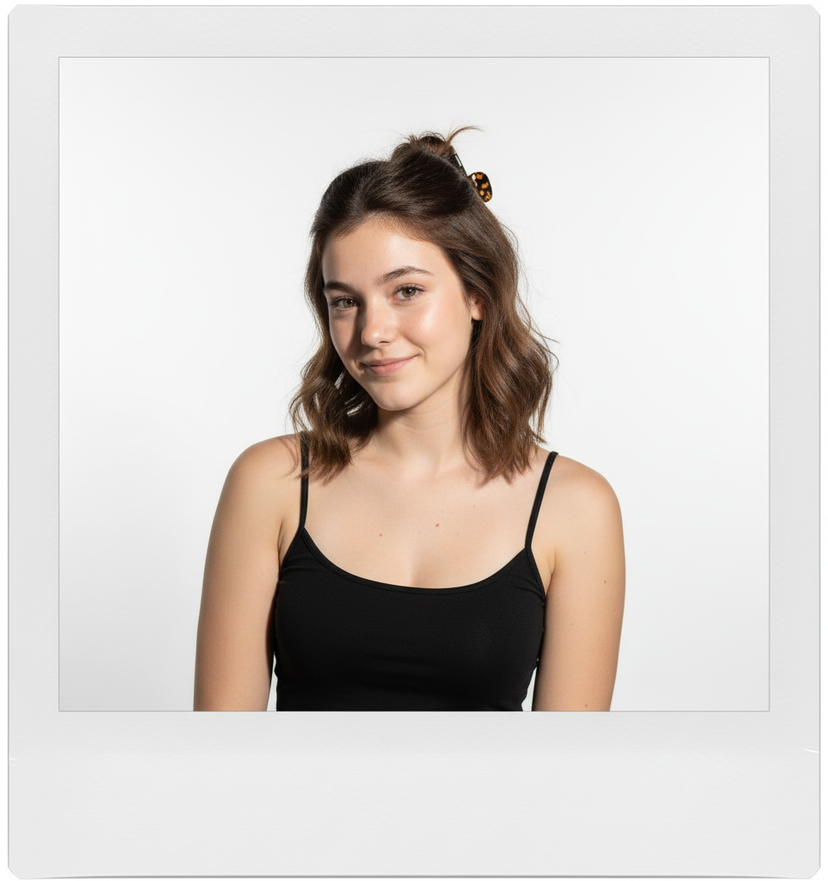
Pick a hairstyle or accessory that would suit my style — for example, bangs, a sleek bun, soft waves, or statement earrings — and then generate an instant camera portrait of me with that look, in full colour. I should be centred in the instant photo against a white backdrop, facing the camera. It should look like the photo was taken with a bright, direct flash, making the image high contrast with shadows. Place the instant camera photo on a matte white surface.
Choose the primary action to open PicX Studio with the available template settings. Review the model and format, personalize the creative direction, and generate when ready.
Yes. You can change the subject, setting, lighting, mood, format, and available model controls before creating your image.
This template is free to open and customize. Generation usage is shown in PicX Studio before you create.
Choose a compatible model in PicX Studio based on the style, speed, and output controls your project needs.
© 2026 PicX Studio. All rights reserved.

Follow a topic to a crawlable collection of related PicX Studio templates.
43,474 public templates available. Verified via the PicX Studio public templates API; refreshed hourly.










![Fabric-Stitched Textile Logo Prompt — A 3D logo of {argument name="Brand Name" default="[Brand Name]"} crafted from stitched fabric and embroidery. Visible thre](https://pbs.twimg.com/media/G82S5-ubcAEjWNh.jpg)