
Vintage Polaroid Identity Portrait Collage
A structured JSON-based prompt for creating a vintage-style Polaroid collage that preserves specific facial identity across multiple playful poses.
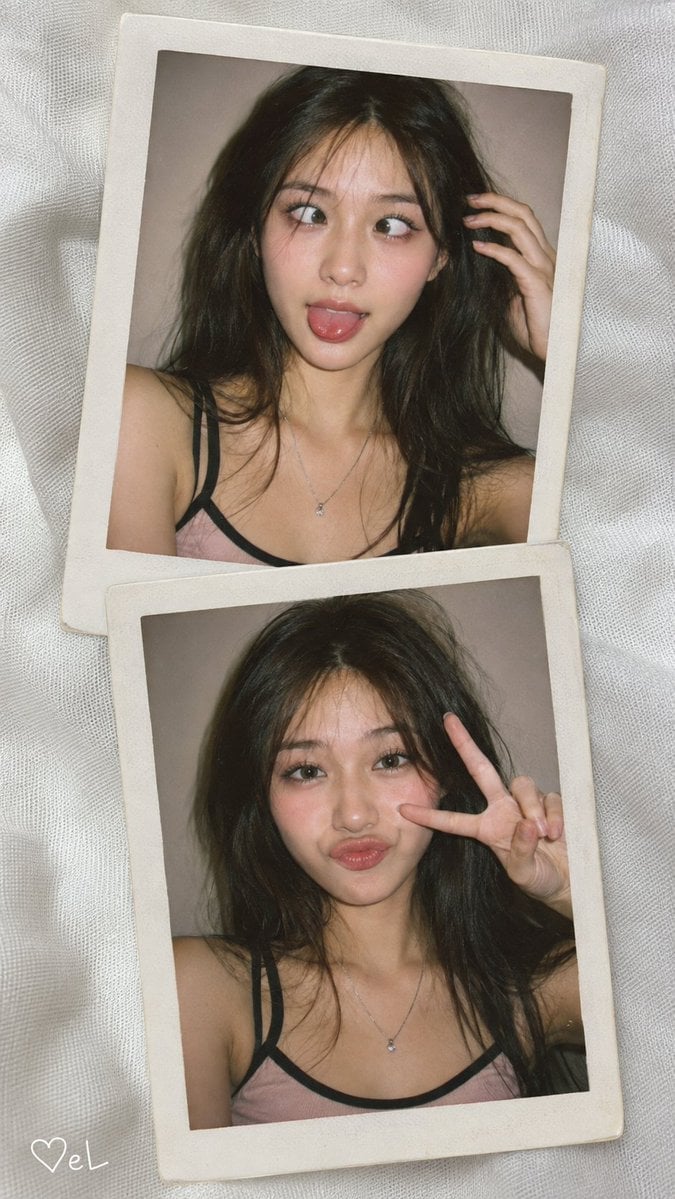
- Prompt included
- Model and format preset
- Free template
The prompt behind this image
Copy the exact prompt behind Vintage Polaroid Identity Portrait Collage, or open it in the studio and make it yours.
{ "prompt": { "identity": { "preserve": "{argument name="identity accuracy" default="100% exact identity"}", "details": [ "eye shape", "eyelids", "eyebrows", "nose", "lips", "jawline", "cheekbones", "facial proportions", "skin tone", "natural skin texture" ] }, "composition": { "type": "ultra-realistic analog photography collage", "aspect_ratio": "9:16", "surface": "textured white fabric", "photos": 2, "layout": "two vertical Polaroid photos slightly overlapping and tilted", "frames": "off-white Polaroid frames with subtle vintage texture" }, "top_photo": { "framing": "close-up from head to chest", "hair": "dark brown almost-black, long, slightly messy, loose strands framing the face", "expression": "exaggerated crossed eyes, playful and mischievous expression, tongue slightly sticking out naturally", "pose": "one hand touching the hair beside the face", "makeup": { "style": "soft rosy makeup", "eyebrows": "naturally brushed-up", "eyelashes": "curled", "blush": "soft pink", "skin": "glowing with realistic natural texture" }, "outfit": "light pink tank top with black straps and a thin silver necklace", "background": "plain beige-taupe wall" }, "bottom_photo": { "framing": "similar close-up", "head_position": "slightly upright, facing the camera", "expression": "exaggerated funny duck-face smile, cute and playful", "pose": "one hand making a peace sign near the cheek with natural relaxed fingers", "hair": "same loose wavy messy hairstyle as the top photo", "makeup": "same makeup as the top photo", "outfit": "same outfit as the top photo", "background": "plain beige-taupe wall" }, "photography": { "camera_style": "direct compact-camera flash", "tone": "soft warm", "film_grain": "subtle", "skin_texture": "realistic", "imperfections": "natural", "aesthetic": "candid early-2000s digital-camera", "details": "sharp facial details", "quality": "photorealistic, 8K UHD" }, "signature": { "text": "{argument name="signature text" default="♡eL"}", "position": "bottom-left corner of the collage", "style": "small handwritten white signature, clean and subtle" } }, "negative_prompt": [ "altered identity", "different face", "plastic skin", "waxy skin", "beauty filter", "CGI", "anime", "overly perfect face", "stiff pose", "distorted hands", "extra fingers", "fused fingers", "bad anatomy", "blurry", "low resolution", "oversharpened", "harsh shadows", "overexposed", "underexposed", "cluttered background", "excessive makeup", "duplicate person", "duplicate limbs", "distorted facial features", "unwanted text", "large watermark" ] }
How to use Vintage Polaroid Identity Portrait Collage in 3 steps
- 1
Open
The prompt is already in the box next to the preview, with the template's model and format selected.
- 2…a portrait of your subject in softgolden-hour light, 85mm…
Personalize
Edit the subject and creative details for your destination.
- 3Generate
Generate
Press Generate — your image is created in PicX Studio, so you can compare it with the original and refine one variable at a time.
More like this
Templates with the same subject, style or setup. Open one to see its prompt.

Found Photograph: Us, 1970

80s Couple Studio Portrait

80s Bollywood Star

80s Golden Hour Cinema
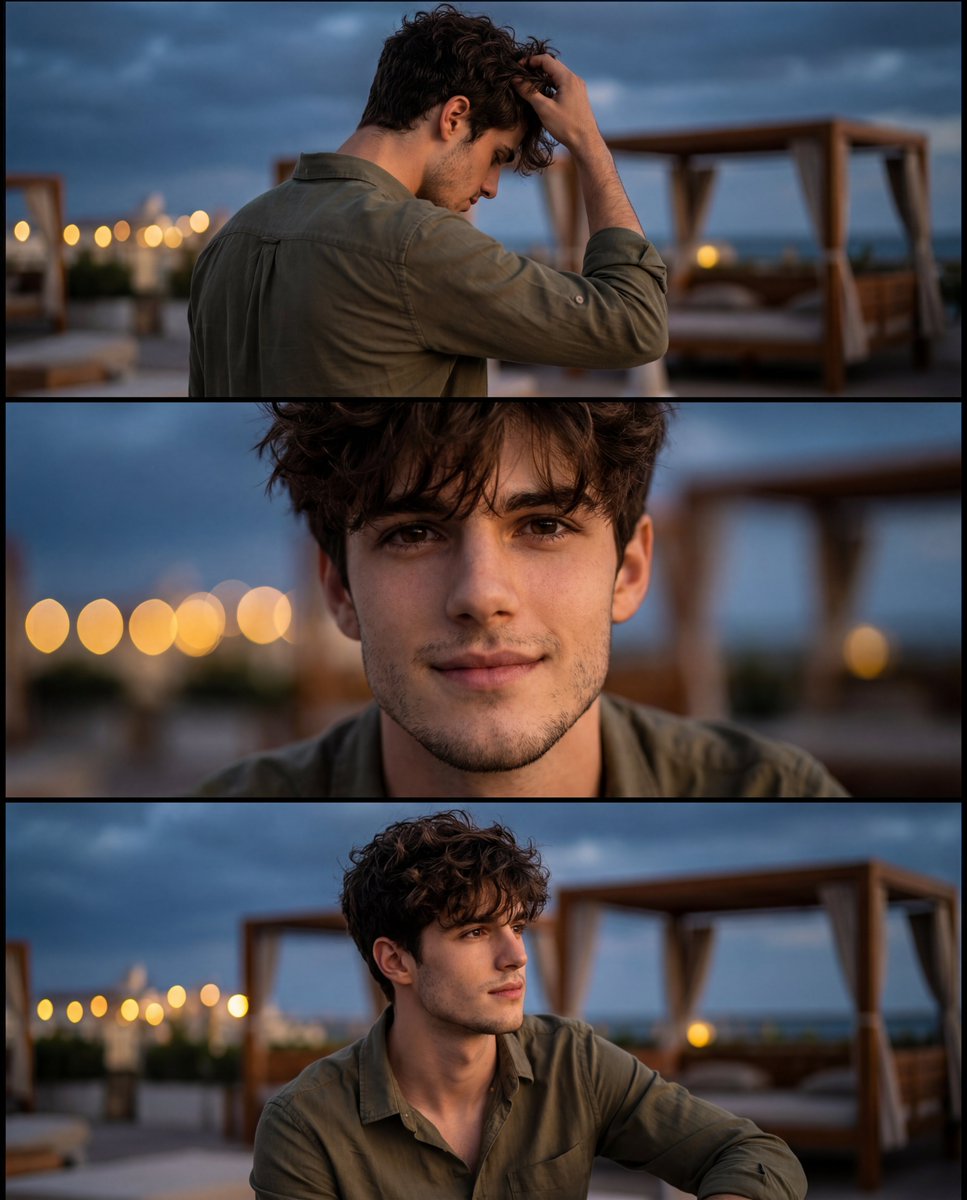
Cinematic Identity-Consistent Portrait Collage
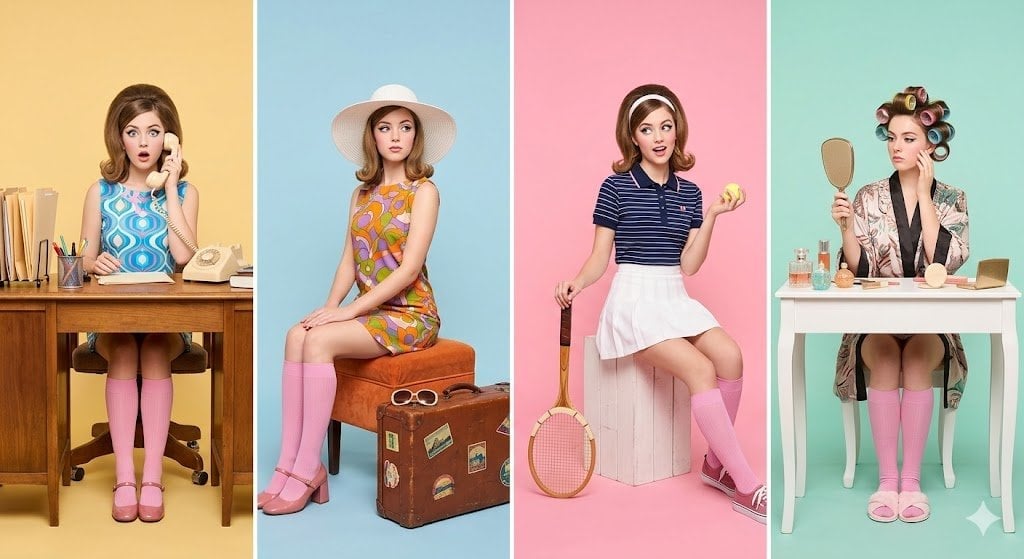
Polaroid Wall Dorm
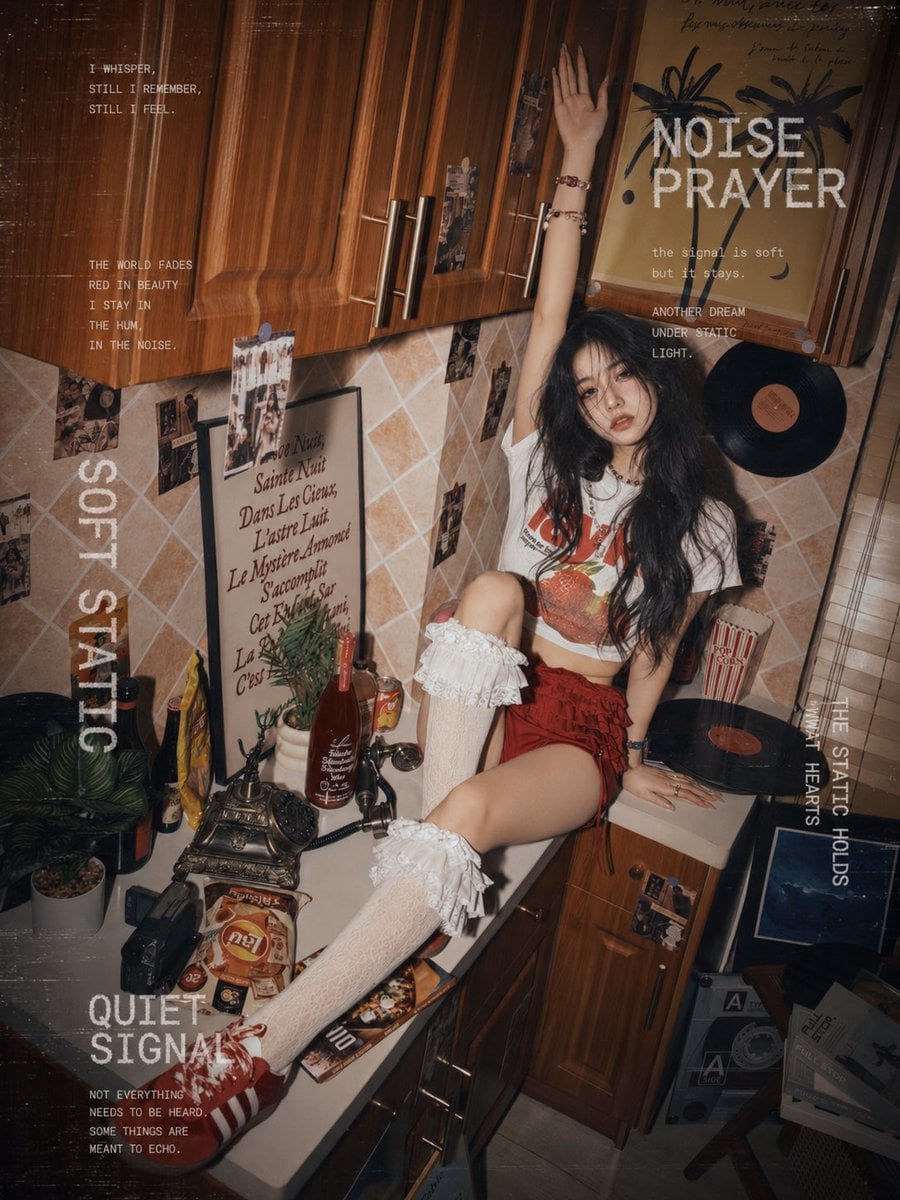
Polaroid Camera Product Retro
Polaroid Stack Tabletop
Vintage Studio Portrait with Identity Preservation Prompt

Two Tickets, One Night

If We Met in 1985

One Dance Before Midnight
Make it yours
Vintage Polaroid Identity Portrait Collage works as-is. These are the safest ways to change it without losing the look.
Change one field
Copy a single group, rewrite it, and generate again so you can see what that field is doing.
Keep the frame, change the subject
Hold the composition and light of Vintage Polaroid Identity Portrait Collage, then swap wardrobe, props or the person for a new take.
| If the result… | Why | Fix |
|---|---|---|
| The result drifts from the preview | Too many fields changed at once. | Reuse Vintage Polaroid Identity Portrait Collage as-is first, then change one group — subject, light, or setting. |
| The model over-stylizes the scene | The prose prompt leaves finish and camera underspecified. | Add one camera or lighting sentence and stay on GPT Image 2. |
More GPT Image 2 templates
Other prompts made for GPT Image 2.

Six VTuber Japanese Logo Sheet

Realistic Portrait of Woman and Deer

The Vista Modular Condo Poster

AI Model Routing Comparison Infographic

2.5D Anime Art Board

Isometric Productivity Desk Scene

New York Double Exposure Poster

Four-Panel AI Landscape Comparison

Japanese Tatami Lifestyle Magazine Cover

NESCAFÉ Coffee Map Poster
More image prompts
Fresh picks from across the catalog.

Cognitive Science-Based High-CTR Thumbnail Design Prompt
Gym Selfie with Hyper-Defined Athletic Physique
Annotate photo with hot-or-not console ratings
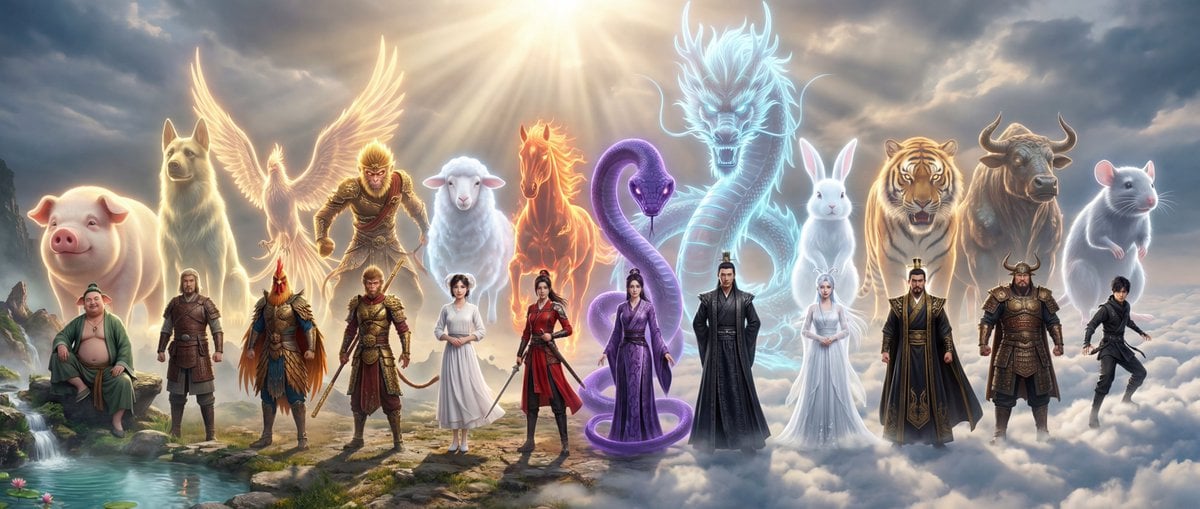
Epic Chinese Fantasy Zodiac Deities Prompt (12 Characters)
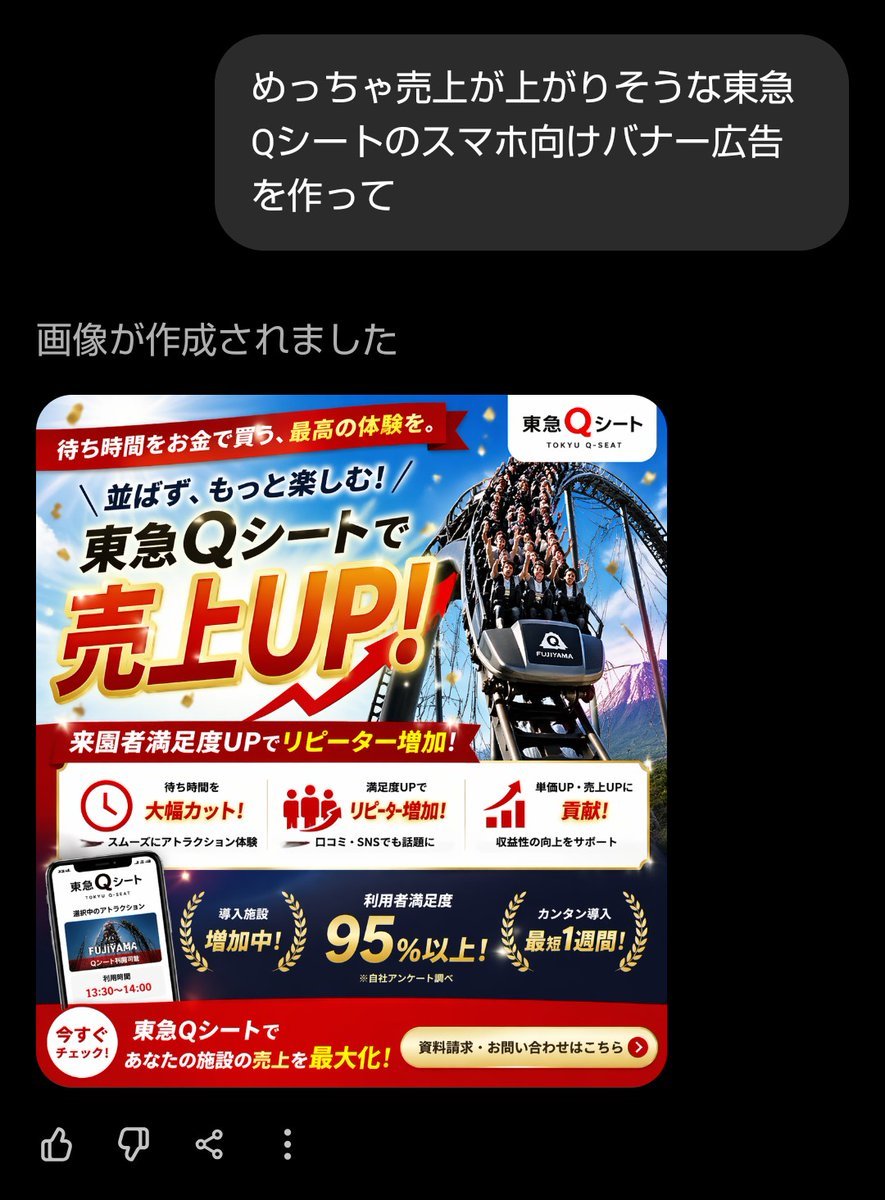
Japanese Roller Coaster Sales Banner
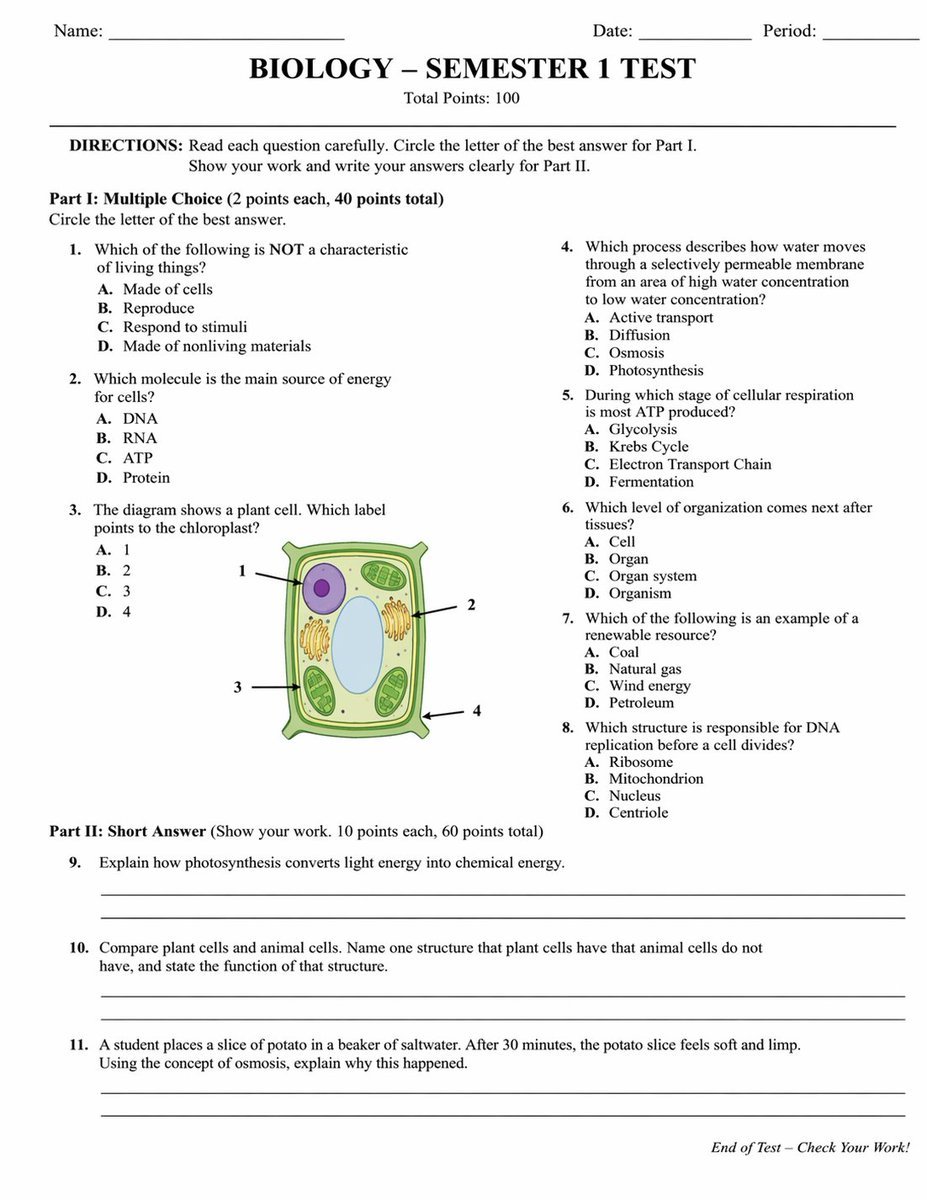
Academic Exam Paper Generator
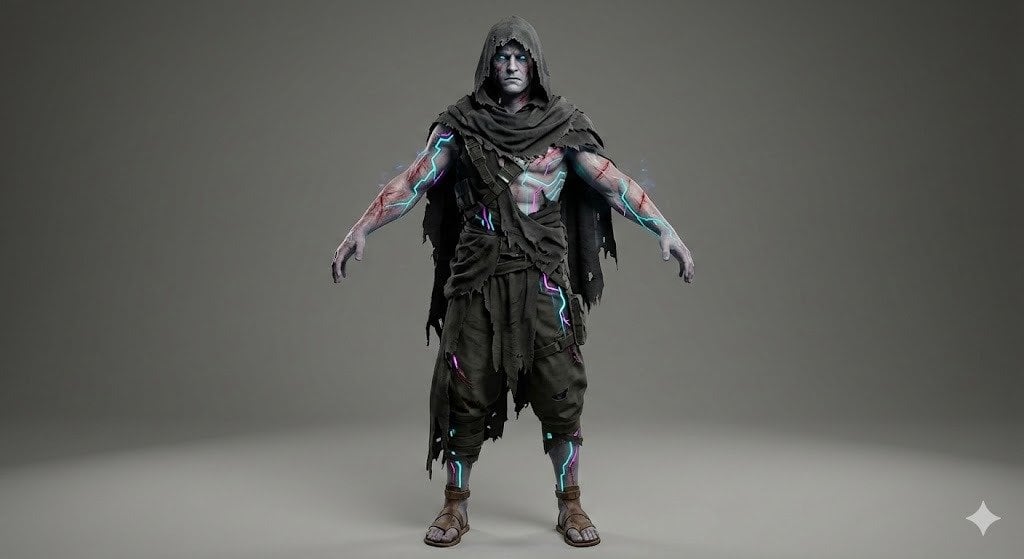
Image Generation Prompt for Stylized 3D Caricature
Nano Banana Pro Prompt Sharing
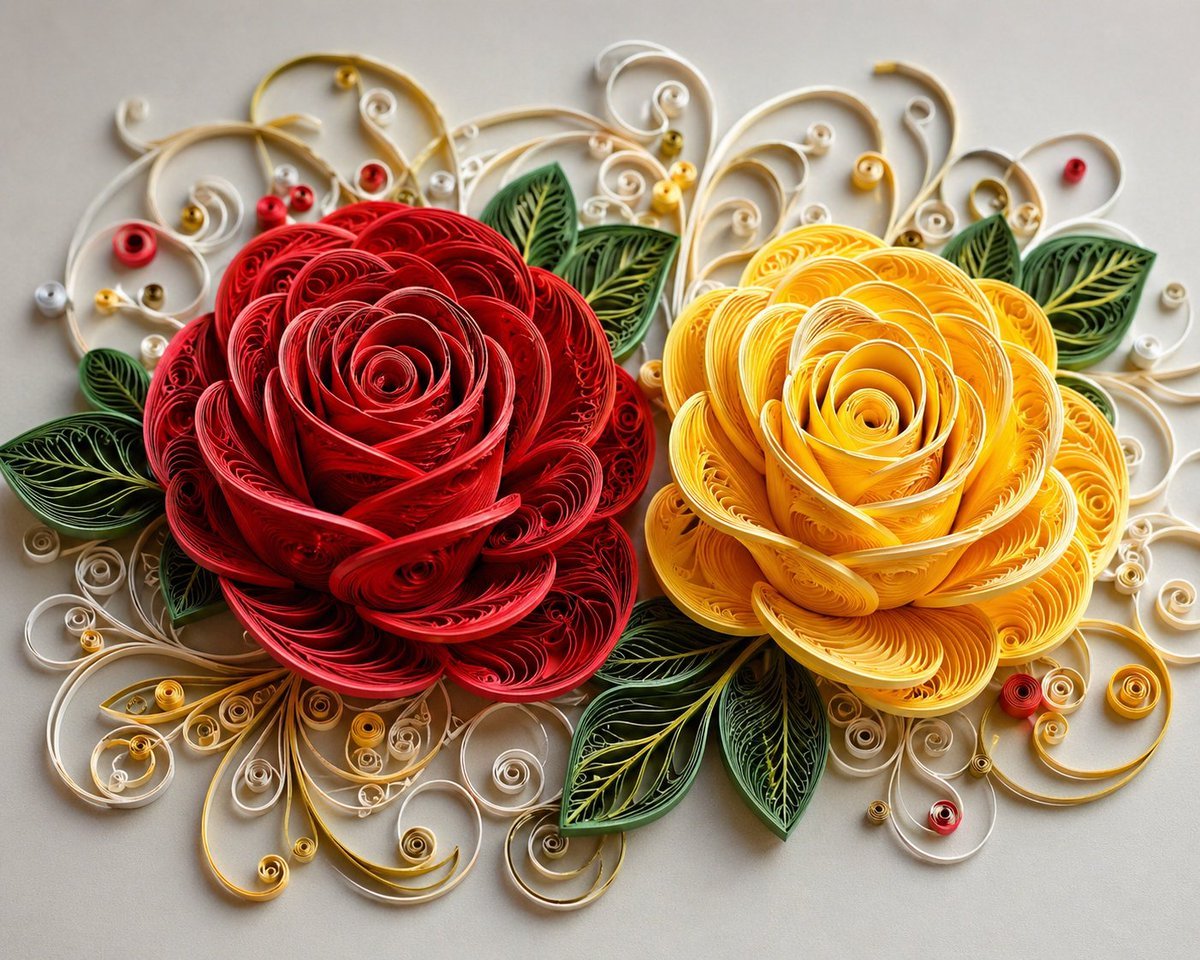
3D Paper Quilling Floral Art
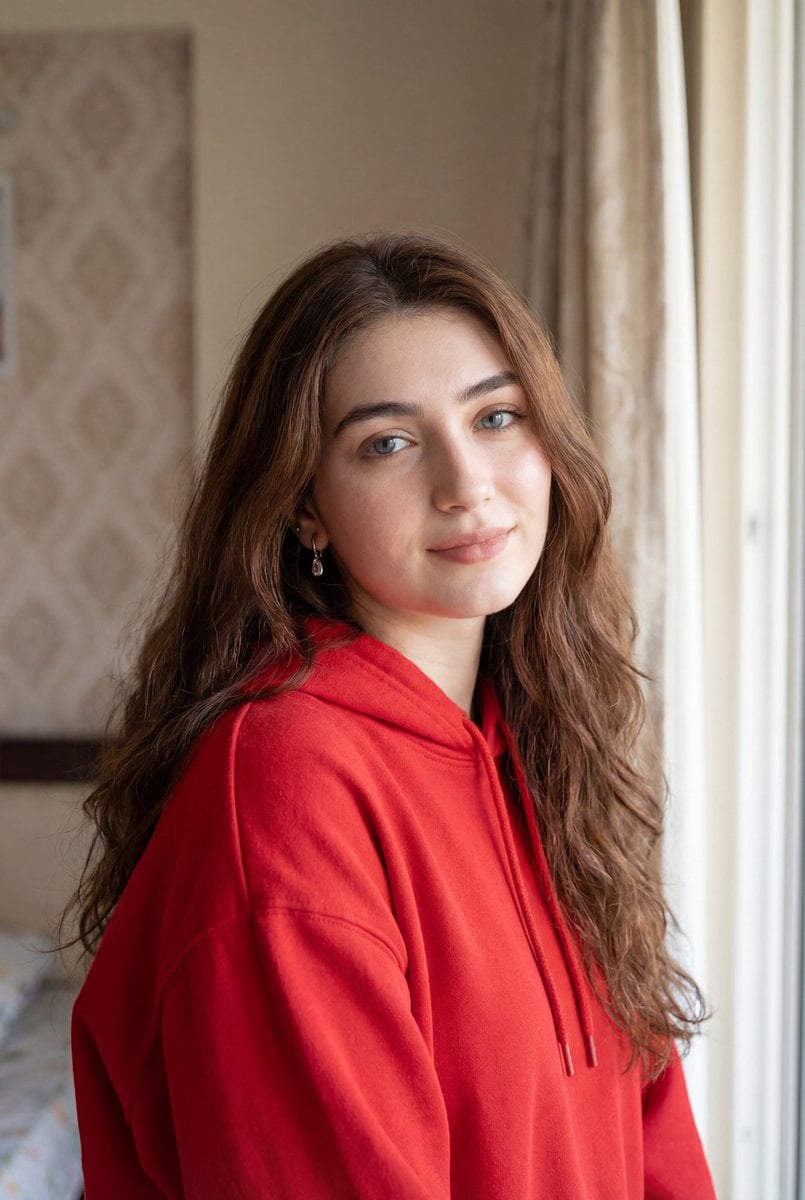
Ultra-Realistic Natural Light Portrait in Cozy Bedroom
Browse template categories
Vintage Polaroid Identity Portrait Collage questions
How do I use the Vintage Polaroid Identity Portrait Collage template?
Add your photo if the template asks for one, edit the prompt if you like — the template's model and format are already selected — and press Generate. Your version opens in PicX Studio.
Can I customize the Vintage Polaroid Identity Portrait Collage template?
Yes. You can change the subject, setting, lighting, mood, format, and available model controls before creating your image.
Is the Vintage Polaroid Identity Portrait Collage template free?
Opening and editing this template is free. Generating uses credits, shown on the Generate button when you are signed in.
Which AI model should I use?
Start with GPT Image 2, which is the model associated with this template. You can compare another compatible model for a different finish.
Looking for something else? Browse all templates.

Your photo, any look
Thousands of ready templates for every top image and video model, from one credit balance.