
Side-by-Side Fantasy Character Design Sheet
A prompt for generating a side-by-side image: a close-up face and a half-body view of an identical fantasy character design.
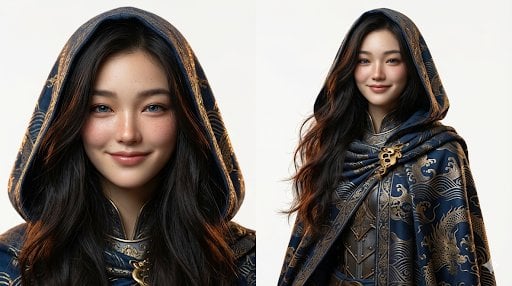
- Prompt included
- Model and format preset
- Premium template
The prompt behind this image
Copy the exact prompt behind Side-by-Side Fantasy Character Design Sheet, or open it in the studio and make it yours.
based on the attached image, generate a Side by side photo of a close up face, and half body character design (both views are different view of an identical design) of a woman with long, flowing dark hair and a gentle, warm smile. Her face is adorned with delicate freckles, and her striking blue almond-shaped eyes exude kindness. She wears an ornate, deep-blue hooded cloak embellished with intricate gold patterns resembling swirling waves or dragons, evoking a sense of fantasy or ancient nobility. The fabric appears rich and textured, fastened with an elaborate golden clasp at the shoulder. Underneath, glimpses of armored plating suggest a warrior or royal status. The overall aesthetic blends elegance with strength, set against a soft, neutral background that highlights her serene yet powerful presence. close up face on the left, half body on the right, on a flat plain white background, photography with edge lighting for depth, 16:9, 2K
How to use Side-by-Side Fantasy Character Design Sheet in 3 steps
- 1Upload ImagePNG, JPG or paste
Add your photo
Upload the photo the template builds on. The prompt, model and format are already set.
- 2…a portrait of your subject in softgolden-hour light, 85mm…
Personalize
Edit the subject and creative details for your destination.
- 3Generate
Generate
Press Generate — your image is created in PicX Studio, so you can compare it with the original and refine one variable at a time.
More like this
Templates with the same subject, style or setup. Open one to see its prompt.
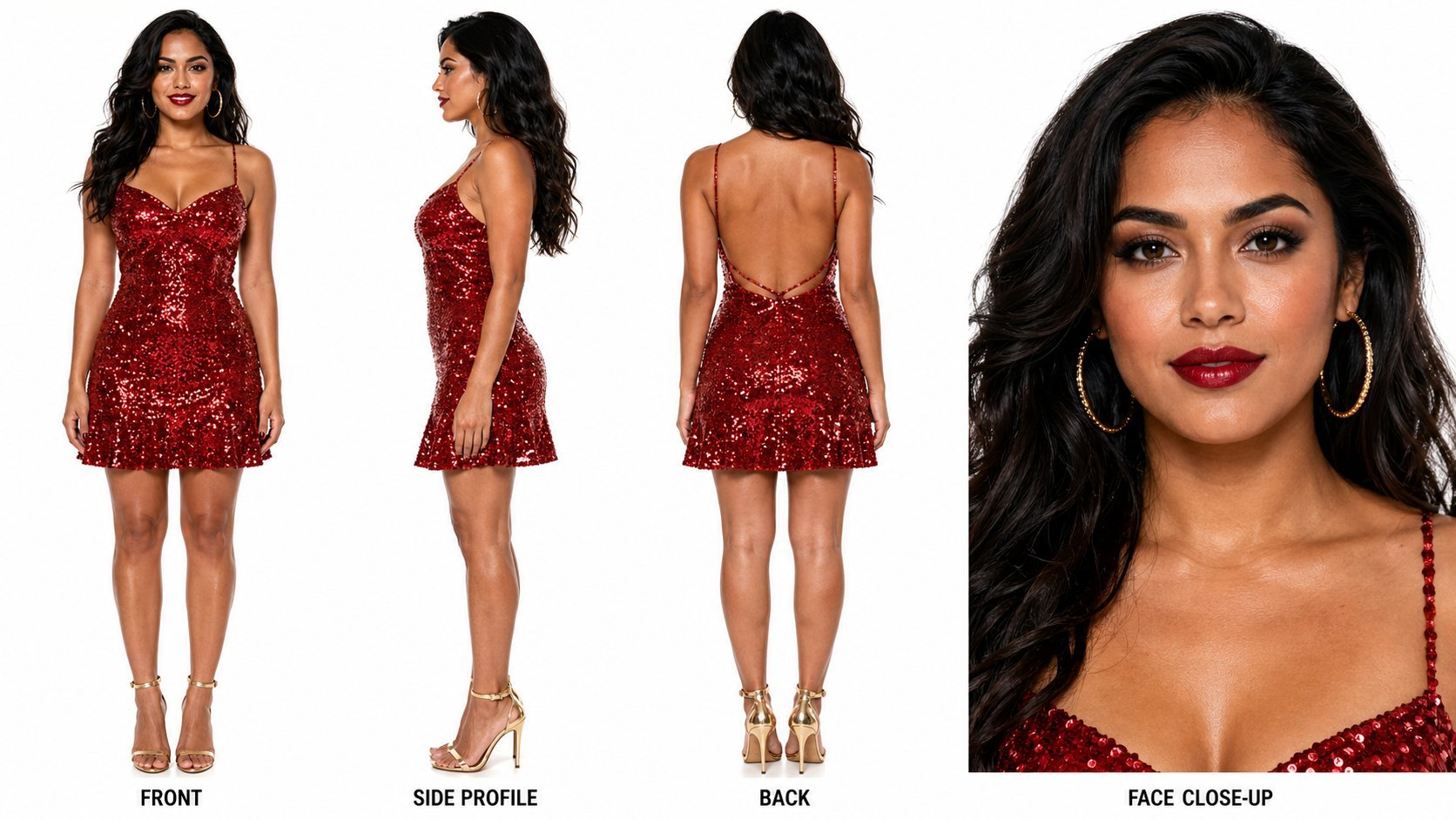
Dancer Character - Four View Reference Sheet
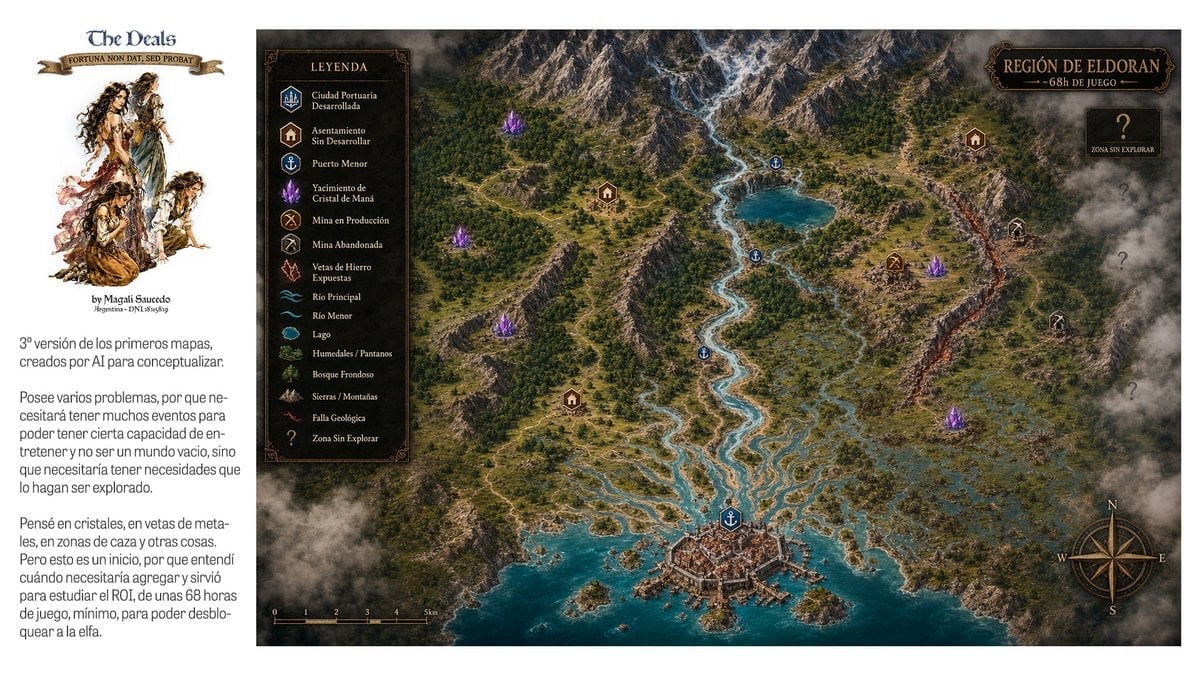
Fantasy RPG Region Map Sheet

Anime Fantasy Celestial Movie Poster
Anime Fantasy Celestial Movie Poster
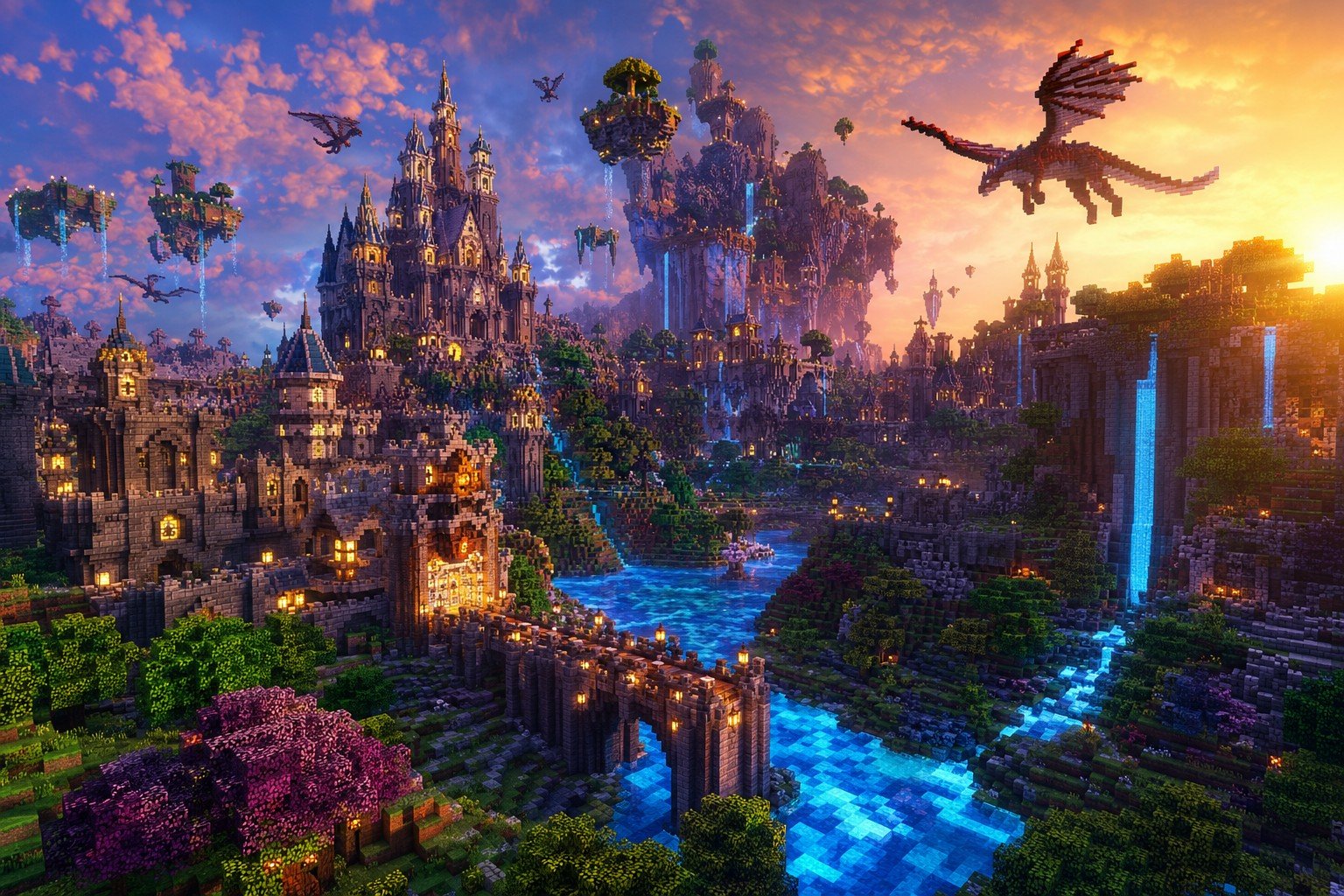
Minecraft Fantasy Kingdom Voxel Landscape
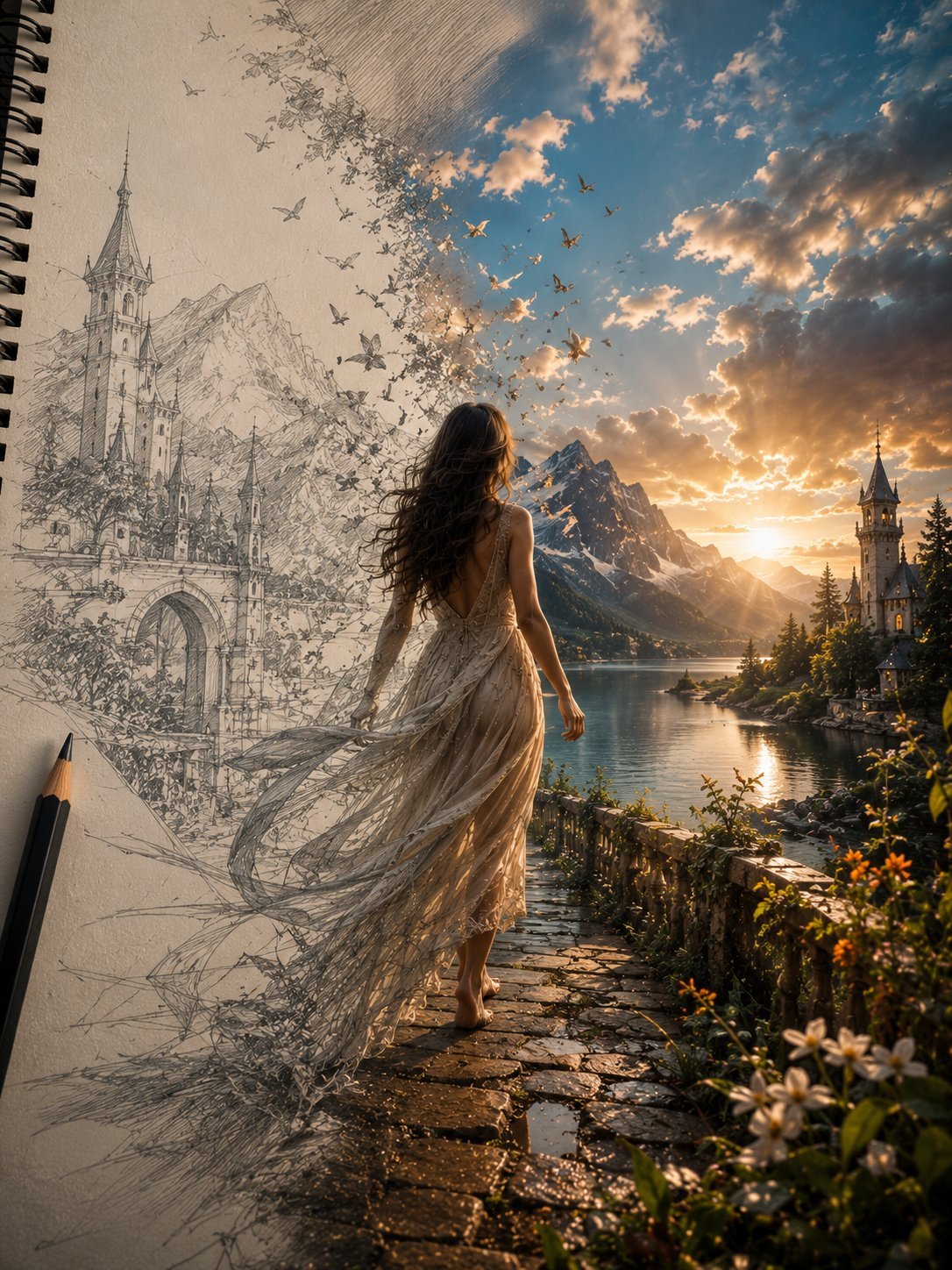
Unfinished Sketch Comes Alive Portrait
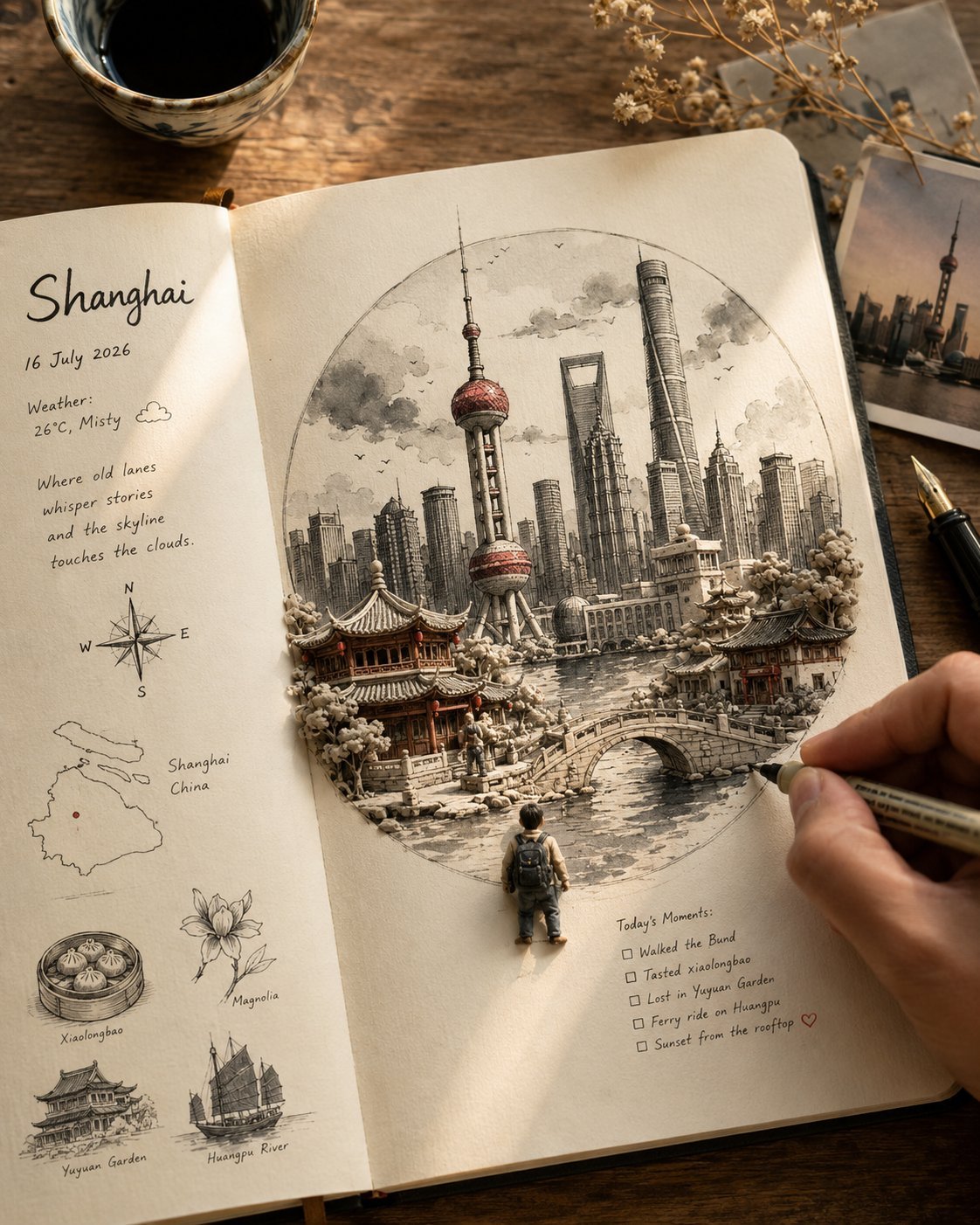
Open Travel Journal Overhead Still Life
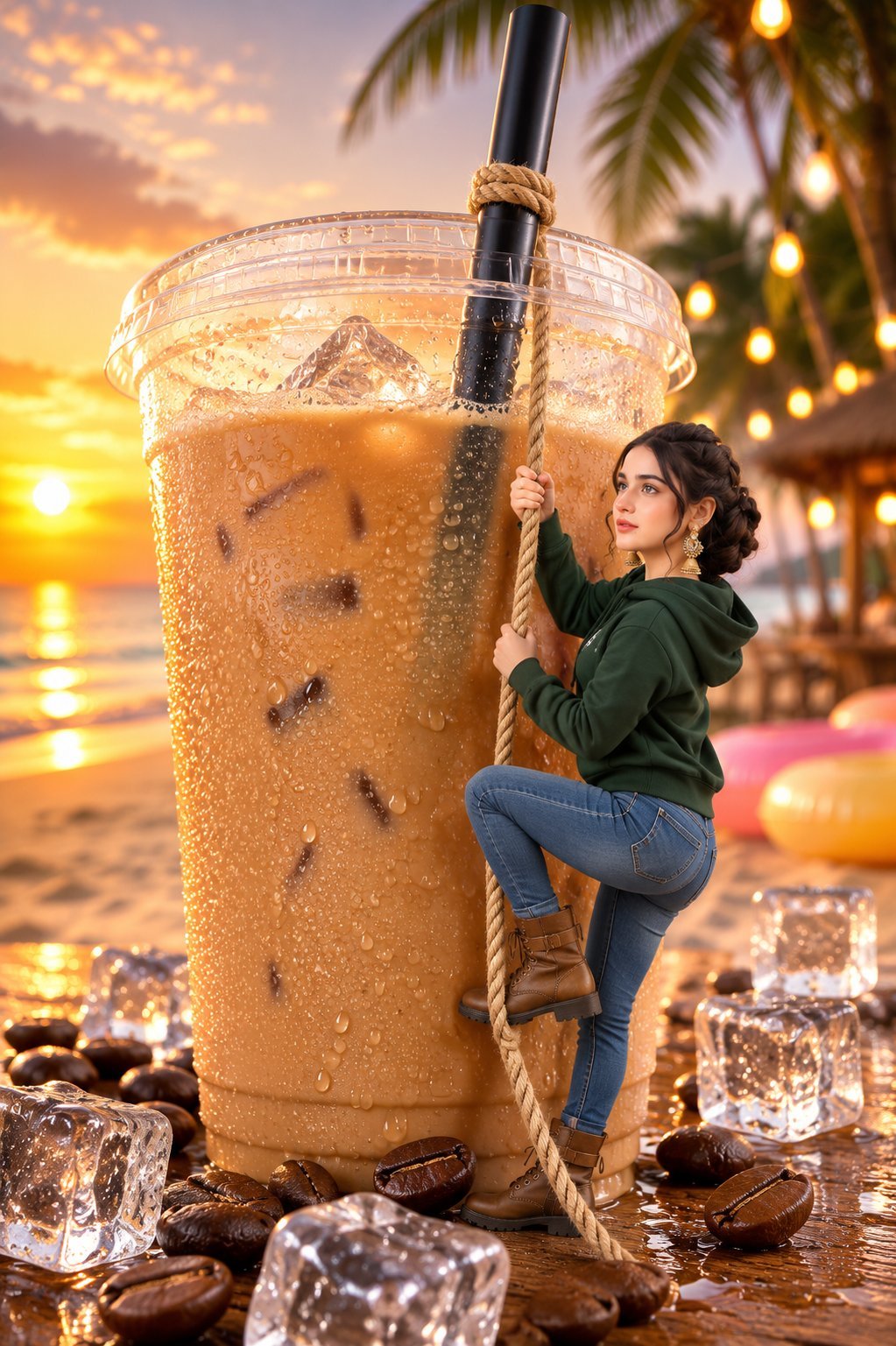
Tiny Woman Miniature Fantasy Macro Scene
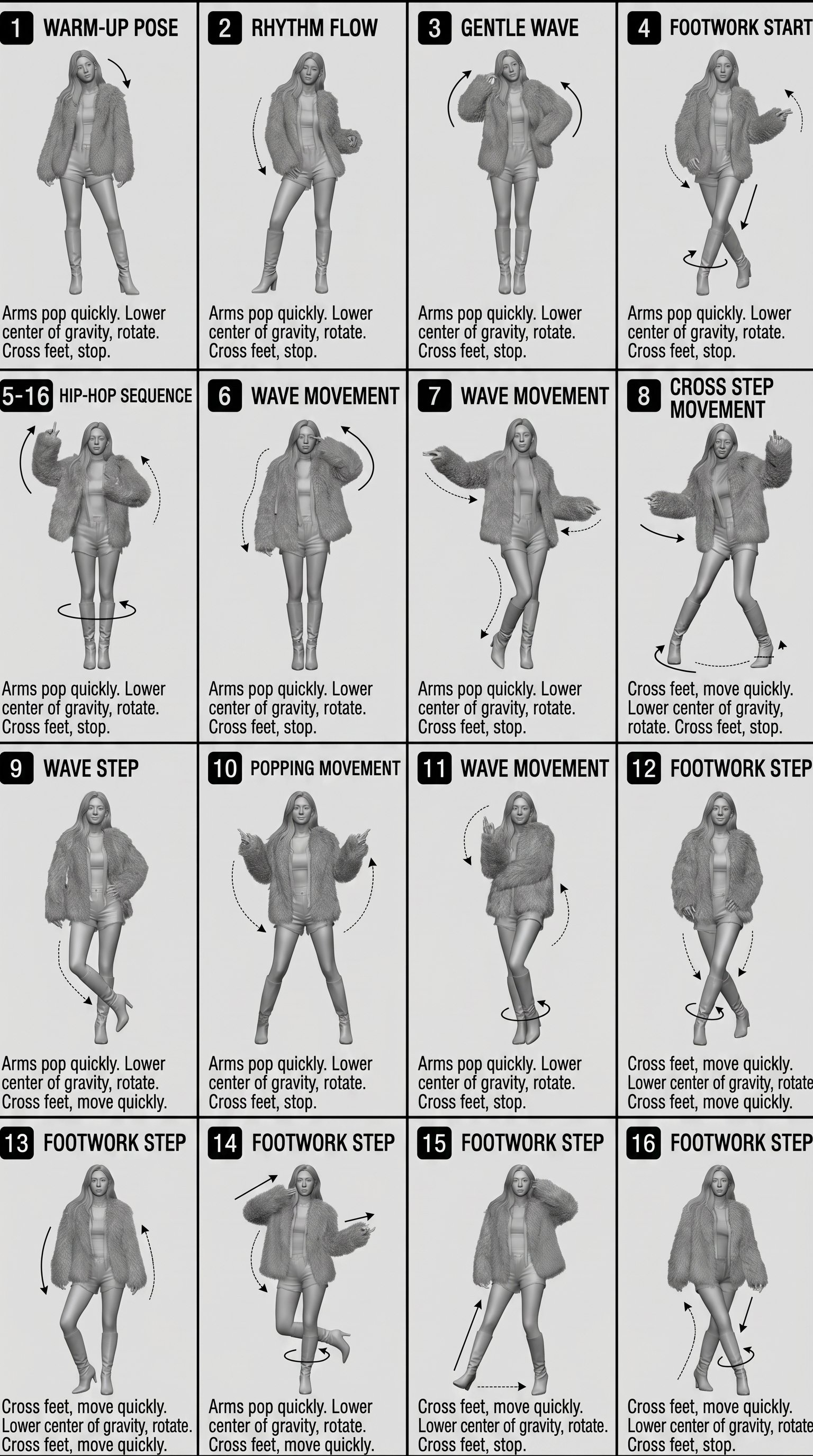
Movement Sheet - Dance Reference (Seedance 2.0)
JSON Seedance - Fairy Macro Flight
Videogame Cinematic Trailer - Seedance 2.0

Six VTuber Japanese Logo Sheet
Make it yours
Side-by-Side Fantasy Character Design Sheet works as-is. These are the safest ways to change it without losing the look.
Change one field
Copy a single group, rewrite it, and generate again so you can see what that field is doing.
Keep the frame, change the subject
Hold the composition and light of Side-by-Side Fantasy Character Design Sheet, then swap wardrobe, props or the person for a new take.
| If the result… | Why | Fix |
|---|---|---|
| The result drifts from the preview | Too many fields changed at once. | Reuse Side-by-Side Fantasy Character Design Sheet as-is first, then change one group — subject, light, or setting. |
| The model over-stylizes the scene | The prose prompt leaves finish and camera underspecified. | Add one camera or lighting sentence and stay on Nano Banana 2. |
More Nano Banana 2 templates
Other prompts made for Nano Banana 2.

Photorealistic Leaf Shaped Like a Dragon

K-Pop Idol Portrait Grid for Rapid Selection

Poetic Rain Forest Portrait During Golden Hour

Urban Street Portrait with Cartoon Inner Self Duo

Candid Nighttime Photo with Cat Prompt

High-Concept 3D Diorama Generation Prompt

Cinematic Futuristic Studio Portrait Template

Skincare Editorial Photography Collage Prompt

Hyper-Realistic Commercial Product Photography (Splash Effect)

Hyper-Realistic Nightclub Portrait Prompt
More image prompts
Fresh picks from across the catalog.
Yellow Chick Mascot on Japanese Train
Luxury Car Lifestyle Portrait
Luxury Fashion Portrait in Burnt Orange Suit
Milan Luxury Street Editorial
World Cup Tunnel Champion
Kawaii Great White Shark Vector Prompt
Japanese Salmon Kimchi Recipe Card
Dark Fantasy Girl with Bengal Tiger
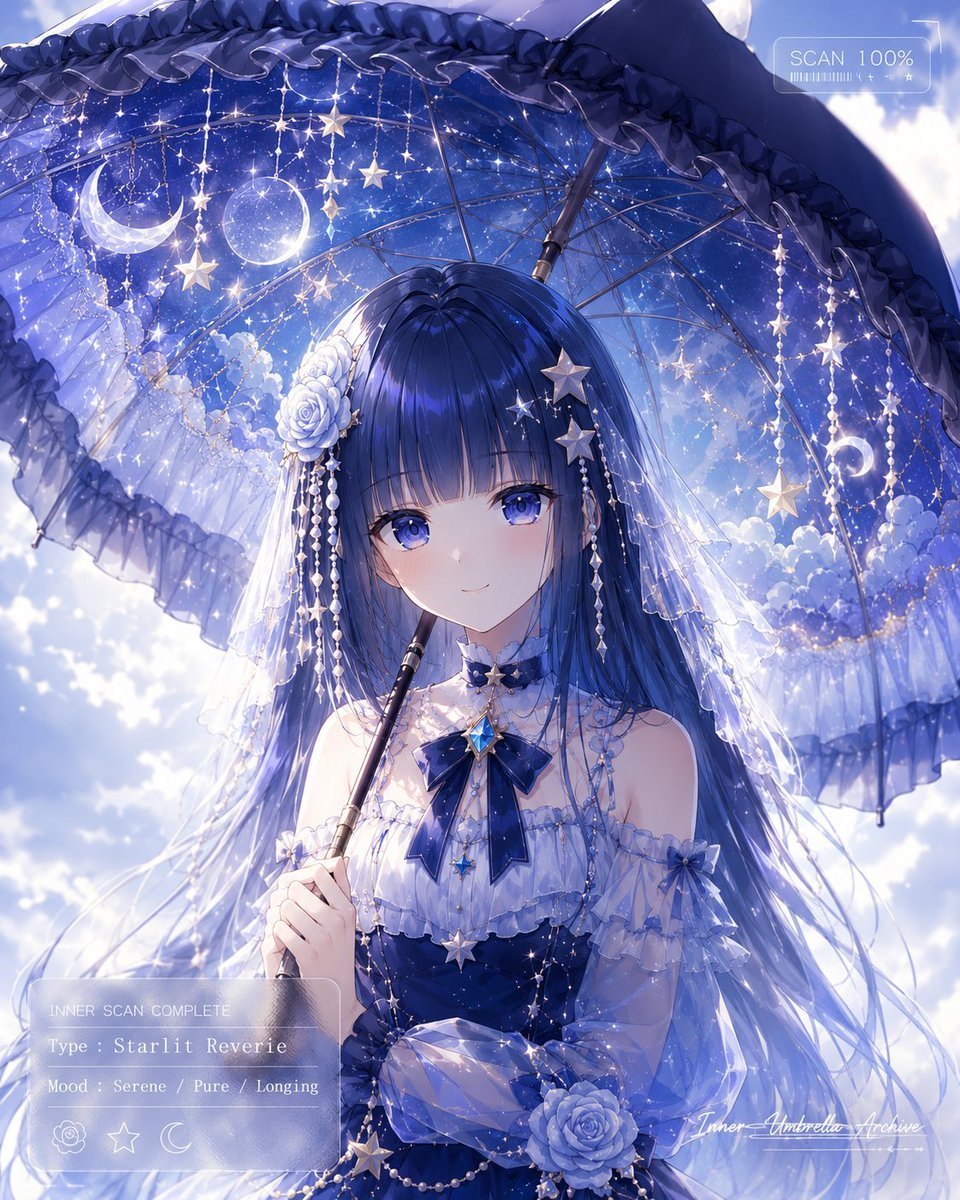
Celestial Anime Umbrella Portrait
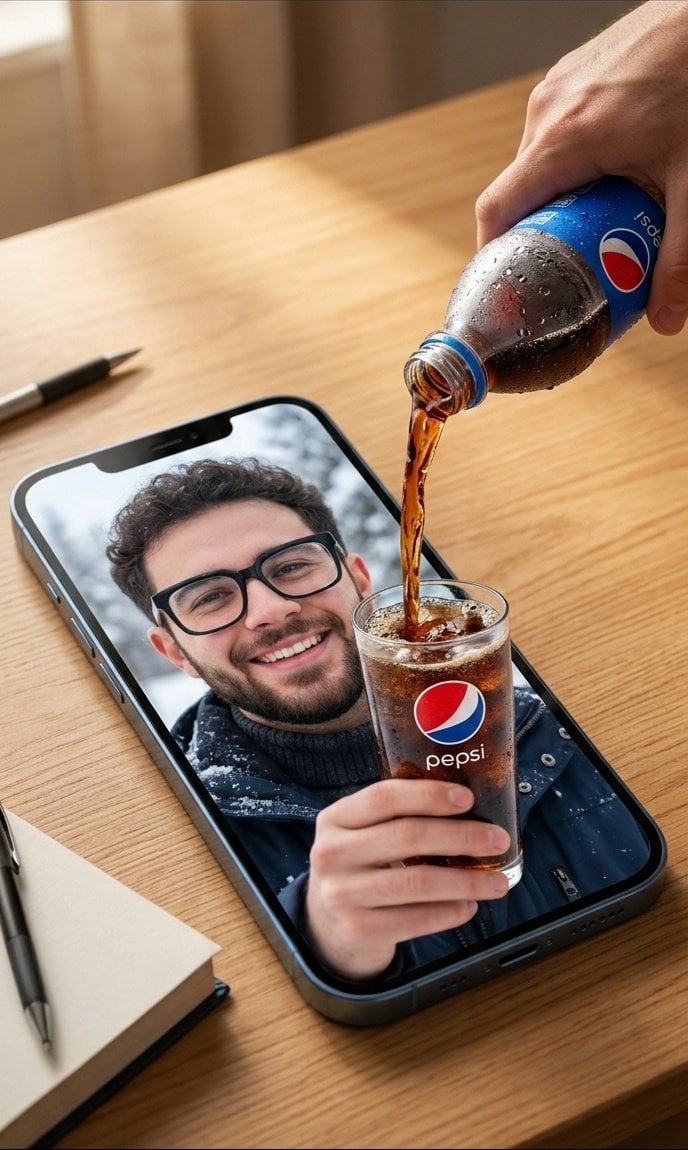
Surreal Commercial Composite: Pepsi Pouring into a Smartphone Screen
Browse template categories
Side-by-Side Fantasy Character Design Sheet questions
How do I use the Side-by-Side Fantasy Character Design Sheet template?
Add your photo if the template asks for one, edit the prompt if you like — the template's model and format are already selected — and press Generate. Your version opens in PicX Studio.
Can I customize the Side-by-Side Fantasy Character Design Sheet template?
Yes. You can change the subject, setting, lighting, mood, format, and available model controls before creating your image.
Is the Side-by-Side Fantasy Character Design Sheet template free?
Opening and editing this template is free. Generating uses credits, shown on the Generate button when you are signed in.
Which AI model should I use?
Start with Nano Banana 2, which is the model associated with this template. You can compare another compatible model for a different finish.
Looking for something else? Browse all templates.

Your photo, any look
Thousands of ready templates for every top image and video model, from one credit balance.