How do I use the High-Angle K-Pop Fashion Portrait template?
Choose the primary action to open PicX Studio with the available template settings. Review the model and format, personalize the creative direction, and generate when ready.
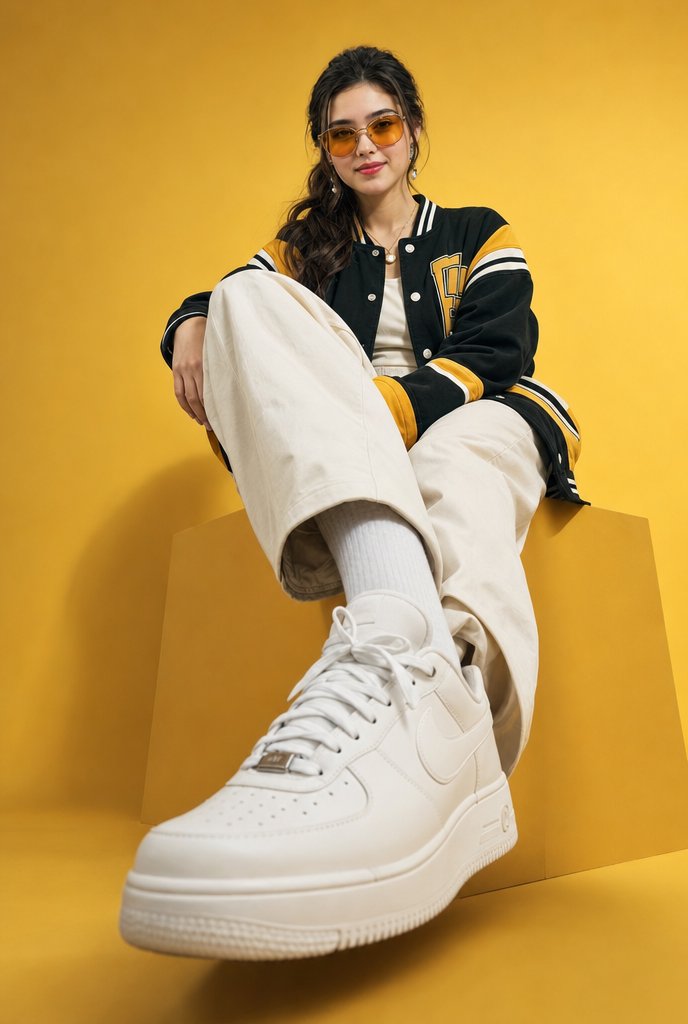
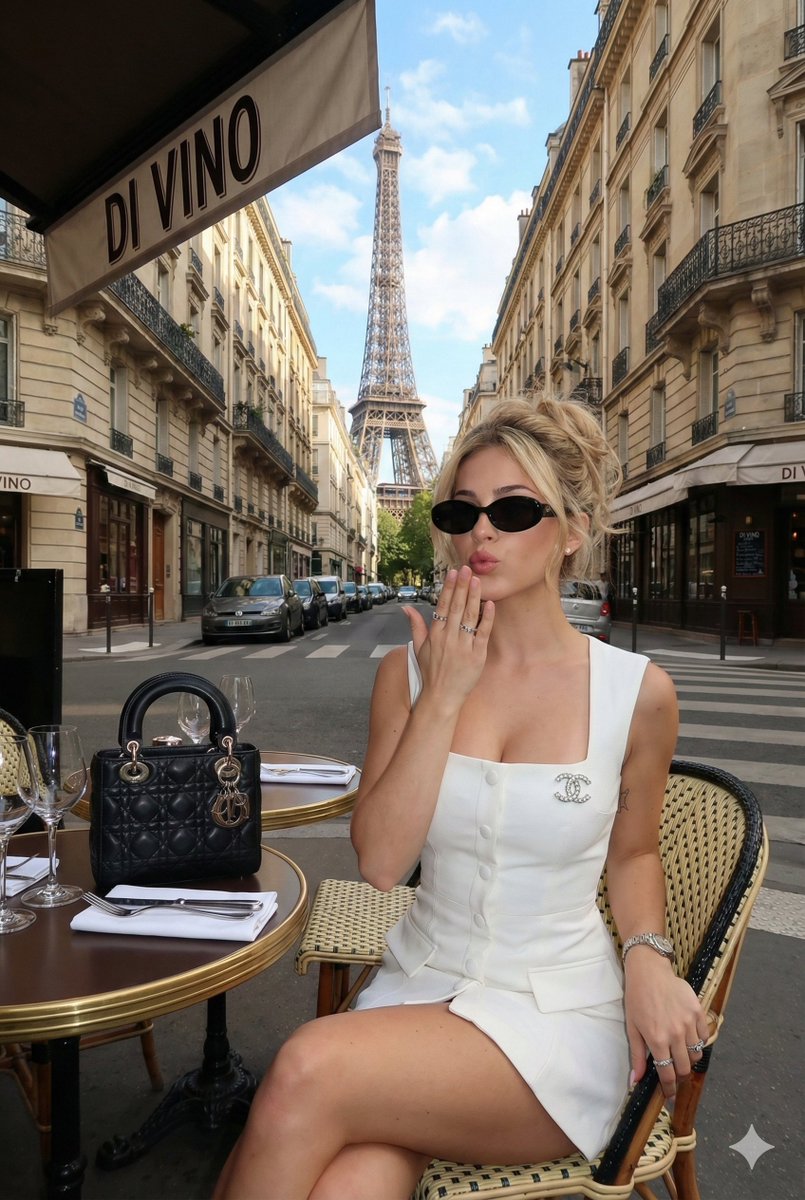
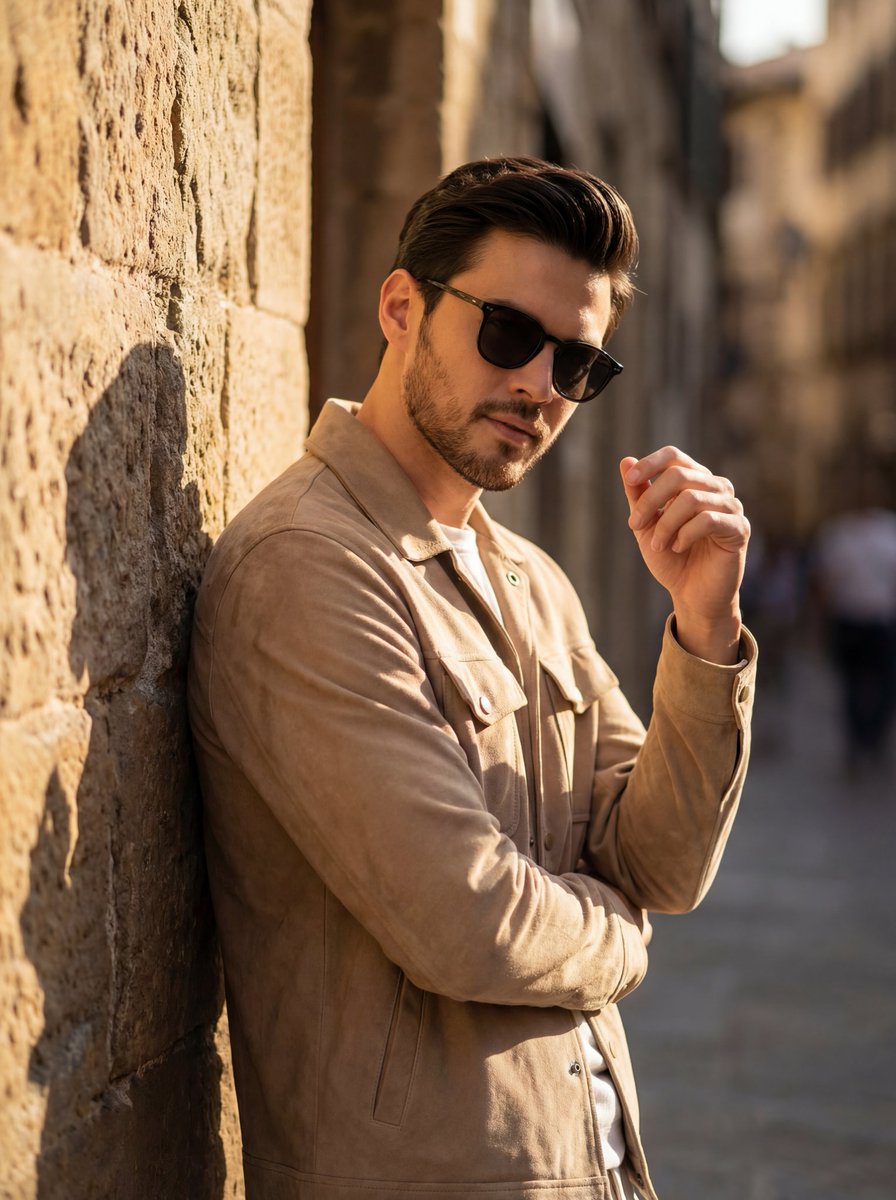
A highly specific JSON prompt for generating a high-angle, medium close-up portrait of a chic Asian fashion influencer with a K-pop idol visual, emphasizing coo

{ "subject": { "description": "A stunning high-angle shot of a chic Asian fashion influencer with a cool, alluring attitude. ", "age": "20s", "expression": { "eyes": { "look": "sharp fox-eyes, piercing gaze directed at camera", "energy": "confident, slightly cold dashing sensual ", "details": "defined eyeliner, emphasized aegyosal" }, "mouth": { "position": "relaxed lips, subtle smirk", "energy": "chic" }, "overall": "stunning, high-visual-impact beauty" }, "face": { "preserve_original": false, "makeup": "high-contrast makeup, pale porcelain skin, reddish gradient lips, sharp jawline, V-shape face", "style": "cool-toned beauty, K-pop idol visual" }, "hair": { "color": "black", "style": "long sleek straight hair with full straight bangs", "effect": "glossy, high-fashion finish" }, "body": { "frame": "slim, petite, fragile aesthetic", "pose": { "position": "leaning forward significantly", "overall": "dynamic foreshortening, emphasis on head and upper torso" }, "skin": { "tone": "cold fair skin", "lighting_effect": "brightened face, soft beauty lighting, no dark shadows" } }, "clothing": { "top": { "type": "ultra-fine gauge knit top", "color": "{argument name="top color" default="dark crimson red"} ", "details": "mock neck, skin-tight fit, lightweight thin fabric (not thick)", "effect": "perfectly sculpting body curves, smooth texture" }, "bottom": { "type": "dark pencil skirt", "details": "high waisted with thin luxury belt" } } }, "photography": { "camera_style": "High-end social media snapshot", "angle": "High angle POV", "shot_type": "Medium close-up", "aspect_ratio": "9:16", "texture": "clear, sharp, slightly filtered for beauty", "lighting": "overcast cool daylight, soft diffuse light" }, "background": { "setting": "European classic architecture", "atmosphere": "fashionable street corner", "blur": "bokeh background to emphasize subject" }, "negative_prompt": [ "round face", "plain face", "no makeup", "warm yellow skin", "chunky knit", "thick sweater", "loose clothing", "wrinkled fabric", "dull eyes", "friendly boring smile", "low resolution", "dark lighting" ] }
Choose the primary action to open PicX Studio with the available template settings. Review the model and format, personalize the creative direction, and generate when ready.
Yes. You can change the subject, setting, lighting, mood, format, and available model controls before creating your image.
This template is free to open and customize. Generation usage is shown in PicX Studio before you create.
Start with Nano Banana 2, which is the model associated with this template. You can compare another compatible model for a different finish.
© 2026 PicX Studio. All rights reserved.

Follow a topic to a crawlable collection of related PicX Studio templates.