How do I use the Silhouette Spotlight Studio Shoot template?
Choose the primary action to open PicX Studio with the available template settings. Review the model and format, personalize the creative direction, and generate when ready.
A ready image prompt for PicX Studio. Change the subject, setting, or lighting one variable at a time.

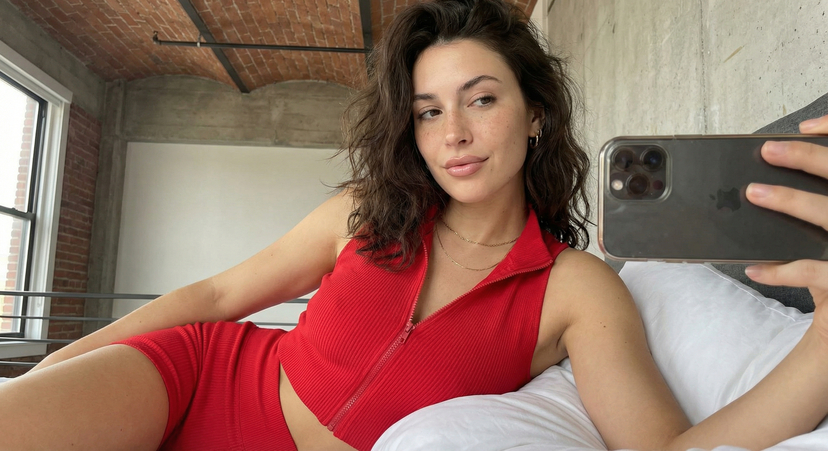
A glamorous woman stands in a softly lit studio, posing confidently with one arm raised and resting against a smooth white wall. She wears a form-fitting, elegant red halter-neck gown with an open back, showcasing a sleek silhouette. Her dark wavy hair cascades loosely, framing her face as she looks over her shoulder with a subtle, alluring smile. Warm spotlighting casts a sharp, dramatic shadow behind her, enhancing the curves of her figure. She has bold red lipstick, refined makeup, manicured red nails, and wears a stylish bracelet and ring. The atmosphere is sensual, cinematic, and sophisticated, with high-contrast lighting and a luxurious aesthetic.” (keep his exact face as in the reference photo)
Choose the primary action to open PicX Studio with the available template settings. Review the model and format, personalize the creative direction, and generate when ready.
Yes. You can change the subject, setting, lighting, mood, format, and available model controls before creating your image.
This template is free to open and customize. Generation usage is shown in PicX Studio before you create.
Choose a compatible model in PicX Studio based on the style, speed, and output controls your project needs.
© 2026 PicX Studio. All rights reserved.

Follow a topic to a crawlable collection of related PicX Studio templates.
43,474 public templates available. Verified via the PicX Studio public templates API; refreshed hourly.

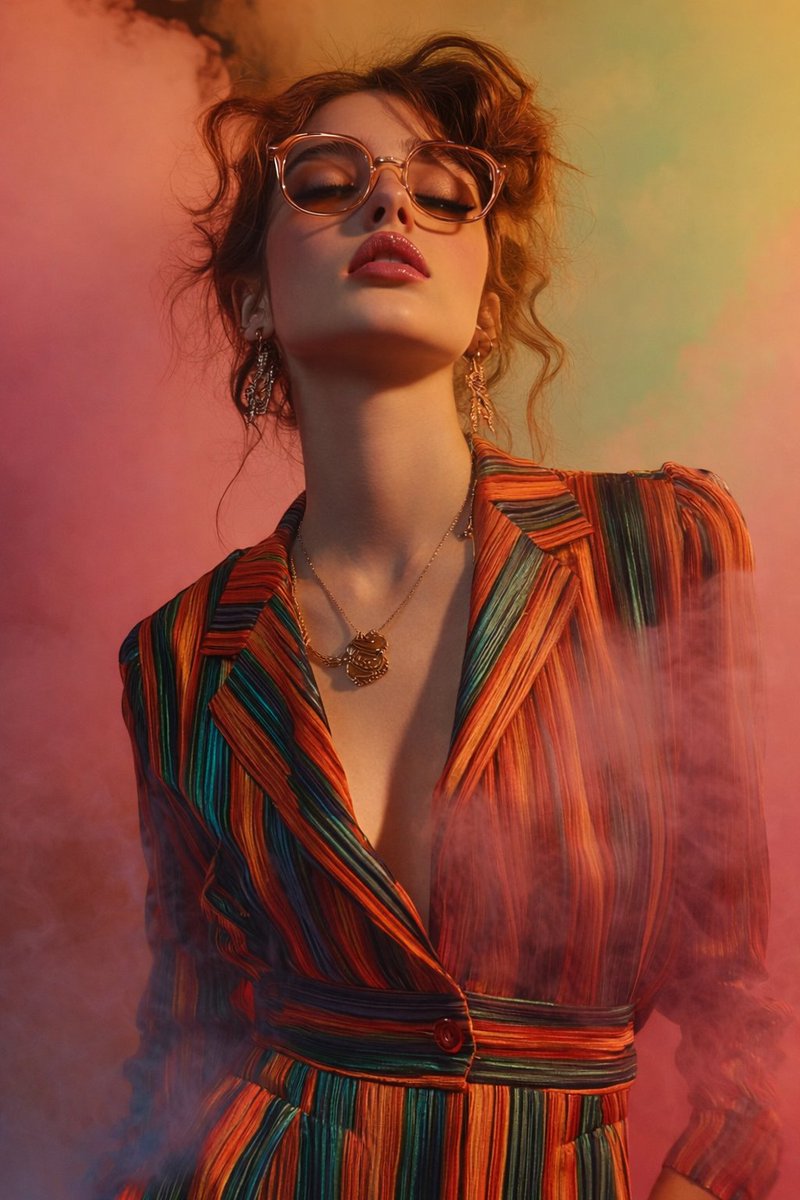





![Luxury Commercial Product Photography System — [BRAND NAME] | [OBJECT]
Act as a High-End Commercial Product Photographer and Creative Director shooting a luxur](/_next/image?url=https%3A%2F%2Fcdn.picxstudio.com%2Fuploads%2Ffashion_306bc4c6ecde_889b47bc-58f8-4b0f-ad74-48a1ac7c1e40.jpg&w=828&q=100)