How do I use the Royal Blue Couture Group Portrait template?
Choose the primary action to open PicX Studio with the available template settings. Review the model and format, personalize the creative direction, and generate when ready.
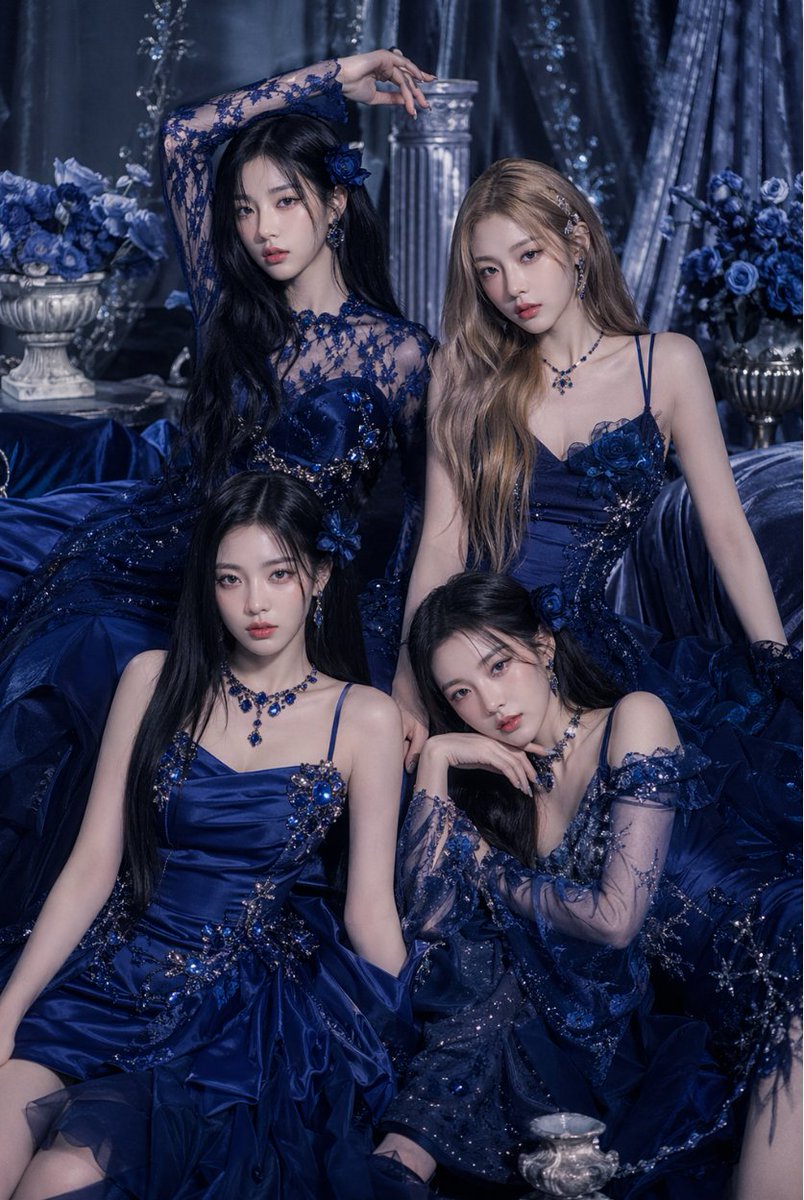
This prompt generates an opulent fashion editorial image of four women in coordinated sapphire gowns, ideal for luxury beauty, couture, or album-style promotional artwork. (free to use) — Free AI image template on PicX Studio.
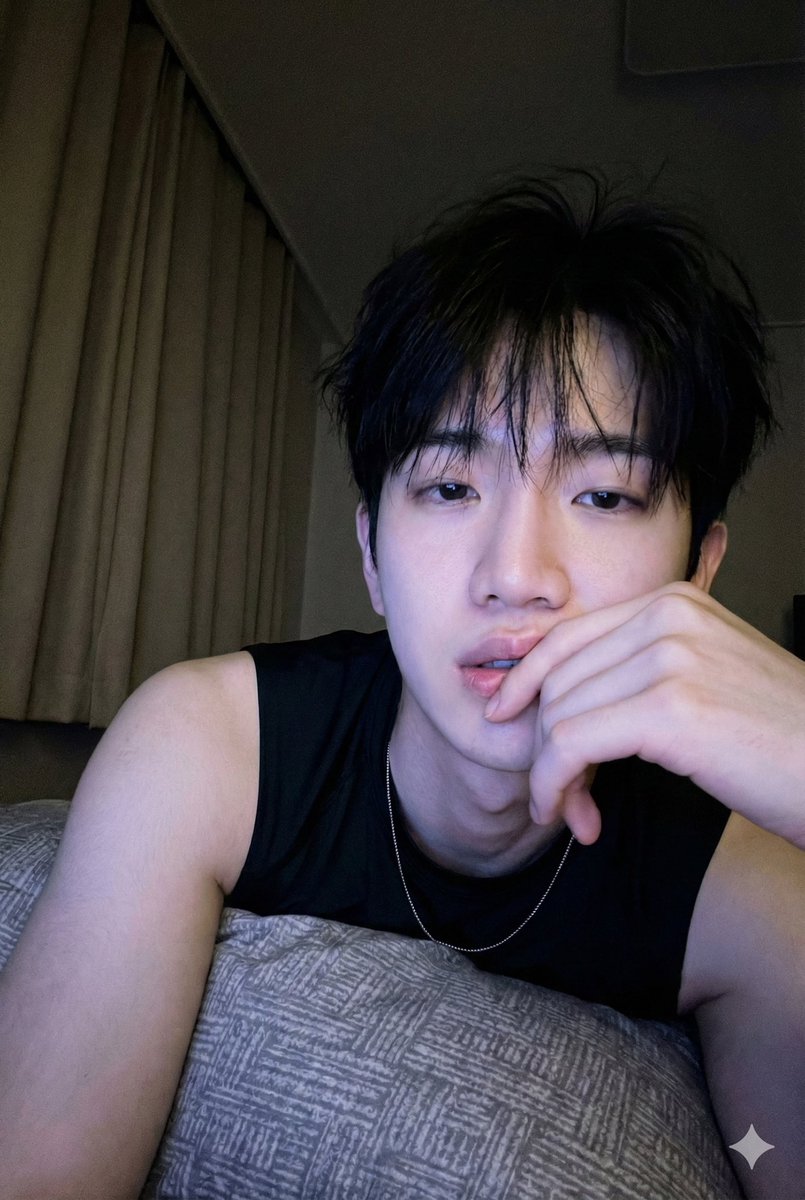
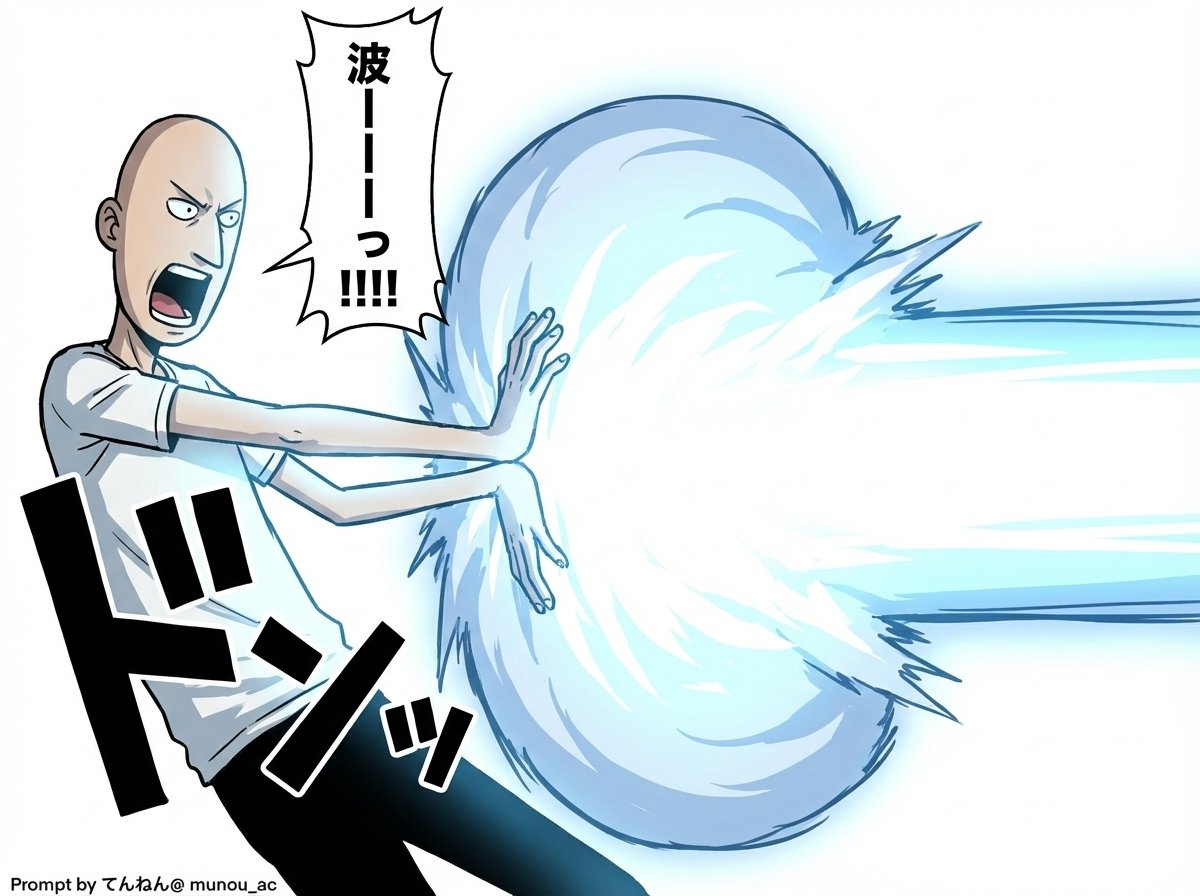
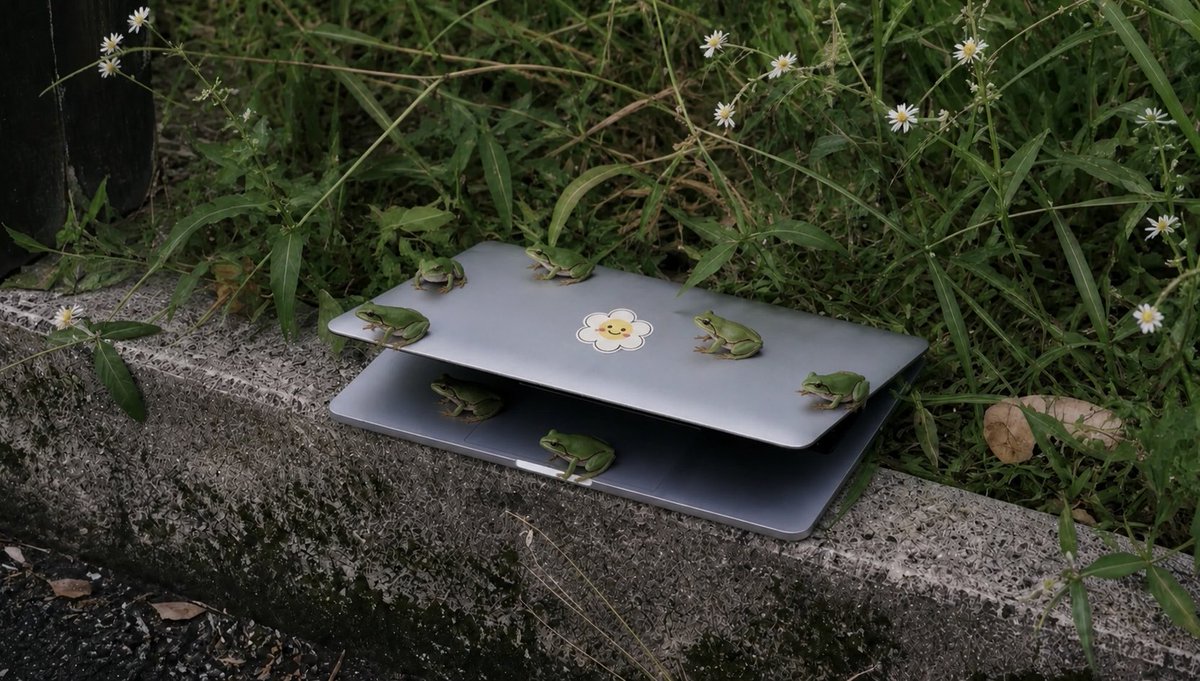
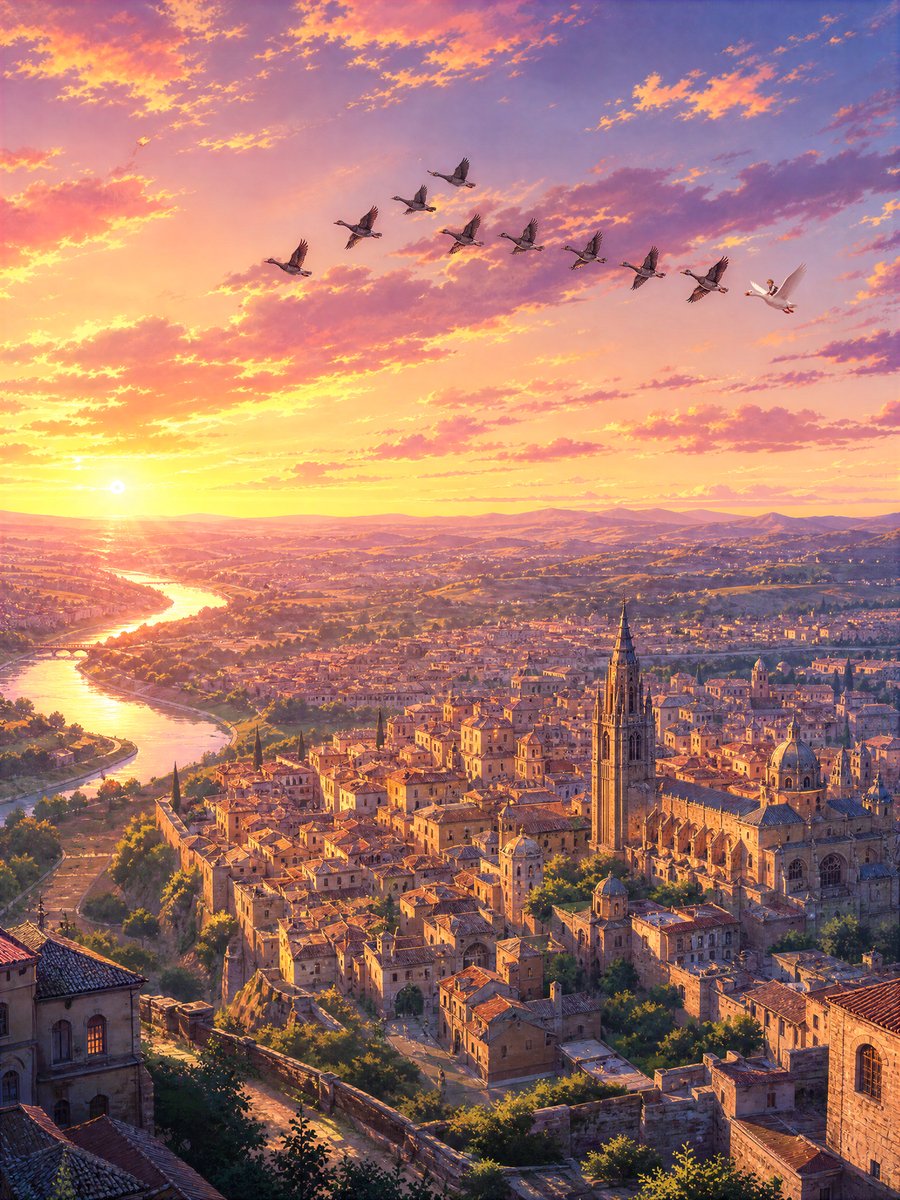
A luxurious editorial fashion portrait of 4 elegant young women posed together in a dark royal-blue baroque interior, styled like a haute couture group photoshoot. The scene is monochromatic in deep sapphire, midnight blue, and silver tones, with heavy velvet drapery, floral arrangements, a classical column, and ornate metallic vessels in the background. All 4 women wear distinct navy and cobalt evening gowns with elaborate embellishment: crystal beading, sequins, embroidered floral appliqué, layered tulle, satin, and sheer lace. The top-left woman has very long black hair and wears a dramatic long-sleeved sheer lace gown with floral embroidery and a fitted corset-like bodice, raising one arm above her head in a regal pose. The top-right woman has long wavy light brown or blonde hair and wears a sleeveless spaghetti-strap satin gown with blue flower appliqués at the bust and waist, seated upright with a poised expression. The bottom-left woman has long straight black hair and wears a structured satin dress with thin straps, jeweled floral ornaments across the bodice and skirt, and a voluminous gathered skirt. The bottom-right woman has long dark hair and wears an off-shoulder sheer glittering gown with translucent embroidered sleeves, leaning forward slightly with one hand near her chin in a soft, contemplative pose. All 4 wear coordinated sapphire gemstone jewelry including earrings, necklaces, and decorative hair accessories. Composition is a tightly framed vertical portrait with layered seated poses, rich fabric pooling across the foreground, soft diffused studio lighting, high detail, glamorous luxury campaign styling, moody shadows, polished skin, and a refined opulent atmosphere.
Use Royal Blue Couture Group Portrait to plan an AI image around gpt-image-2 generation, themes such as en and gpt-image-2. Match the preview's composition first, then personalize the subject, setting, and mood for your own project.
Use the primary action to load the template settings in PicX Studio.
Adjust the subject and creative details for your destination.
Create the image, compare the result with the preview, and refine one variable at a time.
A continuous mix — similar concepts first, woven with same-model prompts and fresh picks from the catalog.
Choose the primary action to open PicX Studio with the available template settings. Review the model and format, personalize the creative direction, and generate when ready.
Yes. You can change the subject, setting, lighting, mood, format, and available model controls before creating your image.
This template is free to open and customize. Generation usage is shown in PicX Studio before you create.
Start with gpt-image-2, which is the model associated with this template. You can compare another compatible model for a different finish.
Follow a topic to a crawlable collection of related PicX Studio templates.
39,157 public templates available. Verified via the PicX Studio public templates API; refreshed hourly.
A continuous mix — similar concepts first, woven with same-model prompts and fresh picks from the catalog.