
How do I use the Seoul Subway Fan Support Billboard template?
Choose the primary action to open PicX Studio with the available template settings. Review the model and format, personalize the creative direction, and generate when ready.
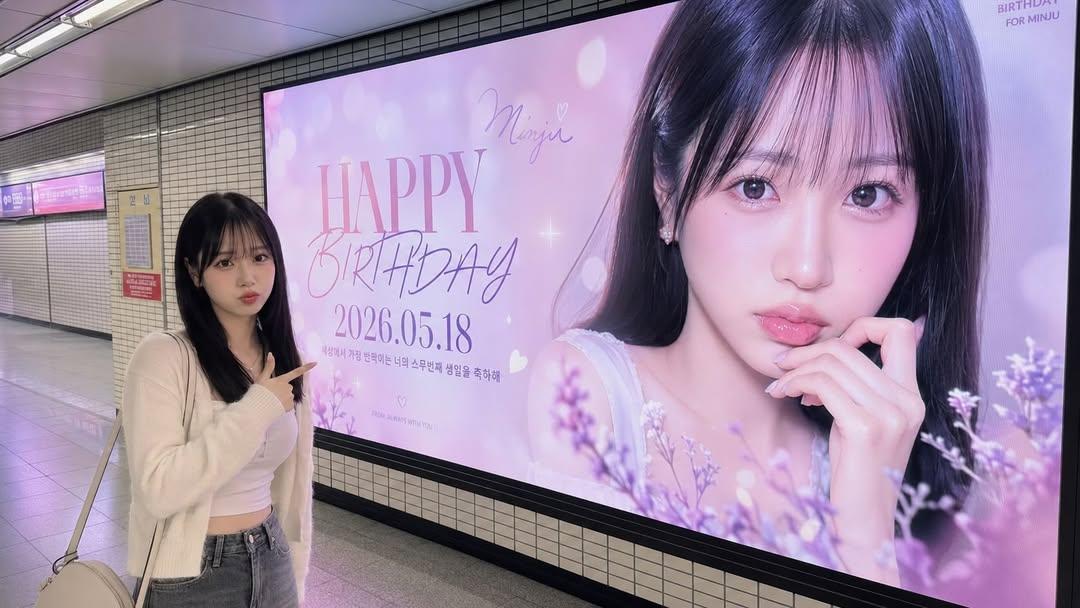
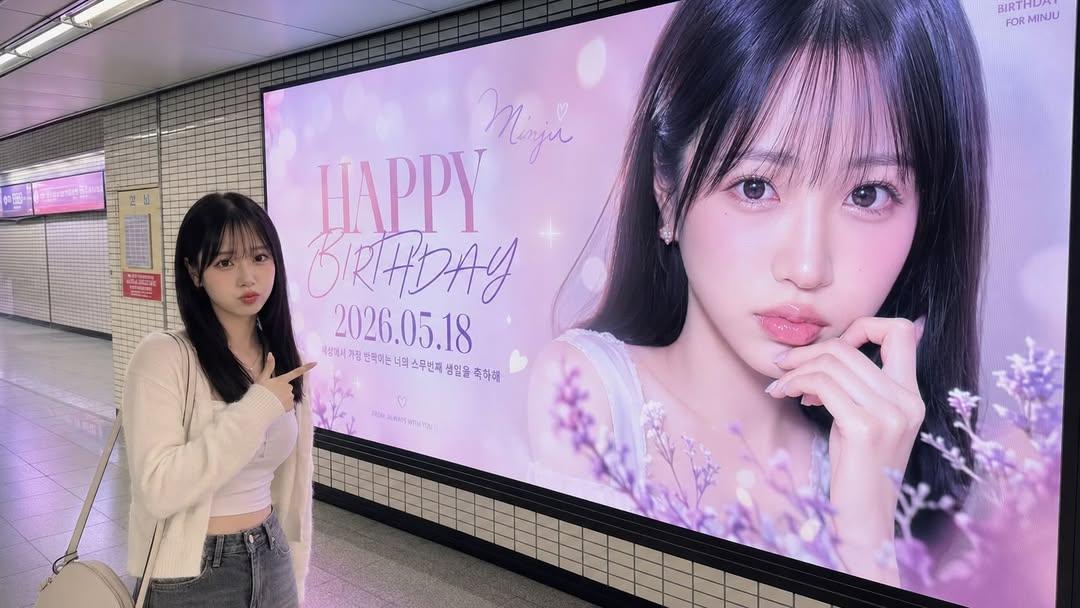
A realistic prompt for generating fan-support advertisements in a Seoul subway station, seamlessly integrating an uploaded subject into a massive LED billboard. (free to use) — Free AI image template on PicX Studio.
A medium-wide shot of the uploaded person standing inside a realistic {argument name="location" default="Seoul subway station"}, proudly pointing and smiling at a massive wall-mounted LED billboard behind them. The giant billboard displays a stylized fan-support advertisement featuring the exact same uploaded person, designed with a {argument name="theme" default="[THEME COLOR & MOOD]"} aesthetic. On the billboard, bold and clean typography prominently displays "{argument name="slogan" default="[MAIN SLOGAN]"}" and "[SUB SLOGAN / DATE]".\n\nThe real-life version of the uploaded person wears a casual stylish outfit and stands naturally in front of the screen, creating the illusion that the real person and the billboard celebrity version coexist seamlessly in the same physical environment.\n\nAuthentic Korean subway environment with realistic tiled walls, natural floor textures, believable architectural depth, and subtle commuter motion blur in the background. Ambient fluorescent station lighting blends naturally with soft LED billboard glow, creating realistic reflections and cinematic light spill across the floor, walls, and skin.\n\nPerfect facial identity consistency between the uploaded person and the billboard portrait. Realistic environmental shadow integration, authentic perspective alignment, documentary-style realism blended with premium Korean commercial photography.\n\nShot on a 35mm lens, eye-level camera angle, medium-wide cinematic composition, shallow depth of field, ultra realistic skin texture, hyper detailed, masterpiece quality.
Use Seoul Subway Fan Support Billboard to plan an AI image around gpt-image-2 generation, themes such as en and gpt-image-2. Match the preview's composition first, then personalize the subject, setting, and mood for your own project.
Use the primary action to load the template settings in PicX Studio.
Adjust the subject and creative details for your destination.
Create the image, compare the result with the preview, and refine one variable at a time.
A continuous mix — similar concepts first, woven with same-model prompts and fresh picks from the catalog.
Choose the primary action to open PicX Studio with the available template settings. Review the model and format, personalize the creative direction, and generate when ready.
Yes. You can change the subject, setting, lighting, mood, format, and available model controls before creating your image.
This template is free to open and customize. Generation usage is shown in PicX Studio before you create.
Start with gpt-image-2, which is the model associated with this template. You can compare another compatible model for a different finish.
Follow a topic to a crawlable collection of related PicX Studio templates.
39,157 public templates available. Verified via the PicX Studio public templates API; refreshed hourly.
A continuous mix — similar concepts first, woven with same-model prompts and fresh picks from the catalog.