How do I use the Realistic Office Outfit Selfie template?
Choose the primary action to open PicX Studio with the available template settings. Review the model and format, personalize the creative direction, and generate when ready.
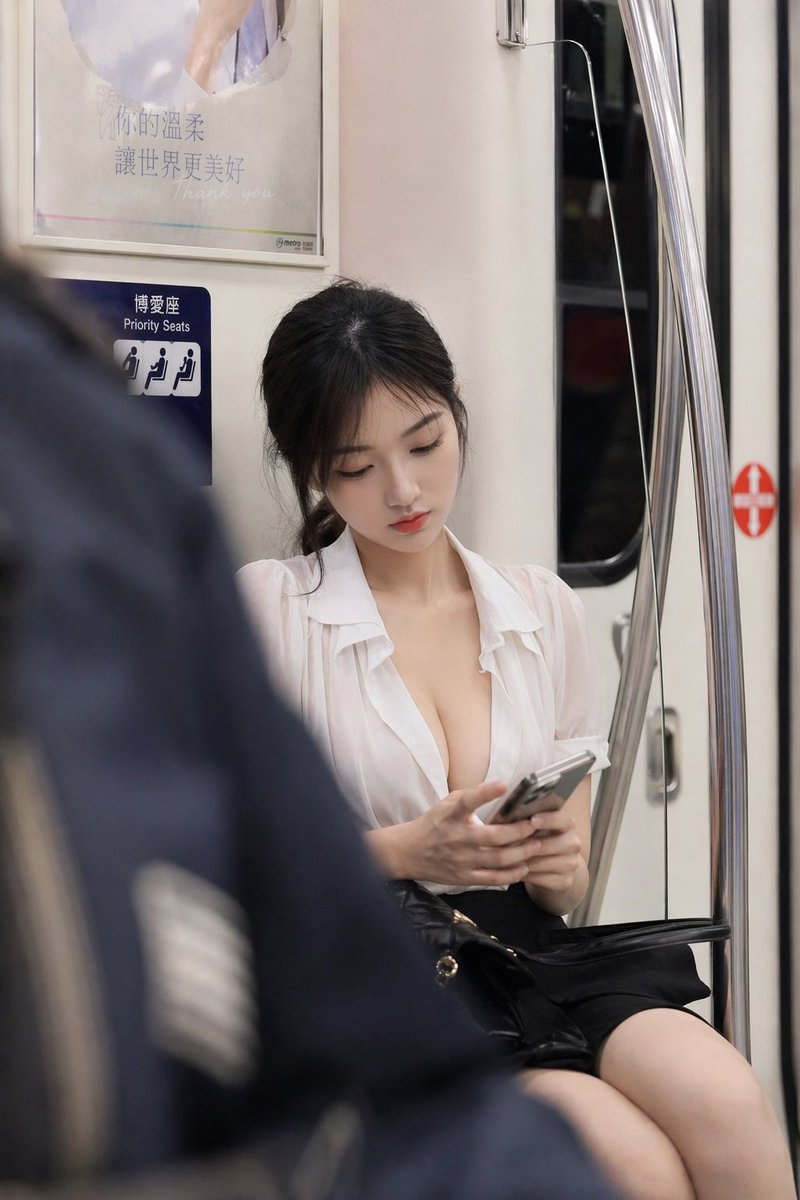
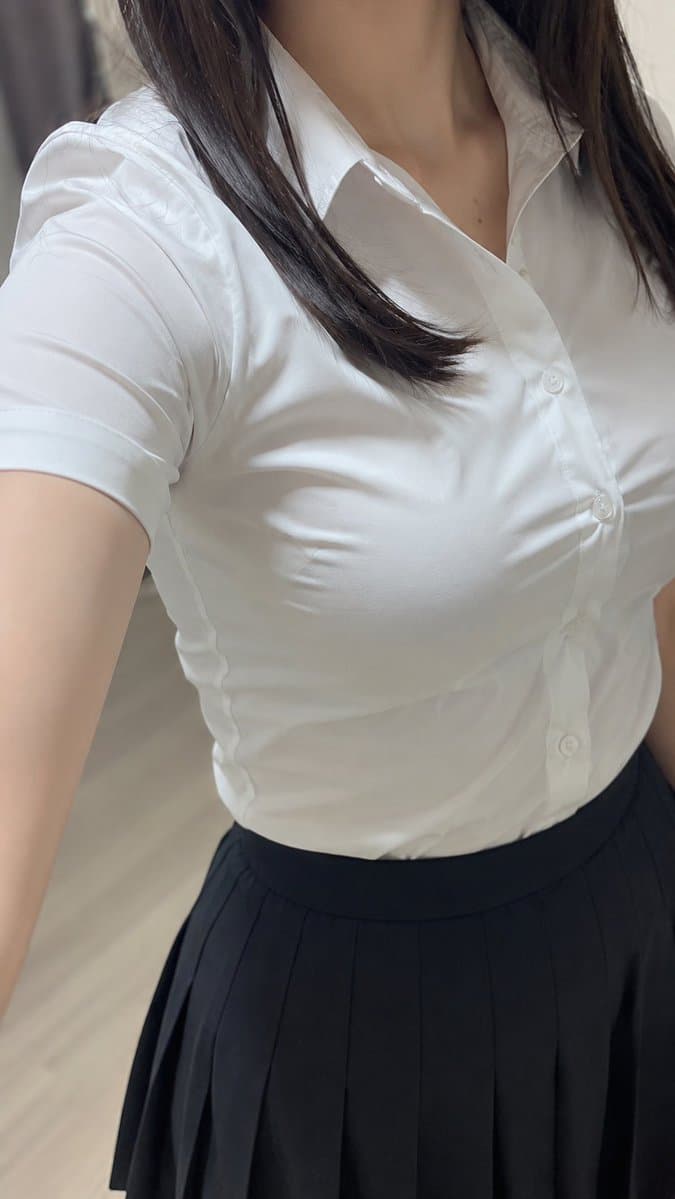
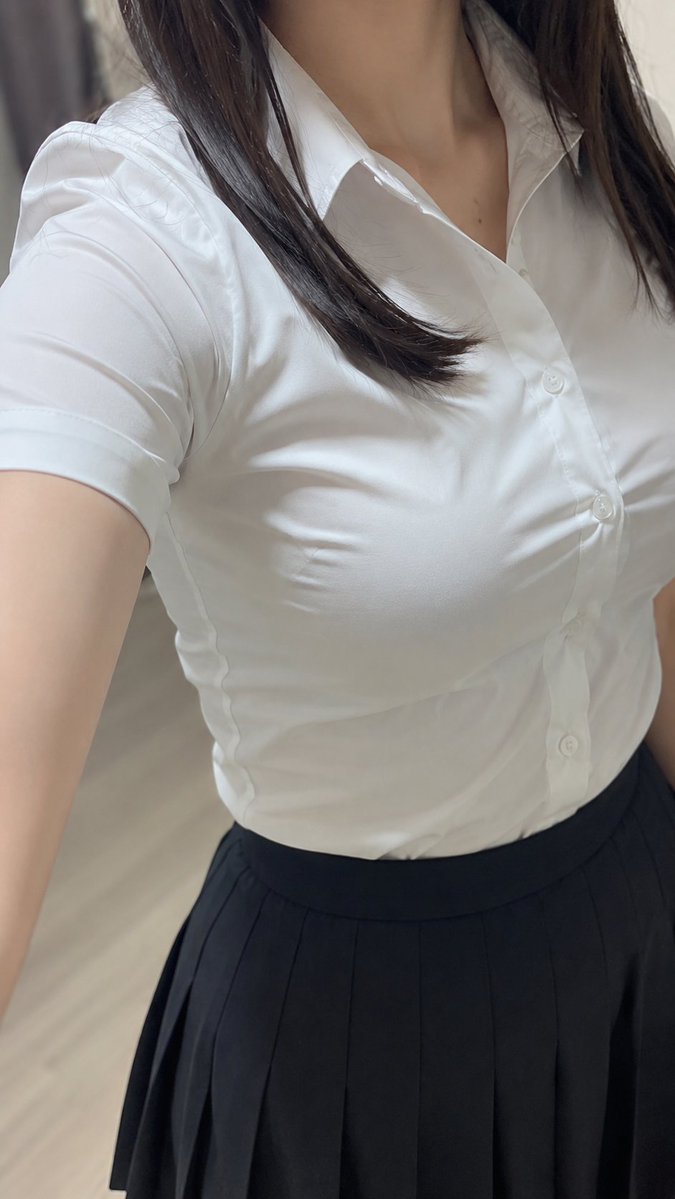
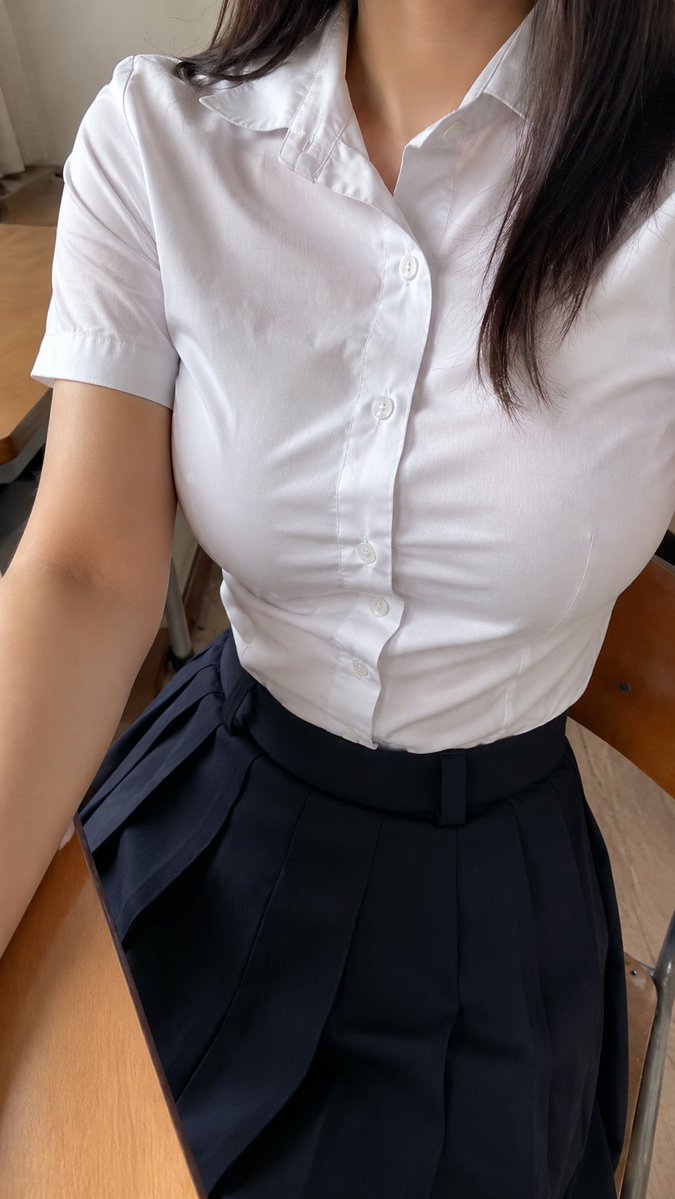
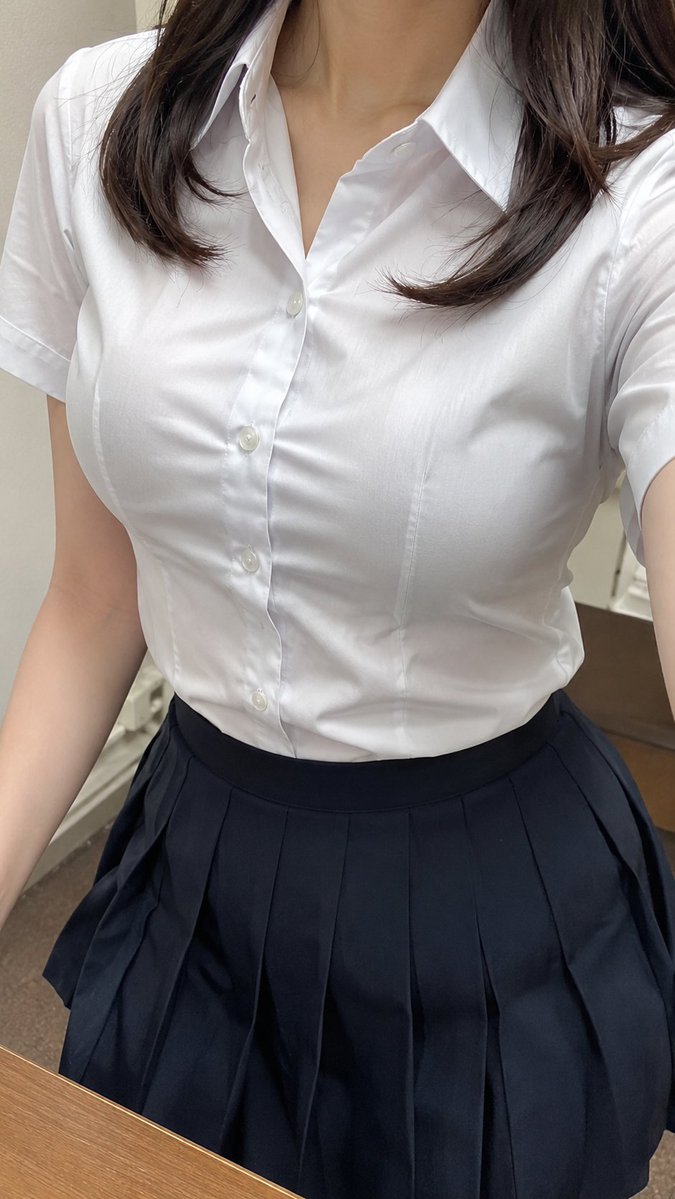
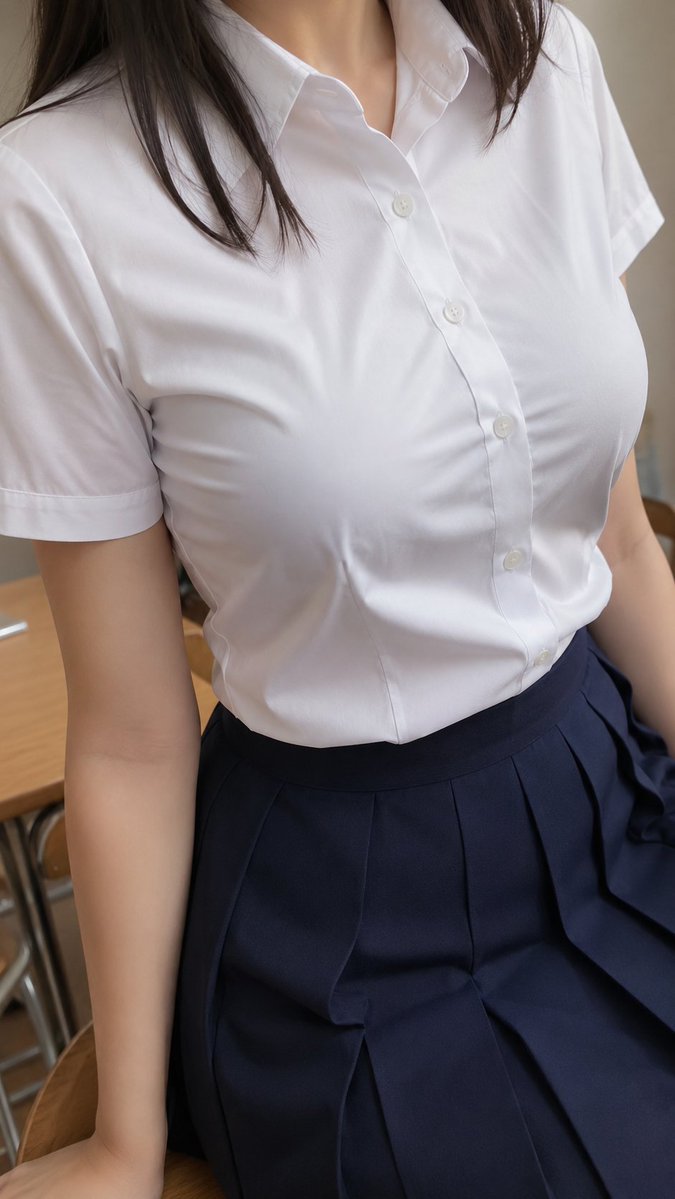
Generates a photorealistic cropped smartphone selfie of a woman wearing a white blouse and black pleated skirt for fashion or outfit reference use. (free to use) — Free AI image template on PicX Studio.
Create a photorealistic vertical smartphone selfie-style image of an adult woman cropped from just below the nose to mid-thigh, with no face or eyes visible. She is wearing a fitted {argument name="shirt color and style" default="white short-sleeve button-up blouse with a pointed collar"} and a {argument name="skirt style" default="high-waisted black pleated skirt"}. Her {argument name="hair color and length" default="straight dark brown shoulder-length hair"} falls over both sides of her chest, with a few strands resting on the blouse. The camera is held slightly above and close to the body, angled downward in a casual mirrorless selfie perspective, showing the left arm entering from the lower-left edge. Use soft indoor natural lighting, realistic fabric wrinkles, visible shirt buttons, subtle collar shadows, and shallow depth of field. Background is an indistinct indoor room with pale flooring and a muted curtain or wall, softly blurred. Keep the composition candid and realistic, vertical 9:16 aspect ratio, no text, no logo, no watermark, no exaggerated anatomy, no explicit nudity.
Use Realistic Office Outfit Selfie to plan an AI image around gpt-image-2 generation, themes such as en and gpt-image-2. Match the preview's composition first, then personalize the subject, setting, and mood for your own project.
Use the primary action to load the template settings in PicX Studio.
Adjust the subject and creative details for your destination.
Create the image, compare the result with the preview, and refine one variable at a time.
A continuous mix — similar concepts first, woven with same-model prompts and fresh picks from the catalog.
Choose the primary action to open PicX Studio with the available template settings. Review the model and format, personalize the creative direction, and generate when ready.
Yes. You can change the subject, setting, lighting, mood, format, and available model controls before creating your image.
This template is free to open and customize. Generation usage is shown in PicX Studio before you create.
Start with gpt-image-2, which is the model associated with this template. You can compare another compatible model for a different finish.
Follow a topic to a crawlable collection of related PicX Studio templates.
39,155 public templates available. Verified via the PicX Studio public templates API; refreshed hourly.
A continuous mix — similar concepts first, woven with same-model prompts and fresh picks from the catalog.