
Retro Pixel Mountain Valley
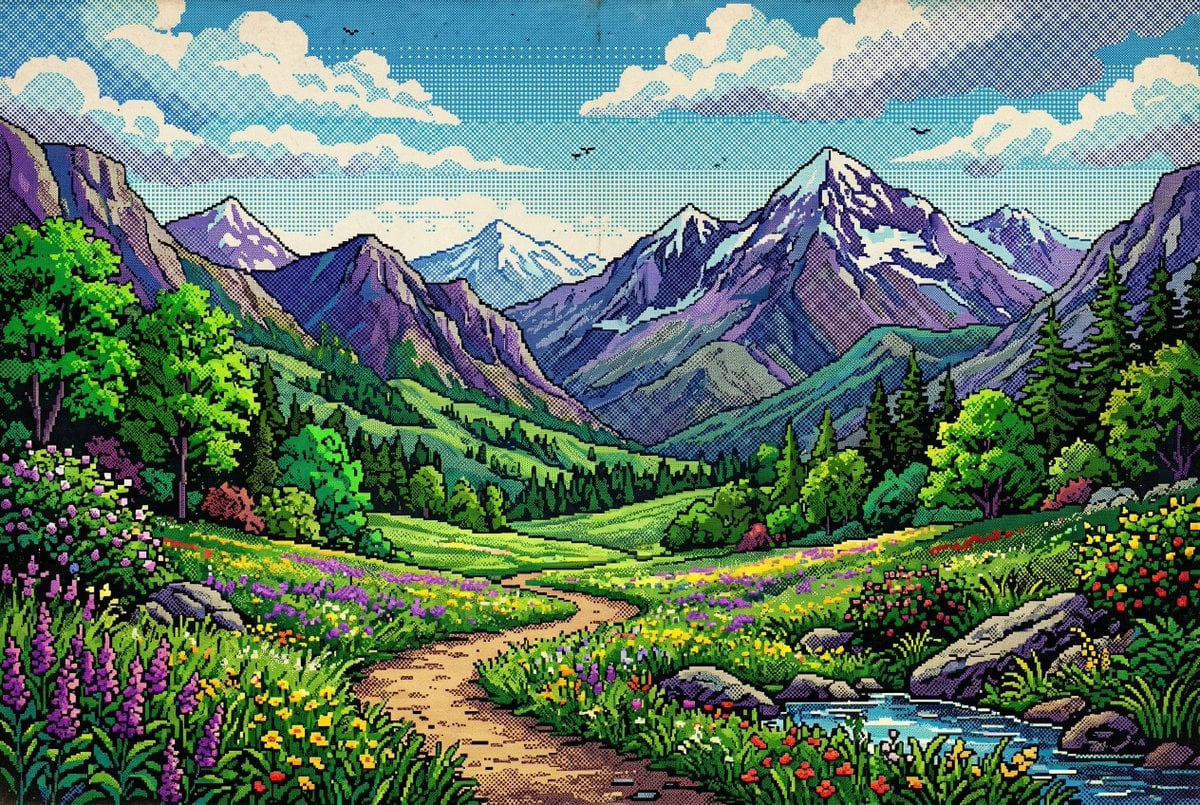
A vibrant pixel art alpine landscape with halftone comic shading, ideal for retro game backgrounds, scenic posters, or nostalgic environment art.
- Prompt included
- Model and format preset
- Free template
The prompt behind this image
Copy the exact prompt behind Retro Pixel Mountain Valley, or open it in the studio and make it yours.
A highly detailed retro pixel art landscape of a bright alpine valley in summer, composed like a classic side-scrolling video game background but shown as a wide scenic vista. In the foreground, a winding tan dirt path curves from the bottom center into the middle distance through dense wildflower meadows, with a small blue stream at the lower right bordered by gray rocks and lush grass. Count 2 large foreground rock clusters, 1 winding path, and 1 visible stream. Fill the meadows with colorful flowers in vivid purple, yellow, red, pink, and white, with especially tall purple flower spikes on the left foreground and dense mixed blossoms on both sides of the path. On the left and right midground, place thick stands of leafy green trees and dark pine trees, framing the open valley center. In the background, show a dramatic mountain range with exactly 7 visible peaks: 1 dominant tall snow-capped peak slightly right of center, 2 medium purple peaks to its left, 2 smaller snowy blue peaks in the far center distance, 1 smaller purple peak to the right, and 1 cropped rocky mountain edge at the far left. Use vibrant greens and purples as the main palette, with cool blue shadows and lavender mountain faces. Above, render a bright blue sky with large creamy white clouds, halftone-dot shading throughout the sky and mountains, subtle vintage comic print texture, visible dithering, and crisp sharp pixel edges. Add exactly 4 small flying bird silhouettes in the sky. The whole image should feel colorful, nostalgic, scenic, and richly layered, with heavy halftone comic shading, retro print grain, no text, no UI, no characters, and no buildings.
How to use Retro Pixel Mountain Valley in 3 steps
- 1Upload ImagePNG, JPG or paste
Add your photo
Upload the photo the template builds on. The prompt, model and format are already set.
- 2…a portrait of your subject in softgolden-hour light, 85mm…
Personalize
Edit the subject and creative details for your destination.
- 3Generate
Generate
Press Generate — your image is created in PicX Studio, so you can compare it with the original and refine one variable at a time.
More like this
Templates with the same subject, style or setup. Open one to see its prompt.












Make it yours
Retro Pixel Mountain Valley works as-is. These are the safest ways to change it without losing the look.
Change one field
Copy a single group, rewrite it, and generate again so you can see what that field is doing.
Keep the frame, change the subject
Hold the composition and light of Retro Pixel Mountain Valley, then swap wardrobe, props or the person for a new take.
| If the result… | Why | Fix |
|---|---|---|
| The result drifts from the preview | Too many fields changed at once. | Reuse Retro Pixel Mountain Valley as-is first, then change one group — subject, light, or setting. |
| The model over-stylizes the scene | The prose prompt leaves finish and camera underspecified. | Add one camera or lighting sentence and stay on GPT Image 2. |
More GPT Image 2 templates
Other prompts made for GPT Image 2.

Six VTuber Japanese Logo Sheet

Realistic Portrait of Woman and Deer

The Vista Modular Condo Poster

AI Model Routing Comparison Infographic

2.5D Anime Art Board

Isometric Productivity Desk Scene

New York Double Exposure Poster

Four-Panel AI Landscape Comparison

Japanese Tatami Lifestyle Magazine Cover

NESCAFÉ Coffee Map Poster
More image prompts
Fresh picks from across the catalog.

Woman Picking Cherries in Orchard
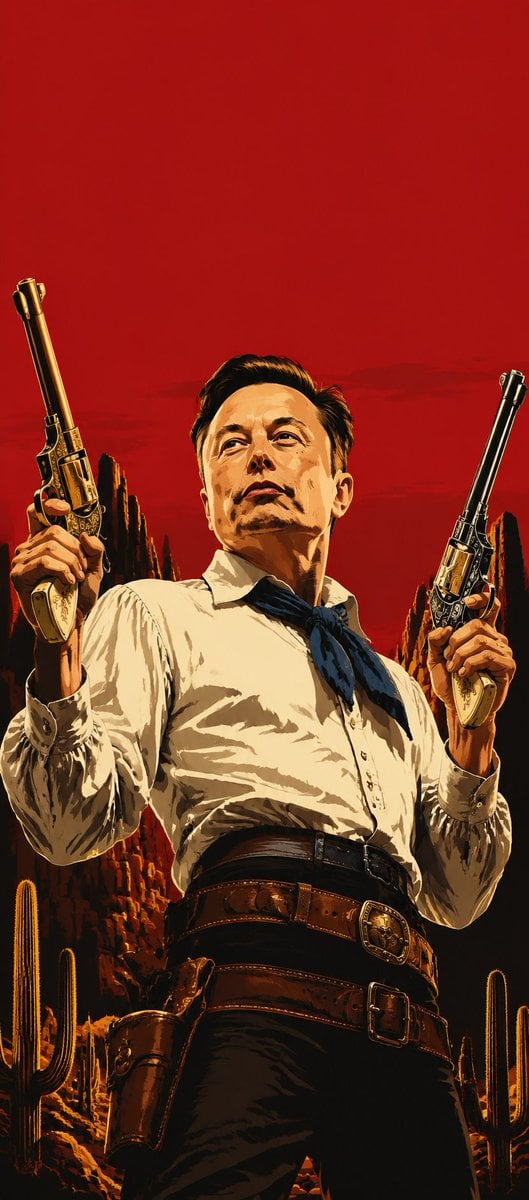
Blood-Red Western Gunslinger Poster
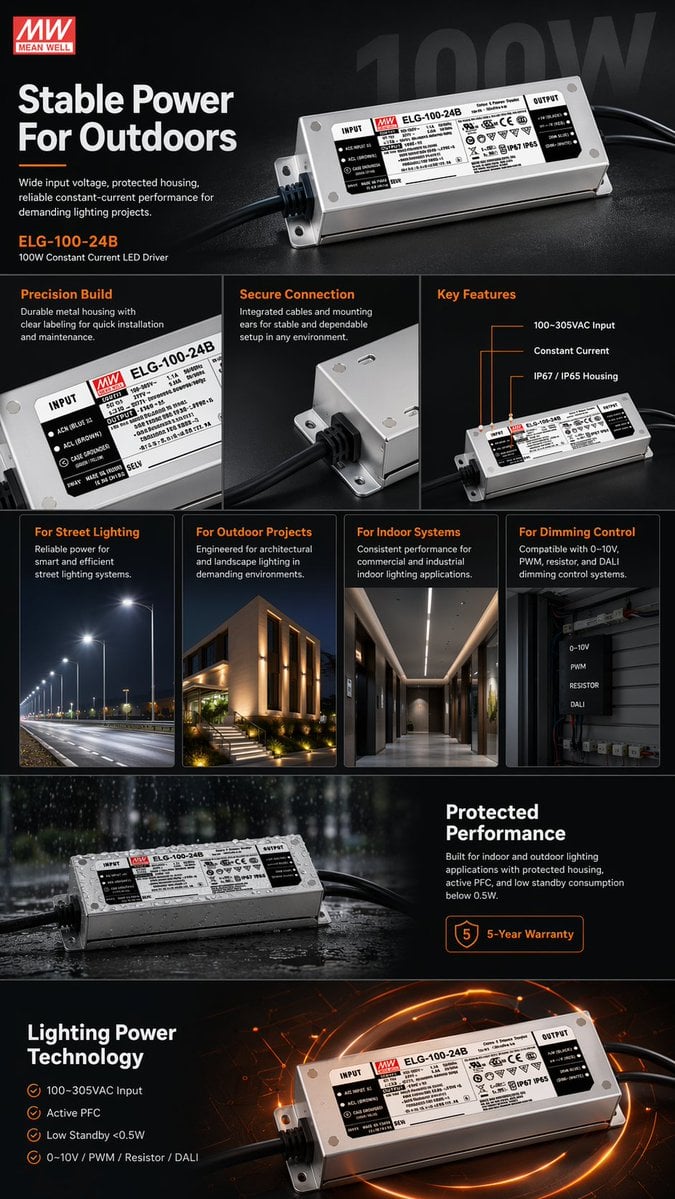
E-commerce LED Driver Infographic
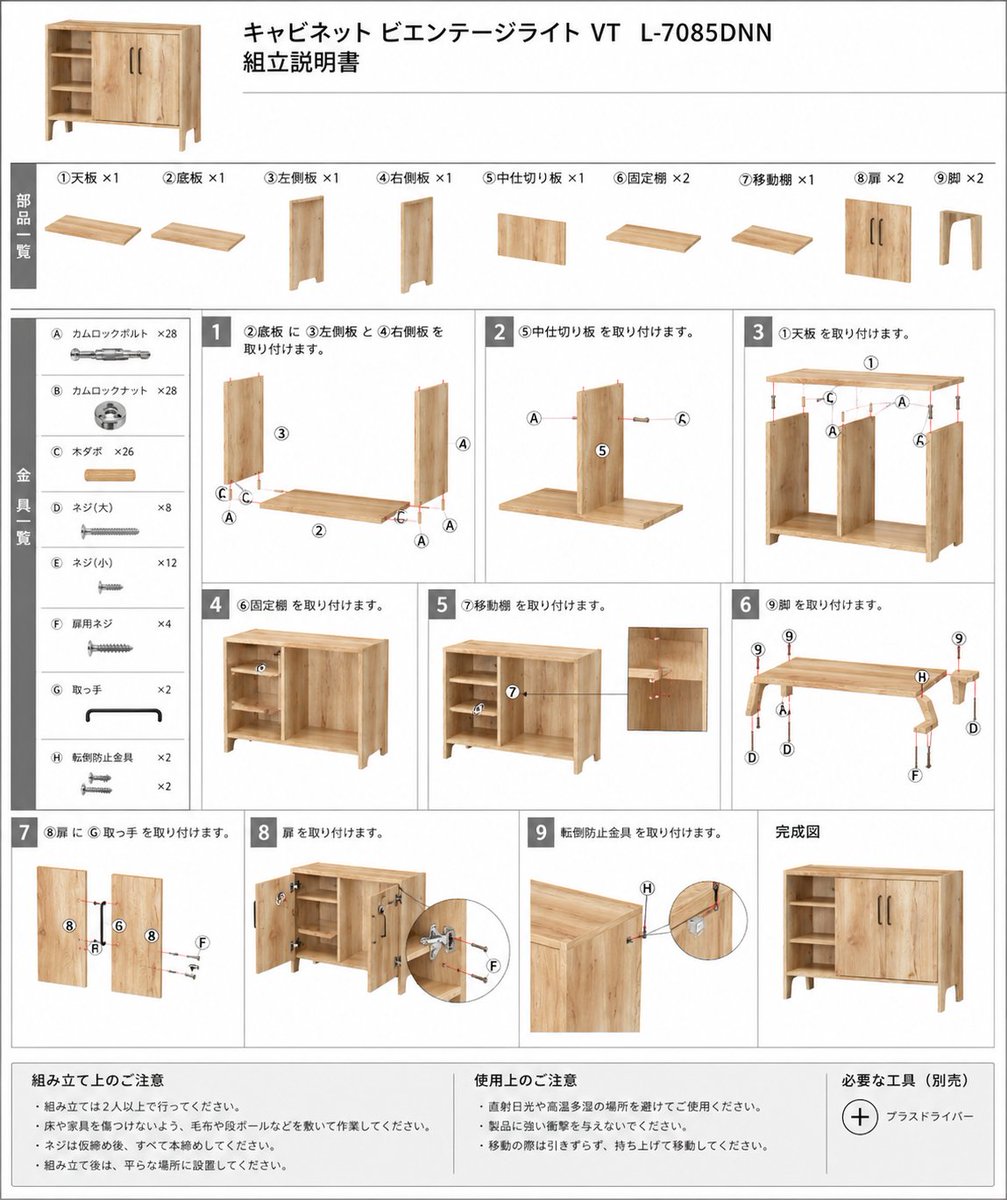
Furniture Assembly Manual Generator

B&W Photobooth Expression Grid 4x4 — Nano Banana
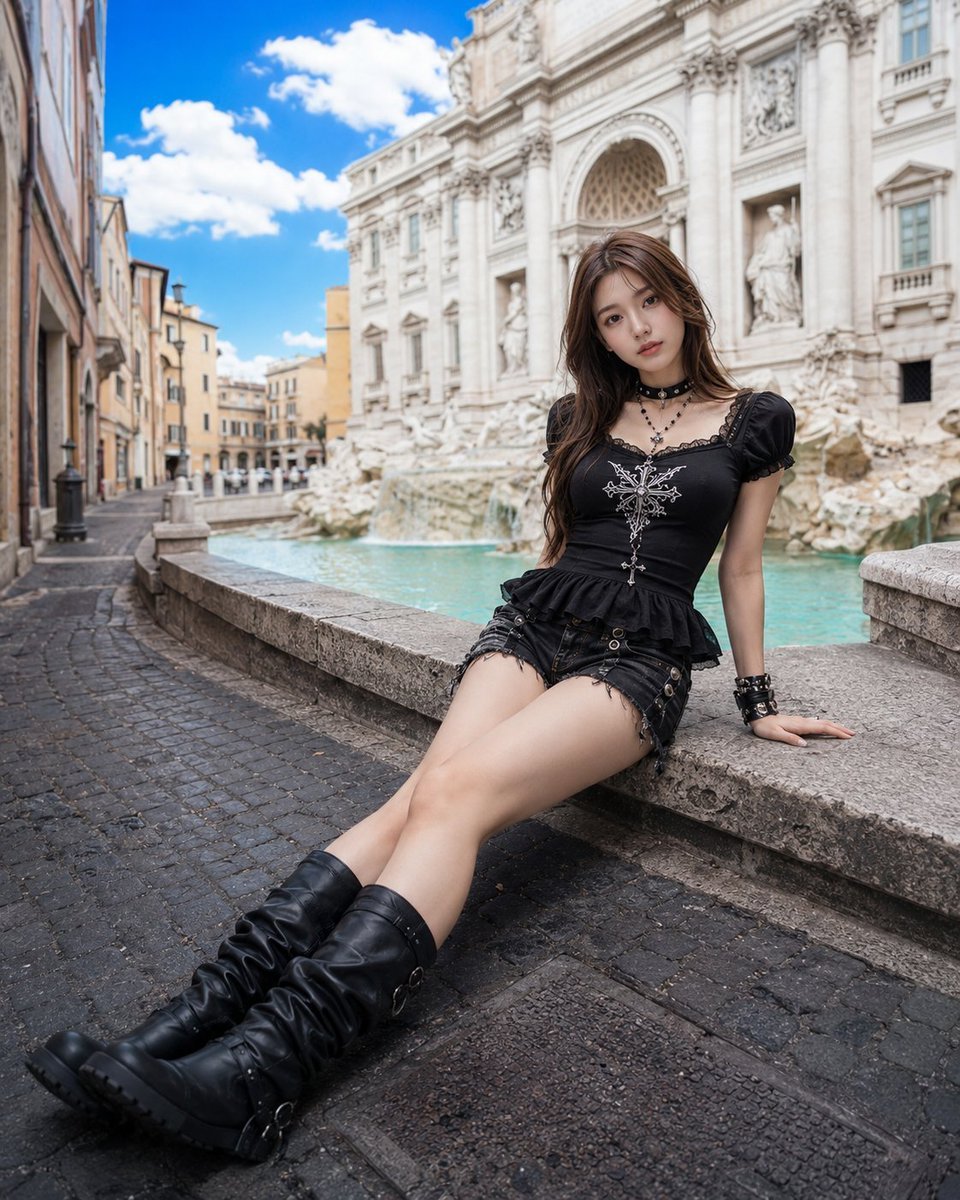
Gothic Fashion at Trevi Fountain

Luxury Fashion Close-Up Portrait

Nano Banana Pro Website Integration
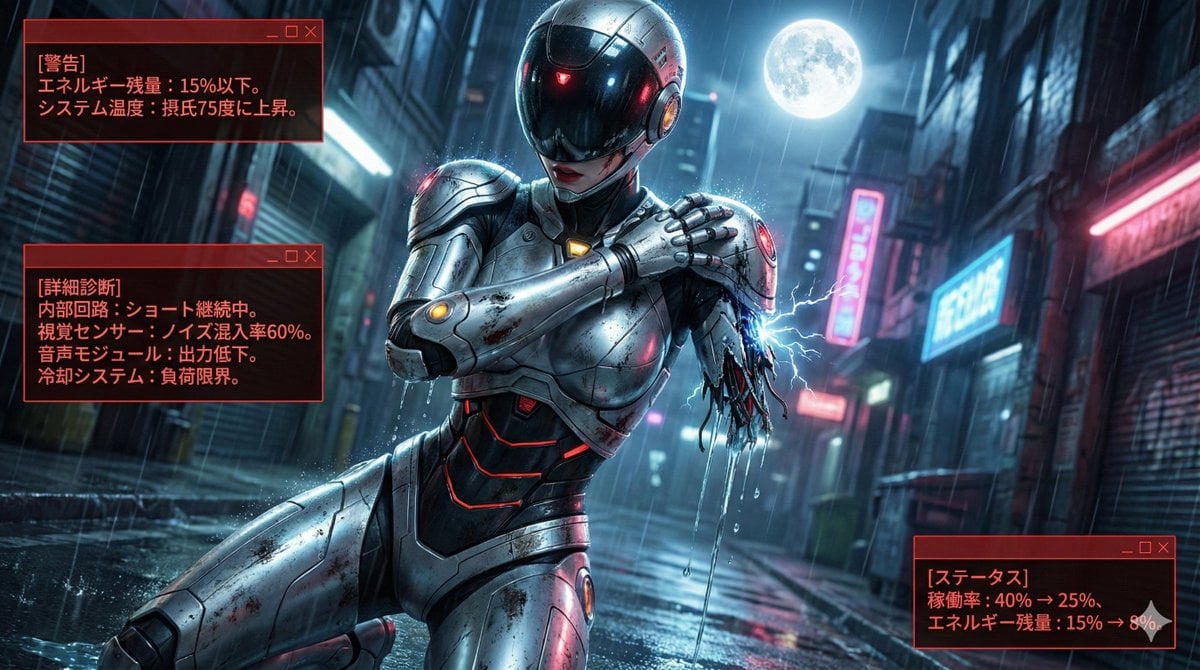
Nano Banana LLM Prompt for System Message Modification
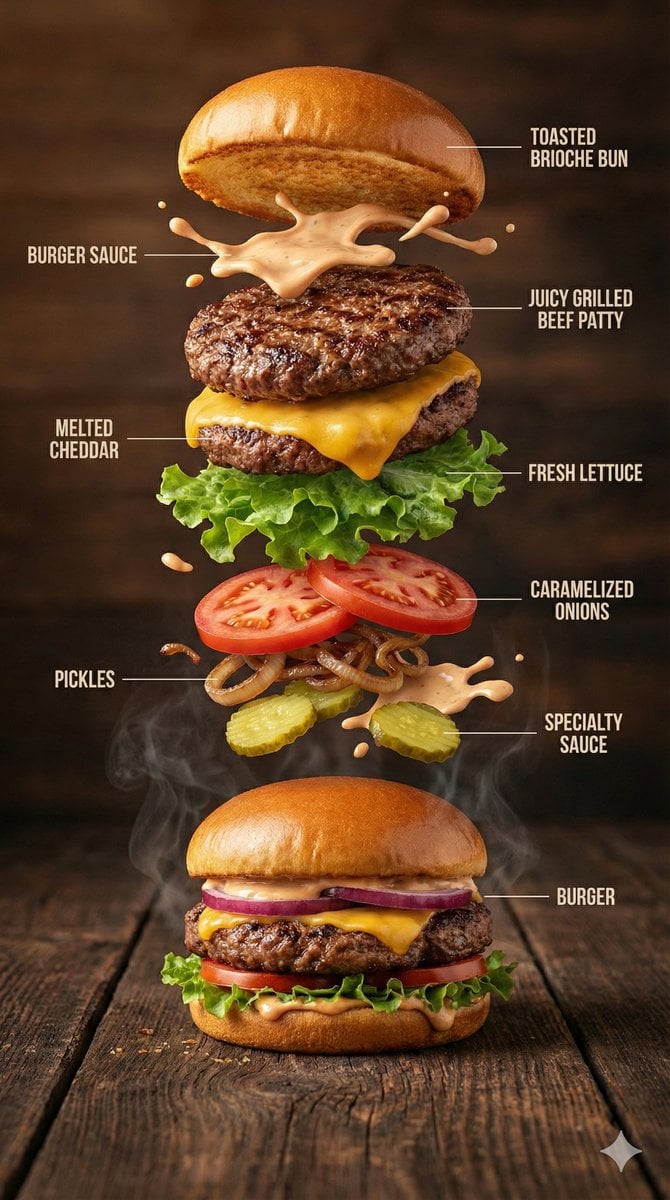
Hyper-Realistic Gourmet Burger Infographic
Browse template categories
Retro Pixel Mountain Valley questions
How do I use the Retro Pixel Mountain Valley template?
Add your photo if the template asks for one, edit the prompt if you like — the template's model and format are already selected — and press Generate. Your version opens in PicX Studio.
Can I customize the Retro Pixel Mountain Valley template?
Yes. You can change the subject, setting, lighting, mood, format, and available model controls before creating your image.
Is the Retro Pixel Mountain Valley template free?
Opening and editing this template is free. Generating uses credits, shown on the Generate button when you are signed in.
Which AI model should I use?
Start with GPT Image 2, which is the model associated with this template. You can compare another compatible model for a different finish.
Looking for something else? Browse all templates.

Your photo, any look
Thousands of ready templates for every top image and video model, from one credit balance.