How do I use the Hyper-realistic Puppy Dream template?
Edit the prompt in the box under the preview — the template's model and format are already selected — and press Generate. Your version appears right on this page.
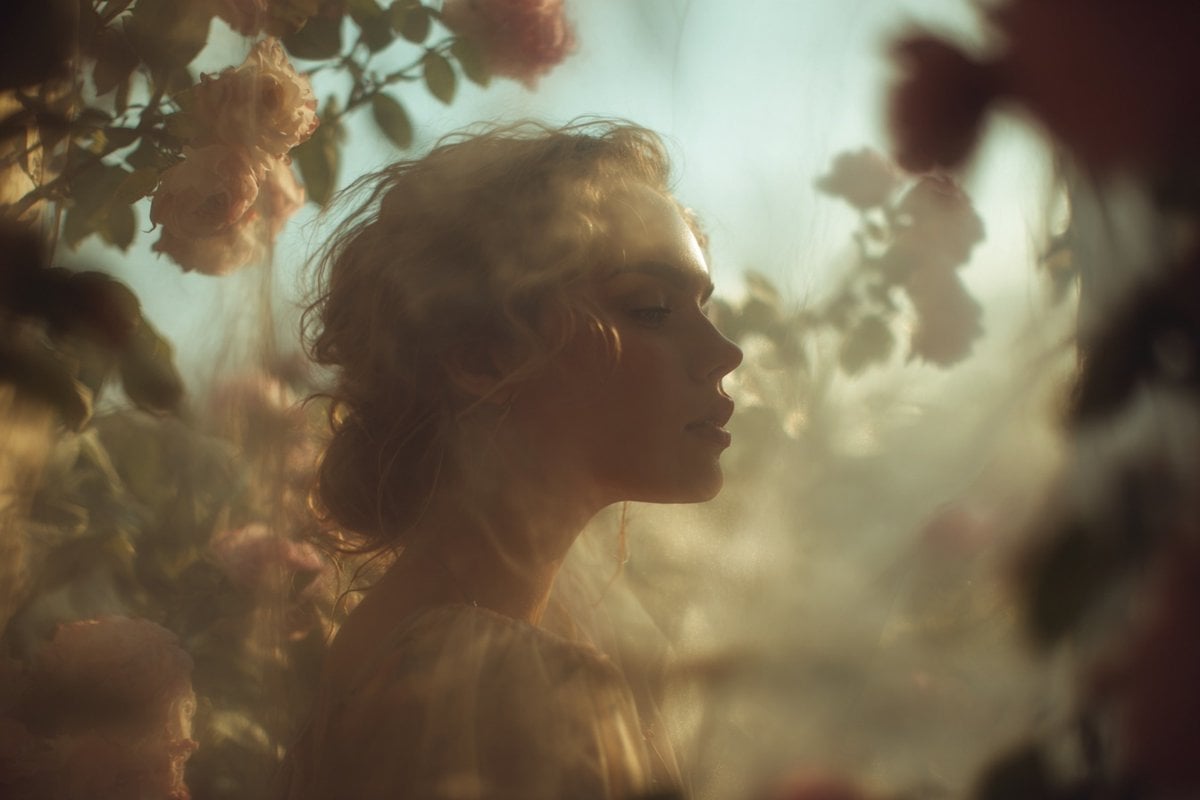
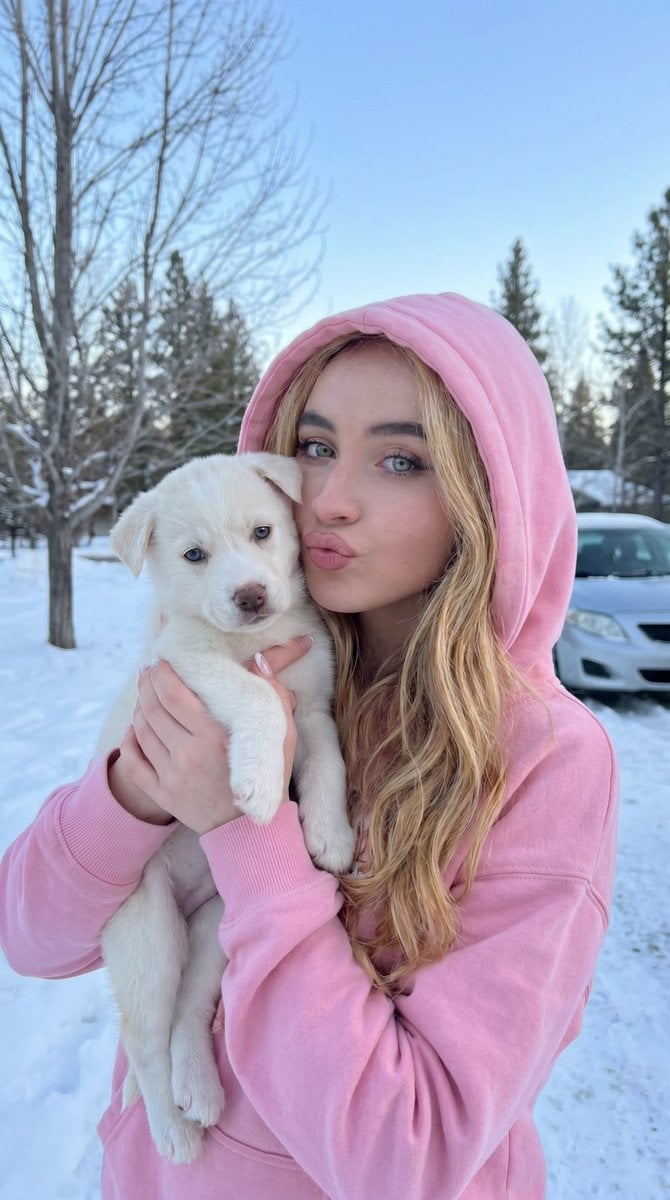
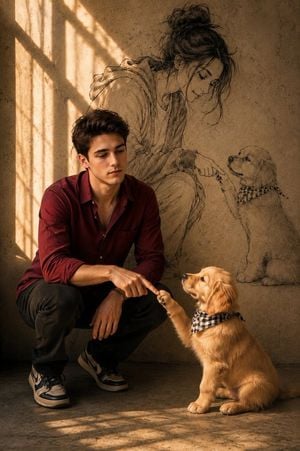
Hyper-realistic Puppy Dream is a ready photo look.

Create a hyper-realistic, high-fashion editorial scene featuring the person from the uploaded image. The person has softly curled medium-length hair styled in loose, voluminous waves, with smooth skin and relaxed facial expression, eyes closed as if peacefully resting. They wear a cream-colored tailored suit jacket with sharp lapels and a pale peach-toned tie. Surround the person completely with dozens of fluffy puppies in white and warm beige tones, their fur extremely soft, plush, and cloud-like. The puppies should appear piled around the person in a cozy, dreamy nest, some resting their paws gently on the suit. Use warm diffused lighting, soft shadows, and a luxurious, ethereal aesthetic. Compose the shot from above, capturing the serene, dreamlike atmosphere with high detail, depth, and texture.
Create a hyper-realistic, high-fashion editorial scene featuring the person from the uploaded image. The person has softly curled medium-length hair styled in loose, voluminous waves, with smooth skin and relaxed facial expression, eyes closed as if peacefully resting. They wear a cream-colored tailored suit jacket with sharp lapels and a pale peach-toned tie. Surround the person completely with dozens of fluffy puppies in white and warm beige tones, their fur extremely soft, plush, and cloud-like. The puppies should appear piled around the person in a cozy, dreamy nest, some resting their paws gently on the suit. Use warm diffused lighting, soft shadows, and a luxurious, ethereal aesthetic. Compose the shot from above, capturing the serene, dreamlike atmosphere with high detail, depth, and texture.
Edit the prompt in the box under the preview — the template's model and format are already selected — and press Generate. Your version appears right on this page.
Yes. You can change the subject, setting, lighting, mood, format, and available model controls before creating your image.
Opening and editing this template is free. Generating uses credits, shown on the Generate button when you are signed in.
Choose a compatible model in PicX Studio based on the style, speed, and output controls your project needs.
Follow a topic to a crawlable collection of related PicX Studio templates.