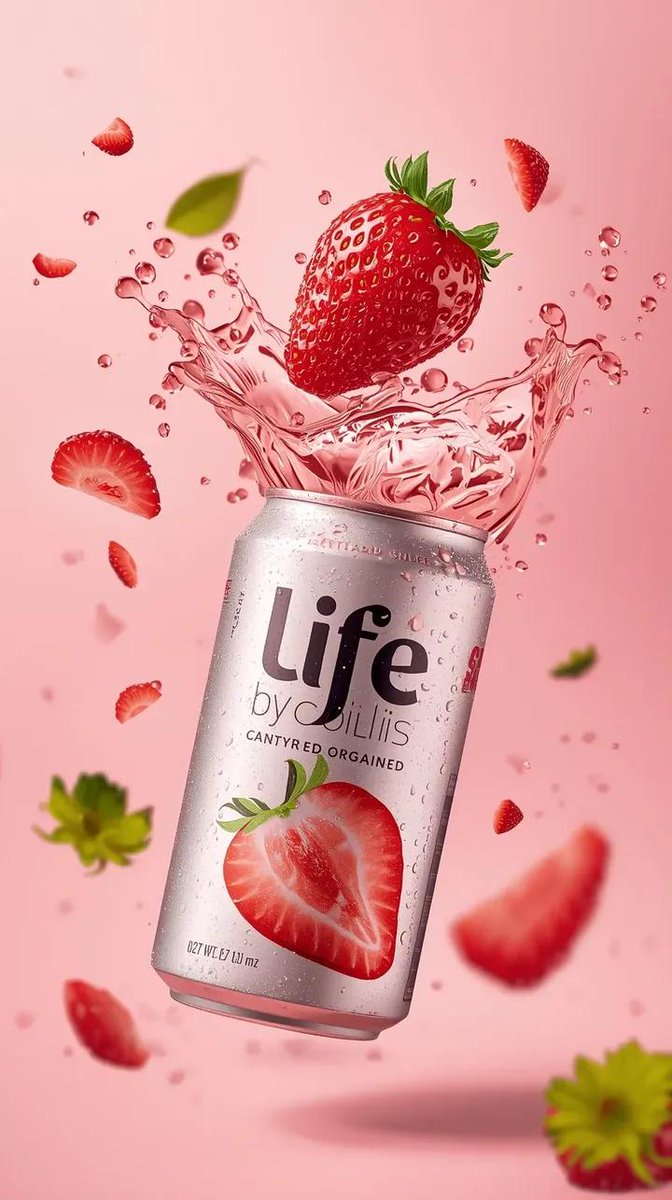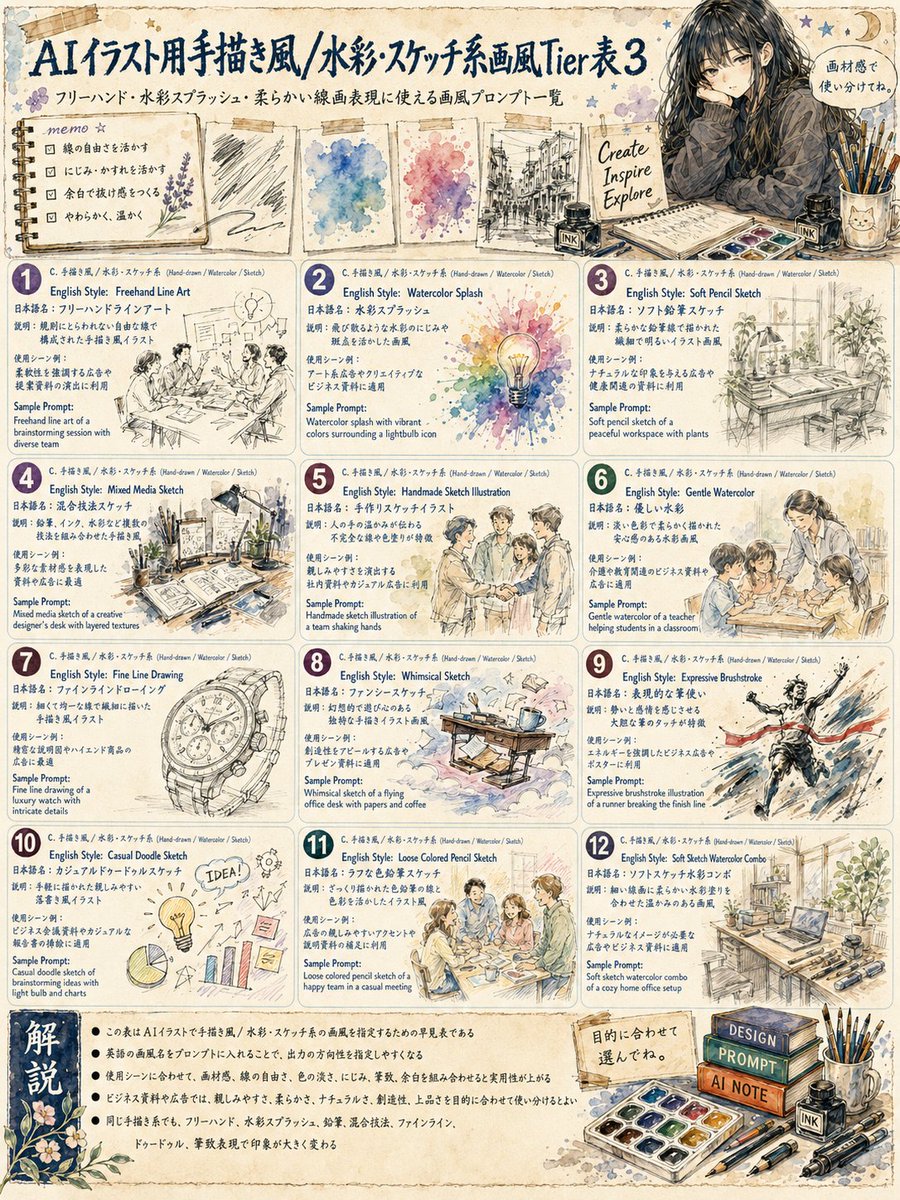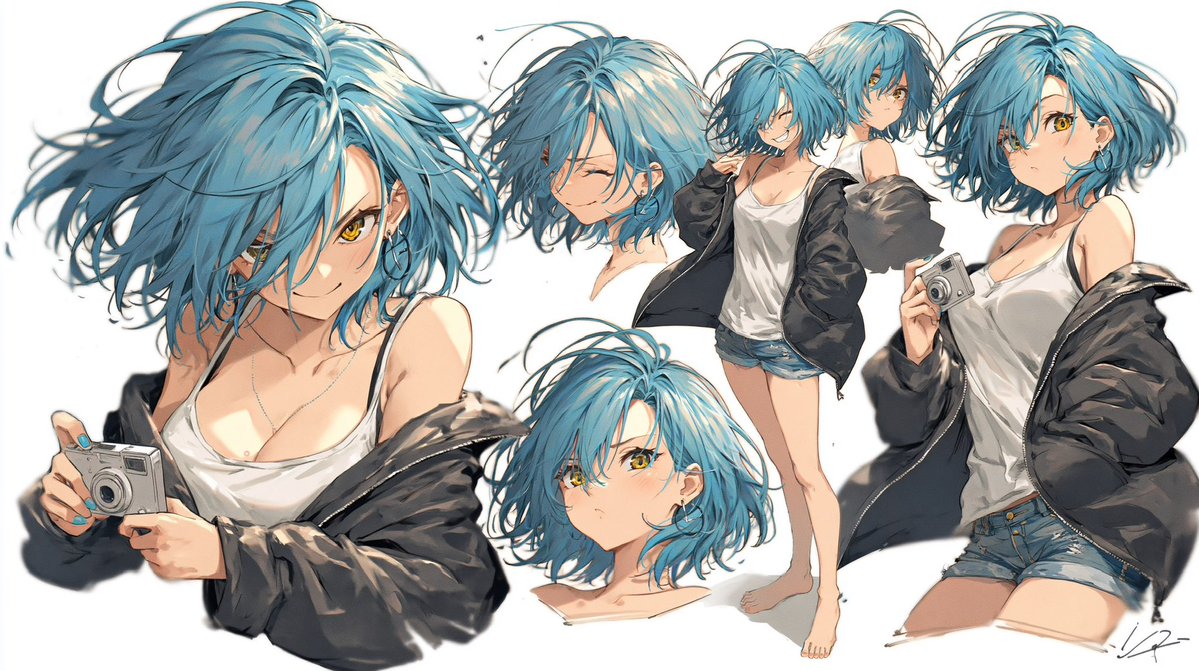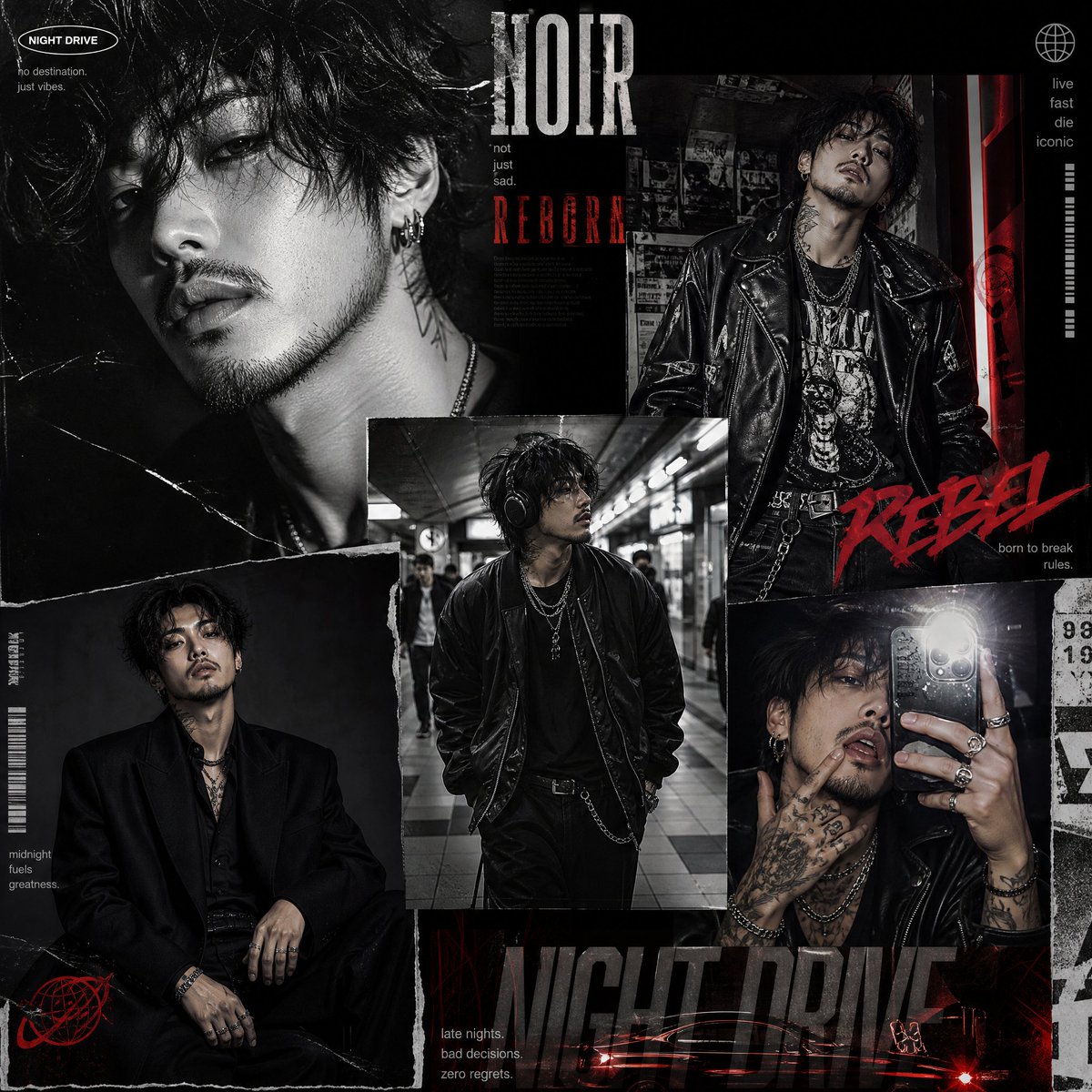
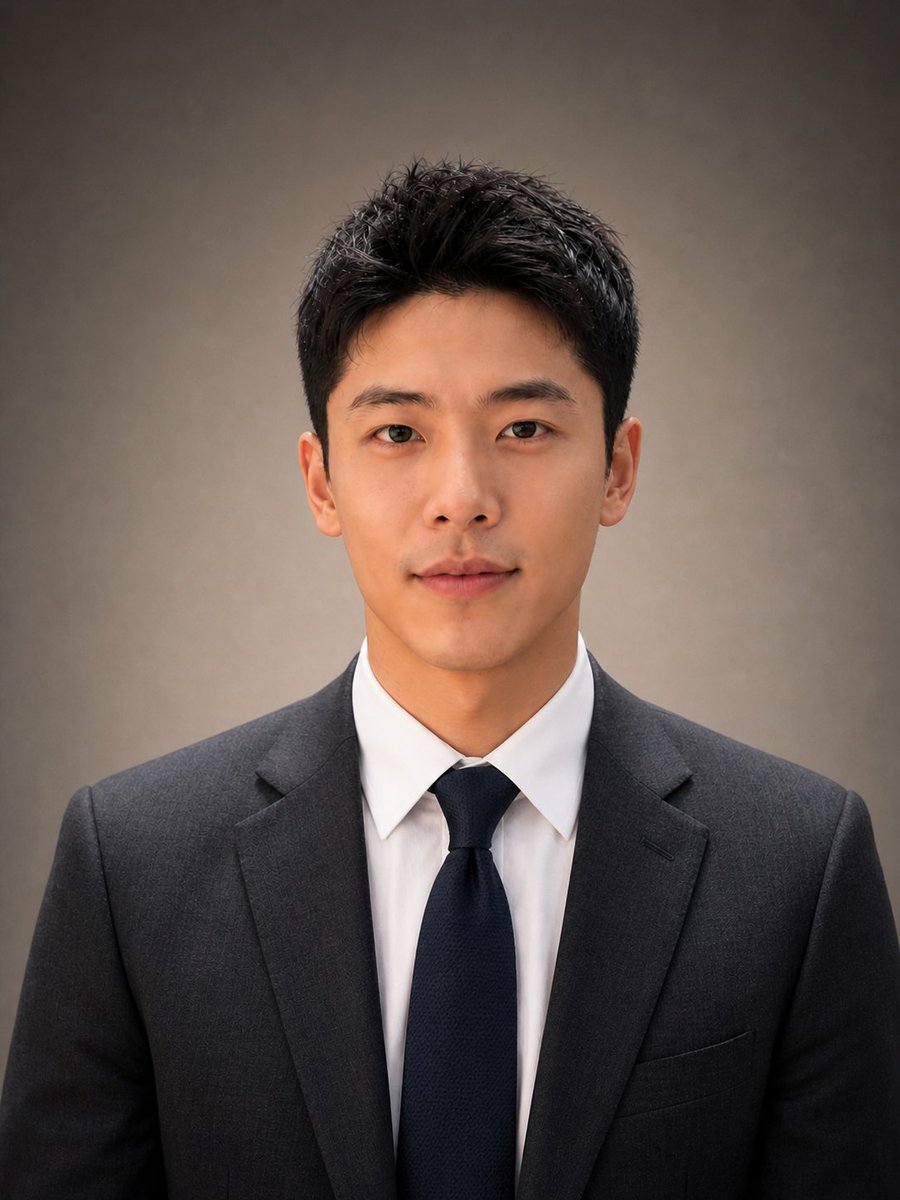
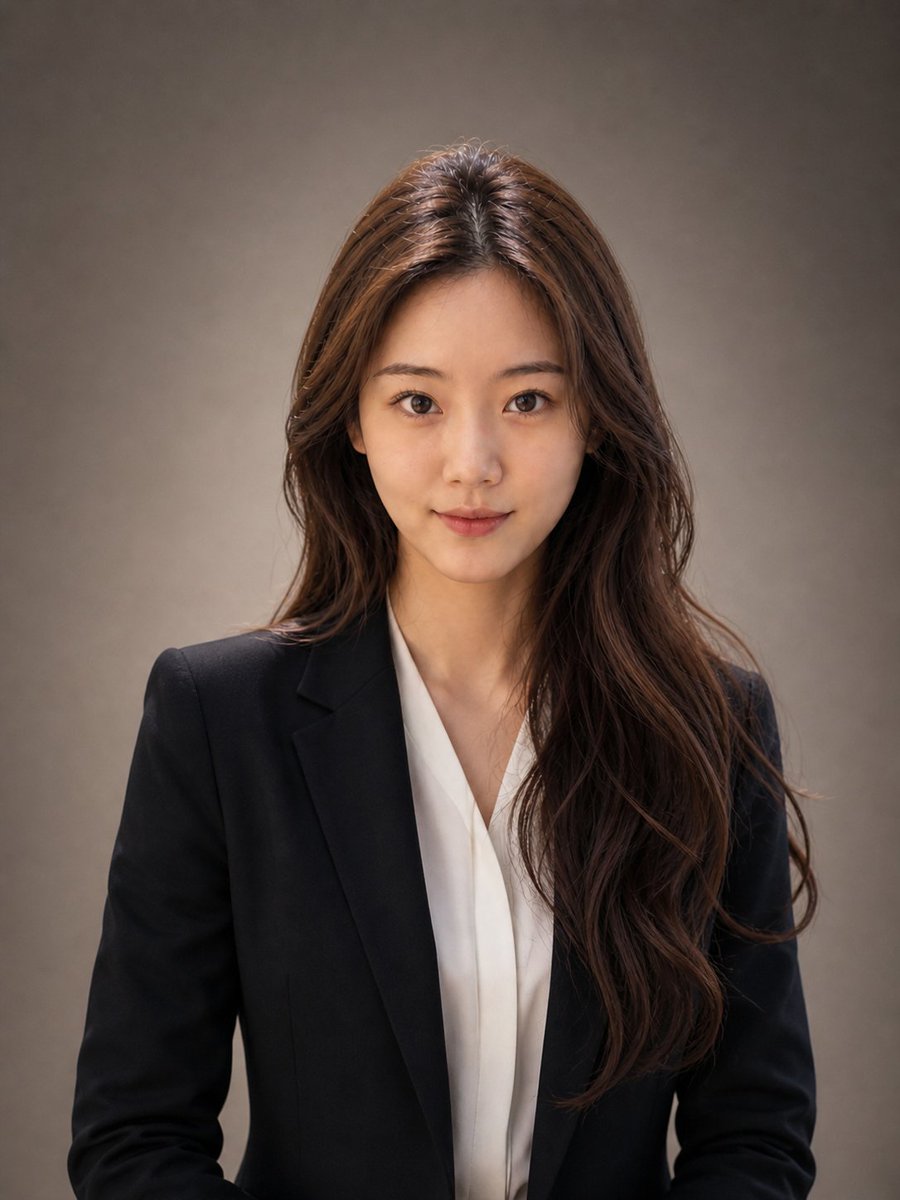
How do I use the Executive Professional Studio Portrait template?
Choose the primary action to open PicX Studio with the available template settings. Review the model and format, personalize the creative direction, and generate when ready.
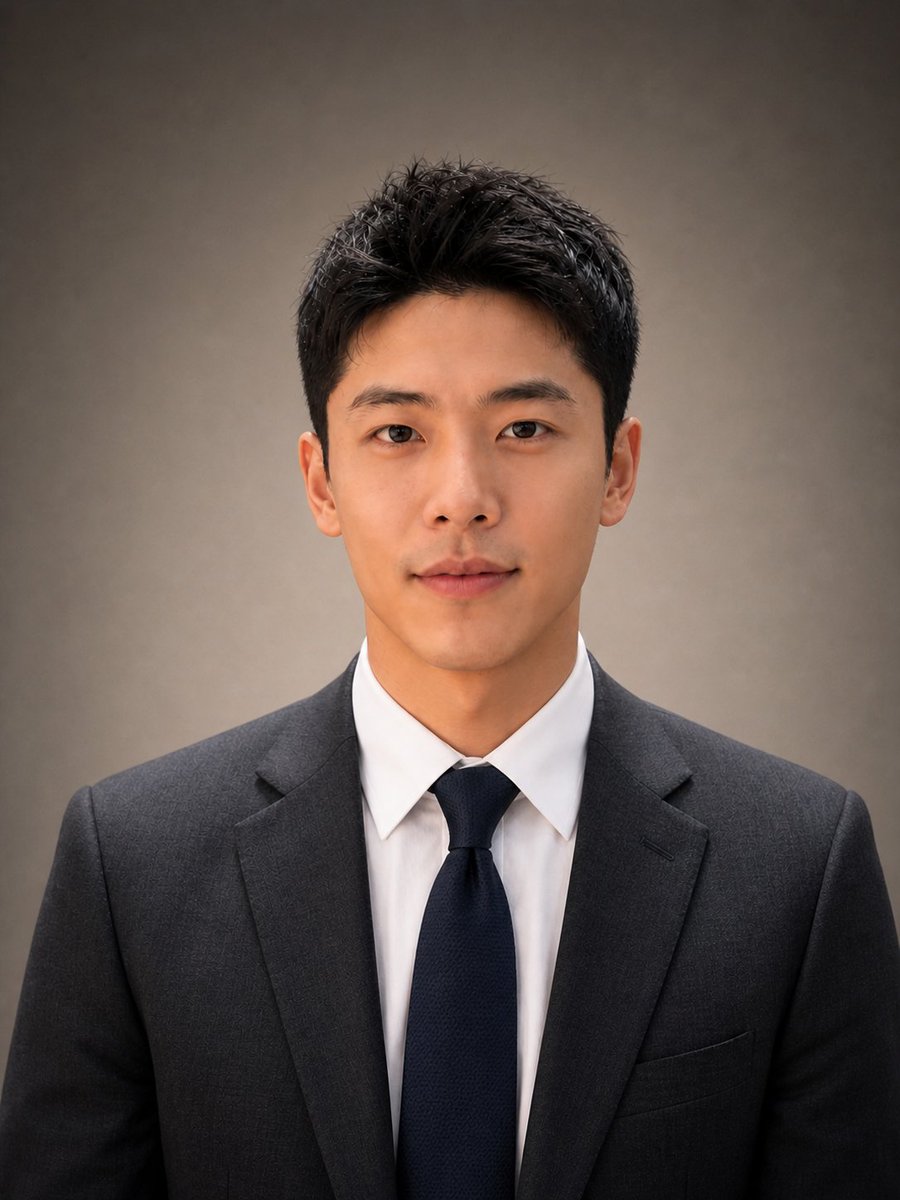
A comprehensive prompt for generating high-quality LinkedIn-style business portraits for professionals while strictly preserving their facial identity and studio lighting. (free to use) — Free AI image template on PicX Studio.
【男士版提示词】请基于我上传的正脸照片,生成一张专业男士工作室职业肖像照。请严格保留照片中人物的真实身份特征,包括脸型、五官比例、眉眼结构、鼻子、嘴唇、下颌线、肤色、年龄感、面部纹理、发际线和发型特征。不要把人物变成另一个人,不要过度年轻化,不要过度磨皮,不要生成 AI 假脸。最终效果必须看起来像同一个人拍摄的高质量职业写真。画面风格参考高端企业高管头像、LinkedIn 商务肖像、公司官网管理层照片。人物面向镜头,采用经典头肩肖像构图,从胸口到头部入镜。姿态自然端正,肩膀放松但有力量感,眼神直视镜头,表情自信、沉稳、亲和,带有克制的微笑,呈现专业、可靠、有权威感的气质。服装请替换为剪裁考究的深灰色纹理西装,内搭洁白衬衫,搭配质感高级的藏青色领带。西装应合身、平整、有商务质感,领口、肩线和领带结清晰自然,不要夸张奢华,不要像婚纱照或影楼照。光线使用柔和、讨喜的专业工作室布光。主光从人物侧前方照射,脸部有自然明暗层次,眼睛有轻微高光,皮肤质感真实,整体干净高级。避免强烈硬光、过曝、油腻反光和过重阴影。背景为平滑虚化的中灰色到暖灰褐色渐变背景,简洁、干净、无杂物、无文字、无 logo。背景只用于衬托人物,不要抢焦点。照片要求:真实摄影感,商业肖像摄影,高分辨率,细节清晰,肤色自然,质感高级,构图稳定,人物居中,头肩比例协调。画幅比例 3:4。【女士版提示词】请基于我上传的正脸照片,生成一张专业女士工作室职业肖像照。请严格保留照片中人物的真实身份特征,包括脸型、五官比例、眉眼结构、鼻子、嘴唇、下颌线、肤色、年龄感、面部纹理、发际线和发型特征。不要把人物变成另一个人,不要过度年轻化,不要过度美颜,不要生成 AI 假脸。最终效果必须看起来像同一个人拍摄的高质量职业写真。画面风格参考高端职场女性头像、LinkedIn 商务肖像、公司官网团队介绍照、创业者职业写真。人物面向镜头,采用经典头肩肖像构图,从胸口到头部入镜。姿态自然端正,肩膀放松,脖颈线条干净,眼神直视镜头,表情自信、温和、沉稳,带有克制的微笑,呈现专业、可靠、亲和、有判断力的女性职业气质。服装请替换为剪裁考究的深色女士西装外套,可以是黑色、深灰色或藏青色,内搭简洁的白色衬衫、浅色真丝衬衫或干净的纯色内搭。整体造型要高级、干净、利落,不要过度性感,不要夸张时尚,不要像网红写真或影楼艺术照。西装肩线、领口、衣料纹理和内搭层次要清晰自然。妆发请保持自然真实,适合正式职业场景。妆容干净、淡雅、有气色,保留人物原本的五官特点,不要浓妆,不要大幅改变眉形、眼睛和嘴唇。发型可以在保留原本人发型特征的基础上做轻微整理,让头发看起来蓬松、干净、有光泽,适合商务肖像。光线使用柔和、讨喜的专业工作室布光。主光从人物侧前方照射,脸部有自然明暗层次,眼睛有轻微高光,皮肤质感真实,整体干净高级。避免强烈硬光、过曝、油腻反光和过重阴影。背景为平滑虚化的中灰色到暖灰褐色渐变背景,简洁、干净、无杂物、无文字、无 logo。背景只用于衬托人物,不要抢焦点。照片要求:真实摄影感,商业肖像摄影,高分辨率,细节清晰,肤色自然,质感高级,构图稳定,人物居中,头肩比例协调。画幅比例 3:4。
Executive Professional Studio Portrait needs input media to work. Open it in the studio and these load alongside the prompt — pick whichever ones your chosen model can take.
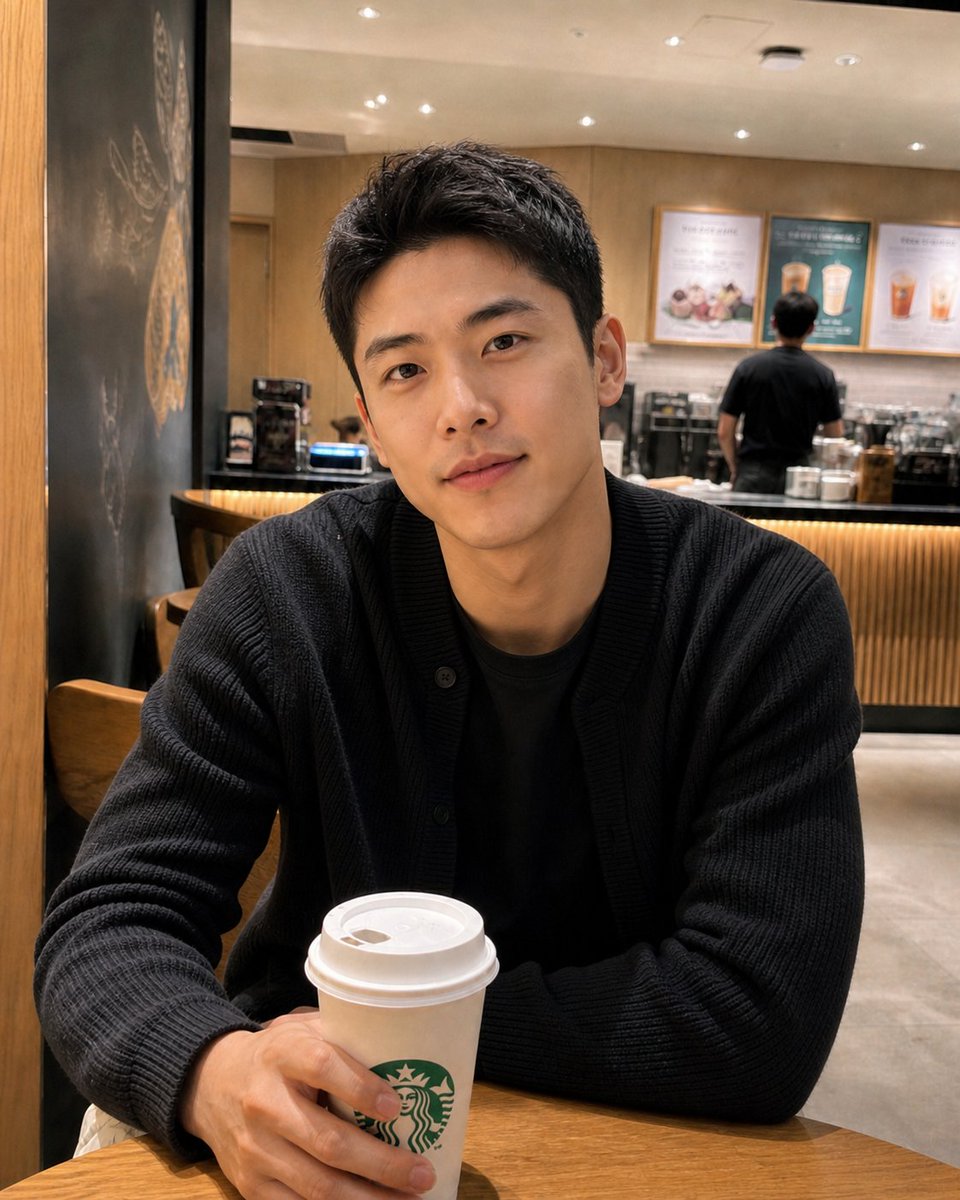
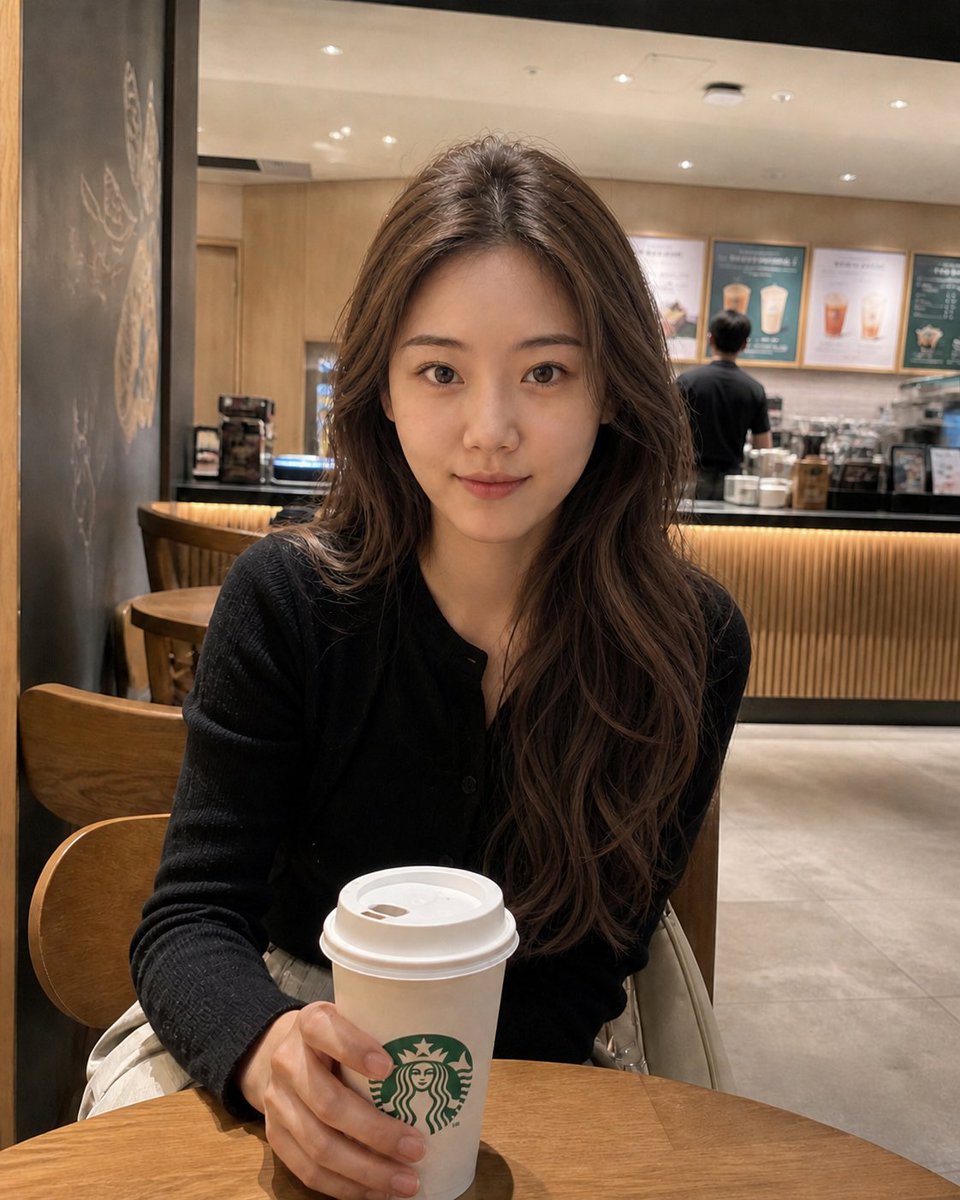
Use Executive Professional Studio Portrait to plan an AI image around gpt-image-2 generation, themes such as zh and gpt-image-2. Match the preview's composition first, then personalize the subject, setting, and mood for your own project.
Use the primary action to load the template settings in PicX Studio.
Adjust the subject and creative details for your destination.
Create the image, compare the result with the preview, and refine one variable at a time.
A continuous mix — similar concepts first, woven with same-model prompts and fresh picks from the catalog.
Choose the primary action to open PicX Studio with the available template settings. Review the model and format, personalize the creative direction, and generate when ready.
Yes. You can change the subject, setting, lighting, mood, format, and available model controls before creating your image.
This template is free to open and customize. Generation usage is shown in PicX Studio before you create.
Start with gpt-image-2, which is the model associated with this template. You can compare another compatible model for a different finish.
Follow a topic to a crawlable collection of related PicX Studio templates.
39,157 public templates available. Verified via the PicX Studio public templates API; refreshed hourly.
A continuous mix — similar concepts first, woven with same-model prompts and fresh picks from the catalog.