How do I use the Fan Art Illustration template?
Edit the prompt in the box under the preview — the template's model and format are already selected — and press Generate. Your version appears right on this page.
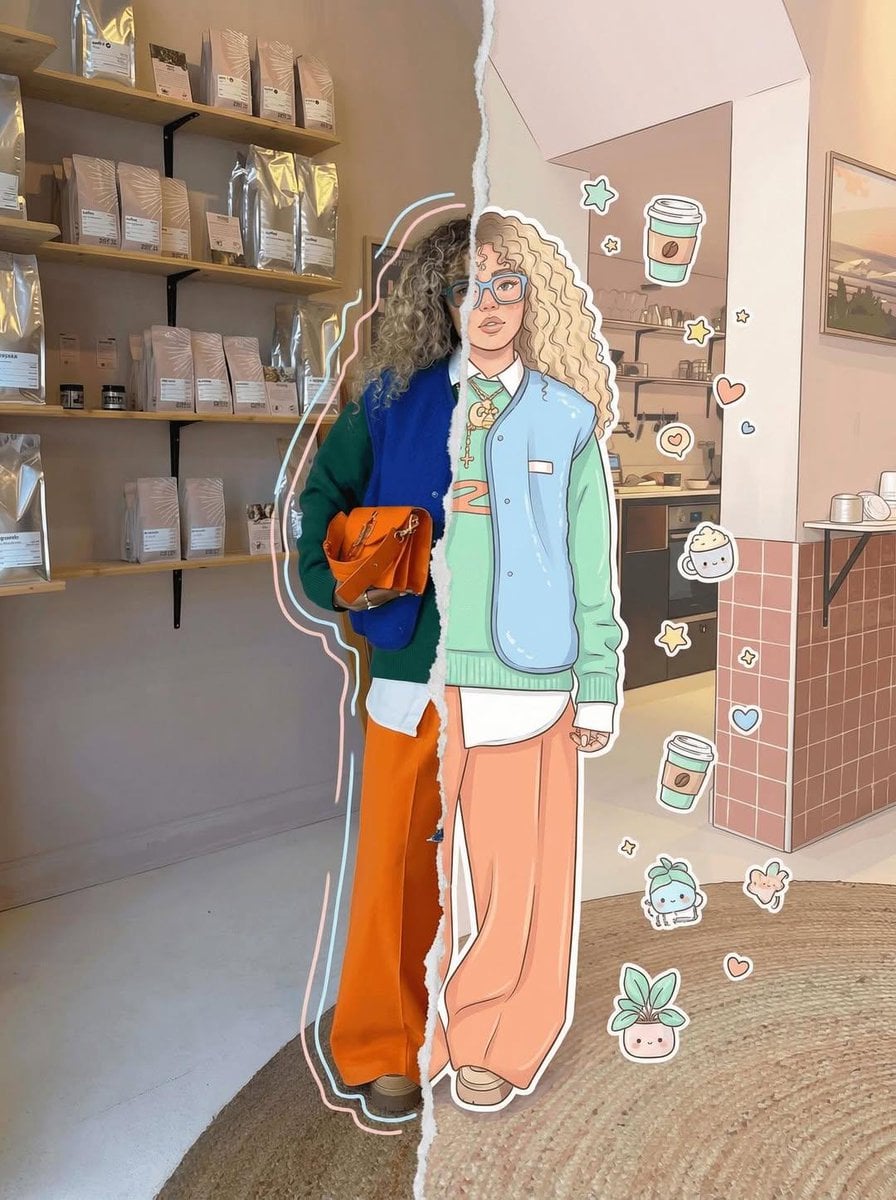
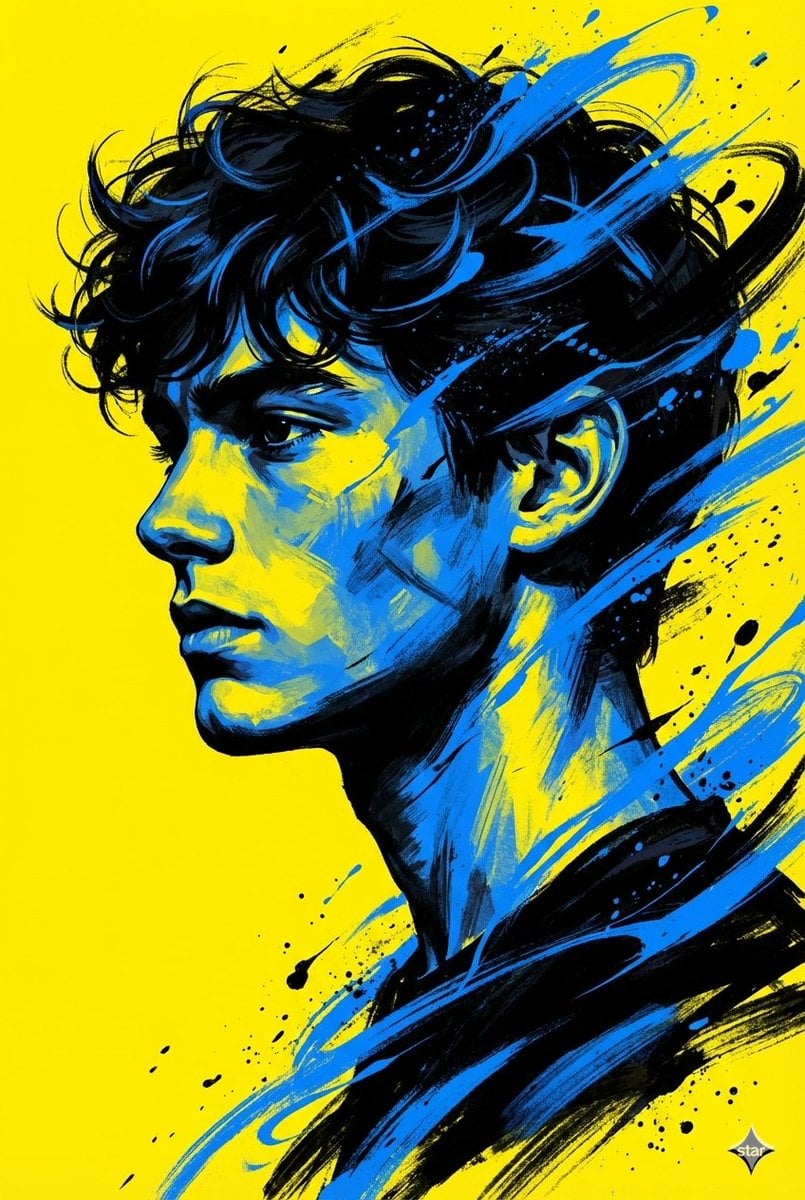
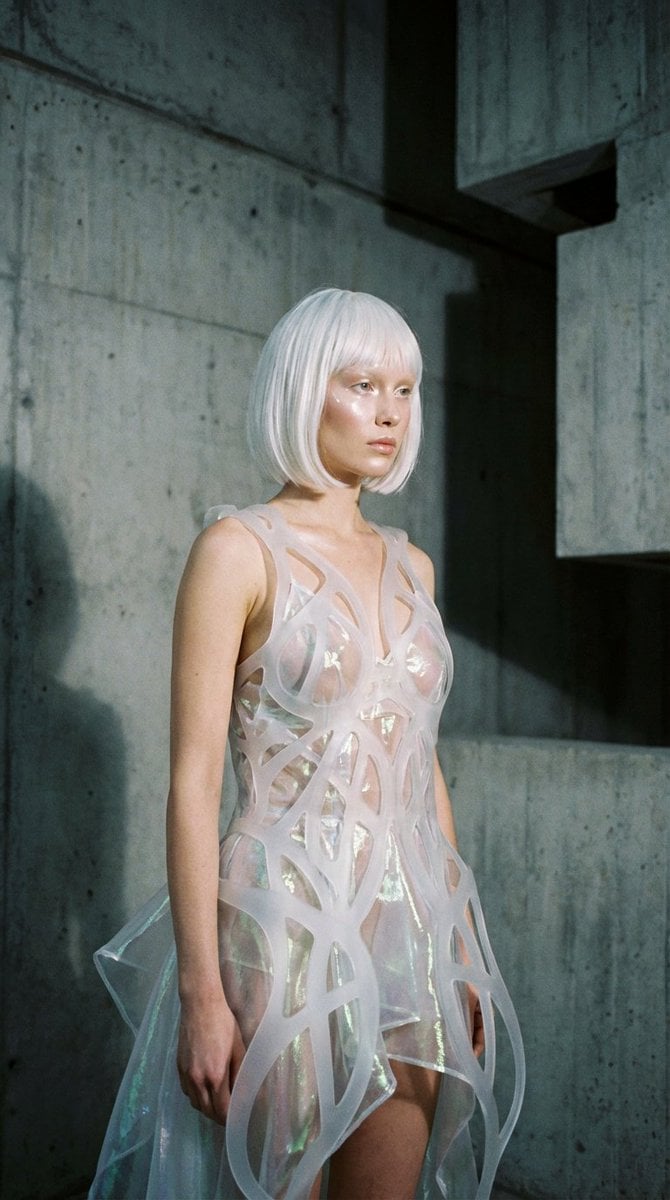
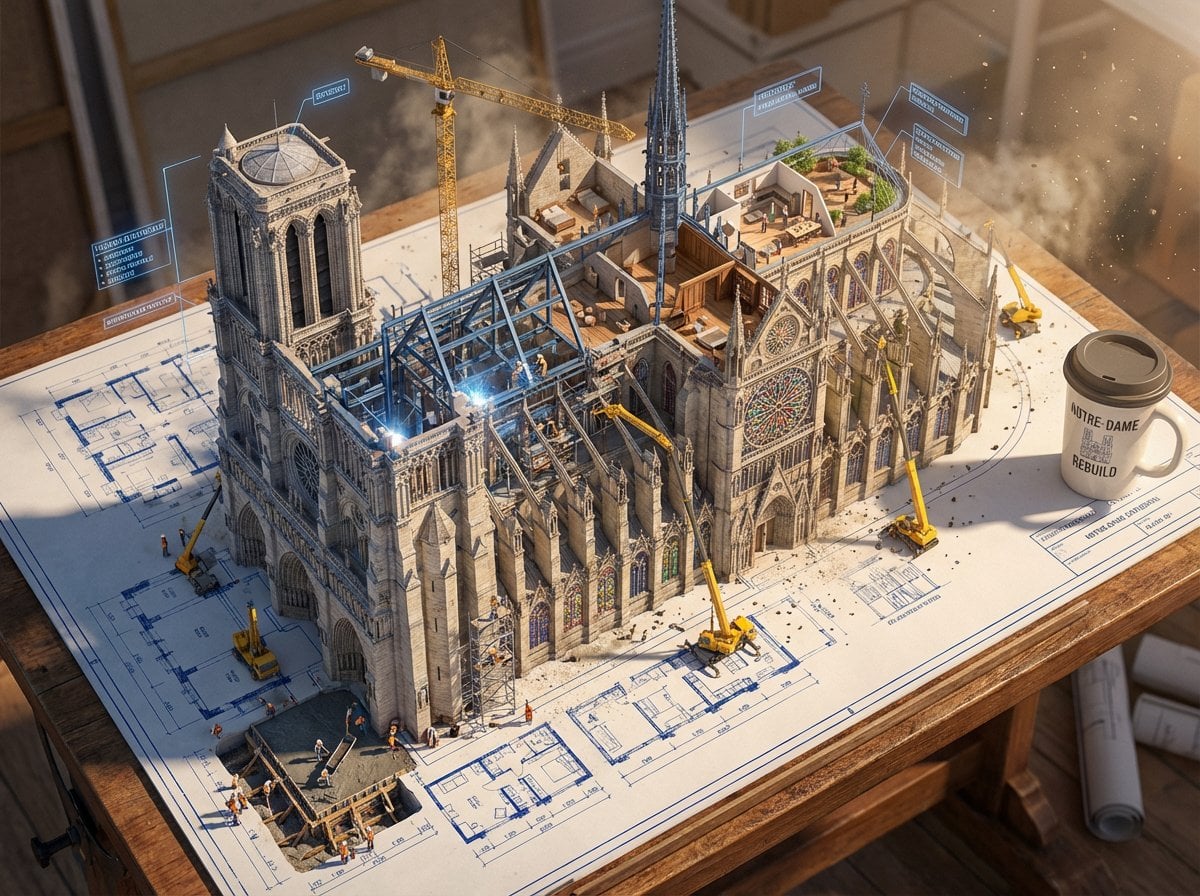
Fan Art Illustration is a ready photo look.

Create a fan-art collage illustration using the uploaded image as the character reference. Turn the person into a soft, aesthetic digital illustration with clean lines, warm pastel colors, and a polished, stylized look. Surround the illustrated character with collage elements such as guitars, keyboards, hearts, stars, cute doodles, sparkles, fashion items, snacks, and music notes. Place everything on a grid-paper or notebook-style background. Keep the hairstyle, pose, and outfit similar to the uploaded image but illustrated in a charming, modern K-pop inspired art style. Make the final artwork playful, bright, and visually rich like a fan-art mood board.
Create a fan-art collage illustration using the uploaded image as the character reference. Turn the person into a soft, aesthetic digital illustration with clean lines, warm pastel colors, and a polished, stylized look. Surround the illustrated character with collage elements such as guitars, keyboards, hearts, stars, cute doodles, sparkles, fashion items, snacks, and music notes. Place everything on a grid-paper or notebook-style background. Keep the hairstyle, pose, and outfit similar to the uploaded image but illustrated in a charming, modern K-pop inspired art style. Make the final artwork playful, bright, and visually rich like a fan-art mood board.
Edit the prompt in the box under the preview — the template's model and format are already selected — and press Generate. Your version appears right on this page.
Yes. You can change the subject, setting, lighting, mood, format, and available model controls before creating your image.
Opening and editing this template is free. Generating uses credits, shown on the Generate button when you are signed in.
Choose a compatible model in PicX Studio based on the style, speed, and output controls your project needs.
Follow a topic to a crawlable collection of related PicX Studio templates.