
Creepy VHS Bedroom Doorway Figure
Generates an unsettling analog-horror found-footage still of a masked figure standing in a dark bedroom doorway.
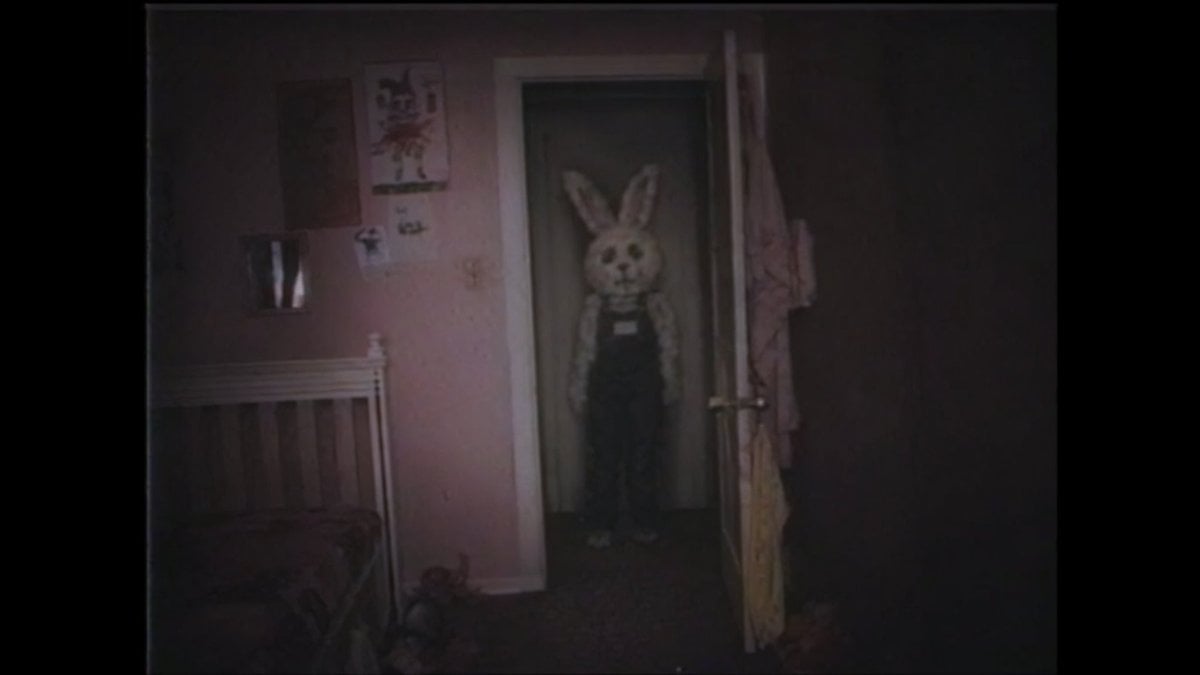
- Prompt included
- Model and format preset
- Free template
The prompt behind this image
Copy the exact prompt behind Creepy VHS Bedroom Doorway Figure, or open it in the studio and make it yours.
Create a creepy found-footage still from a degraded 1990s VHS home video, showing a dark messy bedroom at night viewed from a low handheld camera angle. The room has dim reddish-brown walls, heavy black shadows, a white metal bed frame and rumpled bed on the left, a few indistinct posters on the wall, and an open wooden door on the right with hanging fabric or clothing. In the center doorway stands {argument name="subject" default="a motionless humanoid figure"} wearing {argument name="costume" default="a pale rabbit-eared hood or bunny mask silhouette"}, a patterned light jacket, dark high-waisted pants, and small pale shoes; the face is deliberately obscured by a flat rectangular censor-like blur, making the figure feel anonymous and unnatural. Use {argument name="lighting" default="very low light with weak camera flash falloff"}, muddy colors, crushed blacks, soft focus, film grain, analog scanlines, chromatic noise, slight lens distortion, vignette, and a black VHS border around the frame. The composition should feel accidental, eerie, and documentary rather than cinematic, like a single unsettling frame from a lost tape, with the doorway figure centered but partially swallowed by darkness.
How to use Creepy VHS Bedroom Doorway Figure in 3 steps
- 1Upload ImagePNG, JPG or paste
Add your photo
Upload the photo the template builds on. The prompt, model and format are already set.
- 2…a portrait of your subject in softgolden-hour light, 85mm…
Personalize
Edit the subject and creative details for your destination.
- 3Generate
Generate
Press Generate — your image is created in PicX Studio, so you can compare it with the original and refine one variable at a time.
More like this
Templates with the same subject, style or setup. Open one to see its prompt.
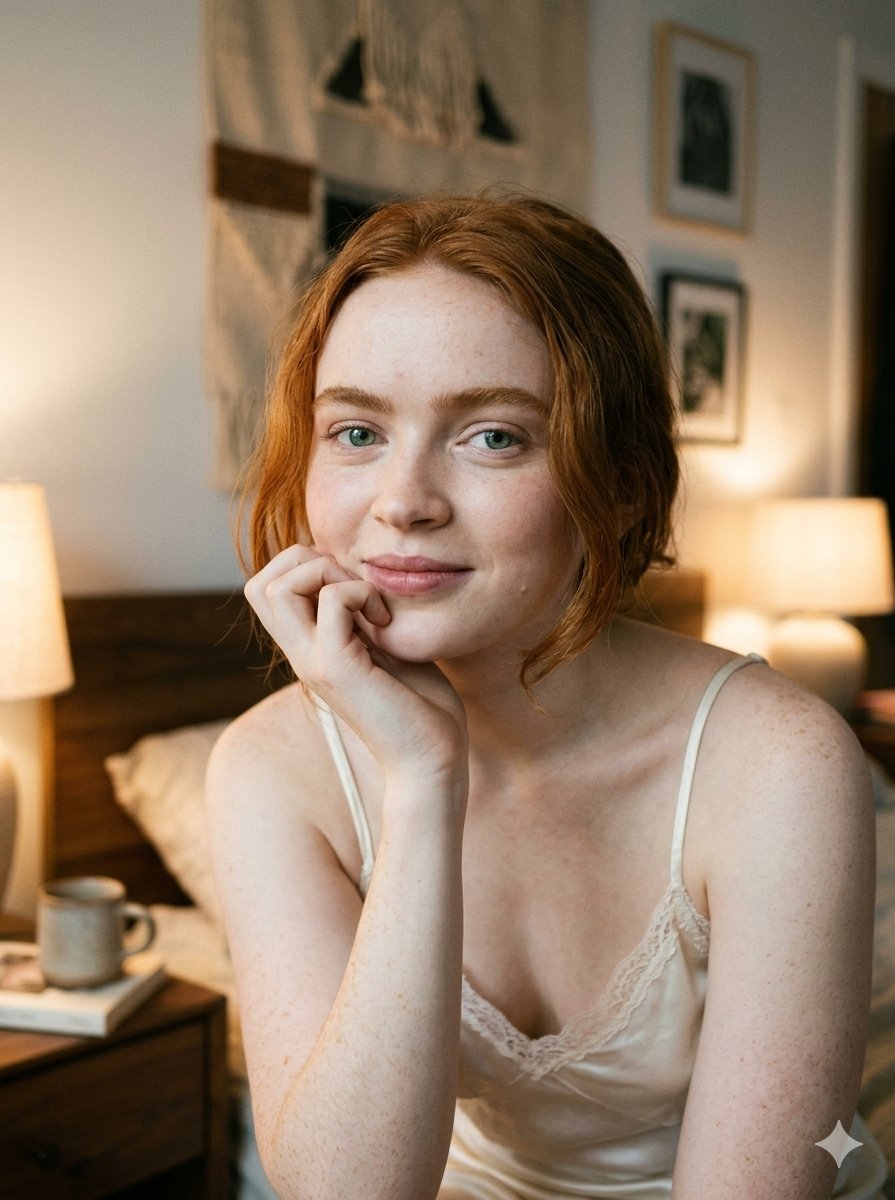
Google Nano Banana 2 — Cozy Bedroom Editorial

Nano Banana - Peace Sign Bedroom Selfie
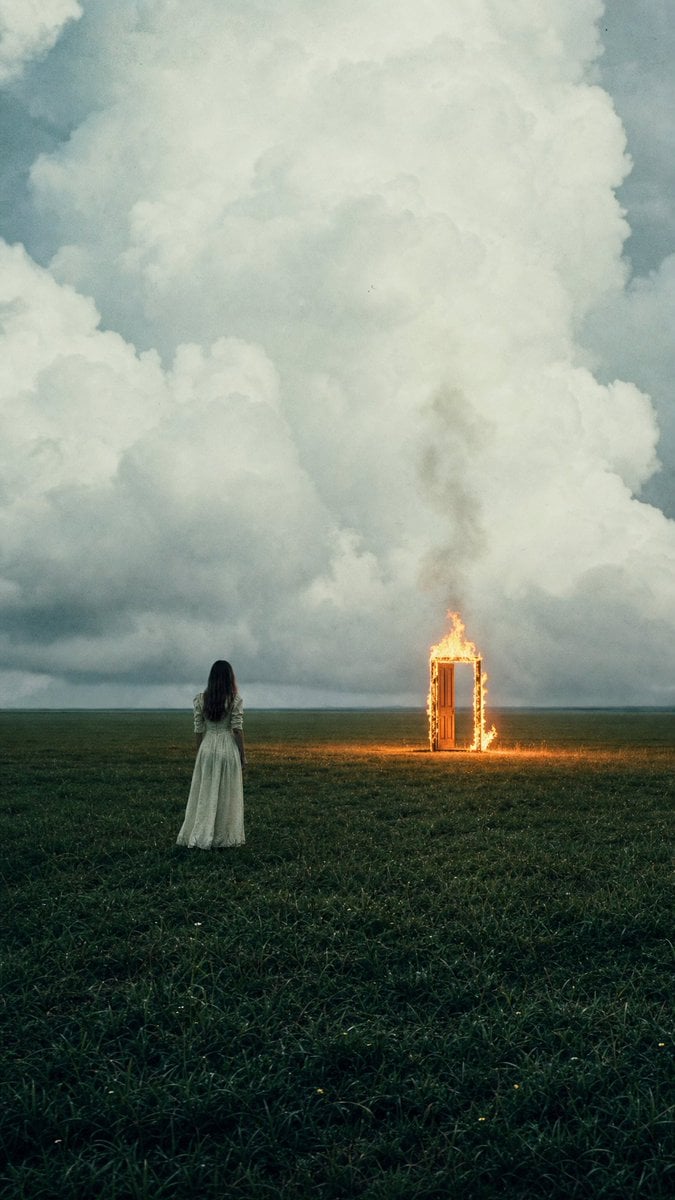
Woman Facing Burning Doorway
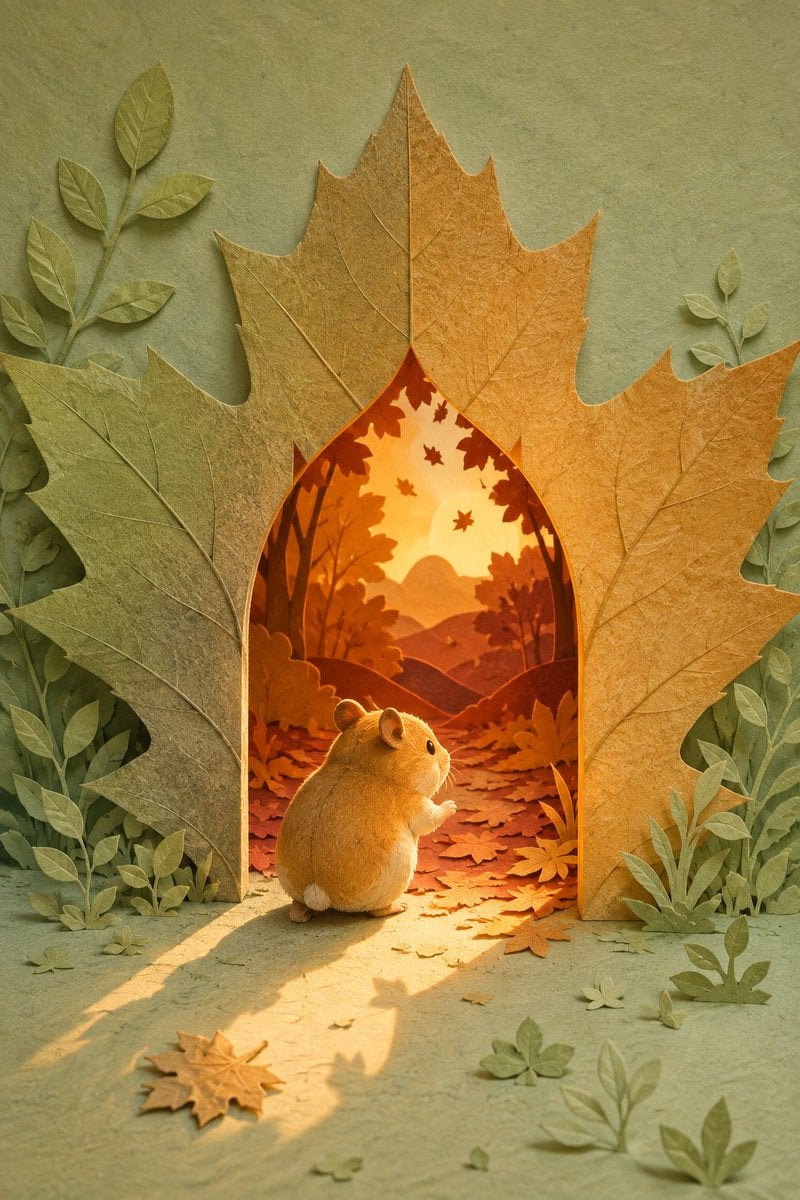
Hamster Autumn Leaf Doorway
VHS Paris Balcony Portrait
VHS Aesthetic Punk Streetwear
Cinematic Man in Doorway
Stick Figure Group to Fashion Photo
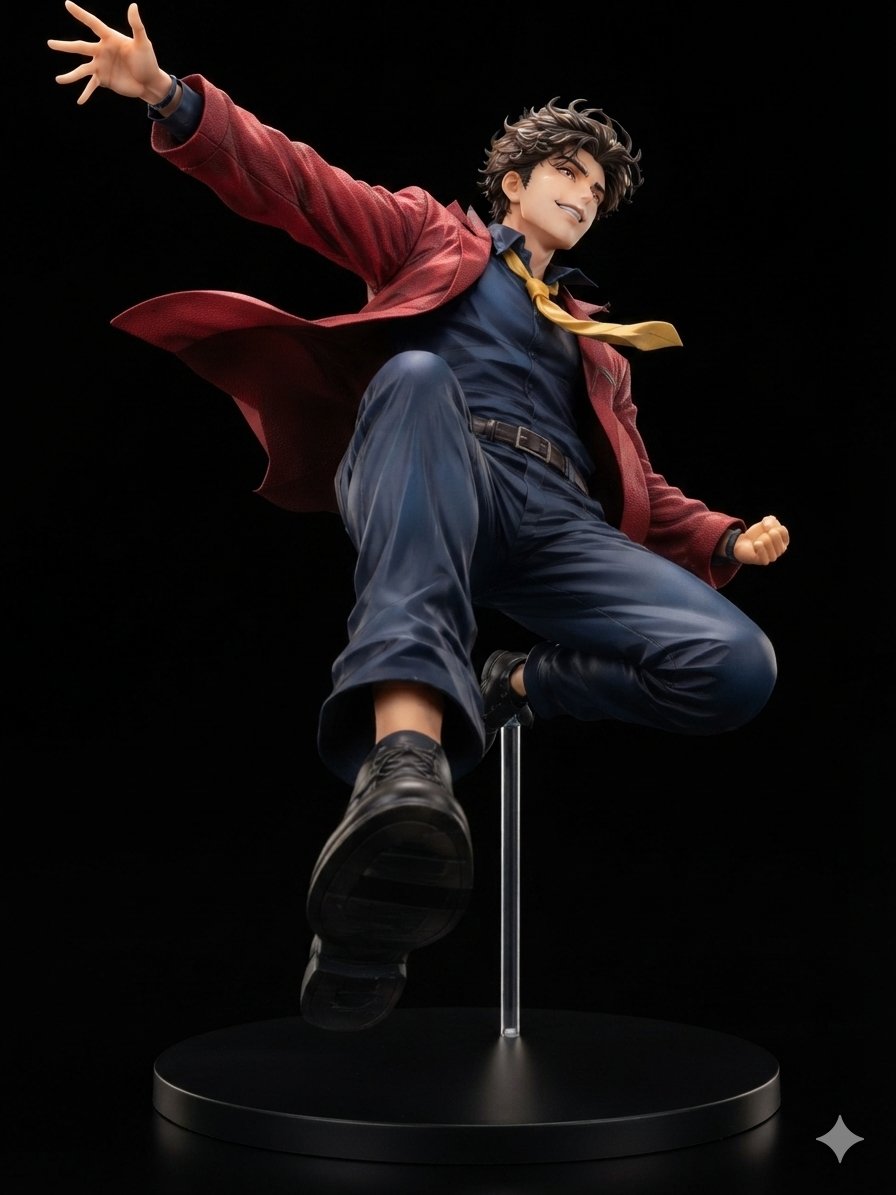
Dynamic Anime Hero Figure Render
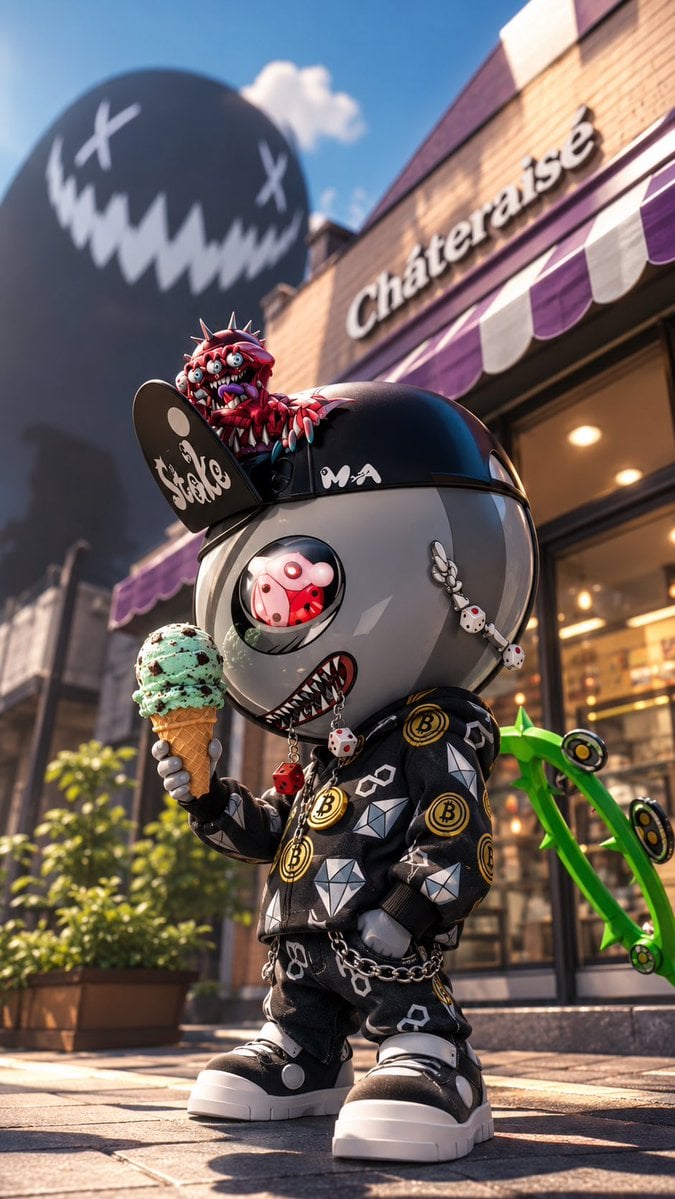
Creepy Cute Mascot at Dessert Café
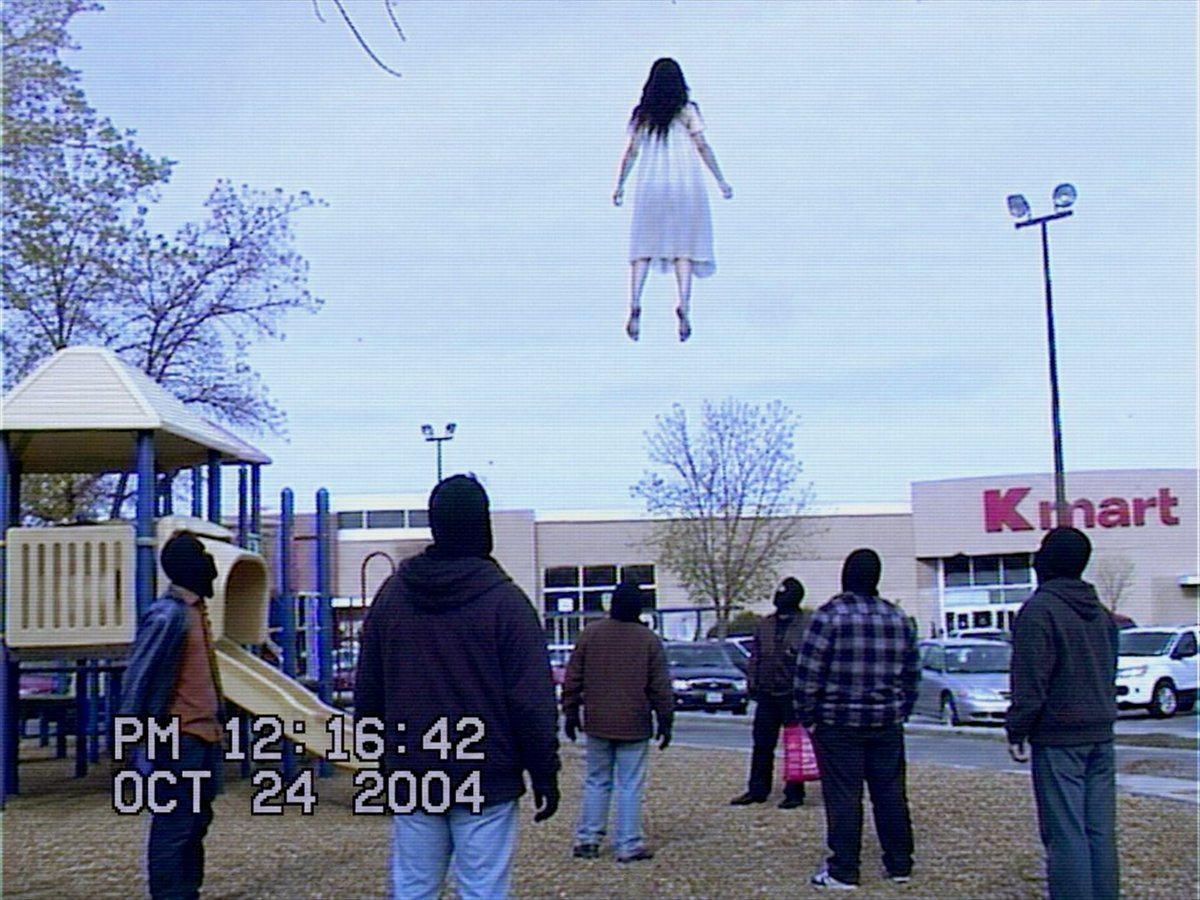
VHS Kmart Levitation Incident
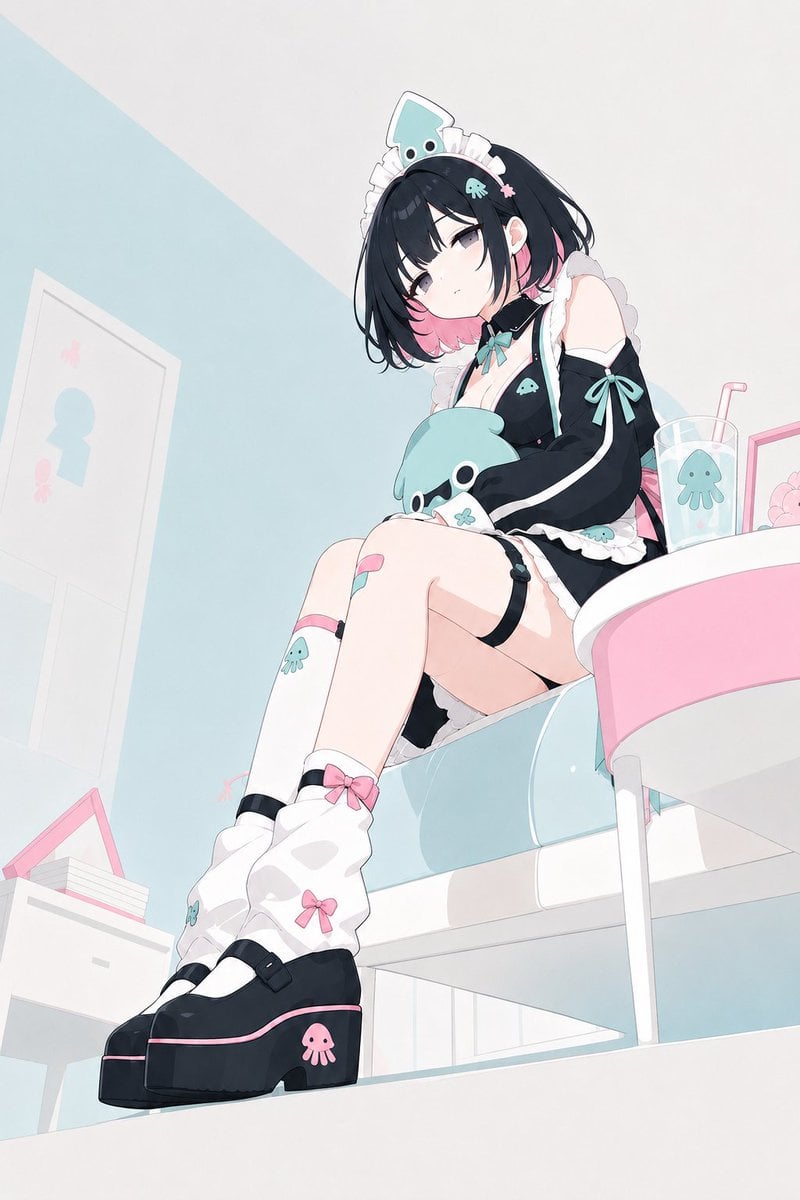
Pastel Squid Maid Bedroom Illustration
Make it yours
Creepy VHS Bedroom Doorway Figure works as-is. These are the safest ways to change it without losing the look.
Change one field
Copy a single group, rewrite it, and generate again so you can see what that field is doing.
Keep the frame, change the subject
Hold the composition and light of Creepy VHS Bedroom Doorway Figure, then swap wardrobe, props or the person for a new take.
| If the result… | Why | Fix |
|---|---|---|
| The result drifts from the preview | Too many fields changed at once. | Reuse Creepy VHS Bedroom Doorway Figure as-is first, then change one group — subject, light, or setting. |
| The model over-stylizes the scene | The prose prompt leaves finish and camera underspecified. | Add one camera or lighting sentence and stay on GPT Image 2. |
More GPT Image 2 templates
Other prompts made for GPT Image 2.

Six VTuber Japanese Logo Sheet

Realistic Portrait of Woman and Deer

The Vista Modular Condo Poster

AI Model Routing Comparison Infographic

2.5D Anime Art Board

Isometric Productivity Desk Scene

New York Double Exposure Poster

Four-Panel AI Landscape Comparison

Japanese Tatami Lifestyle Magazine Cover

NESCAFÉ Coffee Map Poster
More image prompts
Fresh picks from across the catalog.
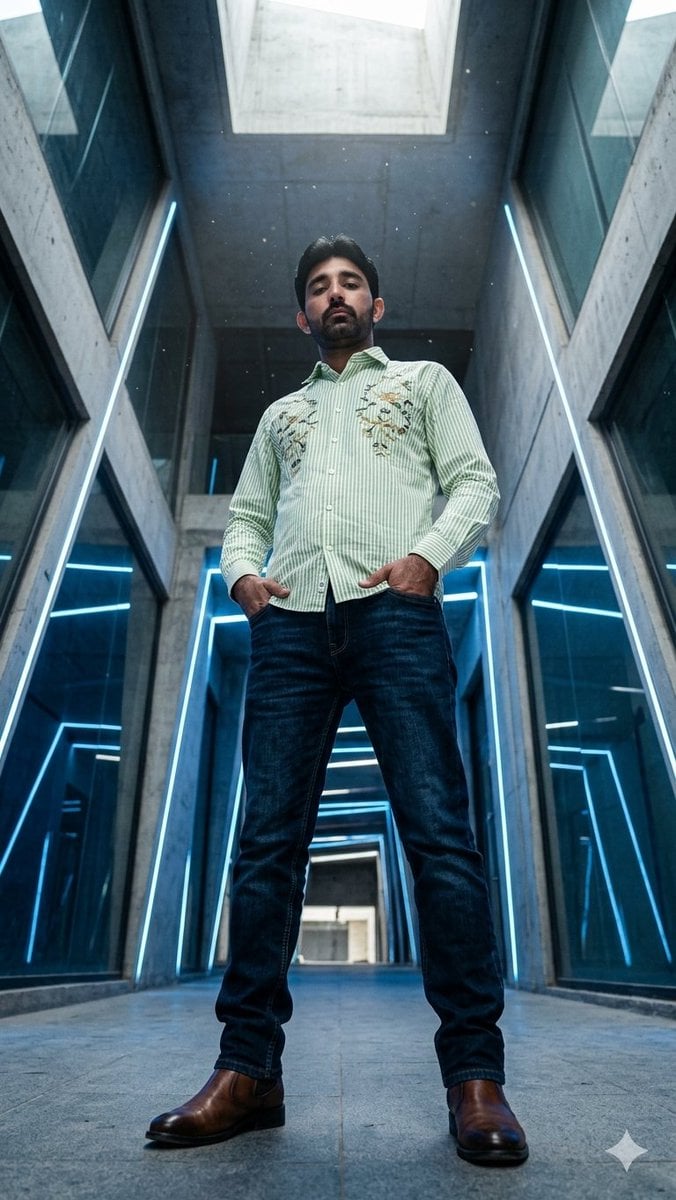
Low-Angle Futuristic Fashion Editorial
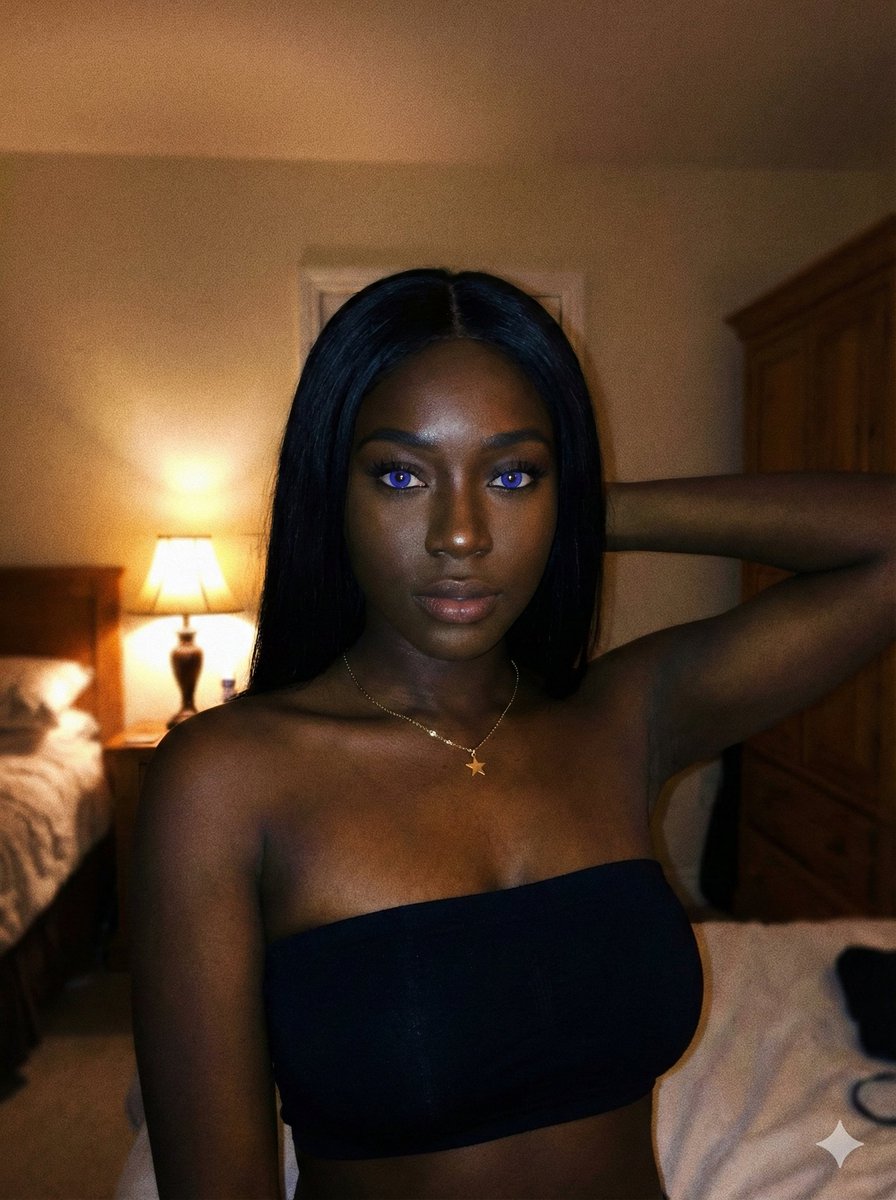
Deep Black Skin Selfie Portrait Prompt
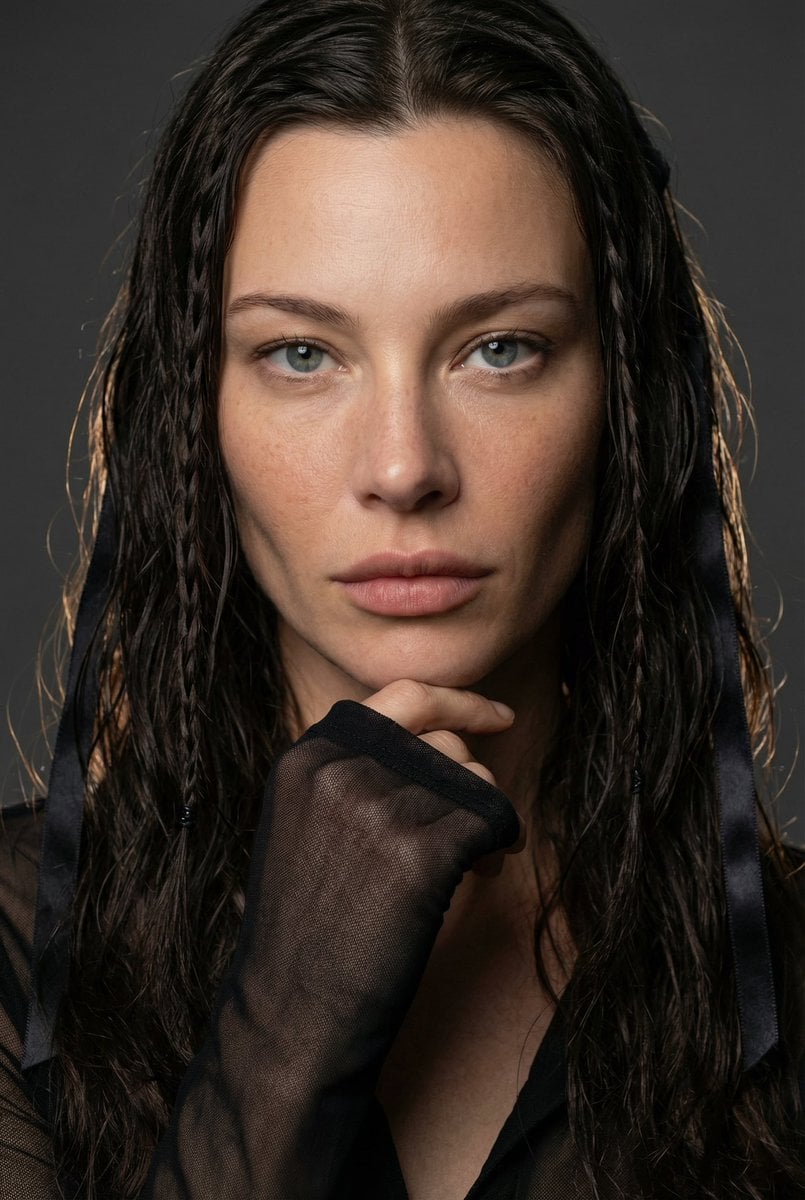
High-End Editorial Beauty Portrait
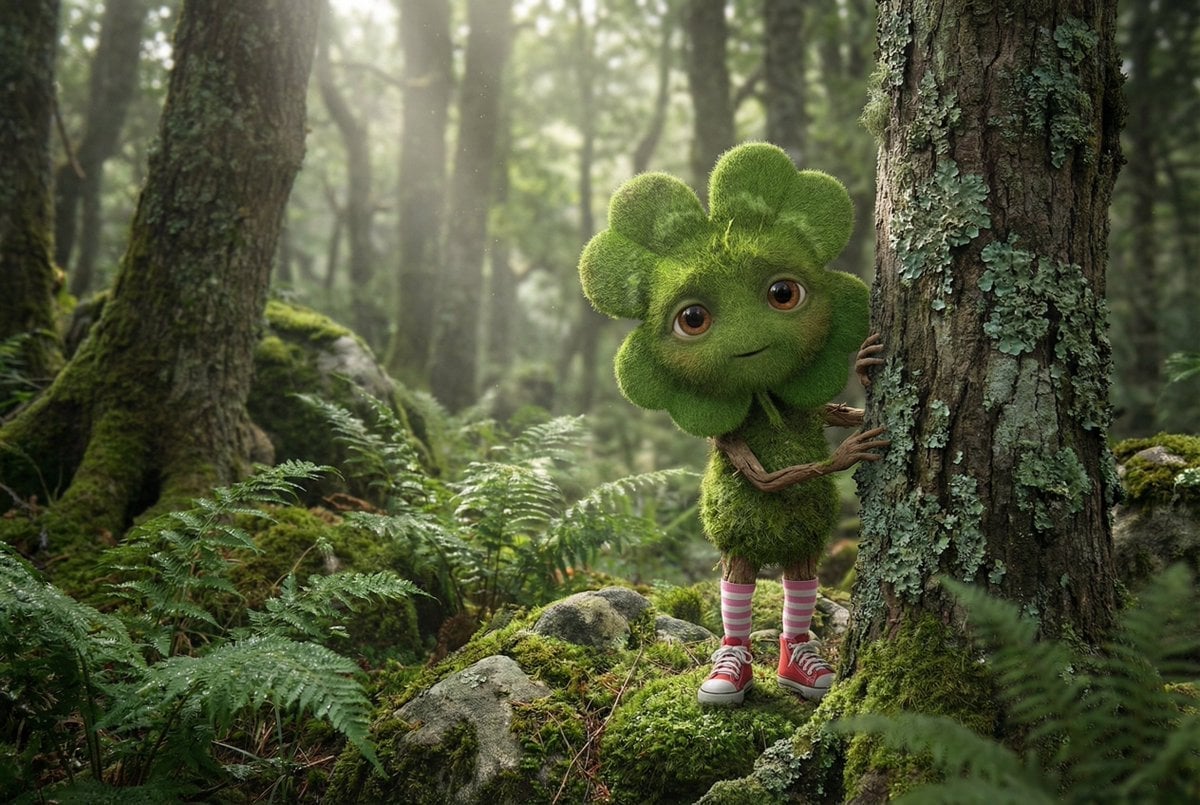
Elusive Irish Critter with Clover Head Prompt
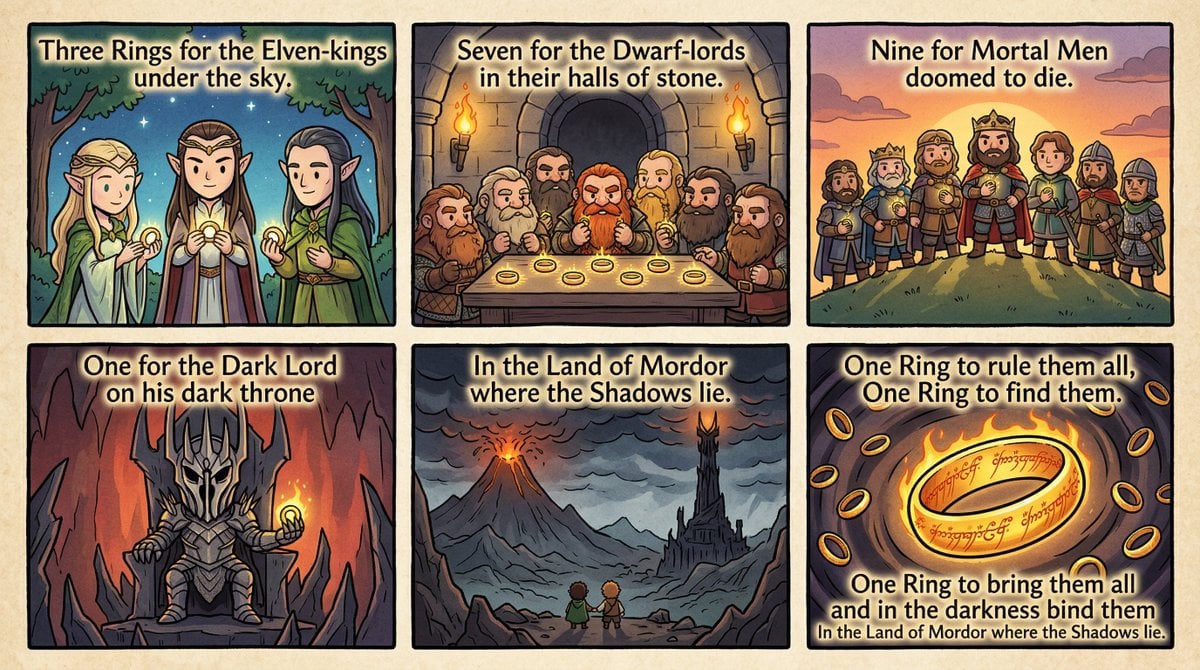
Cel-Shaded Comic Strip Prompt for LOTR Poem
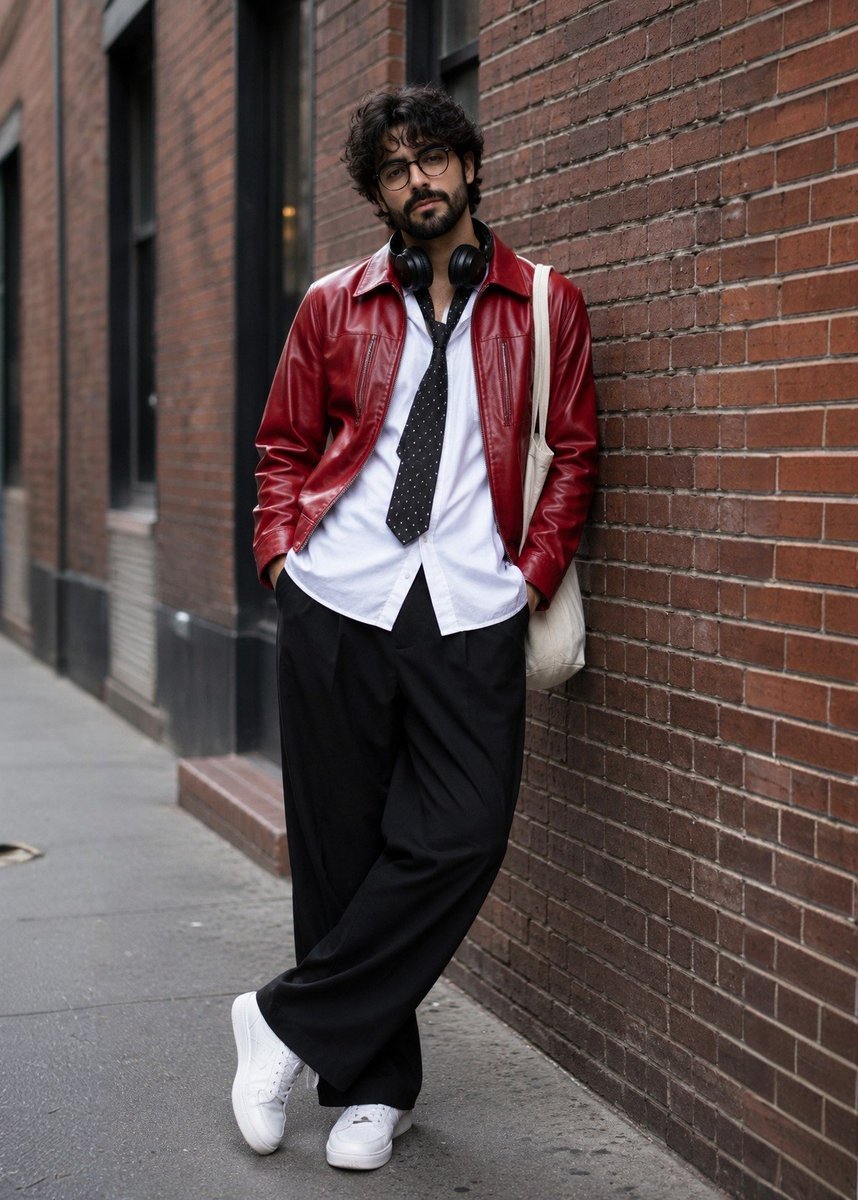
Street Fashion Photoshoot
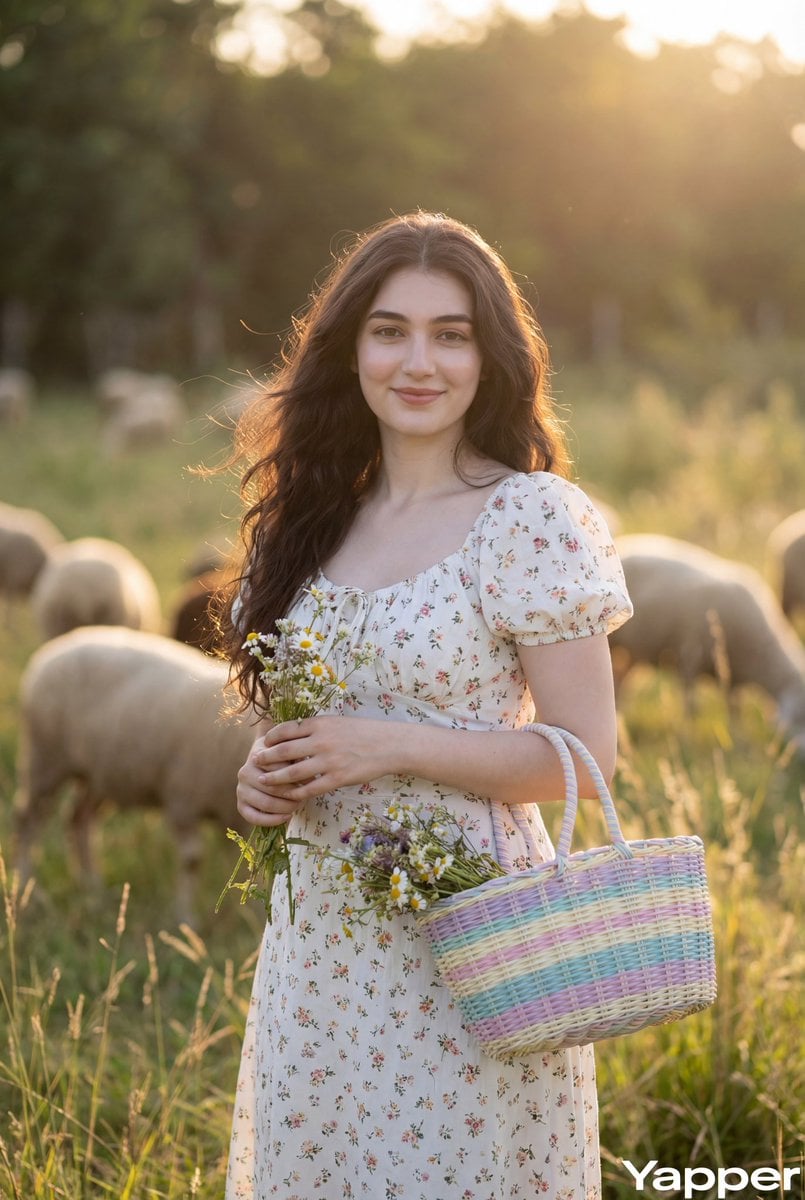
Cottagecore Pastoral Portrait Prompt

Nano Banana Pro prompt for generating a blog eye-catch image
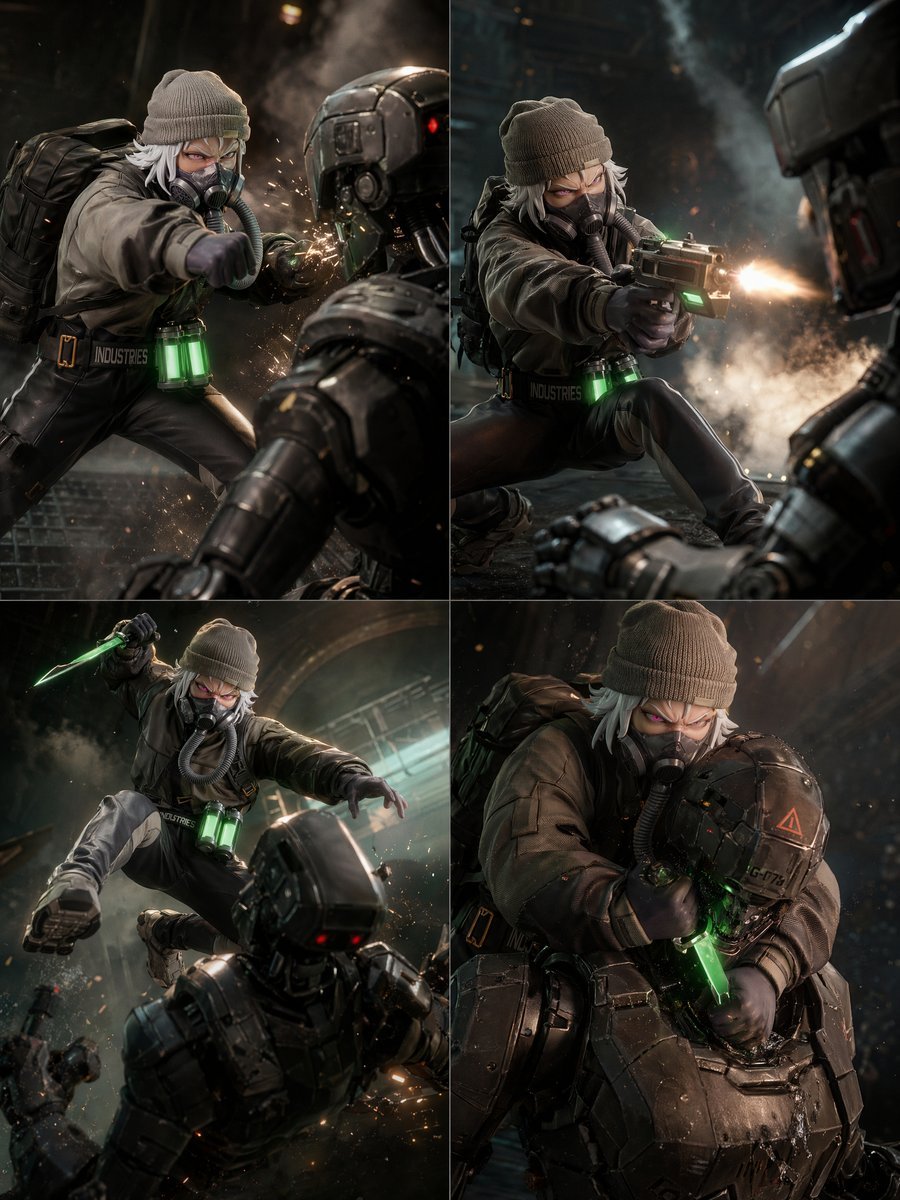
2x2 Sci-Fi Combat Action Grid
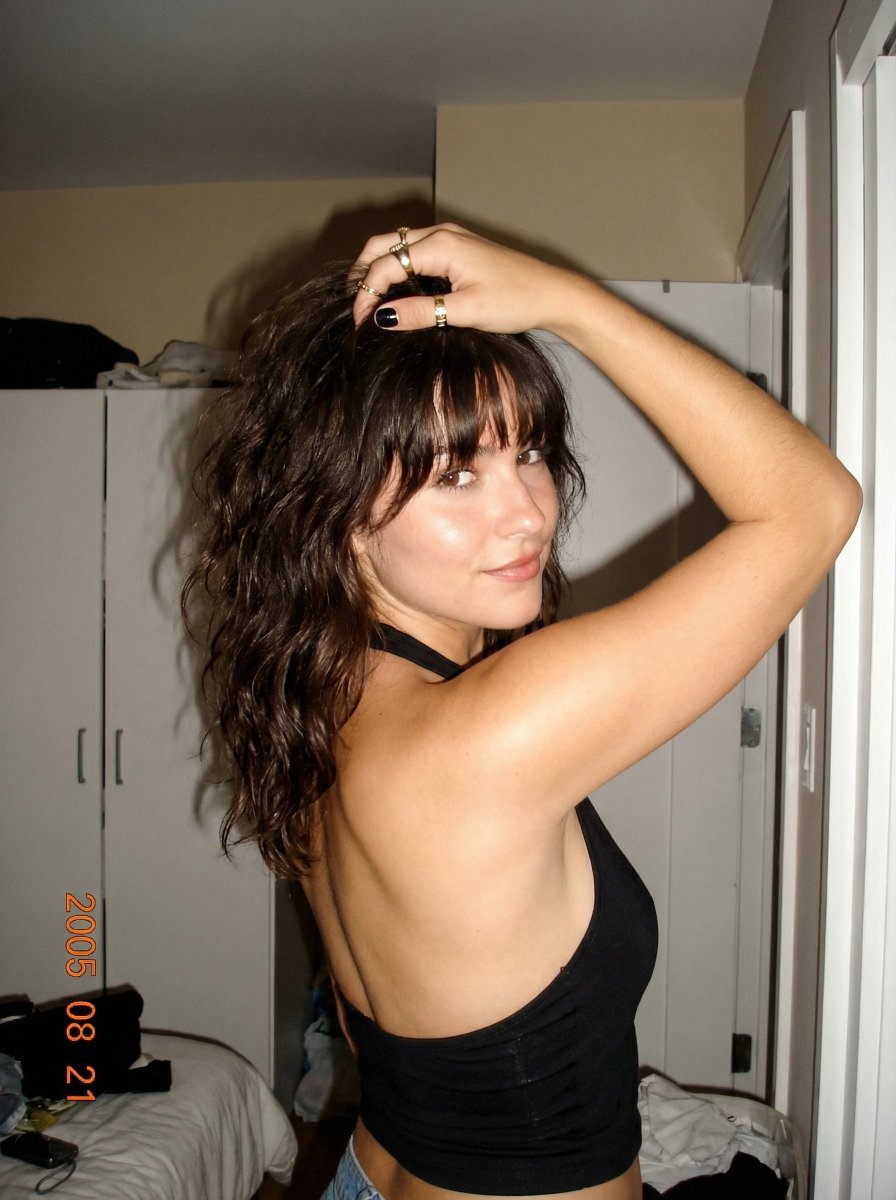
2000s Digital Camera Backless Top Snapshot Prompt
Featured in prompt roundups
Hand-picked collections that include this template.
Browse template categories
Creepy VHS Bedroom Doorway Figure questions
How do I use the Creepy VHS Bedroom Doorway Figure template?
Add your photo if the template asks for one, edit the prompt if you like — the template's model and format are already selected — and press Generate. Your version opens in PicX Studio.
Can I customize the Creepy VHS Bedroom Doorway Figure template?
Yes. You can change the subject, setting, lighting, mood, format, and available model controls before creating your image.
Is the Creepy VHS Bedroom Doorway Figure template free?
Opening and editing this template is free. Generating uses credits, shown on the Generate button when you are signed in.
Which AI model should I use?
Start with GPT Image 2, which is the model associated with this template. You can compare another compatible model for a different finish.
Looking for something else? Browse all templates.

Your photo, any look
Thousands of ready templates for every top image and video model, from one credit balance.