
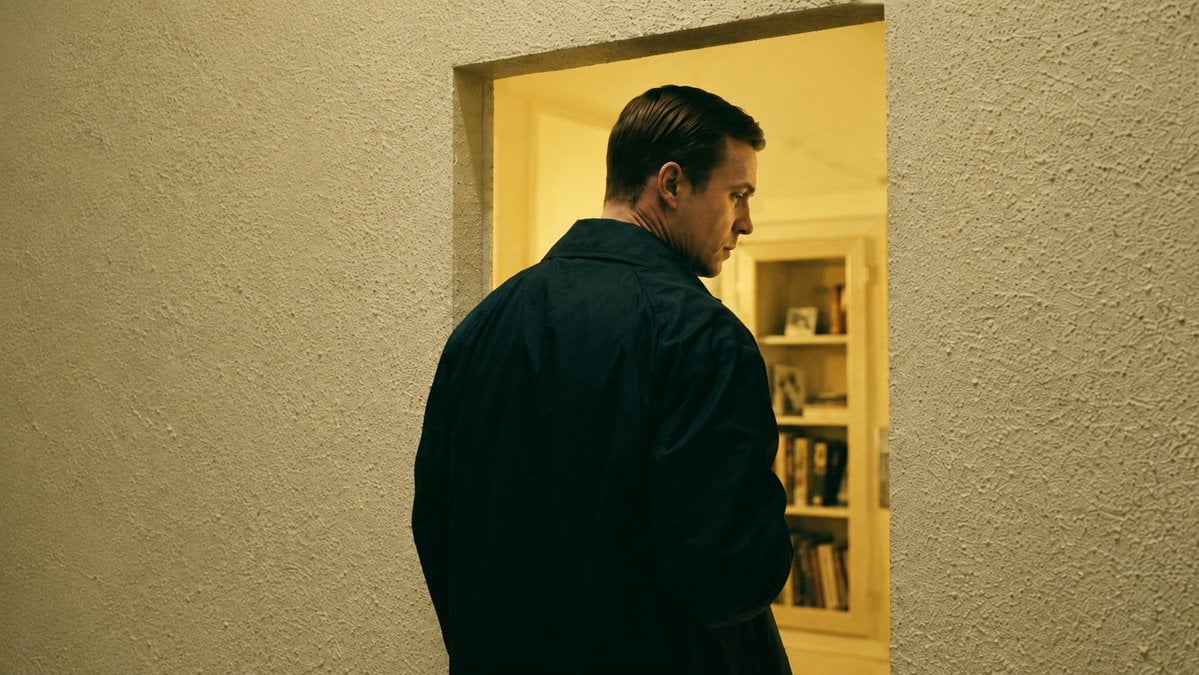
Cinematic Man in Doorway
A moody widescreen thriller-style film still of a man glancing back from a warm doorway, useful for cinematic previs and scene composition.
- Prompt included
- Model and format preset
- Free template
The prompt behind this image
Copy the exact prompt behind Cinematic Man in Doorway, or open it in the studio and make it yours.
Create a cinematic film still in a 16:9 widescreen frame, showing {argument name="character name" default="a solitary man"} from behind as he stands in a rectangular doorway and turns his head over his right shoulder in a tense profile glance. He is a white man in his 30s with slicked-back dark blond hair, wearing a dark navy or black jacket with a broad collar; his body fills the lower center of the frame, mostly seen from the back, with only the side of his face visible. The camera is positioned slightly behind and to his left, at chest height, creating an over-the-shoulder, surveillance-like composition. The foreground wall around the doorway is rough beige stucco with strong tactile texture, occupying most of the left and right sides of the image. Beyond the doorway is a warmly lit yellow interior room with cream walls and a built-in bookshelf in the background containing indistinct books and small framed objects. Use moody neo-noir lighting with a sickly warm yellow interior glow contrasting against the dark jacket, shallow depth of field, subtle film grain, realistic skin and fabric texture, muted green-gold color grading, soft shadows, and the look of a single frame from a serious psychological thriller. No visible text, no watermark, no extra people.
How to use Cinematic Man in Doorway in 3 steps
- 1Upload ImagePNG, JPG or paste
Add your photo
Upload the photo the template builds on. The prompt, model and format are already set.
- 2…a portrait of your subject in softgolden-hour light, 85mm…
Personalize
Edit the subject and creative details for your destination.
- 3Generate
Generate
Press Generate — your image is created in PicX Studio, so you can compare it with the original and refine one variable at a time.
More like this
Templates with the same subject, style or setup. Open one to see its prompt.
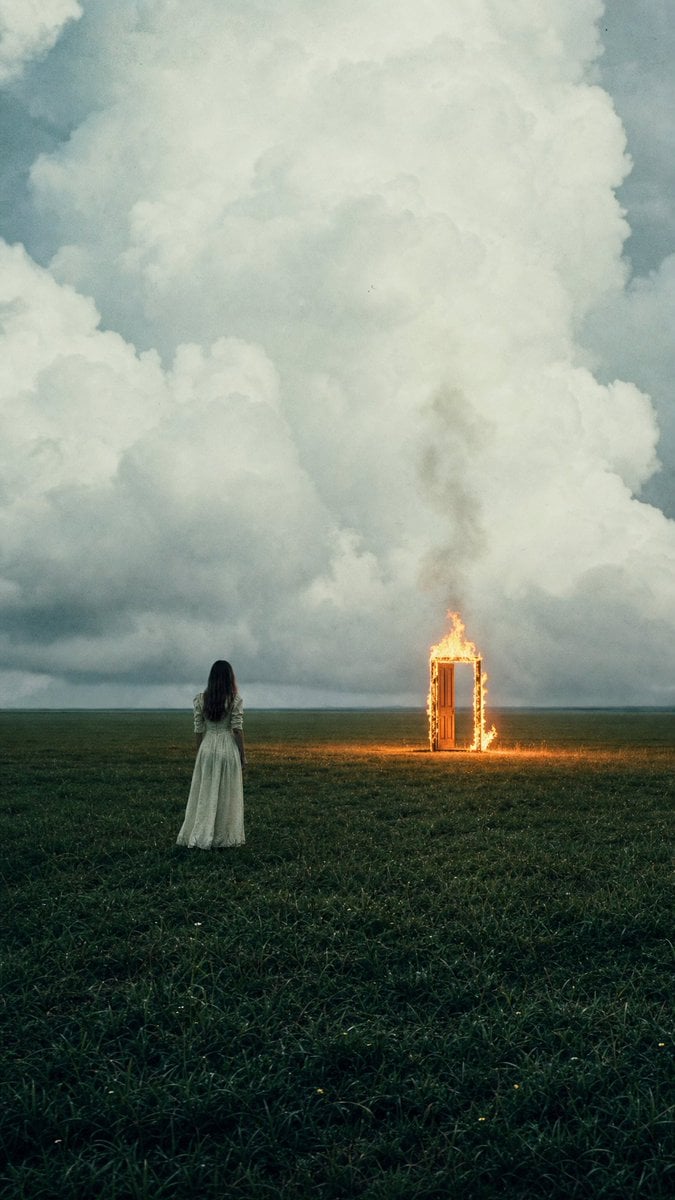
Woman Facing Burning Doorway
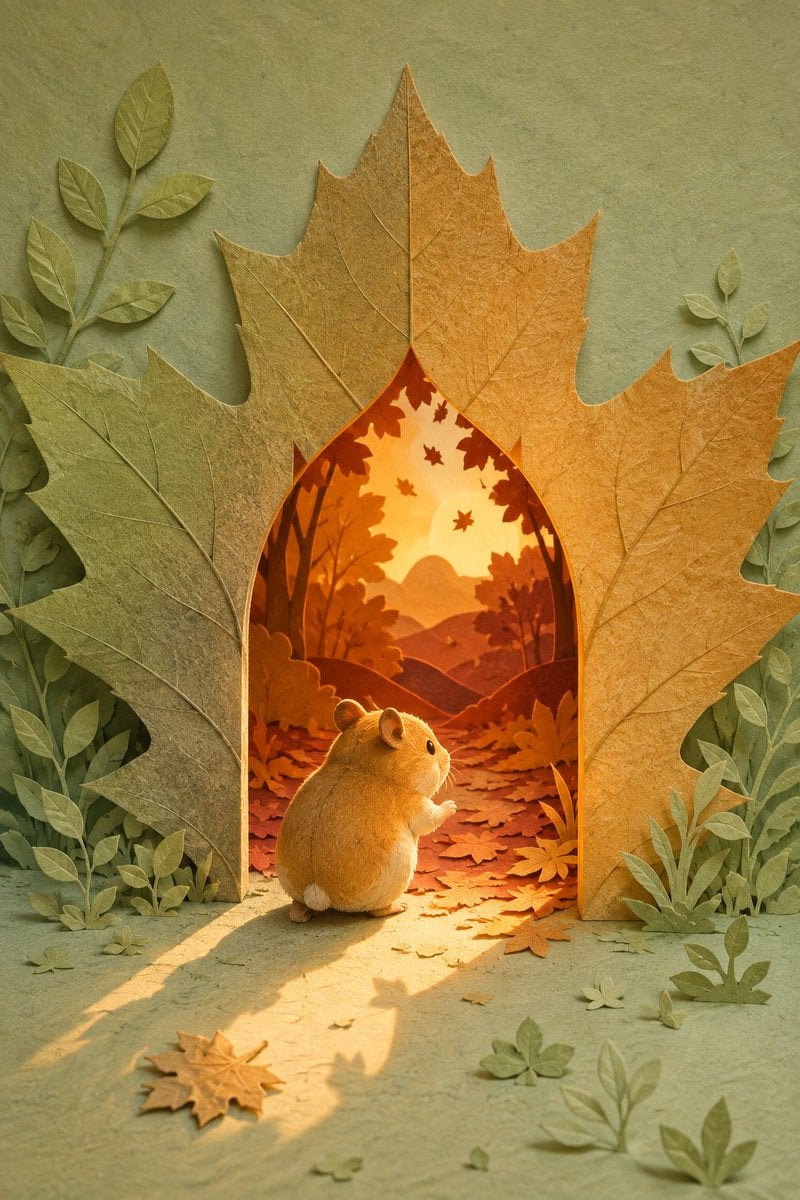
Hamster Autumn Leaf Doorway
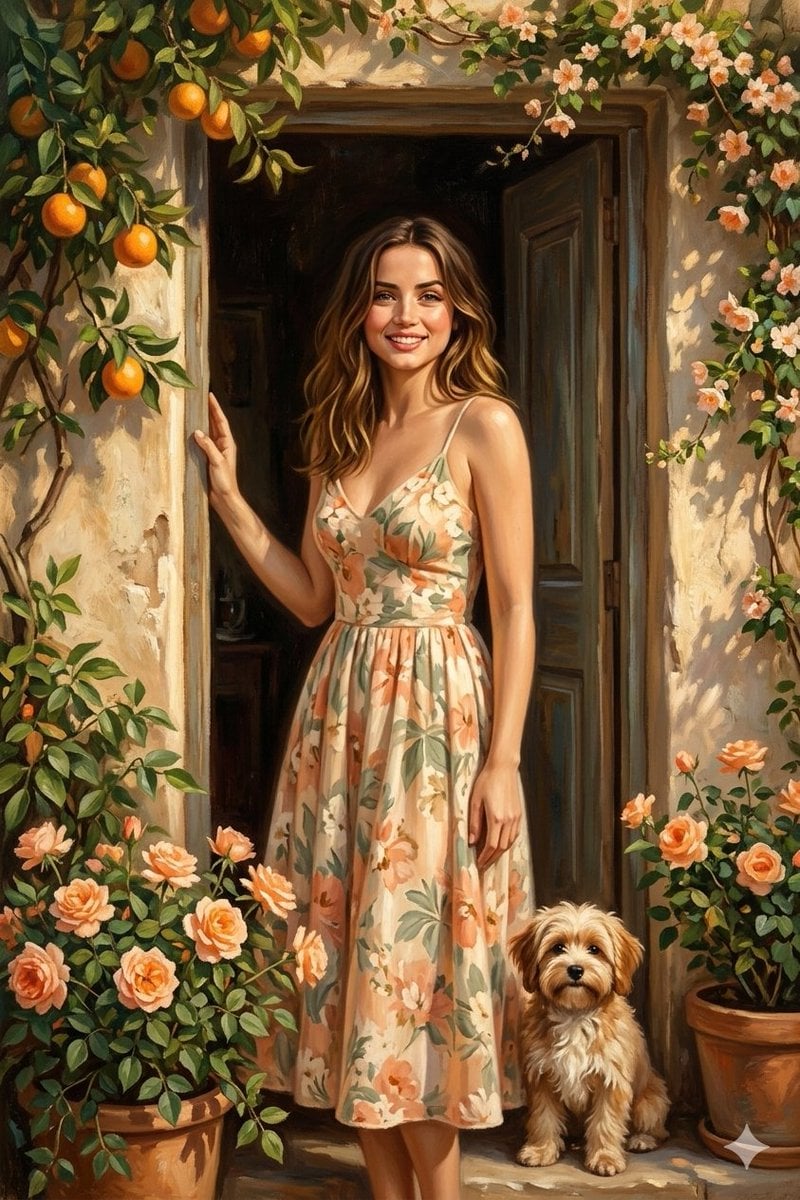
Mediterranean Doorway Painterly Portrait

Golden Hour Fedora Bar Doorway Street Style
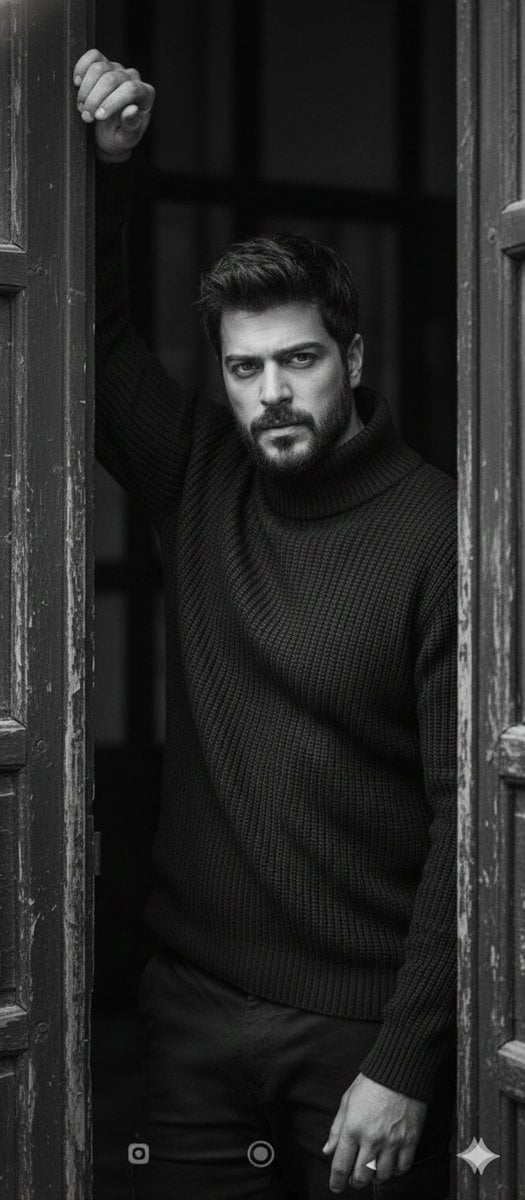
Black and White Fine-Art Doorway Portrait
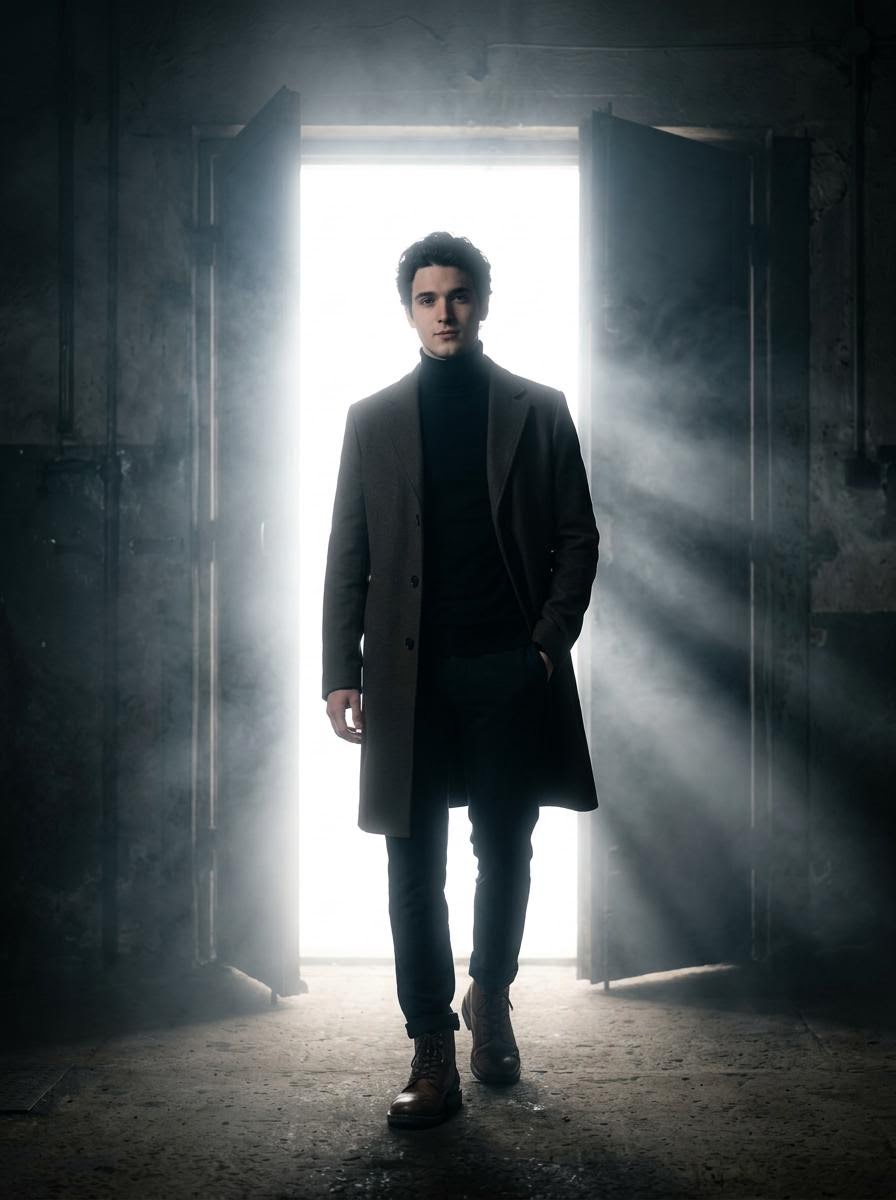
Cinematic Silhouette with Bright Doorway
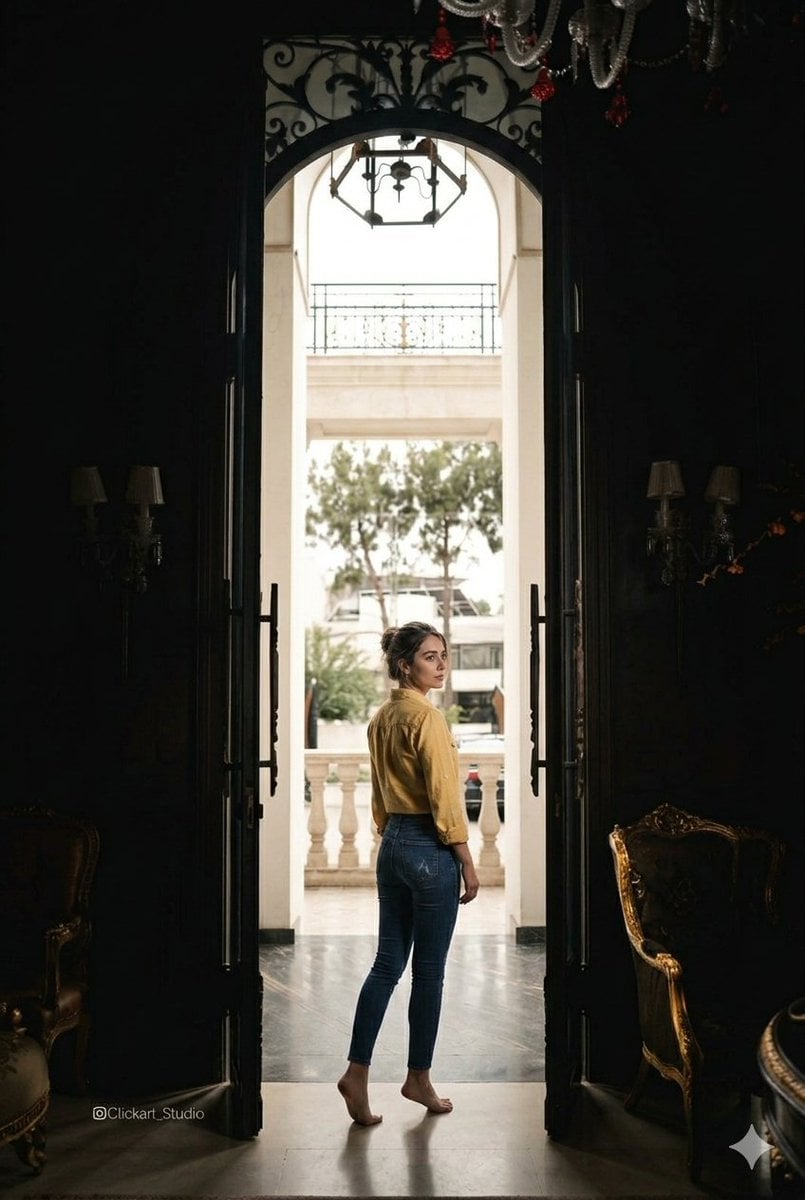
Grand Doorway Chiaroscuro Portrait

Quiet Hamster Manga Page
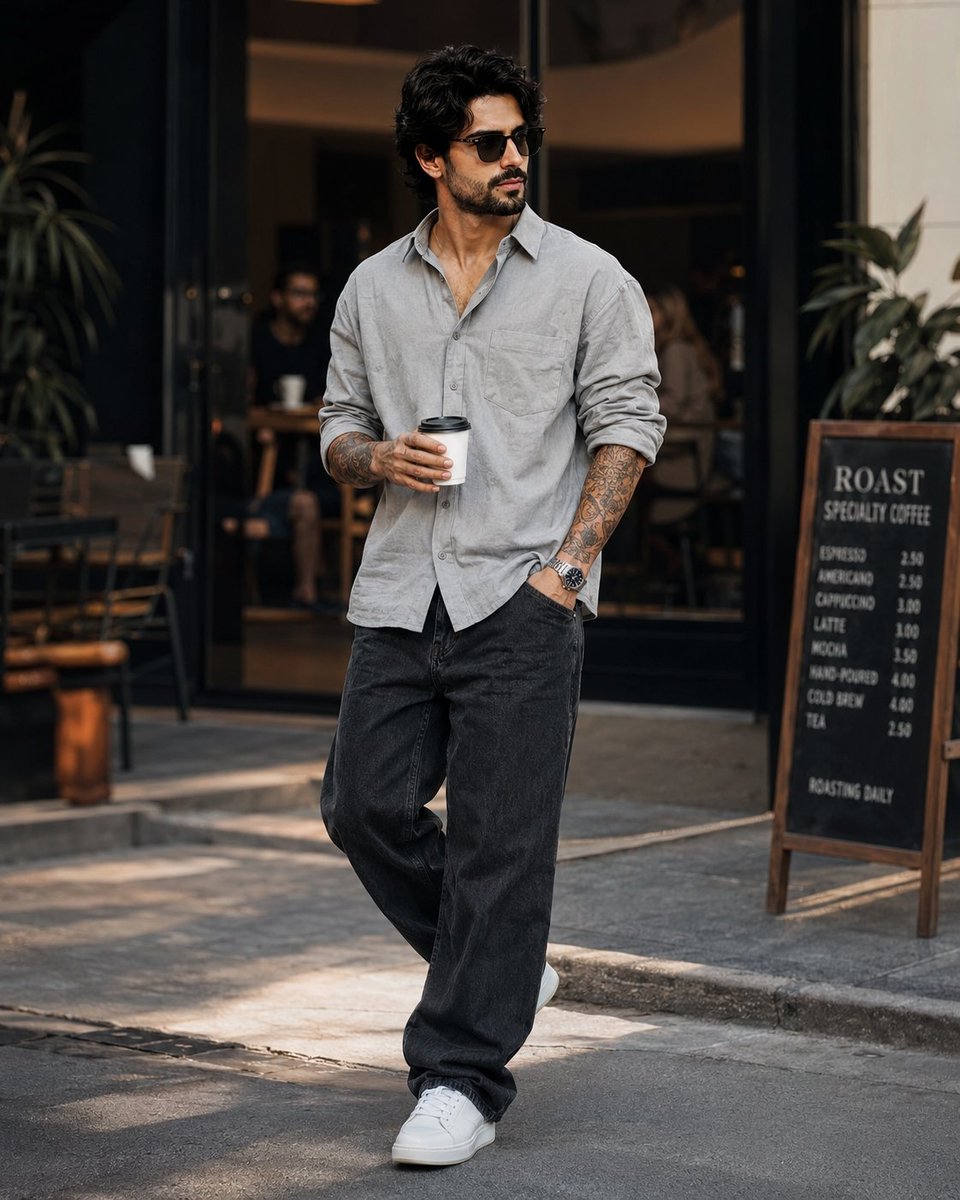
Stylish Man in Modern City

Hungry Man in Sunlit Garage
Romantic Mopping Slip in Rental Kitchen
Miniature Man Household Survival Collage
Make it yours
Cinematic Man in Doorway works as-is. These are the safest ways to change it without losing the look.
Change one field
Copy a single group, rewrite it, and generate again so you can see what that field is doing.
Keep the frame, change the subject
Hold the composition and light of Cinematic Man in Doorway, then swap wardrobe, props or the person for a new take.
| If the result… | Why | Fix |
|---|---|---|
| The result drifts from the preview | Too many fields changed at once. | Reuse Cinematic Man in Doorway as-is first, then change one group — subject, light, or setting. |
| The model over-stylizes the scene | The prose prompt leaves finish and camera underspecified. | Add one camera or lighting sentence and stay on GPT Image 2. |
More GPT Image 2 templates
Other prompts made for GPT Image 2.

Six VTuber Japanese Logo Sheet

Realistic Portrait of Woman and Deer

The Vista Modular Condo Poster

AI Model Routing Comparison Infographic

2.5D Anime Art Board

Isometric Productivity Desk Scene

New York Double Exposure Poster

Four-Panel AI Landscape Comparison

Japanese Tatami Lifestyle Magazine Cover

NESCAFÉ Coffee Map Poster
More image prompts
Fresh picks from across the catalog.
Digital Glitch Portrait Prompt
Hard Flash Backless Dress Night Photo Prompt
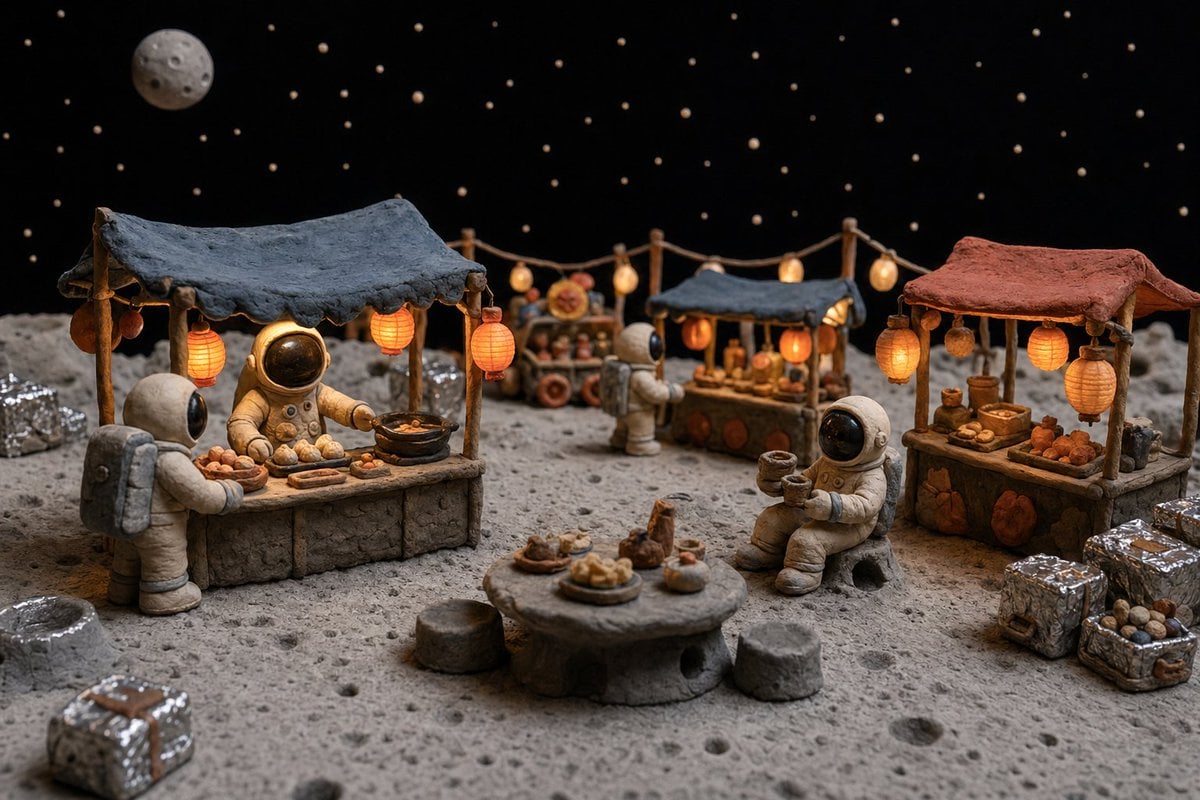
Clay Astronaut Moon Market
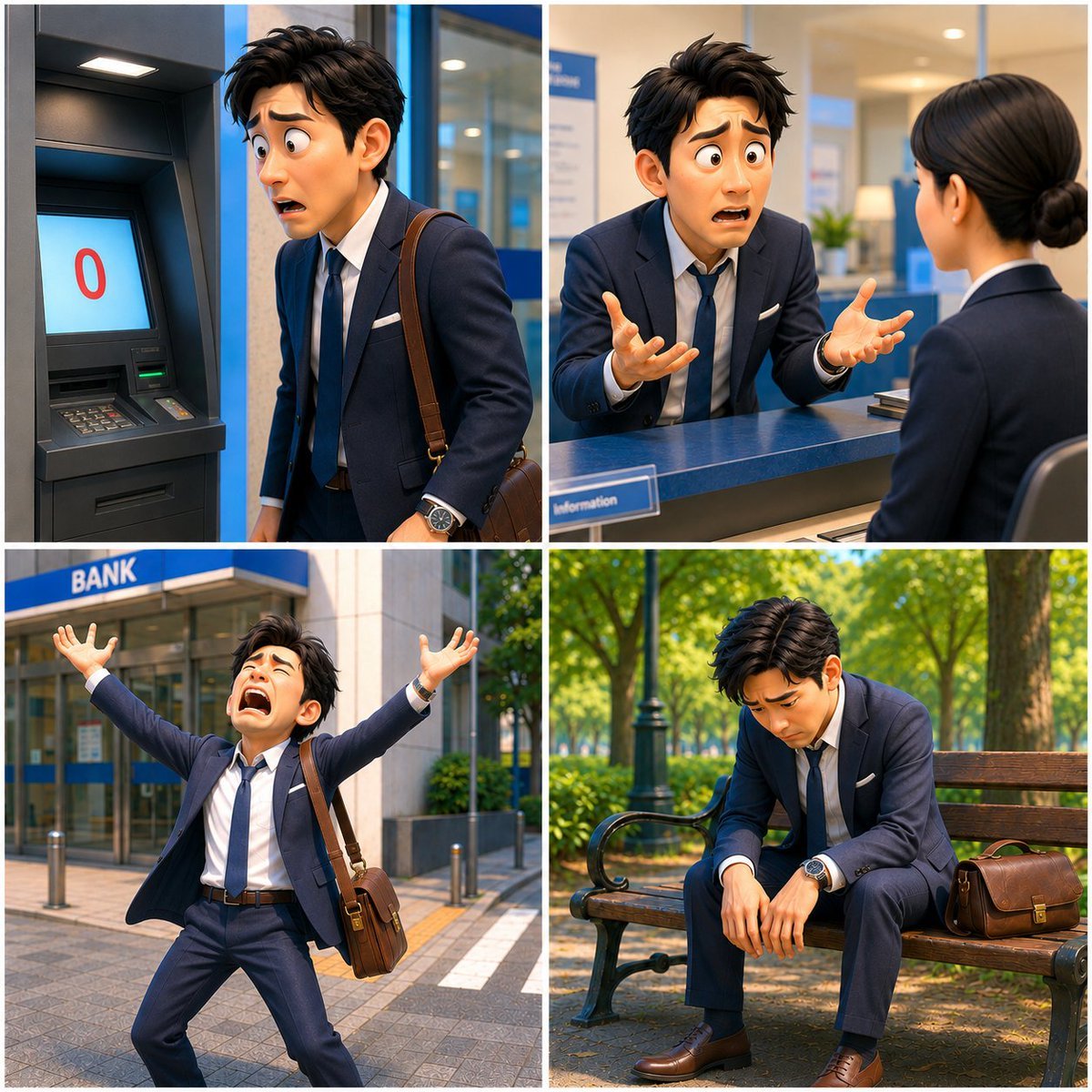
Zero Balance Bank Storyboard
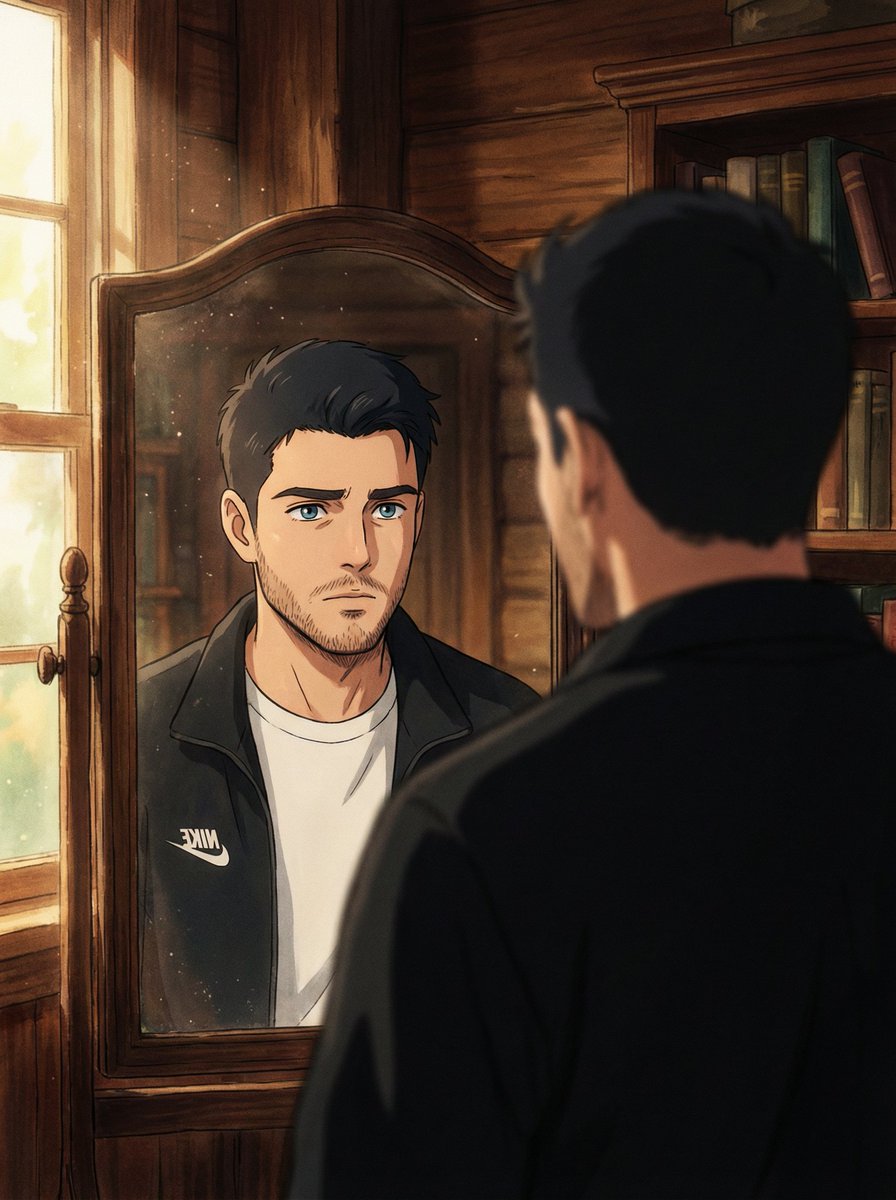
Cinematic Portrait Reflection with Ghibli Effect
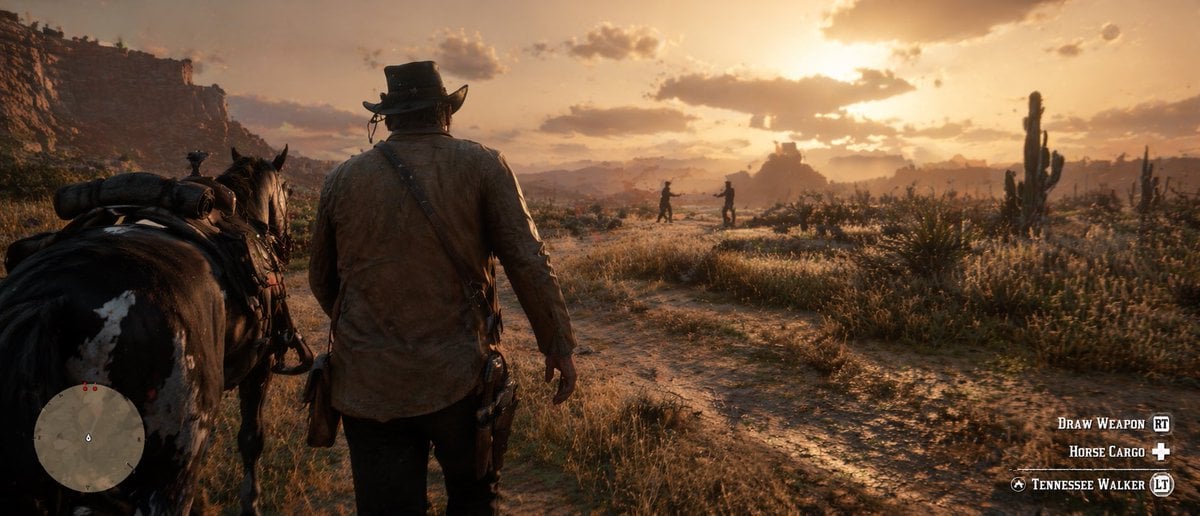
Western Open-World Game Screenshot
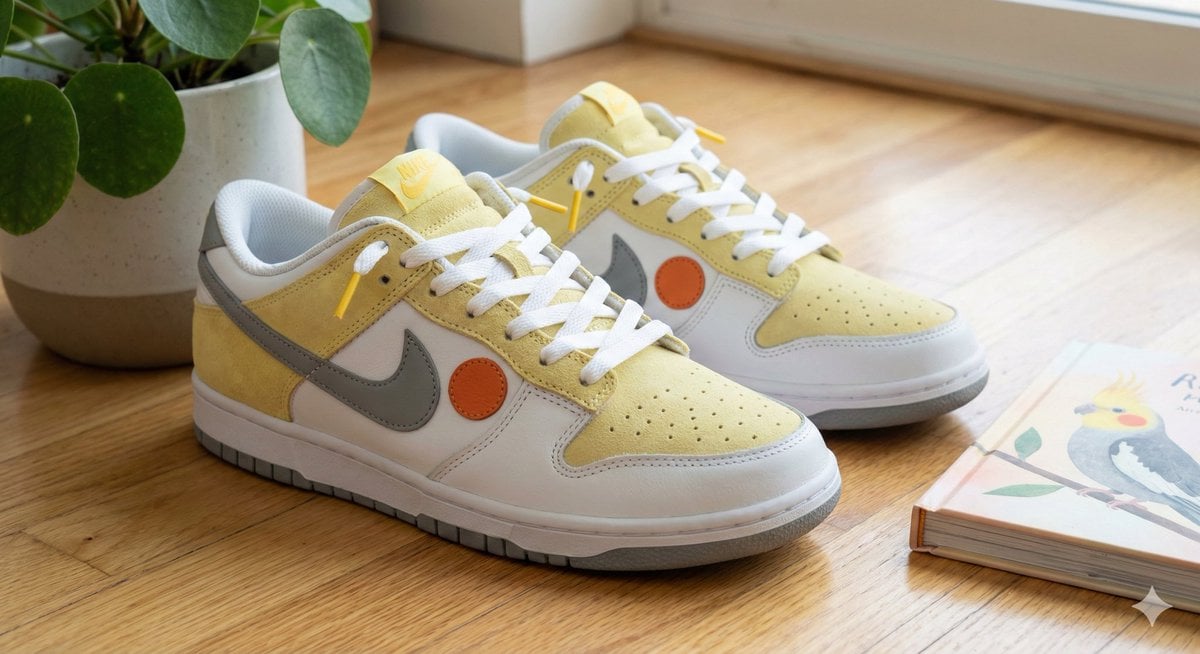
Cockatiel Model Sneakers Generated by Nano Banana Pro
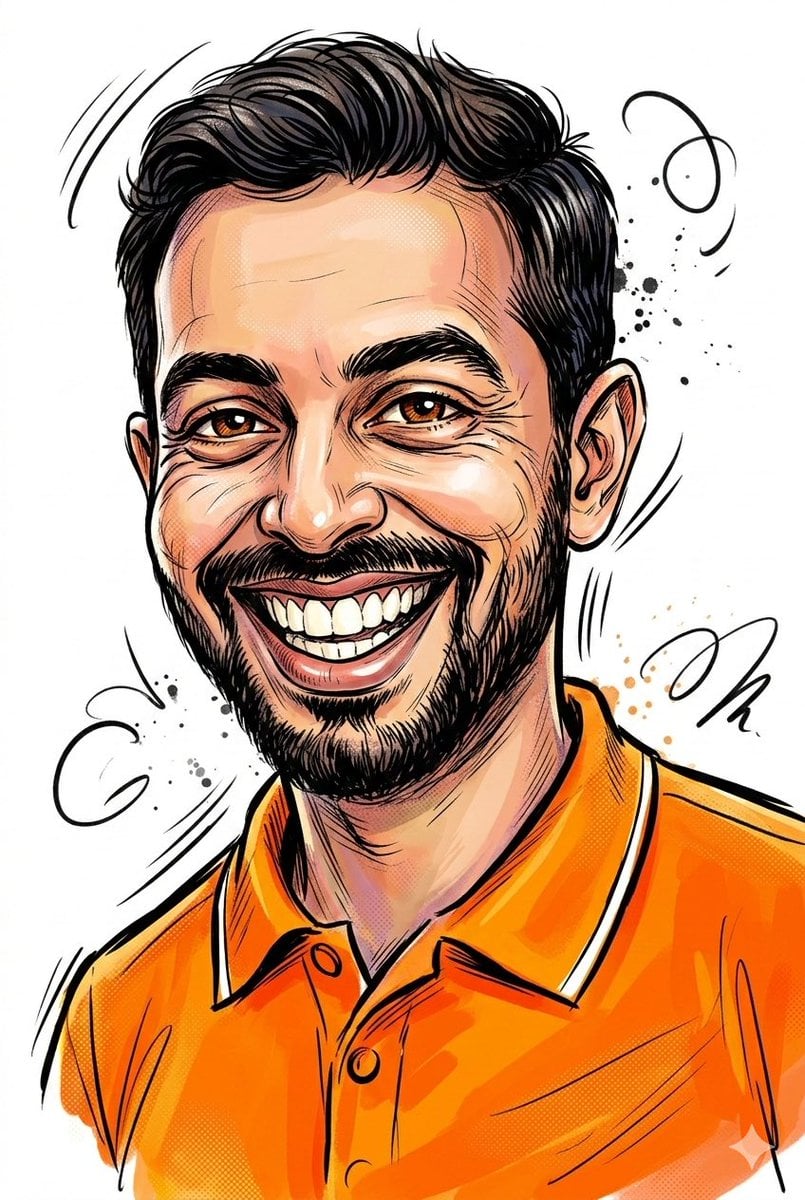
Image-to-Sketch Cartoon Transformation Prompt

Futuristic Fluffy Glass Typography Art
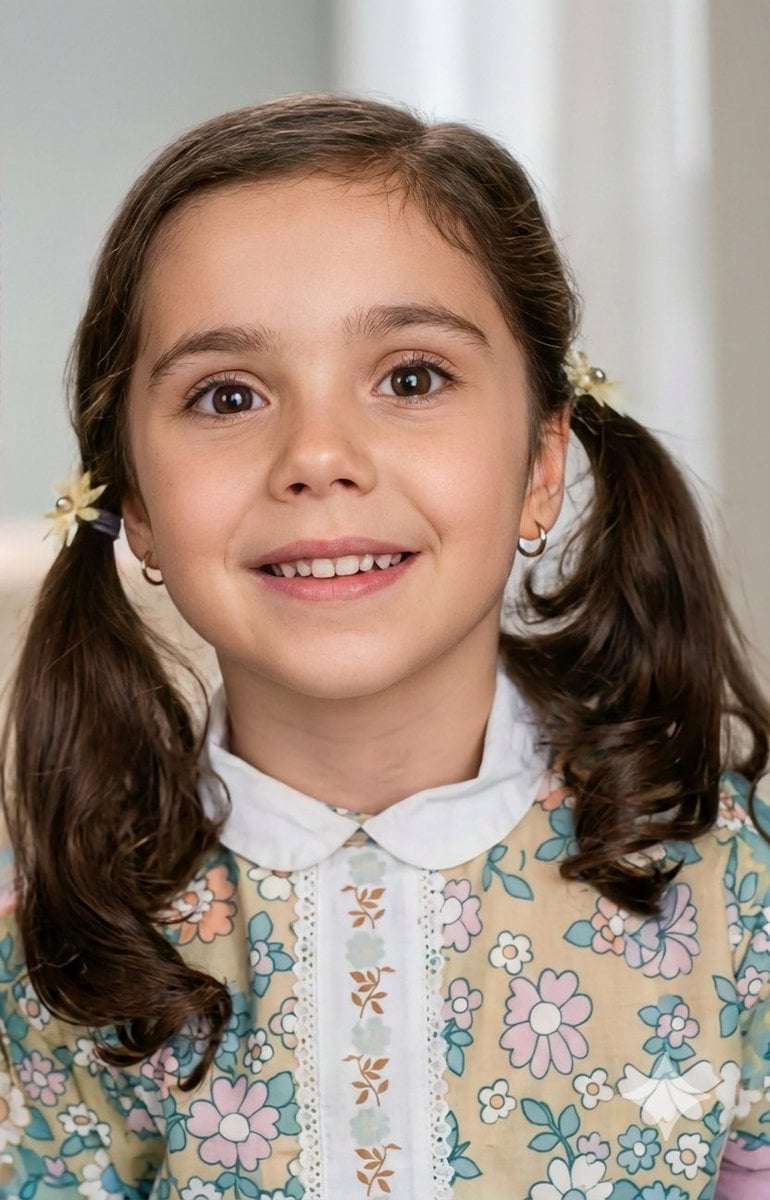
Vintage Photo Restoration to Modern Portrait Prompt
Browse template categories
Cinematic Man in Doorway questions
How do I use the Cinematic Man in Doorway template?
Add your photo if the template asks for one, edit the prompt if you like — the template's model and format are already selected — and press Generate. Your version opens in PicX Studio.
Can I customize the Cinematic Man in Doorway template?
Yes. You can change the subject, setting, lighting, mood, format, and available model controls before creating your image.
Is the Cinematic Man in Doorway template free?
Opening and editing this template is free. Generating uses credits, shown on the Generate button when you are signed in.
Which AI model should I use?
Start with GPT Image 2, which is the model associated with this template. You can compare another compatible model for a different finish.
Looking for something else? Browse all templates.

Your photo, any look
Thousands of ready templates for every top image and video model, from one credit balance.