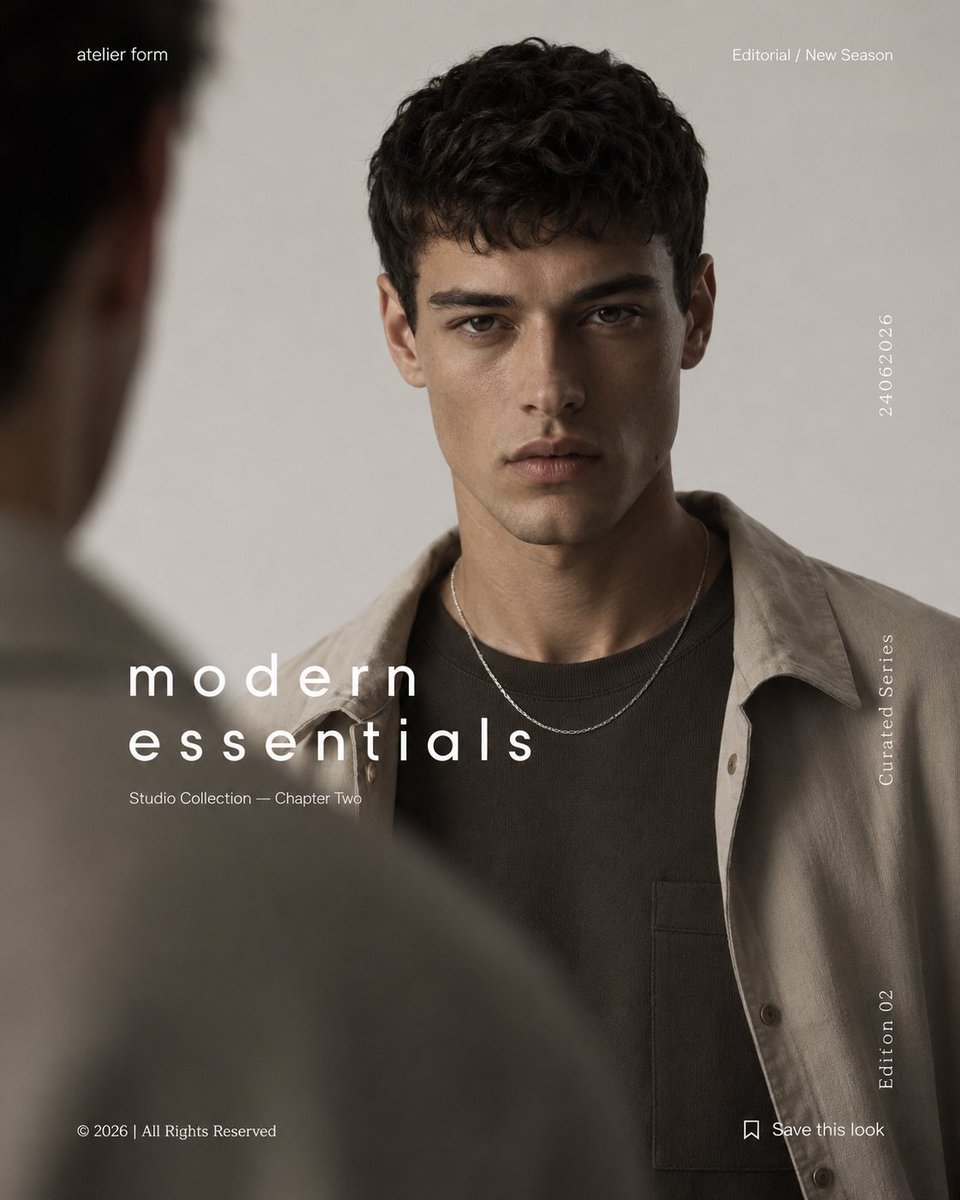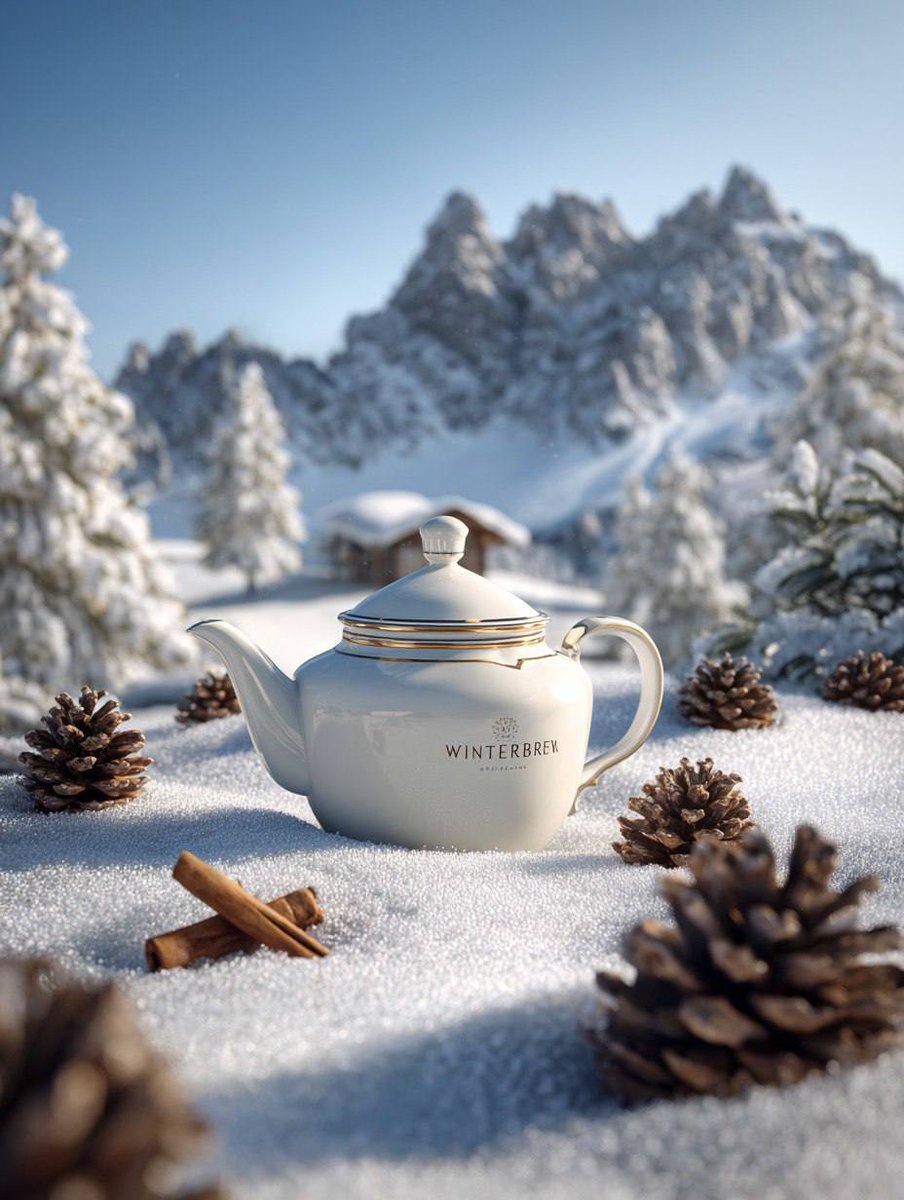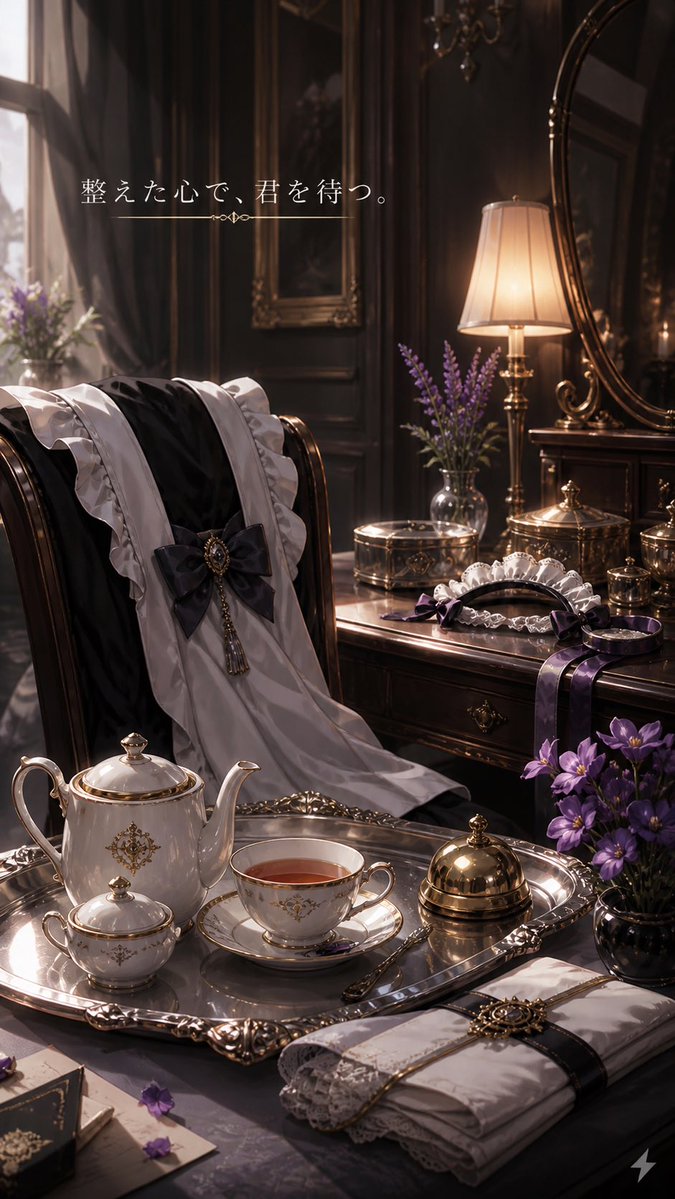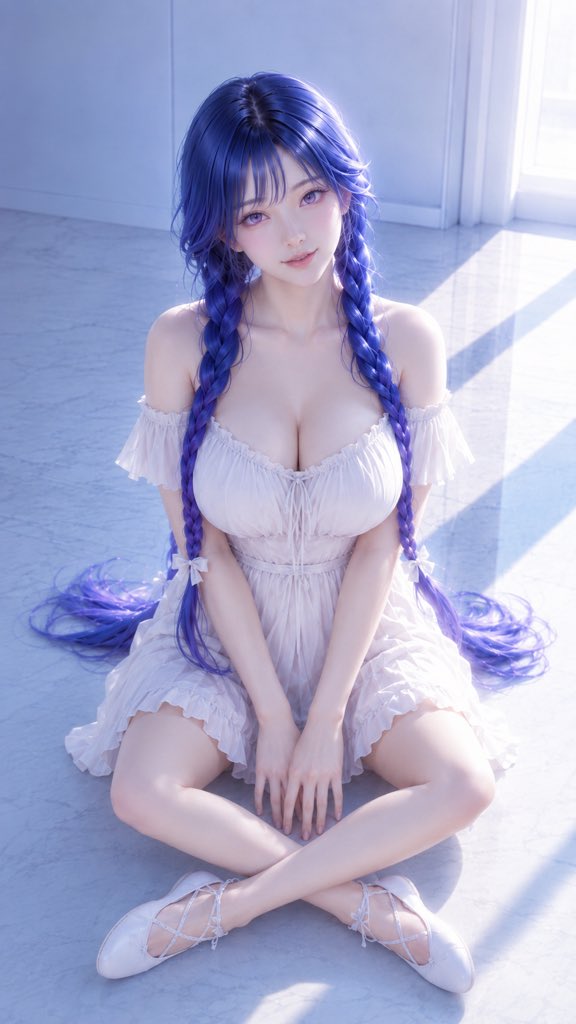
How do I use the Fantasy Manga Character Introduction Page template?
Choose the primary action to open PicX Studio with the available template settings. Review the model and format, personalize the creative direction, and generate when ready.
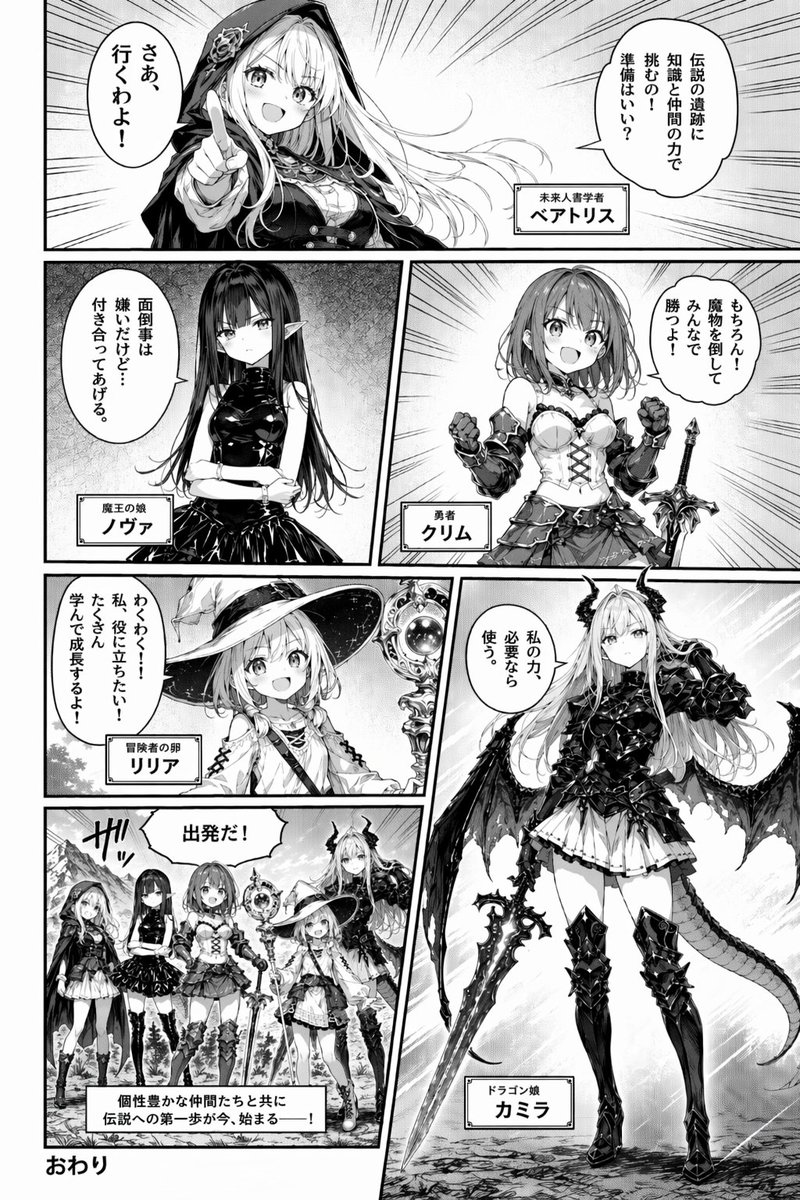
Generates a 6-panel manga page introducing a party of 5 fantasy characters with dialogue and name boxes. (free to use) — Free AI image template on PicX Studio.
{ "type": "manga page", "style": "{argument name=\"art style\" default=\"black and white manga screentone\"}", "character_count": 5, "panel_count": 6, "layout": { "panels": [ { "position": "top, full width", "character": "Beatrice, long blonde hair, dark hooded cloak, pointing forward", "text": ["伝説の遺跡に知識と仲間の力で挑むの!準備はいい?", "さあ、行くわよ!", "未来人書学者 {argument name=\"character 1 name\" default=\"ベアトリス\"}"] }, { "position": "middle left", "character": "Nova, long black hair, elf ears, black dress, arms crossed", "text": ["面倒事は嫌いだけど…付き合ってあげる。", "魔王の娘 {argument name=\"character 2 name\" default=\"ノヴァ\"}"] }, { "position": "middle right", "character": "Crim, short hair, armored corset, holding sword", "text": ["もちろん!魔物を倒してみんなで勝つよ!", "勇者 {argument name=\"character 3 name\" default=\"クリム\"}"] }, { "position": "bottom left, upper", "character": "Lilia, witch hat, holding staff", "text": ["わくわく!!私、役に立ちたい!たくさん学んで成長するよ!", "冒険者の卵 リリア"] }, { "position": "bottom right, tall vertical", "character": "Camilla, dragon horns, wings, tail, black armor, large sword", "text": ["私の力、必要なら使う。", "ドラゴン娘 カミラ"] }, { "position": "bottom left, lower", "description": "Group shot of all 5 characters standing in a landscape", "text": ["出発だ!", "ザッ", "個性豊かな仲間たちと共に伝説への第一歩が今、始まる――!"] } ], "footer": "{argument name=\"ending text\" default=\"おわり\"}" } }
Use Fantasy Manga Character Introduction Page to plan an AI image around gpt-image-2 generation, themes such as en and gpt-image-2. Match the preview's composition first, then personalize the subject, setting, and mood for your own project.
Use the primary action to load the template settings in PicX Studio.
Adjust the subject and creative details for your destination.
Create the image, compare the result with the preview, and refine one variable at a time.
A continuous mix — similar concepts first, woven with same-model prompts and fresh picks from the catalog.
Choose the primary action to open PicX Studio with the available template settings. Review the model and format, personalize the creative direction, and generate when ready.
Yes. You can change the subject, setting, lighting, mood, format, and available model controls before creating your image.
This template is free to open and customize. Generation usage is shown in PicX Studio before you create.
Start with gpt-image-2, which is the model associated with this template. You can compare another compatible model for a different finish.
Follow a topic to a crawlable collection of related PicX Studio templates.
39,157 public templates available. Verified via the PicX Studio public templates API; refreshed hourly.
A continuous mix — similar concepts first, woven with same-model prompts and fresh picks from the catalog.