How do I use the Modern Lifestyle Mirror Selfie template?
Choose the primary action to open PicX Studio with the available template settings. Review the model and format, personalize the creative direction, and generate when ready.
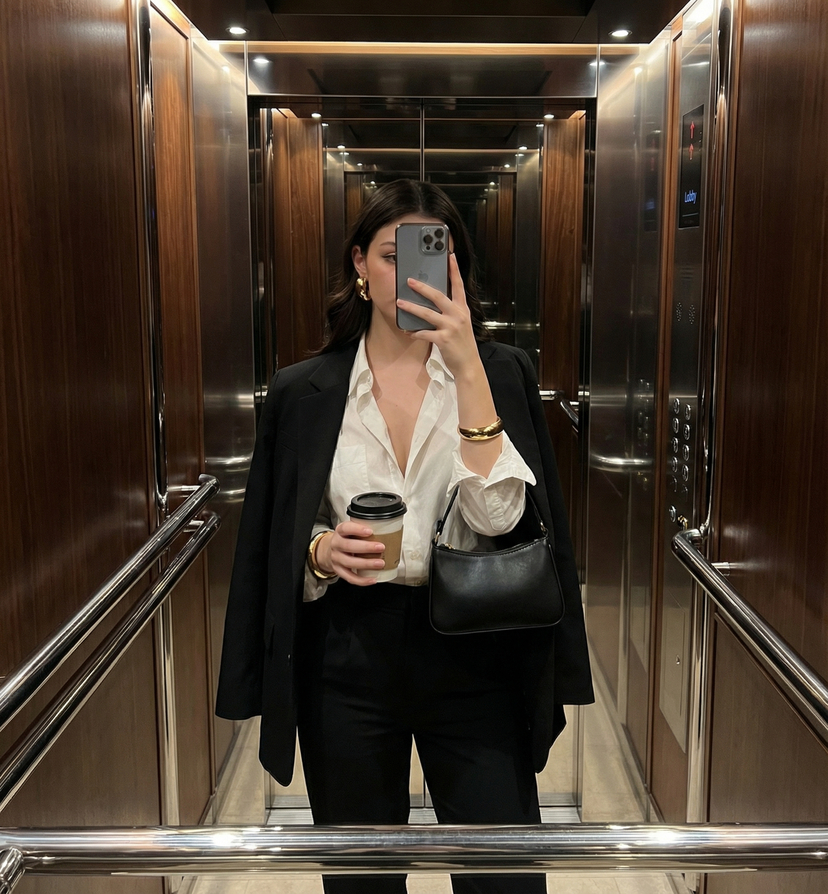
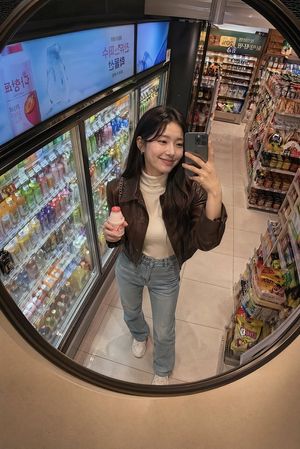
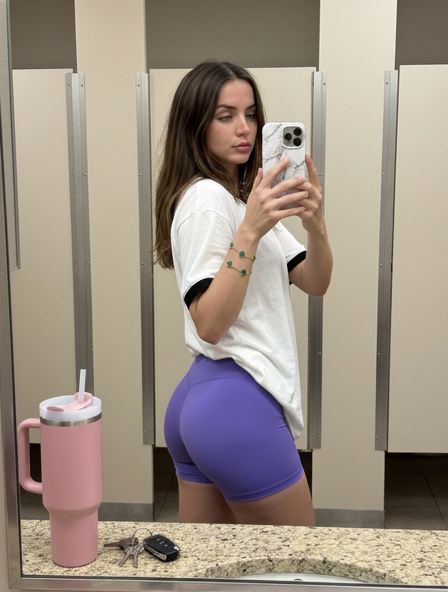
A detailed prompt for Nano Banana Pro to generate an ultra-realistic, fashion photography-aesthetic mirror selfie of a subject (identity strictly preserved from a reference image) sitting casually on a polished concrete floor in a high-rise apartment, wearing a glossy black tube top and denim jeans. Change the subject, setting, or lighting one variable at a time.

Ultra-realistic 4:5 modern lifestyle mirror selfie with a fashion photography aesthetic. Use the reference image for the subject’s identity, face, and hair — preserve exact facial features, proportions, and likeness. The subject is sitting casually on the floor, taking a mirror selfie. Her right arm is extended behind her with her palm flat on the floor for support, while her left hand holds a smartphone near her face. Her right leg is bent inward on the floor, and her left leg is raised with the foot flat on the ground. She is wearing a glossy black strapless tube top made of a reflective material (latex or faux leather), paired with medium-wash blue denim jeans in a relaxed fit. She also wears black pointed-toe stiletto ankle boots. The setting is an empty modern high-rise apartment or office space. The floor is smooth, light grey polished concrete with subtle reflections, and the walls are plain white. A large floor mirror is visible along the right edge of the frame. In the background, three tall rectangular windows with metallic frames reveal a bright daytime cityscape with glass skyscrapers and a clear blue sky. Lighting is bright natural daylight streaming in from the windows, creating soft backlighting, gentle shadows on the floor, and even illumination on the subject. High detail, sharp focus, realistic textures, clean modern aesthetic, shallow depth of field.
Choose the primary action to open PicX Studio with the available template settings. Review the model and format, personalize the creative direction, and generate when ready.
Yes. You can change the subject, setting, lighting, mood, format, and available model controls before creating your image.
This template is free to open and customize. Generation usage is shown in PicX Studio before you create.
Start with Nano Banana 2, which is the model associated with this template. You can compare another compatible model for a different finish.
© 2026 PicX Studio. All rights reserved.

Follow a topic to a crawlable collection of related PicX Studio templates.
43,474 public templates available. Verified via the PicX Studio public templates API; refreshed hourly.


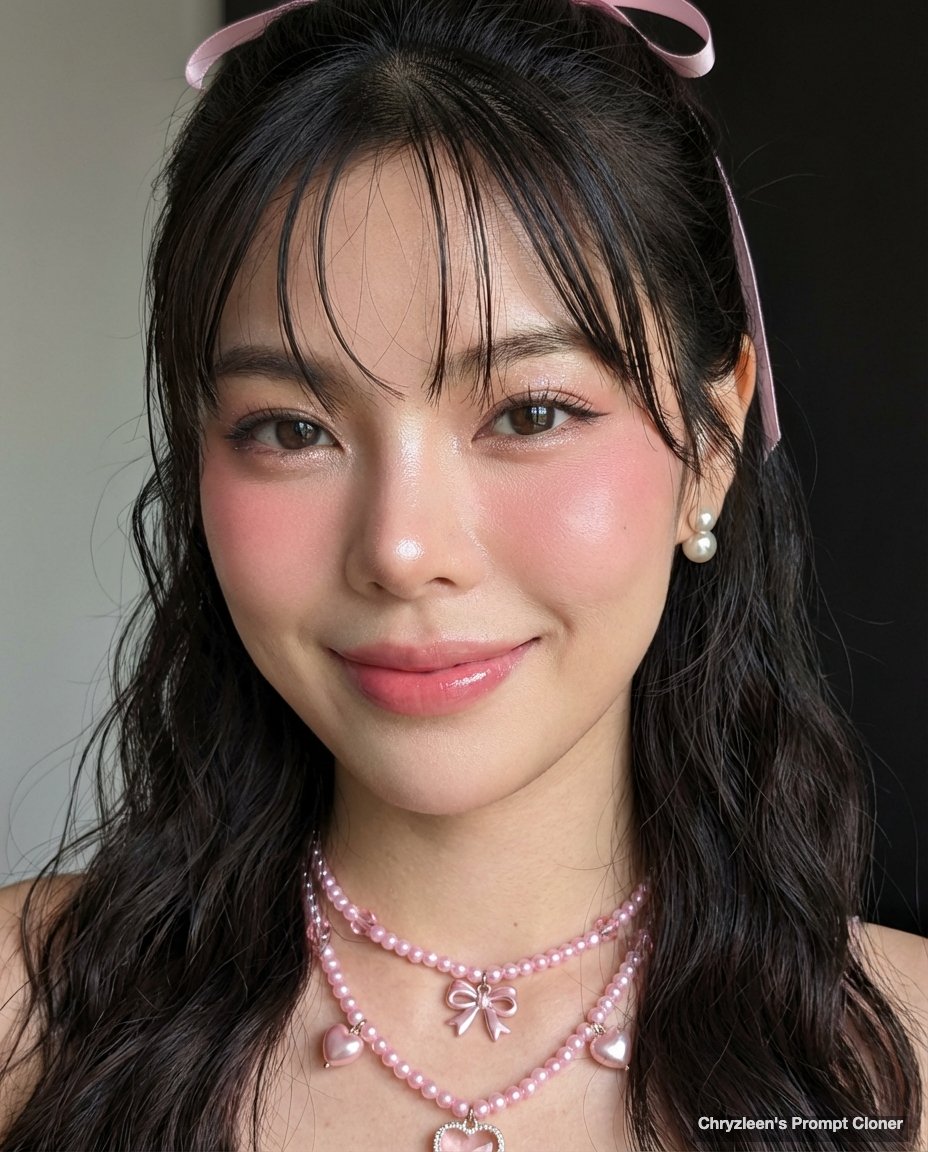
![nano-banana-grwm-mirror-selfie-pink — Nano Banana 2
Prompt (JSON):
{
"type": "image_prompt",
"description": {
"subject": {
"main": "[NAME] com o](/_next/image?url=https%3A%2F%2Fcdn.picxstudio.com%2Fuploads%2Ftweet_img_10a_612da6f9-cf6d-417e-bdd5-cc1300d1d830.jpg&w=828&q=100)








![Paper Cut Craft Illustration — A paper-cut craft illustration of a [Subject], layered colorful paper textures, soft drop depth effect, handmade craft appearance](/_next/image?url=https%3A%2F%2Fcdn.picxstudio.com%2Fuploads%2F06_2f292f8d-0a7c-4f41-a701-1a16260a9214.jpg&w=828&q=100)







![Naive doodle-style subject illustration — A doodle-style {argument name="subject" default="[subject]"}, naive lines, humorous shape exaggeration](https://pbs.twimg.com/media/G6Wl2YxbsAARB2b.jpg)