How do I use the Cinematic Boxing Match Poster template?
Choose the primary action to open PicX Studio with the available template settings. Review the model and format, personalize the creative direction, and generate when ready.
Generates a gritty, high-contrast promotional poster for a fictional boxing match, featuring customizable fighters, taglines, and event details. Change the subject, setting, or lighting one variable at a time.
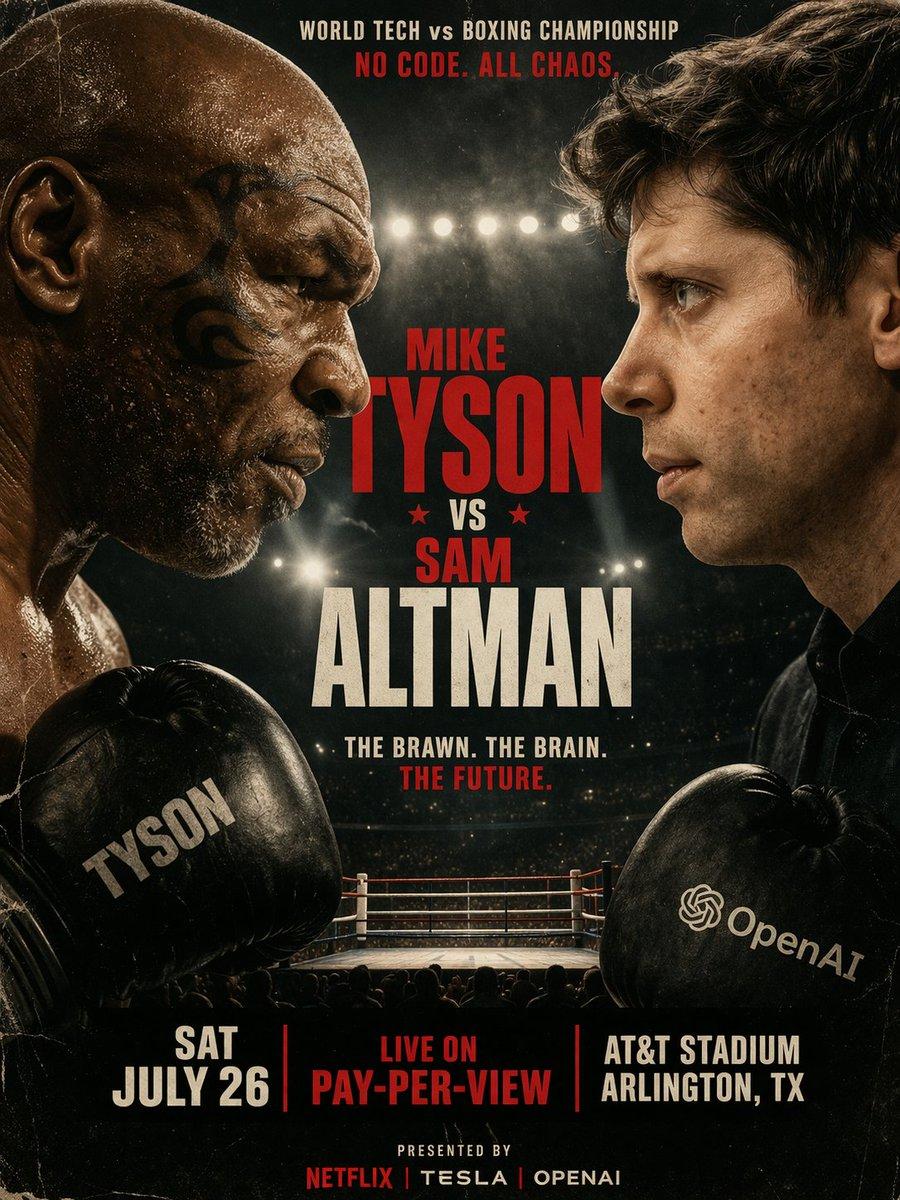
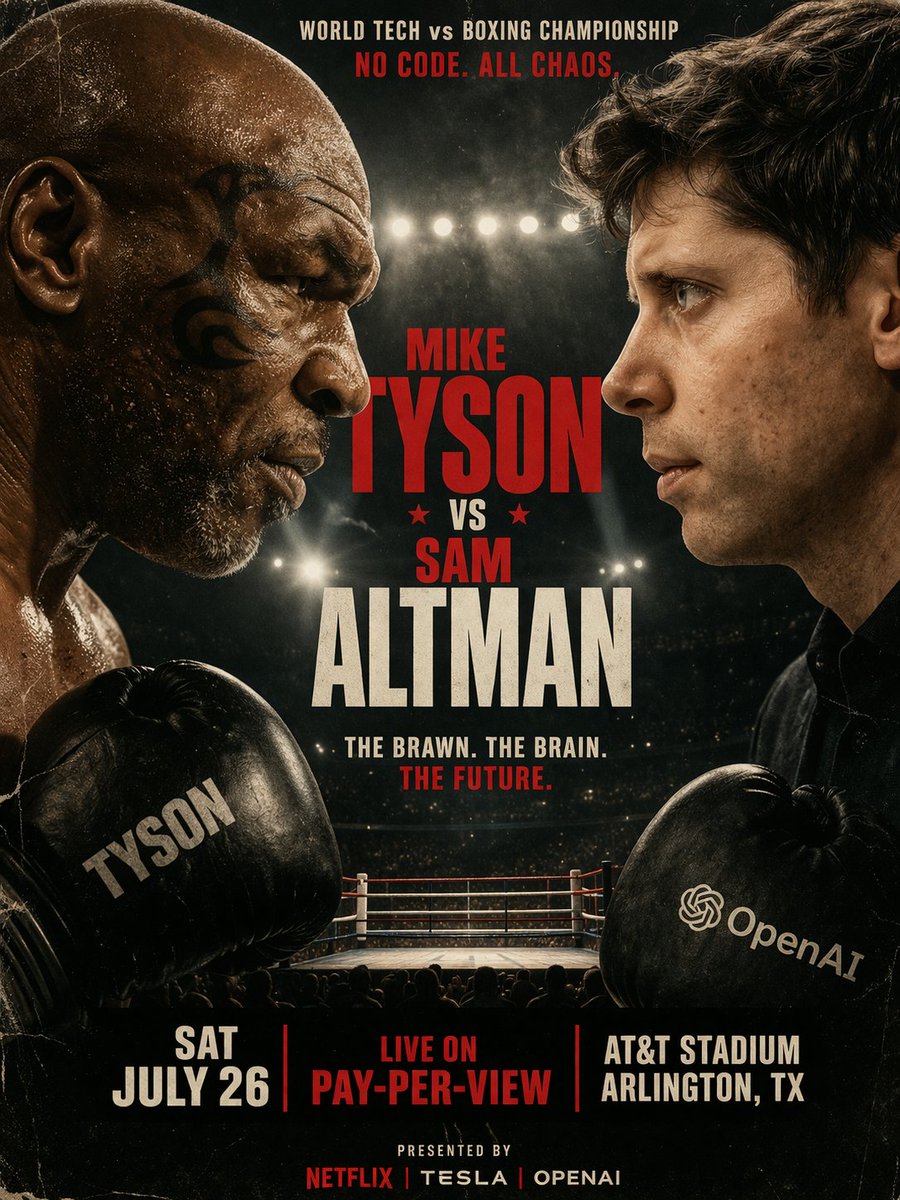
A gritty, cinematic boxing promotional poster featuring a face-to-face staredown between {argument name="fighter 1" default="Mike Tyson"} on the left and {argument name="fighter 2" default="Sam Altman"} on the right. The left fighter is an older, bald man with a tribal facial tattoo, wearing a black boxing glove with "TYSON" printed on it. The right fighter is a younger man with dark wavy hair, wearing a black boxing glove featuring the OpenAI logo and text. Both men have intense, serious expressions, with highly detailed skin textures and sweat. The background is an out-of-focus boxing ring under bright stadium lights. The poster has a vintage, slightly scratched grunge texture. At the top, text reads "WORLD TECH vs BOXING CHAMPIONSHIP" in white and "{argument name="top tagline" default="NO CODE. ALL CHAOS."}" in red. In the center, large bold typography reads "MIKE TYSON" in red, "★ VS ★" in red, and "SAM ALTMAN" in large cream-white letters. Below this, text reads "{argument name="middle tagline" default="THE BRAWN. THE BRAIN. THE FUTURE."}". At the bottom, 3 columns of text display "{argument name="event date" default="SAT JULY 26"}", "LIVE ON PAY-PER-VIEW" in red, and "AT&T STADIUM ARLINGTON, TX". The very bottom footer reads "PRESENTED BY NETFLIX | TESLA | OPENAI".
Cinematic Boxing Match Poster needs input media to work. Open it in the studio and these load alongside the prompt — pick whichever ones your chosen model can take.
Choose the primary action to open PicX Studio with the available template settings. Review the model and format, personalize the creative direction, and generate when ready.
Yes. You can change the subject, setting, lighting, mood, format, and available model controls before creating your image.
This template is free to open and customize. Generation usage is shown in PicX Studio before you create.
Start with GPT Image 2, which is the model associated with this template. You can compare another compatible model for a different finish.
© 2026 PicX Studio. All rights reserved.

Follow a topic to a crawlable collection of related PicX Studio templates.
43,474 public templates available. Verified via the PicX Studio public templates API; refreshed hourly.

![Japan Travel Brochure Poster — Create a vertical vintage travel-brochure infographic poster titled “[COUNTRY/DESTINATION]: [TAGLINE]”, using a warm parchment-pa](/_next/image?url=https%3A%2F%2Fcdn.picxstudio.com%2Fuploads%2Fp0_982bf820-bb34-4c43-8a6d-42d799d7282b.jpg&w=828&q=100)

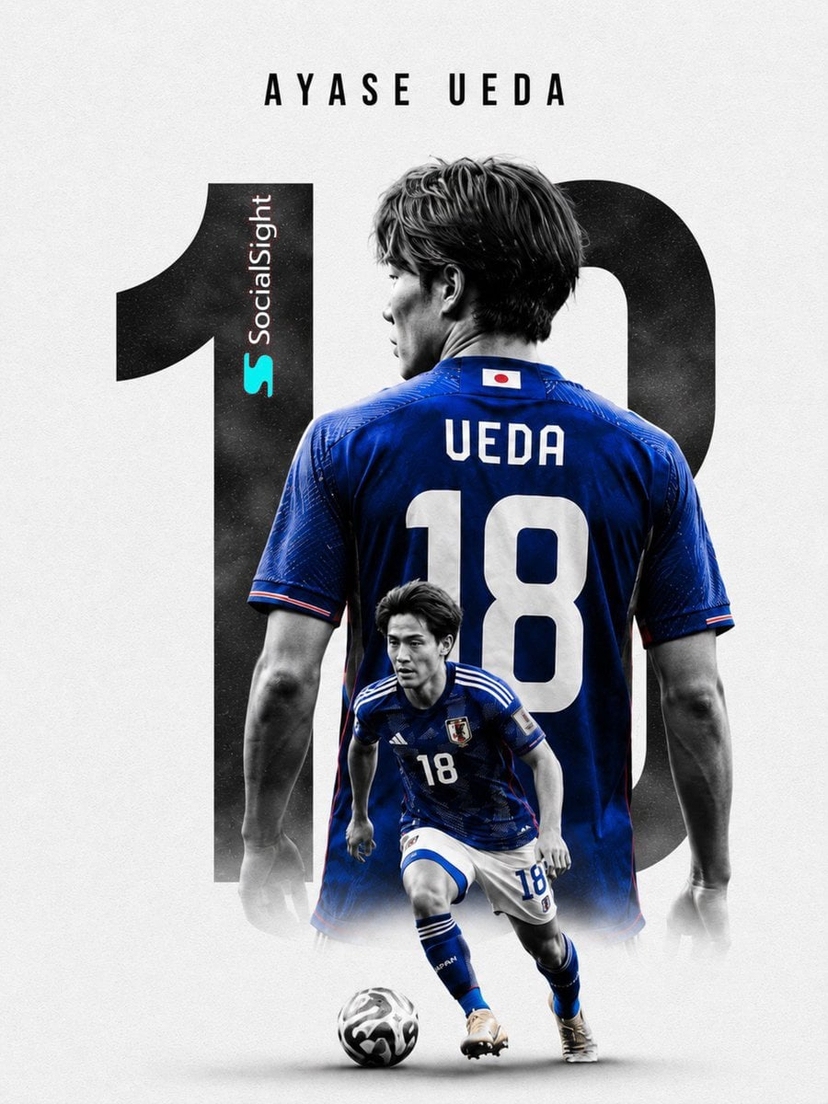



![clean-minimalist-player-editorial-poster — A professional sports graphic design poster of [Player Name], designed in a clean, modern, and minimalist editorial s](/_next/image?url=https%3A%2F%2Fcdn.picxstudio.com%2Fuploads%2Fmeigen_5524a0a10196_94b81982-ef58-45e9-8d49-9b017a7f26cb.jpg&w=828&q=100)
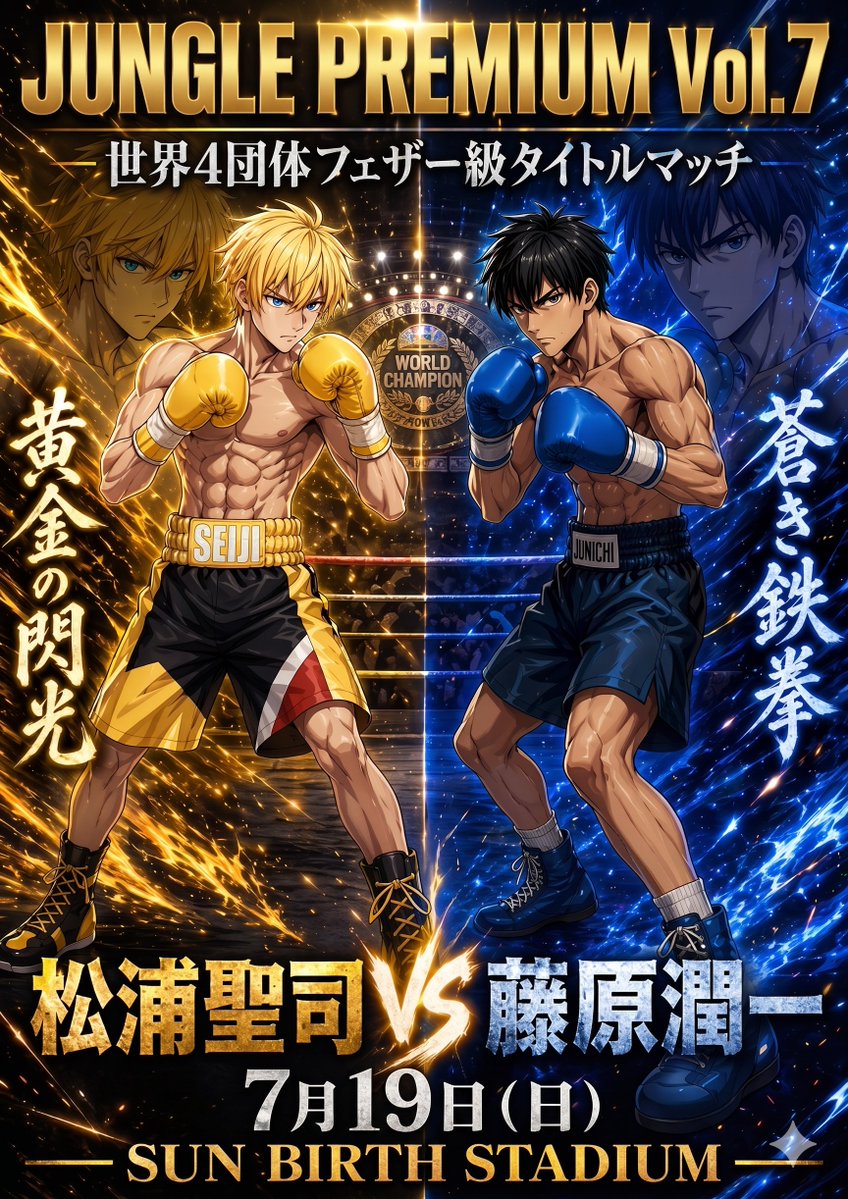
![Cartoon TV Show Poster Pack — A bold Cartoon Network-style promotional poster for [SHOW], featuring the main characters in a flat 2D illustrated style with thic](/_next/image?url=https%3A%2F%2Fcdn.picxstudio.com%2Fuploads%2Fimg0_107064d3-b797-488a-a32e-d75dea9d3b4c.jpg&w=828&q=100)
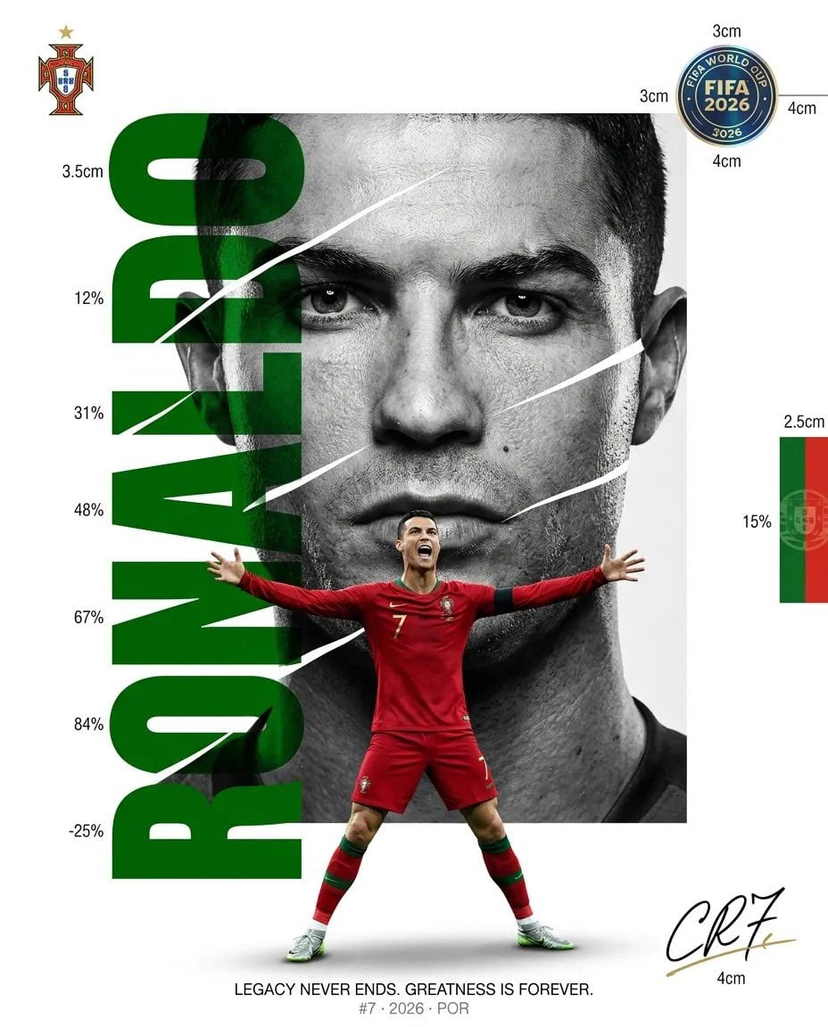
![vertical-football-star-campaign-poster — Create a vertical 9:16 high-resolution football star campaign poster.
Player: [Player Name]
Player concept: [football](/_next/image?url=https%3A%2F%2Fcdn.picxstudio.com%2Fuploads%2Fmeigen_996a192156cb_45d1d198-bb81-4272-be3f-df0eda9f0a74.jpg&w=828&q=100)





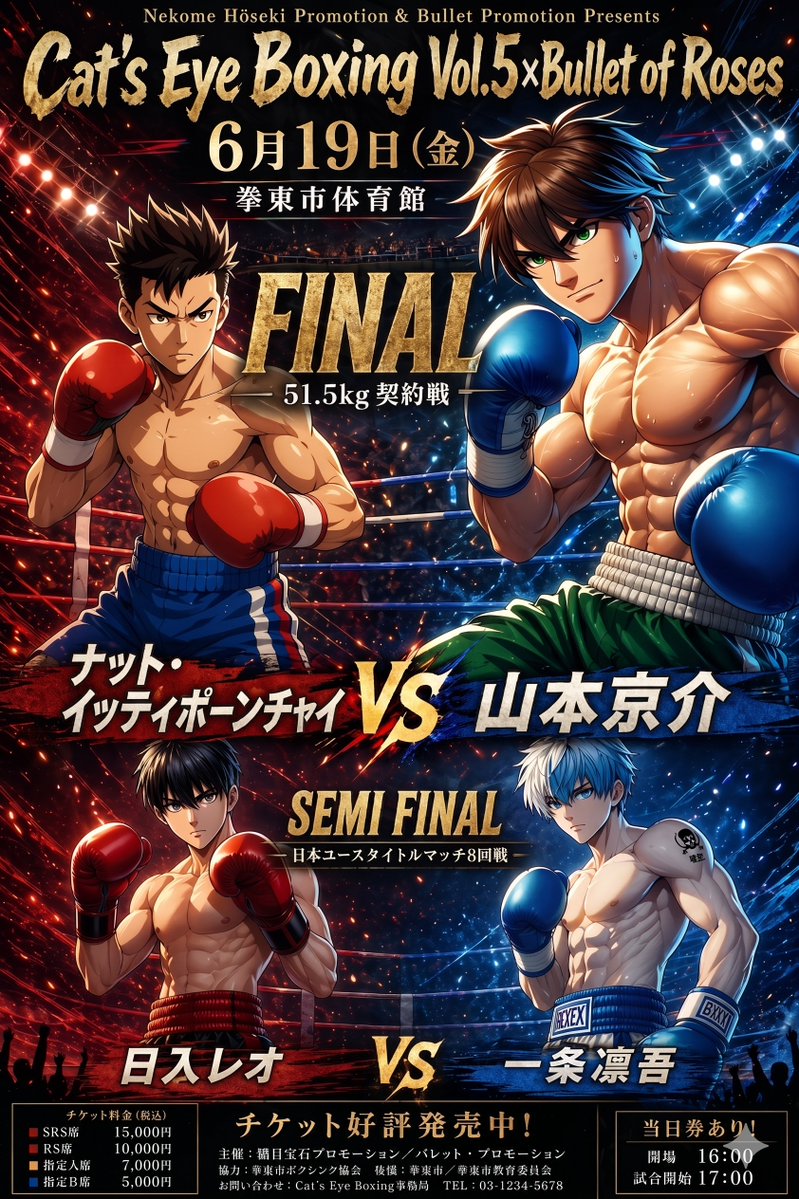








![Minimalist Flat Vector Travel Poster — Premium minimalist flat-vector travel poster for {argument name="city name" default="[CITY_NAME]"}, 3:4 vertical format.](https://cms-assets.youmind.com/media/1787917359711_3ug846_HQX205cbMAA6F6S-300x400.jpg)























![Encyclopedic 3D Infographic Evolution Chart — 役割と主題: 16:9 比率の巨大で百科事典的な 3D インフォグラフィックポスター。タイトル:「THE EVOLUTION OF {argument name="製品名" default="[製品名]"}」。ビジュアルスタイル](https://pbs.twimg.com/media/G95BJy8bMAAMeUO.jpg)