
Vaporwave Apple Glass Tower
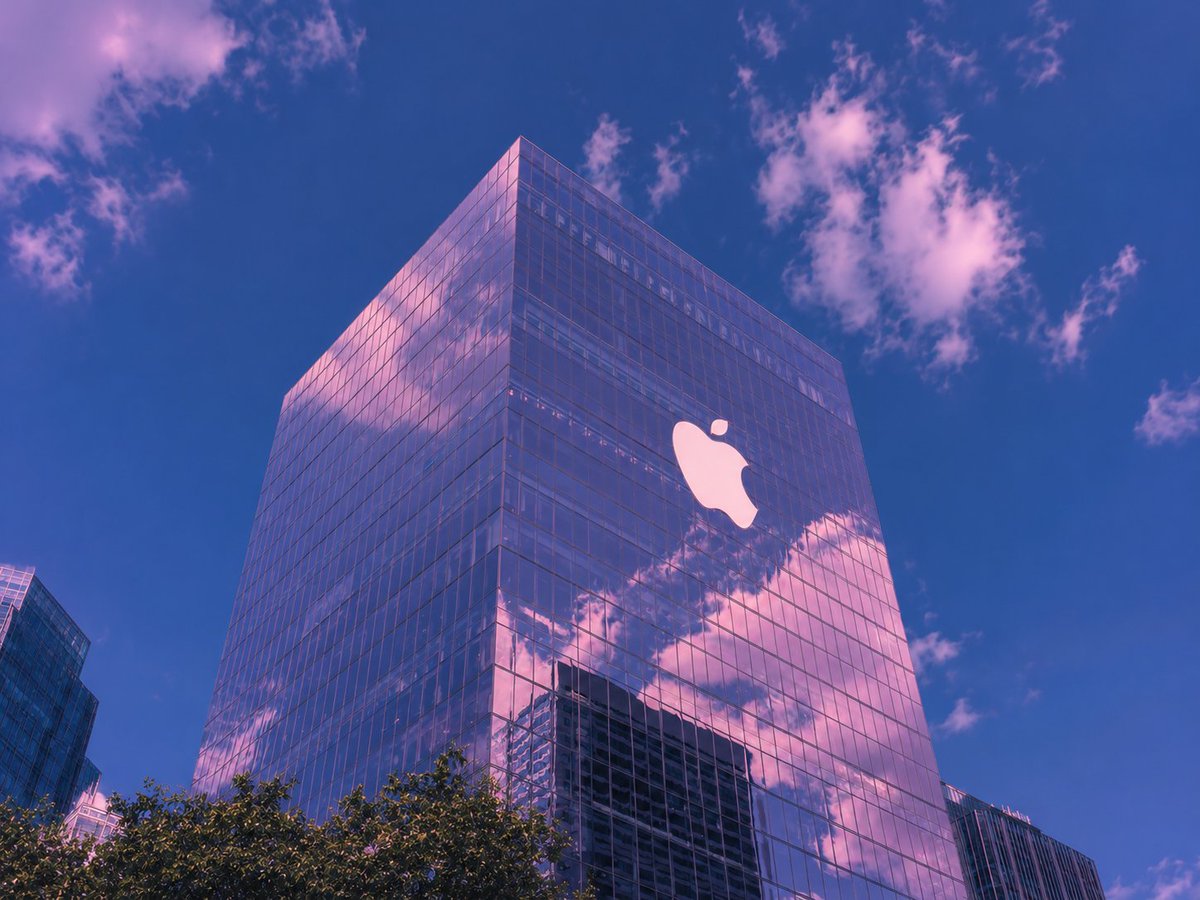
A realistic low-angle city architecture scene featuring a reflective glass corporate tower under a pink-and-blue vaporwave sky.
- Prompt included
- Model and format preset
- Free template
The prompt behind this image
Copy the exact prompt behind Vaporwave Apple Glass Tower, or open it in the studio and make it yours.
Create a dreamy architectural city photograph of a tall modern glass office tower with a large glowing white {argument name="building logo" default="Apple logo"} mounted high on the right face of the building. Shoot from a low street-level angle looking upward so the tower dominates the frame, with its sharp corner near the upper center and reflective curtain-wall windows mirroring pink clouds and nearby skyscrapers. The sky is a rich deep {argument name="sky color" default="cobalt blue"} with scattered soft clouds tinted {argument name="cloud tint" default="pastel pink and lavender"}, giving the entire scene a vaporwave, late-afternoon mood. Include dark green treetops along the bottom edge and partial neighboring glass buildings at the far left and lower right for urban context. Use realistic photography, crisp architectural lines, subtle film grain, high contrast reflections, magenta-blue color grading, no people, no street signs, no extra text, landscape 4:3 composition.
How to use Vaporwave Apple Glass Tower in 3 steps
- 1Upload ImagePNG, JPG or paste
Add your photo
Upload the photo the template builds on. The prompt, model and format are already set.
- 2…a portrait of your subject in softgolden-hour light, 85mm…
Personalize
Edit the subject and creative details for your destination.
- 3Generate
Generate
Press Generate — your image is created in PicX Studio, so you can compare it with the original and refine one variable at a time.
More like this
Templates with the same subject, style or setup. Open one to see its prompt.

Cinematic Glass Brand Logo Volcanic Landscape

Christmas Ornament Portrait Glossy Glass Resin Finish with Hand Painted Details Holiday Lighting
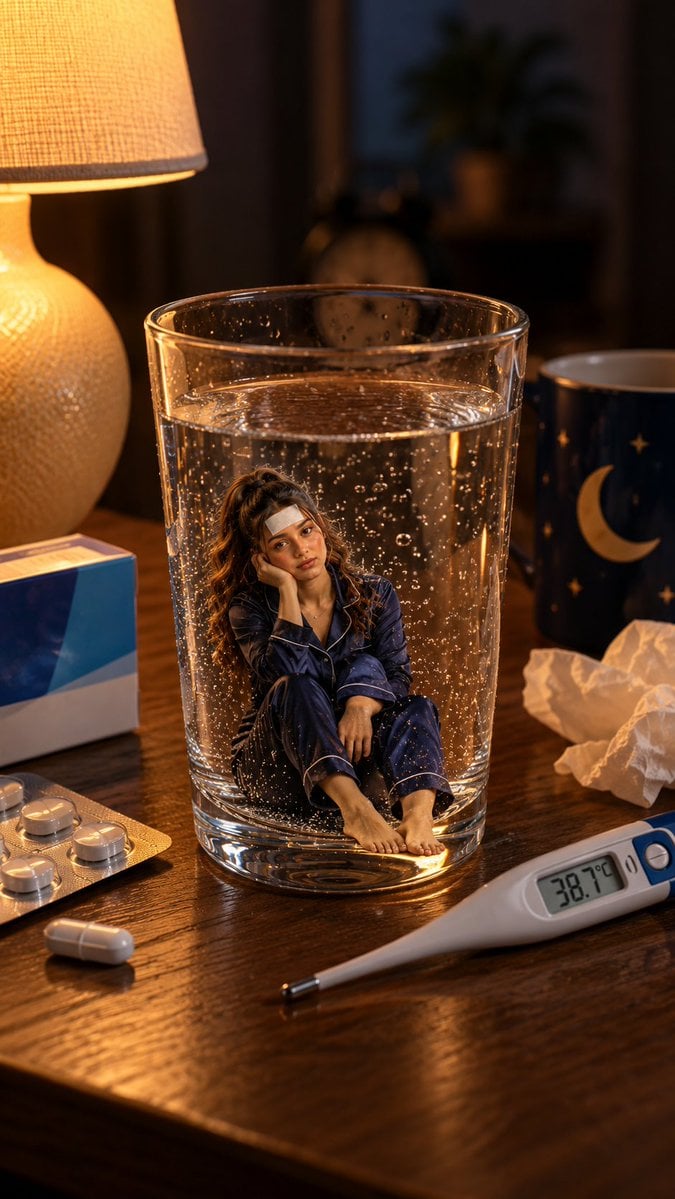
Mini Sick Woman in Water Glass

Epic Douluo Fantasy Tower Poster
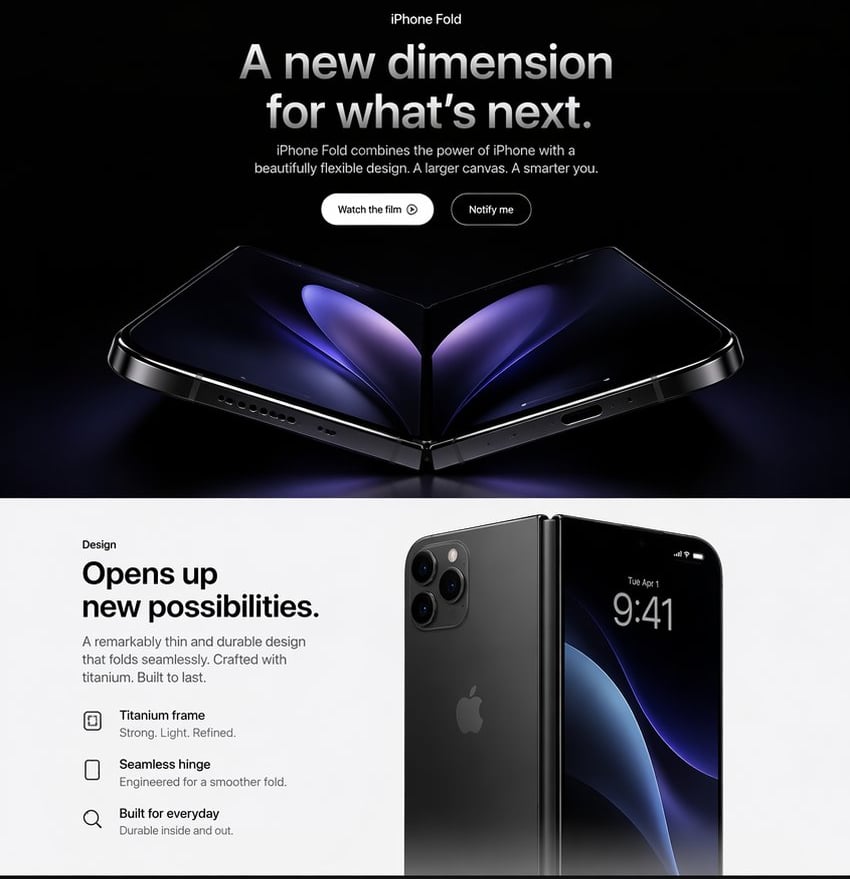
Apple-Style iPhone Fold Landing Page

Sunlit Orchard Girl With Apples
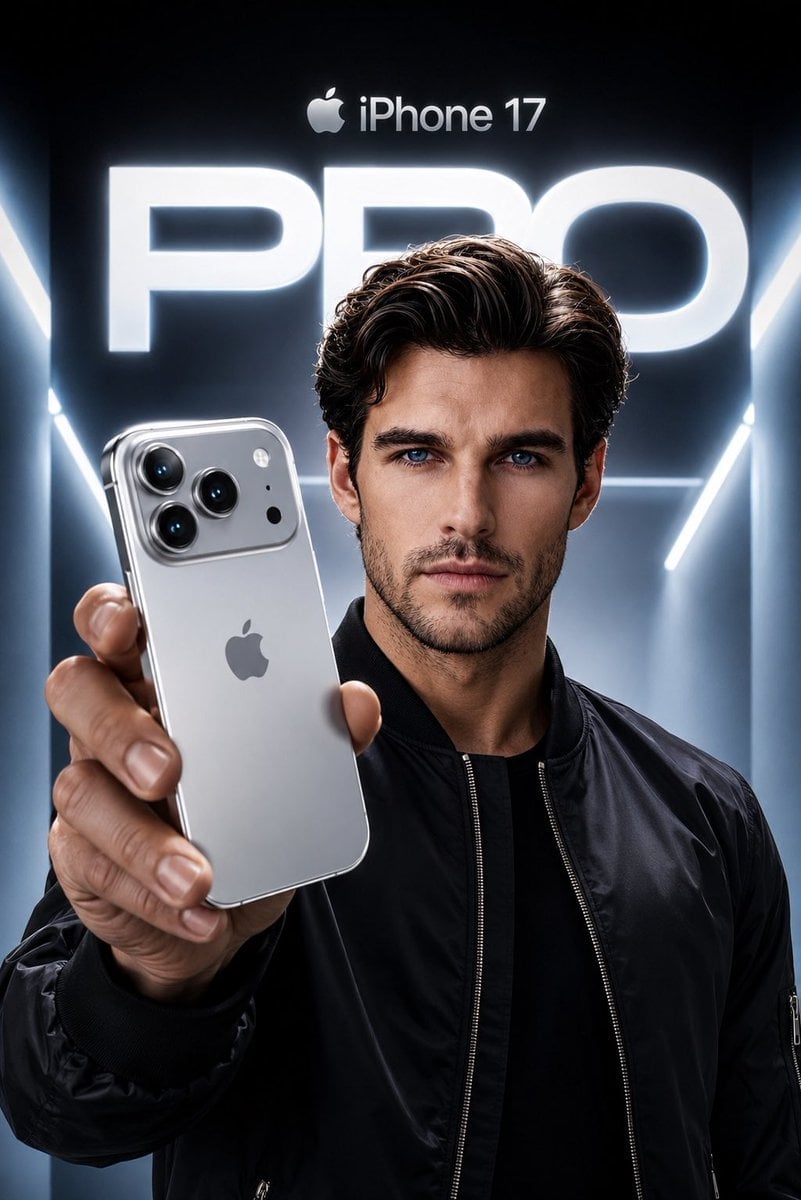
Apple Style iPhone Product Campaign
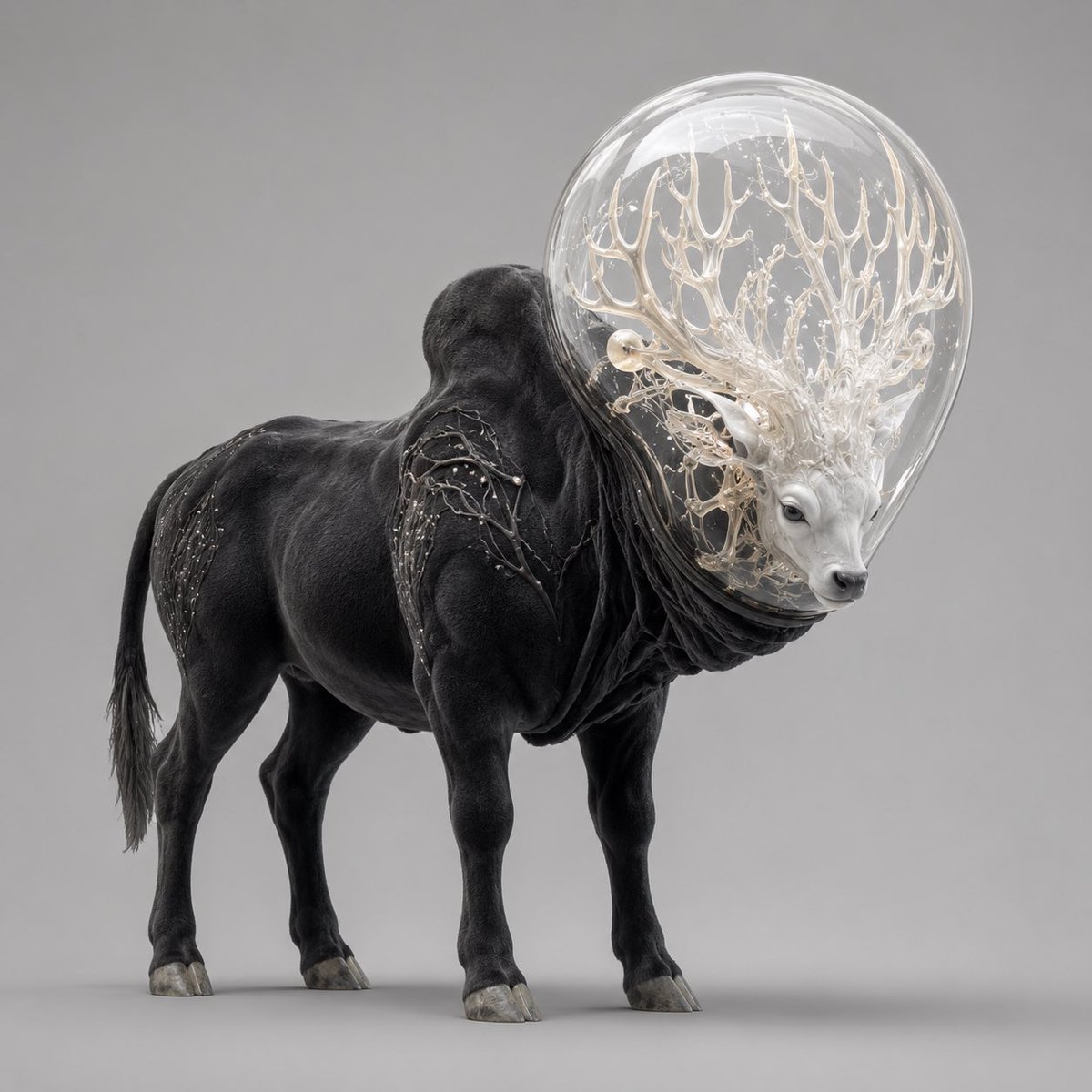
Glass-Orb Antler Bull Creature
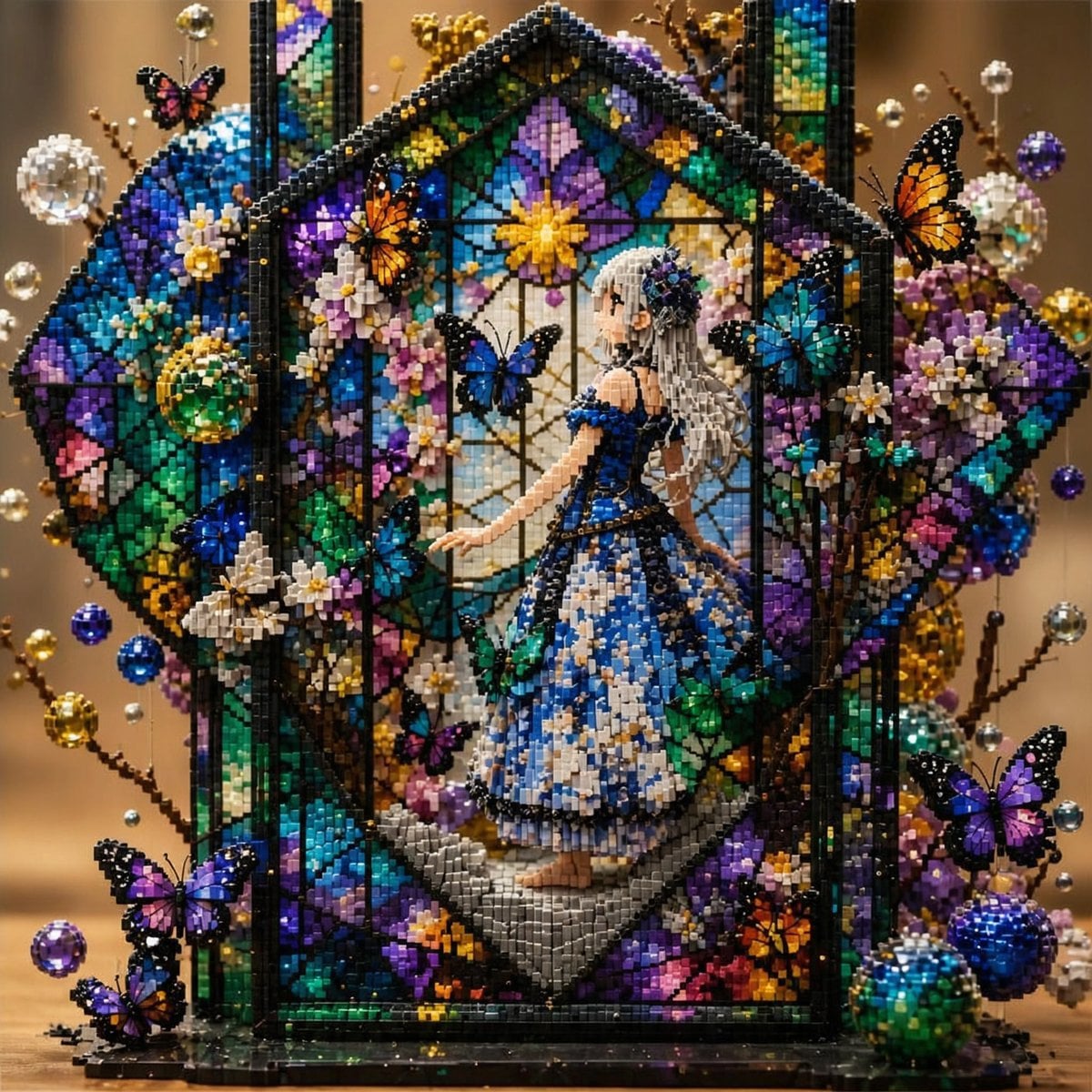
Block Mosaic Stained Glass Girl

Felt GPT Image 2 Apple Design Banner

Felt Craft Apple Design UI Banner

Roblox Block Tower Thumbnail
Make it yours
Vaporwave Apple Glass Tower works as-is. These are the safest ways to change it without losing the look.
Change one field
Copy a single group, rewrite it, and generate again so you can see what that field is doing.
Keep the frame, change the subject
Hold the composition and light of Vaporwave Apple Glass Tower, then swap wardrobe, props or the person for a new take.
| If the result… | Why | Fix |
|---|---|---|
| The result drifts from the preview | Too many fields changed at once. | Reuse Vaporwave Apple Glass Tower as-is first, then change one group — subject, light, or setting. |
| The model over-stylizes the scene | The prose prompt leaves finish and camera underspecified. | Add one camera or lighting sentence and stay on GPT Image 2. |
More GPT Image 2 templates
Other prompts made for GPT Image 2.

Six VTuber Japanese Logo Sheet

Realistic Portrait of Woman and Deer

The Vista Modular Condo Poster

AI Model Routing Comparison Infographic

2.5D Anime Art Board

Isometric Productivity Desk Scene

New York Double Exposure Poster

Four-Panel AI Landscape Comparison

Japanese Tatami Lifestyle Magazine Cover

NESCAFÉ Coffee Map Poster
More image prompts
Fresh picks from across the catalog.

Courtside Knicks Fan Photo

Cozy winter portrait of a blonde woman on a window sill
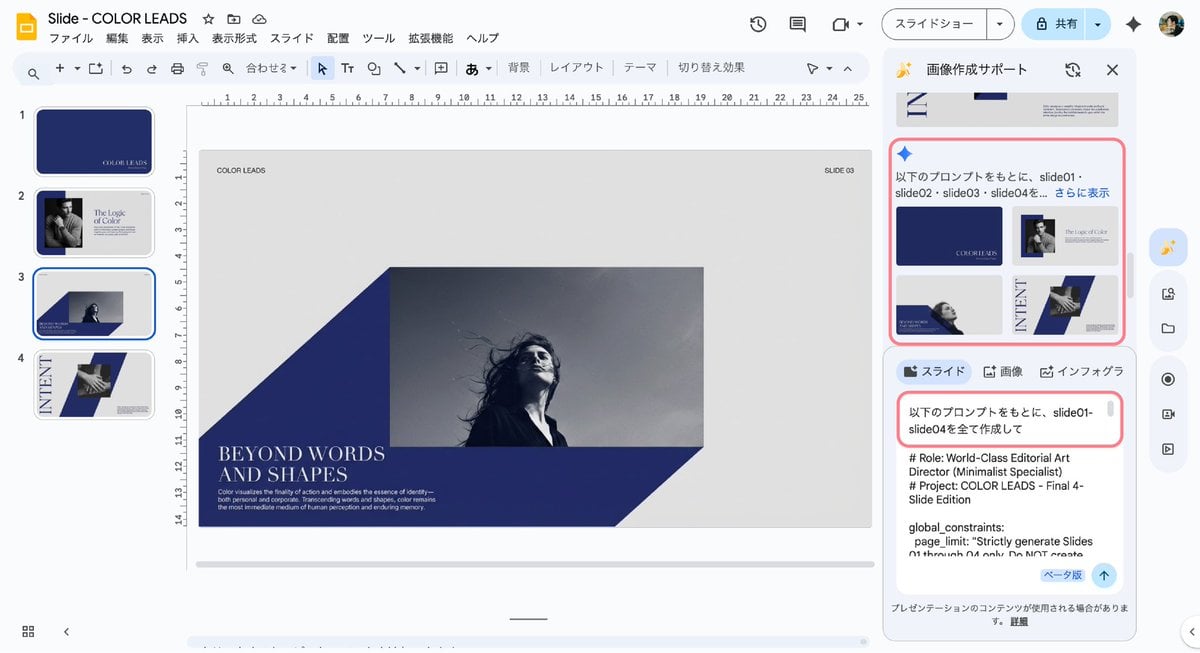
Multi-Slide Document Generation with Nano Banana and NotebookLM

Eid Mubarak Stylized Composition

Candid Garden Portrait with Bunny
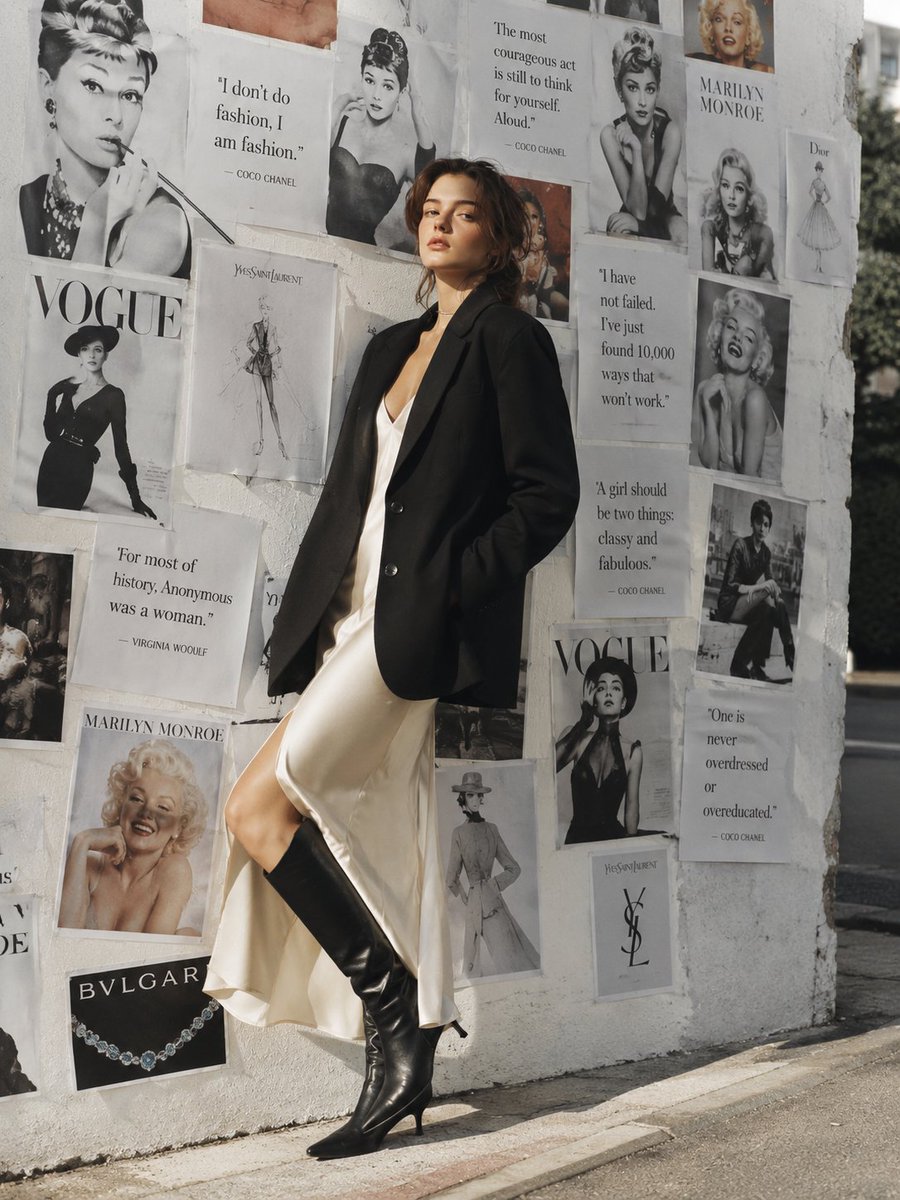
Parisian Chic Fashion Portrait

Three Nano Banana Pro prompts for lifestyle and product photography
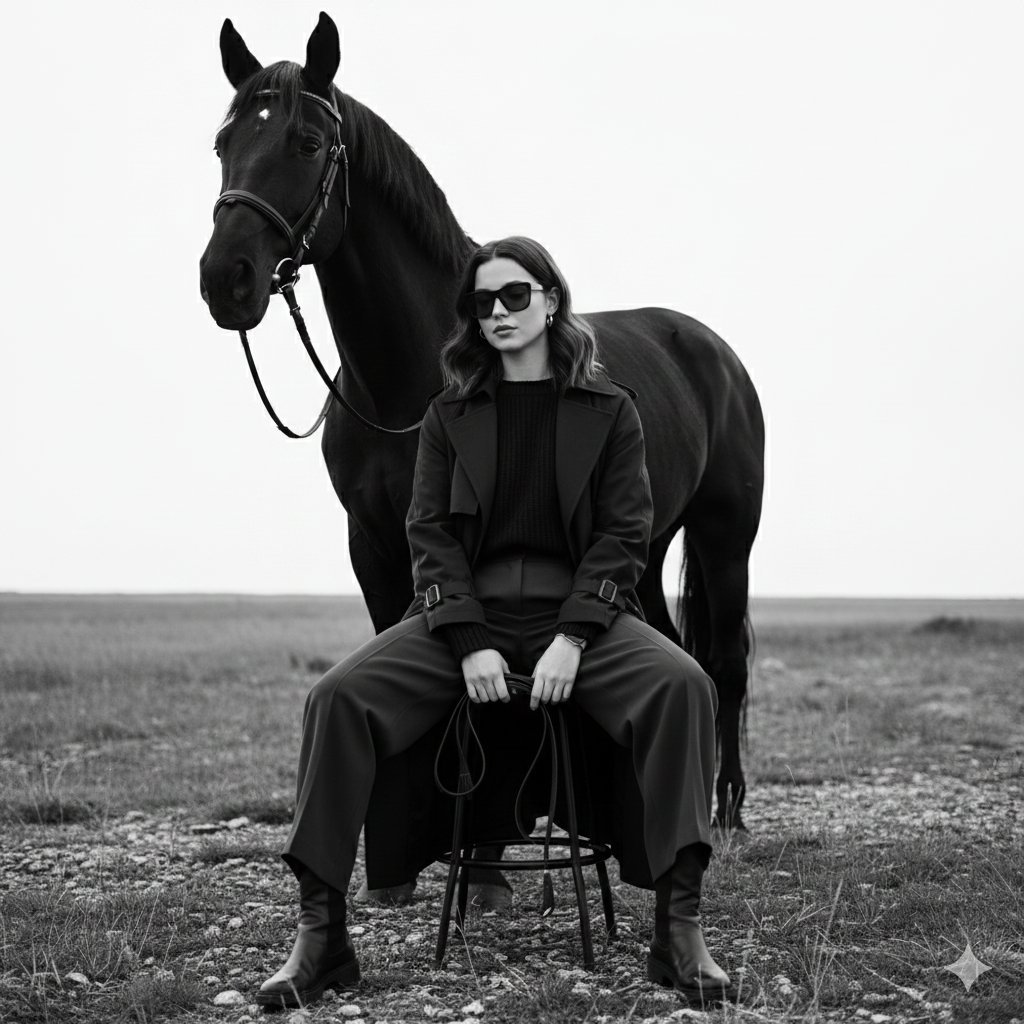
Monochrome Fine-Art Fashion Editorial with Horse

Censored Vintage Noir Film Still
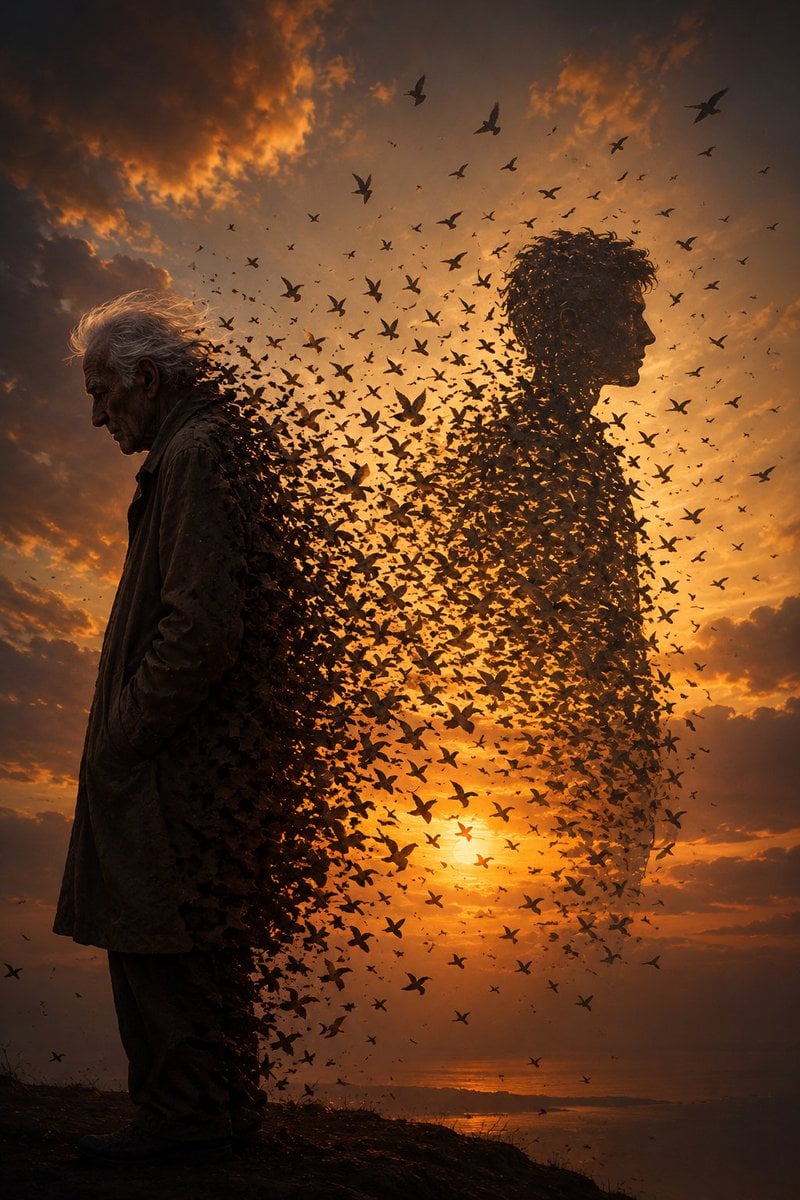
Elderly Man Dissolving Into Birds
Browse template categories
Vaporwave Apple Glass Tower questions
How do I use the Vaporwave Apple Glass Tower template?
Add your photo if the template asks for one, edit the prompt if you like — the template's model and format are already selected — and press Generate. Your version opens in PicX Studio.
Can I customize the Vaporwave Apple Glass Tower template?
Yes. You can change the subject, setting, lighting, mood, format, and available model controls before creating your image.
Is the Vaporwave Apple Glass Tower template free?
Opening and editing this template is free. Generating uses credits, shown on the Generate button when you are signed in.
Which AI model should I use?
Start with GPT Image 2, which is the model associated with this template. You can compare another compatible model for a different finish.
Looking for something else? Browse all templates.

Your photo, any look
Thousands of ready templates for every top image and video model, from one credit balance.