
Kawaii Wolf Donut Diagnosis Poster
Generates a pastel Japanese animal-donut personality diagnosis poster with a handsome anime portrait, five info cards, and a wolf-themed donut.
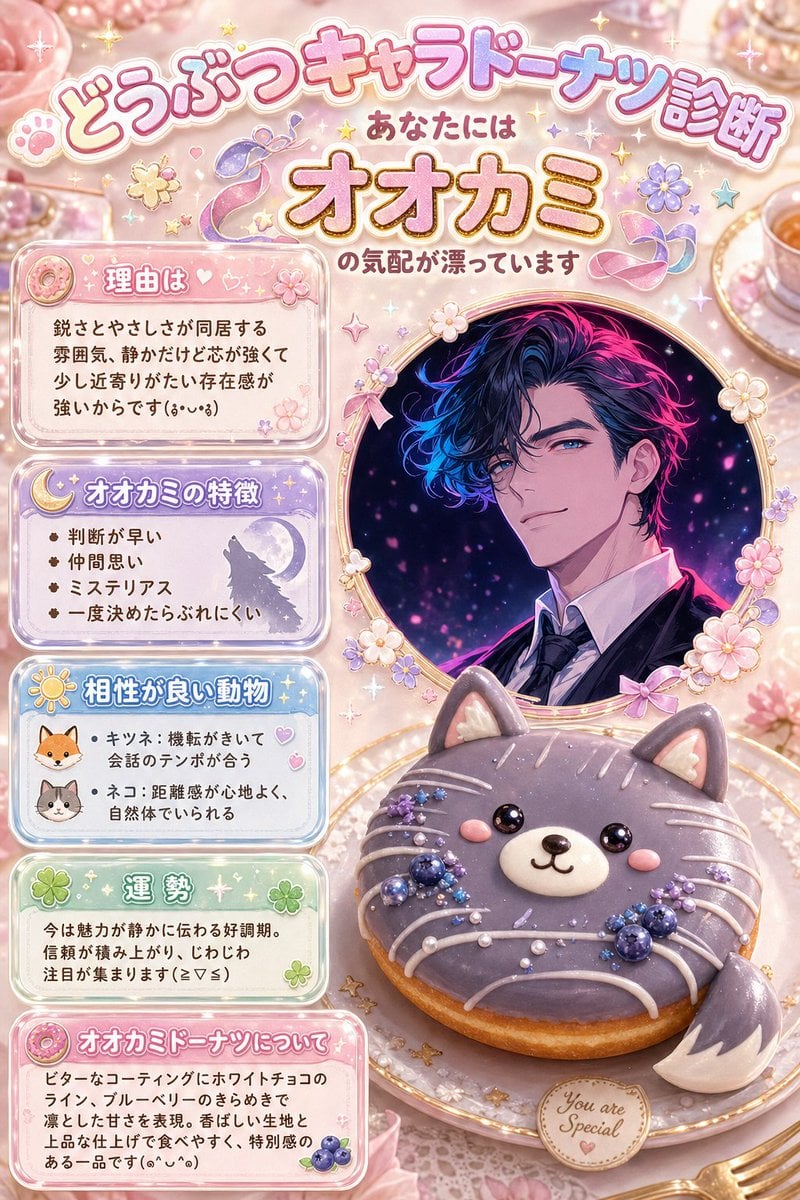
- Prompt included
- Model and format preset
- Free template
The prompt behind this image
Copy the exact prompt behind Kawaii Wolf Donut Diagnosis Poster, or open it in the studio and make it yours.
Goal: Create a cute Japanese “animal character donut diagnosis” infographic poster for {argument name="diagnosis animal" default="wolf"}, in a pastel kawaii dessert style, as if generated from text only. Canvas: Vertical 2:3 poster, soft pink bakery/café background with pearls, lace, sparkles, tiny hearts, stars, flowers, ribbons, and glossy confectionery decorations. Use a warm cream-and-pink palette with lavender, sky blue, mint, and gold accents. Everything should feel magical, sweet, and highly decorative. Main headline area: At the top, large rounded bubble-letter Japanese title text reading 「どうぶつキャラドーナツ診断」 in pink with white outline and drop shadow. Under it, smaller text 「あなたには」, then very large golden-orange outlined text 「オオカミ」, followed by 「の気配が漂っています」. Add tiny paw prints, stars, flower stickers, and pastel ribbon ornaments around the title. Right-side main visual: Place a circular ornate gold-framed portrait on the upper right, decorated with small cream flowers and pink ribbons. Inside the frame is a stylish handsome anime man, shown from chest up, wearing a dark suit, white shirt, and tie, with dramatic wavy black hair illuminated by neon magenta and electric blue highlights against a dark starry background. Cover the center of his face with a vertical soft-edged rectangular blur block in muted mauve, as if anonymized. Bottom-right dessert subject: In front of the portrait, place one large realistic-cute animal donut on a decorative plate. The donut is shaped like a gray wolf/cat face: round purple-gray icing, two pointed ears, glossy black eyes, small pink cheeks, white muzzle, tiny black nose and smiling mouth, white icing whisker lines, and a fluffy tail-like crescent piece on the lower right. Decorate the donut with exactly 3 clusters of blueberry-like dark blue berries and tiny purple sugar flowers, plus pearl sprinkles and white icing drizzles. Add a small round cookie tag on the plate reading “You are Special.” Left column: Create exactly 5 stacked rounded information cards, each with a translucent glossy border, pastel gradient fill, small icon, and Japanese text. The five cards are: 1. Pink card with donut icon, heading 「理由は」, body text 「鋭さとやさしさが同居する雰囲気、静かだけど芯が強くて少し近寄りがたい存在感が強いからです(。•ᴗ•。)」. 2. Purple card with crescent moon icon, heading 「オオカミの特徴」, exactly 4 bullet points: 「判断が早い」, 「仲間思い」, 「ミステリアス」, 「一度決めたらぶれにくい」. 3. Light blue card with sun icon, heading 「相性が良い動物」, exactly 2 illustrated animal icons and 2 bullet items: fox icon with 「キツネ:機転がきいて会話のテンポが合う」, cat icon with 「ネコ:距離感が心地よく、自然体でいられる」. 4. Mint green card with clover icon, heading 「運勢」, body text 「今は魅力が静かに伝わる好調期。信頼が積み上がり、じわじわ注目が集まります(≧▽≦)」. 5. Pink card with donut icon and blueberry icon, heading 「オオカミドーナツについて」, body text 「ビターなコーティングにホワイトチョコのライン、ブルーベリーのきらめきで凛とした甘さを表現。香ばしい生地と上品な仕上げで食べやすく、特別感のある一品です(๑•᎑•๑)」. Visual style: Hyper-detailed kawaii Japanese social-media diagnostic card, glossy stickers, soft glow, pastel gradients, rounded typography, edible 3D donut realism mixed with anime illustration. Keep the composition dense but readable, with the left cards aligned neatly and the portrait/donut dominating the right side. Constraints: Use exactly 5 information cards, exactly 4 bullets in the traits card, exactly 2 animals in the compatibility card, and one main animal donut. Preserve the Japanese text exactly as written. No extra logos or watermarks.
How to use Kawaii Wolf Donut Diagnosis Poster in 3 steps
- 1Upload ImagePNG, JPG or paste
Add your photo
Upload the photo the template builds on. The prompt, model and format are already set.
- 2…a portrait of your subject in softgolden-hour light, 85mm…
Personalize
Edit the subject and creative details for your destination.
- 3Generate
Generate
Press Generate — your image is created in PicX Studio, so you can compare it with the original and refine one variable at a time.
More like this
Templates with the same subject, style or setup. Open one to see its prompt.
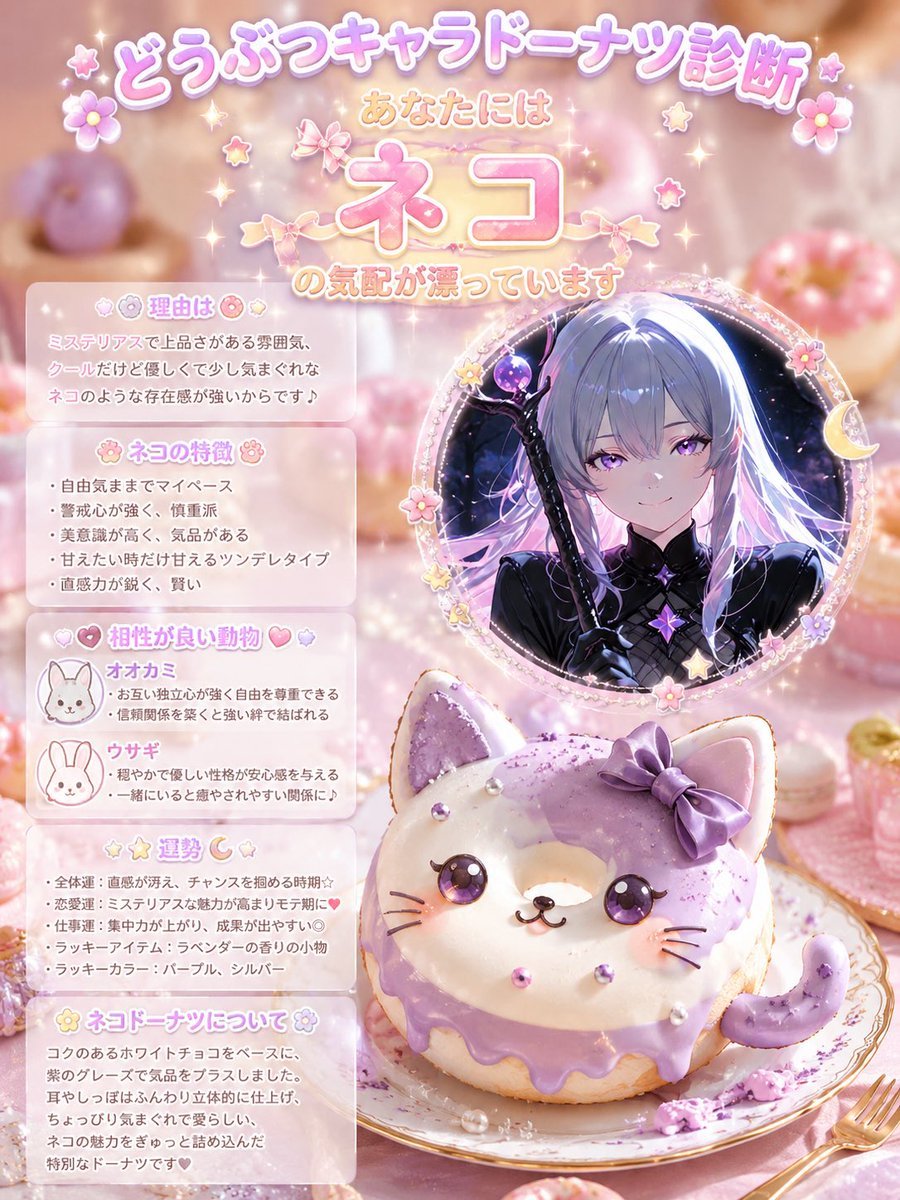
Kawaii Cat Donut Diagnosis Poster

Japan Travel Brochure Poster

Cartoon TV Show Poster Pack

Trendy Cafe Drink Promo Poster

Urban Fashion Editorial Collage Streetwear Poster

Premium Fashion Editorial Cover Layout System

Polo Ralph Lauren Luxury American Heritage Fashion Campaign

Monochrome Halftone Editorial Fashion Poster

Retro Mirror Luxury Fashion Campaign Poster

Luxury Fashion Campaign Typography Poster System

Premium Fashion Editorial Campaign Poster System

Ultra-Stylized High-Fashion Streetwear Poster
Make it yours
Kawaii Wolf Donut Diagnosis Poster works as-is. These are the safest ways to change it without losing the look.
Change one field
Copy a single group, rewrite it, and generate again so you can see what that field is doing.
Keep the frame, change the subject
Hold the composition and light of Kawaii Wolf Donut Diagnosis Poster, then swap wardrobe, props or the person for a new take.
| If the result… | Why | Fix |
|---|---|---|
| The result drifts from the preview | Too many fields changed at once. | Reuse Kawaii Wolf Donut Diagnosis Poster as-is first, then change one group — subject, light, or setting. |
| The model over-stylizes the scene | The prose prompt leaves finish and camera underspecified. | Add one camera or lighting sentence and stay on GPT Image 2. |
More GPT Image 2 templates
Other prompts made for GPT Image 2.

Six VTuber Japanese Logo Sheet

Realistic Portrait of Woman and Deer

The Vista Modular Condo Poster

AI Model Routing Comparison Infographic

2.5D Anime Art Board

Isometric Productivity Desk Scene

New York Double Exposure Poster

Four-Panel AI Landscape Comparison

Japanese Tatami Lifestyle Magazine Cover

NESCAFÉ Coffee Map Poster
More image prompts
Fresh picks from across the catalog.
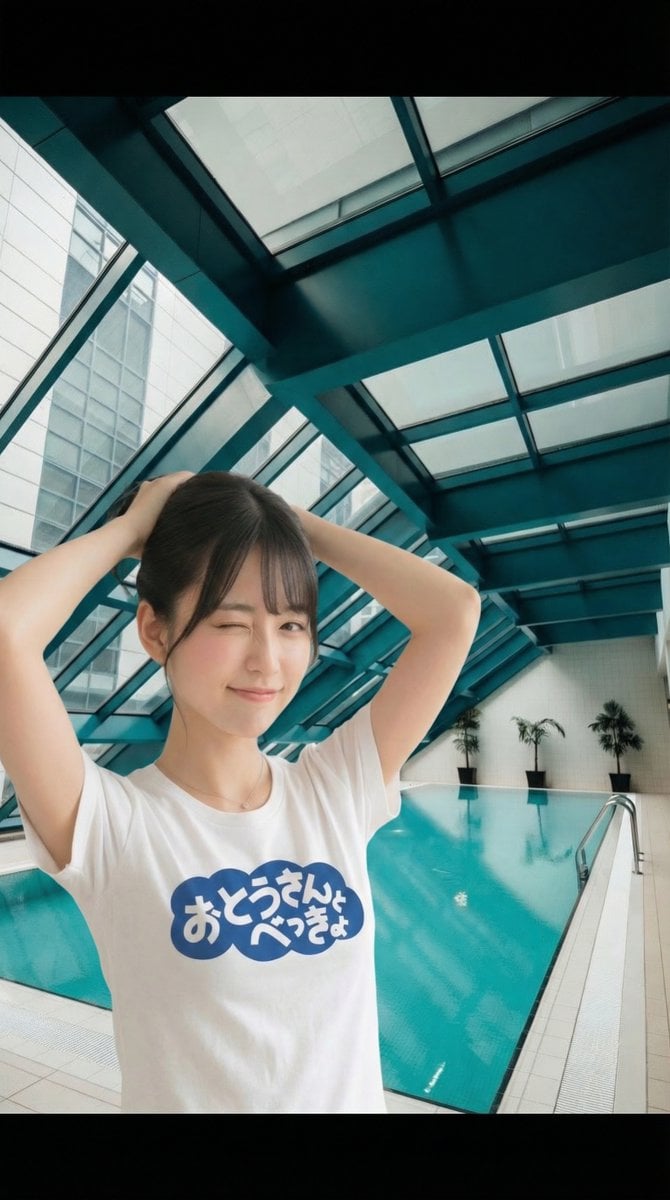
Image Manipulation: Adding a Wink to a Subject in a New Scene
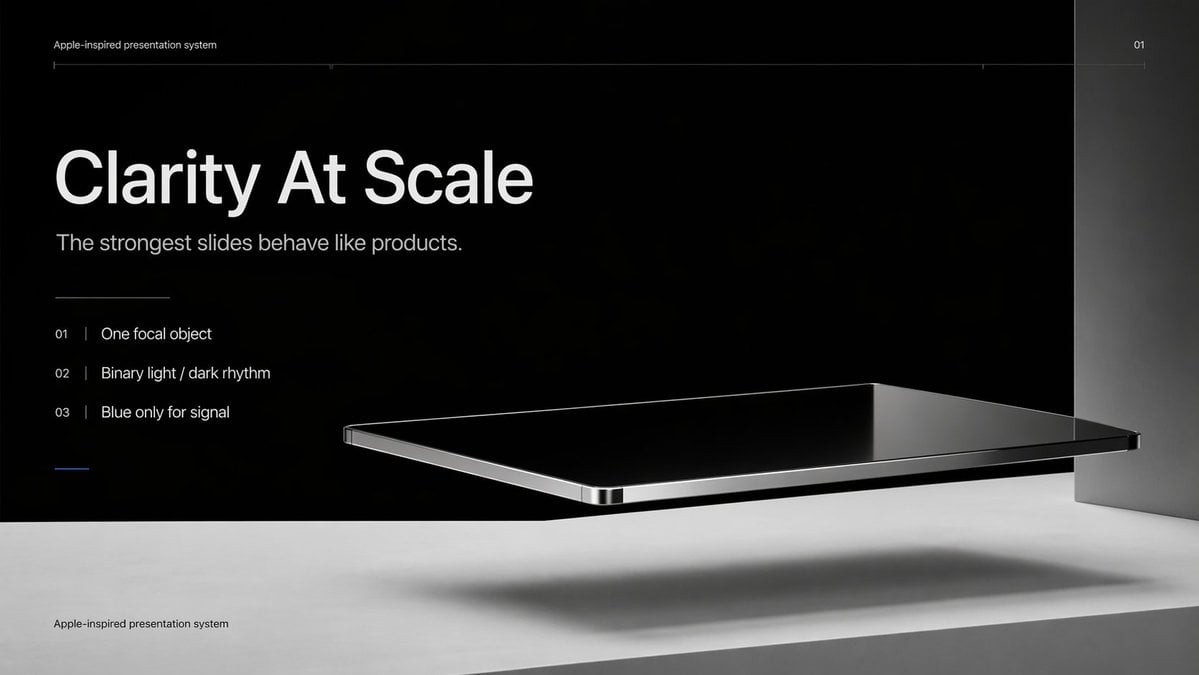
Apple-Style Minimal Presentation Cover

Luxury Automotive Editorial Photo Prompt
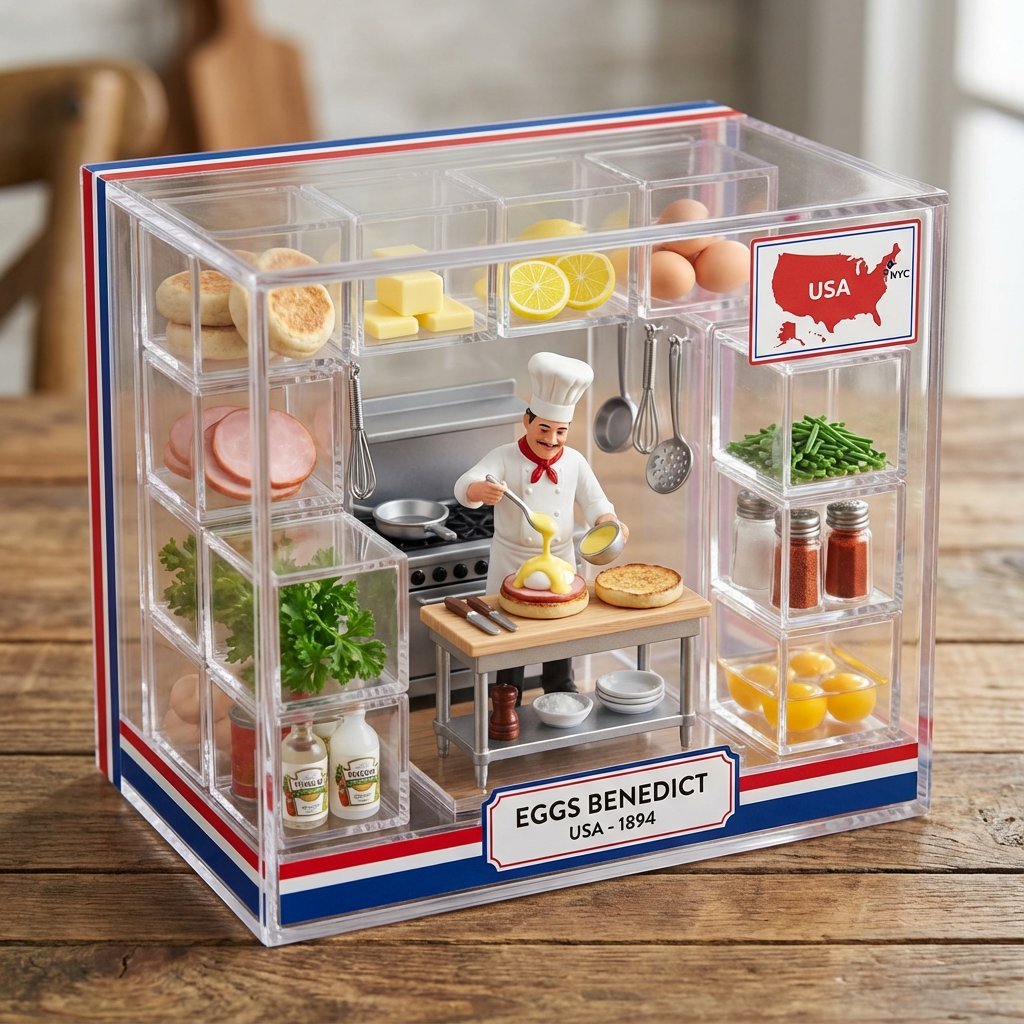
Culinary Origin Miniature Kitchen Display
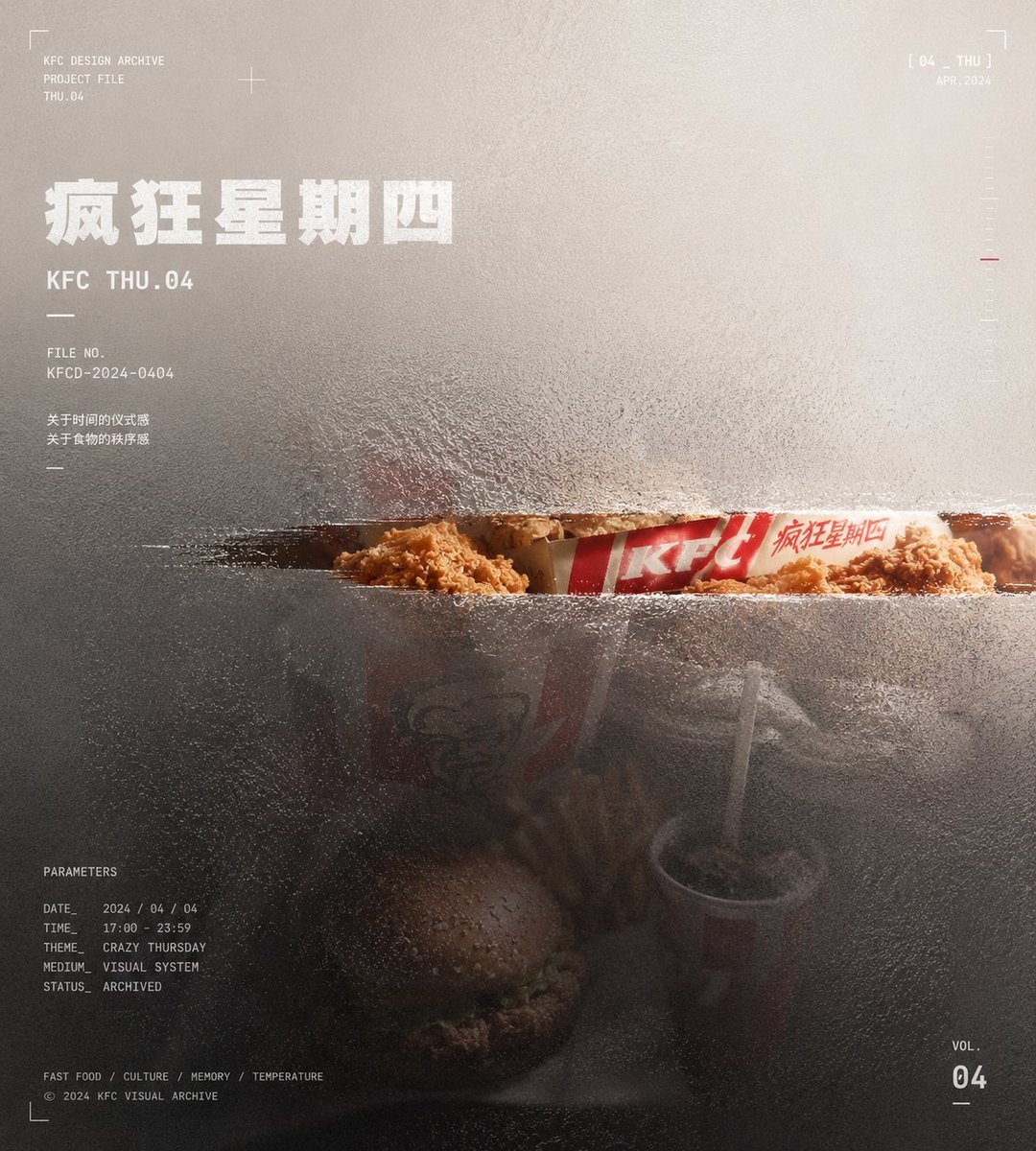
Frosted Glass Portfolio Cover Aesthetic

Horror Cinematic Portrait
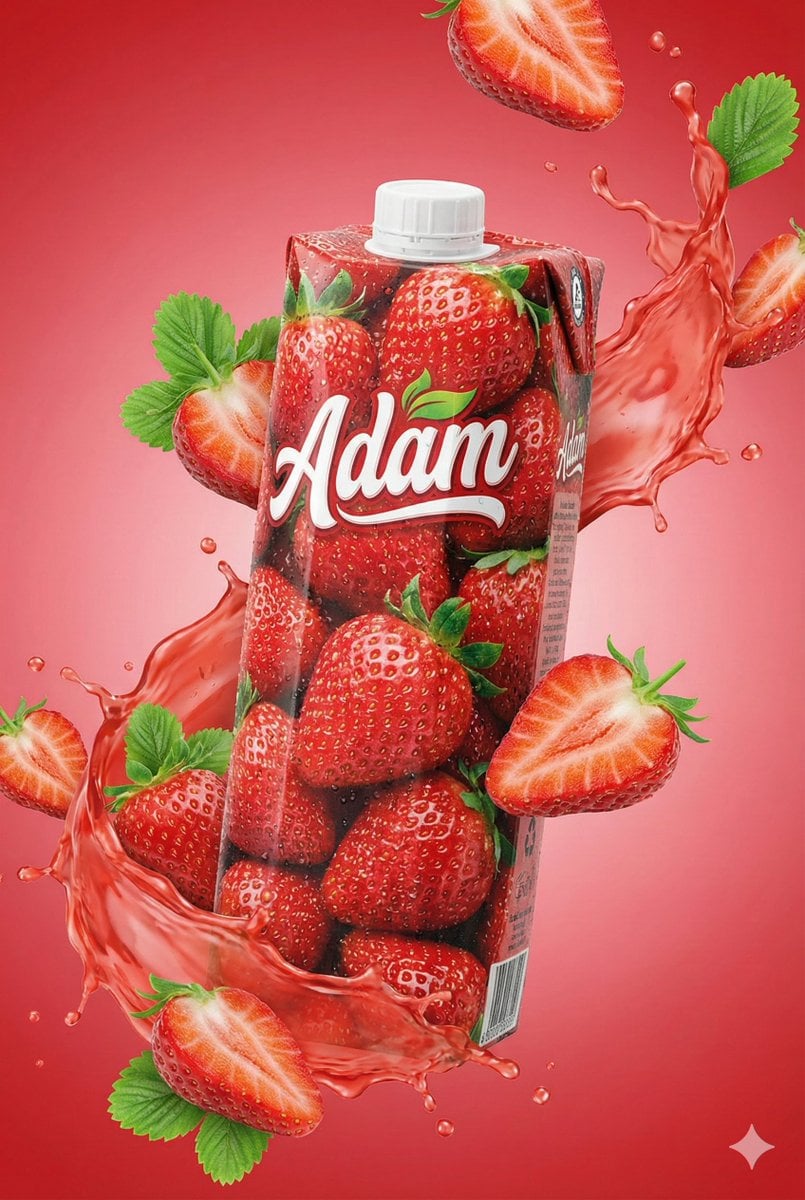
Commercial Juice Box Photography Prompt
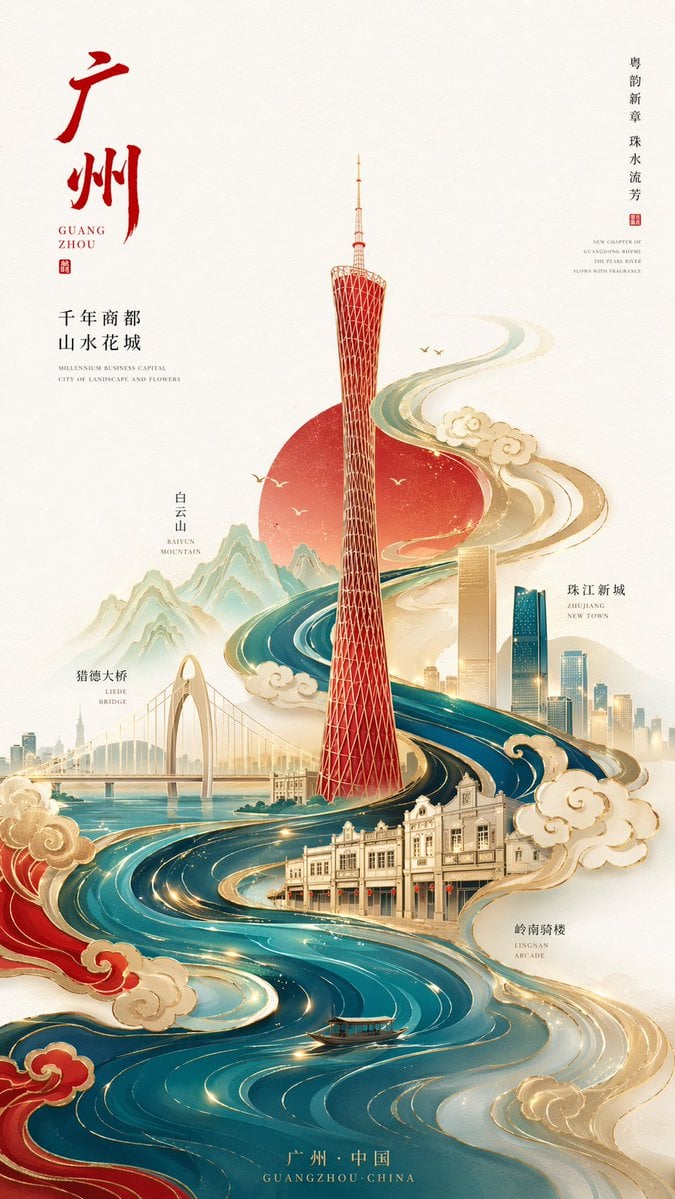
Minimalist City Poster Prompt
Panel Product Storyboard Grid Prompt
Car Selfie with Cheese Cracker Prompt
Browse template categories
Kawaii Wolf Donut Diagnosis Poster questions
How do I use the Kawaii Wolf Donut Diagnosis Poster template?
Add your photo if the template asks for one, edit the prompt if you like — the template's model and format are already selected — and press Generate. Your version opens in PicX Studio.
Can I customize the Kawaii Wolf Donut Diagnosis Poster template?
Yes. You can change the subject, setting, lighting, mood, format, and available model controls before creating your image.
Is the Kawaii Wolf Donut Diagnosis Poster template free?
Opening and editing this template is free. Generating uses credits, shown on the Generate button when you are signed in.
Which AI model should I use?
Start with GPT Image 2, which is the model associated with this template. You can compare another compatible model for a different finish.
Looking for something else? Browse all templates.

Your photo, any look
Thousands of ready templates for every top image and video model, from one credit balance.