
Cozy Anime Manga Artist Studio
A detailed anime illustration of a young manga artist drawing at a warm, cluttered desk, ideal for creative studio or artist lifestyle visuals.
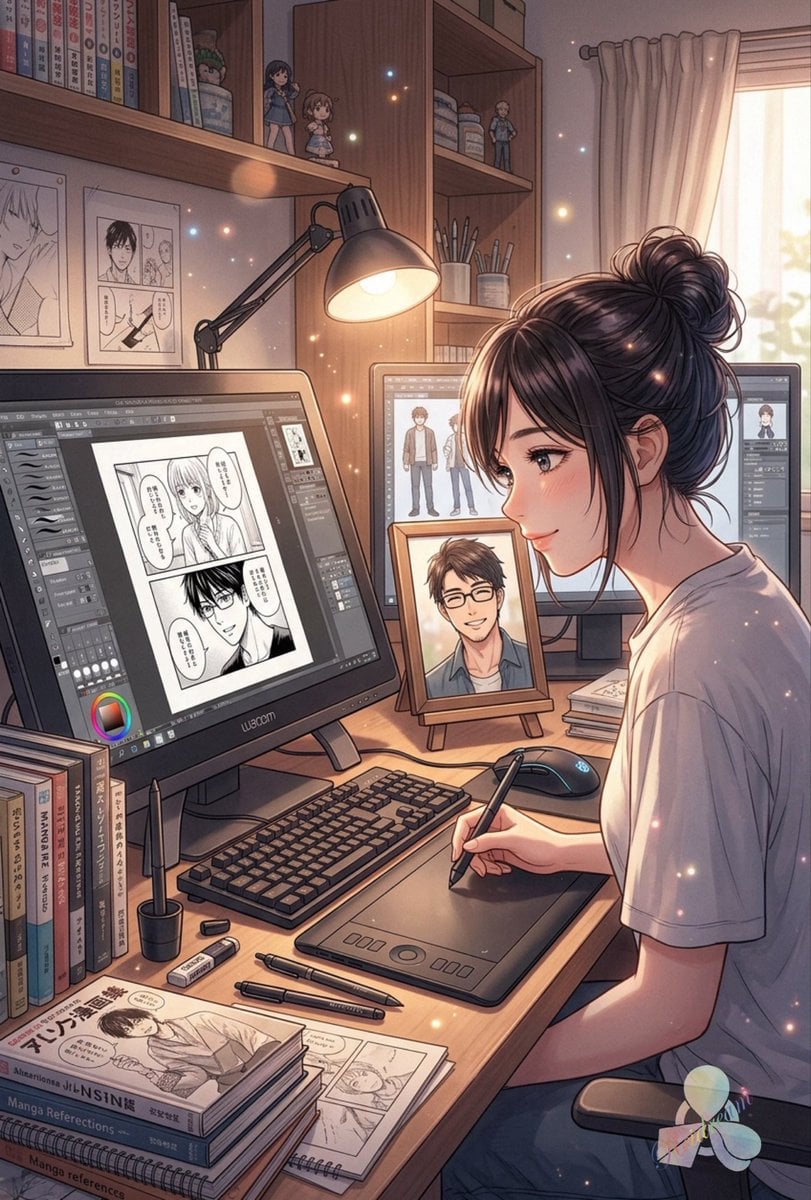
- Prompt included
- Model and format preset
- Premium template
The prompt behind this image
Copy the exact prompt behind Cozy Anime Manga Artist Studio, or open it in the studio and make it yours.
Create a warm, detailed anime-style illustration of a cozy manga artist's workspace at golden hour. Show a young female artist with {argument name="hair color" default="dark brown"} hair tied in a messy bun, wearing a loose {argument name="shirt color" default="white"} T-shirt, seated at a wooden desk in right profile and drawing with a stylus on a Wacom-style pen tablet; place a large solid rectangular privacy blur/censor block over her face. The desk should be crowded but orderly: exactly 2 computer monitors, with the left monitor showing a digital manga page in drawing software containing 2 black-and-white panels and speech bubbles, and the rear monitor showing character design sheets; exactly 1 framed portrait on a small easel between the monitors, also with a smaller rectangular privacy blur over the face; exactly 1 keyboard, 1 mouse, 1 desk lamp with an articulated arm casting warm light, 1 stylus in her hand, 1 pen tablet, 1 pen cup, 2 loose pens on the desk, 2 loose erasers, 1 stack of manga/reference books, and several loose manga manuscript pages. In the background, include wooden bookshelves filled with manga volumes, art books, jars, pencils, and exactly 3 small anime figurines on the shelves: two girl figurines on the left shelf and one boy figurine on the right shelf. Add exactly 2 pinned manga drawings on the left wall, one single portrait sheet and one comic layout sheet. On the right side, include a softly glowing window with beige curtains and sunlight streaming in. Use delicate floating sparkles and dust motes throughout the room, soft rim light on the artist's hair and shoulders, pastel browns and creams, intricate linework, cinematic depth, high-detail digital painting, nostalgic shoujo manga studio atmosphere. Include subtle Japanese-style manga book spines and magazine covers without requiring legible text. The mood should feel peaceful, creative, and intimate, like an artist working late afternoon in her personal studio.
How to use Cozy Anime Manga Artist Studio in 3 steps
- 1Upload ImagePNG, JPG or paste
Add your photo
Upload the photo the template builds on. The prompt, model and format are already set.
- 2…a portrait of your subject in softgolden-hour light, 85mm…
Personalize
Edit the subject and creative details for your destination.
- 3Generate
Generate
Press Generate — your image is created in PicX Studio, so you can compare it with the original and refine one variable at a time.
More like this
Templates with the same subject, style or setup. Open one to see its prompt.

80s Couple Studio Portrait

1985 Studio Portrait
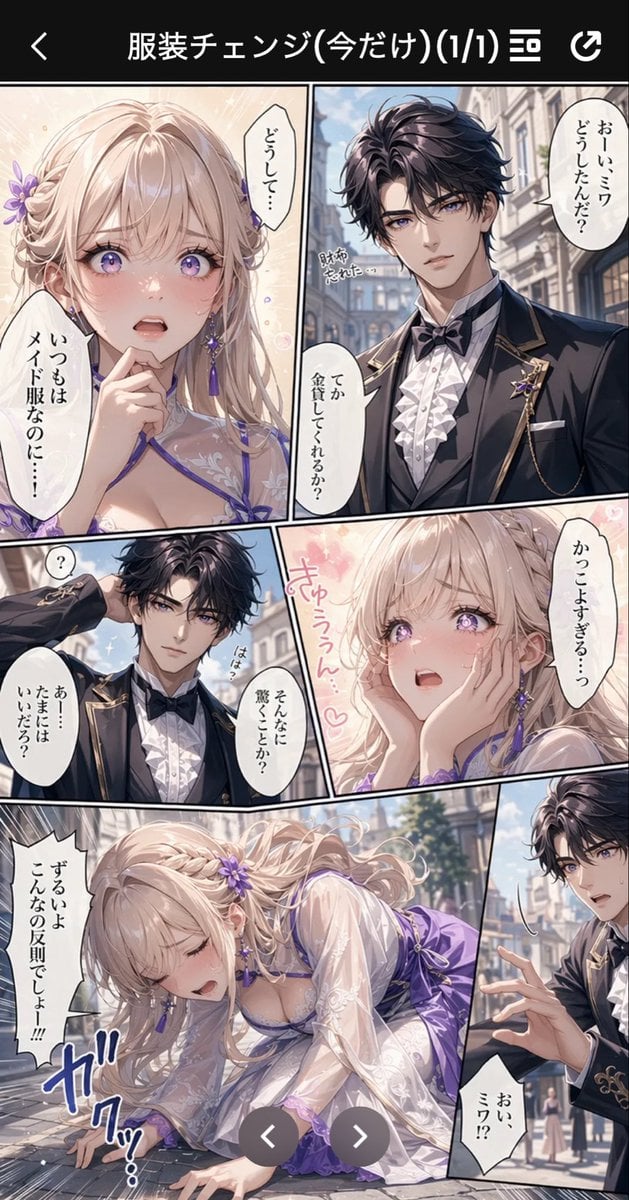
Anime Butler Date Manga Screenshot
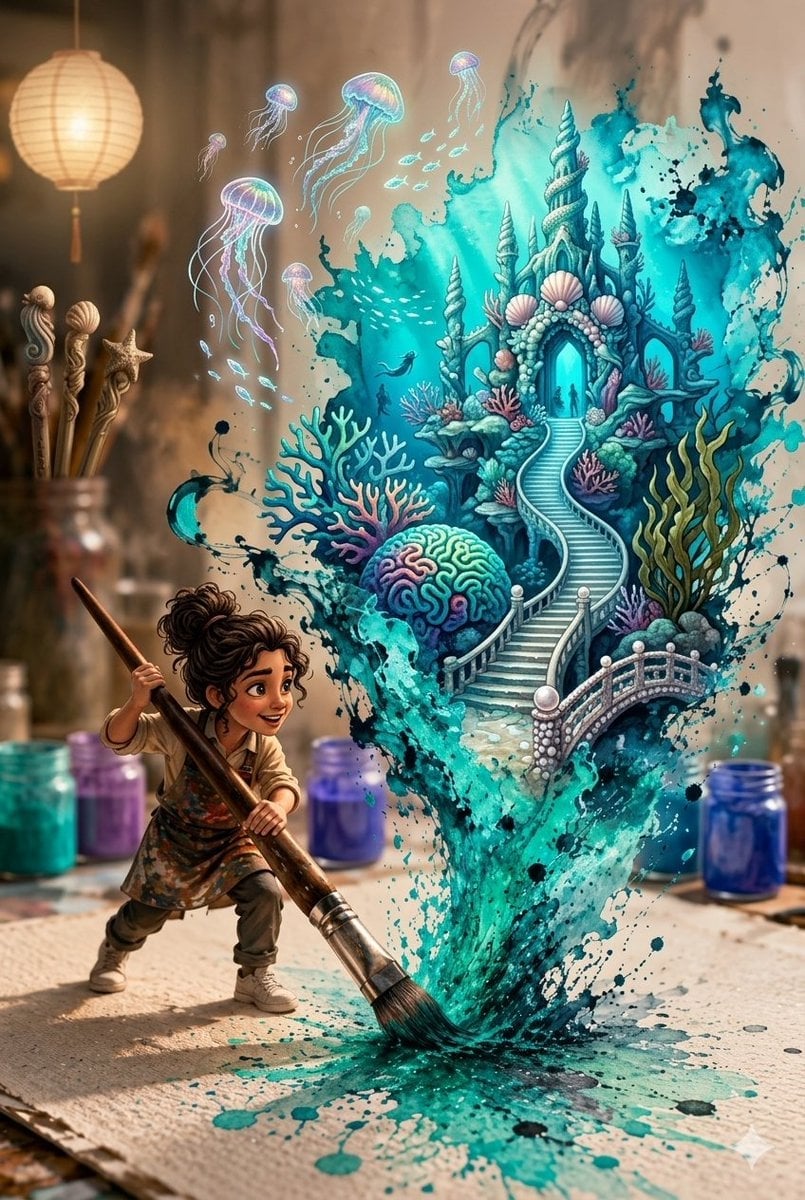
Magical Underwater Artist Studio
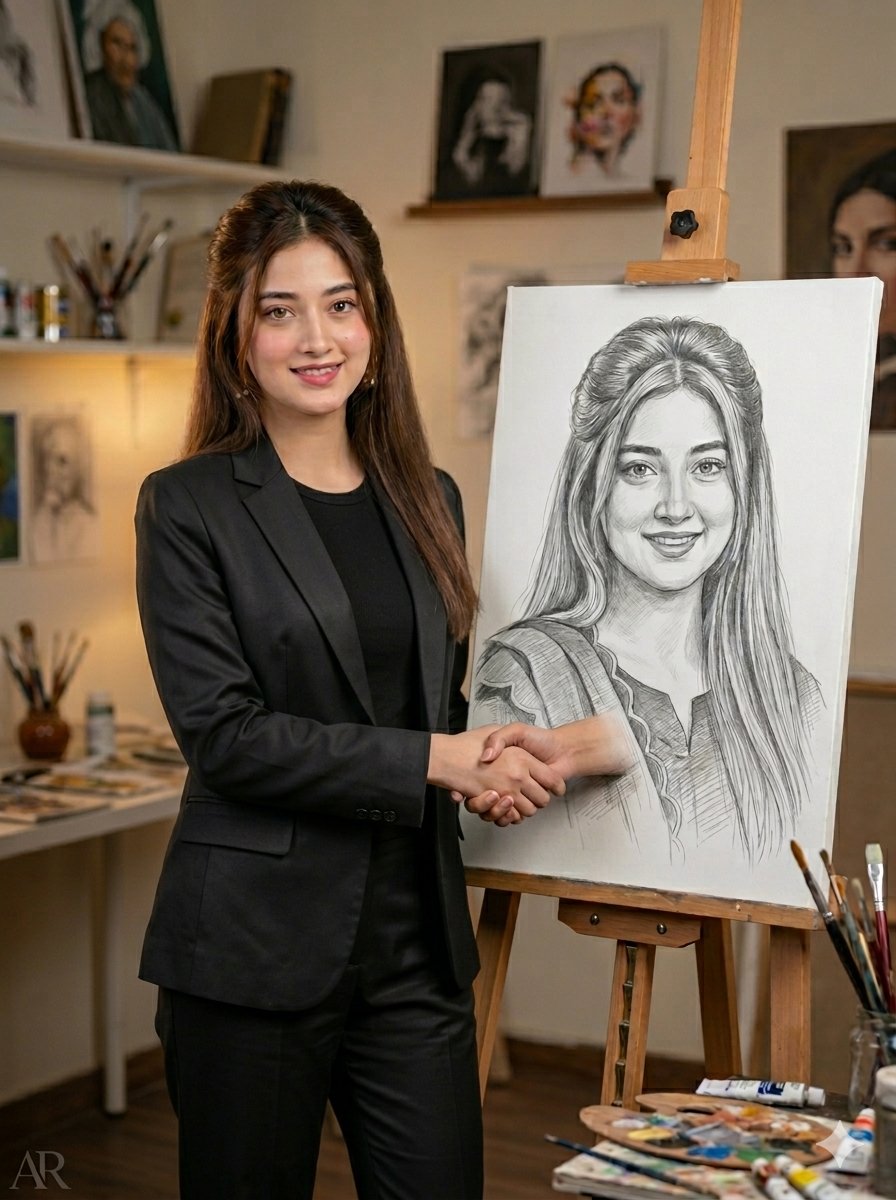
Artist Studio Portrait Transformation
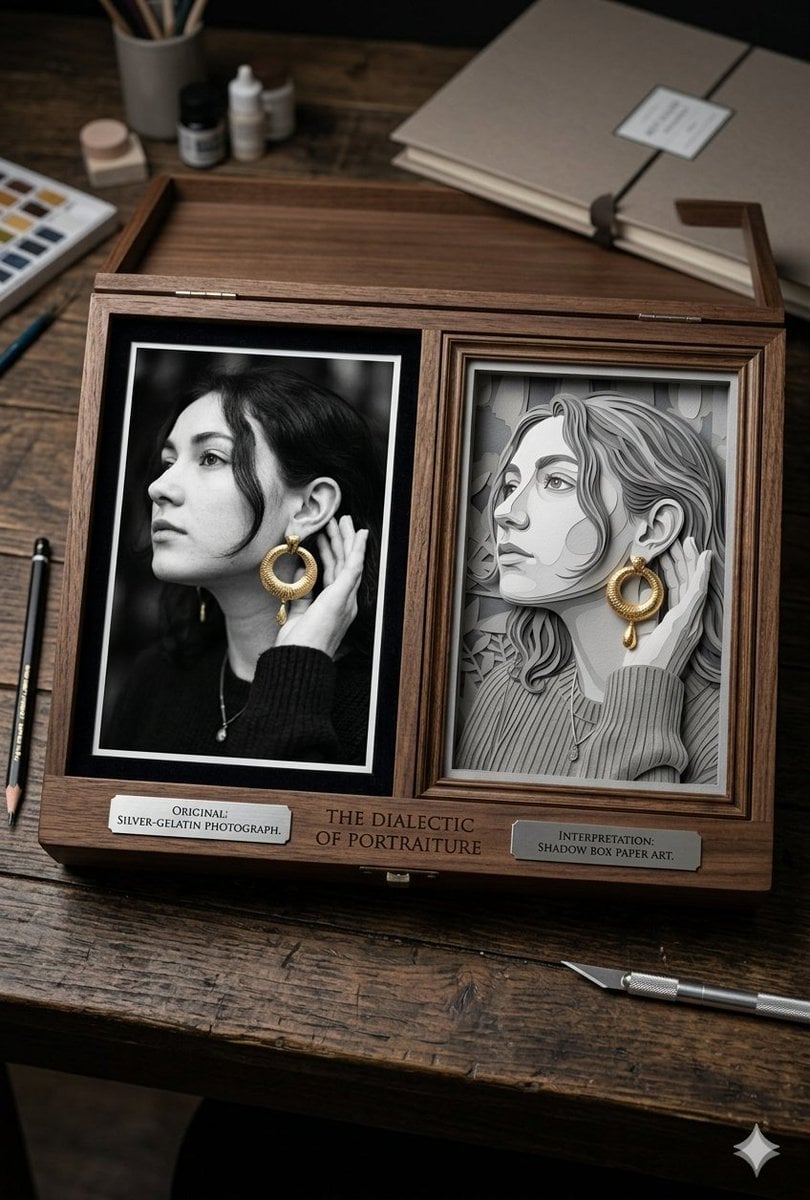
Mixed Media Artist Studio Display

Cel 2D Finale Fireworks

Cel 2D Garden Maze

Cel 2D Rooftop Concert

Cel 2D Bicycle Coast

Cel 2D Castle Gate

Cel 2D Kitchen Chaos
Make it yours
Cozy Anime Manga Artist Studio works as-is. These are the safest ways to change it without losing the look.
Change one field
Copy a single group, rewrite it, and generate again so you can see what that field is doing.
Keep the frame, change the subject
Hold the composition and light of Cozy Anime Manga Artist Studio, then swap wardrobe, props or the person for a new take.
| If the result… | Why | Fix |
|---|---|---|
| The result drifts from the preview | Too many fields changed at once. | Reuse Cozy Anime Manga Artist Studio as-is first, then change one group — subject, light, or setting. |
| The model over-stylizes the scene | The prose prompt leaves finish and camera underspecified. | Add one camera or lighting sentence and stay on GPT Image 2. |
More GPT Image 2 templates
Other prompts made for GPT Image 2.

Six VTuber Japanese Logo Sheet

Realistic Portrait of Woman and Deer

The Vista Modular Condo Poster

AI Model Routing Comparison Infographic

2.5D Anime Art Board

Isometric Productivity Desk Scene

New York Double Exposure Poster

Four-Panel AI Landscape Comparison

Japanese Tatami Lifestyle Magazine Cover

NESCAFÉ Coffee Map Poster
More image prompts
Fresh picks from across the catalog.
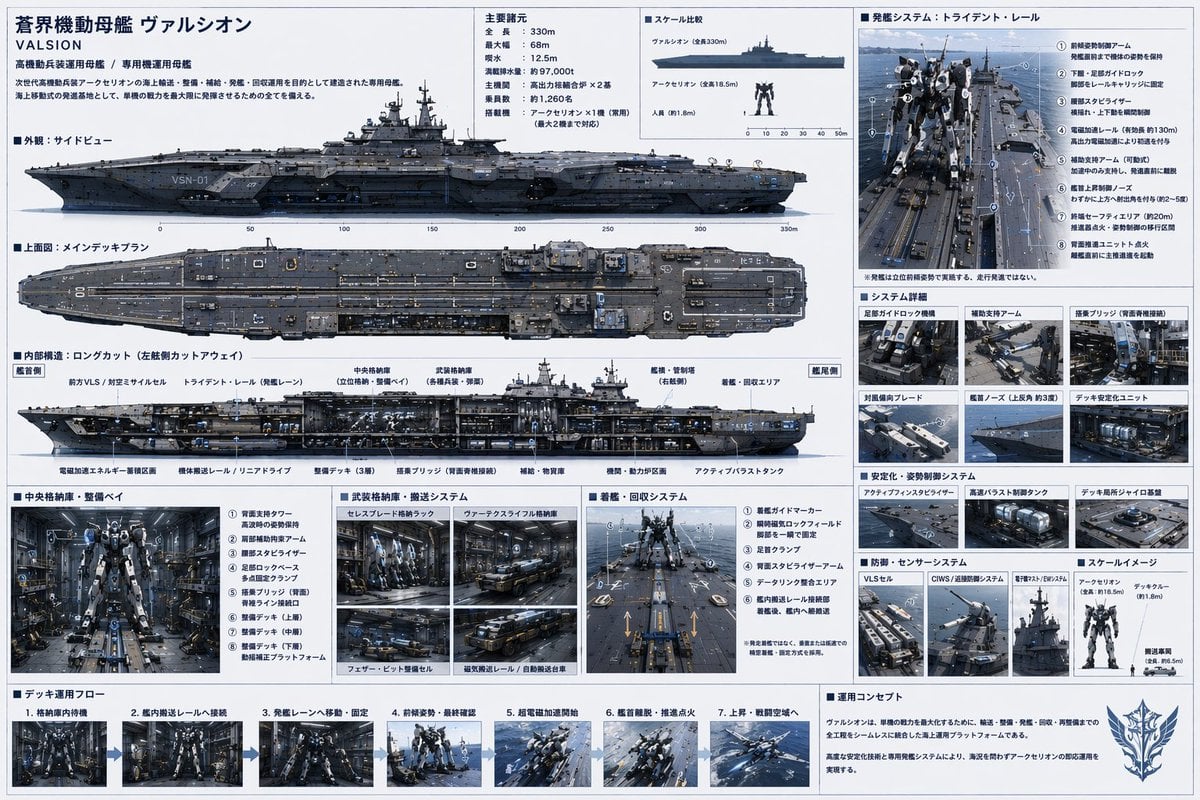
Sci-Fi Mecha Carrier Specification Sheet
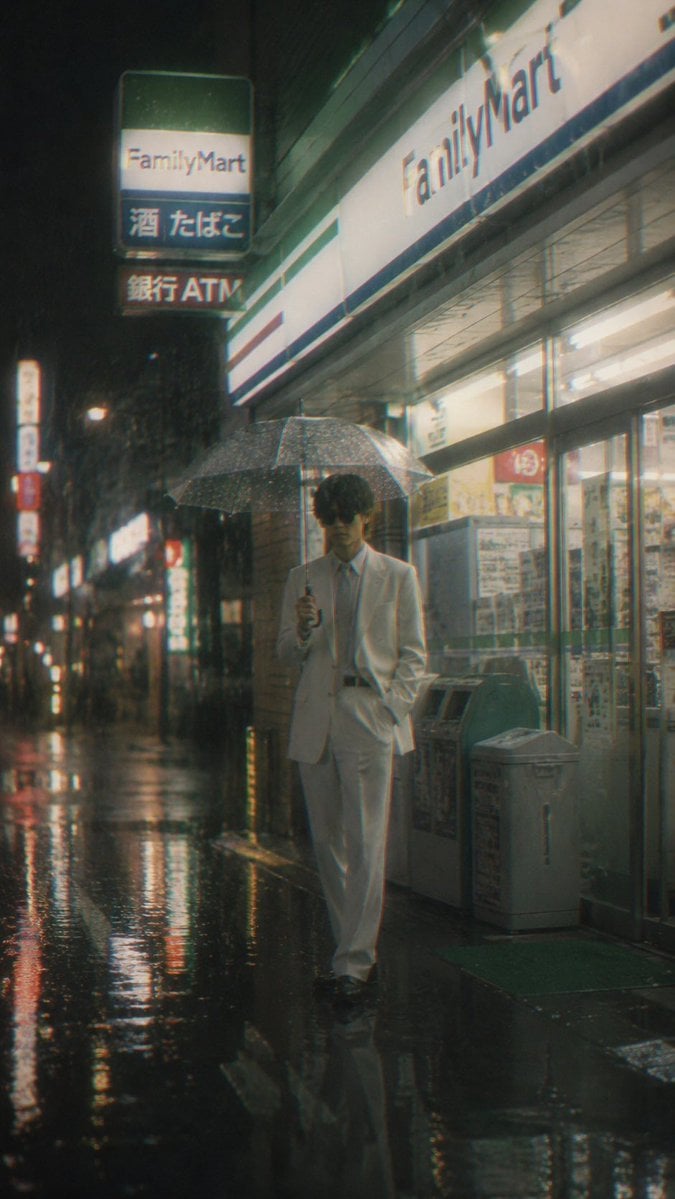
Rainy FamilyMart Noir Portrait
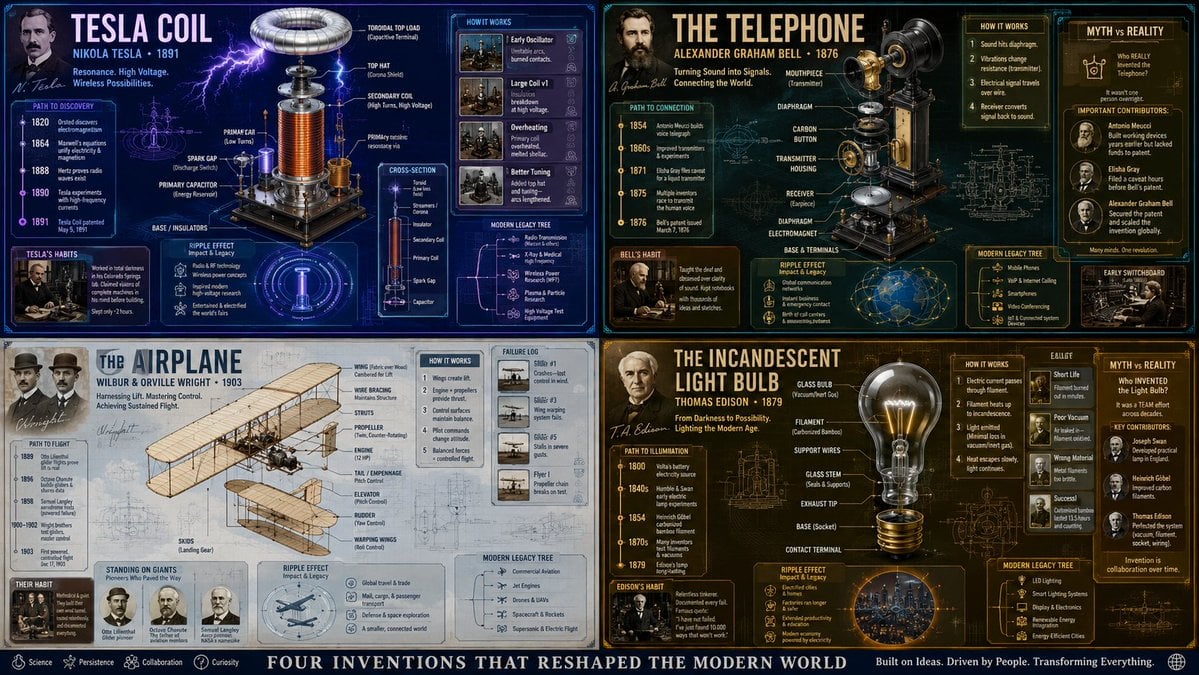
Exploded View Invention Infographic

Photo to Soft Anime Wedding Illustration

Muslim Woman Overlooking Mecca
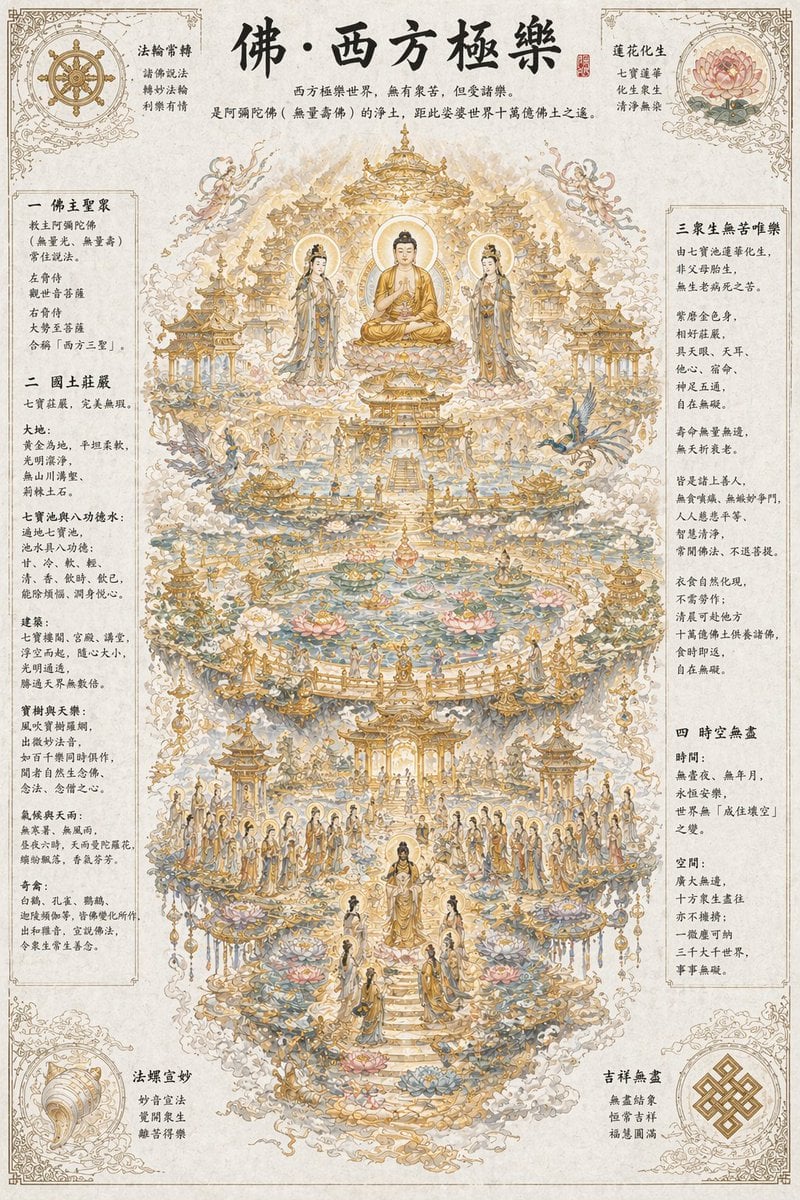
Ethereal Buddhist Pure Land scene
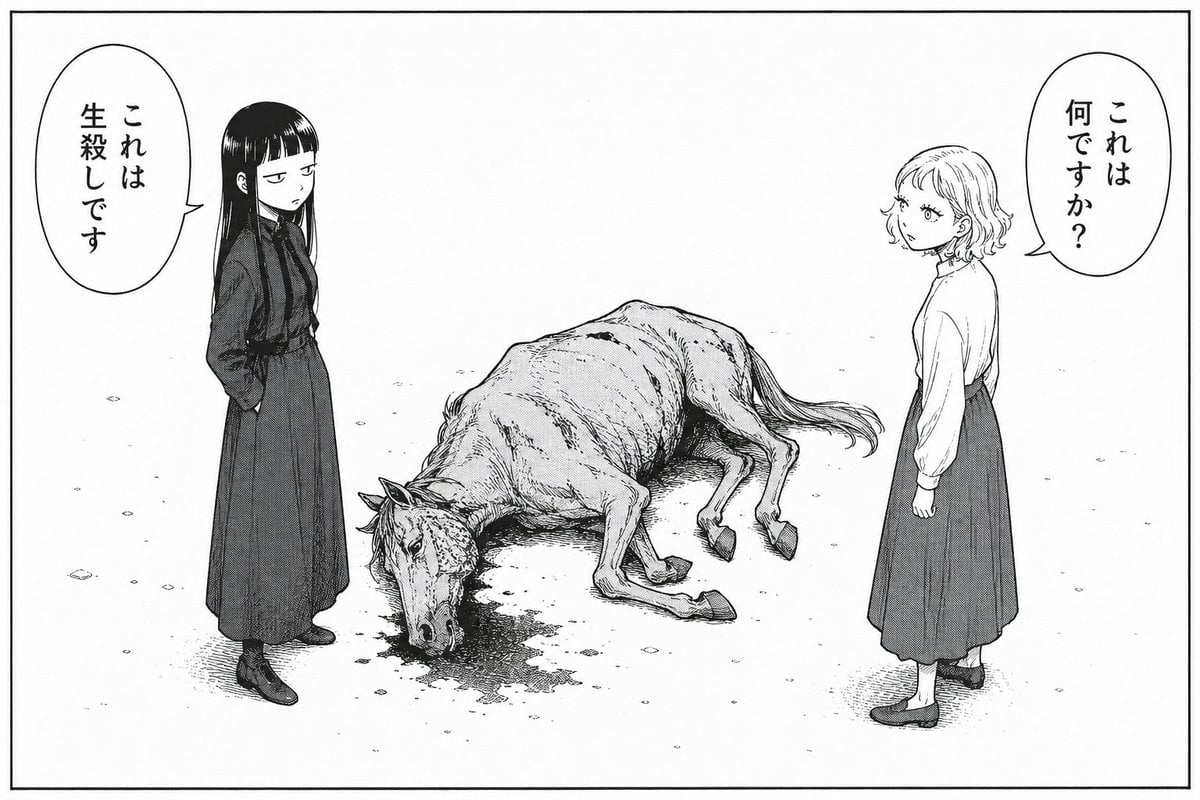
Bleak Manga Panel with Dead Horse
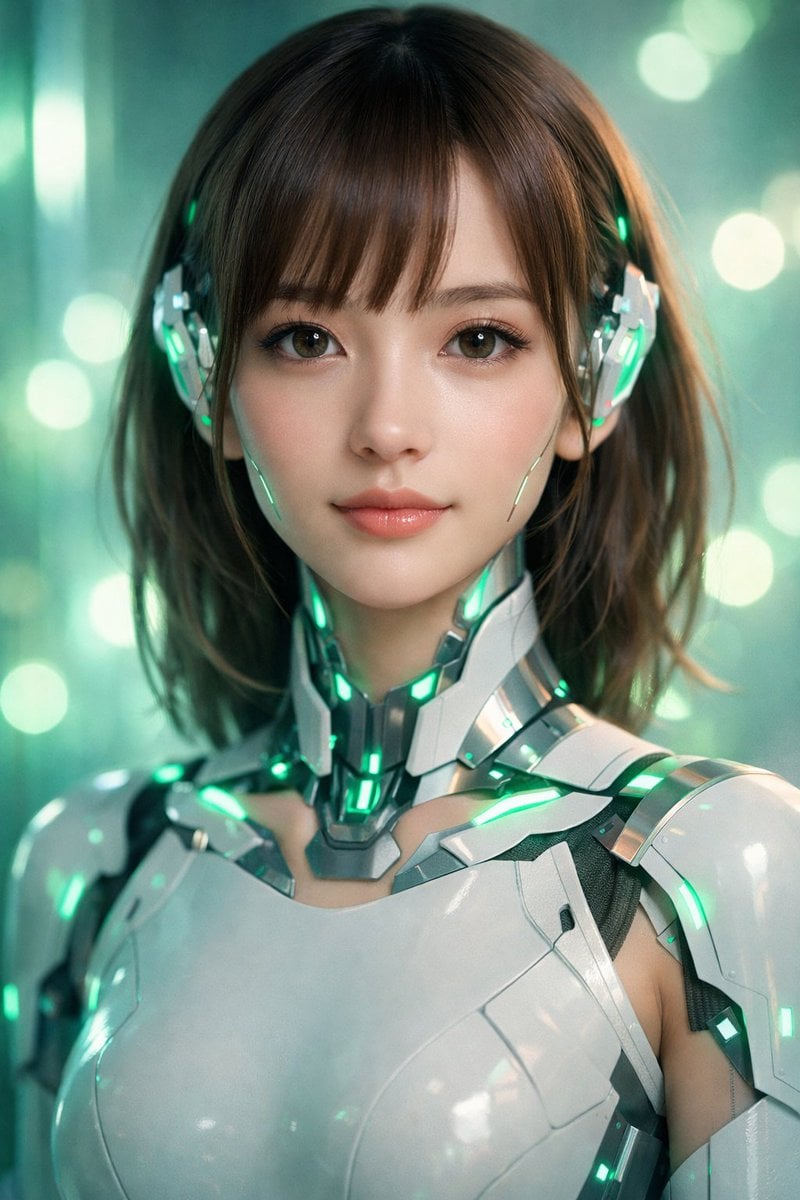
Neon Cyborg Girl Portrait Prompt
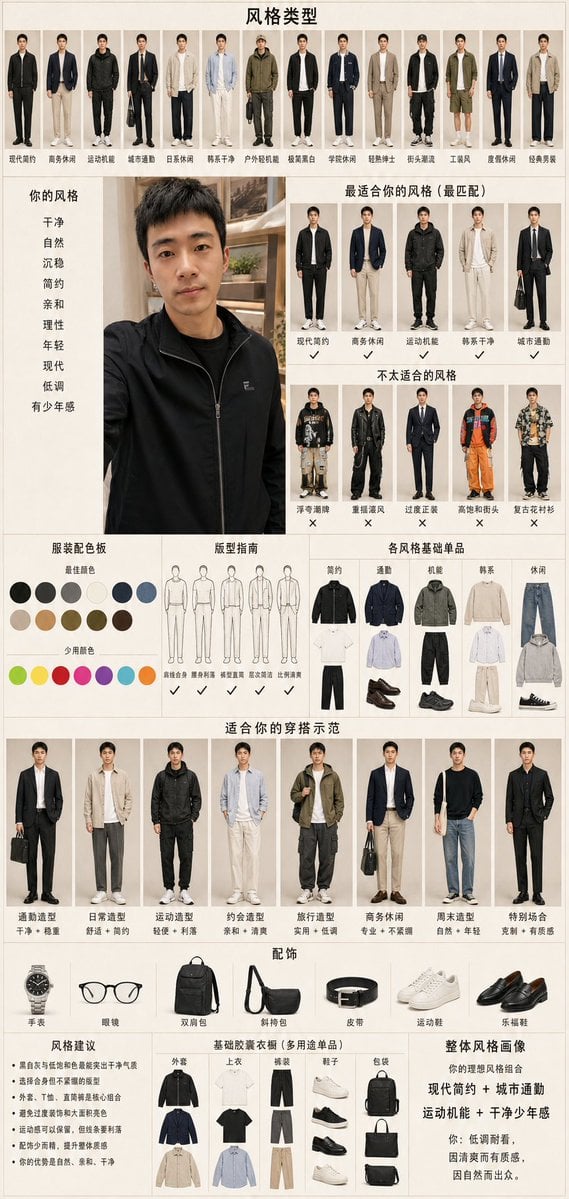
Men's Fashion Style Diagnosis Report
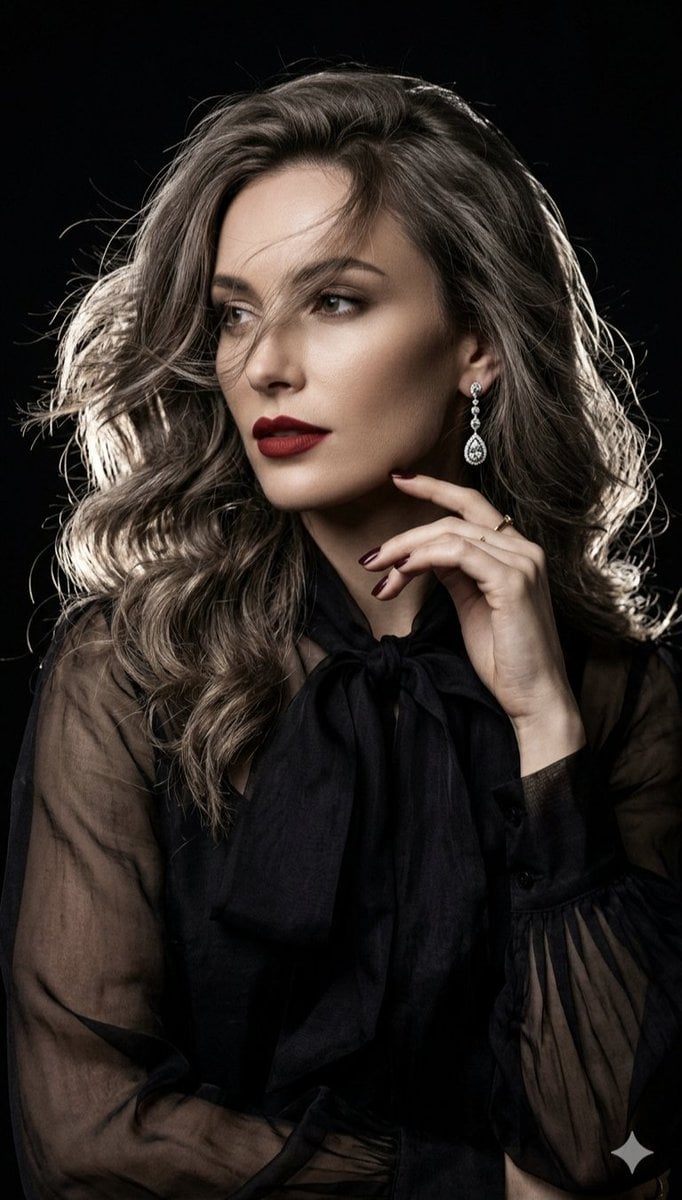
Cinematic high-fashion portrait with Chiaroscuro lighting
Browse template categories
Cozy Anime Manga Artist Studio questions
How do I use the Cozy Anime Manga Artist Studio template?
Add your photo if the template asks for one, edit the prompt if you like — the template's model and format are already selected — and press Generate. Your version opens in PicX Studio.
Can I customize the Cozy Anime Manga Artist Studio template?
Yes. You can change the subject, setting, lighting, mood, format, and available model controls before creating your image.
Is the Cozy Anime Manga Artist Studio template free?
Opening and editing this template is free. Generating uses credits, shown on the Generate button when you are signed in.
Which AI model should I use?
Start with GPT Image 2, which is the model associated with this template. You can compare another compatible model for a different finish.
Looking for something else? Browse all templates.

Your photo, any look
Thousands of ready templates for every top image and video model, from one credit balance.