
Japanese GPT-Image-2 Anime Concert Banner
Generates a vibrant Japanese anime band-style promotional thumbnail for a ChatGPT / GPT-Image-2 image generation update.
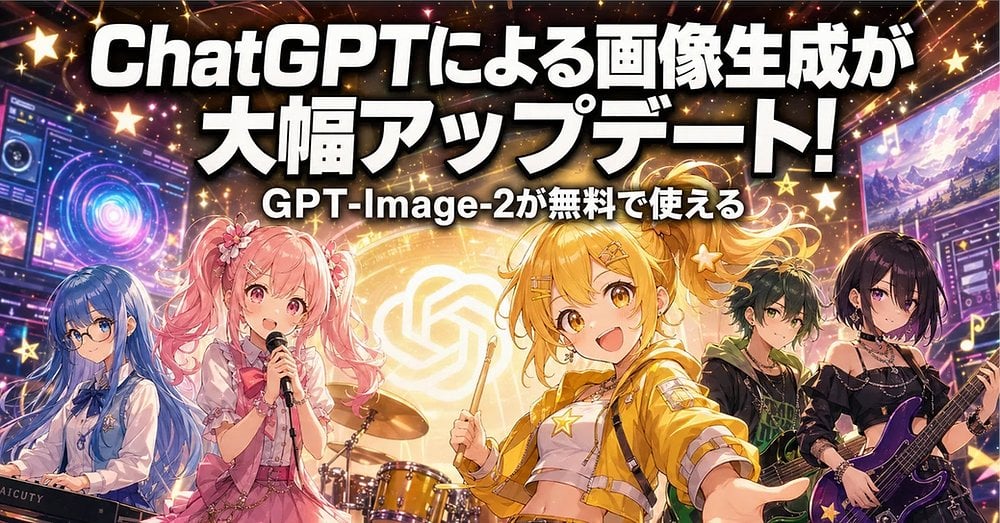
- Prompt included
- Model and format preset
- Free template
The prompt behind this image
Copy the exact prompt behind Japanese GPT-Image-2 Anime Concert Banner, or open it in the studio and make it yours.
Goal: Create a high-energy Japanese promotional banner announcing an image generation update for ChatGPT / GPT-Image-2, styled like an anime idol rock concert advertisement. Canvas: Wide horizontal social media banner, approximately 2:1 aspect ratio, cinematic 1024×512 feel. Fill the frame edge to edge with no white margins. Layout: Place huge bold Japanese headline text across the top two-thirds, centered and slightly arched with heavy black drop shadow and white fill. Under it, place a smaller centered subtitle. The bottom half is an anime band performance scene with five visible characters and a drum kit, surrounded by glowing UI panels, stars, sparkles, and neon concert lighting. Text content: Main headline in Japanese: {argument name="headline text" default="ChatGPTによる画像生成が 大幅アップデート!"}. Subtitle in Japanese: {argument name="subtitle text" default="GPT-Image-2が無料で使える"}. Use thick rounded sans-serif display lettering, bright white with black outline/shadow, designed for maximum readability over a busy background. Subject details: Include exactly five anime band members across the lower half: 1) far left, a blue-haired keyboardist in a pale blue-and-white outfit behind a keyboard; 2) left-center, a pink twin-tail idol singer holding a microphone, wearing a frilly pink stage dress with flower hair accessories; 3) center-right foreground, the main blonde/yellow-haired energetic idol drummer/front performer, smiling, holding a drumstick, wearing a cropped yellow jacket, white top, star motifs, and hair clips; 4) right-center, a dark-haired green-accented guitarist/bassist in a black streetwear outfit; 5) far right, a black-haired female guitarist in a black off-shoulder rock outfit holding a purple electric guitar. Put a golden drum kit behind the two central characters. The center performer should be the most prominent and brightly lit. Background and effects: Behind the band, show a glowing circular golden OpenAI-like knot logo as a stage backdrop. Add futuristic interface screens on the left and right edges, with colorful dashboards, rings, waveform-like graphics, and thumbnail panels. Use a deep black and purple concert background with orange, pink, gold, and blue neon beams. Scatter many glowing five-point stars, music notes, lens flares, confetti sparkles, and light streaks throughout. Visual style: Polished modern anime illustration, idol concert poster, saturated colors, glossy highlights, dramatic rim lighting, high detail, dynamic composition, celebratory mood, crisp typography, strong contrast. Make it look like a viral Japanese tech-news thumbnail about AI image generation. Constraints: Keep the text legible and dominant, do not add extra headline lines beyond the two specified text lines, keep exactly five band characters, avoid photorealism, avoid watermarks, avoid unreadable tiny text except decorative UI elements.
How to use Japanese GPT-Image-2 Anime Concert Banner in 3 steps
- 1Upload ImagePNG, JPG or paste
Add your photo
Upload the photo the template builds on. The prompt, model and format are already set.
- 2…a portrait of your subject in softgolden-hour light, 85mm…
Personalize
Edit the subject and creative details for your destination.
- 3Generate
Generate
Press Generate — your image is created in PicX Studio, so you can compare it with the original and refine one variable at a time.
More like this
Templates with the same subject, style or setup. Open one to see its prompt.

Cel 2D Rooftop Concert

Gpt2 Social Media Post 4 Panel Japanese Digital Ad Banner Grid
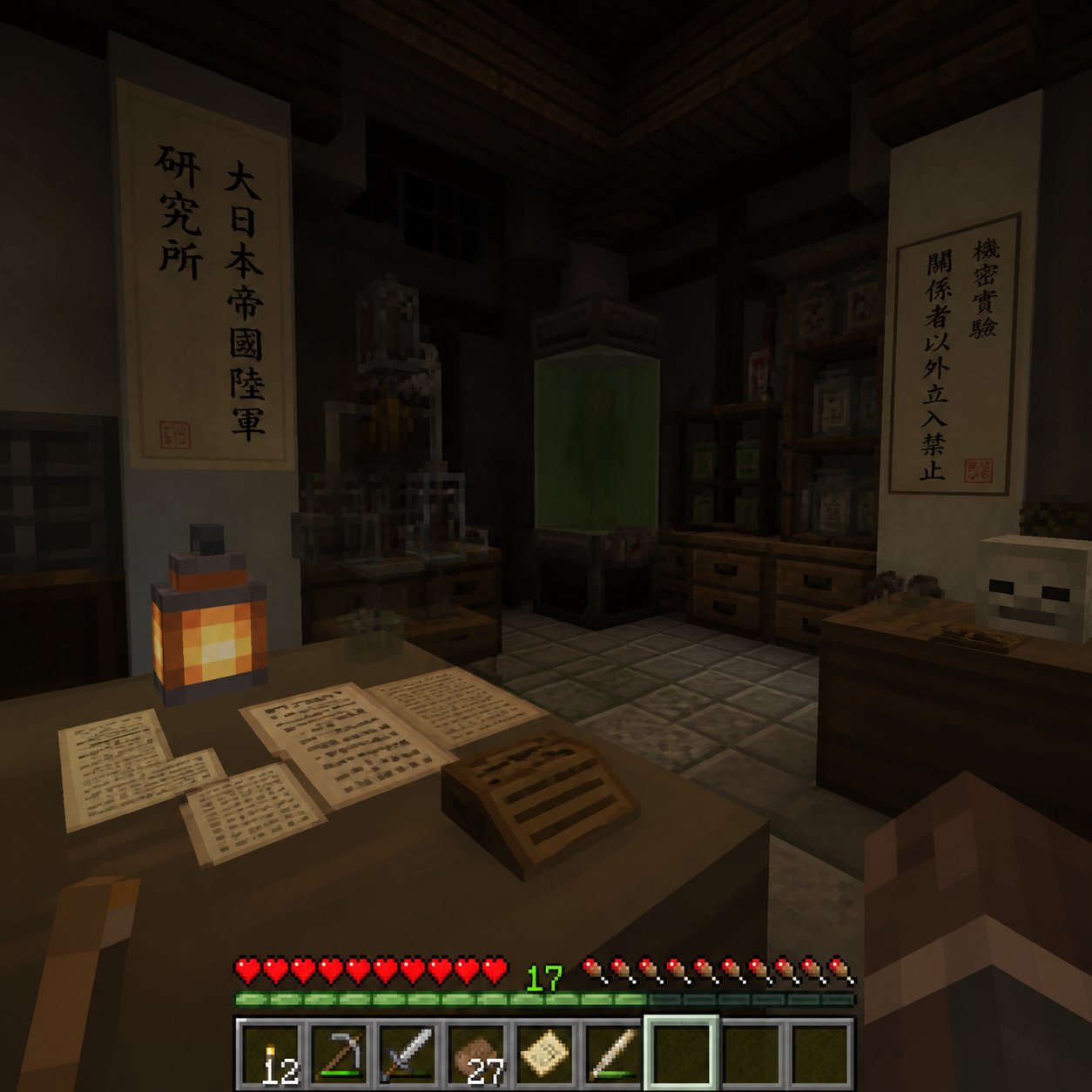
Minecraft Japanese Research Lab Exploration
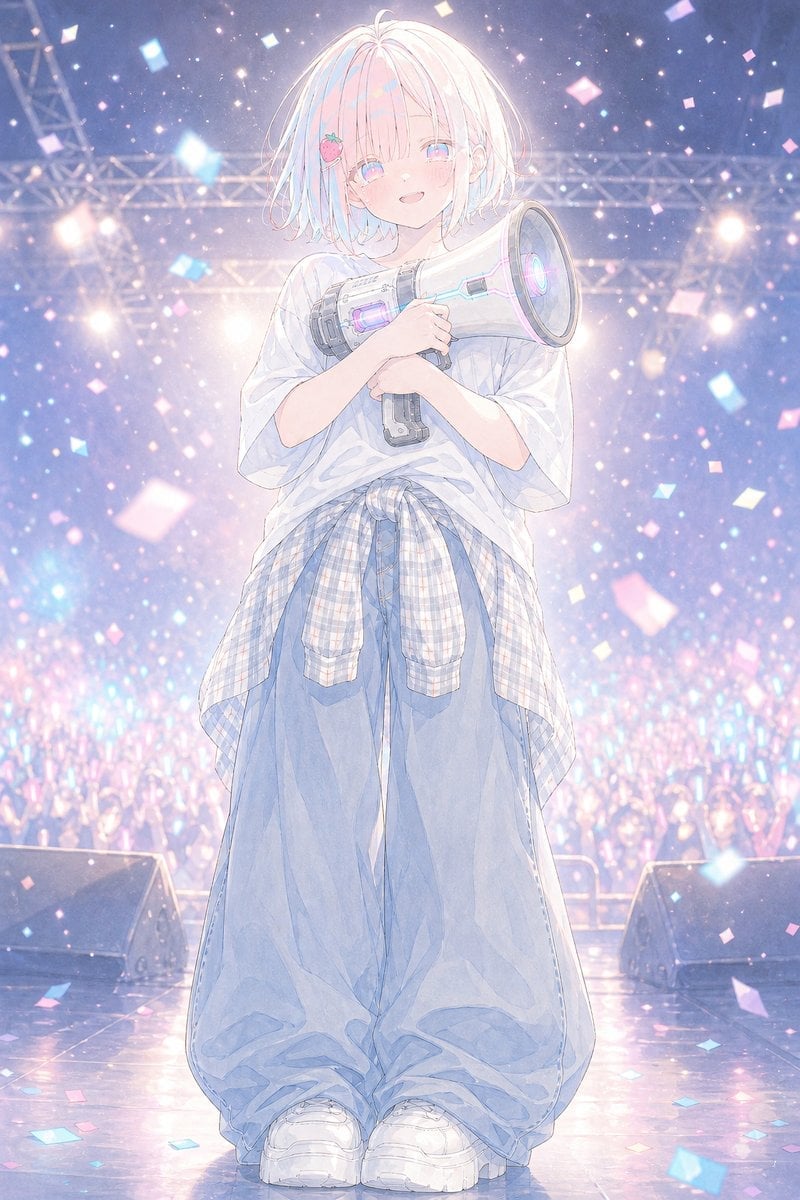
Pastel Anime Idol Concert Finale
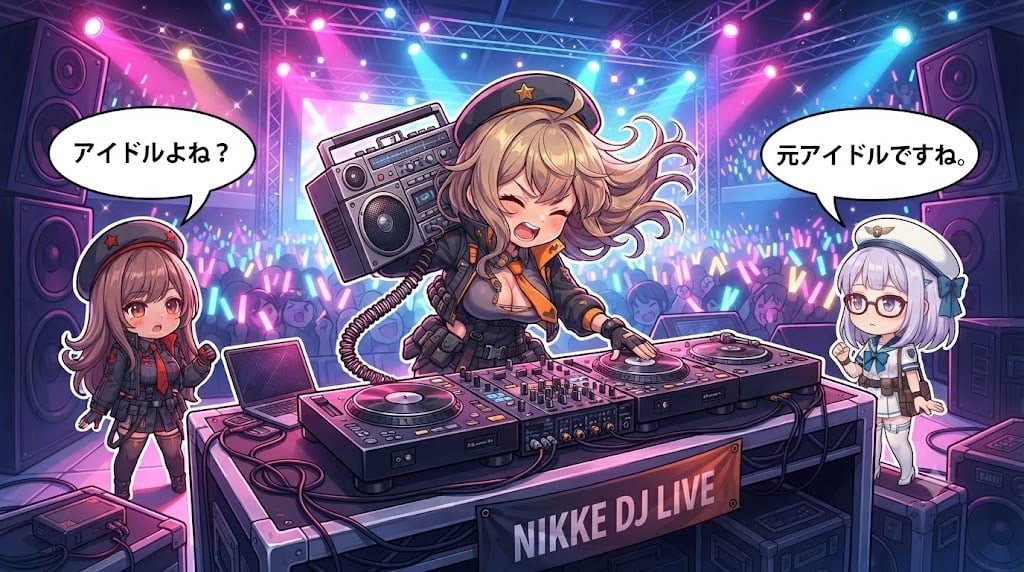
Chibi Anime DJ Live Concert
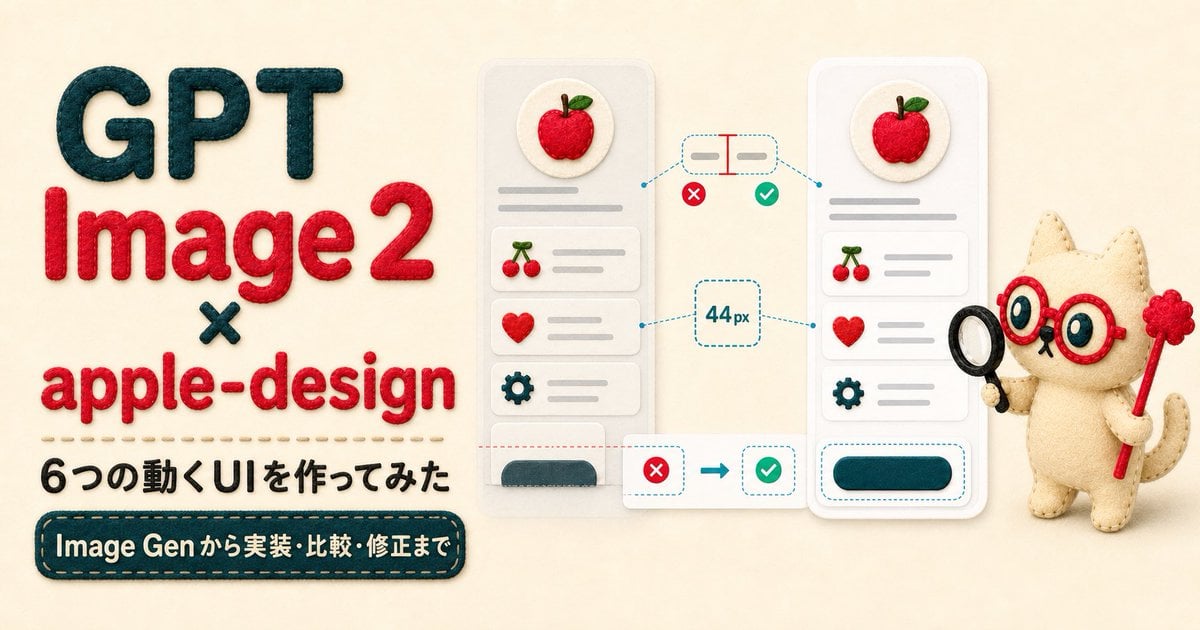
Felt GPT Image 2 Apple Design Banner
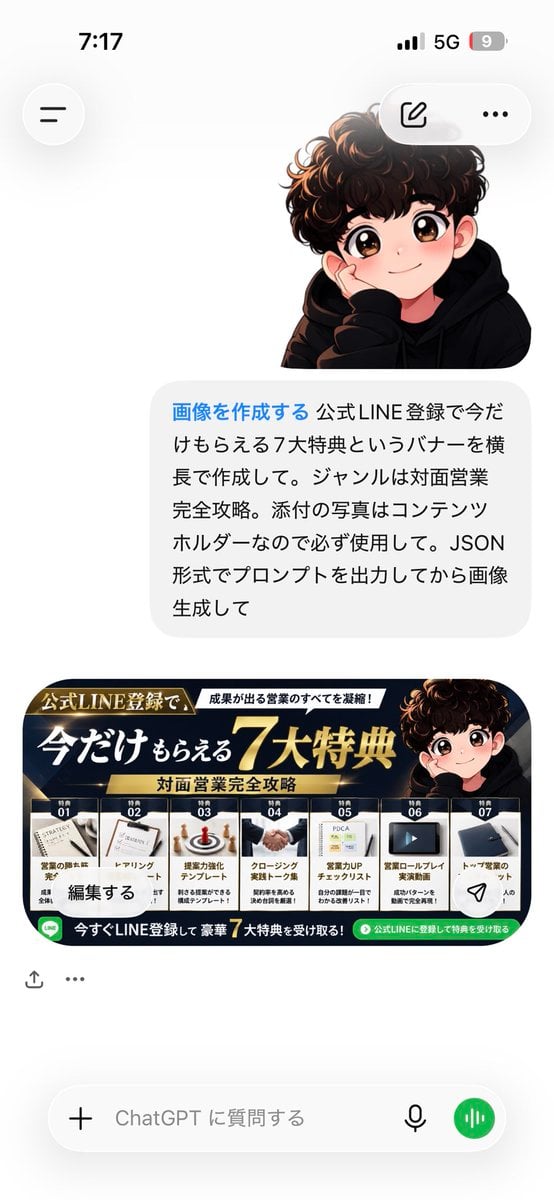
ChatGPT Bonus Banner Screenshot
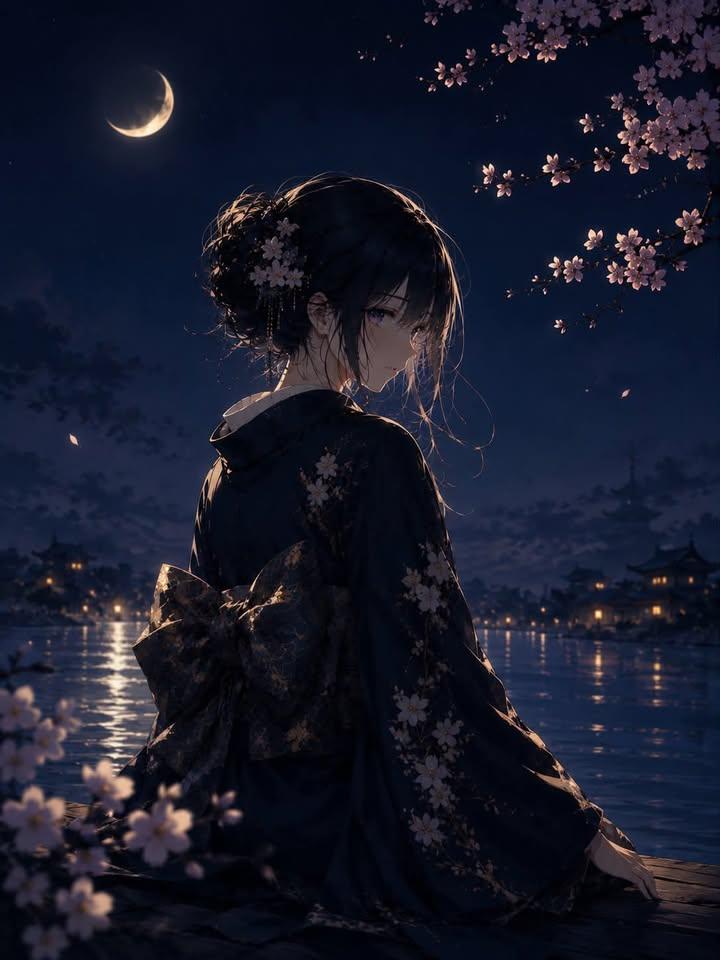
Luxury Japanese Fantasy Anime Kimono

Cel 2D Finale Fireworks

Cel 2D Garden Maze
Cel 2D Bicycle Coast

Cel 2D Castle Gate
Make it yours
Japanese GPT-Image-2 Anime Concert Banner works as-is. These are the safest ways to change it without losing the look.
Change one field
Copy a single group, rewrite it, and generate again so you can see what that field is doing.
Keep the frame, change the subject
Hold the composition and light of Japanese GPT-Image-2 Anime Concert Banner, then swap wardrobe, props or the person for a new take.
| If the result… | Why | Fix |
|---|---|---|
| The result drifts from the preview | Too many fields changed at once. | Reuse Japanese GPT-Image-2 Anime Concert Banner as-is first, then change one group — subject, light, or setting. |
| The model over-stylizes the scene | The prose prompt leaves finish and camera underspecified. | Add one camera or lighting sentence and stay on GPT Image 2. |
More GPT Image 2 templates
Other prompts made for GPT Image 2.

Six VTuber Japanese Logo Sheet

Realistic Portrait of Woman and Deer

The Vista Modular Condo Poster

AI Model Routing Comparison Infographic

2.5D Anime Art Board

Isometric Productivity Desk Scene

New York Double Exposure Poster

Four-Panel AI Landscape Comparison

Japanese Tatami Lifestyle Magazine Cover

NESCAFÉ Coffee Map Poster
More image prompts
Fresh picks from across the catalog.
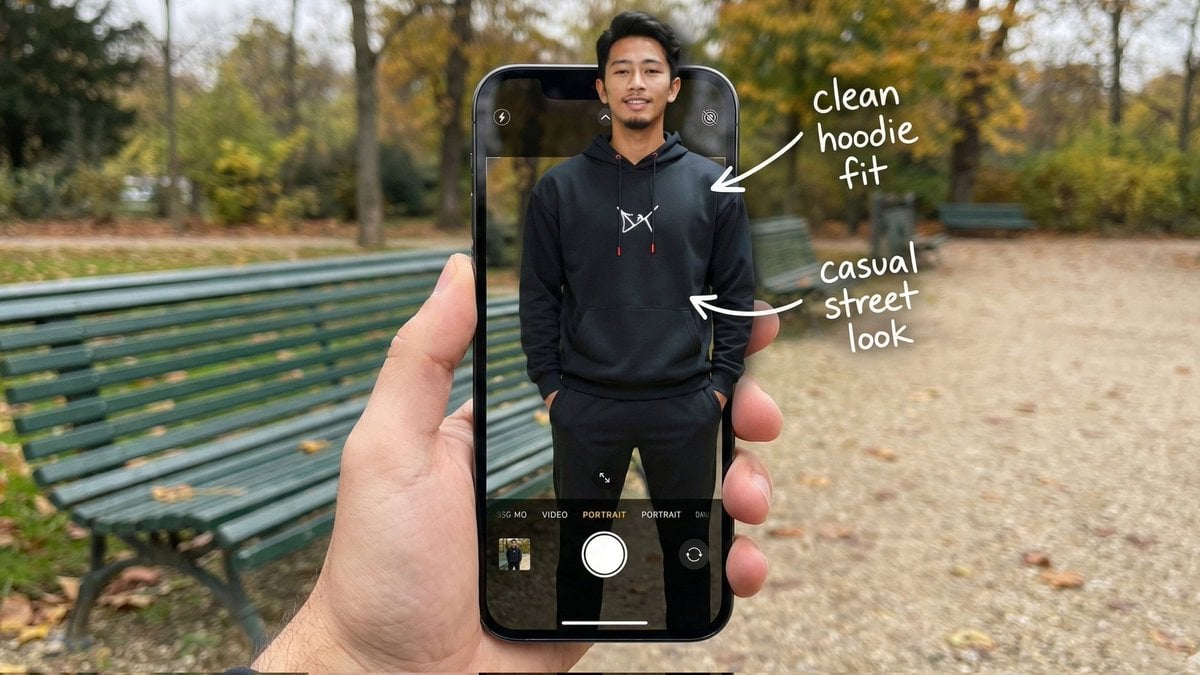
Hyper-Realistic POV Smartphone Pop-out Illusion in a Park

European Urban Menswear Style Portrait
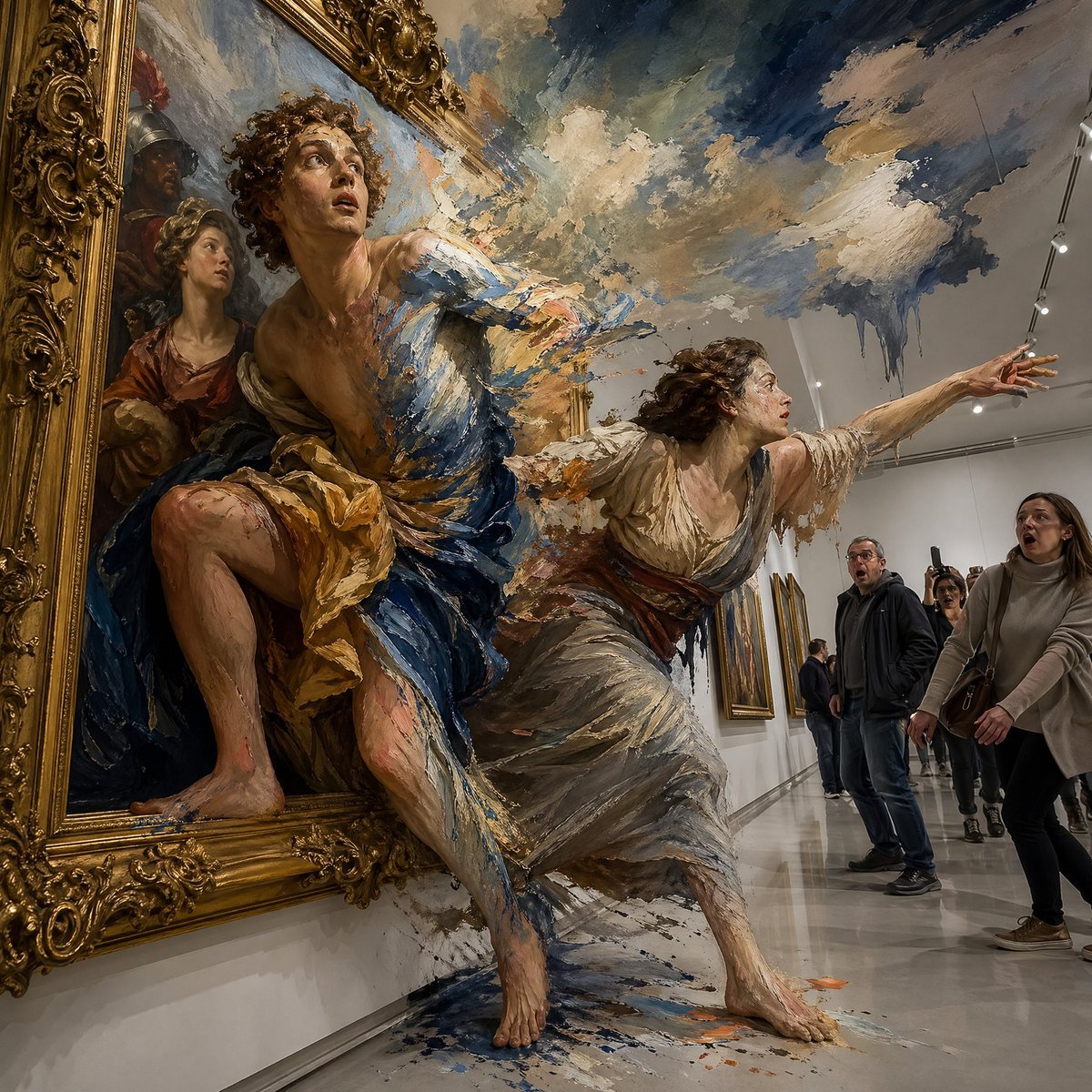
Gpt2 Comic Storyboard Surreal Baroque Painting Reality Fracture
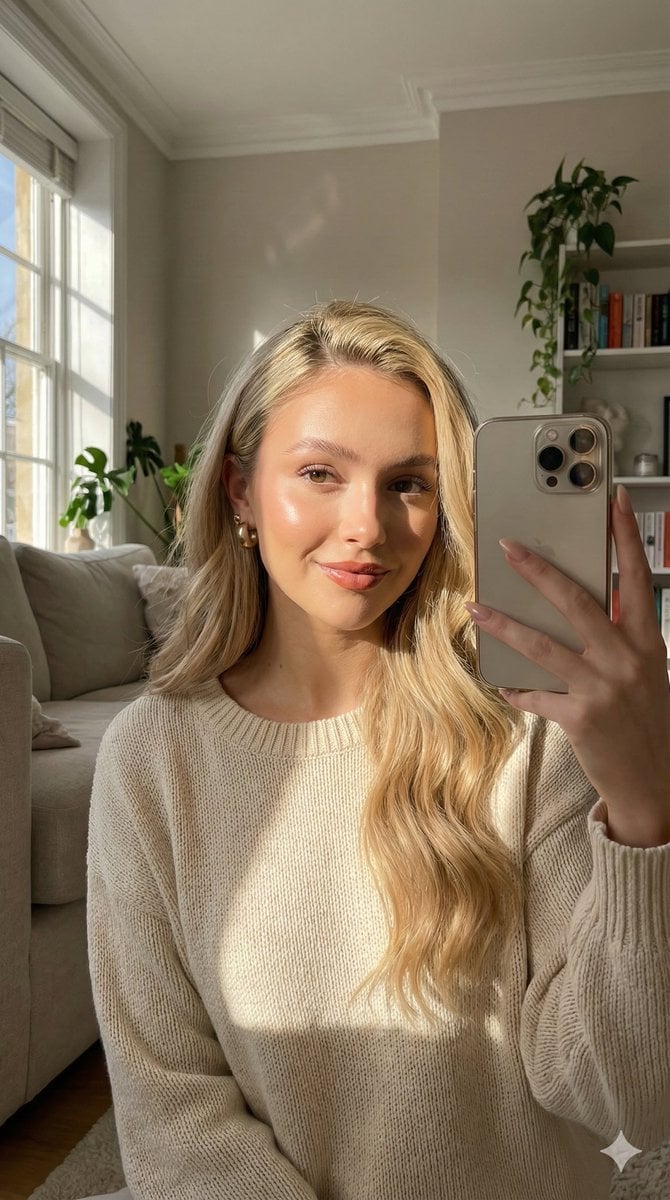
Face Preservation Selfie Prompt for Nano Banana Pro
Exploded View Disassembly of Apple Watch Ultra and iPhone
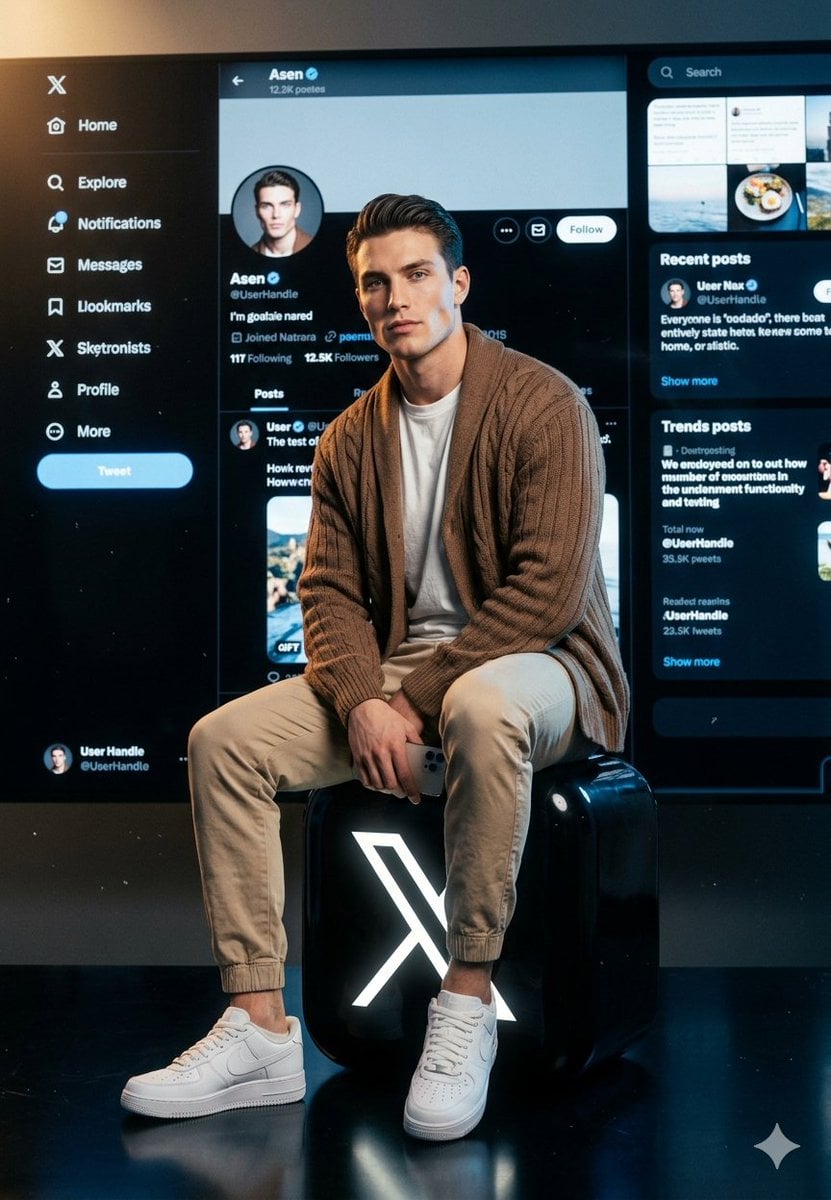
X/Twitter UI Interaction Scene
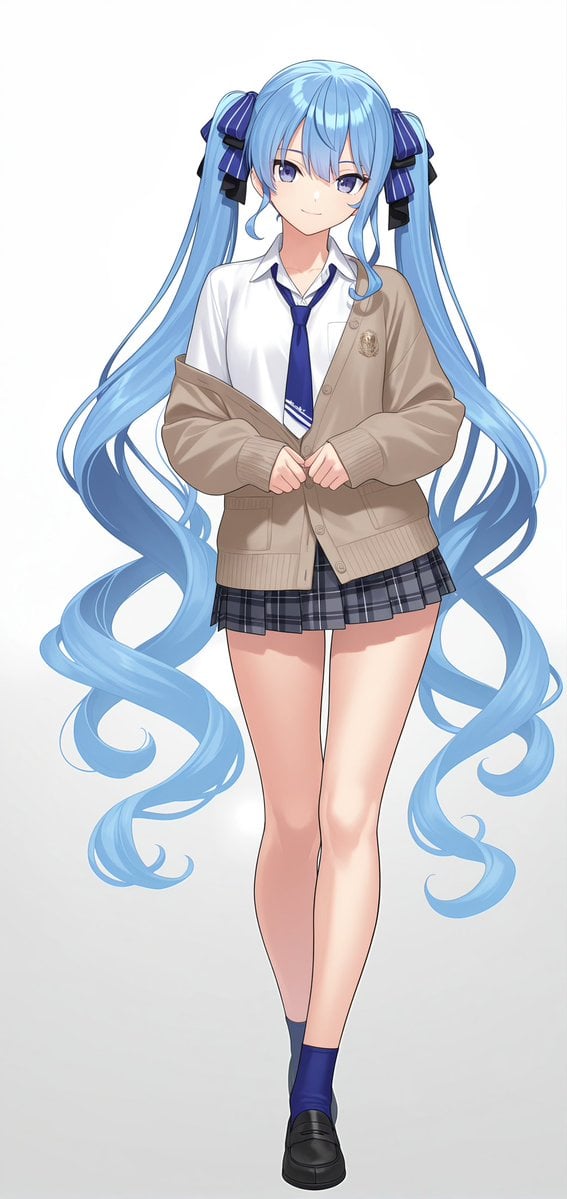
Anime Schoolgirl Full-Body Portrait
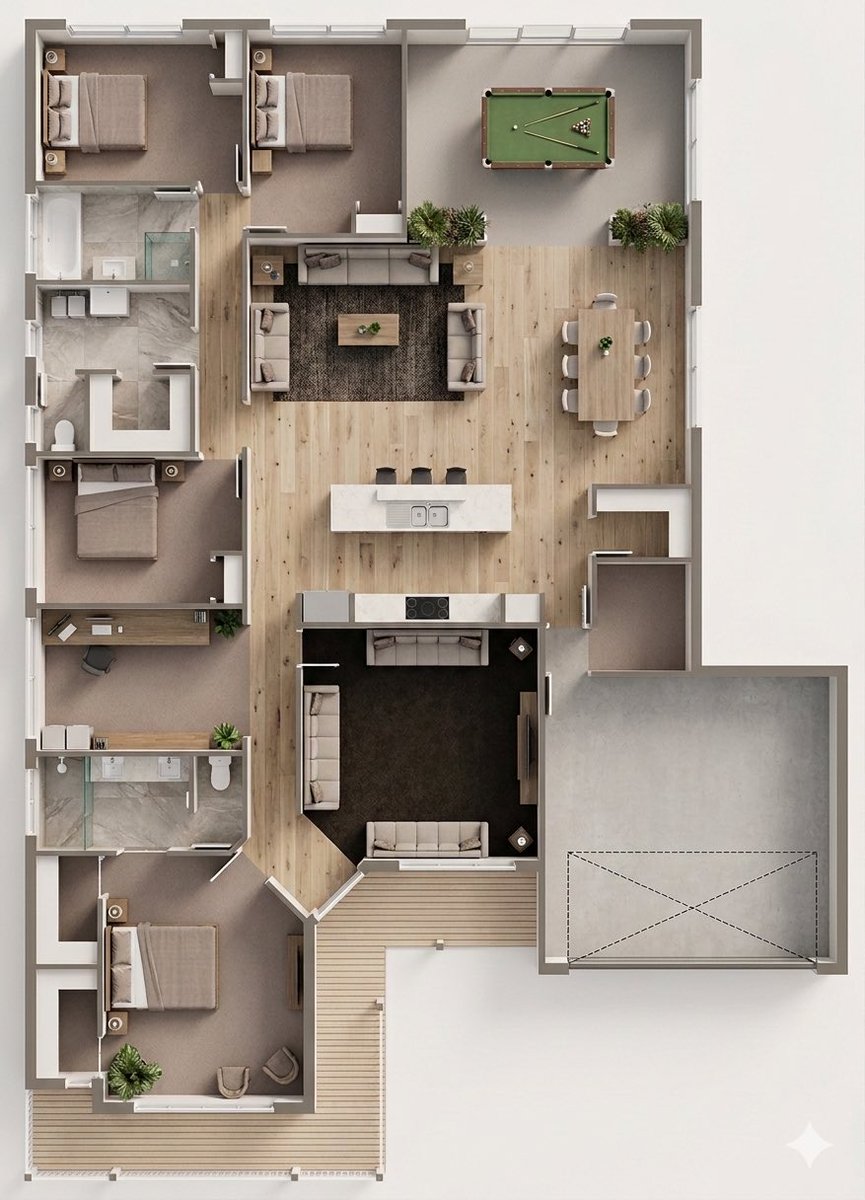
Floor Plan to Photorealistic 3D Render Conversion

Image-to-Image Portrait with Cartoon Doodles
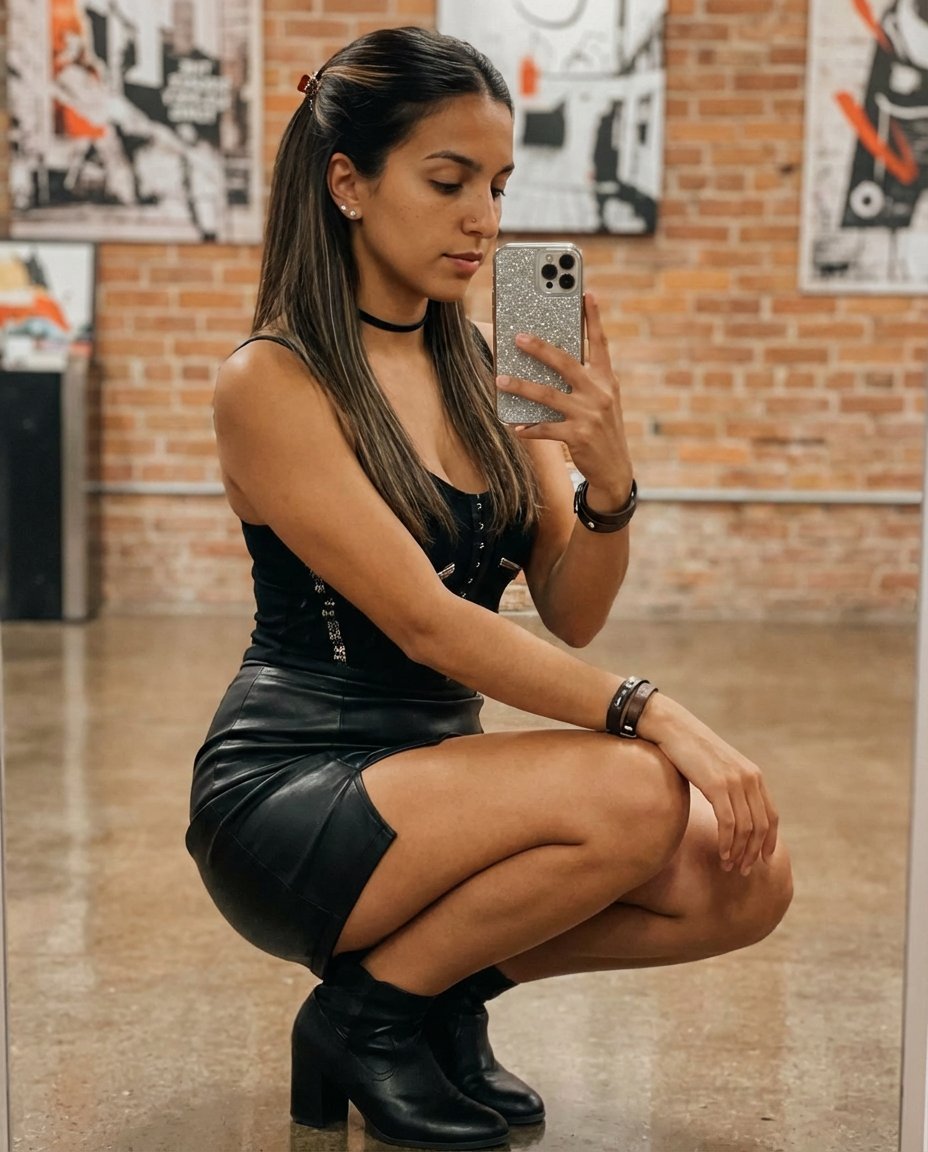
Elegant Mirror Selfie with Strict Face Preservation (JSON)
Browse template categories
Japanese GPT-Image-2 Anime Concert Banner questions
How do I use the Japanese GPT-Image-2 Anime Concert Banner template?
Add your photo if the template asks for one, edit the prompt if you like — the template's model and format are already selected — and press Generate. Your version opens in PicX Studio.
Can I customize the Japanese GPT-Image-2 Anime Concert Banner template?
Yes. You can change the subject, setting, lighting, mood, format, and available model controls before creating your image.
Is the Japanese GPT-Image-2 Anime Concert Banner template free?
Opening and editing this template is free. Generating uses credits, shown on the Generate button when you are signed in.
Which AI model should I use?
Start with GPT Image 2, which is the model associated with this template. You can compare another compatible model for a different finish.
Looking for something else? Browse all templates.

Your photo, any look
Thousands of ready templates for every top image and video model, from one credit balance.