
Blue-Eyes White Dragon Vortex Art
Generates a dynamic anime trading-card style dragon illustration with metallic highlights and a swirling blue energy vortex background.
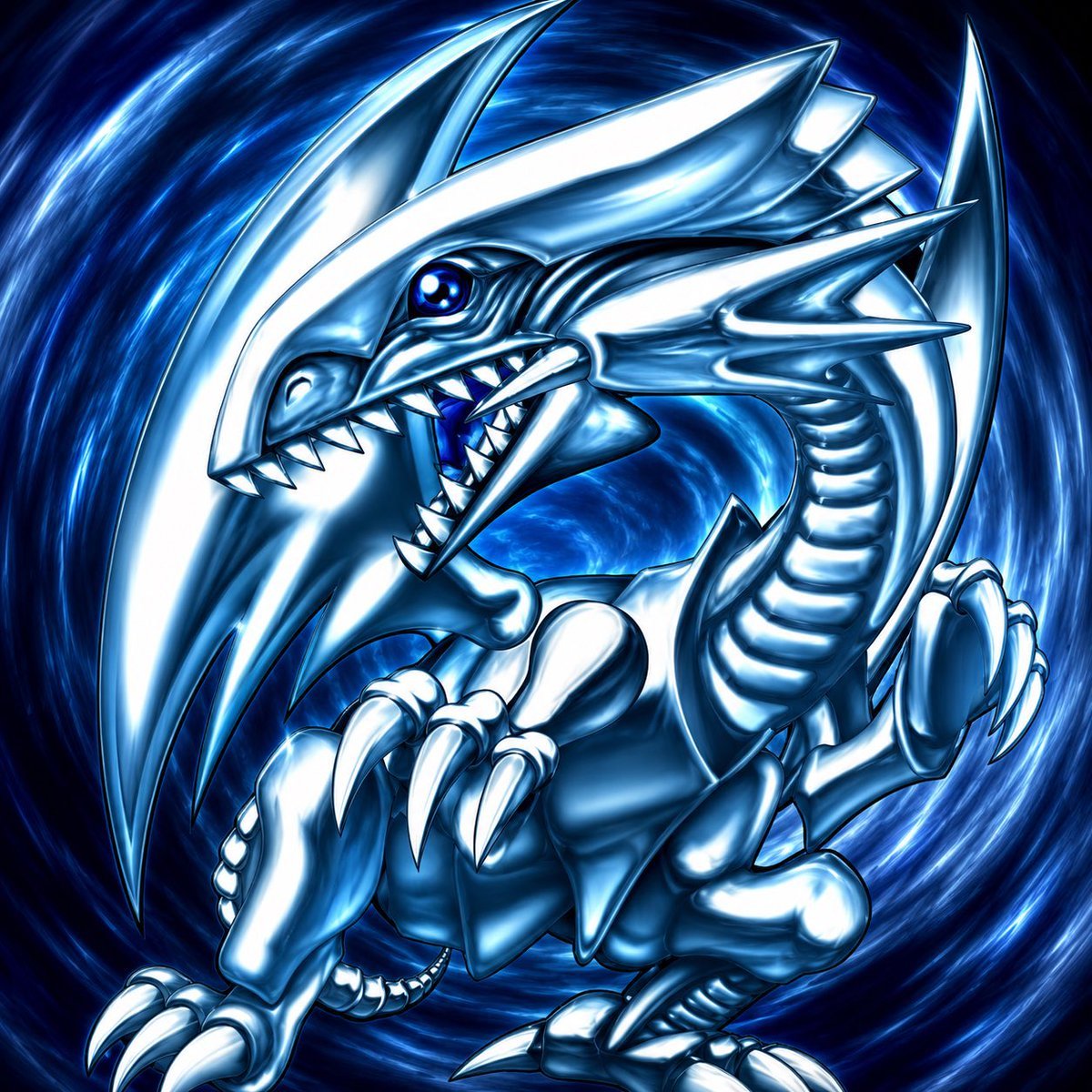
- Prompt included
- Model and format preset
- Free template
The prompt behind this image
Copy the exact prompt behind Blue-Eyes White Dragon Vortex Art, or open it in the studio and make it yours.
Create a dramatic square-format anime trading-card style illustration of {argument name="creature name" default="Blue-Eyes White Dragon"}, a metallic white and icy blue dragon lunging forward from a swirling dark blue vortex. The dragon has 1 large angular head, 2 glowing sapphire-blue eyes, an open snarling mouth with sharp triangular teeth, 2 long blade-like horns sweeping upward and backward, 2 extra side spikes projecting from the cheek and jaw area, 1 segmented serpentine neck, 2 raised forearms with large curved claws, 2 bent rear legs with talons, and multiple layered armor-like plates along the body and neck. Emphasize a glossy chrome-and-pearl surface with bright white highlights, deep cyan shadows, black ink outlines, and intense specular reflections. The creature should fill almost the entire frame in a dynamic diagonal pose, with its head near the upper center-left, claws reaching toward the viewer, and the tail/body curling into the background. The background is a high-energy circular portal made of luminous blue brush strokes, electric streaks, and radial motion blur, creating a sense of speed and power. Use {argument name="color palette" default="icy white, chrome silver, electric blue, deep navy"}, high contrast, sharp anime linework, fantasy monster design, ultra-detailed scales and armor plates, glowing highlights, polished digital painting, no text, no border.
How to use Blue-Eyes White Dragon Vortex Art in 3 steps
- 1Upload ImagePNG, JPG or paste
Add your photo
Upload the photo the template builds on. The prompt, model and format are already set.
- 2…a portrait of your subject in softgolden-hour light, 85mm…
Personalize
Edit the subject and creative details for your destination.
- 3Generate
Generate
Press Generate — your image is created in PicX Studio, so you can compare it with the original and refine one variable at a time.
More like this
Templates with the same subject, style or setup. Open one to see its prompt.

Monochrome Portrait Jersey Accent Poster

Minecraft Fantasy Kingdom Voxel Landscape

Woman in Mall with Chanel Bag - Heart Gesture

Cosmetic Tube Product — Nano Banana 2

Outdoor Cafe Portrait — White Ruched Top Nano Banana
Seedance - Dragon vs Python Battle

Nano Banana - Evening Champagne Blue
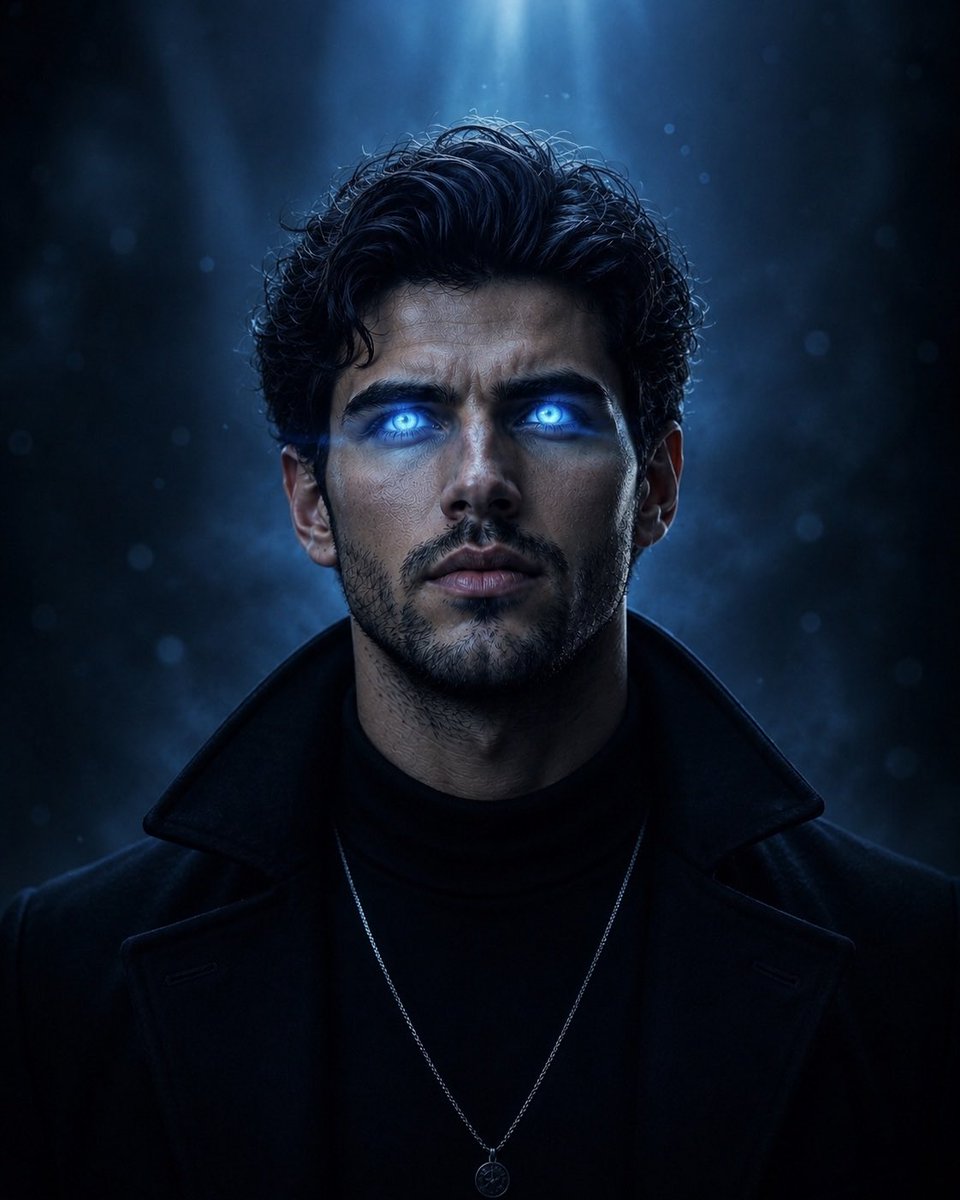
Supernatural Portrait with Glowing Eyes
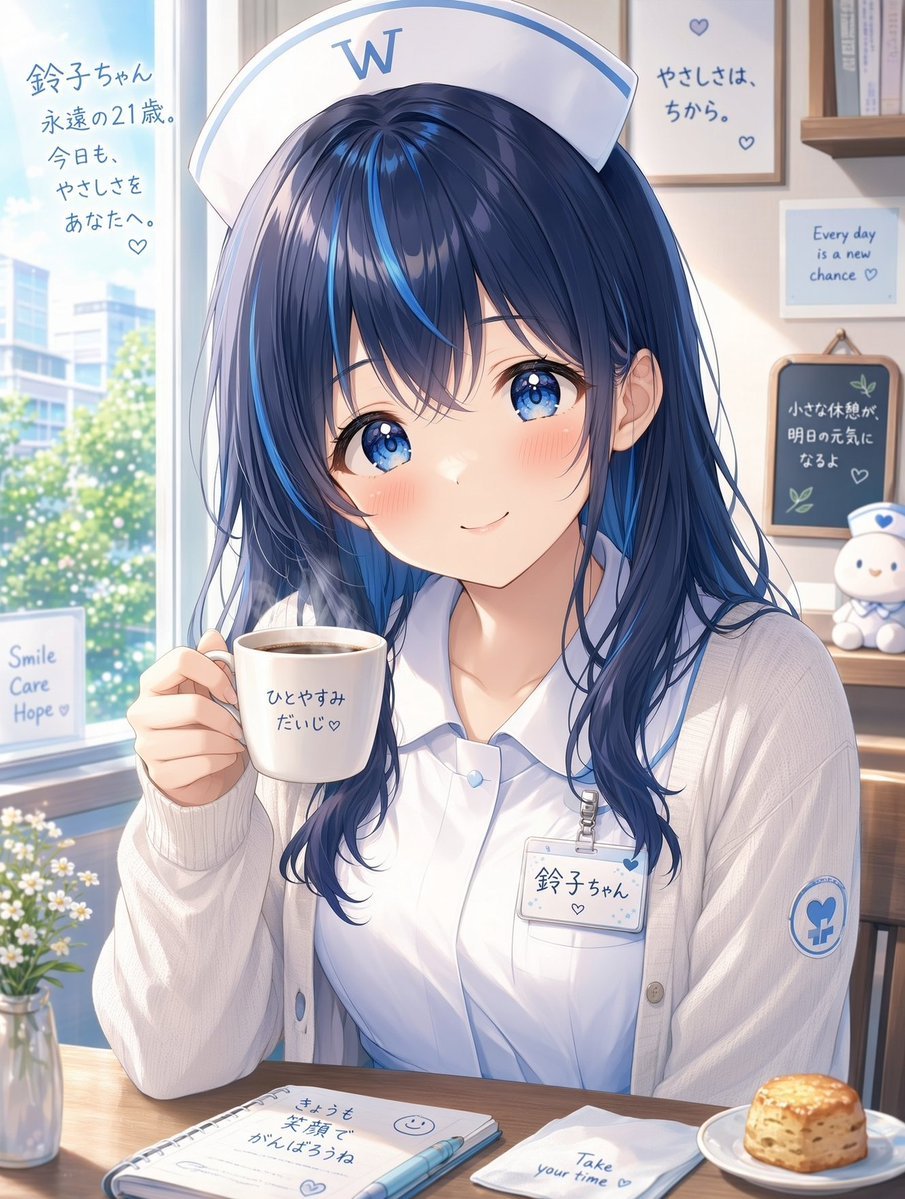
White Wing Nurse Break Room Portrait
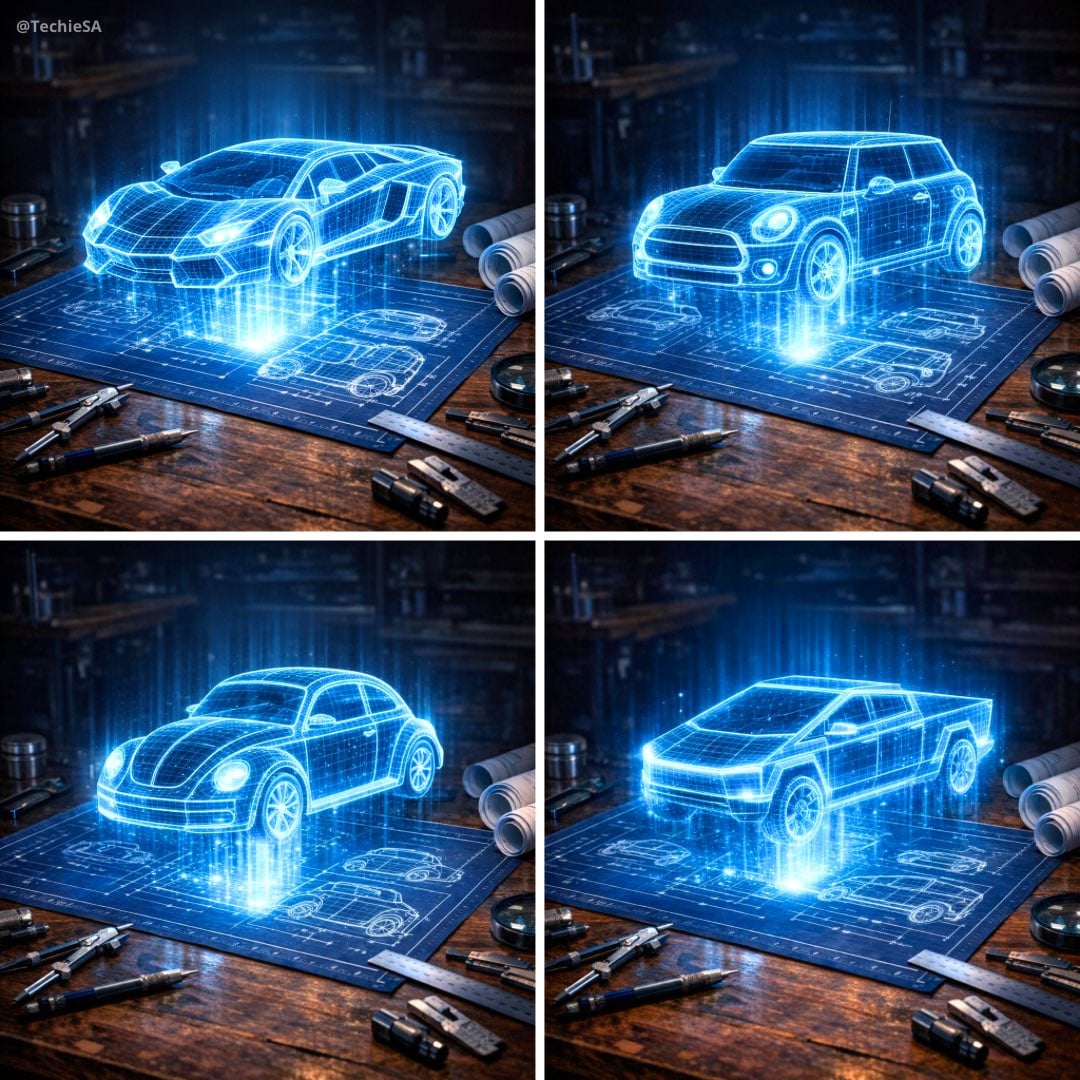
Holographic Car Blueprint Wireframe
Red Hood Fashion Portrait Green Eyes
A cute stylized 3D cartoon character boy/girl with big expressive eyes
Make it yours
Blue-Eyes White Dragon Vortex Art works as-is. These are the safest ways to change it without losing the look.
Change one field
Copy a single group, rewrite it, and generate again so you can see what that field is doing.
Keep the frame, change the subject
Hold the composition and light of Blue-Eyes White Dragon Vortex Art, then swap wardrobe, props or the person for a new take.
| If the result… | Why | Fix |
|---|---|---|
| The result drifts from the preview | Too many fields changed at once. | Reuse Blue-Eyes White Dragon Vortex Art as-is first, then change one group — subject, light, or setting. |
| The model over-stylizes the scene | The prose prompt leaves finish and camera underspecified. | Add one camera or lighting sentence and stay on GPT Image 2. |
More GPT Image 2 templates
Other prompts made for GPT Image 2.

Six VTuber Japanese Logo Sheet

Realistic Portrait of Woman and Deer

The Vista Modular Condo Poster

AI Model Routing Comparison Infographic

2.5D Anime Art Board

Isometric Productivity Desk Scene

New York Double Exposure Poster

Four-Panel AI Landscape Comparison

Japanese Tatami Lifestyle Magazine Cover

NESCAFÉ Coffee Map Poster
More image prompts
Fresh picks from across the catalog.
Golden Hour Portrait in Satin Slip Dress
3D image generation prompt for God Ganesh worshipping God Mahadev
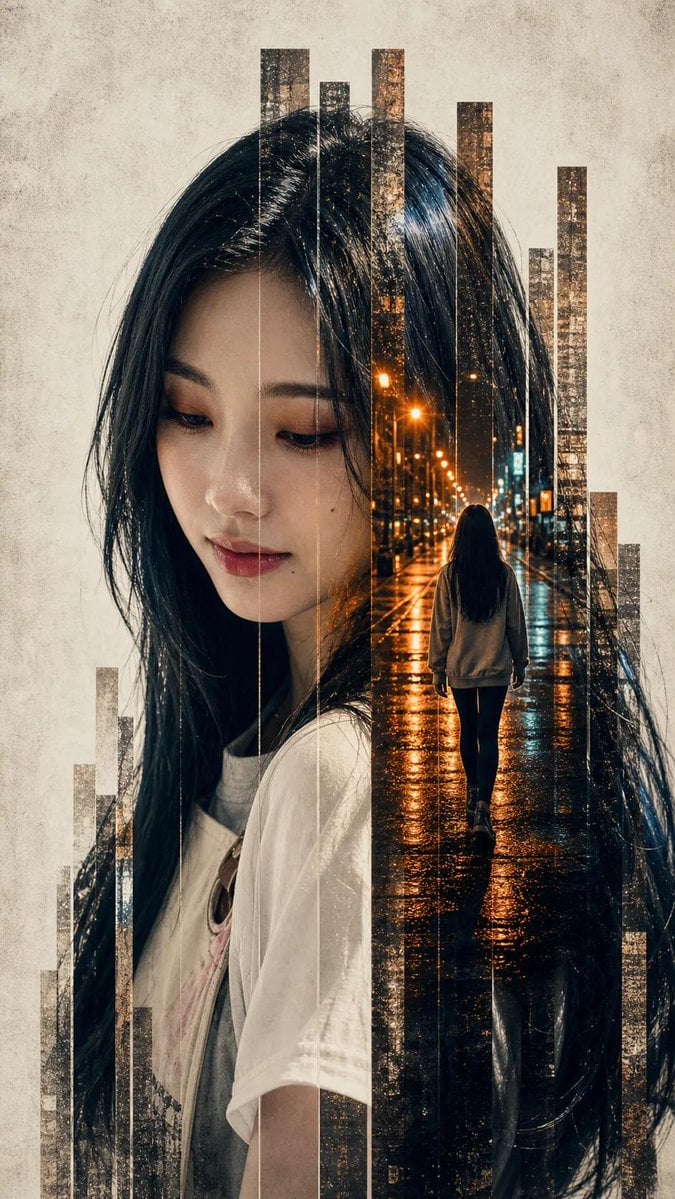
Vertical Slice Double Exposure Woman
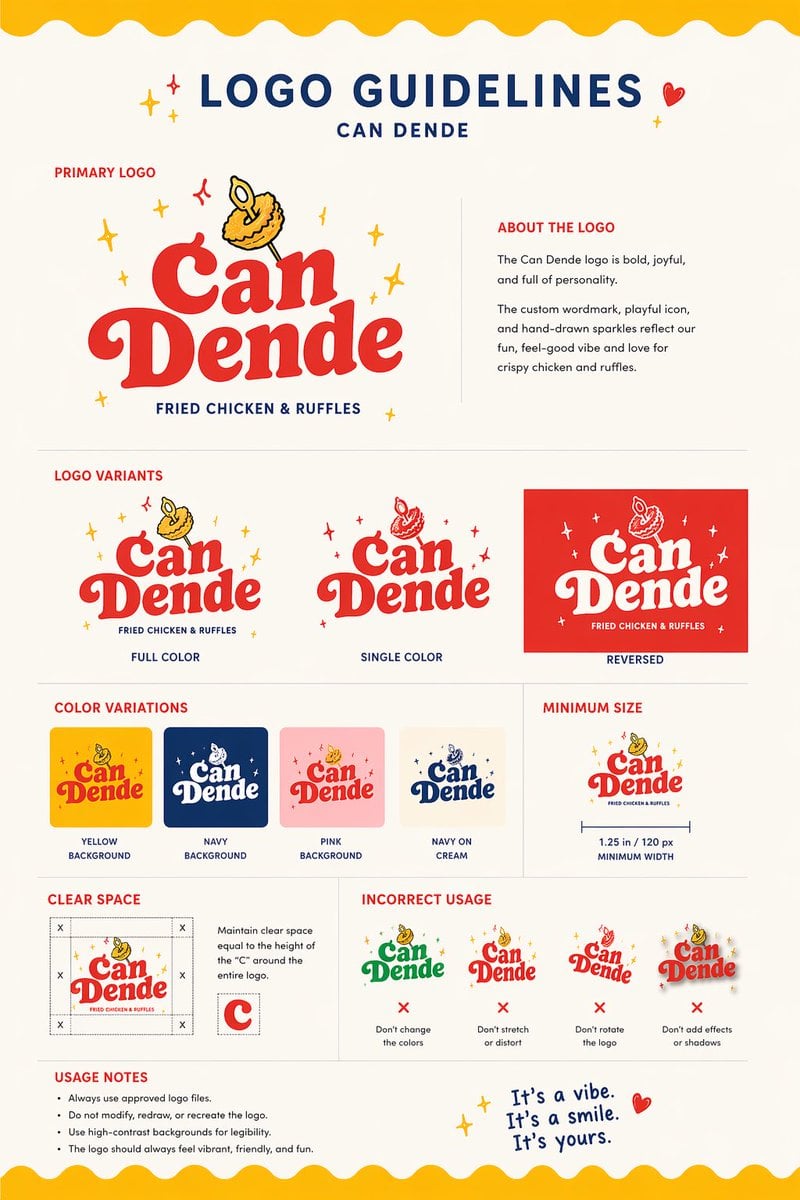
Restaurant Logo Guidelines Board

Low-Angle Anime Summer Hand Reach
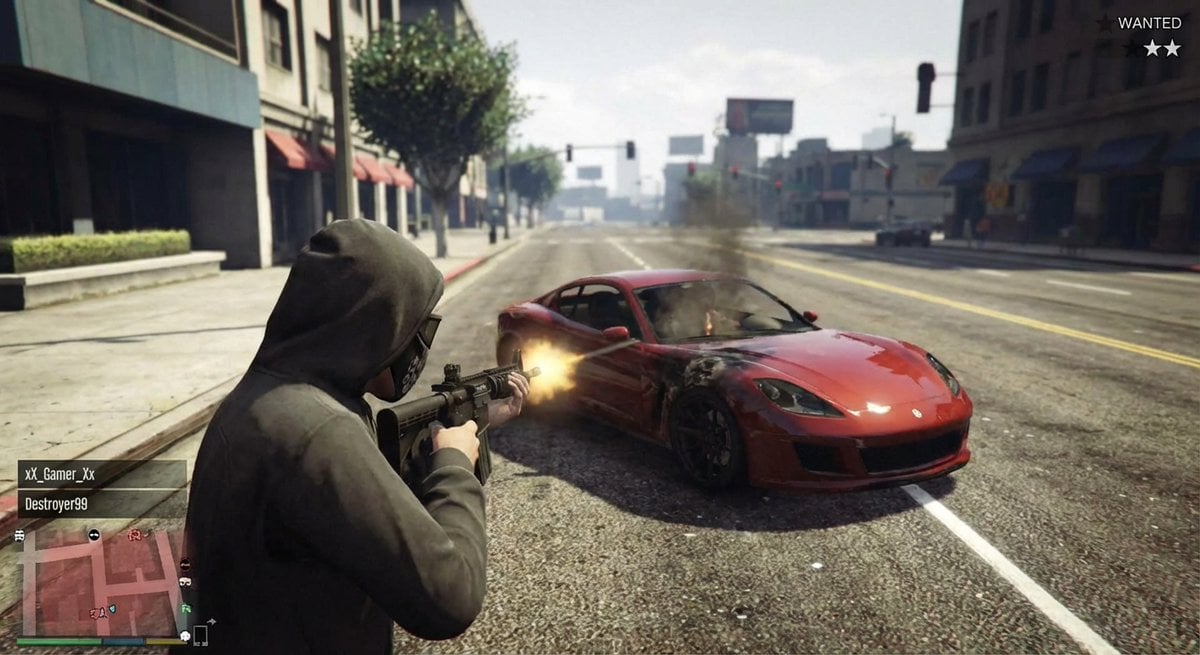
GTA 5 online action scene
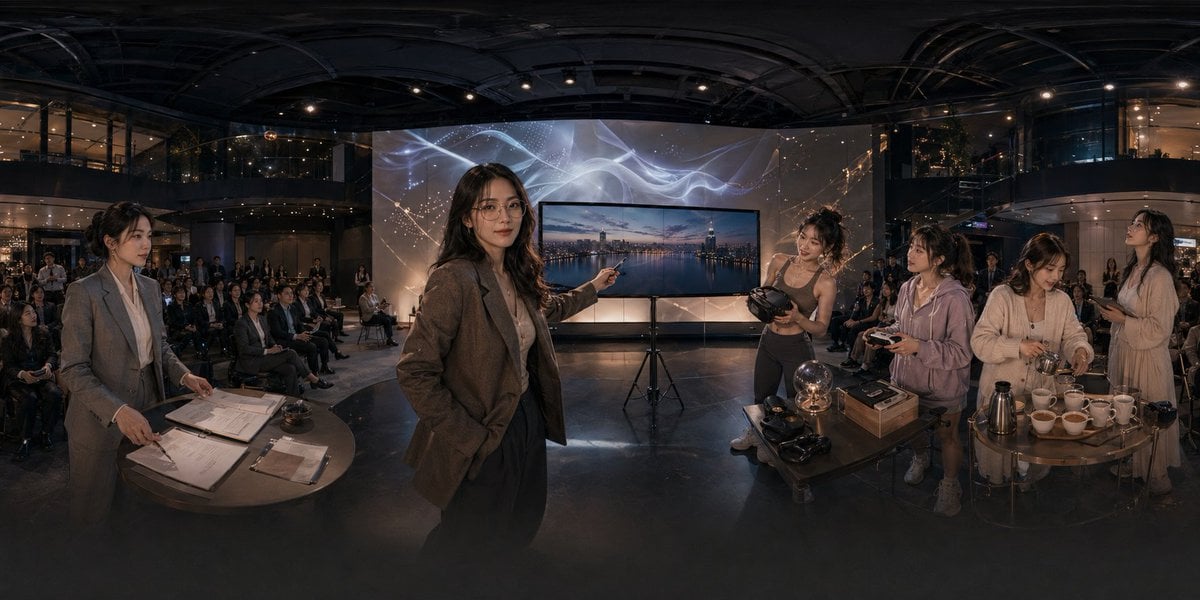
Panoramic Tech Event Atrium Scene
Apply image to dodecahedron
Abstract Subject Emerging from Ink and Water
Moody Cinematic Portrait on Snowy Mountain Ridge
Browse template categories
Blue-Eyes White Dragon Vortex Art questions
How do I use the Blue-Eyes White Dragon Vortex Art template?
Add your photo if the template asks for one, edit the prompt if you like — the template's model and format are already selected — and press Generate. Your version opens in PicX Studio.
Can I customize the Blue-Eyes White Dragon Vortex Art template?
Yes. You can change the subject, setting, lighting, mood, format, and available model controls before creating your image.
Is the Blue-Eyes White Dragon Vortex Art template free?
Opening and editing this template is free. Generating uses credits, shown on the Generate button when you are signed in.
Which AI model should I use?
Start with GPT Image 2, which is the model associated with this template. You can compare another compatible model for a different finish.
Looking for something else? Browse all templates.

Your photo, any look
Thousands of ready templates for every top image and video model, from one credit balance.