
Little Prince Shanghai Rain Poster
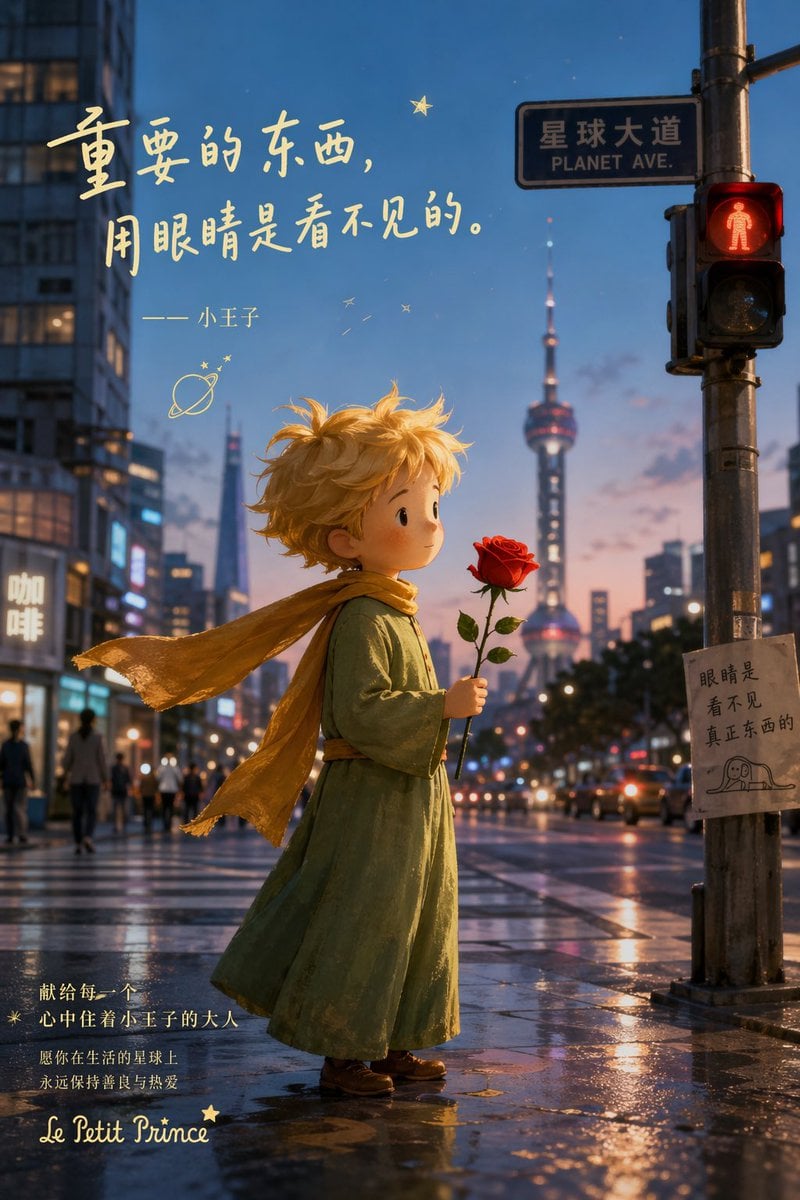
A poetic cinematic poster of a Little Prince-like child holding a rose in a rainy Shanghai street, ideal for inspirational quote art and literary social media posters.
- Prompt included
- Model and format preset
- Premium template
The prompt behind this image
Copy the exact prompt behind Little Prince Shanghai Rain Poster, or open it in the studio and make it yours.
A cinematic vertical poster inspired by The Little Prince, set on a rainy city street at blue hour in modern Shanghai. In the center foreground, a small child in Little Prince styling stands in side profile facing right, with messy curly golden-blond hair, a long flowing mustard-gold scarf blowing dramatically to the left, and a muted sage-green ankle-length coat tied at the waist. The child holds 1 single red rose upright in both hands. The face is simplified and softly obscured, with no detailed facial features. The wet pavement reflects neon lights, traffic, and the evening sky. In the background, the Oriental Pearl Tower rises softly out of the dusk with glowing pinkish lights, surrounded by blurred city buildings, storefronts, pedestrians, and car headlights, creating a dreamy bokeh urban atmosphere. On the upper right, include 1 street sign mounted on a traffic pole reading {argument name="street sign text" default="星球大道\nPLANET AVE."}. Also on the pole, include 1 red pedestrian traffic light showing a standing human figure. On the left side, place large handwritten brush-style Chinese quote text in warm pale yellow: {argument name="main quote" default="重要的东西,\n用眼睛是看不见的。"}, with a smaller signature line beneath reading {argument name="author text" default="—— 小王子"}. Scatter a few tiny hand-drawn star doodles and 1 small planet doodle around the text. Near the lower left, add 3 lines of small warm-yellow Chinese dedication text above a stylized script title reading {argument name="title text" default="Le Petit Prince"}. On the right side near the pole, tape 1 small paper note with handwritten Chinese text about not seeing truly important things with the eyes, plus a simple doodle. Add 1 vertical storefront sign on the left reading "咖啡". The composition should feel poetic, nostalgic, gentle, and premium, like an art-house movie poster or literary inspirational street poster. Color palette: twilight blue sky, amber street glow, soft gold typography, muted green clothing, vivid red rose. Shallow depth of field, glossy rain reflections, soft cinematic lighting, highly detailed illustration with realistic urban atmosphere and storybook character design.
How to use Little Prince Shanghai Rain Poster in 3 steps
- 1Upload ImagePNG, JPG or paste
Add your photo
Upload the photo the template builds on. The prompt, model and format are already set.
- 2…a portrait of your subject in softgolden-hour light, 85mm…
Personalize
Edit the subject and creative details for your destination.
- 3Generate
Generate
Press Generate — your image is created in PicX Studio, so you can compare it with the original and refine one variable at a time.
More like this
Templates with the same subject, style or setup. Open one to see its prompt.

Meet Me When It Rains

Japan Travel Brochure Poster

Cartoon TV Show Poster Pack

Trendy Cafe Drink Promo Poster

Urban Fashion Editorial Collage Streetwear Poster

Premium Fashion Editorial Cover Layout System

Polo Ralph Lauren Luxury American Heritage Fashion Campaign

Monochrome Halftone Editorial Fashion Poster

Retro Mirror Luxury Fashion Campaign Poster
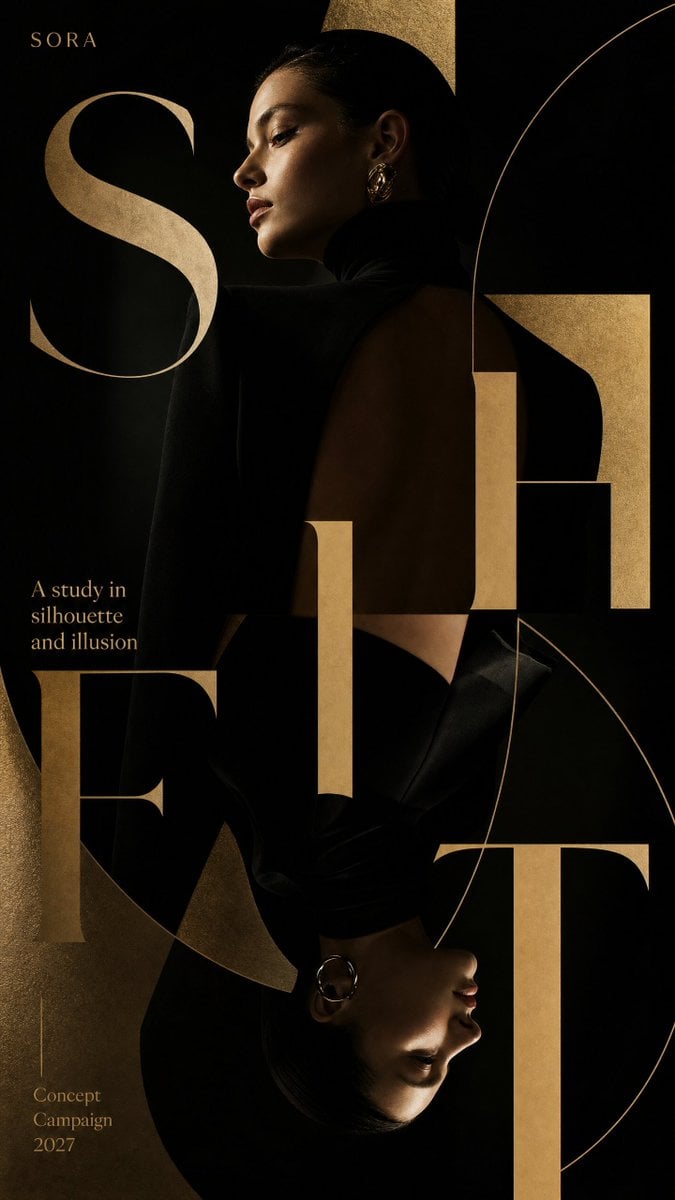
Luxury Fashion Campaign Typography Poster System
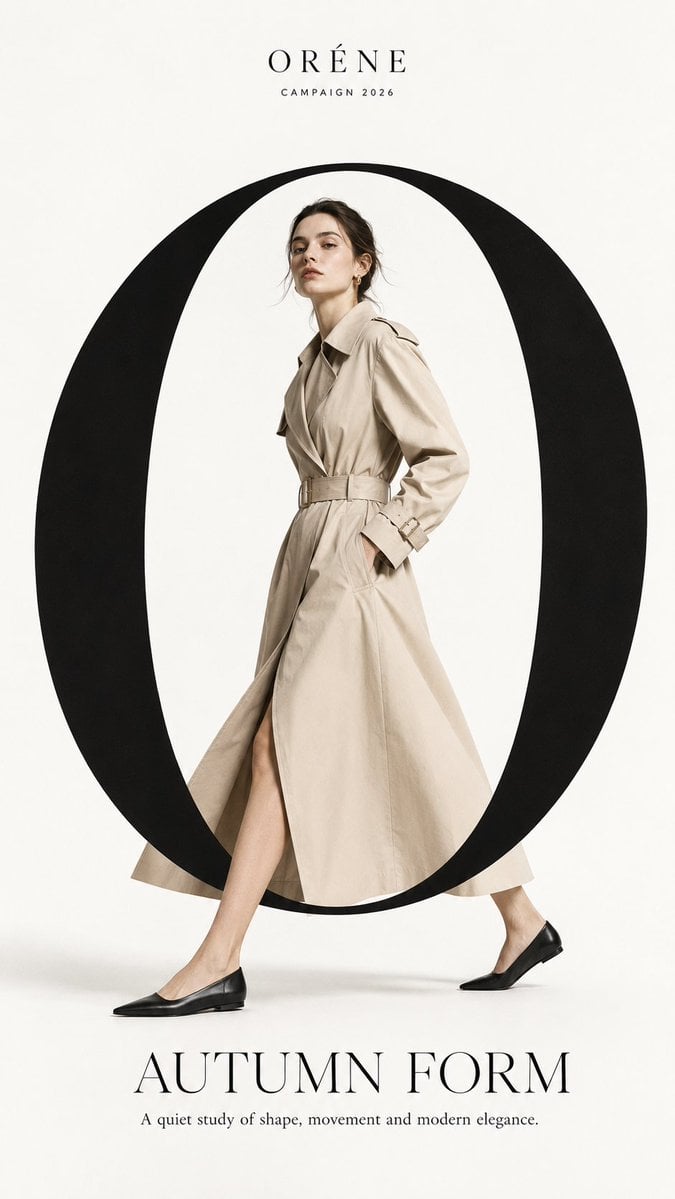
Premium Fashion Editorial Campaign Poster System
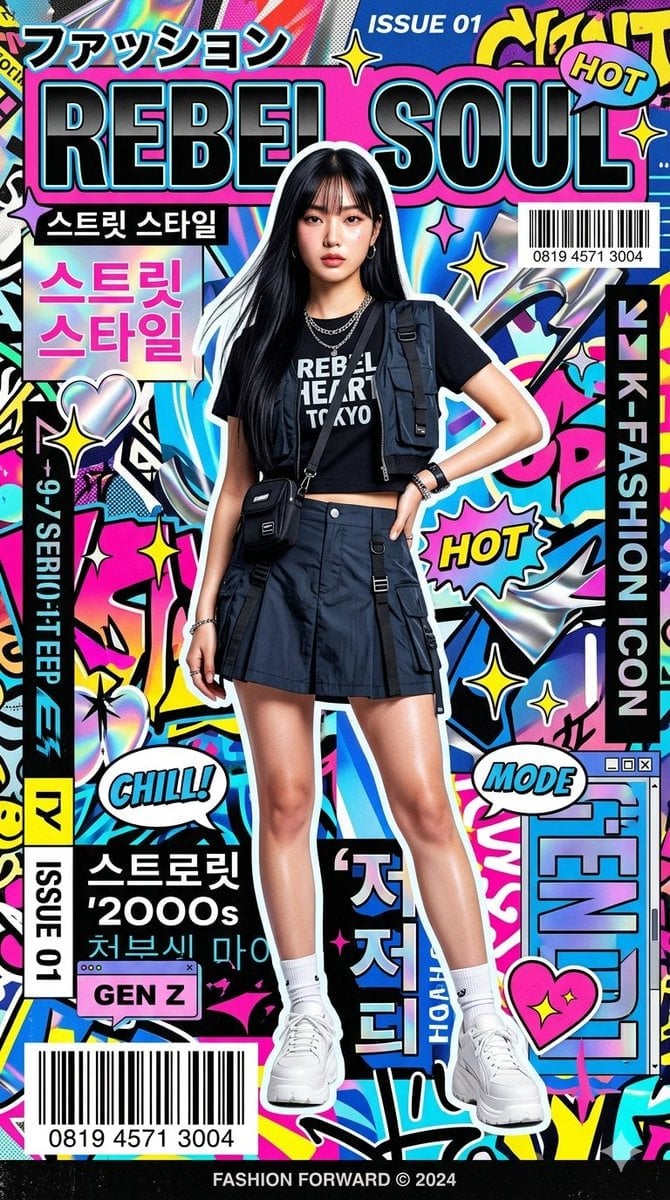
Ultra-Stylized High-Fashion Streetwear Poster
Make it yours
Little Prince Shanghai Rain Poster works as-is. These are the safest ways to change it without losing the look.
Change one field
Copy a single group, rewrite it, and generate again so you can see what that field is doing.
Keep the frame, change the subject
Hold the composition and light of Little Prince Shanghai Rain Poster, then swap wardrobe, props or the person for a new take.
| If the result… | Why | Fix |
|---|---|---|
| The result drifts from the preview | Too many fields changed at once. | Reuse Little Prince Shanghai Rain Poster as-is first, then change one group — subject, light, or setting. |
| The model over-stylizes the scene | The prose prompt leaves finish and camera underspecified. | Add one camera or lighting sentence and stay on GPT Image 2. |
More GPT Image 2 templates
Other prompts made for GPT Image 2.

Six VTuber Japanese Logo Sheet

Realistic Portrait of Woman and Deer

The Vista Modular Condo Poster

AI Model Routing Comparison Infographic

2.5D Anime Art Board

Isometric Productivity Desk Scene

New York Double Exposure Poster

Four-Panel AI Landscape Comparison

Japanese Tatami Lifestyle Magazine Cover

NESCAFÉ Coffee Map Poster
More image prompts
Fresh picks from across the catalog.
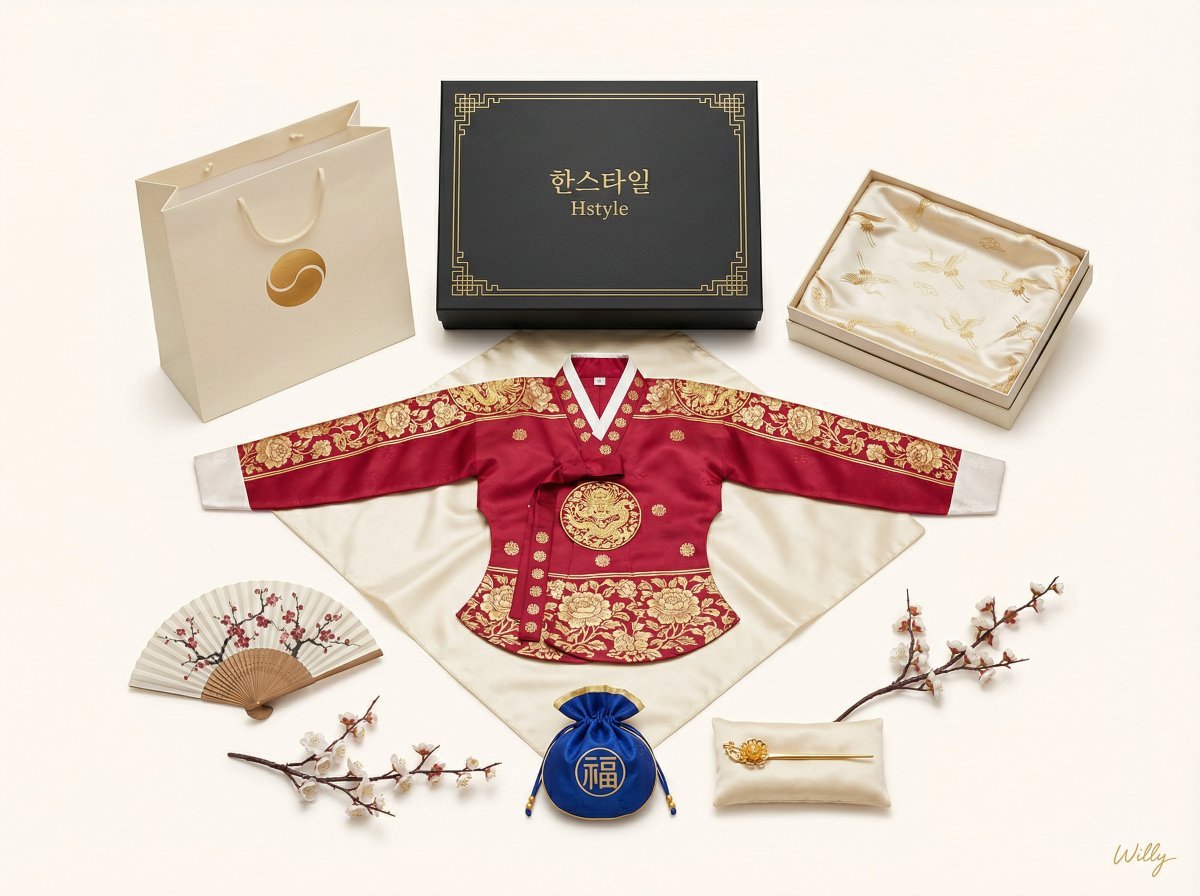
Luxury Korean Hanbok Product Mockup (Symmetrical Flat Lay)
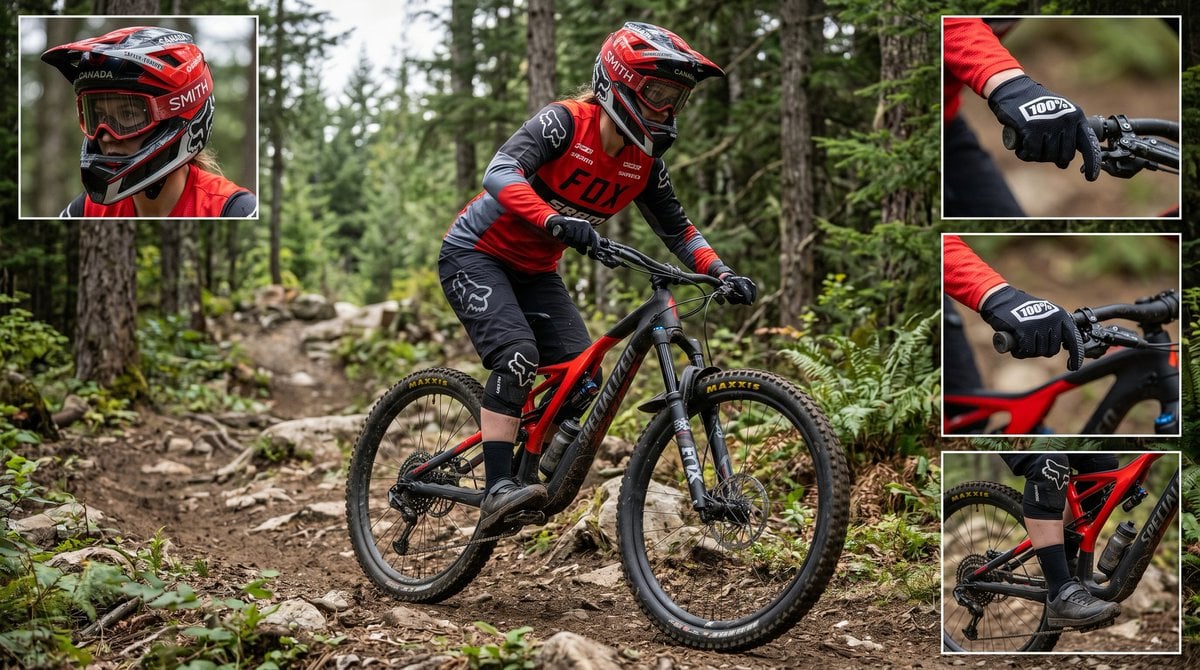
Mountain Biker Action Shots Prompt
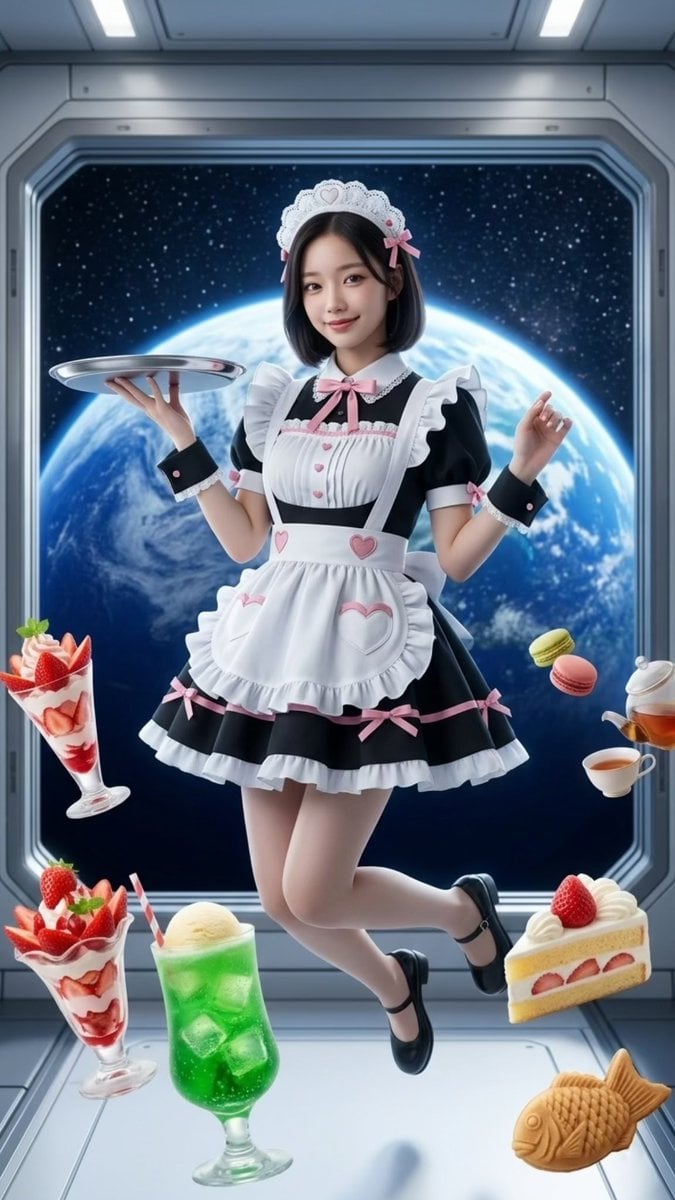
Zero-Gravity Space Maid Cafe Portrait
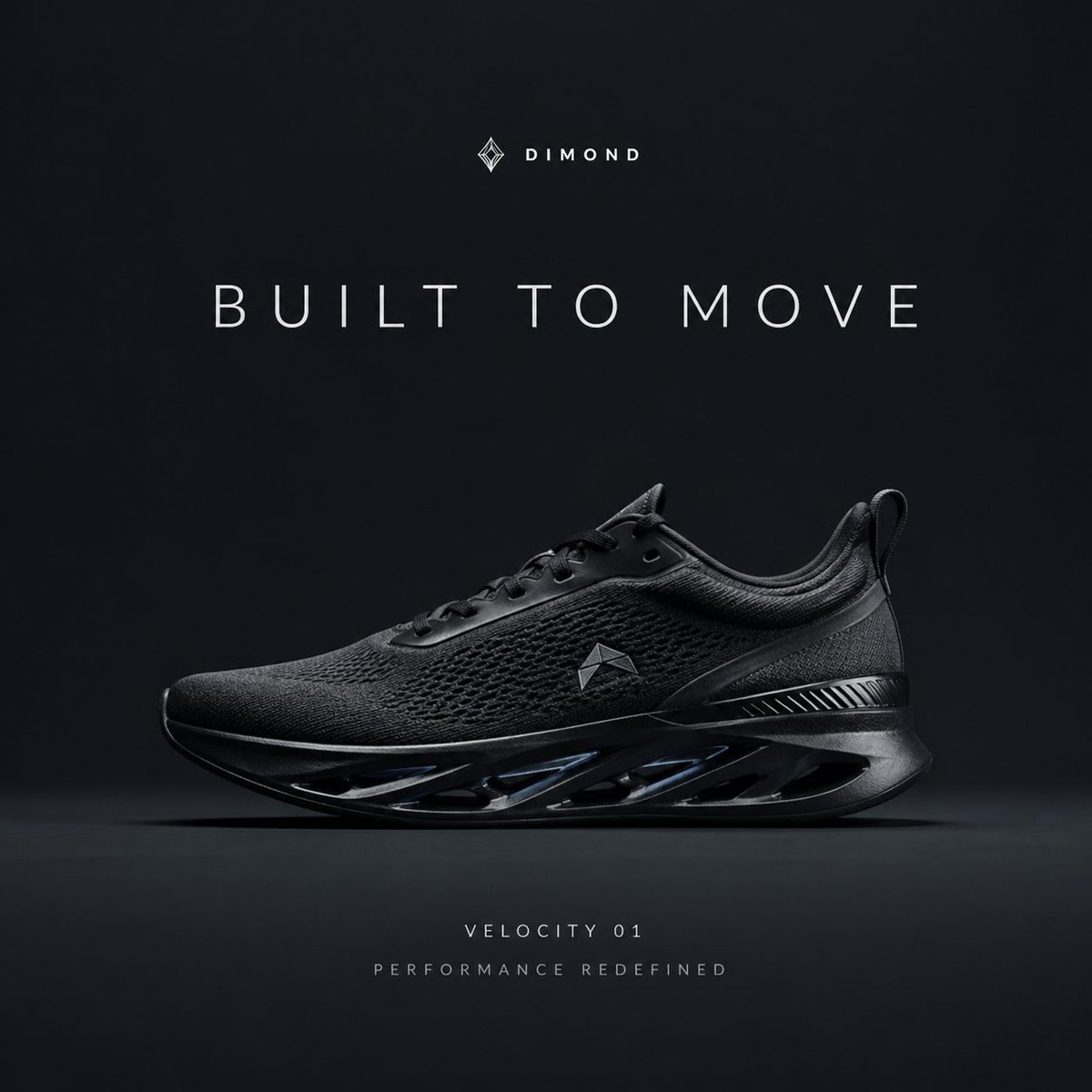
Premium Sportswear Campaign Poster Prompt
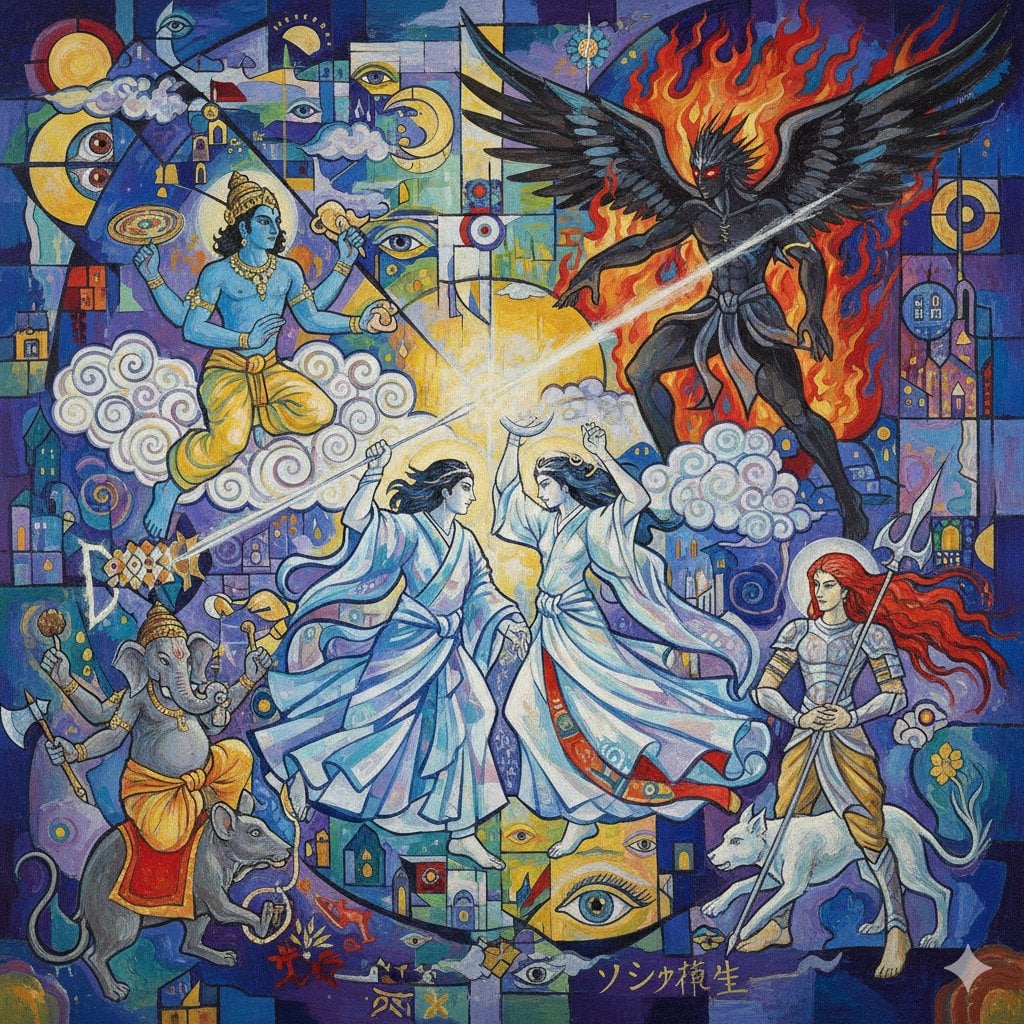
Megami Tensei Pantheon Battle Prompt

Minimal Male Avatar Logo Grid
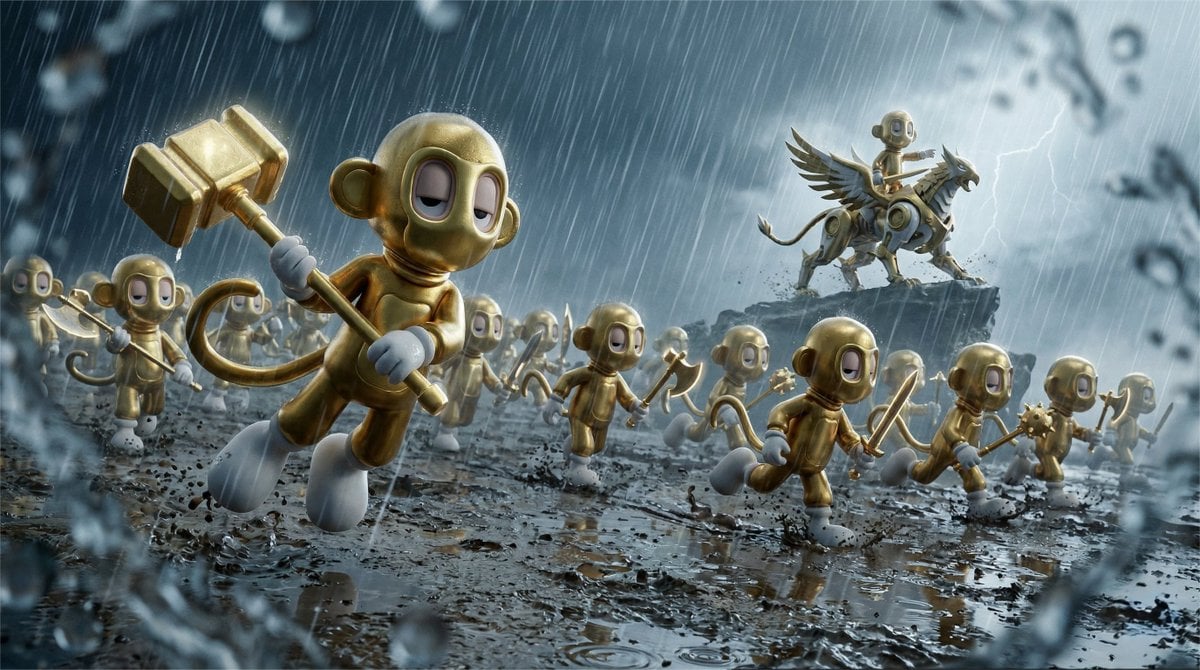
Cinematic Macro Toy Photography of a Charging Army

Luxury Fashion Hotel Lobby Portrait
Japanese AI Prompt Gallery UI
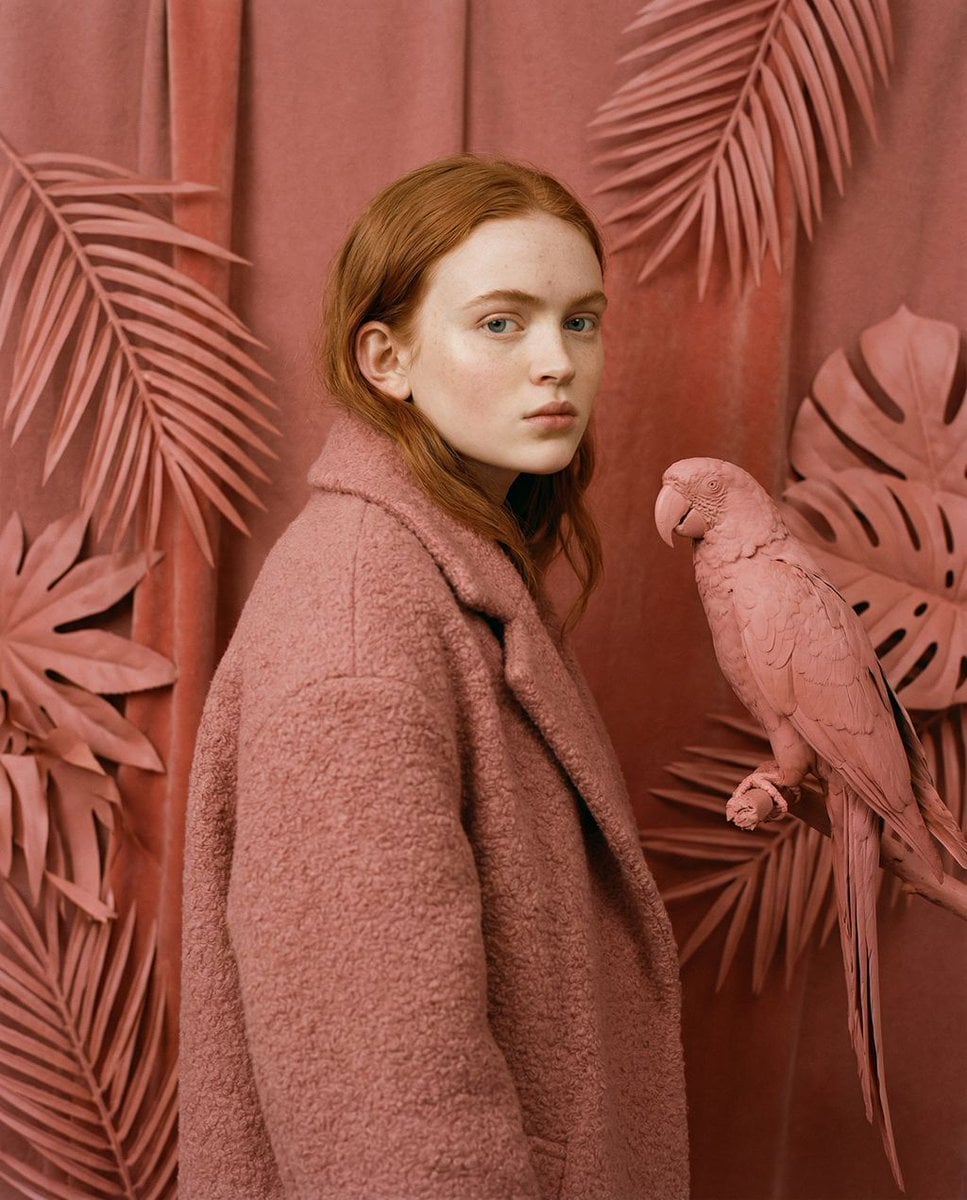
Avant-Garde Editorial Velvet Portrait
Browse template categories
Little Prince Shanghai Rain Poster questions
How do I use the Little Prince Shanghai Rain Poster template?
Add your photo if the template asks for one, edit the prompt if you like — the template's model and format are already selected — and press Generate. Your version opens in PicX Studio.
Can I customize the Little Prince Shanghai Rain Poster template?
Yes. You can change the subject, setting, lighting, mood, format, and available model controls before creating your image.
Is the Little Prince Shanghai Rain Poster template free?
Opening and editing this template is free. Generating uses credits, shown on the Generate button when you are signed in.
Which AI model should I use?
Start with GPT Image 2, which is the model associated with this template. You can compare another compatible model for a different finish.
Looking for something else? Browse all templates.

Your photo, any look
Thousands of ready templates for every top image and video model, from one credit balance.