
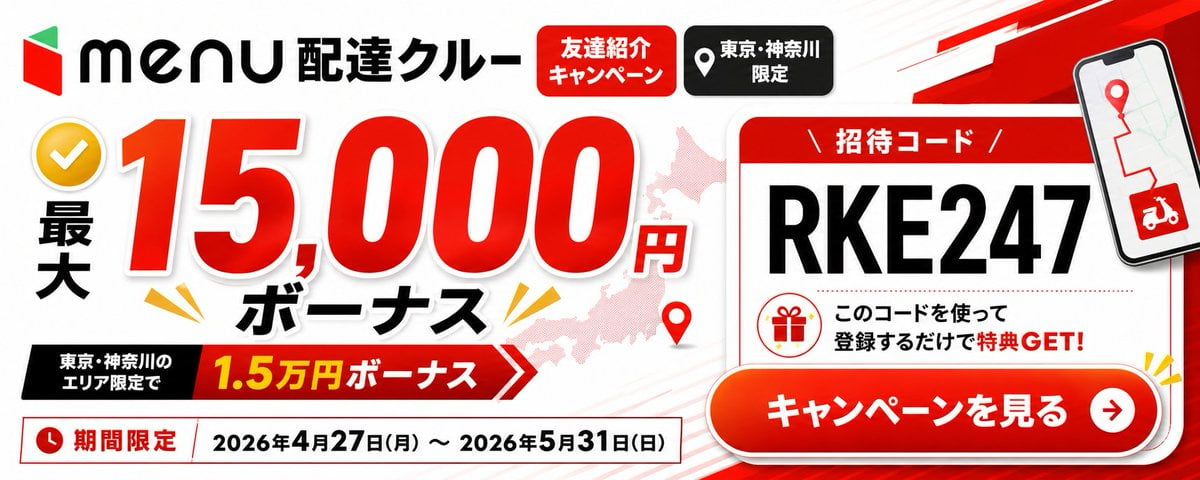
Menu Delivery Bonus Campaign Banner
Generates a Japanese delivery-service referral campaign banner with a large bonus offer, invitation code card, campaign dates, and call-to-action button.
- Prompt included
- Model and format preset
- Free template
The prompt behind this image
Copy the exact prompt behind Menu Delivery Bonus Campaign Banner, or open it in the studio and make it yours.
- Type
- wide Japanese promotional web banner advertisement
- Aspect Ratio
- 2.4:1 landscape
- Style
- clean high-contrast commercial graphic design, bold red black white palette, glossy gradients, drop shadows, thick outlined typography, energetic delivery-service campaign look
- Brand › Position
- top left
- Brand › Logo
- red and green geometric menu logo followed by black 'menu' wordmark
- Brand › Headline
- {argument name="service title" default="配達クルー"}
- Main Offer › Position
- left and center
- Main Offer › Count
- 4
- Main Offer › Elements
- yellow circular checkmark icon at far left, vertical black text '最大', huge red number '15,000' with white outline and shadow, small red '円' and bold black 'ボーナス' below
- Main Offer › Primary Amount
- {argument name="bonus amount" default="15,000円"}
- Main Offer › Supporting Ribbon › Position
- lower left-center
- Main Offer › Supporting Ribbon › Text
- 東京・神奈川のエリア限定で 1.5万円ボーナス
- Main Offer › Supporting Ribbon › Colors
- black label block connected to red arrow ribbon with yellow amount text
- Top Badges › Position
- top center
- Top Badges › Count
- 2
- Top Badges › Labels
- 友達紹介キャンペーン, 東京・神奈川限定
- Top Badges › Appearance
- red rounded rectangle with white text, black rounded rectangle with white location-pin icon and white text
- Background › Base
- white with faint diagonal speed lines
- Background › Map
- pale pink silhouette map behind the main number and card
- Background › Decorations Count
- 4
- Background › Decorations
- red map pin near lower center, yellow burst marks around the bonus text, red angular speed stripe in upper right, subtle gray/red line accents
- Invitation Card › Position
- right side
- Invitation Card › Appearance
- large white rounded rectangle card with red header and red border, slight shadow
- Invitation Card › Header
- 招待コード
Raw JSON
{"type":"wide Japanese promotional web banner advertisement","aspect_ratio":"2.4:1 landscape","style":"clean high-contrast commercial graphic design, bold red black white palette, glossy gradients, drop shadows, thick outlined typography, energetic delivery-service campaign look","brand":{"position":"top left","logo":"red and green geometric menu logo followed by black 'menu' wordmark","headline":"{argument name=\"service title\" default=\"配達クルー\"}"},"main_offer":{"position":"left and center","count":4,"elements":["yellow circular checkmark icon at far left","vertical black text '最大'","huge red number '15,000' with white outline and shadow","small red '円' and bold black 'ボーナス' below"],"primary_amount":"{argument name=\"bonus amount\" default=\"15,000円\"}","supporting_ribbon":{"position":"lower left-center","text":"東京・神奈川のエリア限定で 1.5万円ボーナス","colors":"black label block connected to red arrow ribbon with yellow amount text"}},"top_badges":{"position":"top center","count":2,"labels":["友達紹介キャンペーン","東京・神奈川限定"],"appearance":["red rounded rectangle with white text","black rounded rectangle with white location-pin icon and white text"]},"background":{"base":"white with faint diagonal speed lines","map":"pale pink silhouette map behind the main number and card","decorations_count":4,"decorations":["red map pin near lower center","yellow burst marks around the bonus text","red angular speed stripe in upper right","subtle gray/red line accents"]},"invitation_card":{"position":"right side","appearance":"large white rounded rectangle card with red header and red border, slight shadow","header":"招待コード","code":"{argument name=\"invitation code\" default=\"RKE247\"}","code_style":"very large bold black uppercase characters","message":"このコードを使って登録するだけで特典 GET!","icon":"red outline gift icon inside a circle"},"phone_mockup":{"position":"upper right overlapping card","screen":"map route with red pin and red delivery scooter icon","appearance":"tilted smartphone with black bezel and shadow"},"call_to_action":{"position":"bottom right overlapping invitation card","text":"{argument name=\"call to action text\" default=\"キャンペーンを見る\"}","appearance":"large glossy red-orange pill button with white bold text, white border, drop shadow, circular white arrow icon on the right"},"date_bar":{"position":"bottom left full width under offer","count":3,"elements":["red clock icon","red label '期間限定'","date range '{argument name=\"campaign dates\" default=\"2026年4月27日(月) ~ 2026年5月31日(日)\"}' in black inside a white outlined rectangle"]},"composition":"place the main bonus amount as the dominant focal point on the left, the invitation-code card and CTA as the dominant action area on the right, keep all Japanese text crisp and readable, use strong shadows and red accents for urgency"}How to use Menu Delivery Bonus Campaign Banner in 3 steps
- 1Upload ImagePNG, JPG or paste
Add your photo
Upload the photo the template builds on. The prompt, model and format are already set.
- 2…a portrait of your subject in softgolden-hour light, 85mm…
Personalize
Edit the subject and creative details for your destination.
- 3Generate
Generate
Press Generate — your image is created in PicX Studio, so you can compare it with the original and refine one variable at a time.
More like this
Templates with the same subject, style or setup. Open one to see its prompt.

ChatGPT Bonus Banner Screenshot

Retro Pop-Art K-Fashion Ultraluxury Campaign Poster

Monroe and Ash Mediterranean Luxury Fashion Campaign

Polo Ralph Lauren Luxury American Heritage Fashion Campaign

Retro Mirror Luxury Fashion Campaign Poster

Luxury Fashion Campaign Typography Poster System

Premium Fashion Editorial Campaign Poster System

Korean Streetwear Minimalist Campaign Portrait

Korean Model Floating Magazine Pages Campaign

Blue Backdrop Luxury Fashion Portrait Campaign

Frozen Street Luxe Graffiti Fashion Campaign

Premium Vertical Product Campaign Poster
Make it yours
Menu Delivery Bonus Campaign Banner works as-is. These are the safest ways to change it without losing the look.
Swap the setting
Keep the rest of the prompt and replace the location block. The current setting is “white with faint diagonal speed lines”.
Change one field
Copy a single group, rewrite it, and generate again so you can see what that field is doing.
Keep the frame, change the subject
Hold the composition and light of Menu Delivery Bonus Campaign Banner, then swap wardrobe, props or the person for a new take.
| If the result… | Why | Fix |
|---|---|---|
| The result drifts from the preview | Too many fields changed at once. | Reuse Menu Delivery Bonus Campaign Banner as-is first, then change one group — subject, light, or setting. |
| GPT Image 2 ignores part of the JSON | Some models flatten or skip nested keys. | Keep the same values and paste them as a short paragraph instead. |
More GPT Image 2 templates
Other prompts made for GPT Image 2.

Six VTuber Japanese Logo Sheet

Realistic Portrait of Woman and Deer

The Vista Modular Condo Poster

AI Model Routing Comparison Infographic

2.5D Anime Art Board

Isometric Productivity Desk Scene

New York Double Exposure Poster

Four-Panel AI Landscape Comparison

Japanese Tatami Lifestyle Magazine Cover

NESCAFÉ Coffee Map Poster
More image prompts
Fresh picks from across the catalog.
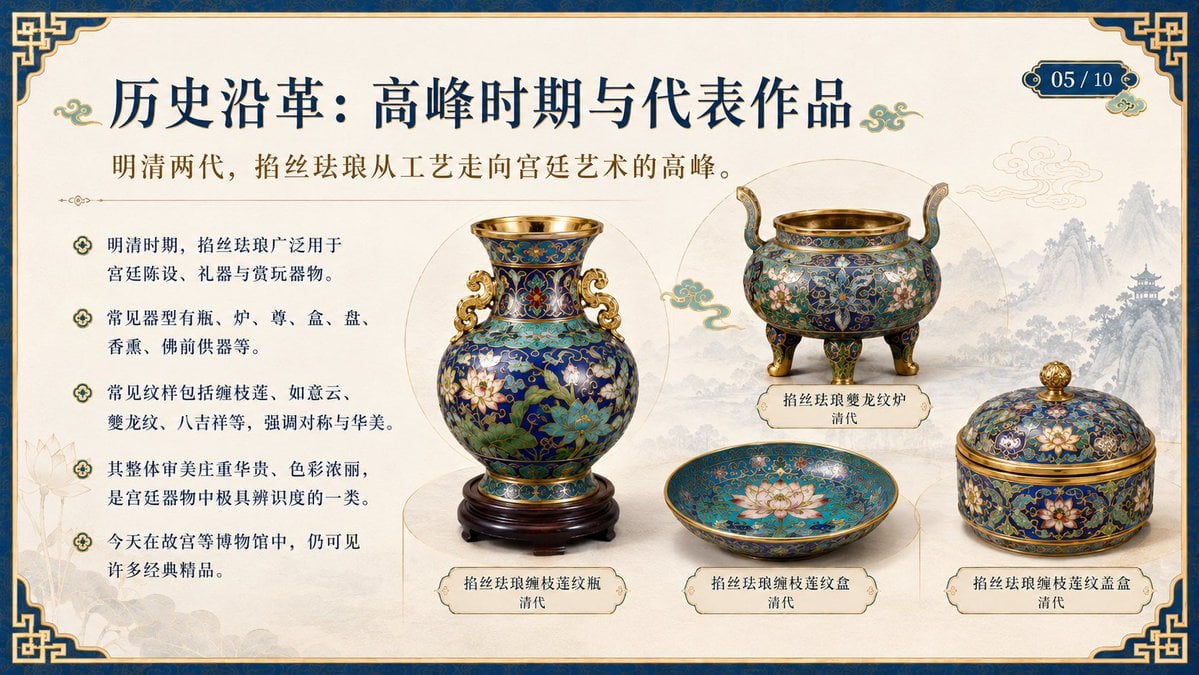
Chinese Cloisonné History PPT Slide
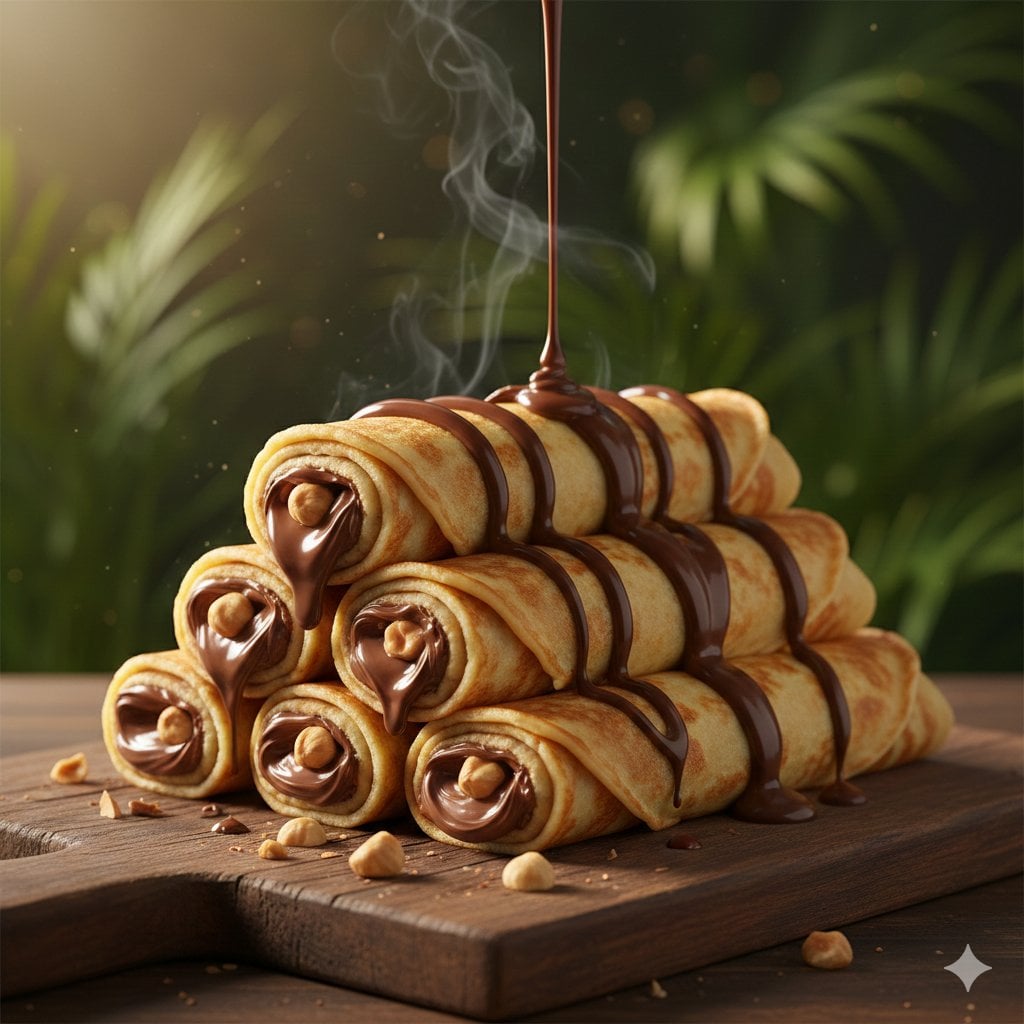
Chocolate Crepe Commercial Render Prompt (Python Class Style)
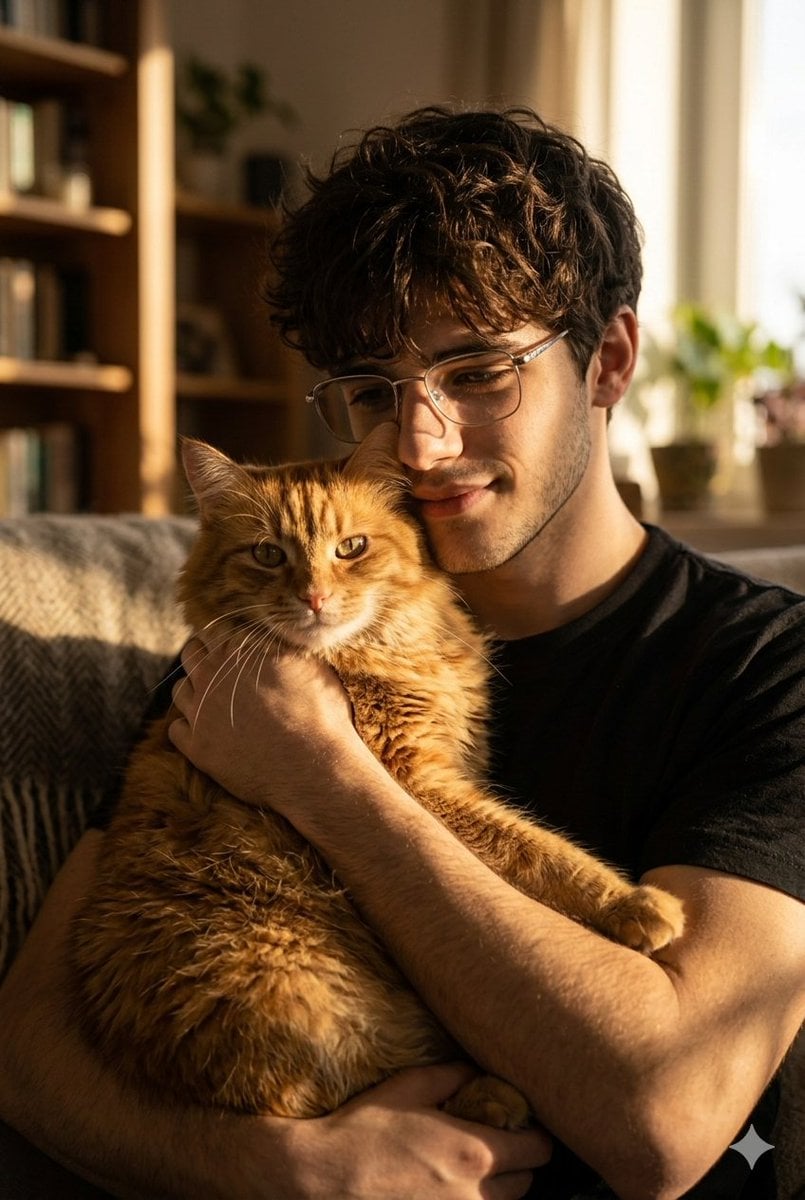
Golden Hour Portrait of Man and Cat
K-Pop Style Food Ad with Doodles
Dark Comedy Insect Spray Ad
Moody Chiaroscuro Studio Portrait
Hyper-Realistic Commercial Food Photography
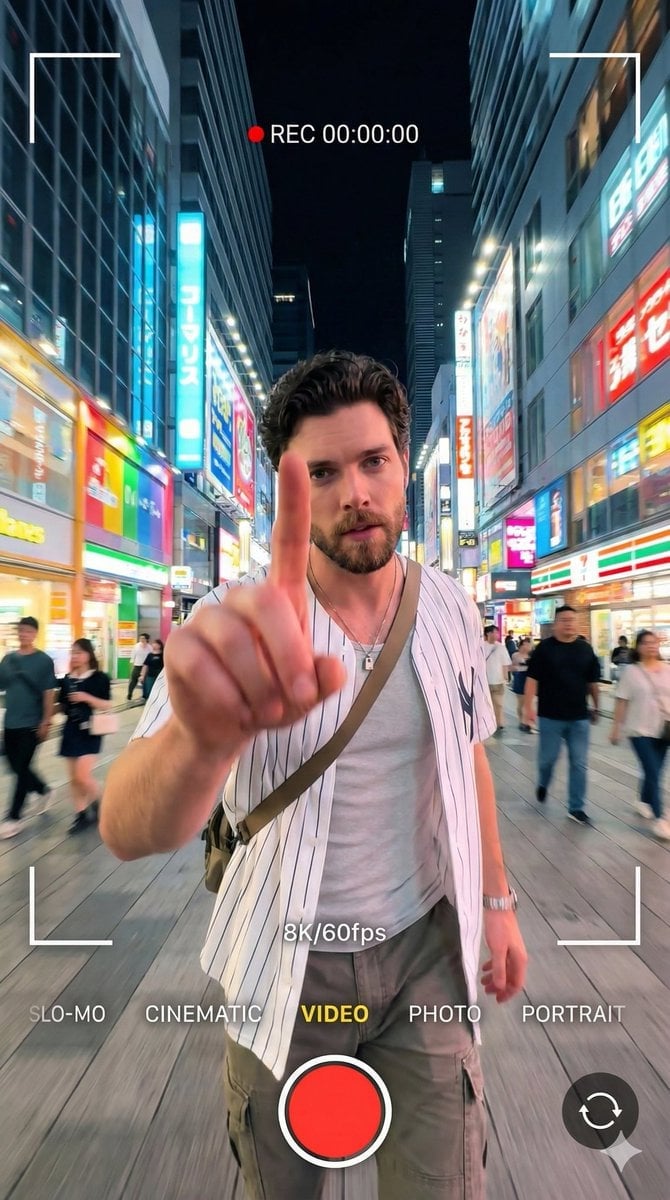
8K Cinematic Portrait with Video UI Overlays
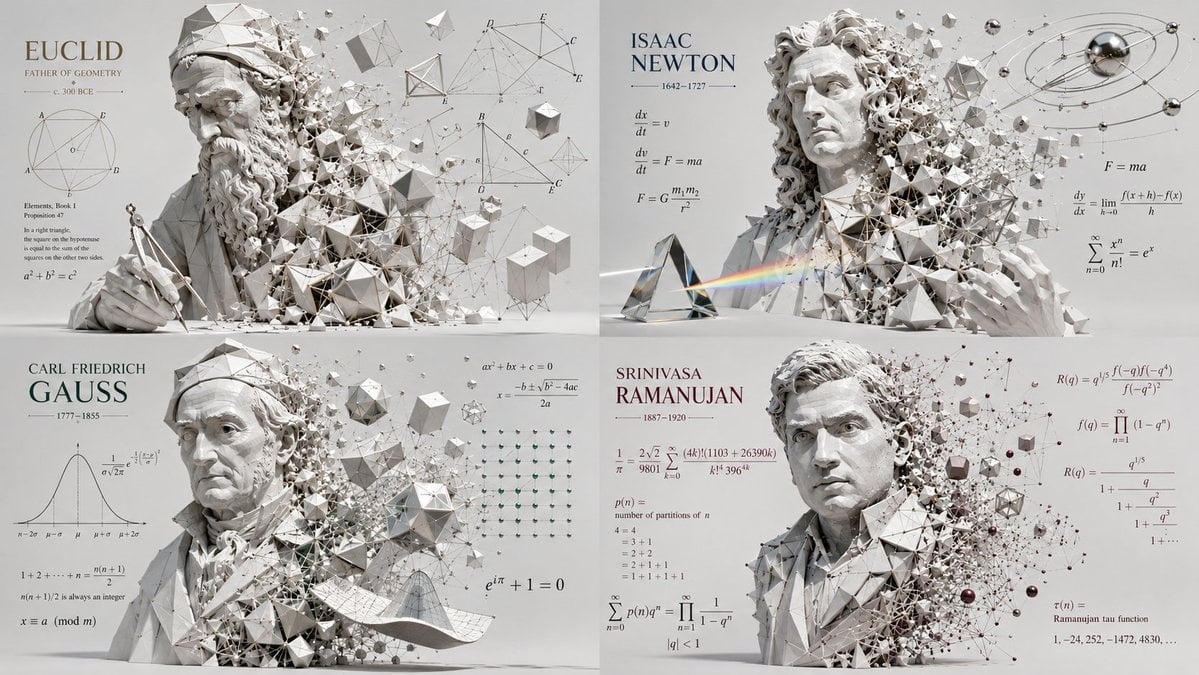
Geometric Mathematician Visualization
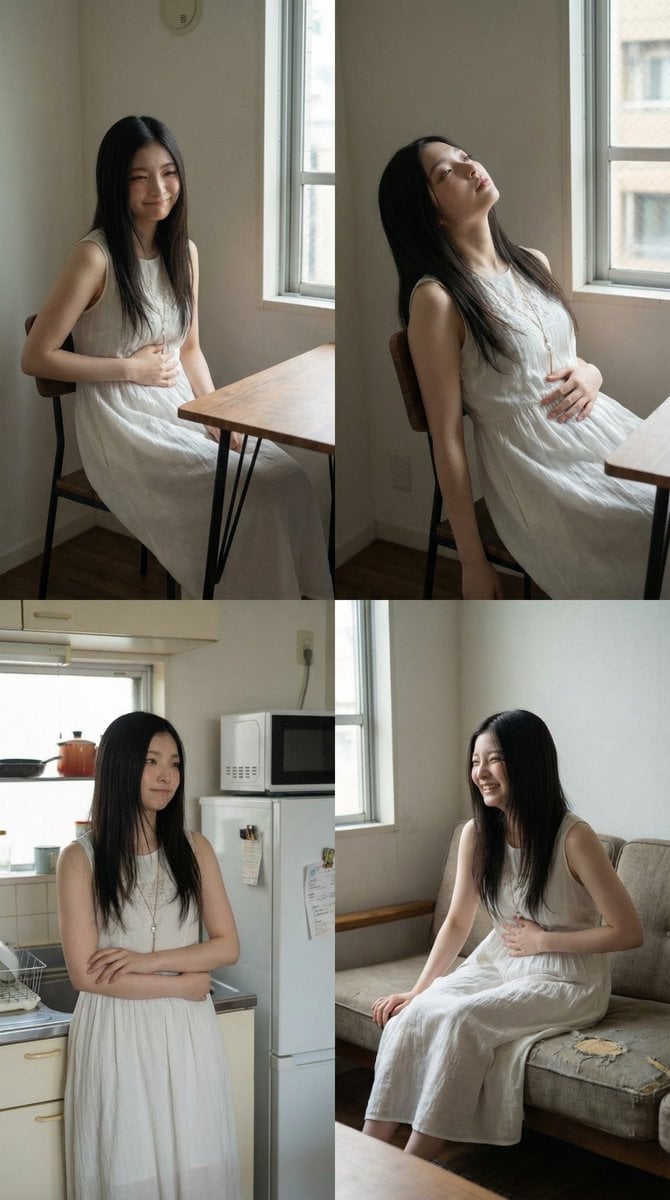
2x2 Grid Character Consistency Prompt (JSON)
Browse template categories
Menu Delivery Bonus Campaign Banner questions
How do I use the Menu Delivery Bonus Campaign Banner template?
Add your photo if the template asks for one, edit the prompt if you like — the template's model and format are already selected — and press Generate. Your version opens in PicX Studio.
Can I customize the Menu Delivery Bonus Campaign Banner template?
Yes. You can change the subject, setting, lighting, mood, format, and available model controls before creating your image.
Is the Menu Delivery Bonus Campaign Banner template free?
Opening and editing this template is free. Generating uses credits, shown on the Generate button when you are signed in.
Which AI model should I use?
Start with GPT Image 2, which is the model associated with this template. You can compare another compatible model for a different finish.
Looking for something else? Browse all templates.

Your photo, any look
Thousands of ready templates for every top image and video model, from one credit balance.