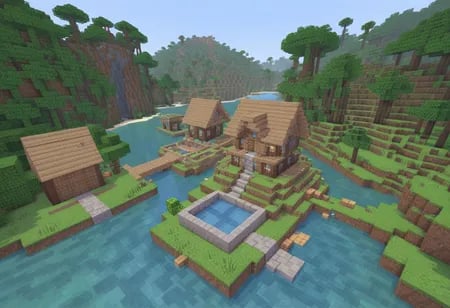
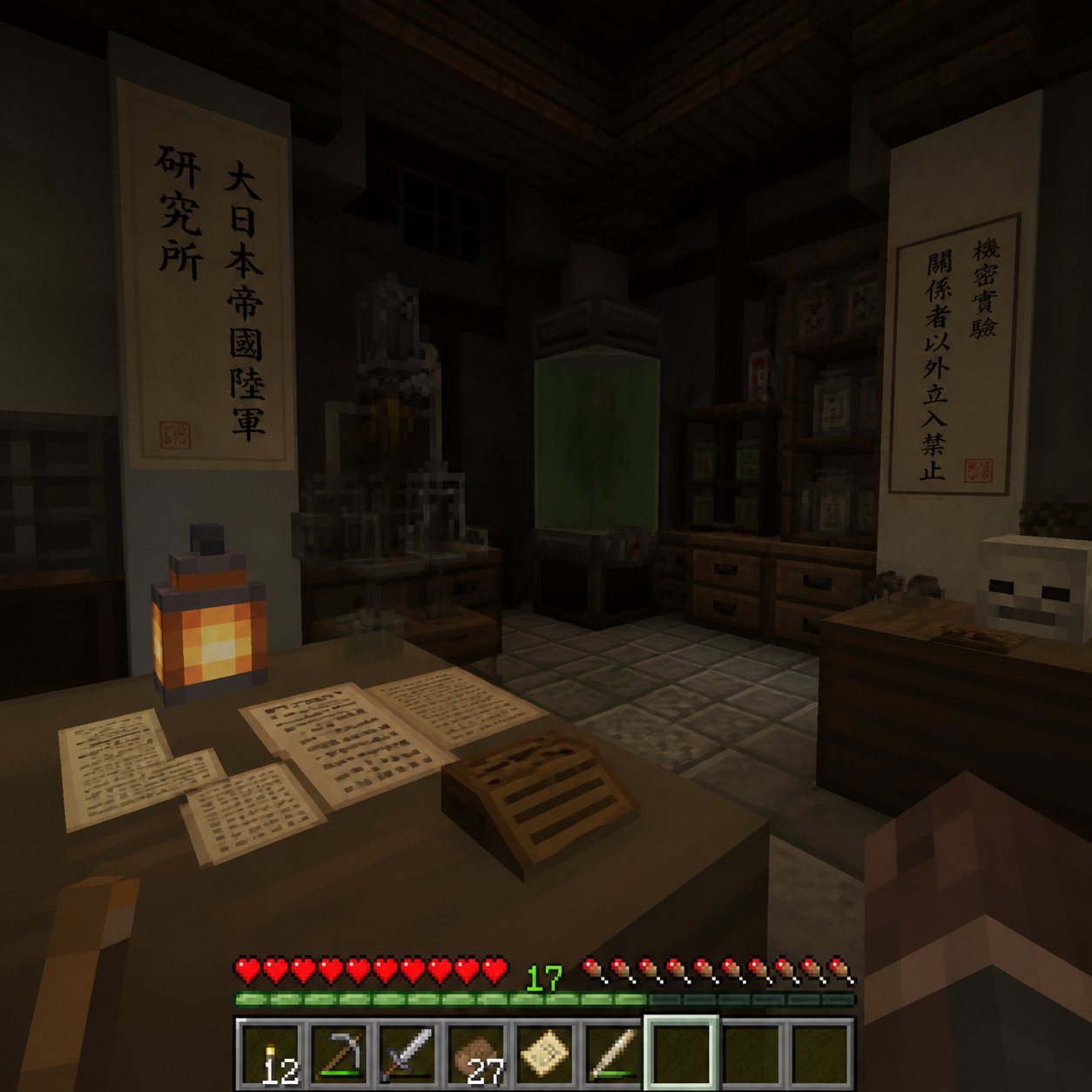
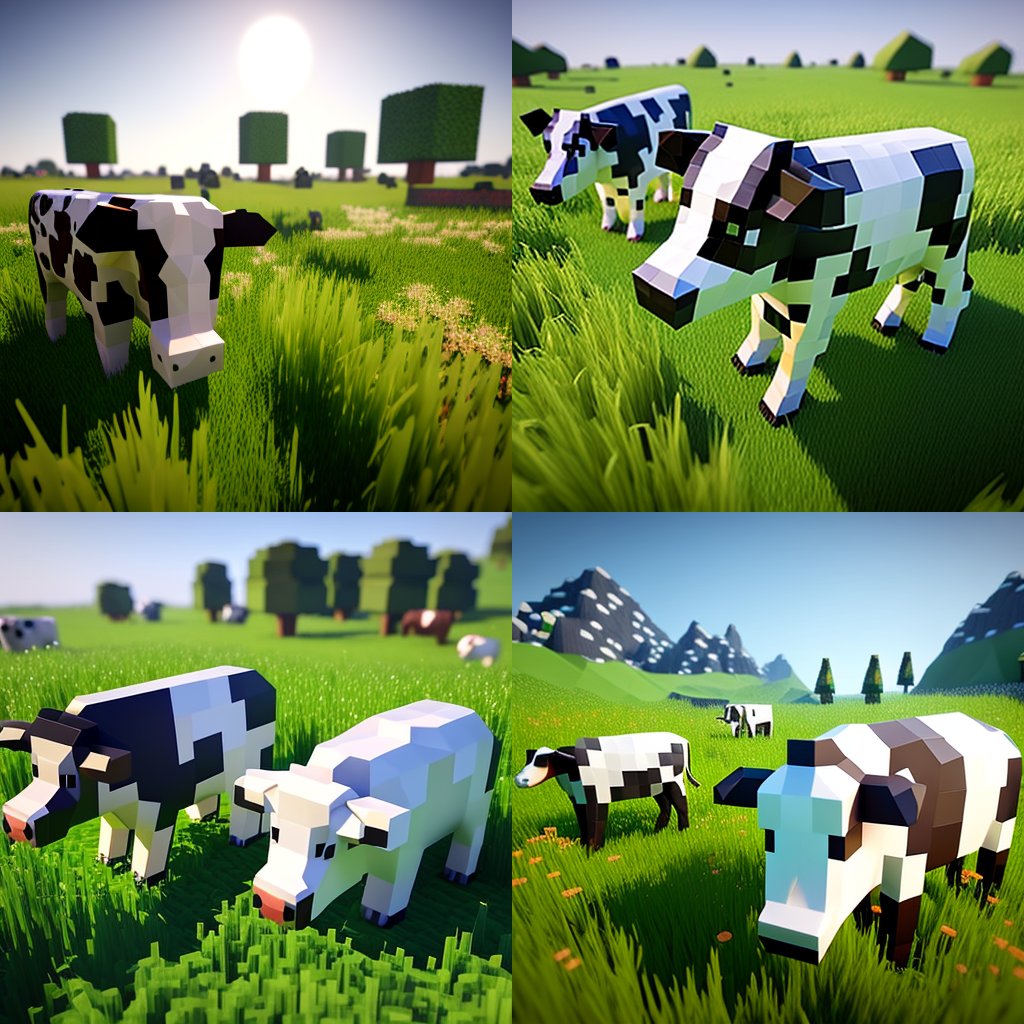
How do I use the Voxel Stop-Motion Character template?
Edit the prompt in the box under the preview — the template's model and format are already selected — and press Generate. Your version appears right on this page.
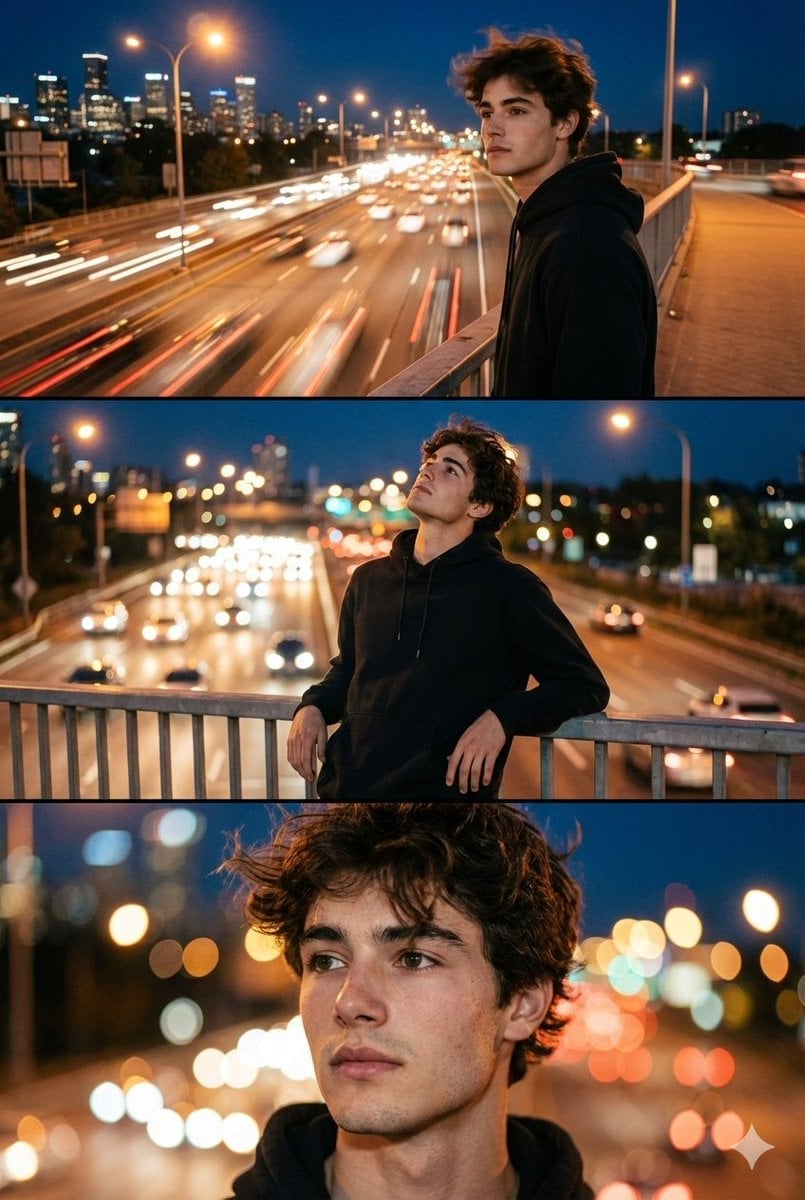
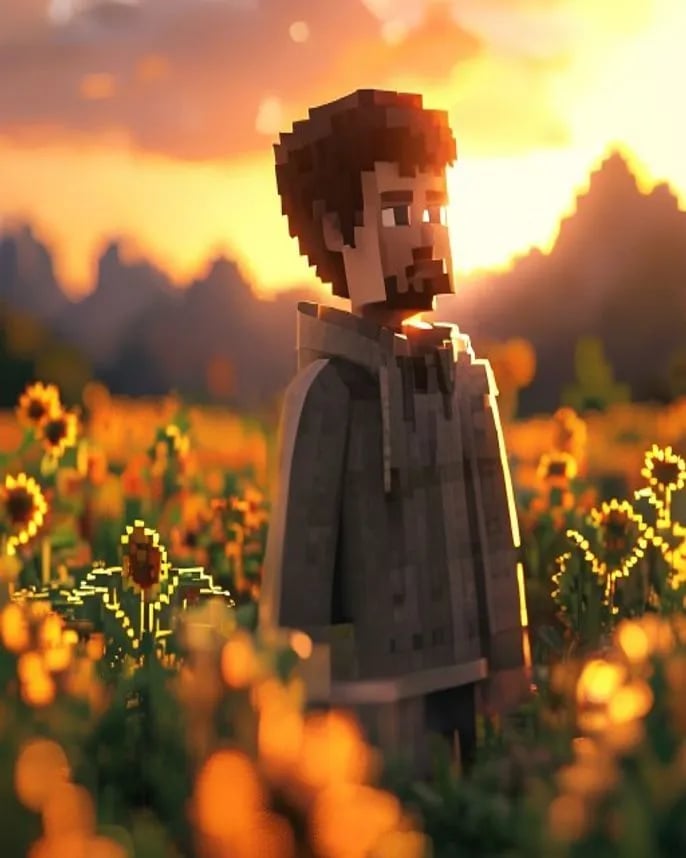
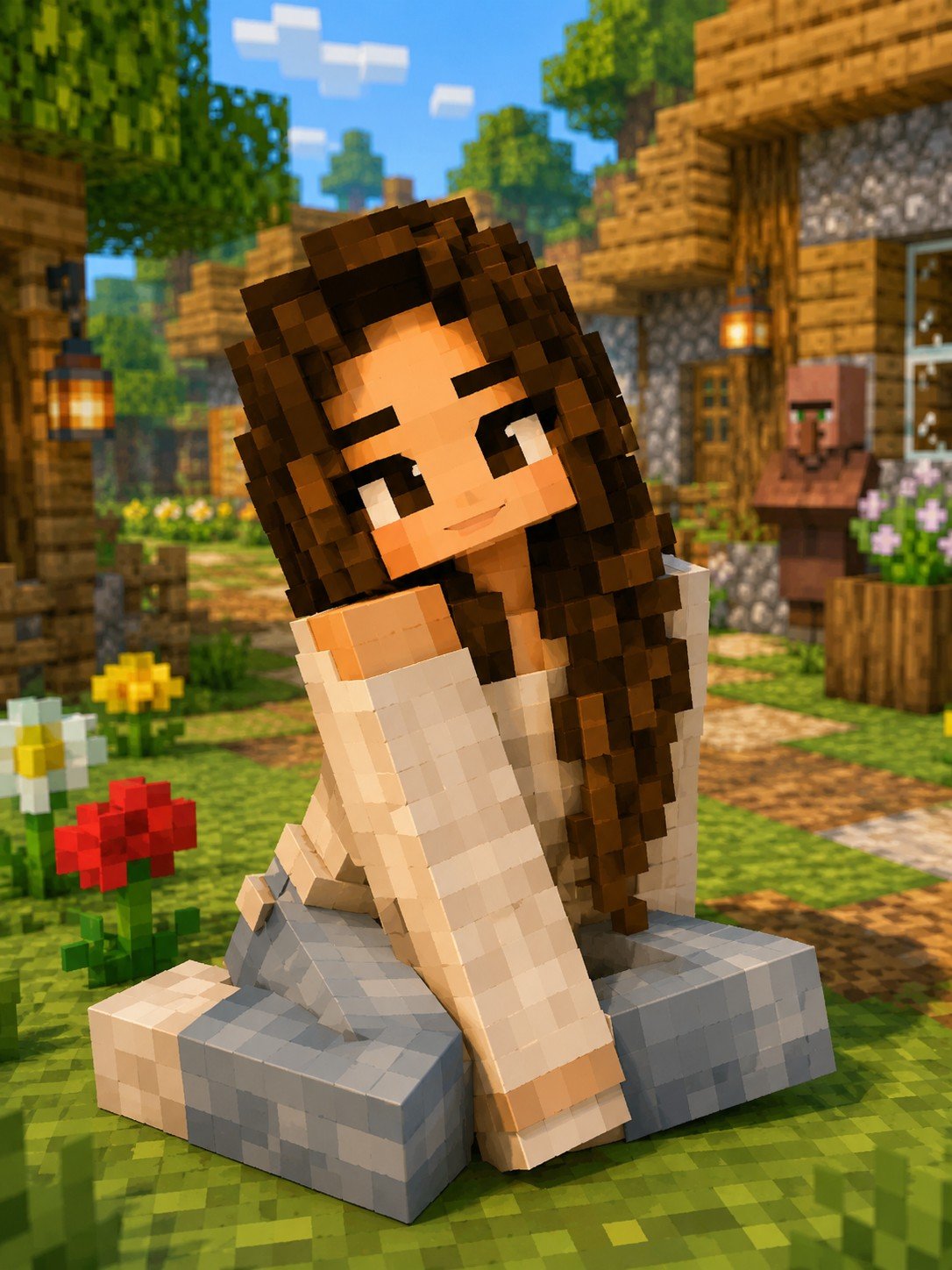
Reinterprets a reference photo into a geometric voxel-style 3D character with a handcrafted clay texture and painterly background.

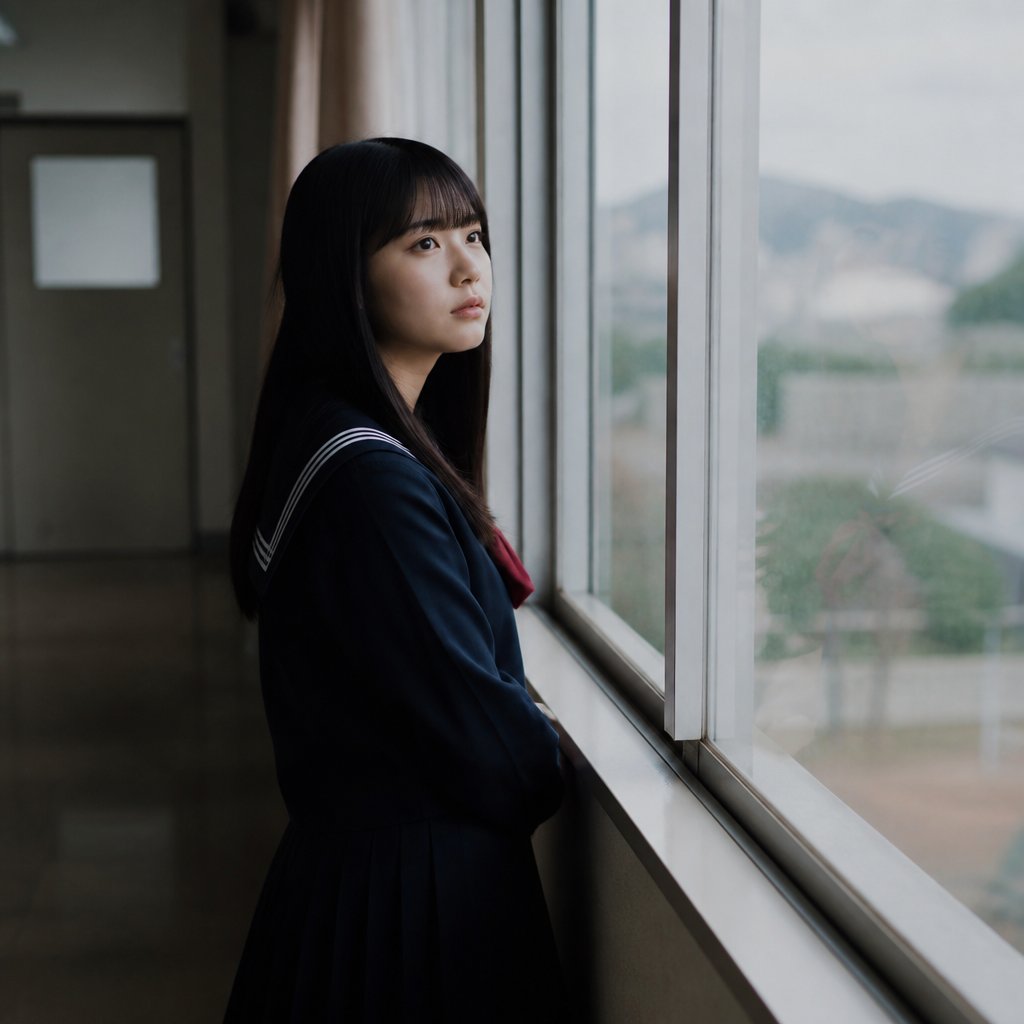
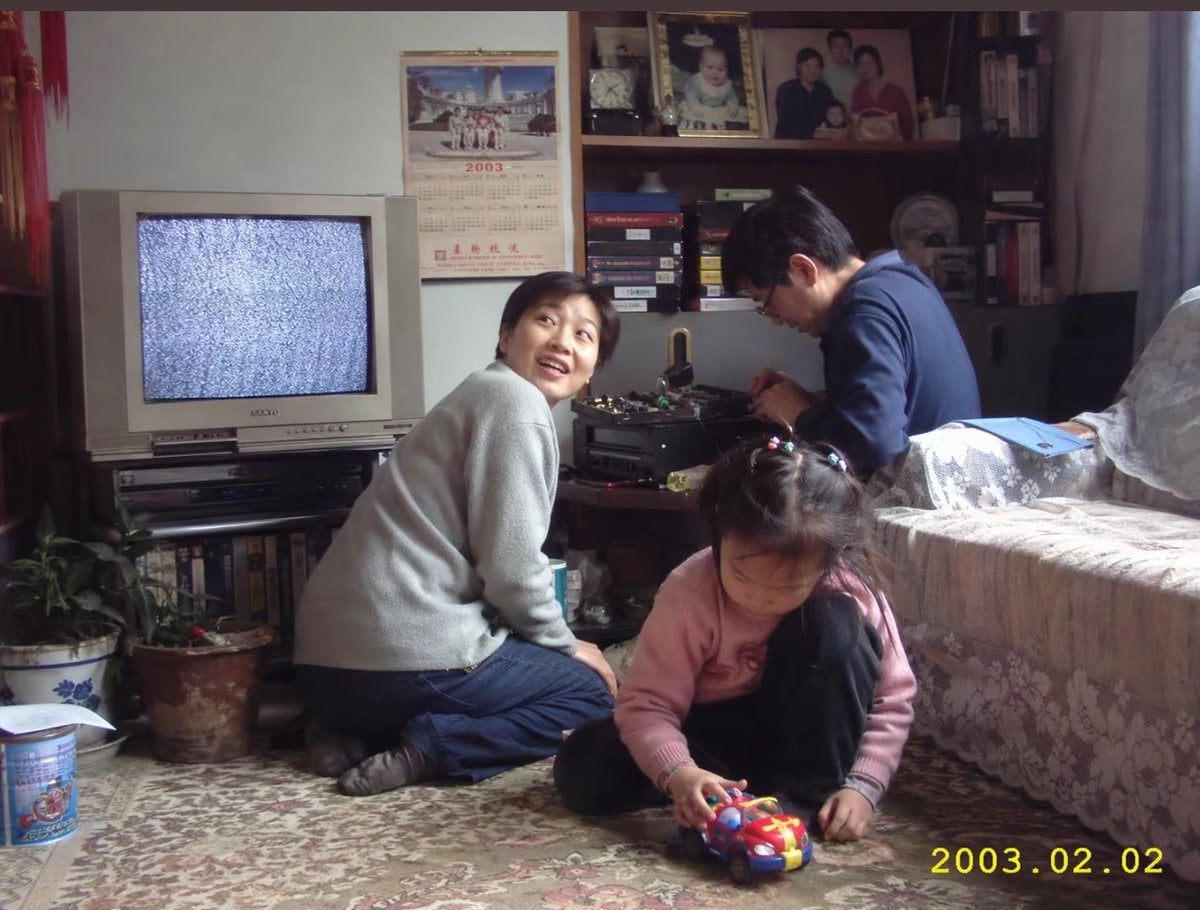
This template uses your photo — add one with the + button.
Create a highly stylized 3D character portrait with a {argument name="style" default="blocky, geometric voxel-like form"} and a {argument name="texture" default="handcrafted clay / foam micro-particle texture"}, inspired by painterly stop-motion aesthetics. Use the person from the ATTACHED REFERENCE PHOTO. Preserve the person’s identity, facial structure, proportions, skin tone, and key features, but reinterpret them into a cuboid, low-poly caricature form with simplified geometry, squared facial planes, and intentionally rigid structure. Apply a dense tactile surface made of tiny bead-like or felted particles across all visible elements for a handcrafted look. Render against a {argument name="background" default="swirling, painterly, post-impressionist background"} with thick directional strokes and vibrant motion, evoking a dreamlike night-sky energy. Lighting should be soft but directional, with warm highlights and gentle shadow falloff to enhance texture depth without realism. The overall look should feel artistic, whimsical, museum-grade, and handcrafted, not photoreal, not Pixar, not vinyl, not glossy CGI. Ultra-high detail, clean edges, intentional stylization, no text, no logos, no watermarks. Aspect ratio 4:5.
Create a highly stylized 3D character portrait with a {argument name="style" default="blocky, geometric voxel-like form"} and a {argument name="texture" default="handcrafted clay / foam micro-particle texture"}, inspired by painterly stop-motion aesthetics. Use the person from the ATTACHED REFERENCE PHOTO. Preserve the person’s identity, facial structure, proportions, skin tone, and key features, but reinterpret them into a cuboid, low-poly caricature form with simplified geometry, squared facial planes, and intentionally rigid structure. Apply a dense tactile surface made of tiny bead-like or felted particles across all visible elements for a handcrafted look. Render against a {argument name="background" default="swirling, painterly, post-impressionist background"} with thick directional strokes and vibrant motion, evoking a dreamlike night-sky energy. Lighting should be soft but directional, with warm highlights and gentle shadow falloff to enhance texture depth without realism. The overall look should feel artistic, whimsical, museum-grade, and handcrafted, not photoreal, not Pixar, not vinyl, not glossy CGI. Ultra-high detail, clean edges, intentional stylization, no text, no logos, no watermarks. Aspect ratio 4:5.
Edit the prompt in the box under the preview — the template's model and format are already selected — and press Generate. Your version appears right on this page.
Yes. You can change the subject, setting, lighting, mood, format, and available model controls before creating your image.
Opening and editing this template is free. Generating uses credits, shown on the Generate button when you are signed in.
Start with GPT Image 2, which is the model associated with this template. You can compare another compatible model for a different finish.
Follow a topic to a crawlable collection of related PicX Studio templates.