
Miniature Clone Portrait
Creates a playful photorealistic portrait of a man surrounded by eight tiny matching clones in a churchyard scene, useful for viral surreal social media imagery.
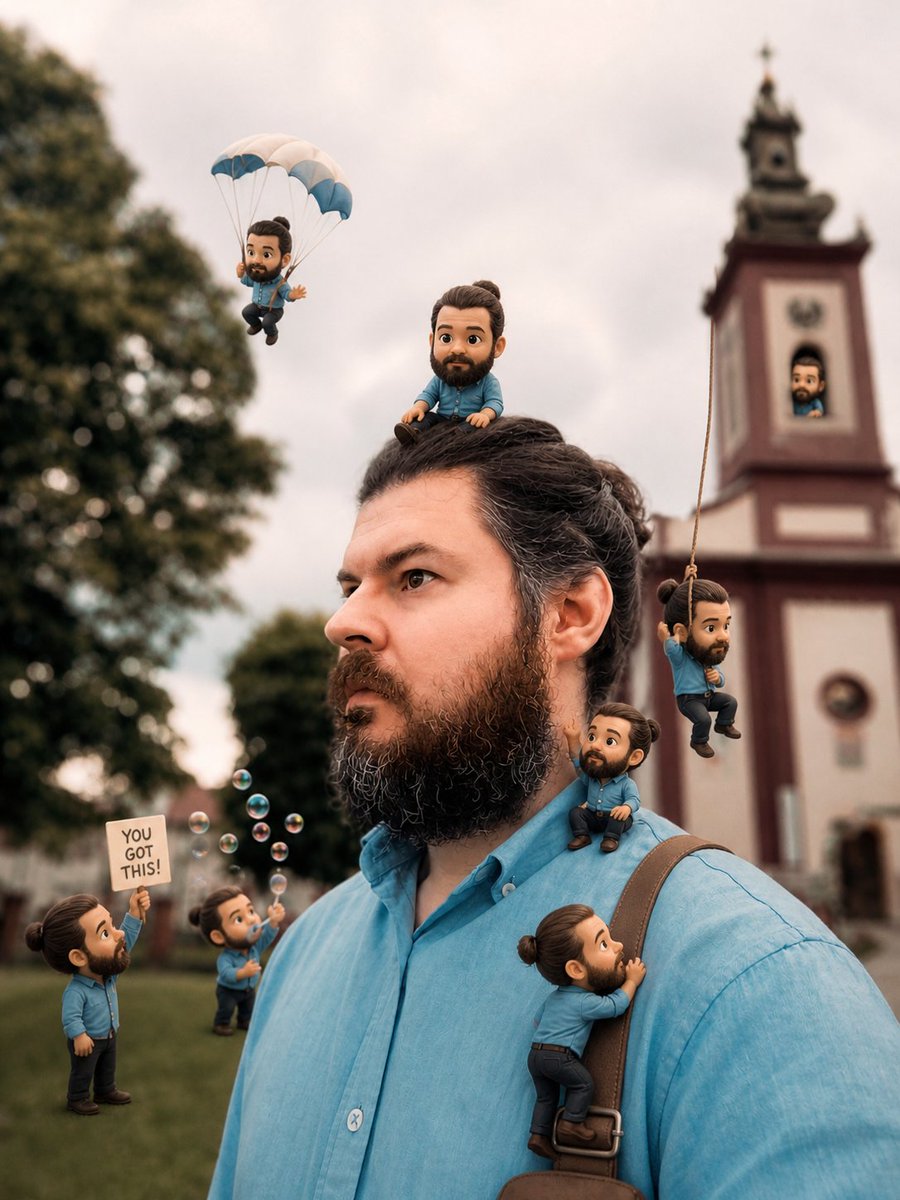
- Prompt included
- Model and format preset
- Free template
The prompt behind this image
Copy the exact prompt behind Miniature Clone Portrait, or open it in the studio and make it yours.
- Type
- whimsical photorealistic portrait with miniature clones
- Scene
- A vertical 3:4 outdoor portrait in a soft cinematic shallow-depth-of-field style. A bearded adult man stands close to camera in the foreground wearing a light blue button-up shirt and a brown leather shoulder strap, with his face covered by a large rectangular privacy blur. The setting is a grassy churchyard or town square with a tall red-and-cream historic church bell tower on the right, leafy trees on the left, and an overcast warm sky. Create a humorous surreal effect where tiny toy-like versions of the same man appear around him, all wearing matching blue shirts, dark pants, brown shoes, and small hair buns, with their faces also blurred.
- Main Subject › Description
- adult man with dark curly hair and beard, close-up from chest upward, centered slightly right
- Main Subject › Shirt
- {argument name="shirt color" default="light blue"}
- Main Subject › Accessory
- brown leather shoulder strap
- Main Subject › Face Treatment
- large rectangular blur over the face
- Miniature Figures › Count
- 8
- Miniature Figures › Shared Appearance
- tiny photorealistic/chibi-like duplicates of the main man, matching outfit, soft toy scale, face blurred
- Miniature Figures › Items › 0 › Position
- upper left sky
- Miniature Figures › Items › 0 › Description
- one miniature descending by a white-and-blue parachute with thin suspension lines
- Miniature Figures › Items › 1 › Position
- top of main subject's head
- Miniature Figures › Items › 1 › Description
- one miniature sitting calmly on the man's hair
- Miniature Figures › Items › 2 › Position
- church tower window at upper right
- Miniature Figures › Items › 2 › Description
- one miniature peeking out from the arched tower opening
- Miniature Figures › Items › 3 › Position
- right side near tower
- Miniature Figures › Items › 3 › Description
- one miniature hanging from a vertical rope, holding on with one hand
- Miniature Figures › Items › 4 › Position
- on left side of main subject's shoulder near neck
- Miniature Figures › Items › 4 › Description
- one miniature sitting on the shoulder with legs dangling
- Miniature Figures › Items › 5 › Position
- lower right on leather strap
- Miniature Figures › Items › 5 › Description
- one miniature climbing or hugging the brown shoulder strap
- Miniature Figures › Items › 6 › Position
- bottom left foreground
- Miniature Figures › Items › 6 › Description
- one miniature standing on the grass holding a small sign that reads {argument name="sign text" default="YOU GOT THIS!"}
- Miniature Figures › Items › 7 › Position
- lower center-left background
- Miniature Figures › Items › 7 › Description
- one miniature blowing soap bubbles beside the main subject
Raw JSON
{"type":"whimsical photorealistic portrait with miniature clones","scene":"A vertical 3:4 outdoor portrait in a soft cinematic shallow-depth-of-field style. A bearded adult man stands close to camera in the foreground wearing a light blue button-up shirt and a brown leather shoulder strap, with his face covered by a large rectangular privacy blur. The setting is a grassy churchyard or town square with a tall red-and-cream historic church bell tower on the right, leafy trees on the left, and an overcast warm sky. Create a humorous surreal effect where tiny toy-like versions of the same man appear around him, all wearing matching blue shirts, dark pants, brown shoes, and small hair buns, with their faces also blurred.","main subject":{"description":"adult man with dark curly hair and beard, close-up from chest upward, centered slightly right","shirt":"{argument name=\"shirt color\" default=\"light blue\"}","accessory":"brown leather shoulder strap","face treatment":"large rectangular blur over the face"},"miniature figures":{"count":8,"shared appearance":"tiny photorealistic/chibi-like duplicates of the main man, matching outfit, soft toy scale, face blurred","items":[{"position":"upper left sky","description":"one miniature descending by a white-and-blue parachute with thin suspension lines"},{"position":"top of main subject's head","description":"one miniature sitting calmly on the man's hair"},{"position":"church tower window at upper right","description":"one miniature peeking out from the arched tower opening"},{"position":"right side near tower","description":"one miniature hanging from a vertical rope, holding on with one hand"},{"position":"on left side of main subject's shoulder near neck","description":"one miniature sitting on the shoulder with legs dangling"},{"position":"lower right on leather strap","description":"one miniature climbing or hugging the brown shoulder strap"},{"position":"bottom left foreground","description":"one miniature standing on the grass holding a small sign that reads {argument name=\"sign text\" default=\"YOU GOT THIS!\"}"},{"position":"lower center-left background","description":"one miniature blowing soap bubbles beside the main subject"}]},"background":{"location":"{argument name=\"location\" default=\"historic churchyard with a red-and-cream bell tower\"}","elements":"softly blurred grass, trees, church facade, tower, muted cloudy sky, warm documentary travel-photo color grading"},"composition":{"orientation":"vertical portrait, 3:4 aspect ratio","camera":"close foreground portrait with background bokeh, realistic phone or mirrorless camera look","lighting":"soft natural overcast daylight","mood":"playful, absurd, uplifting, viral social media visual gag"},"style":"high-resolution photorealistic composite, seamless lighting and shadows, miniature scale illusion, cinematic bokeh, realistic fabric texture, no extra text except the sign"}How to use Miniature Clone Portrait in 3 steps
- 1Upload ImagePNG, JPG or paste
Add your photo
Upload the photo the template builds on. The prompt, model and format are already set.
- 2…a portrait of your subject in softgolden-hour light, 85mm…
Personalize
Edit the subject and creative details for your destination.
- 3Generate
Generate
Press Generate — your image is created in PicX Studio, so you can compare it with the original and refine one variable at a time.
More like this
Templates with the same subject, style or setup. Open one to see its prompt.

3d Miniature City Models with Kling Ai
Woman with Miniature Clones Portrait
Photorealistic Cinematic Portrait with Miniature Clones
Ultra-Realistic Miniature Clone Studio Portrait

Found Photograph: Us, 1970

80s Couple Studio Portrait

80s Bollywood Star

80s Golden Hour Cinema

Me in 1985

1985 Studio Portrait

Hyper-Realistic Minecraft POV Portrait

Rooftop Fisheye — Cat-Ear Balaclava at Golden Hour
Make it yours
Miniature Clone Portrait works as-is. These are the safest ways to change it without losing the look.
Swap the setting
Keep the rest of the prompt and replace the location block. The current setting is “{argument name="location" default="historic churchyard with a red-and-cream bell”.
Swap the light
One lighting change is enough to compare takes. Current light: “soft natural overcast daylight”.
Change one field
Copy a single group, rewrite it, and generate again so you can see what that field is doing.
| If the result… | Why | Fix |
|---|---|---|
| The result drifts from the preview | Too many fields changed at once. | Reuse Miniature Clone Portrait as-is first, then change one group — subject, light, or setting. |
| GPT Image 2 ignores part of the JSON | Some models flatten or skip nested keys. | Keep the same values and paste them as a short paragraph instead. |
More GPT Image 2 templates
Other prompts made for GPT Image 2.

Six VTuber Japanese Logo Sheet

Realistic Portrait of Woman and Deer

The Vista Modular Condo Poster

AI Model Routing Comparison Infographic

2.5D Anime Art Board

Isometric Productivity Desk Scene

New York Double Exposure Poster

Four-Panel AI Landscape Comparison

Japanese Tatami Lifestyle Magazine Cover

NESCAFÉ Coffee Map Poster
More image prompts
Fresh picks from across the catalog.
Y2K Urban Twilight Portrait
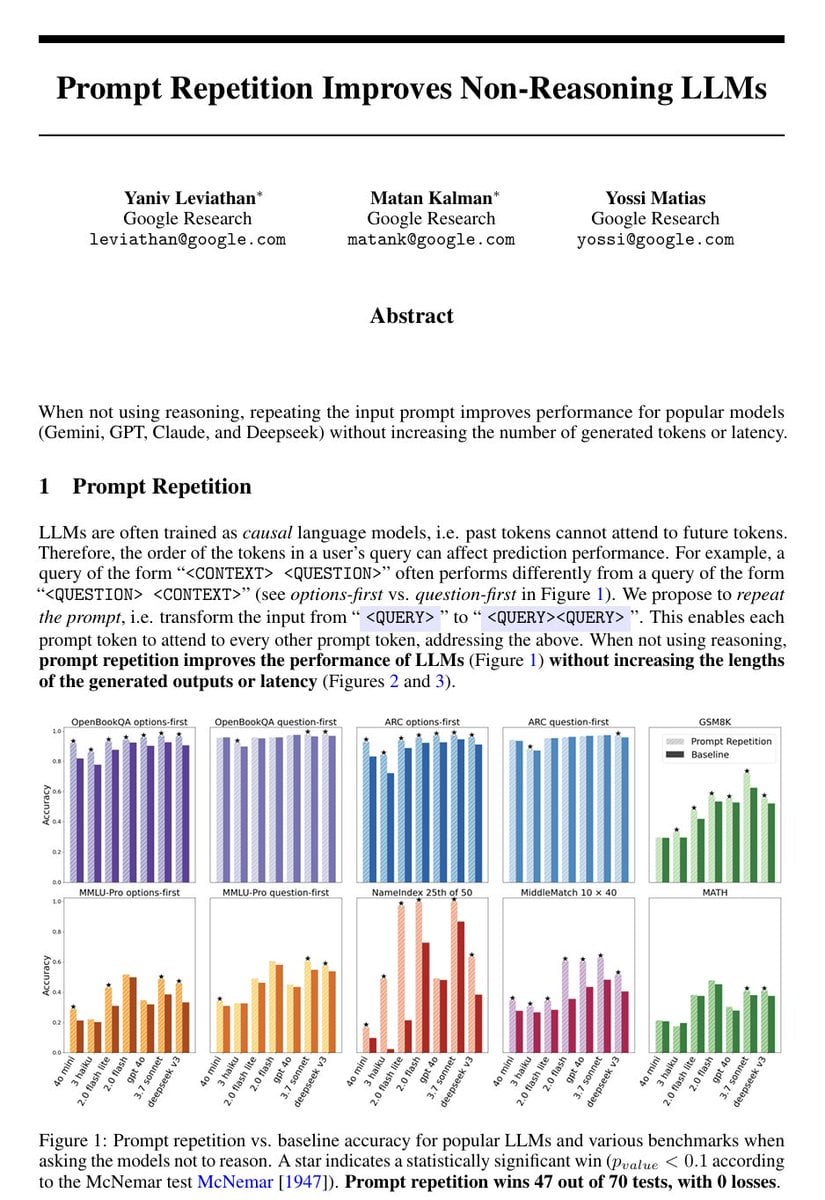
Repetitive Prompting Instruction
Quiet Luxury Editorial Fashion Template
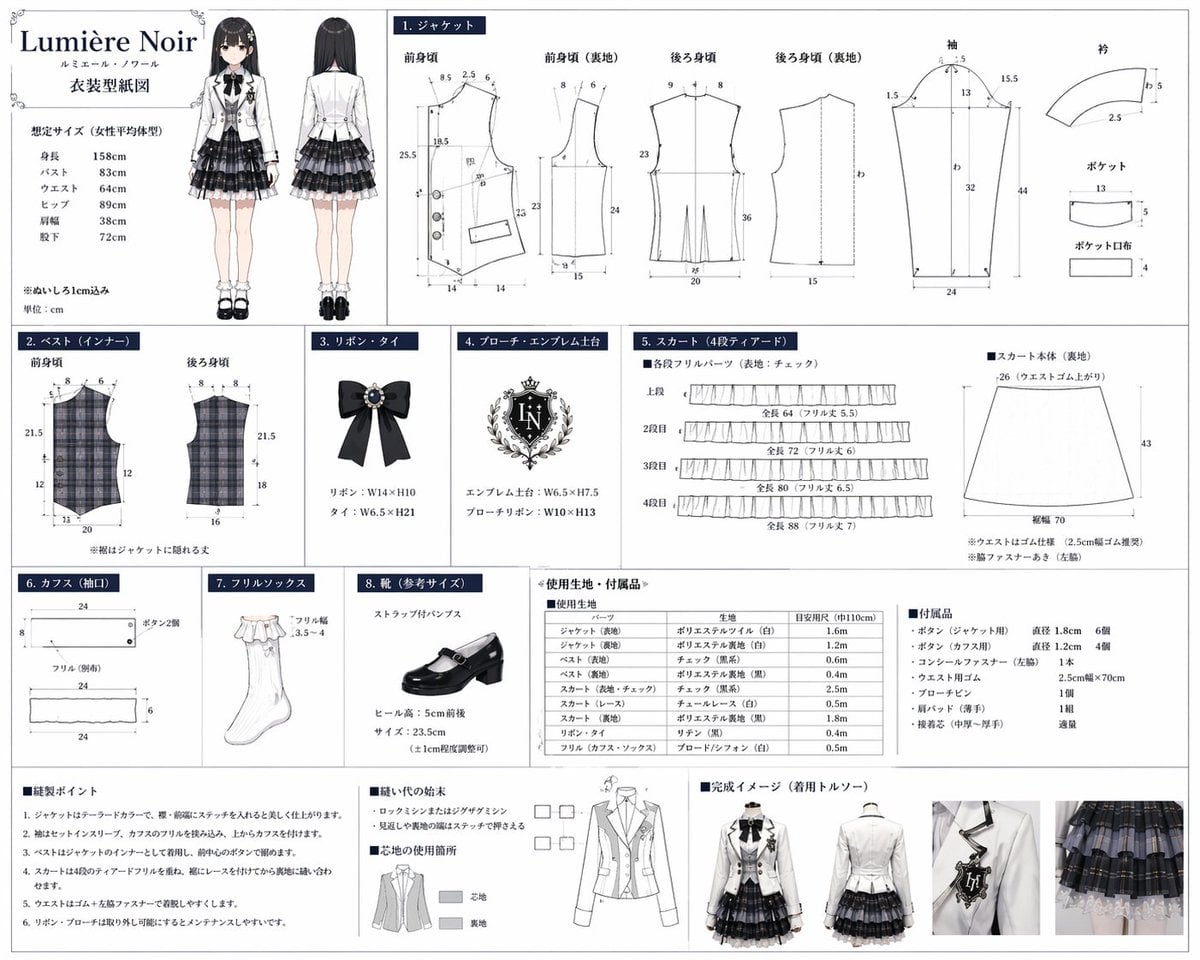
Anime Costume Sewing Pattern Sheet
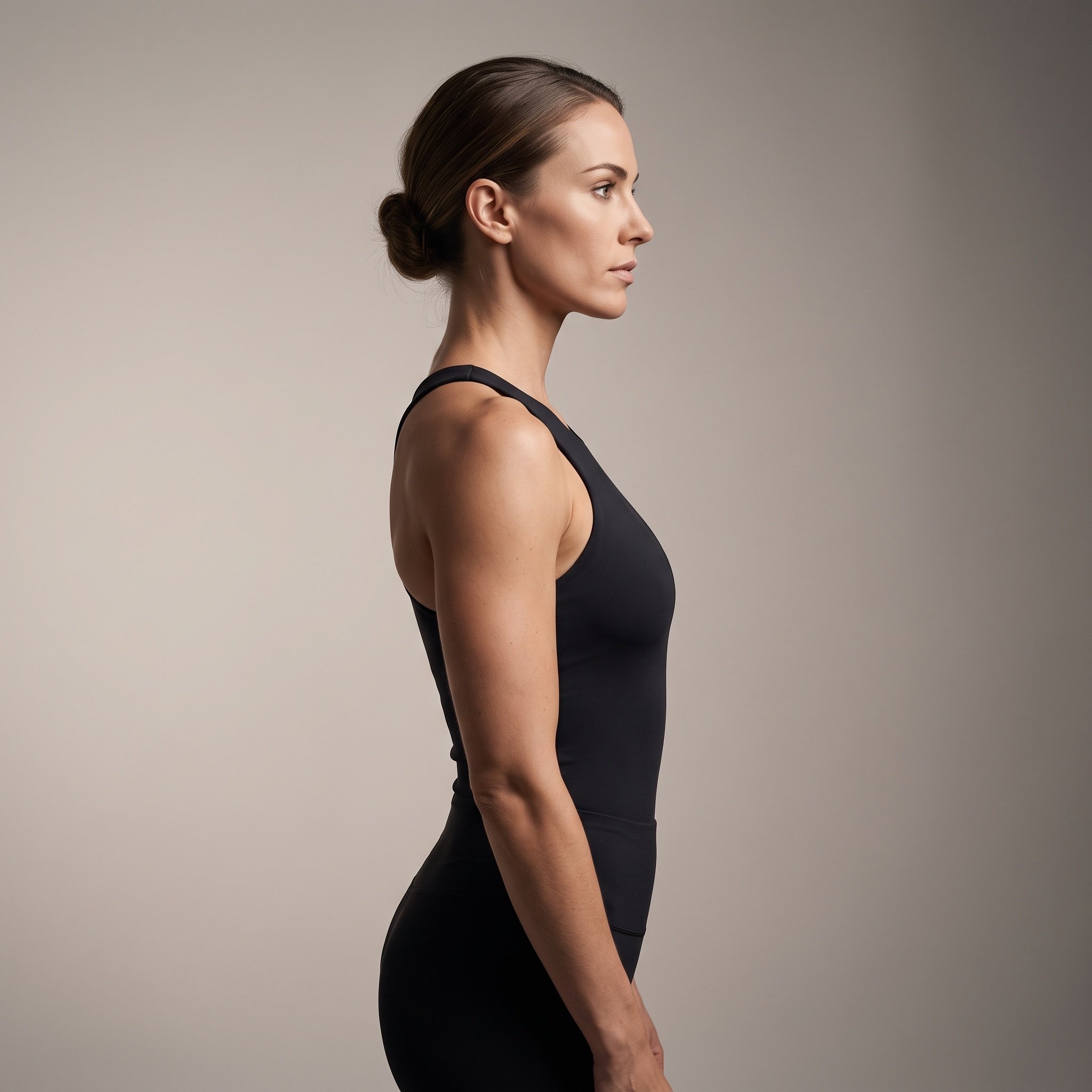
Ultra-Photorealistic Cinematic Side Profile Portrait Prompt
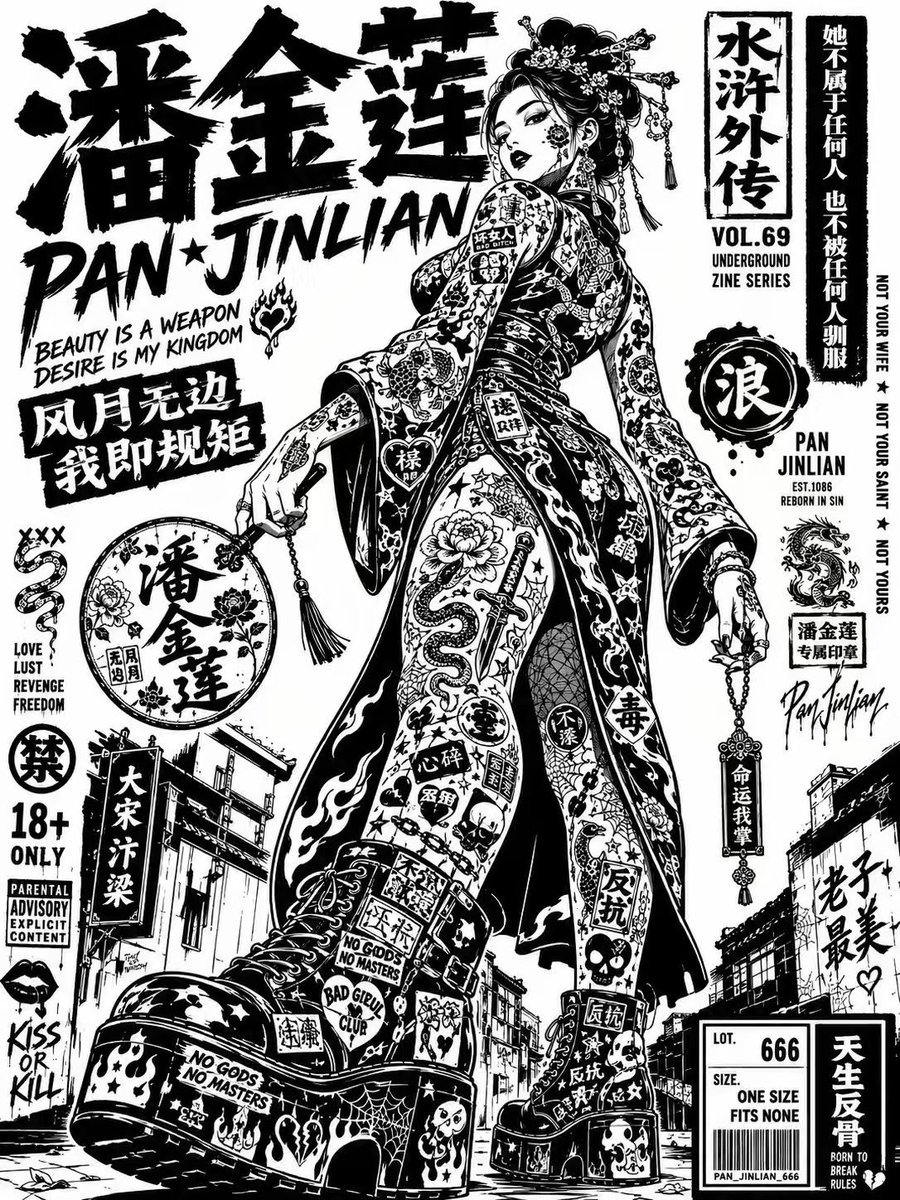
Noir Street Poster Illustration
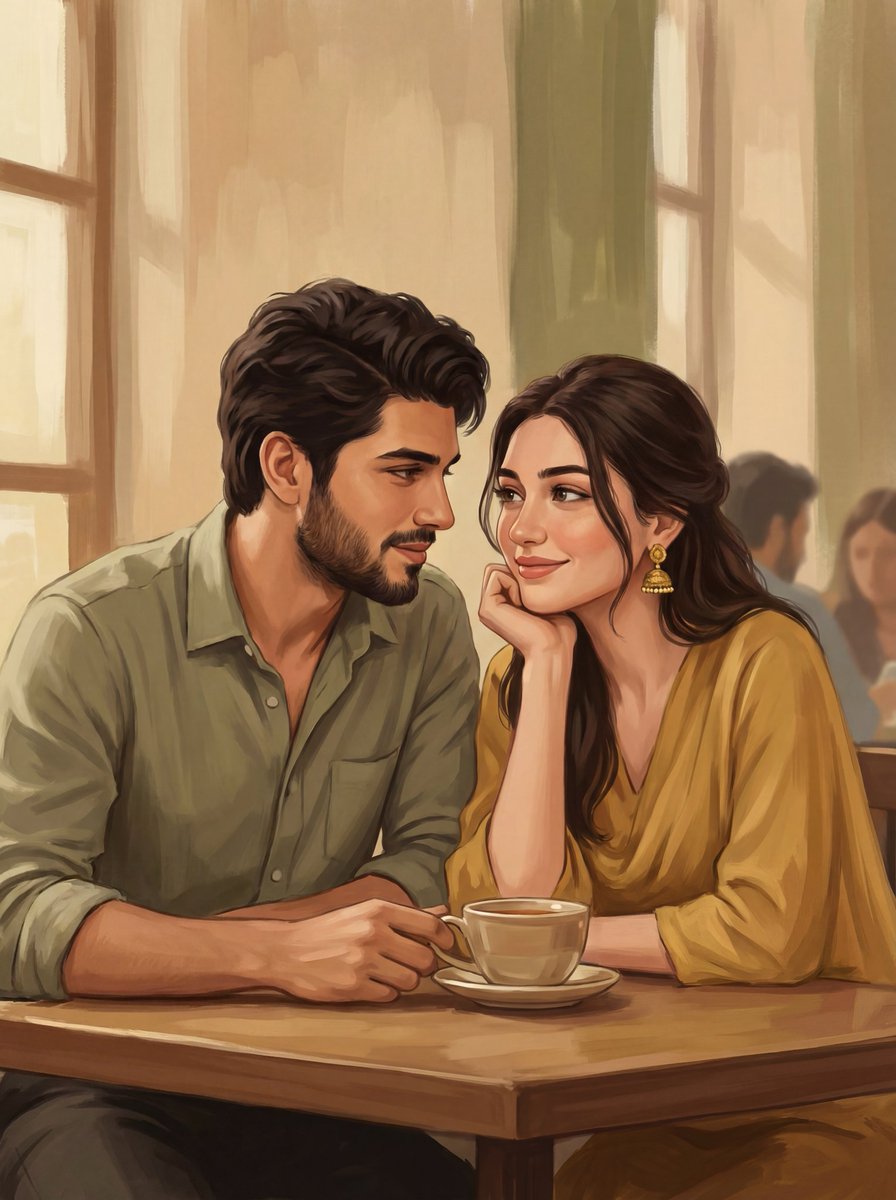
2D Digital Painting Prompt for Intimate Cafe Scene
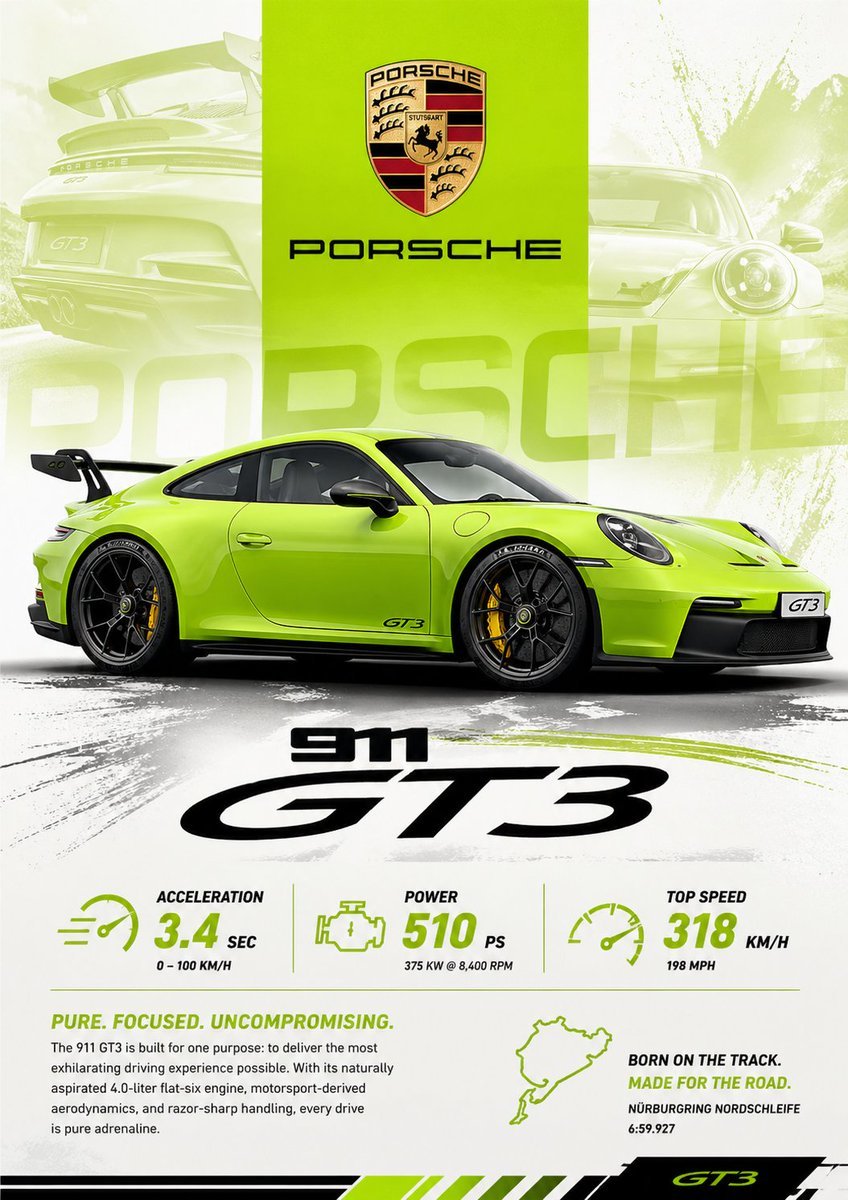
Vibrant Automotive Poster Design
Satoru Gojo Anime Propaganda Poster
Gurren Lagann Style 'Gaina-Dachi' Anime Stance Prompt
Browse template categories
Miniature Clone Portrait questions
How do I use the Miniature Clone Portrait template?
Add your photo if the template asks for one, edit the prompt if you like — the template's model and format are already selected — and press Generate. Your version opens in PicX Studio.
Can I customize the Miniature Clone Portrait template?
Yes. You can change the subject, setting, lighting, mood, format, and available model controls before creating your image.
Is the Miniature Clone Portrait template free?
Opening and editing this template is free. Generating uses credits, shown on the Generate button when you are signed in.
Which AI model should I use?
Start with GPT Image 2, which is the model associated with this template. You can compare another compatible model for a different finish.
Looking for something else? Browse all templates.

Your photo, any look
Thousands of ready templates for every top image and video model, from one credit balance.