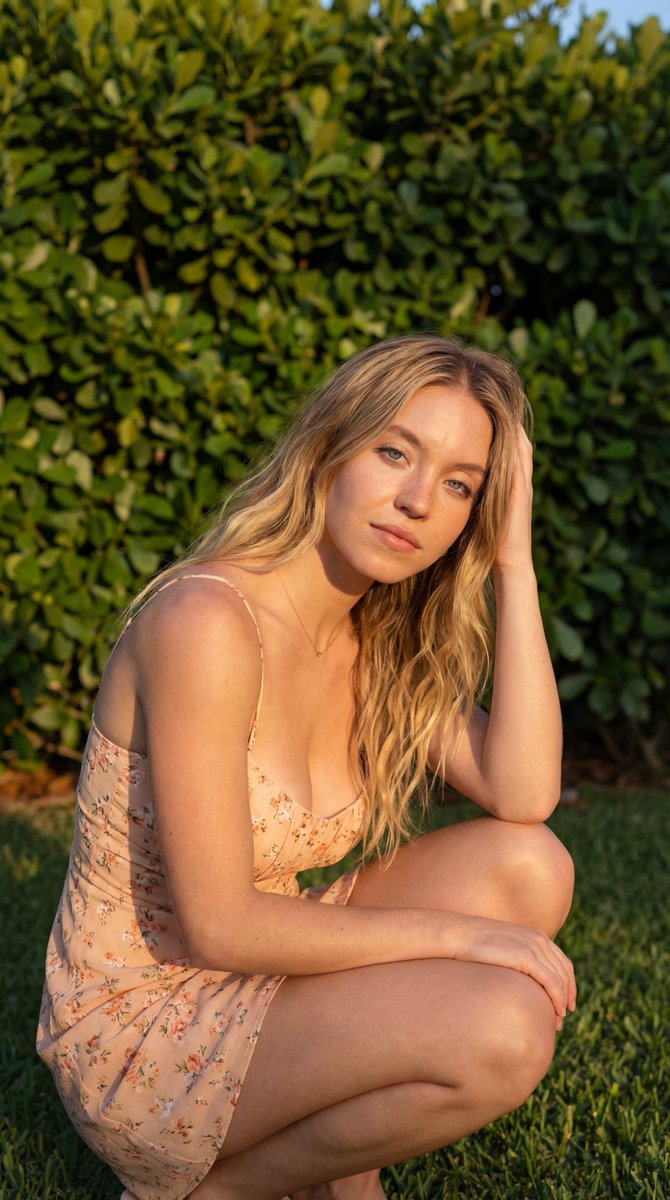
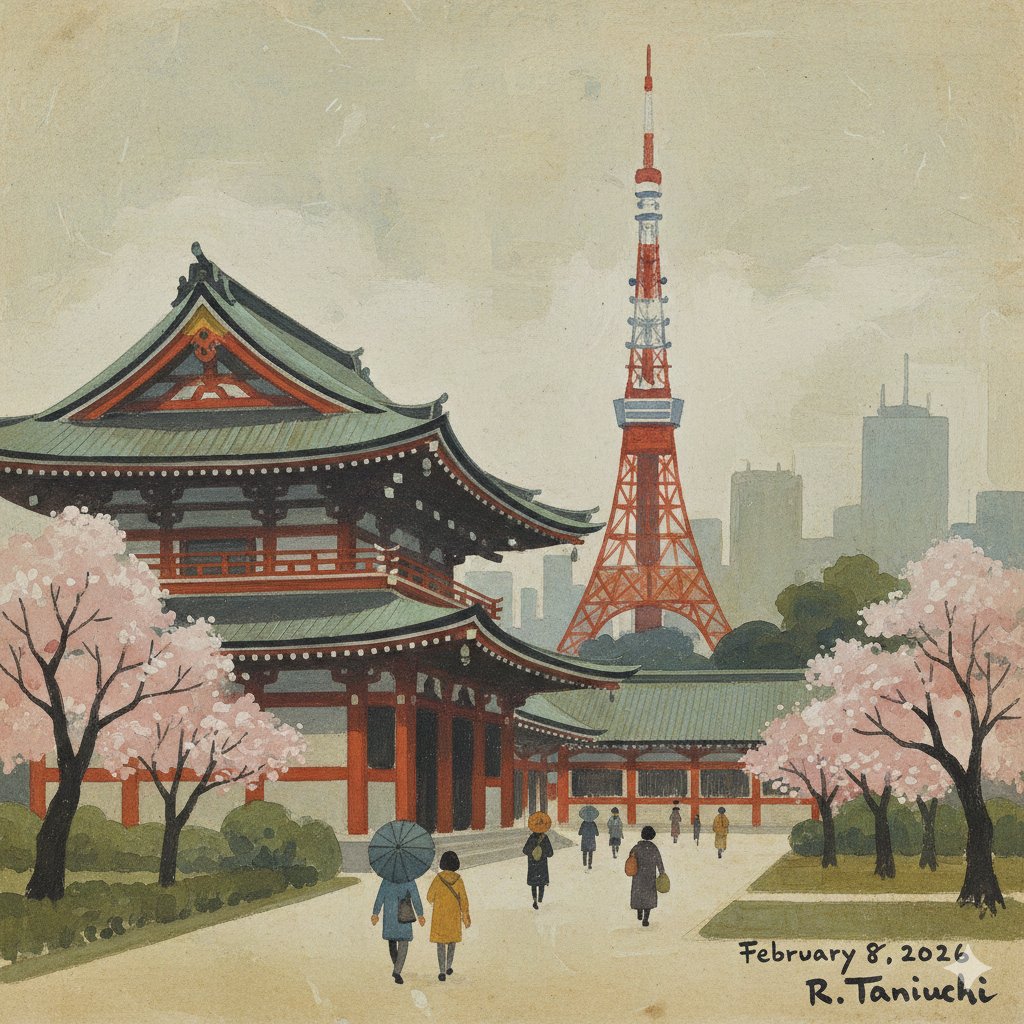
How do I use the Funny Ugly Doodle Drawing Converter template?
Choose the primary action to open PicX Studio with the available template settings. Review the model and format, personalize the creative direction, and generate when ready.
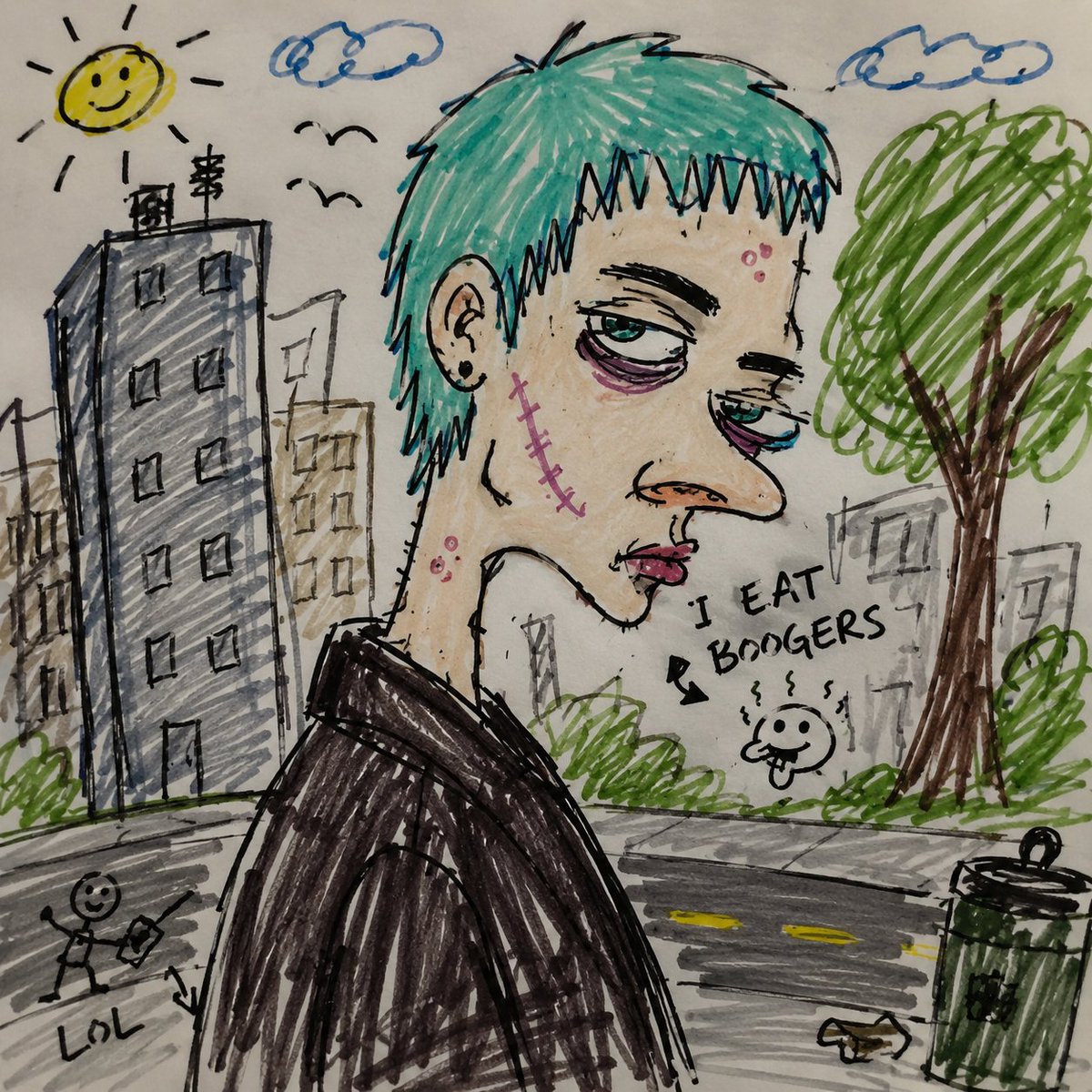
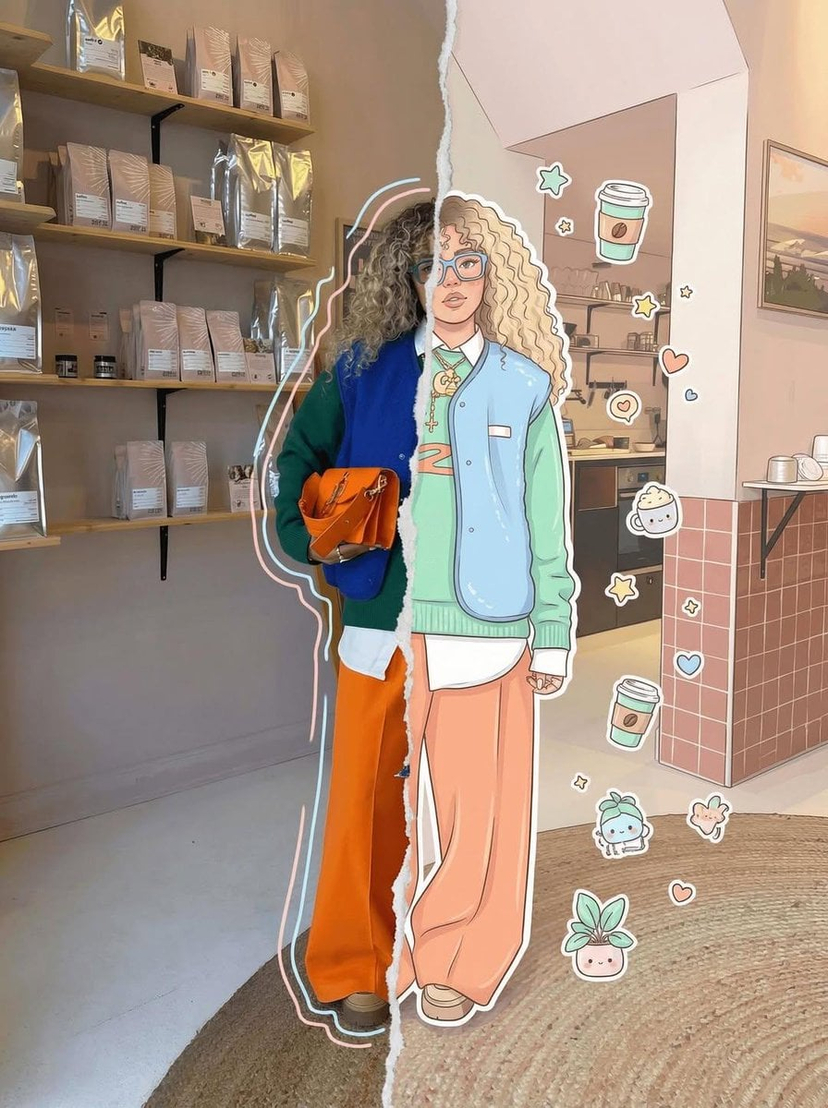
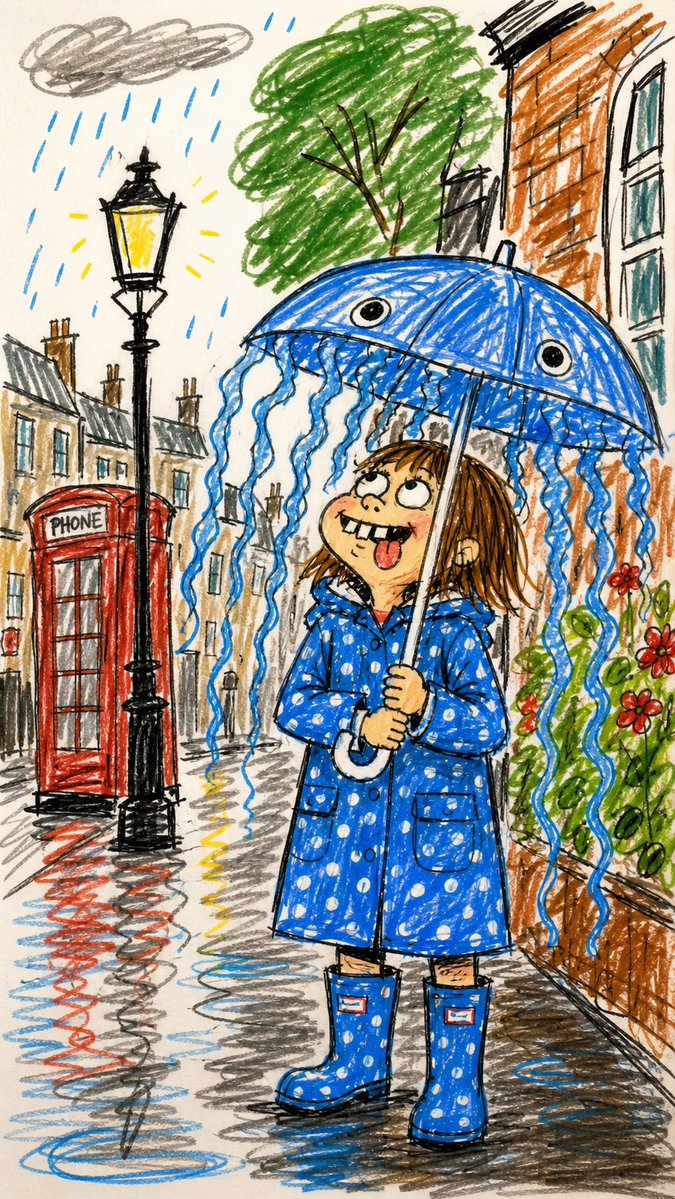
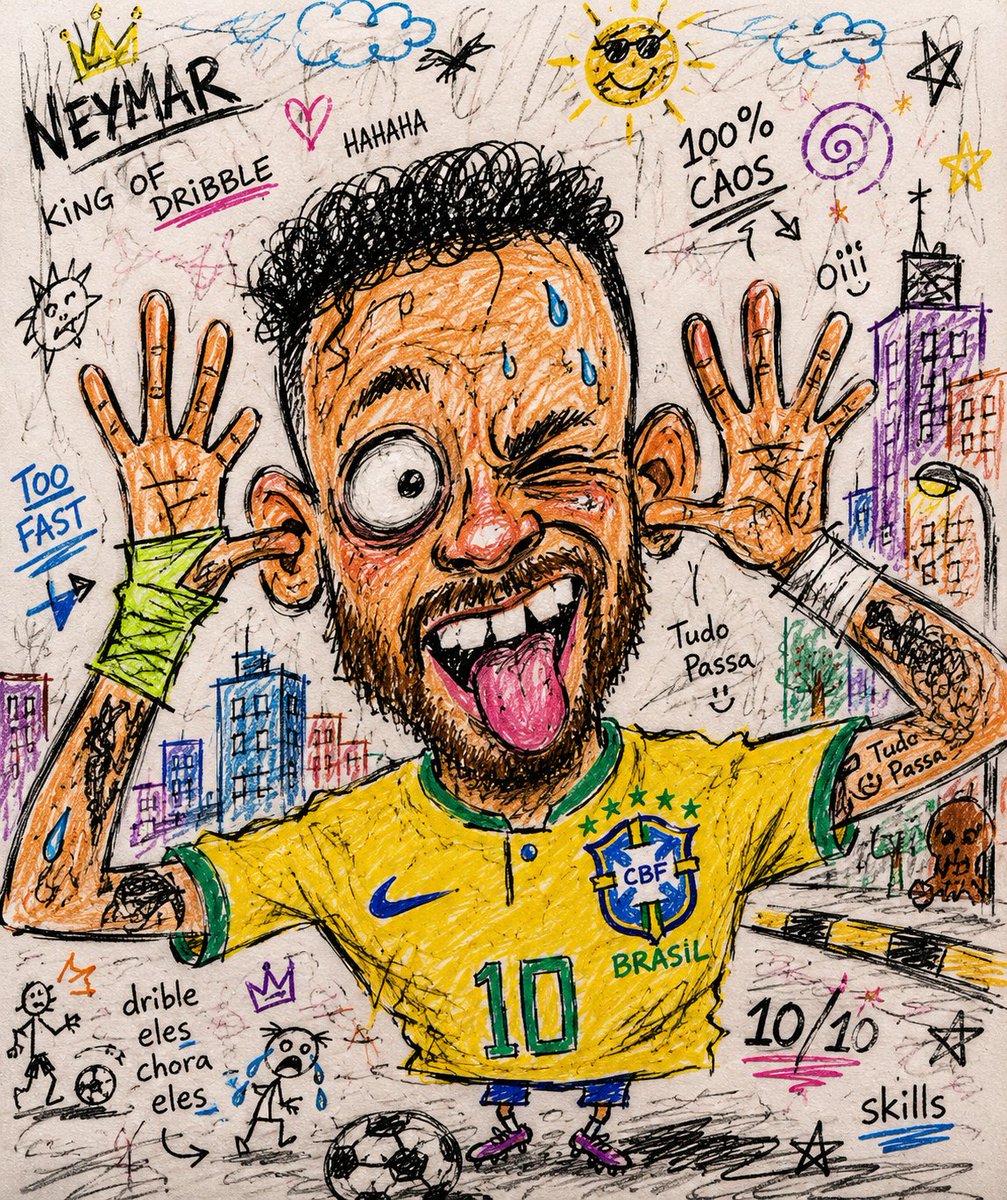
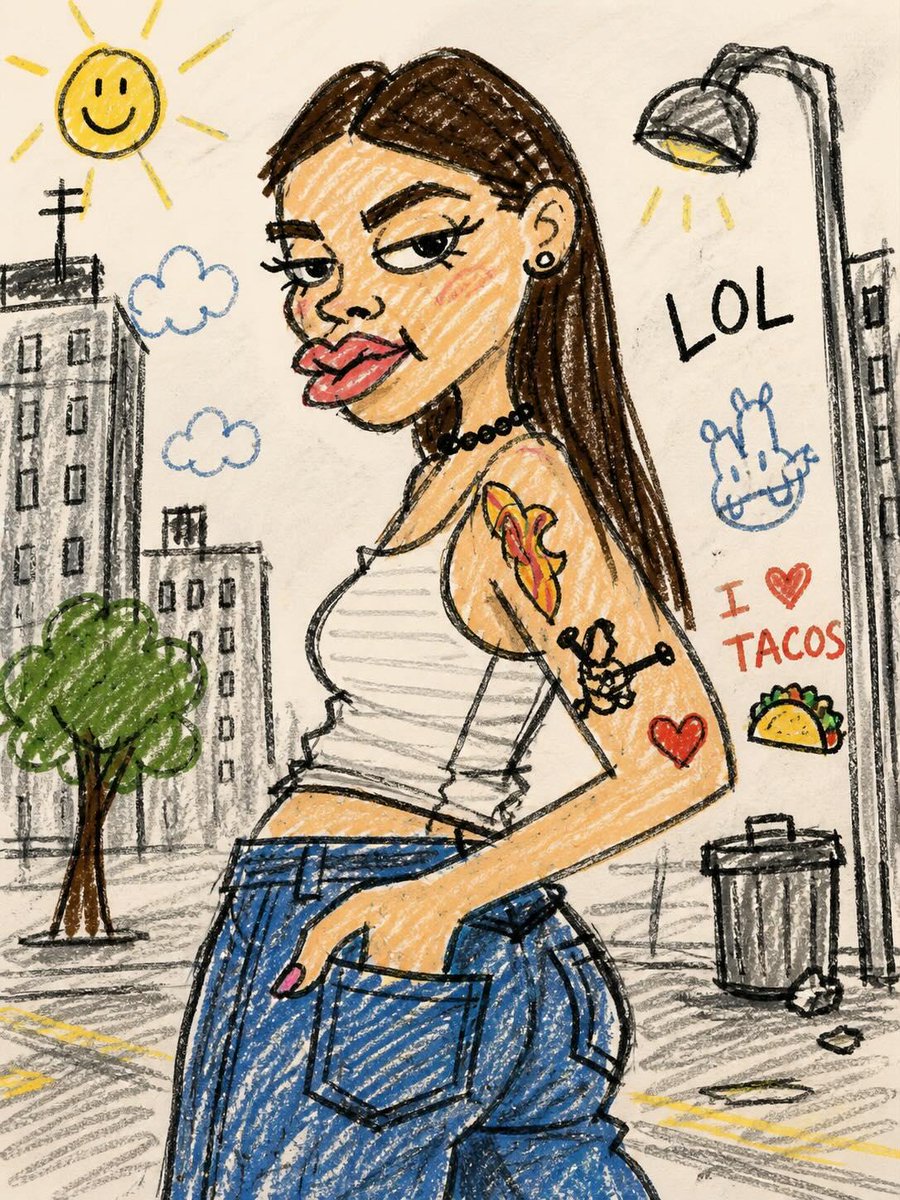
Turns real photos into humorous, intentionally poorly drawn doodle sketches using a marker or crayon style. Change the subject, setting, or lighting one variable at a time.
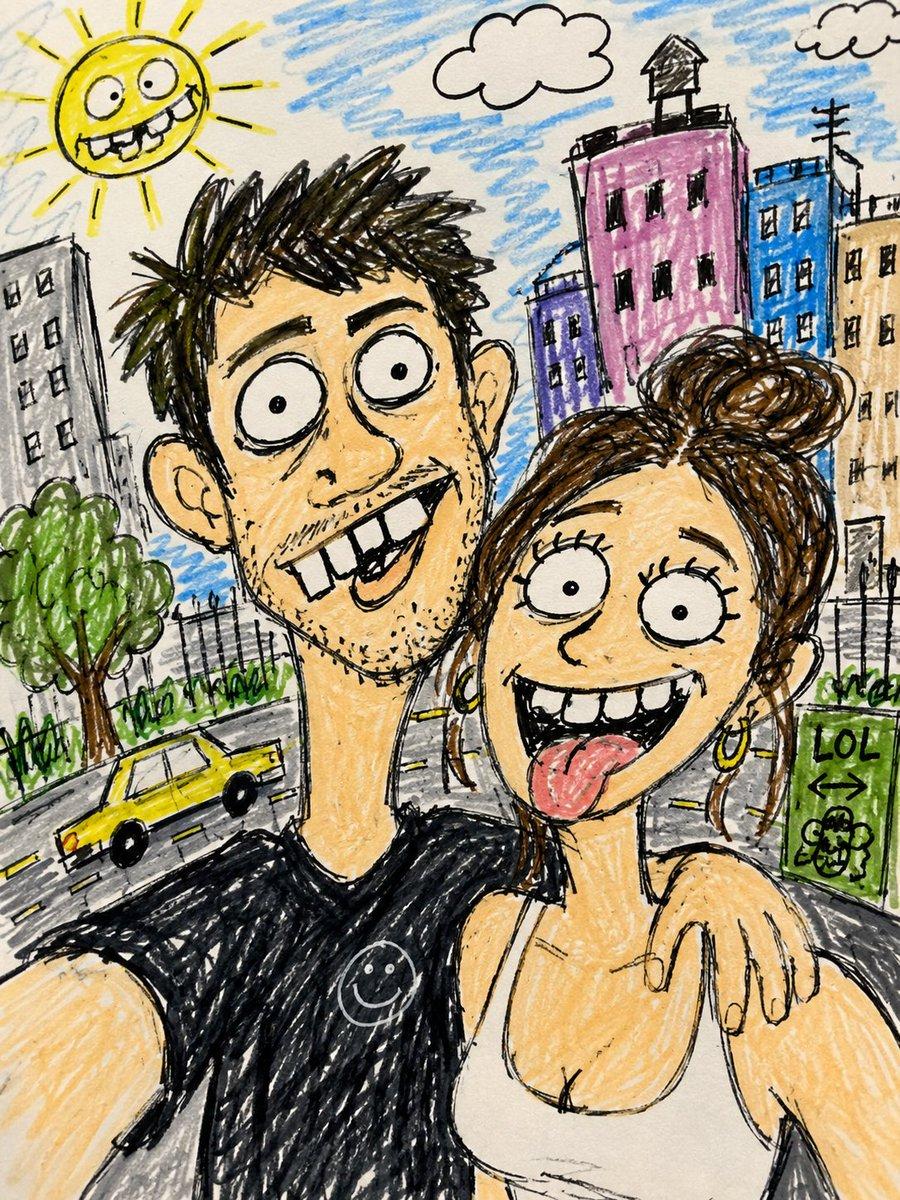
Turn this photo into a funny ugly doodle drawing. Make it look like: a quick sketch using a {argument name="tool" default="cheap marker or crayon"} messy, rough, childlike style bad perspective and awkward proportions slightly exaggerated facial features Add: {argument name="background" default="simple cartoon background (like buildings, trees, street)"} random sketchy lines and details uneven coloring and visible strokes Style: looks like a lazy drawing, not polished humorous and a bit stupid-looking {argument name="aesthetic" default="meme-like, casual, internet style"} Do NOT: make it realistic
Choose the primary action to open PicX Studio with the available template settings. Review the model and format, personalize the creative direction, and generate when ready.
Yes. You can change the subject, setting, lighting, mood, format, and available model controls before creating your image.
This template is free to open and customize. Generation usage is shown in PicX Studio before you create.
Start with GPT Image 2, which is the model associated with this template. You can compare another compatible model for a different finish.
© 2026 PicX Studio. All rights reserved.

Follow a topic to a crawlable collection of related PicX Studio templates.
43,474 public templates available. Verified via the PicX Studio public templates API; refreshed hourly.

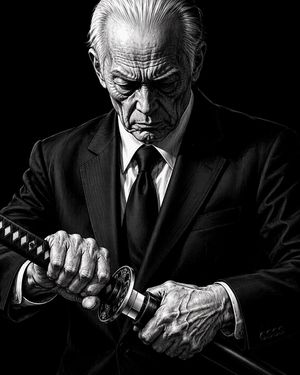
![Charcoal Chiaroscuro Portraiture — [SUBJECT] captured in a Charcoal Chiaroscuro Portraiture, with deep, expressive shading and dramatic lighting. Utilize the ra](/_next/image?url=https%3A%2F%2Fcdn.picxstudio.com%2Fuploads%2F0_80e259a3-0b9c-4beb-8ee7-3366e8dbf356.jpg&w=828&q=100)
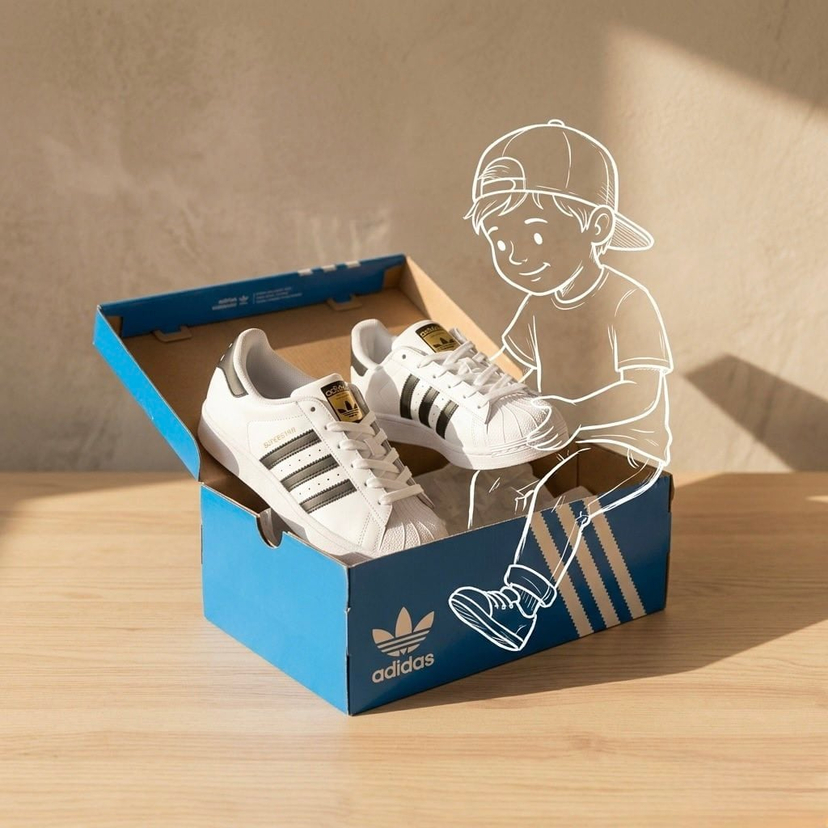
![Minimalist Doodle Mixed-Media Product Campaign — [product setup], minimalist product photo, clean warm studio scene, textured beige wall background, soft direct](/_next/image?url=https%3A%2F%2Fcdn.picxstudio.com%2Fuploads%2Fmeigen_cf04788f201f_7748b3ec-da92-4e48-95ea-a9cb6dad1aba.jpg&w=828&q=100)
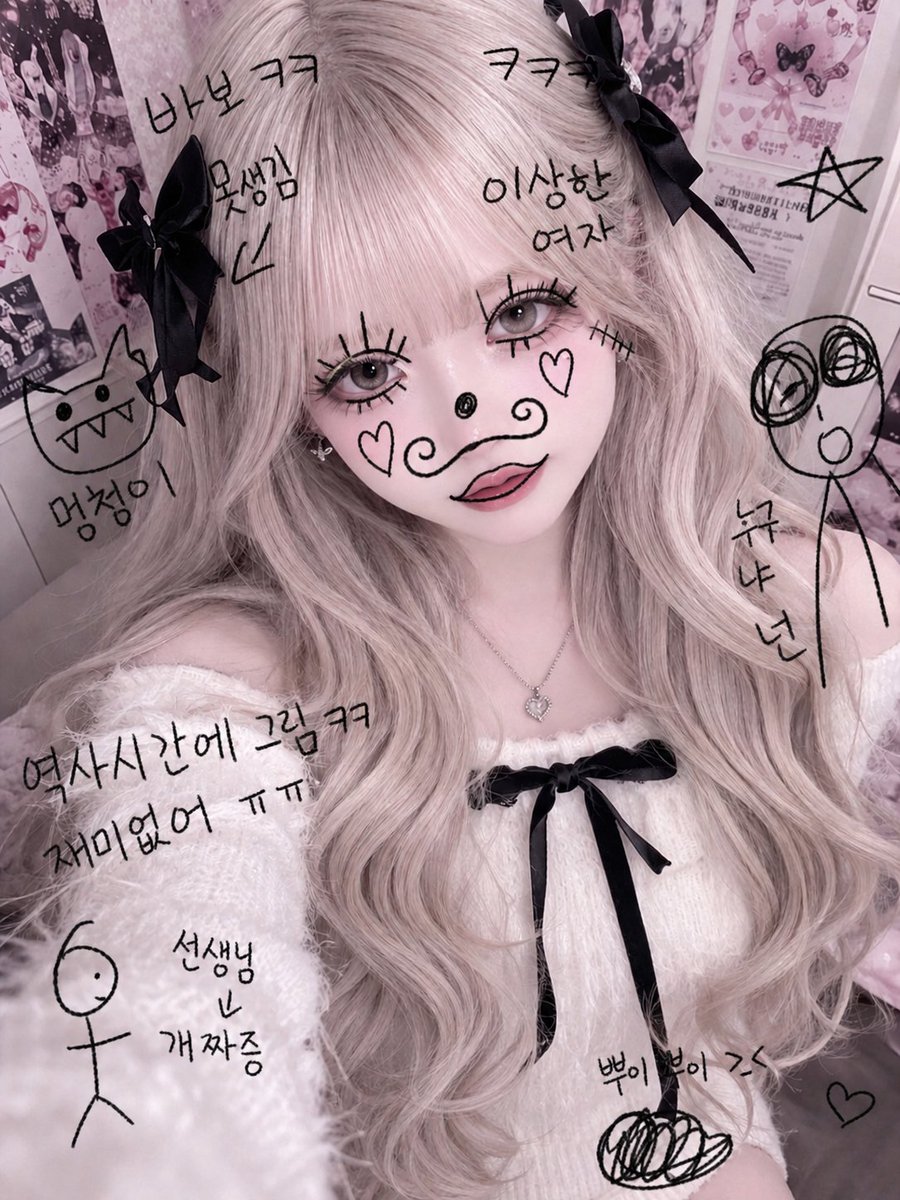






















![Minimalist Flat Vector Travel Poster — Premium minimalist flat-vector travel poster for {argument name="city name" default="[CITY_NAME]"}, 3:4 vertical format.](https://cms-assets.youmind.com/media/1787917359711_3ug846_HQX205cbMAA6F6S-300x400.jpg)







![Four Seasons Puzzle for 2026 New Year Greeting — 一张 2x2 的四宫格构图摄影,展示同一位女性主角在四个不同的季节奇幻场景中,亲手拼凑出新年魔法拼图。
[左上格,冬季蓝主题]:同一位女性,冰雪王后装扮,穿着缀满冰晶的海军蓝礼服。她双手托举着一块巨大的蓝色发光冰晶拼图块,](https://pbs.twimg.com/media/G9ayv2kWIAE_1vt.jpg)