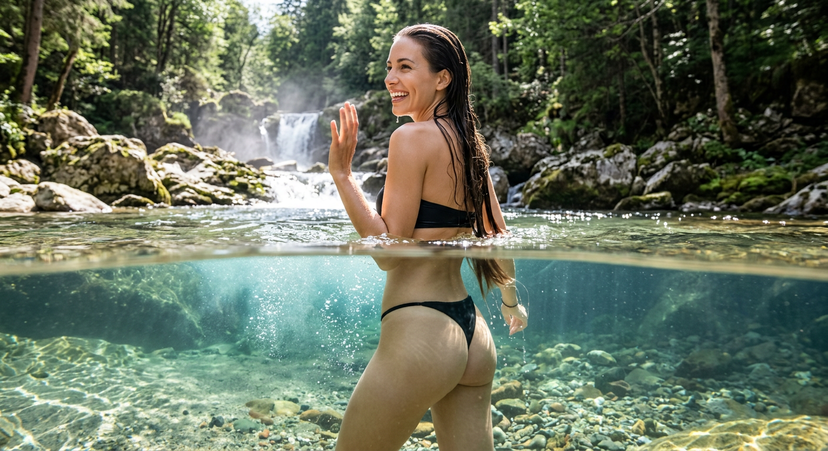
How do I use the Clean Anime Redraw From References template?
Choose the primary action to open PicX Studio with the available template settings. Review the model and format, personalize the creative direction, and generate when ready.
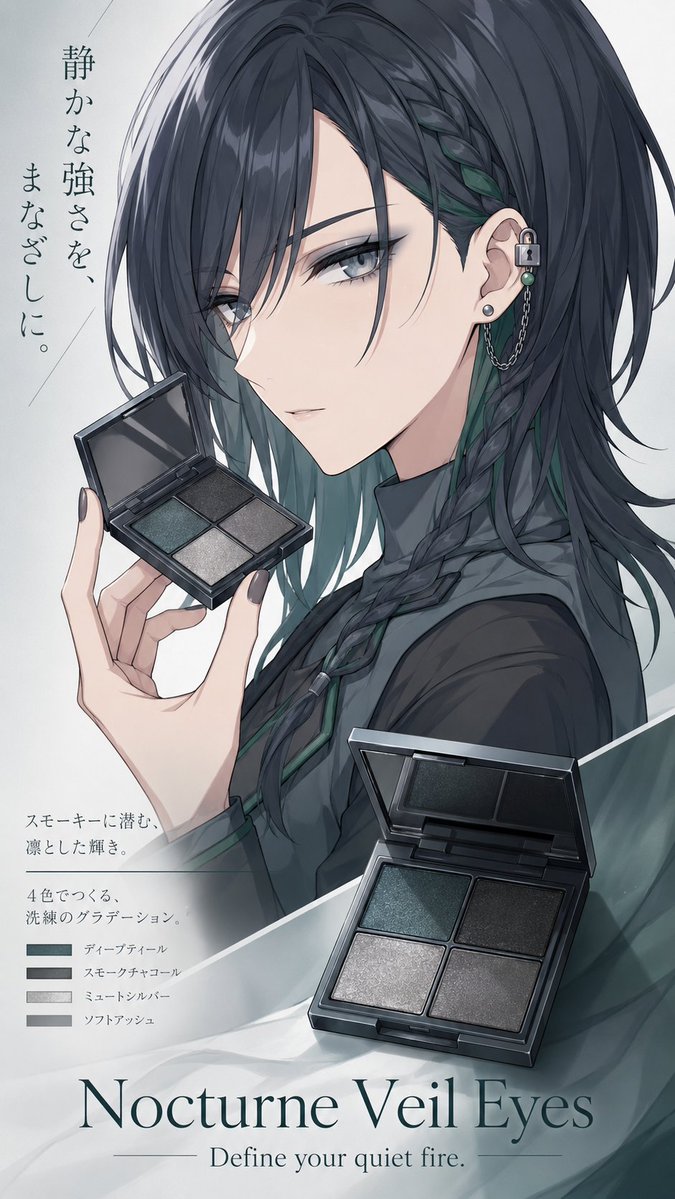
Transforms a cropped reference photo into a cleaner polished anime illustration while preserving the pose, objects, and warm wooden atmosphere. Change the subject, setting, or lighting one variable at a time.

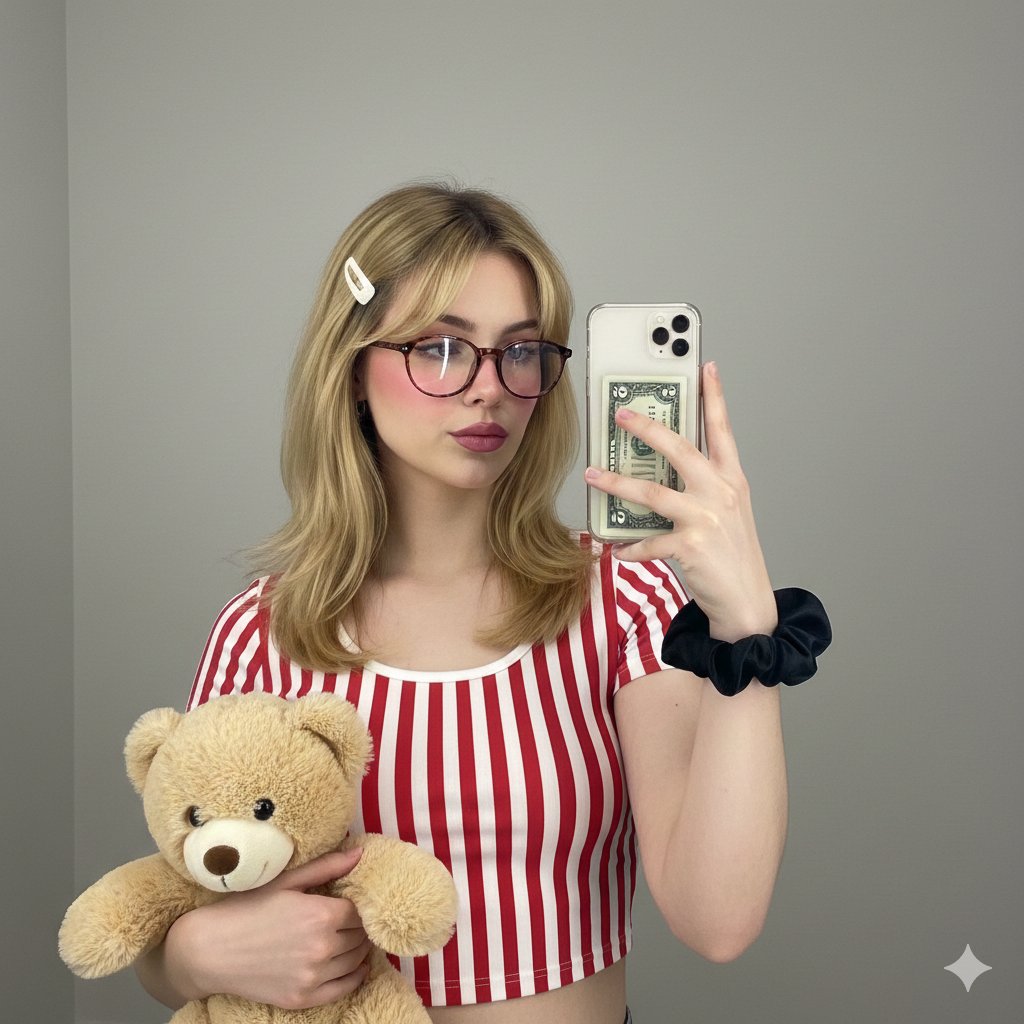
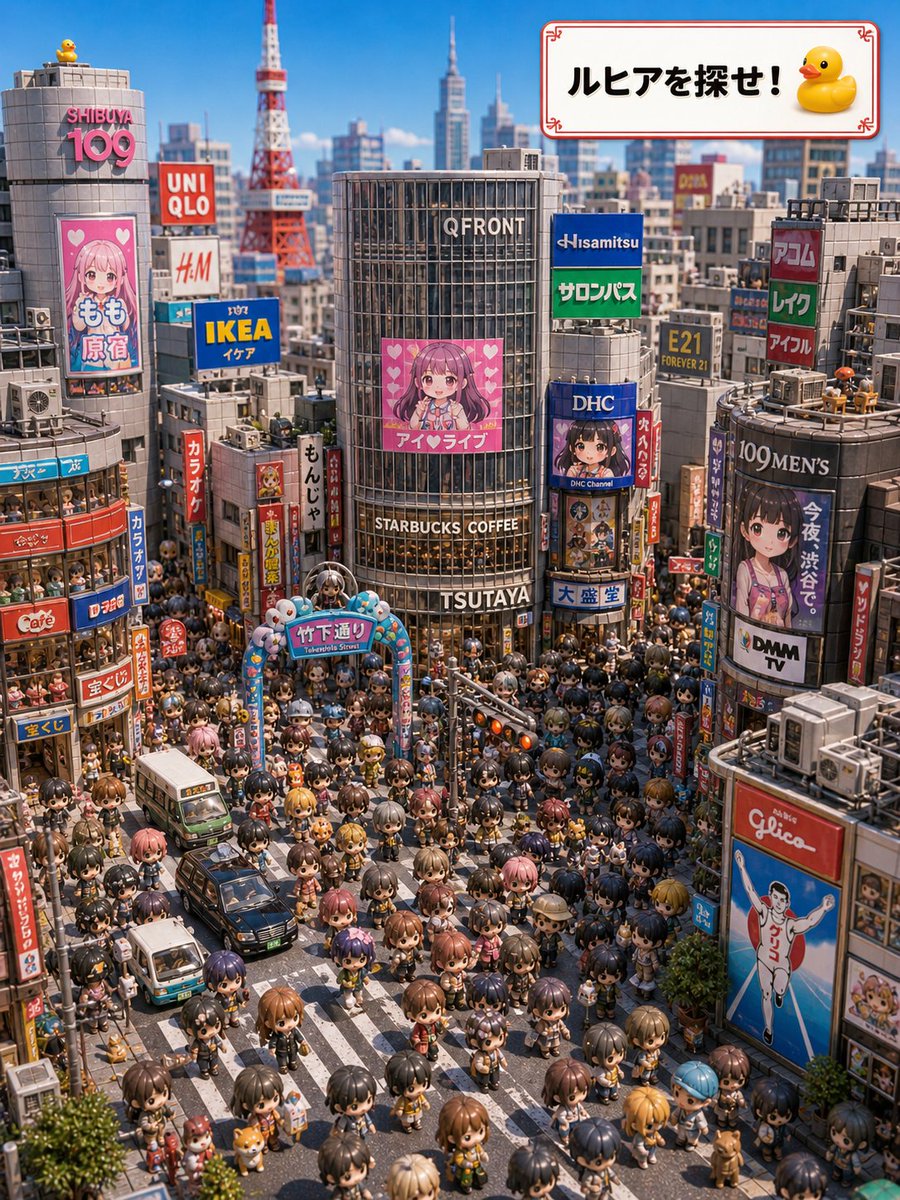
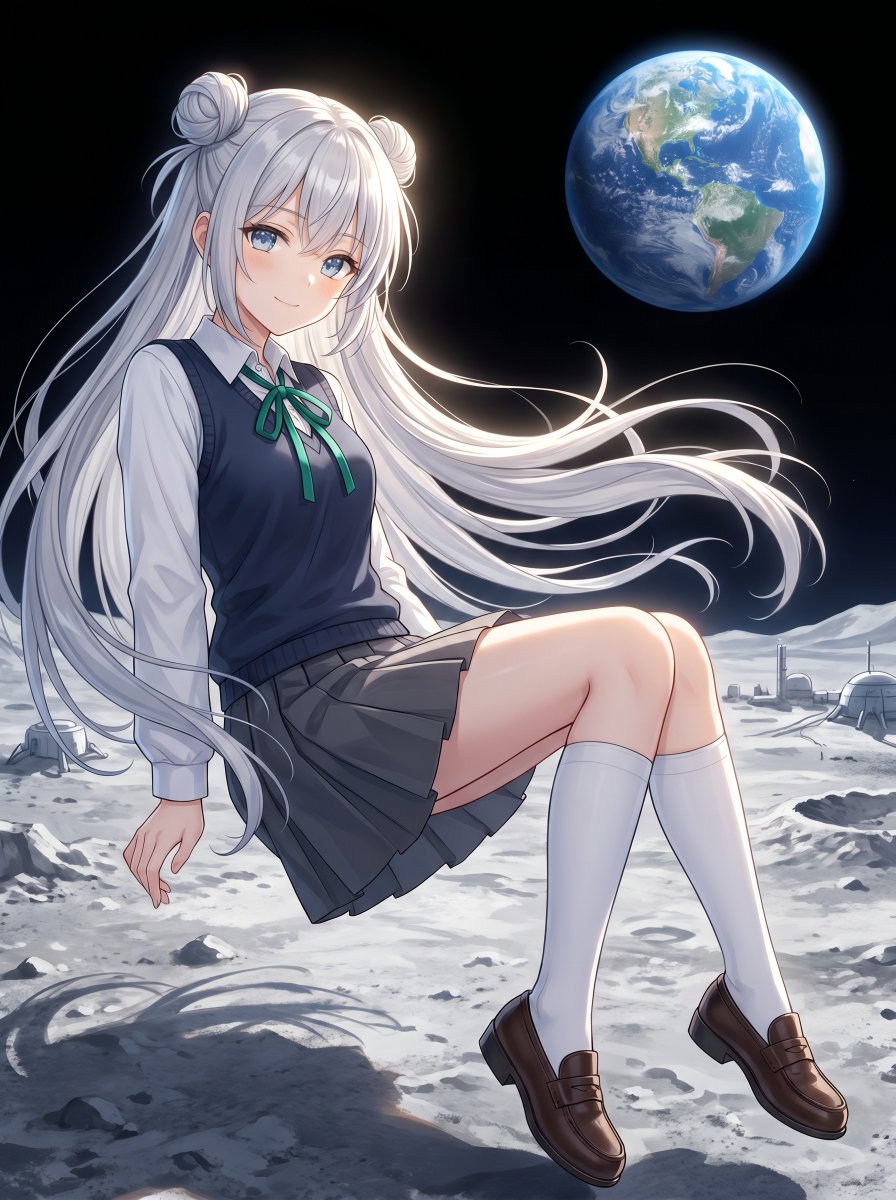
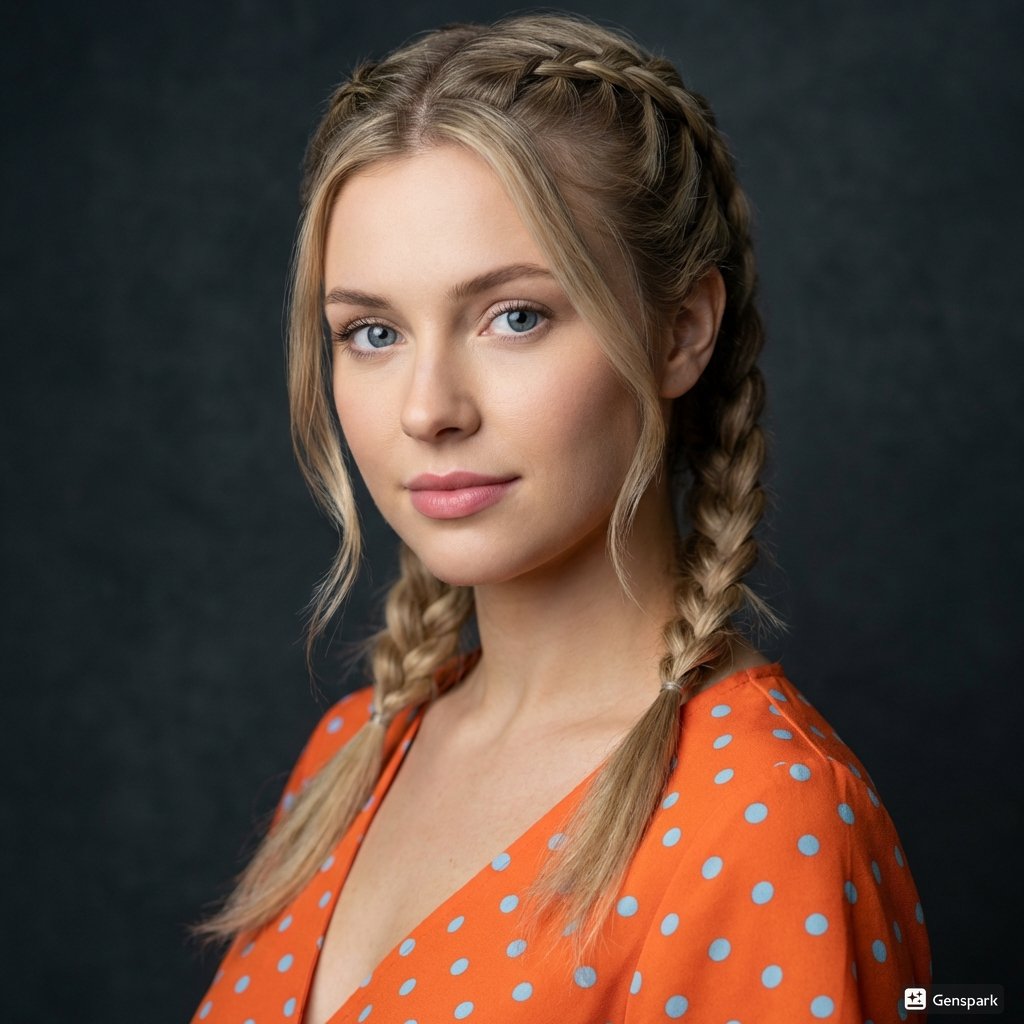
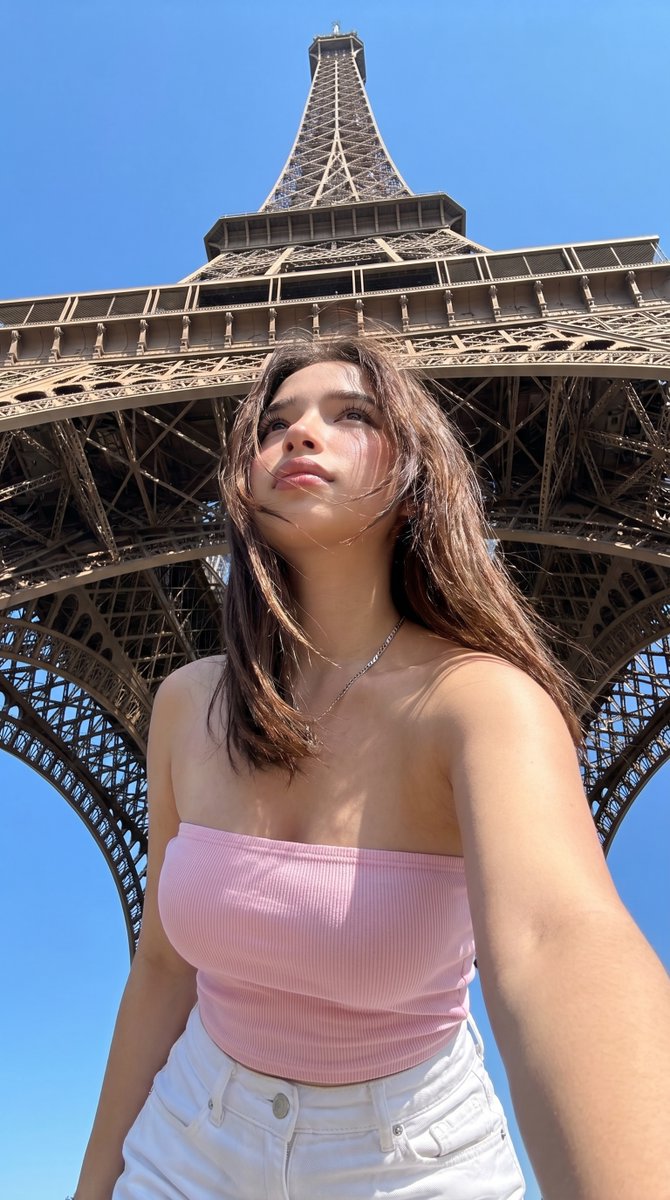
Using REFERENCE_0 as the base composition, regenerate it as a cleaner, polished anime-style illustration while preserving the same cropped pose, clothing, hair placement, wooden floor, and the one small round golden dish containing 3 visible nuts. Use REFERENCE_1 only as a guide for the warm wood tones, soft indoor lighting, and refined painted linework. Reduce the speckled/grainy texture and noisy artifacts, sharpen the contours, smooth the skin and shirt shading, make the hair strands more deliberate and stylized, and keep the framing as a close-up partial-body crop. Maintain a natural hand shape and anatomy, with a soft cel-shaded finish and warm brown floorboards. Style target: {argument name="illustration style" default="clean polished anime illustration"}; cleanup strength: {argument name="cleanup strength" default="strong noise reduction with crisp linework"}; lighting mood: {argument name="lighting mood" default="warm soft indoor light"}.
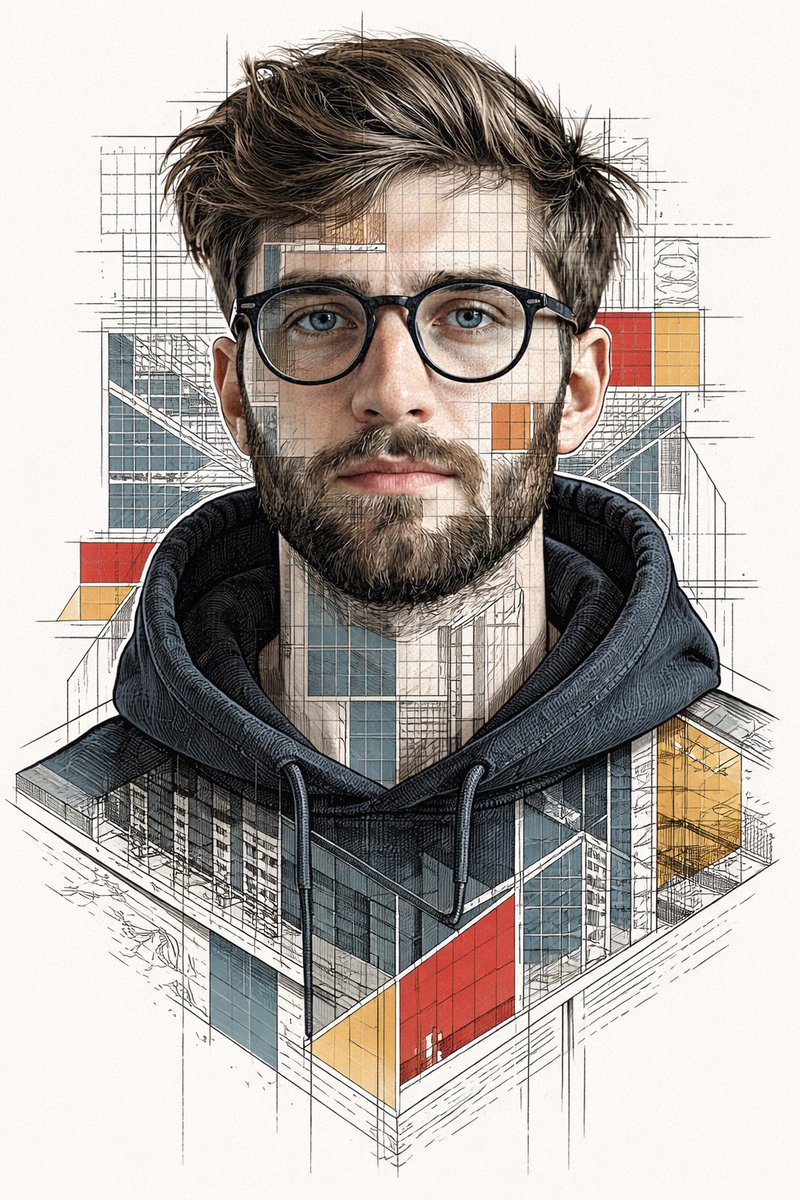
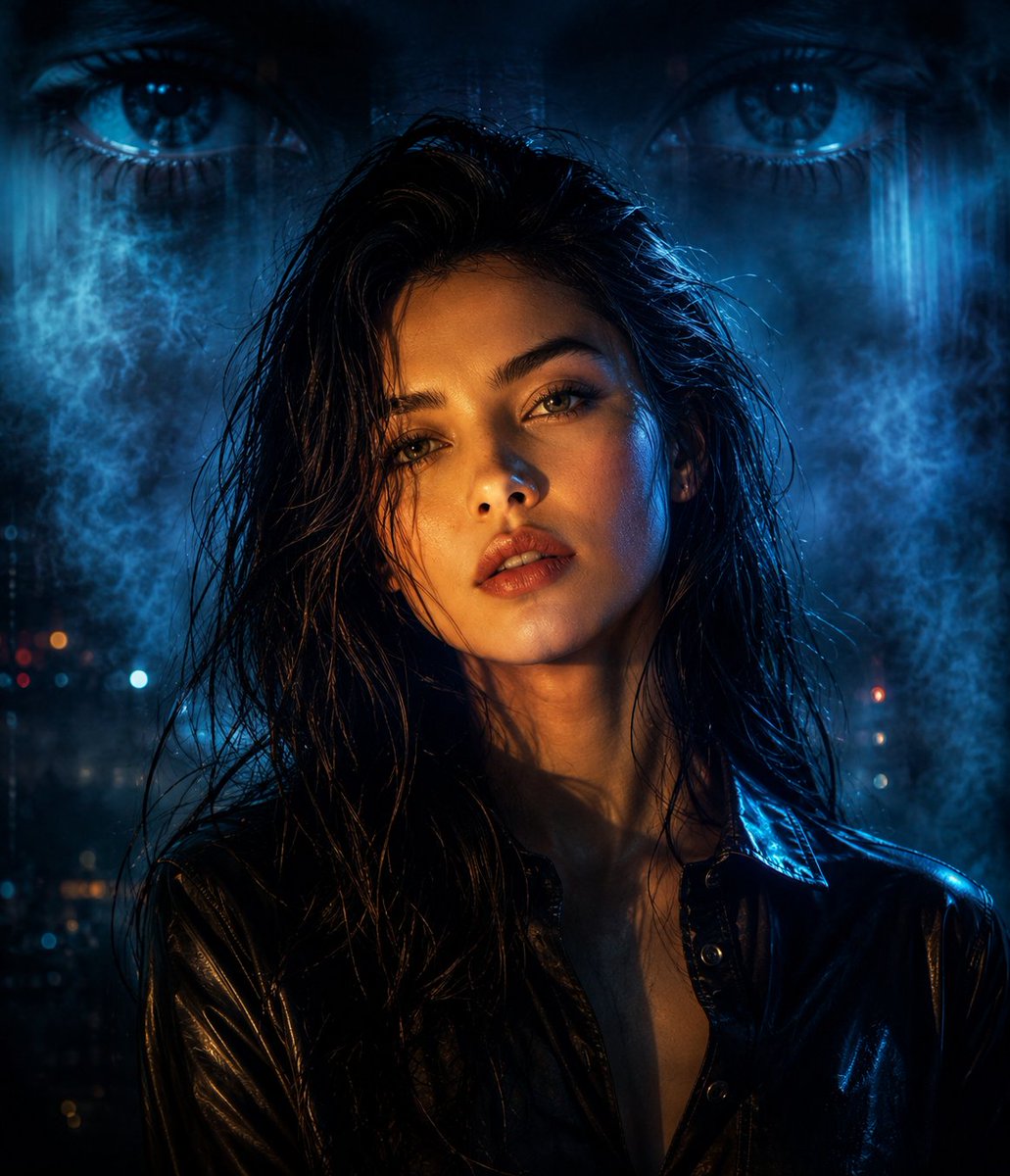
Clean Anime Redraw From References needs input media to work. Open it in the studio and these load alongside the prompt — pick whichever ones your chosen model can take.
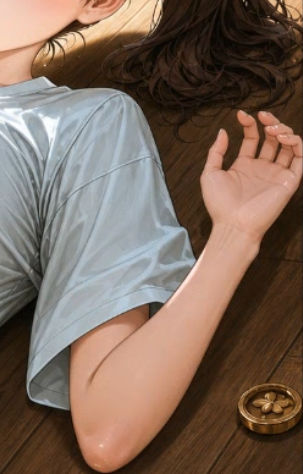
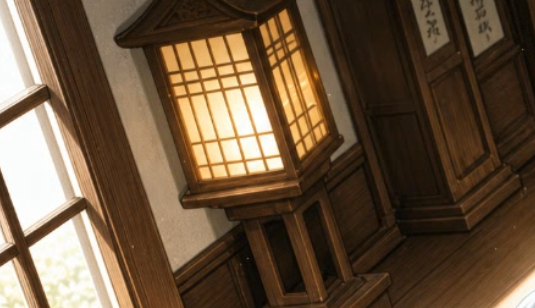
Choose the primary action to open PicX Studio with the available template settings. Review the model and format, personalize the creative direction, and generate when ready.
Yes. You can change the subject, setting, lighting, mood, format, and available model controls before creating your image.
This template is free to open and customize. Generation usage is shown in PicX Studio before you create.
Start with GPT Image 2, which is the model associated with this template. You can compare another compatible model for a different finish.
© 2026 PicX Studio. All rights reserved.

Follow a topic to a crawlable collection of related PicX Studio templates.
43,474 public templates available. Verified via the PicX Studio public templates API; refreshed hourly.















![Minimalist Flat Vector Travel Poster — Premium minimalist flat-vector travel poster for {argument name="city name" default="[CITY_NAME]"}, 3:4 vertical format.](https://cms-assets.youmind.com/media/1787917359711_3ug846_HQX205cbMAA6F6S-300x400.jpg)