
Retro Kaiju Cat City Poster
A vintage Japanese monster-movie style poster of a giant roaring cat towering over a burning city, ideal for dramatic event art or parody film visuals.
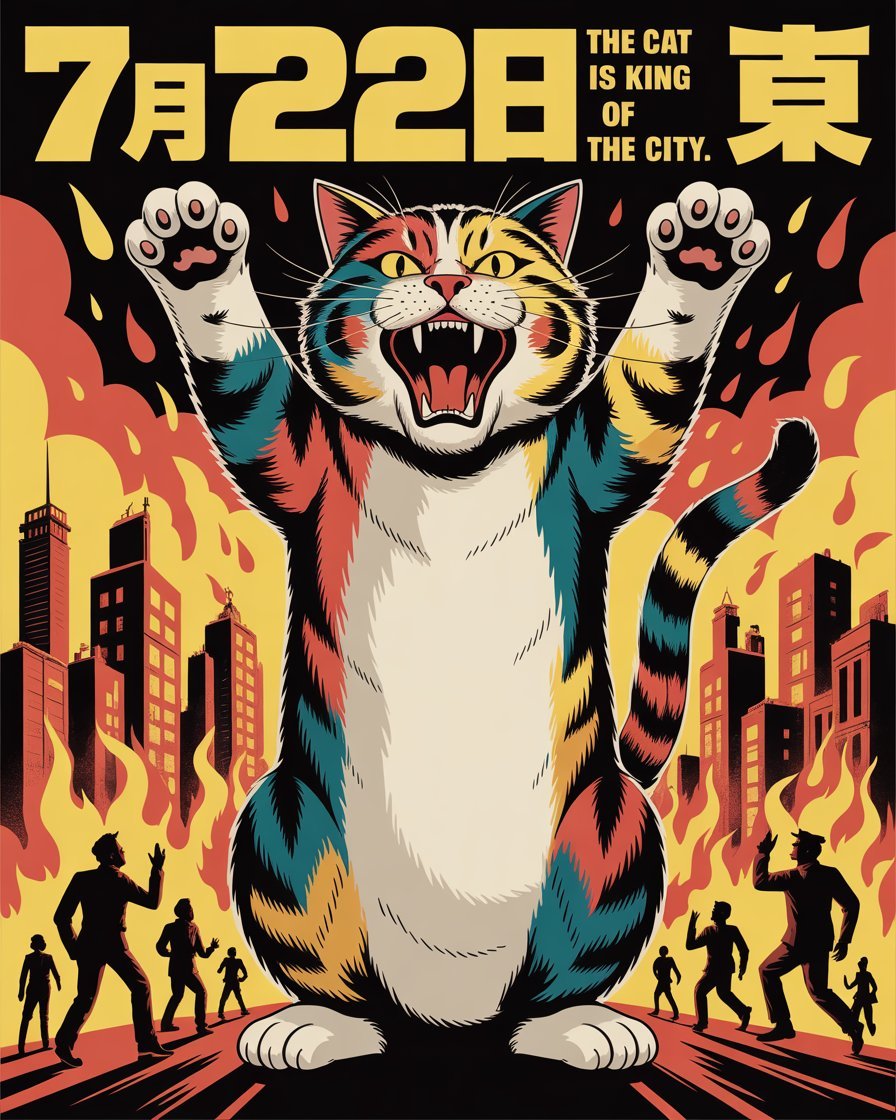
- Prompt included
- Model and format preset
- Free template
The prompt behind this image
Copy the exact prompt behind Retro Kaiju Cat City Poster, or open it in the studio and make it yours.
Create a bold retro Japanese kaiju movie poster featuring a gigantic furious city cat as the central monster. Vertical poster composition, black background with a limited screen-print palette of golden yellow, tomato red, teal blue, cream, and deep black, with thick ink outlines, halftone/grain texture, high contrast, and vintage propaganda/comic-book styling. At the top, place huge blocky yellow Japanese-style date text reading {argument name="date text" default="7月22日"} across the left and center, a large yellow kanji {argument name="large kanji" default="東"} on the upper right, and a stacked English slogan beside it reading {argument name="slogan" default="THE CAT IS KING OF THE CITY."}. The main subject is one enormous tabby cat standing upright in the center, mouth wide open roaring with sharp fangs and red tongue, yellow eyes, pink nose, whiskers, both front paws raised like claws, visible paw pads, white belly and feet, striped multicolor fur in teal, red, yellow, cream, and black, and a curled striped tail on the right. Behind the cat, show a burning city skyline with exactly 14 visible black-and-red buildings of varying height, yellow window grids, and flames rising around them. Add dramatic red and yellow flame shapes and teardrop sparks around the cat. Along the bottom foreground, include exactly 9 small black human silhouettes fleeing in panic: 4 on the left side of the cat, 4 on the right side, and 1 tiny figure near the center distance. Use forced perspective so the cat towers over the city and people. Keep the design flat, posterized, centered, symmetrical, explosive, and theatrical, with no photorealism and no extra logos or watermarks.
How to use Retro Kaiju Cat City Poster in 3 steps
- 1Upload ImagePNG, JPG or paste
Add your photo
Upload the photo the template builds on. The prompt, model and format are already set.
- 2…a portrait of your subject in softgolden-hour light, 85mm…
Personalize
Edit the subject and creative details for your destination.
- 3Generate
Generate
Press Generate — your image is created in PicX Studio, so you can compare it with the original and refine one variable at a time.
More like this
Templates with the same subject, style or setup. Open one to see its prompt.







Make it yours
Retro Kaiju Cat City Poster works as-is. These are the safest ways to change it without losing the look.
Change one field
Copy a single group, rewrite it, and generate again so you can see what that field is doing.
Keep the frame, change the subject
Hold the composition and light of Retro Kaiju Cat City Poster, then swap wardrobe, props or the person for a new take.
| If the result… | Why | Fix |
|---|---|---|
| The result drifts from the preview | Too many fields changed at once. | Reuse Retro Kaiju Cat City Poster as-is first, then change one group — subject, light, or setting. |
| The model over-stylizes the scene | The prose prompt leaves finish and camera underspecified. | Add one camera or lighting sentence and stay on GPT Image 2. |
More GPT Image 2 templates
Other prompts made for GPT Image 2.

Six VTuber Japanese Logo Sheet

Realistic Portrait of Woman and Deer

The Vista Modular Condo Poster

AI Model Routing Comparison Infographic

2.5D Anime Art Board

Isometric Productivity Desk Scene

New York Double Exposure Poster

Four-Panel AI Landscape Comparison

Japanese Tatami Lifestyle Magazine Cover

NESCAFÉ Coffee Map Poster
More image prompts
Fresh picks from across the catalog.
Cinematic Video of a Woman Enjoying Sweets
Physically Implausible Light in Forest

Cinematic 4-Cut Video Prompt of Women Chatting
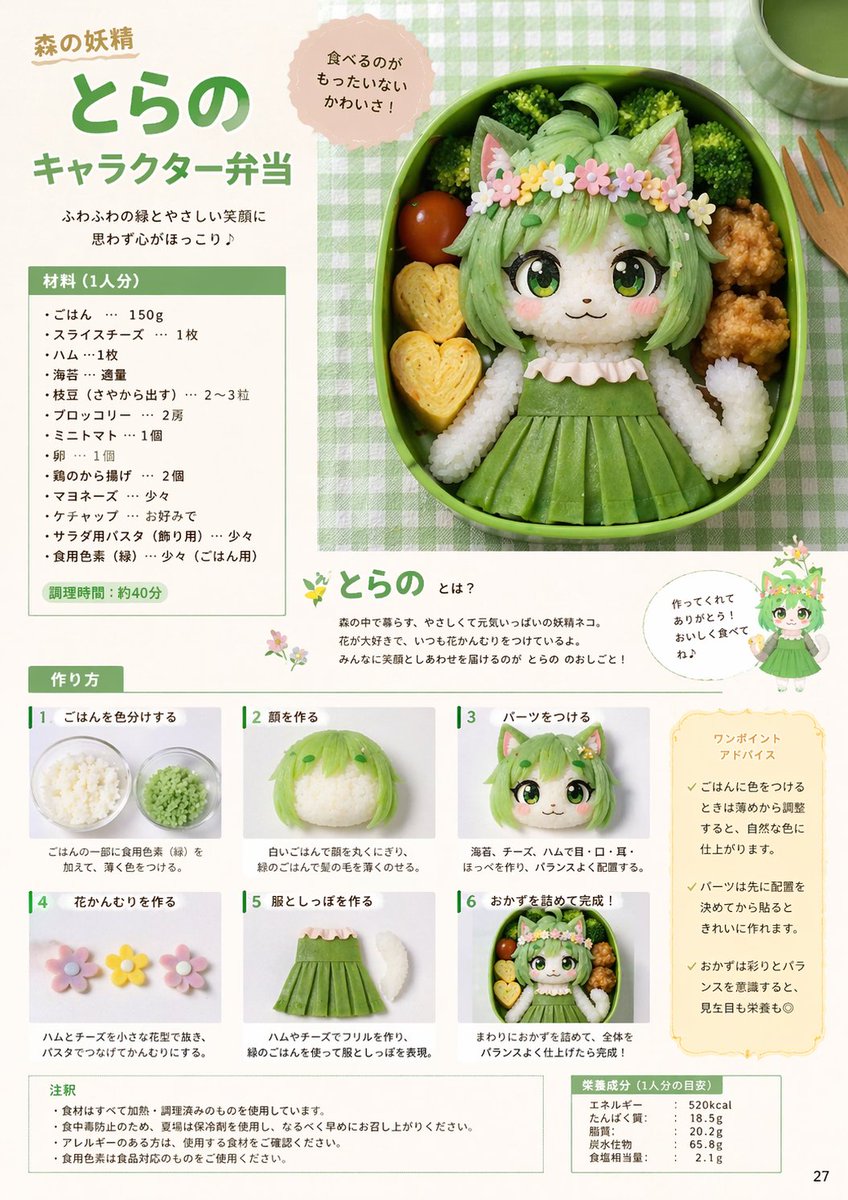
Character Bento Recipe Magazine Page
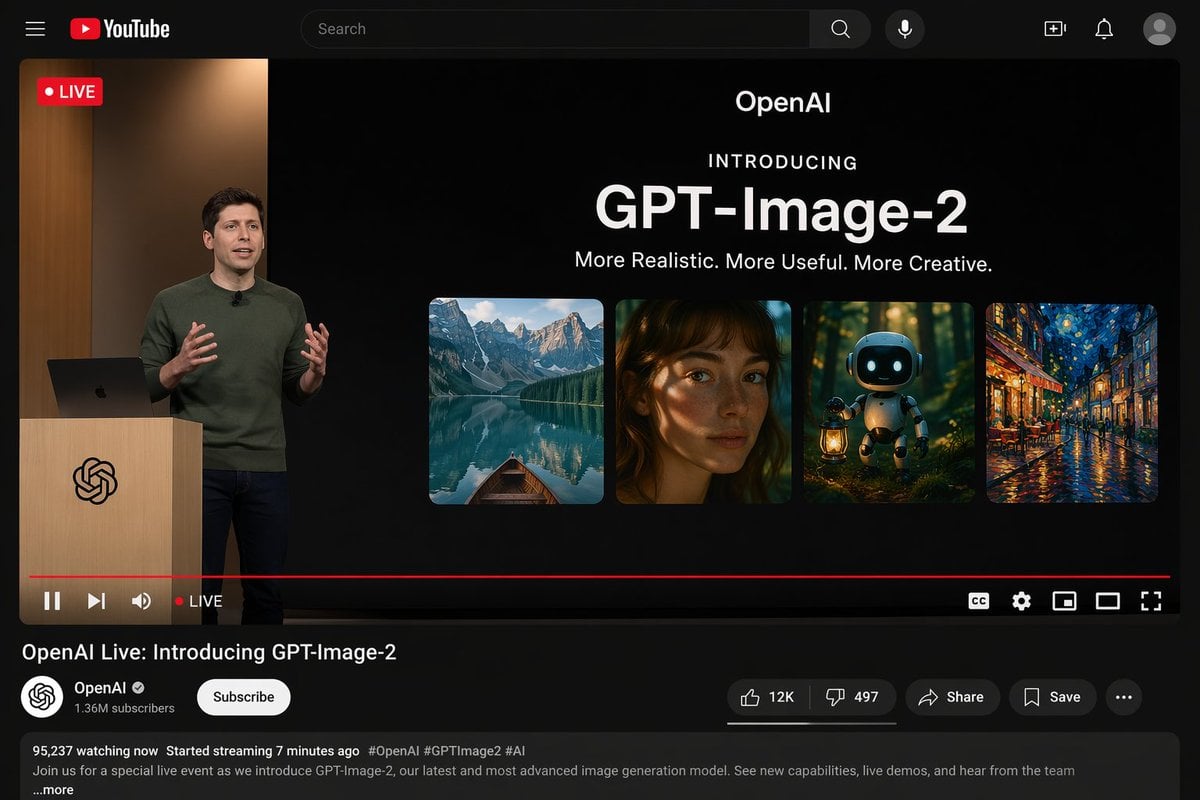
YouTube Live Stream Announcement Mockup
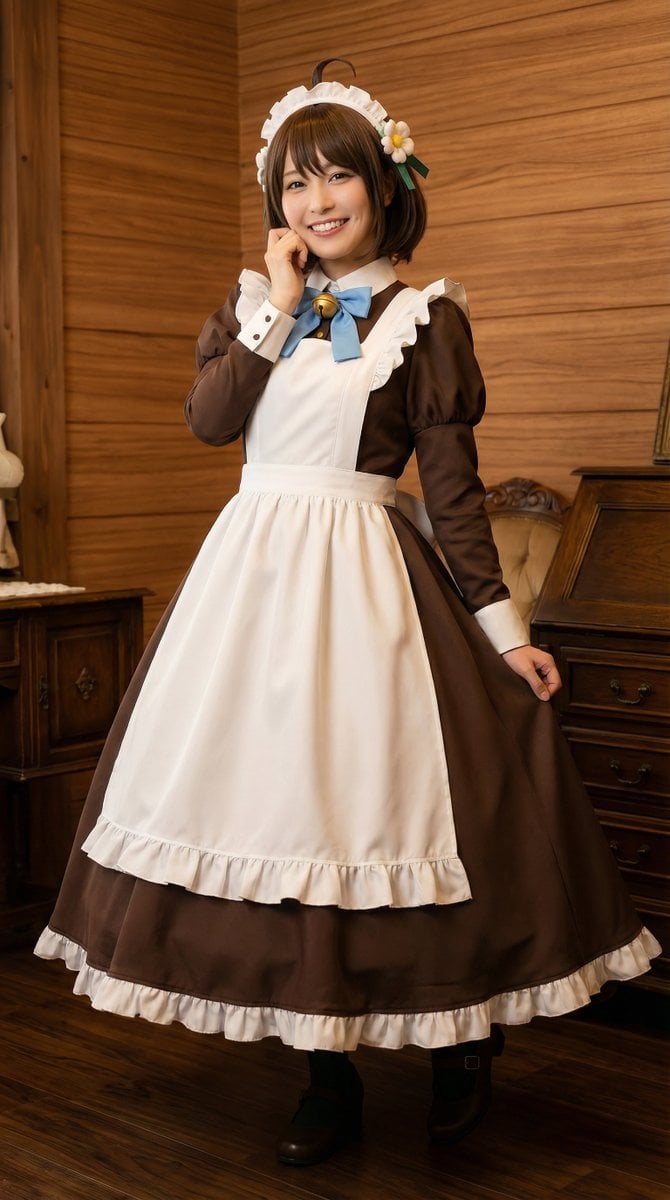
Cosplayer-Style Japanese Woman Image Generation Prompt
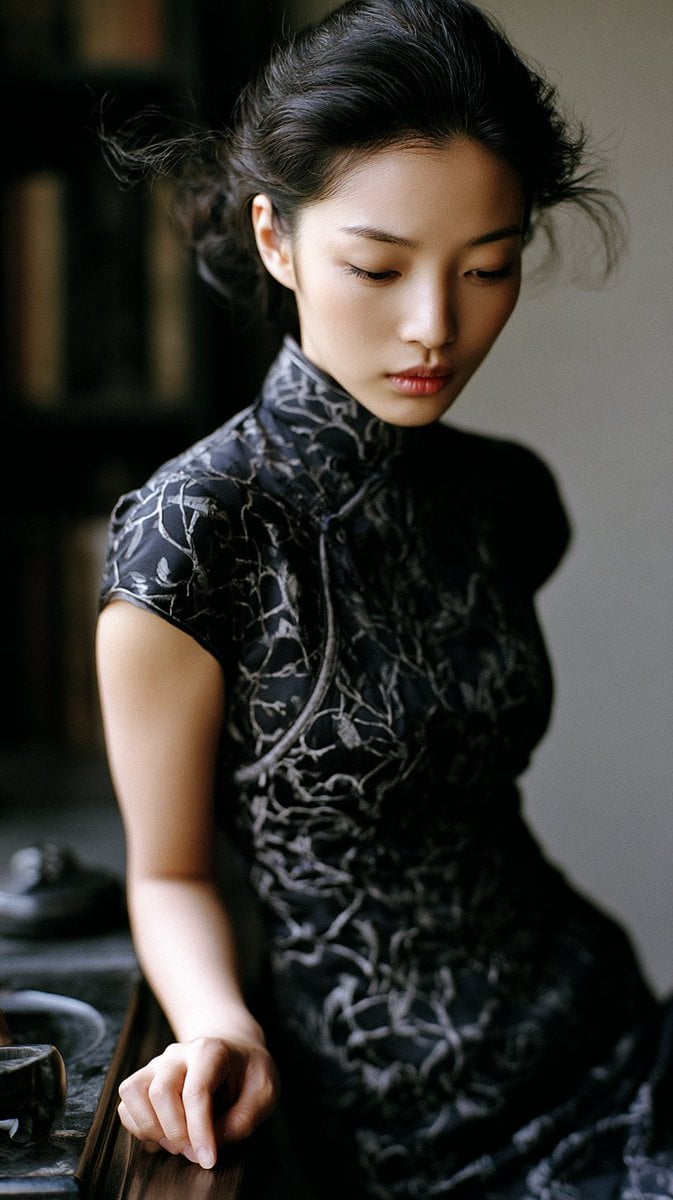
Classical Study Room Portrait

Boy Celebrates Argentina Goal
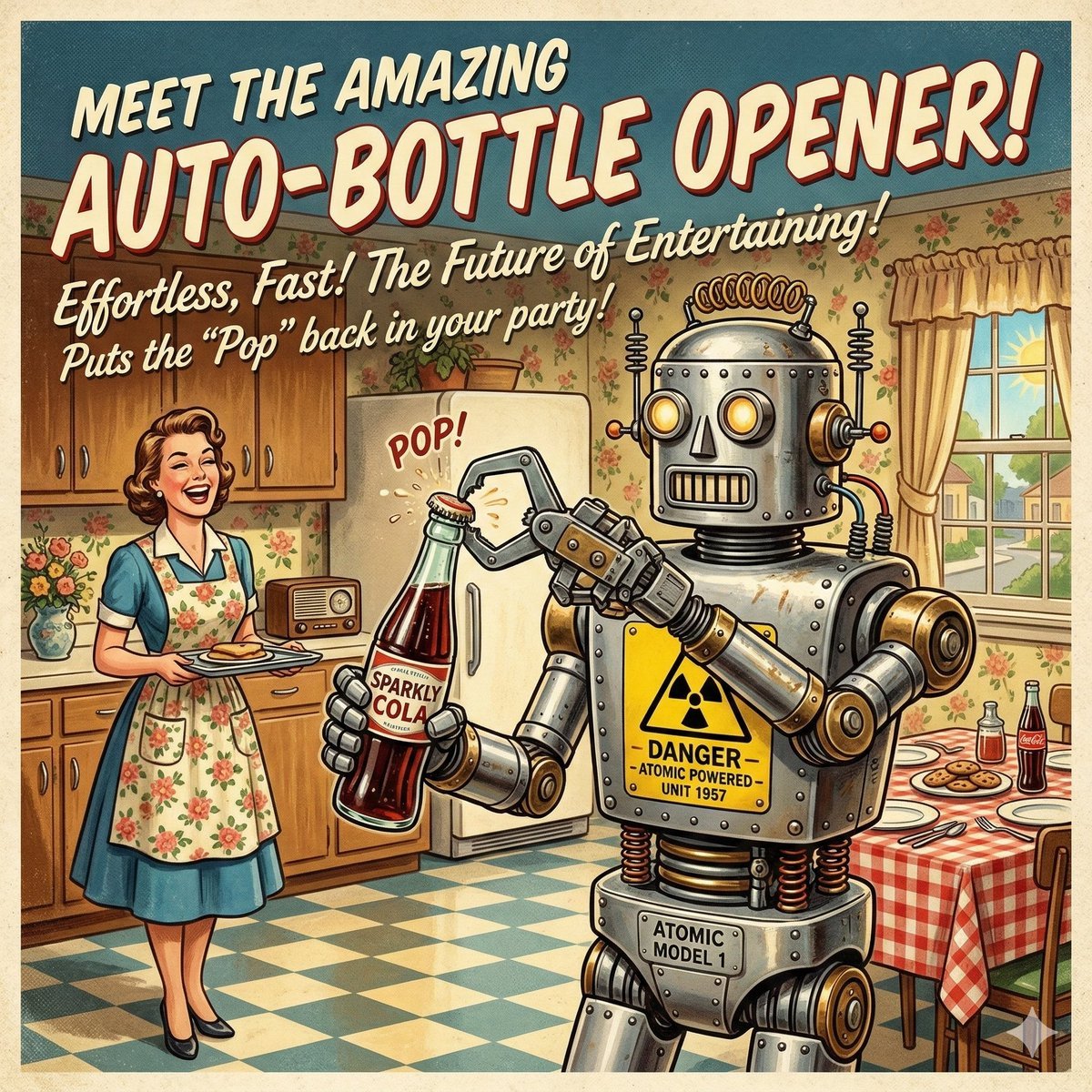
Retro Futurism Auto-Bottle Opener

Nano Banana Pro Master Prompt Template (JSON)
Browse template categories
Retro Kaiju Cat City Poster questions
How do I use the Retro Kaiju Cat City Poster template?
Add your photo if the template asks for one, edit the prompt if you like — the template's model and format are already selected — and press Generate. Your version opens in PicX Studio.
Can I customize the Retro Kaiju Cat City Poster template?
Yes. You can change the subject, setting, lighting, mood, format, and available model controls before creating your image.
Is the Retro Kaiju Cat City Poster template free?
Opening and editing this template is free. Generating uses credits, shown on the Generate button when you are signed in.
Which AI model should I use?
Start with GPT Image 2, which is the model associated with this template. You can compare another compatible model for a different finish.
Looking for something else? Browse all templates.

Your photo, any look
Thousands of ready templates for every top image and video model, from one credit balance.