
Neon Rain Anime Girl
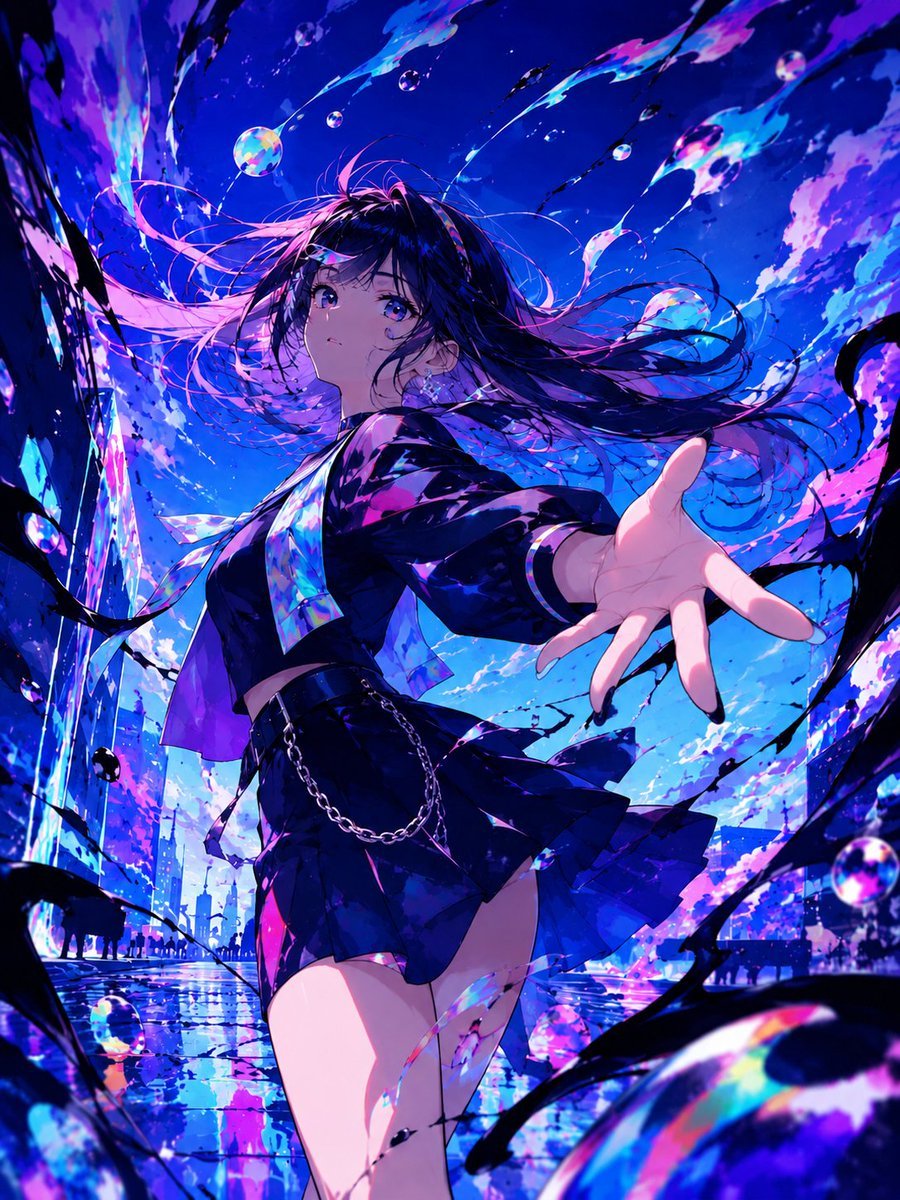
Generates a dramatic high-saturation anime key visual of a girl reaching out amid neon rain, ink swirls, bubbles, and a reflective futuristic city.
- Prompt included
- Model and format preset
- Free template
The prompt behind this image
Copy the exact prompt behind Neon Rain Anime Girl, or open it in the studio and make it yours.
Create a vivid cinematic anime illustration of {argument name="character description" default="a beautiful teenage girl with very long flowing black hair and violet-blue eyes"} standing in the center of a surreal rainy cityscape, viewed from a dramatic low angle with strong perspective. She wears {argument name="outfit" default="a dark navy sailor-style school uniform with a cropped top, pleated skirt, loose necktie, and silver chain belt"}, her skirt and hair whipping in a powerful wind. Her expression is wistful and slightly surprised as she turns back toward the viewer, extending one open hand forward as if reaching out or inviting the viewer into the scene. Surround her with glossy black ink-like ribbons and splashes swirling in a circular vortex, mixed with iridescent soap bubbles and prism shards. The environment is a reflective wet plaza or street with distant silhouetted pedestrians and a futuristic city skyline, all mirrored in puddles. Use an intense electric color palette of deep cobalt blue, neon cyan, magenta, violet, and black, with sparkling highlights, chromatic refractions, rain-slick reflections, and luminous sky fragments. The background sky should feel like an abstract ocean of paint and light, with sweeping streaks and floating droplets. Composition should be dynamic and immersive, with the outstretched hand large in the foreground, the character's body twisting gracefully, and the swirling black forms framing her. Style: {argument name="art style" default="high-detail modern anime key visual, glossy digital painting, dramatic lighting, ultra-saturated colors"}. Mood: {argument name="mood" default="dreamlike, emotional, mysterious, energetic, and visually overwhelming"}. Use sharp linework, intricate hair strands, cinematic depth of field, glowing reflections, and high contrast. Vertical portrait aspect ratio, no text, no watermark.
How to use Neon Rain Anime Girl in 3 steps
- 1Upload ImagePNG, JPG or paste
Add your photo
Upload the photo the template builds on. The prompt, model and format are already set.
- 2…a portrait of your subject in softgolden-hour light, 85mm…
Personalize
Edit the subject and creative details for your destination.
- 3Generate
Generate
Press Generate — your image is created in PicX Studio, so you can compare it with the original and refine one variable at a time.
More like this
Templates with the same subject, style or setup. Open one to see its prompt.
Cel 2D Rainy Bus Stop
Cel 2D Train Window
Ghibli Rainy Tram Interior
Pixar Anime Rainy Window
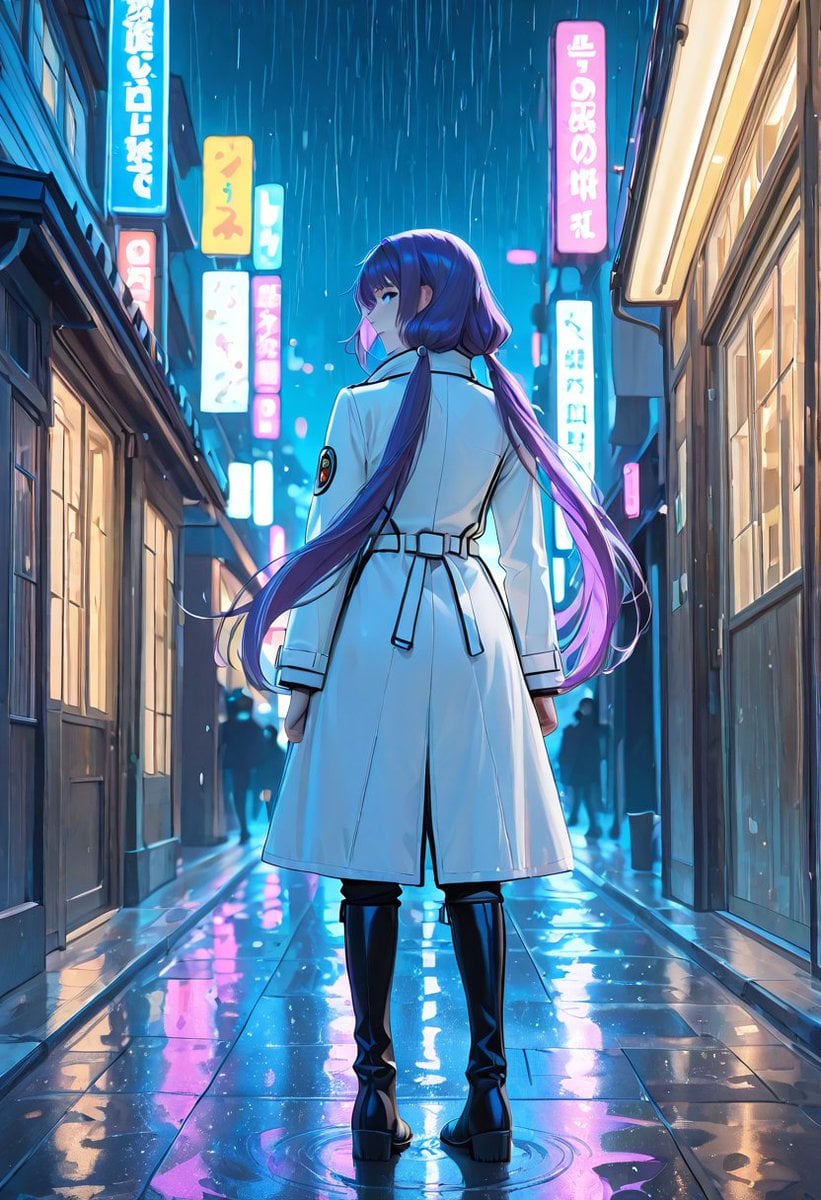
Rainy Neon Anime Alley Woman

Meet Me When It Rains
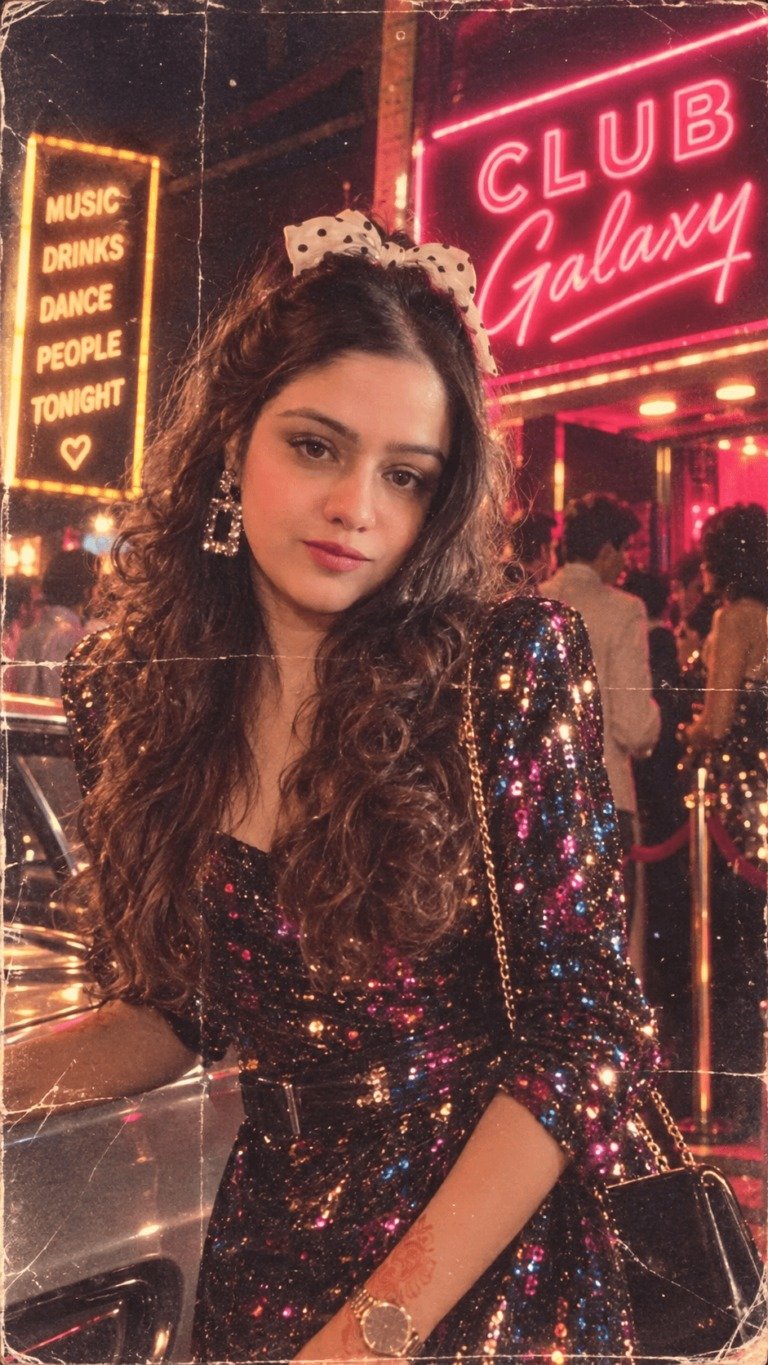
80s Neon Disco Night
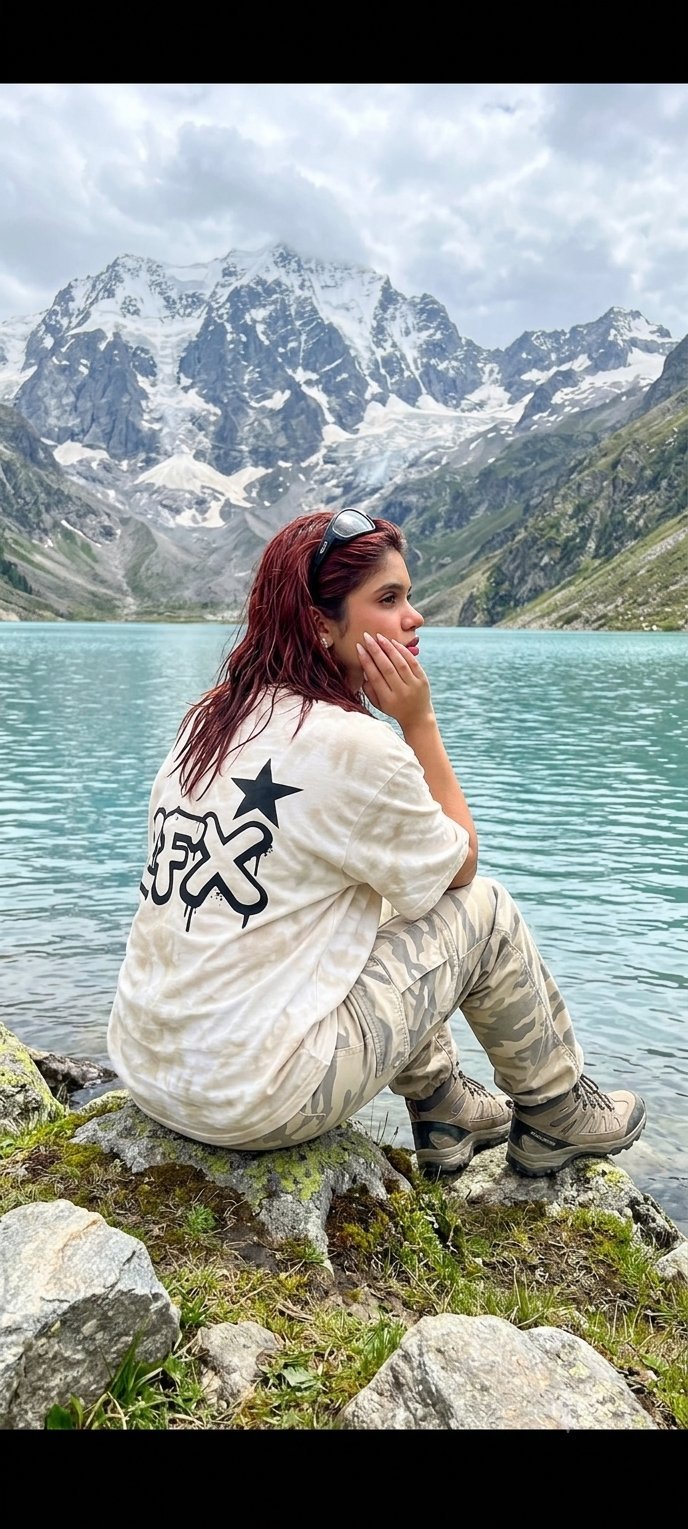
Teen Girl Alpine Lake Mountain View
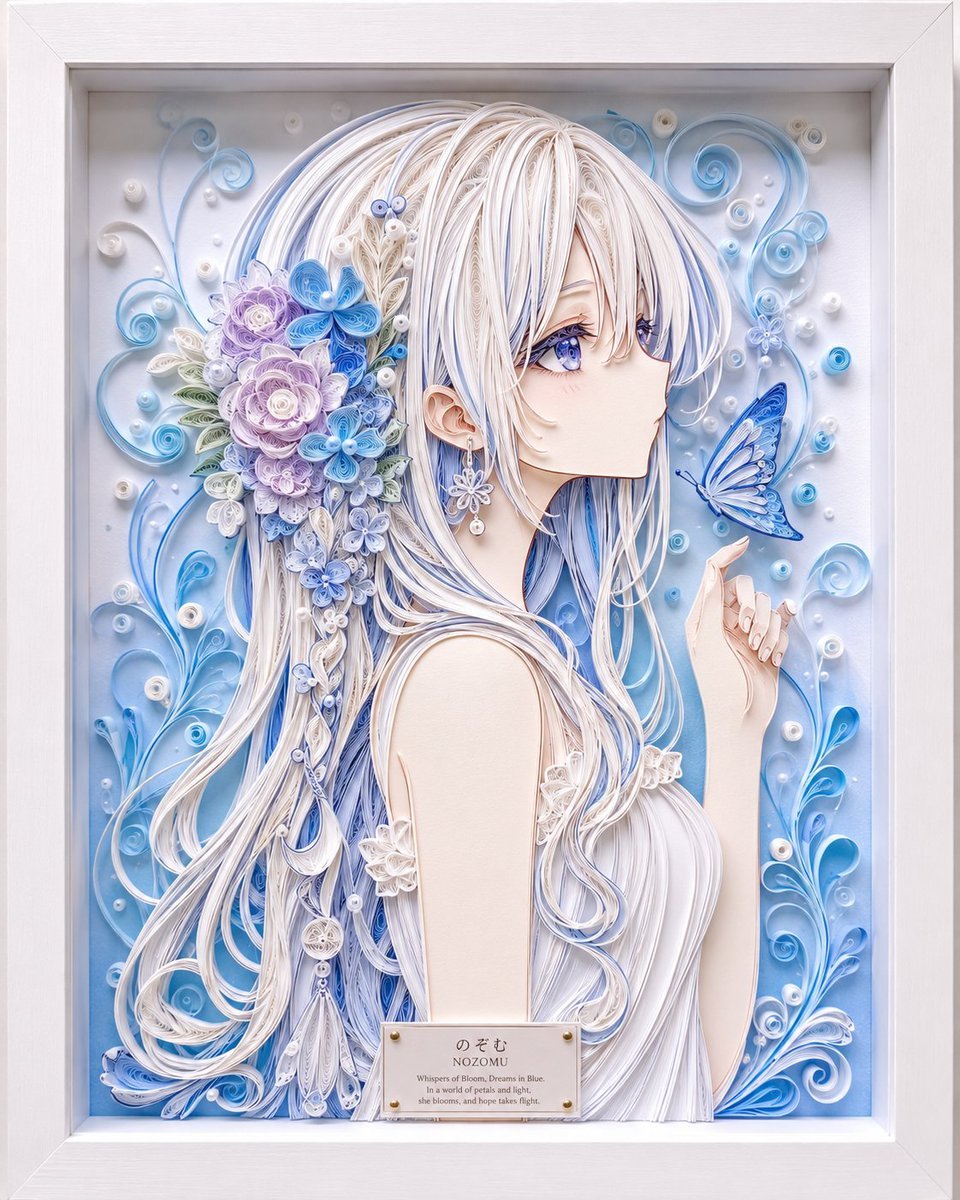
Framed Quilling Anime Girl
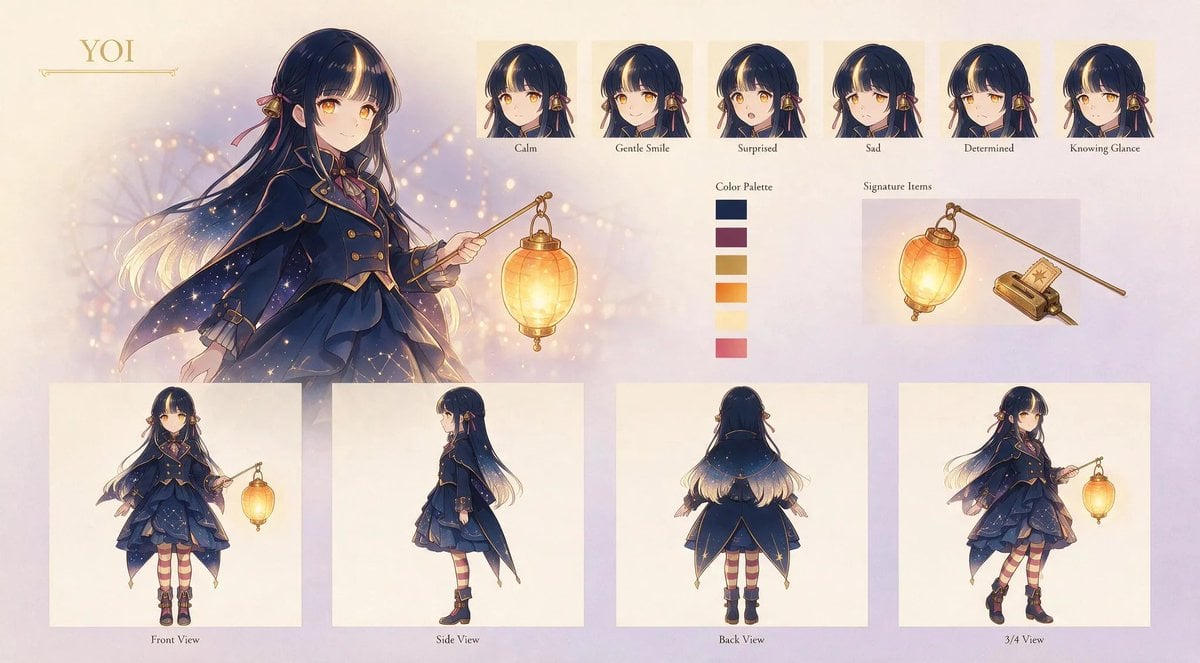
Anime Lantern Girl Character Sheet
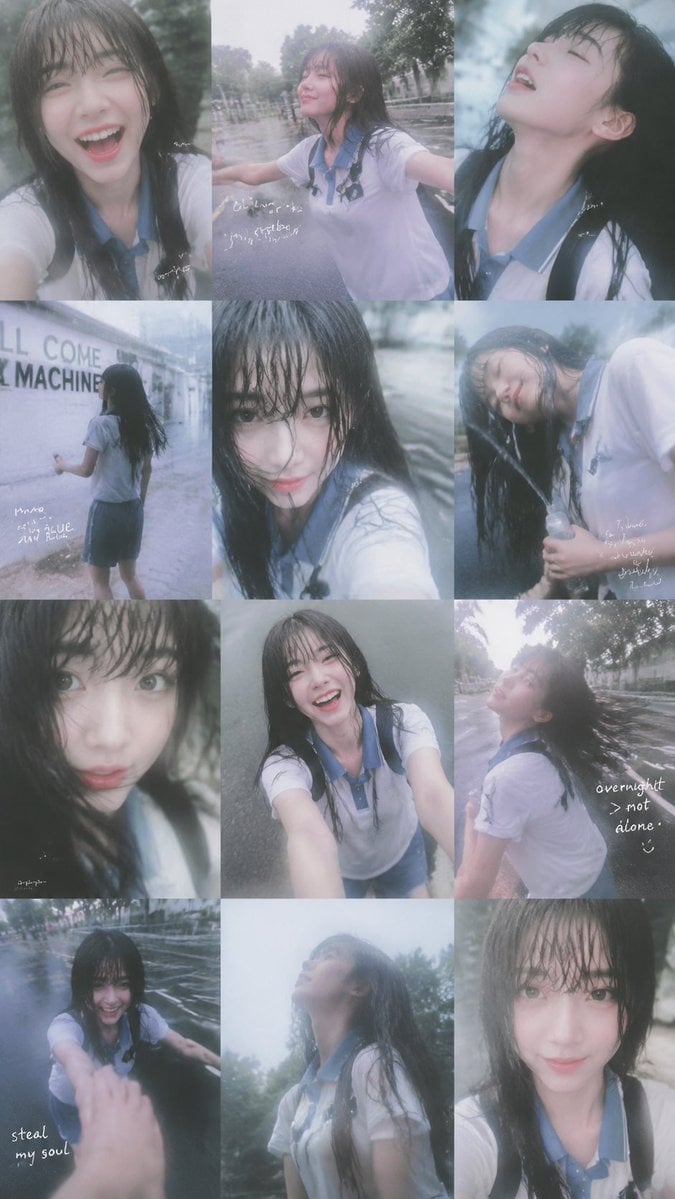
Rainy Schoolgirl Photo Diary Collage
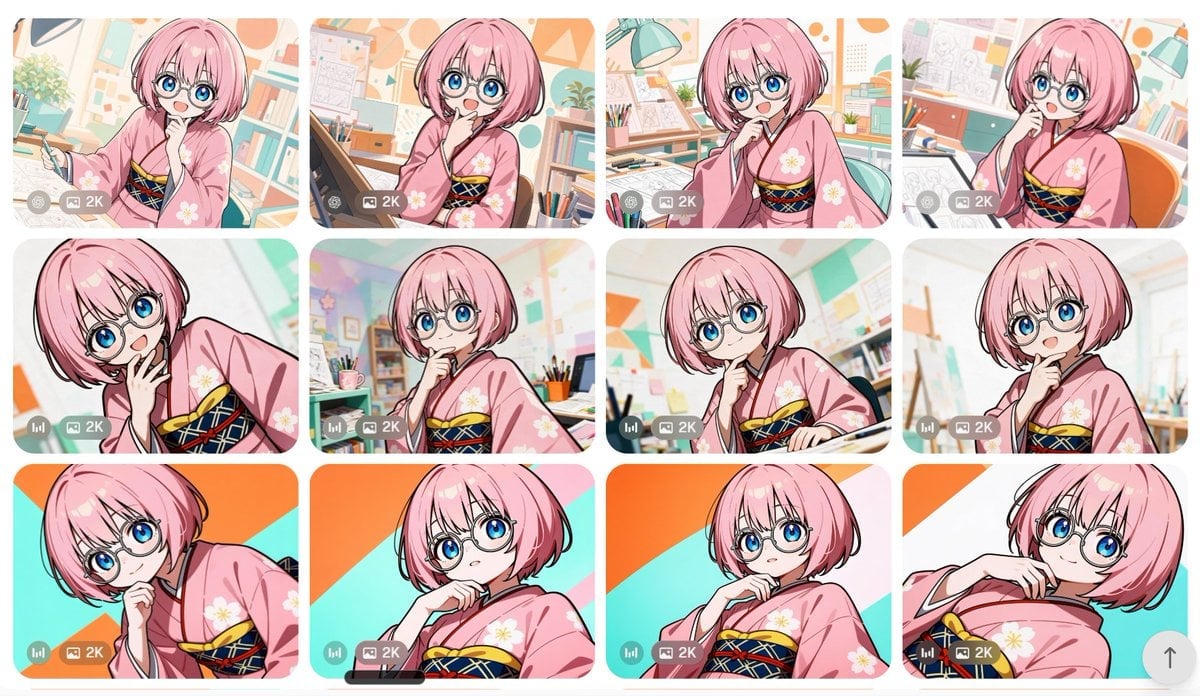
Anime Girl Generation Grid
Make it yours
Neon Rain Anime Girl works as-is. These are the safest ways to change it without losing the look.
Change one field
Copy a single group, rewrite it, and generate again so you can see what that field is doing.
Keep the frame, change the subject
Hold the composition and light of Neon Rain Anime Girl, then swap wardrobe, props or the person for a new take.
| If the result… | Why | Fix |
|---|---|---|
| The result drifts from the preview | Too many fields changed at once. | Reuse Neon Rain Anime Girl as-is first, then change one group — subject, light, or setting. |
| The model over-stylizes the scene | The prose prompt leaves finish and camera underspecified. | Add one camera or lighting sentence and stay on GPT Image 2. |
More GPT Image 2 templates
Other prompts made for GPT Image 2.

Six VTuber Japanese Logo Sheet

Realistic Portrait of Woman and Deer

The Vista Modular Condo Poster

AI Model Routing Comparison Infographic

2.5D Anime Art Board

Isometric Productivity Desk Scene

New York Double Exposure Poster

Four-Panel AI Landscape Comparison

Japanese Tatami Lifestyle Magazine Cover

NESCAFÉ Coffee Map Poster
More image prompts
Fresh picks from across the catalog.
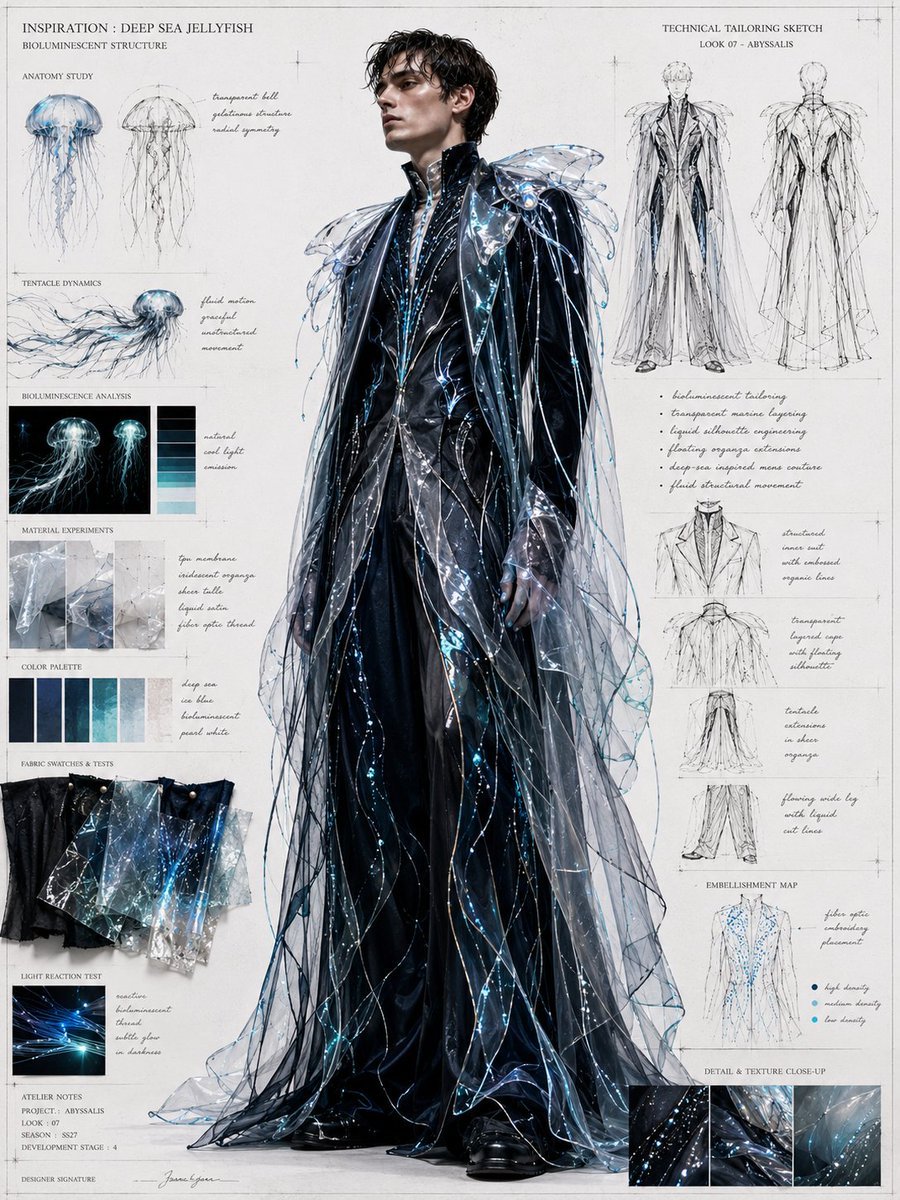
Deep Sea Jellyfish Couture Board
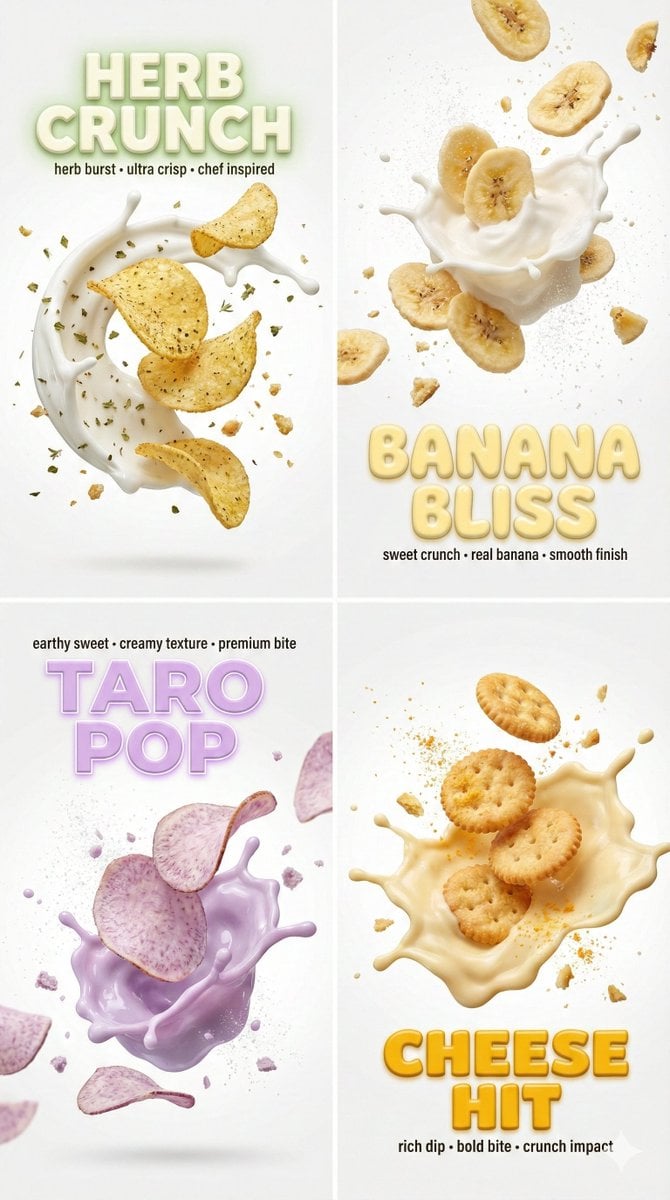
Macro Food Photography with 3D Text Overlays
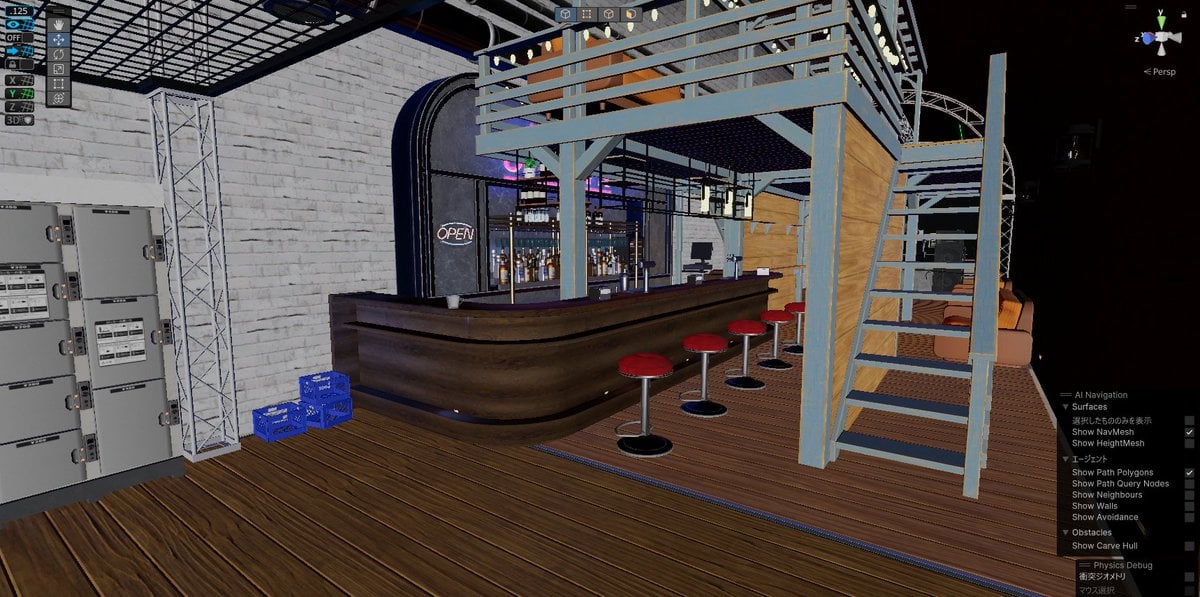
Nano Banana Detail Addition Test

Ultra-Realistic Garlic Butter Shrimp Ad
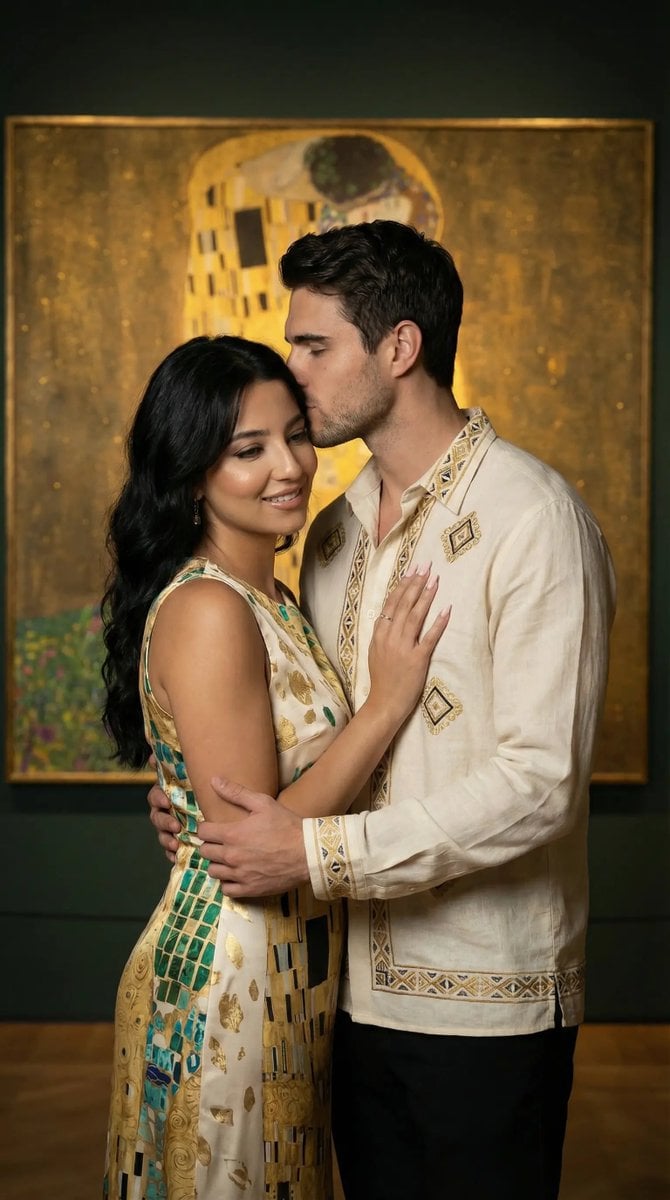
Klimt-Inspired Fine Art Editorial Portrait (JSON)
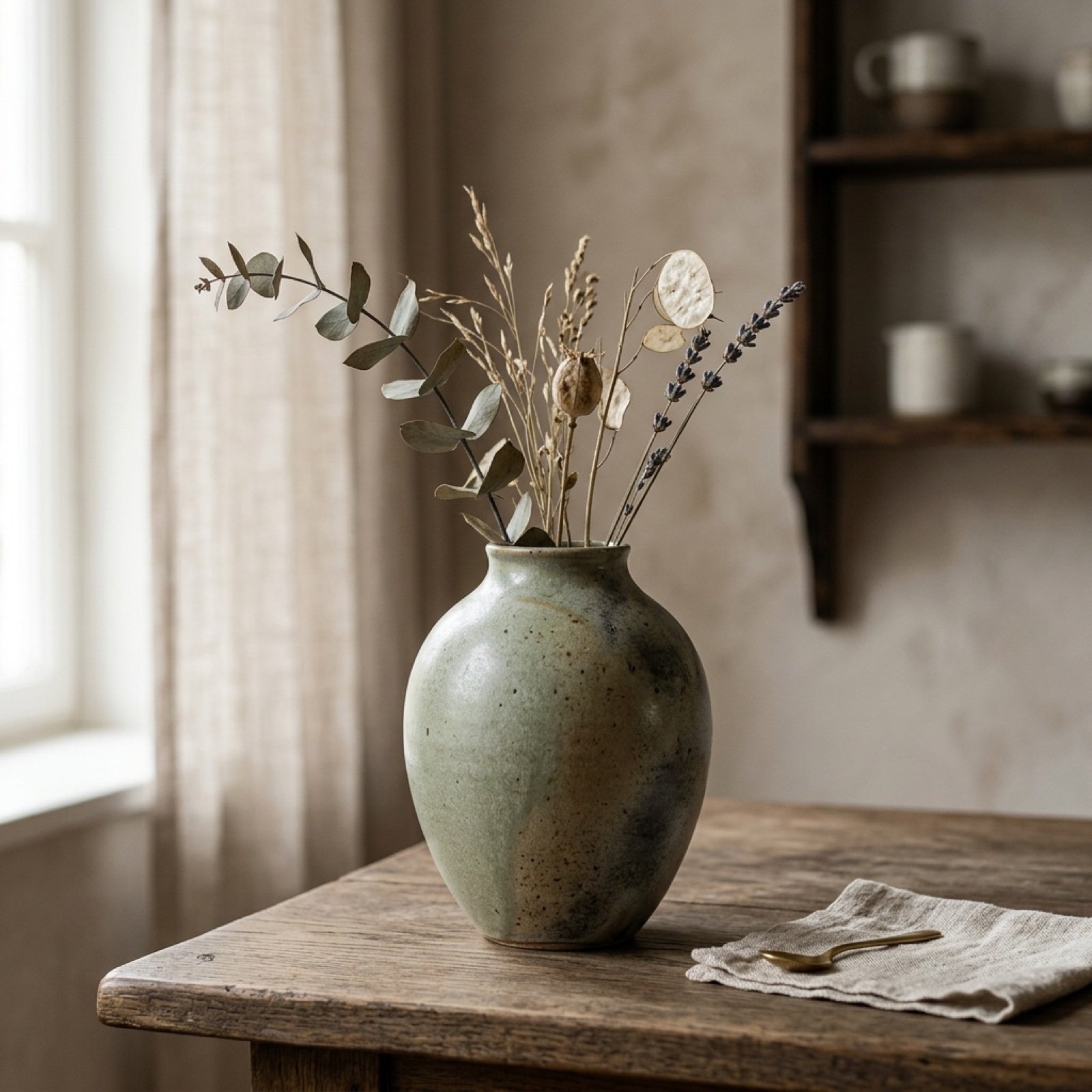
Aspect Ratio Change Utility Prompt

Split Composition Portrait of a Man
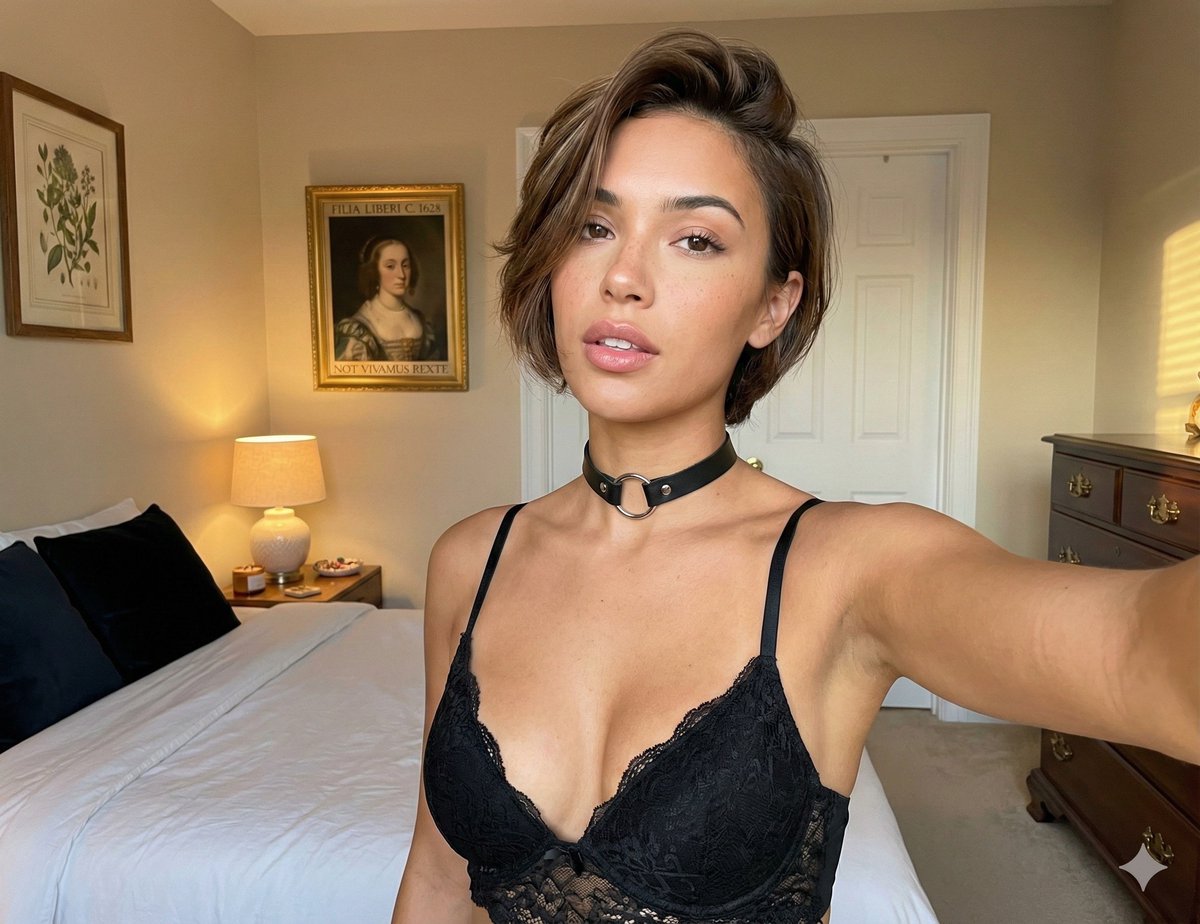
Candid bedroom portrait prompt structure
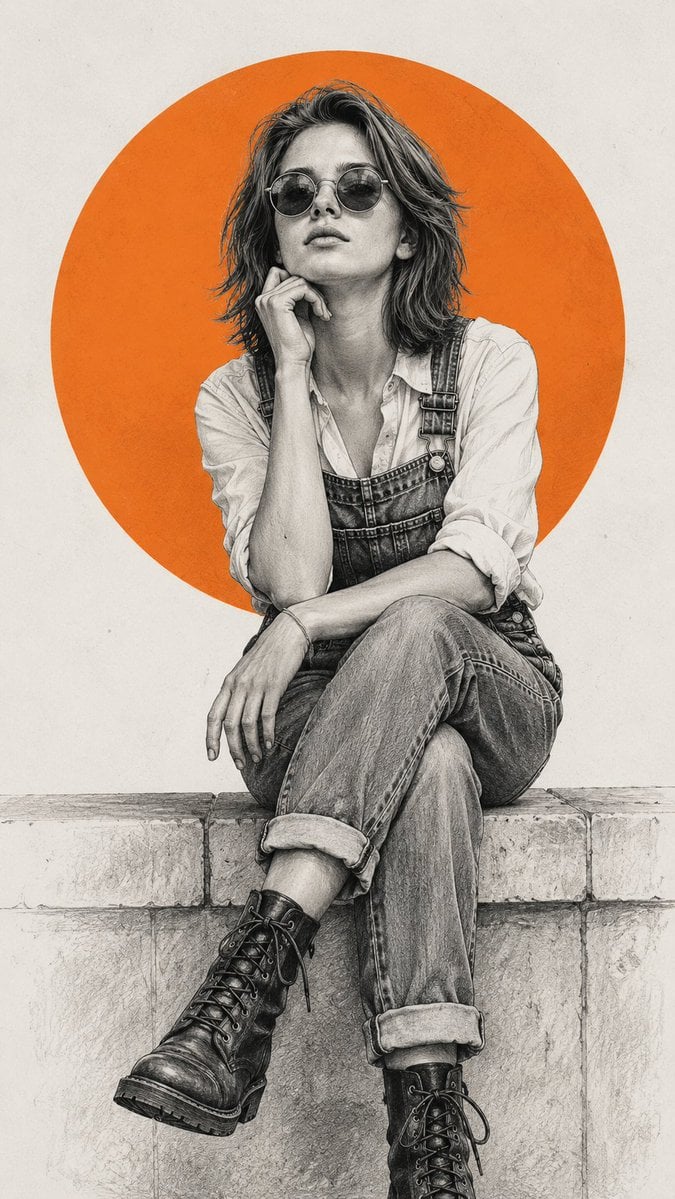
Pencil Sketch Fashion Illustration
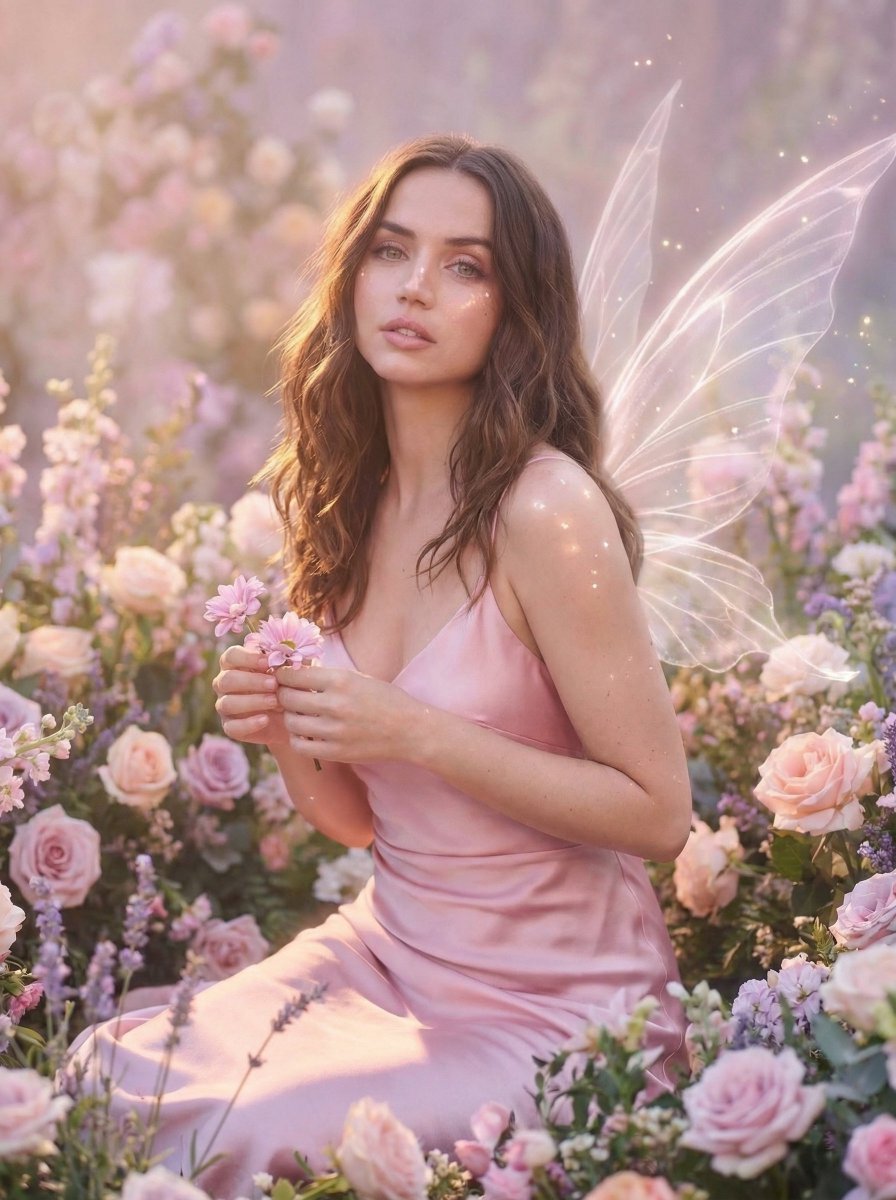
Dreamy Fairy Editorial Portrait in a Secret Garden
Browse template categories
Neon Rain Anime Girl questions
How do I use the Neon Rain Anime Girl template?
Add your photo if the template asks for one, edit the prompt if you like — the template's model and format are already selected — and press Generate. Your version opens in PicX Studio.
Can I customize the Neon Rain Anime Girl template?
Yes. You can change the subject, setting, lighting, mood, format, and available model controls before creating your image.
Is the Neon Rain Anime Girl template free?
Opening and editing this template is free. Generating uses credits, shown on the Generate button when you are signed in.
Which AI model should I use?
Start with GPT Image 2, which is the model associated with this template. You can compare another compatible model for a different finish.
Looking for something else? Browse all templates.

Your photo, any look
Thousands of ready templates for every top image and video model, from one credit balance.