
Gothic Royal Podcast Cover
Generates a dramatic medieval-gothic podcast cover about kingship, theology, and the birth of the modern state.
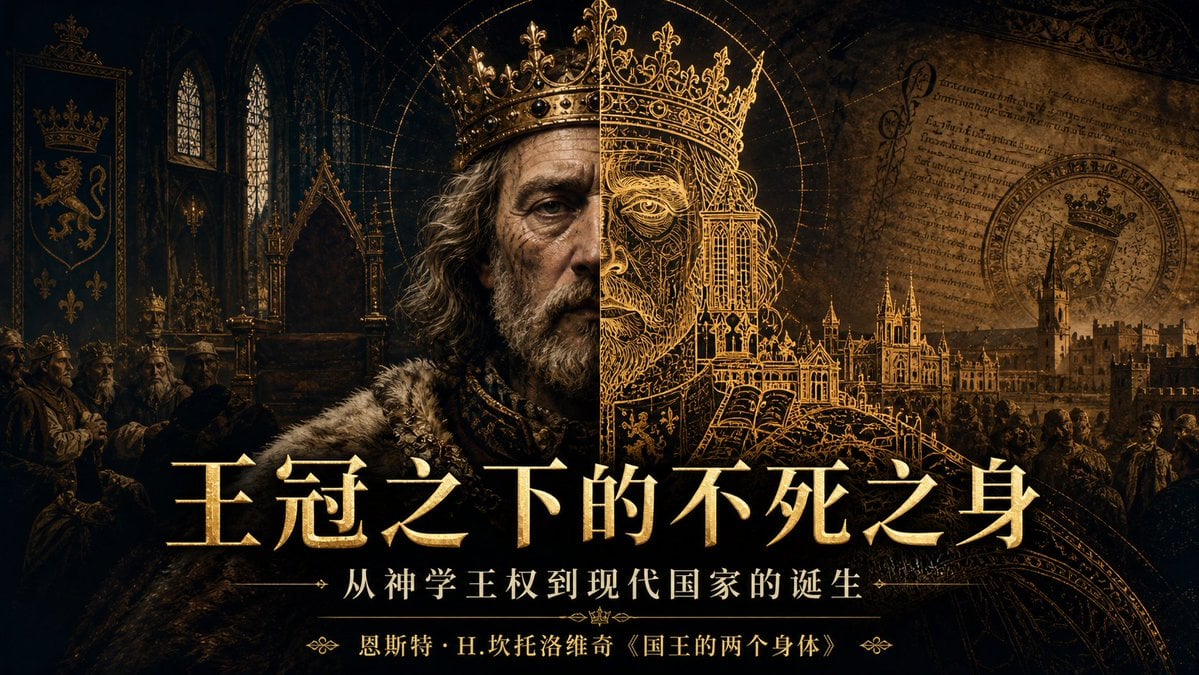
- Prompt included
- Model and format preset
- Free template
The prompt behind this image
Copy the exact prompt behind Gothic Royal Podcast Cover, or open it in the studio and make it yours.
Create a cinematic 16:9 podcast cover in a dark medieval-gothic royal style, like an HBO historical documentary poster. The scene is inside a shadowy cathedral throne room with black stone arches, two tall pointed stained-glass windows, carved gothic architecture, candlelit gold highlights, and a deep black-and-burnished-gold color palette. In the center foreground place the partial bust of an aging king in a heavy fur mantle and ornate collar, facing forward; his head is backed by an intricate oversized golden crown that forms a halo-like architectural diagram, but cover the face with a plain vertical brown rectangle as if anonymized. Behind him blend detailed gold line art of a crown, a grand cathedral-city, a royal seal, manuscript parchment with Latin-like writing, and a crowded medieval court. On the left include one tall heraldic banner with a crowned lion crest and a crown emblem, plus four small seated courtiers at the lower left with their faces obscured by small brown rectangles. Use dramatic chiaroscuro, smoky texture, antique parchment grain, fine engraved details, and luminous metallic gold typography. Add exactly three centered text lines at the bottom: the large main title {argument name="main title" default="王冠之下的不死之身"}, a smaller subtitle between thin horizontal divider lines with arrow ornaments {argument name="subtitle" default="从神学王权到现代国家的诞生"}, and a small author/source line with decorative flourishes {argument name="source line" default="恩斯特·H.坎托洛维奇《国王的两个身体》"}. Make the layout balanced and poster-like, with the title occupying the lower third, the crown halo dominating the upper center, and no modern objects.
How to use Gothic Royal Podcast Cover in 3 steps
- 1Upload ImagePNG, JPG or paste
Add your photo
Upload the photo the template builds on. The prompt, model and format are already set.
- 2…a portrait of your subject in softgolden-hour light, 85mm…
Personalize
Edit the subject and creative details for your destination.
- 3Generate
Generate
Press Generate — your image is created in PicX Studio, so you can compare it with the original and refine one variable at a time.
More like this
Templates with the same subject, style or setup. Open one to see its prompt.

Li Keyong Shatuo DNA Podcast Cover
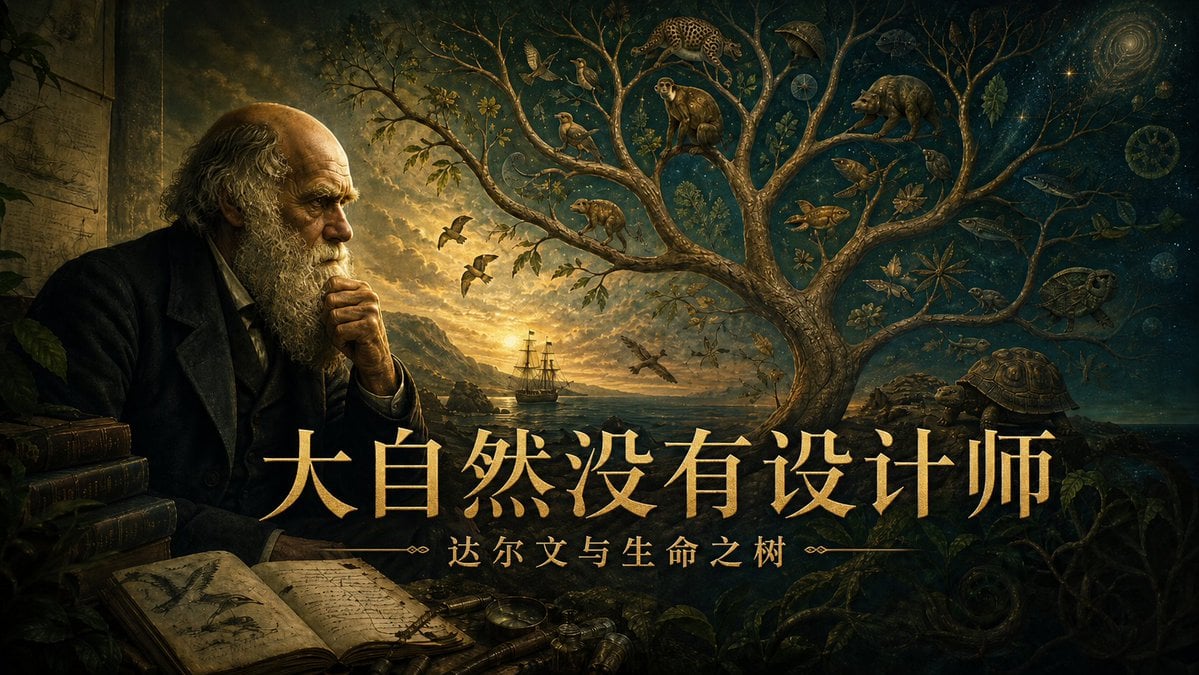
Darwin Tree of Life Podcast Cover
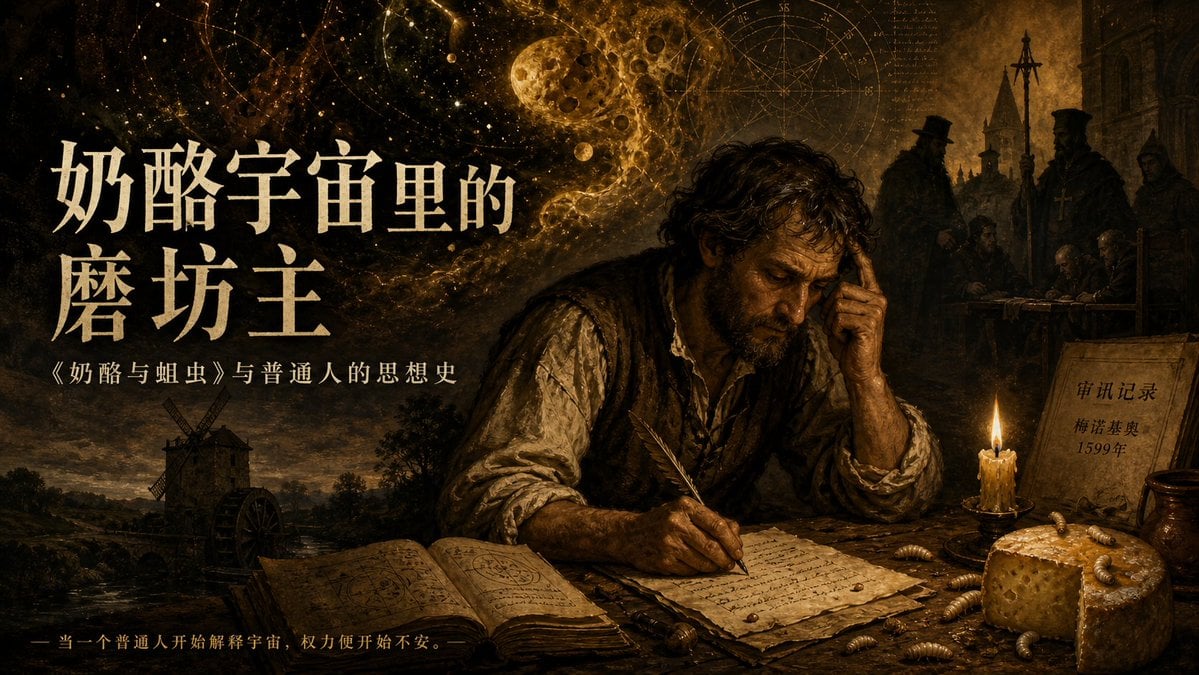
Dark Historical Podcast Cover

Podcast cover from two reference portraits
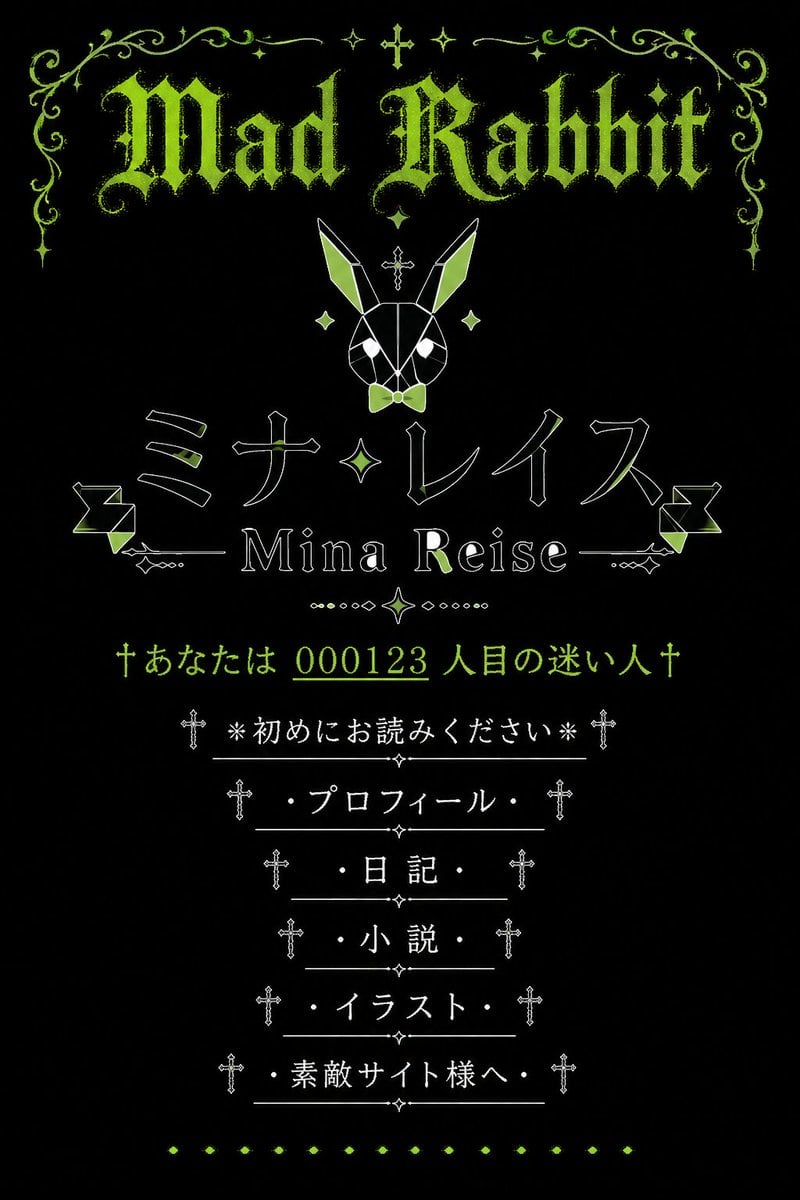
Gothic Japanese Mobile Homepage
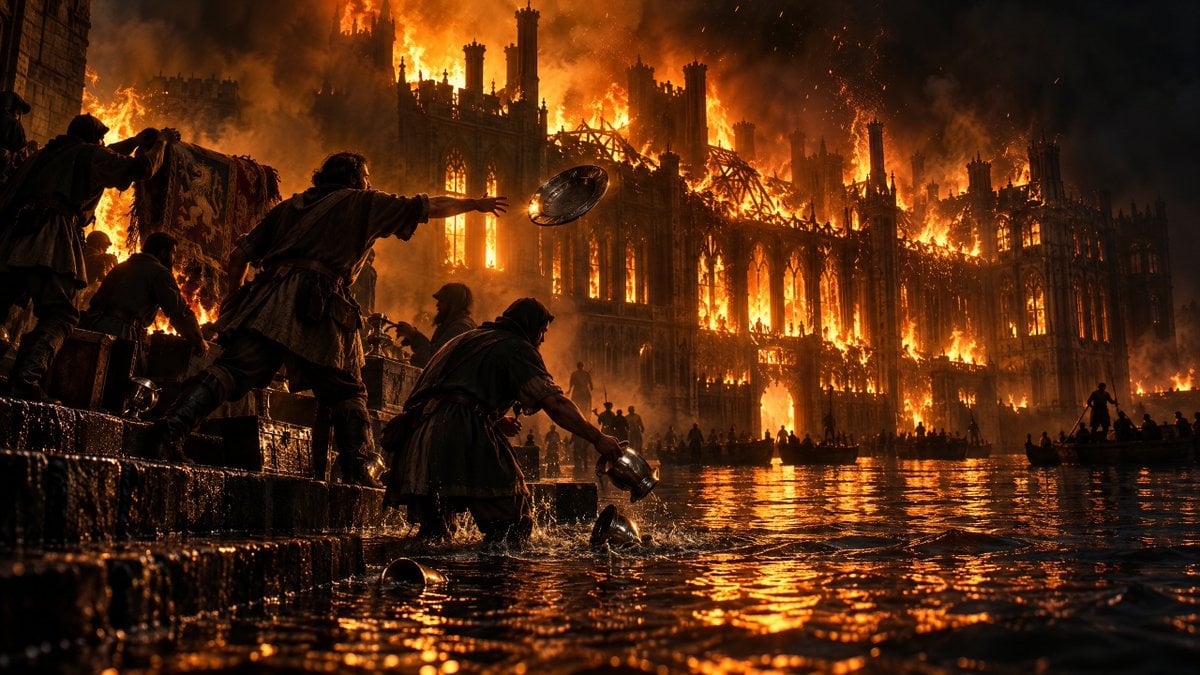
Burning Gothic Flood Escape
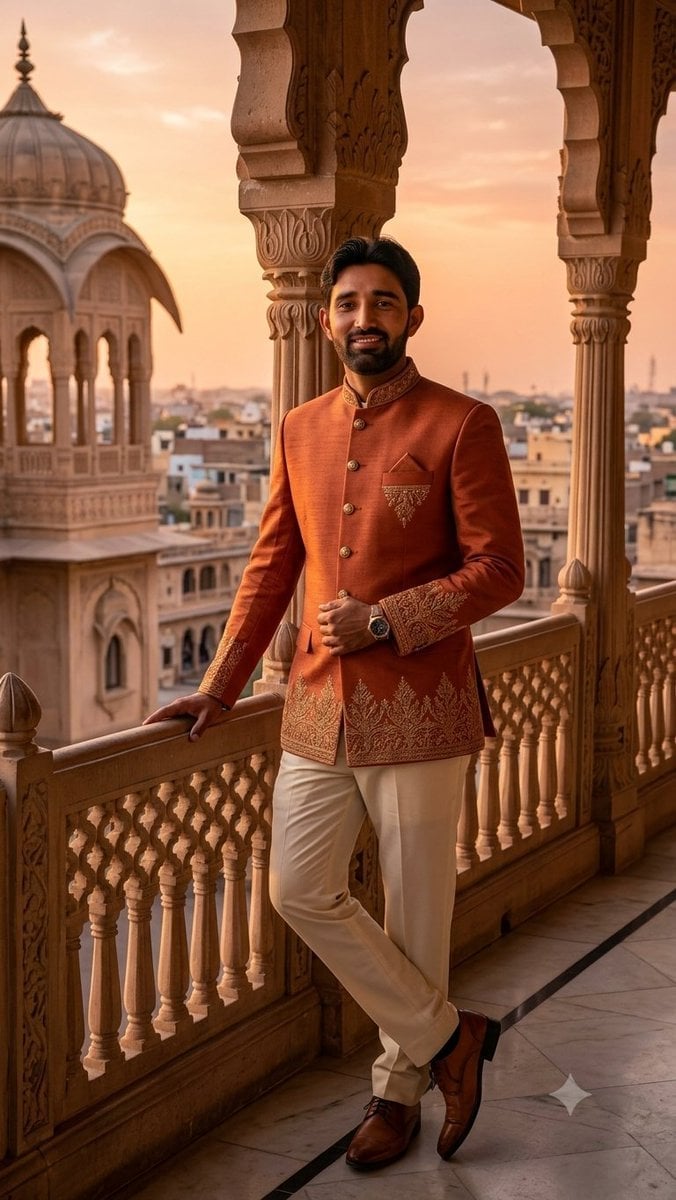
Indian Royal Bandhgala Portrait
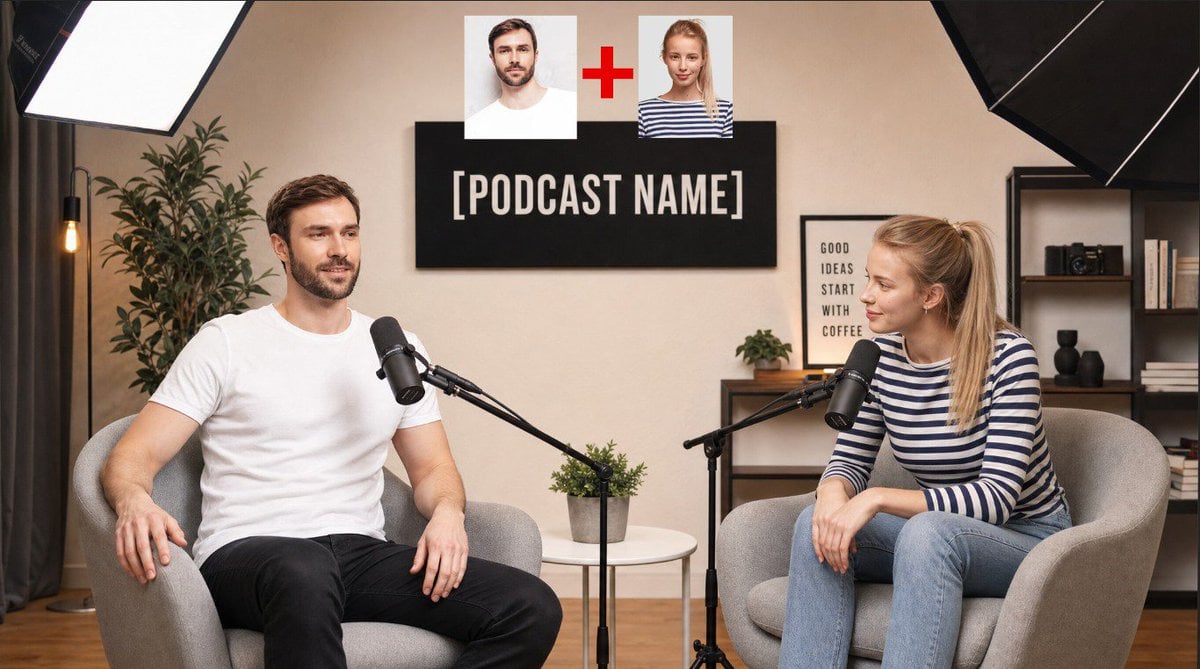
Podcast Studio Interview Shot

Retro Synthwave Podcast Host
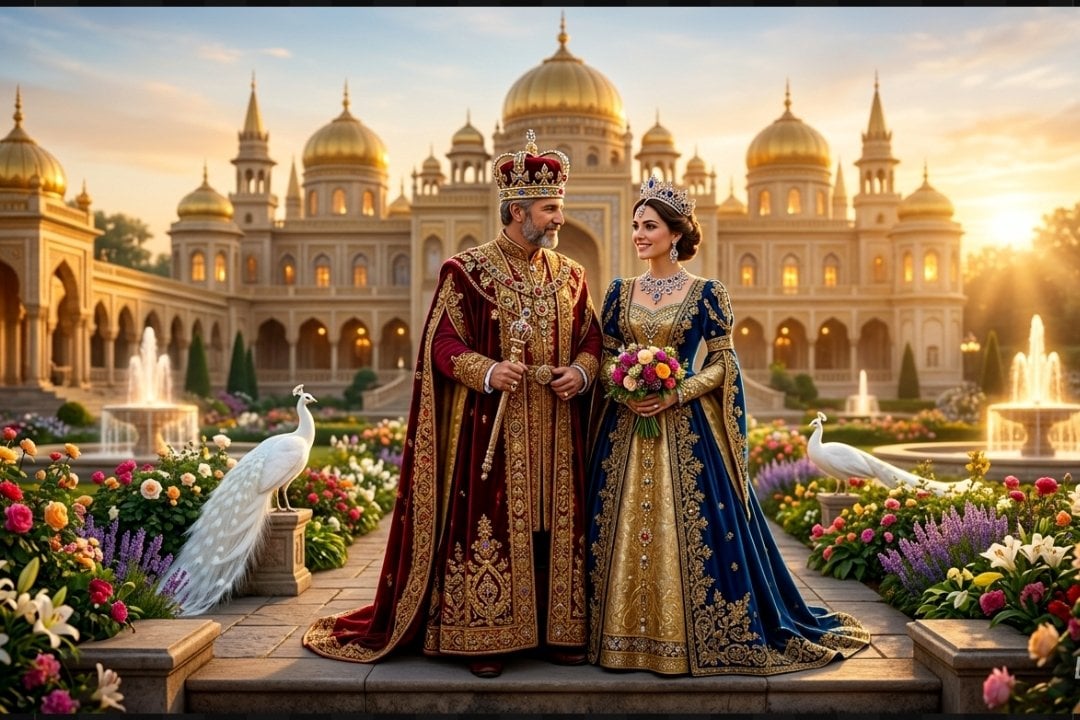
Colorful Royal Sunrise Palace Scene
Quiet Newspaper Fashion Cover
Royal Anime Mages at Dawn
Make it yours
Gothic Royal Podcast Cover works as-is. These are the safest ways to change it without losing the look.
Change one field
Copy a single group, rewrite it, and generate again so you can see what that field is doing.
Keep the frame, change the subject
Hold the composition and light of Gothic Royal Podcast Cover, then swap wardrobe, props or the person for a new take.
| If the result… | Why | Fix |
|---|---|---|
| The result drifts from the preview | Too many fields changed at once. | Reuse Gothic Royal Podcast Cover as-is first, then change one group — subject, light, or setting. |
| The model over-stylizes the scene | The prose prompt leaves finish and camera underspecified. | Add one camera or lighting sentence and stay on GPT Image 2. |
More GPT Image 2 templates
Other prompts made for GPT Image 2.

Six VTuber Japanese Logo Sheet

Realistic Portrait of Woman and Deer

The Vista Modular Condo Poster

AI Model Routing Comparison Infographic

2.5D Anime Art Board

Isometric Productivity Desk Scene

New York Double Exposure Poster

Four-Panel AI Landscape Comparison

NESCAFÉ Coffee Map Poster

Brutalist Cogito Chinese Typography Poster
More image prompts
Fresh picks from across the catalog.
Technical Infographic Cutaway Prompt
Mini-Me 3D Selfie Transformation
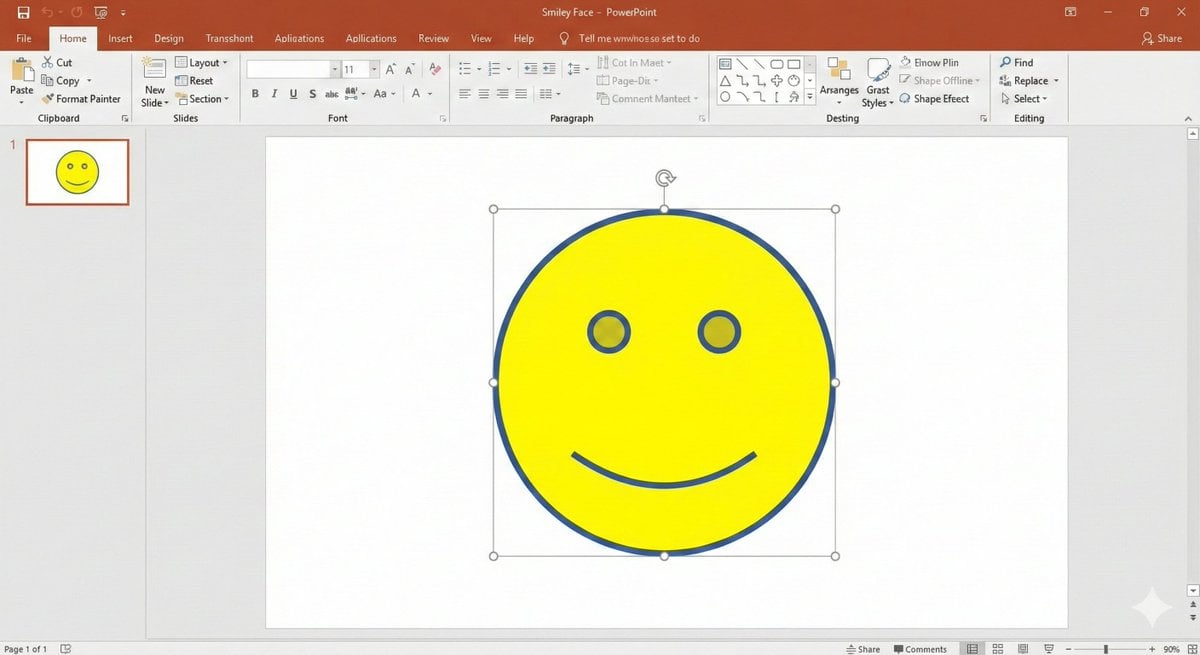
Nano Banana Pro PowerPoint Smile Mark Prompt
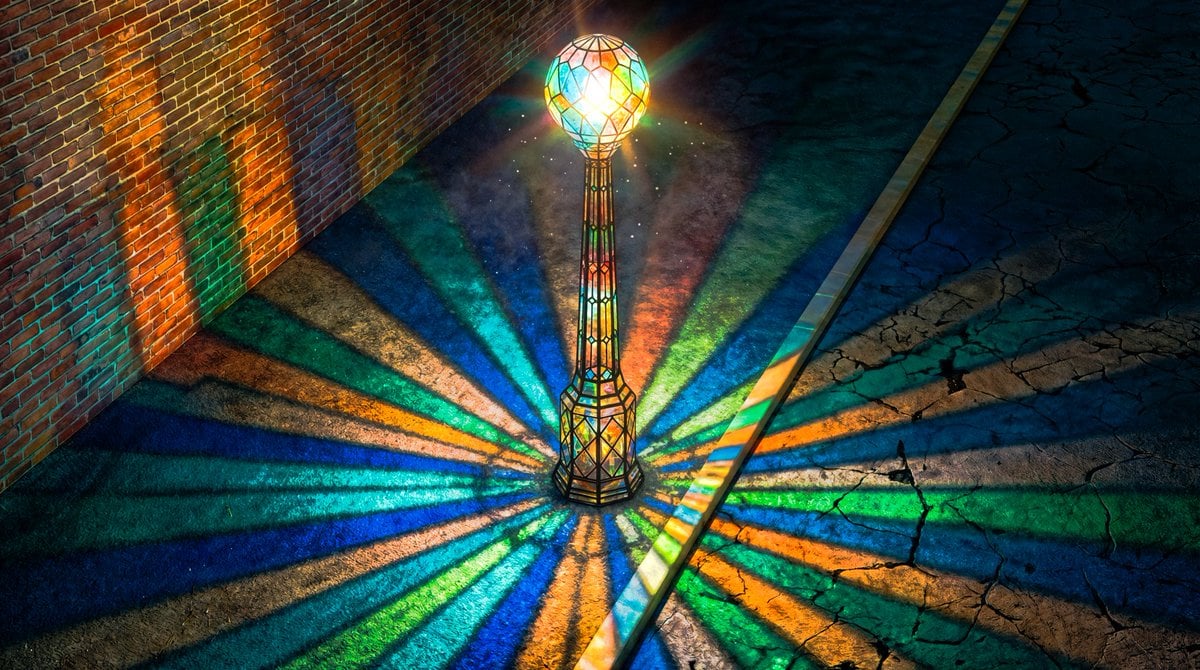
Blender 3D Viewport Style Prompt
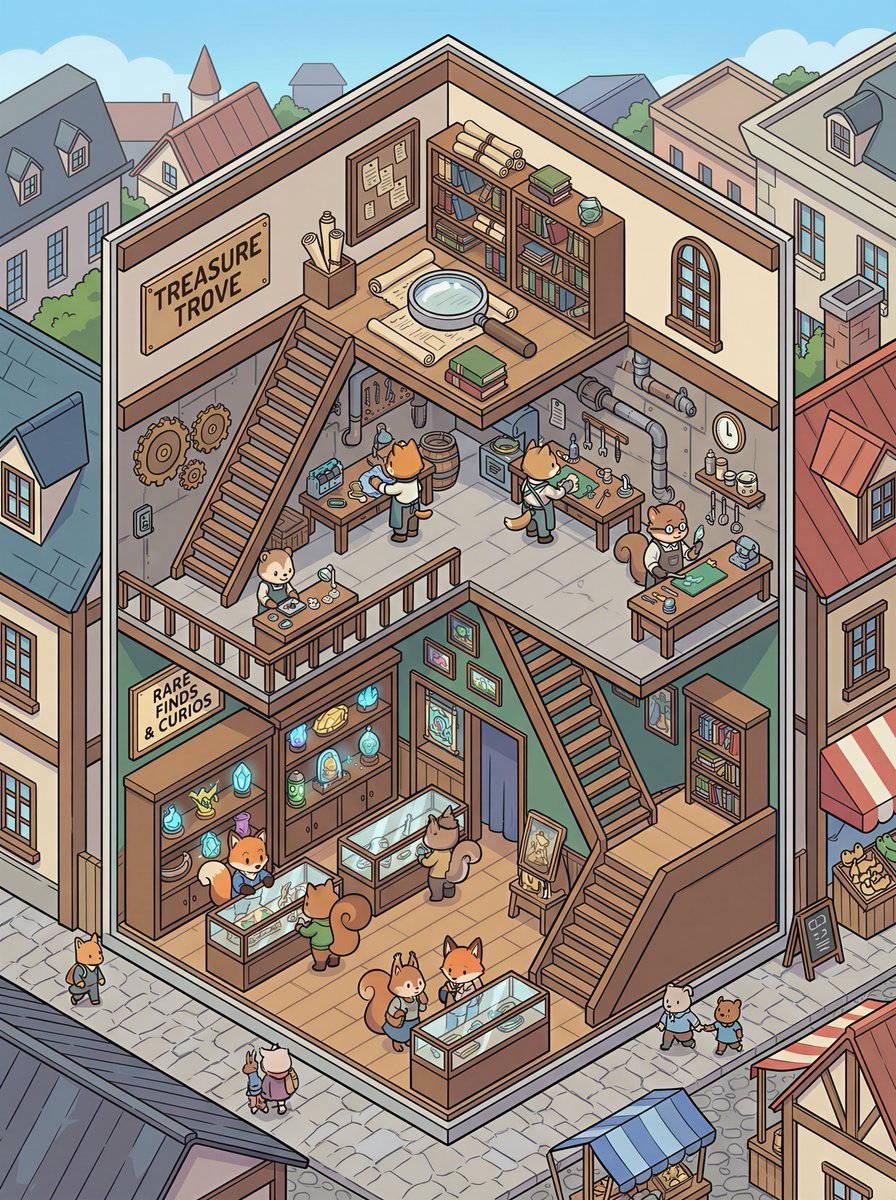
Isometric 2.5D Architectural Slice Illustration of an Animal Community
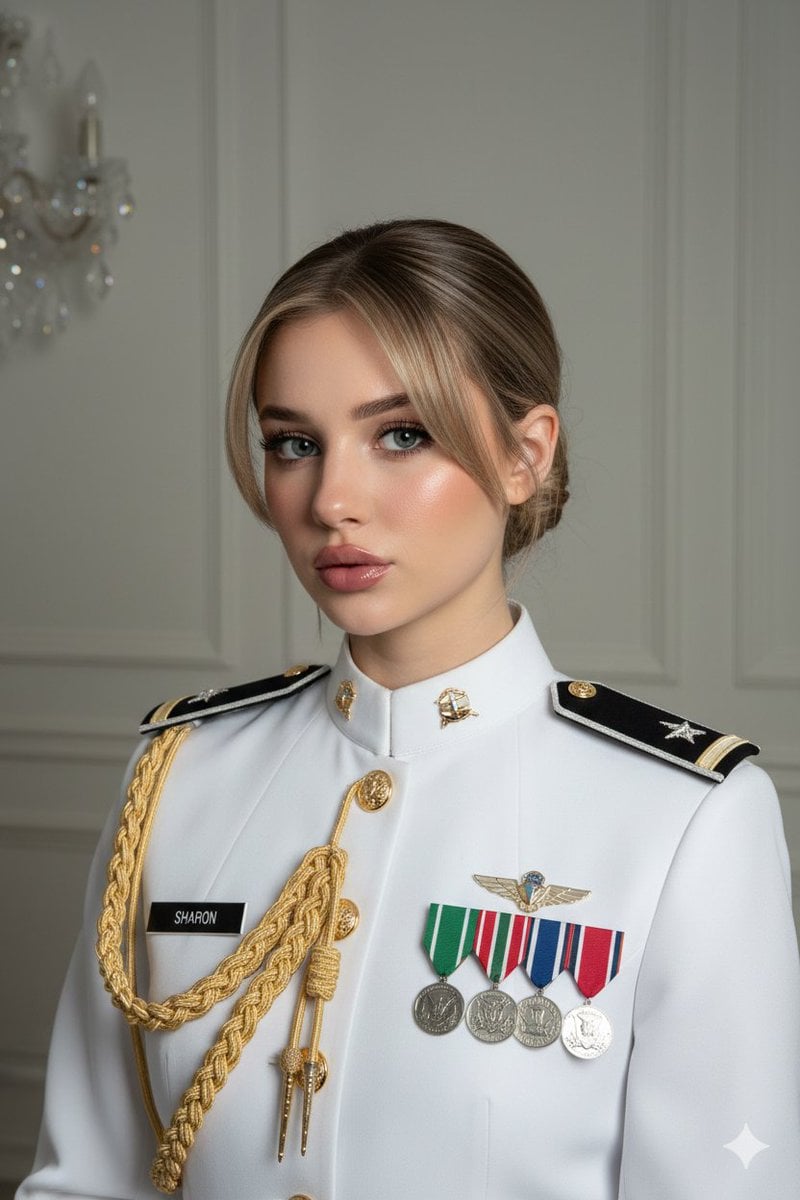
Formal Military Portrait with Identity Lock and Insignia
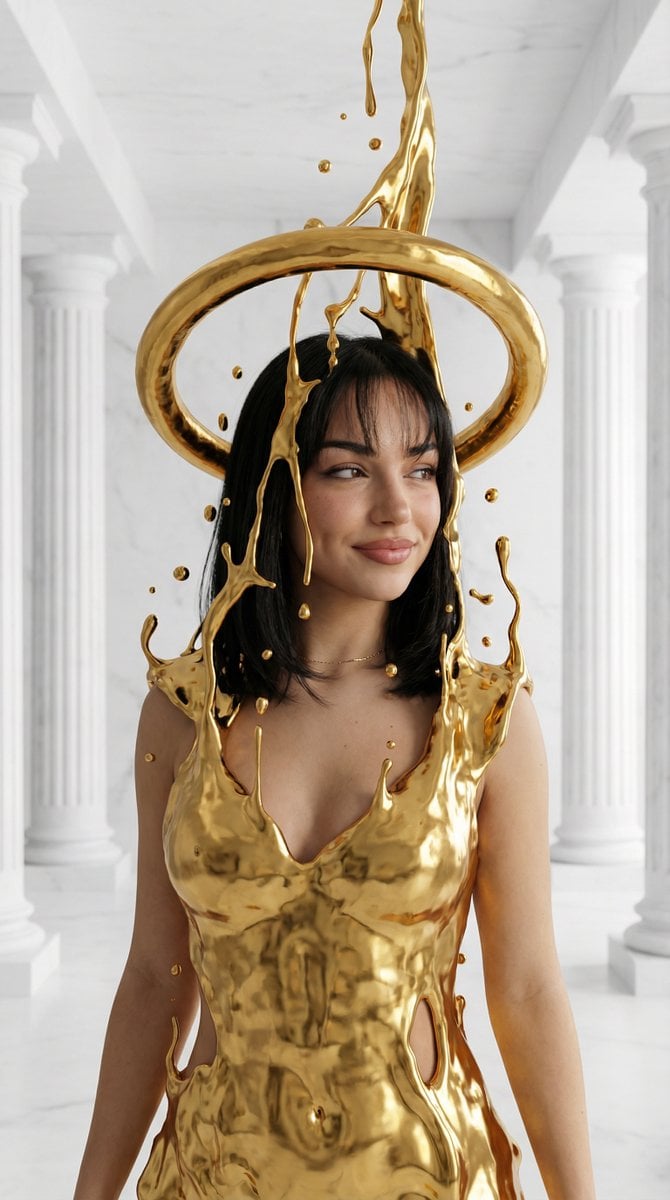
Surreal High-Fashion Portrait with Liquid Gold and Classical Architecture
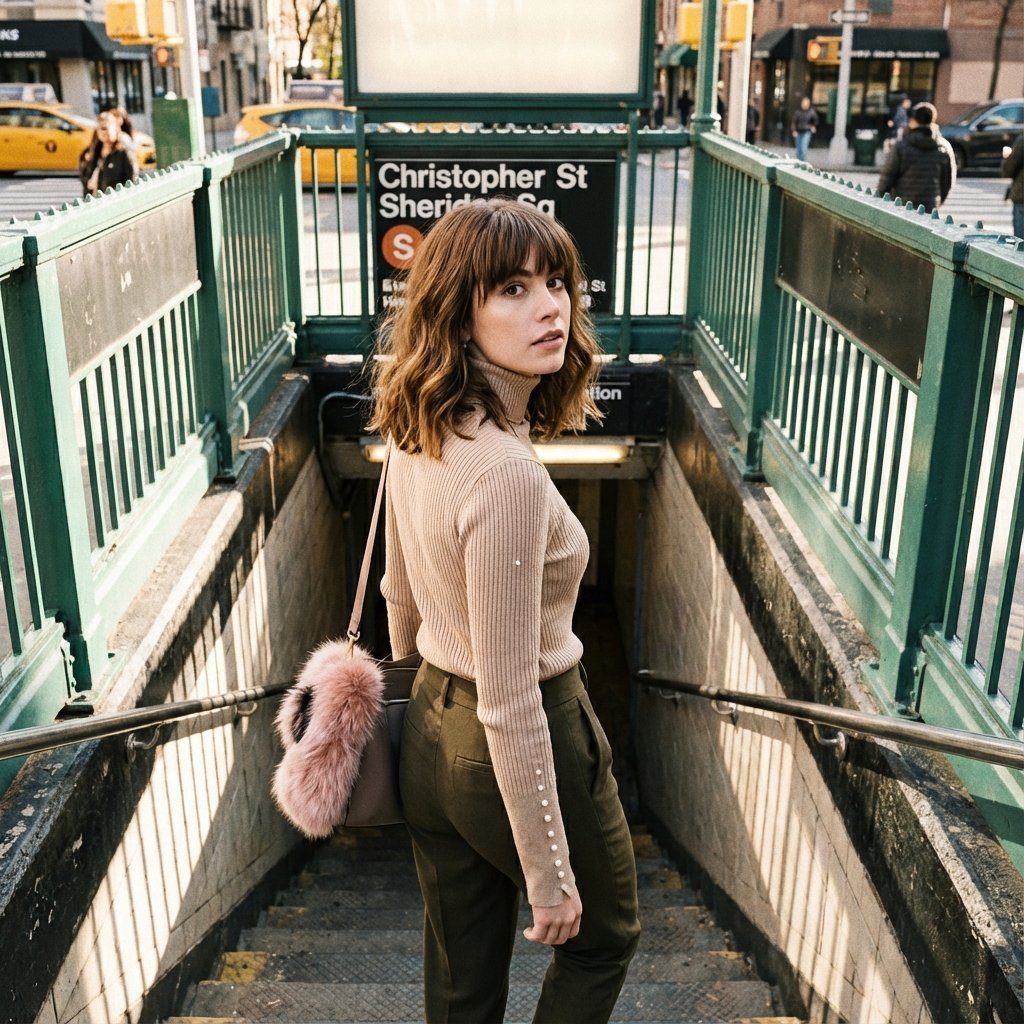
Urban Lifestyle Fashion Photography Prompt
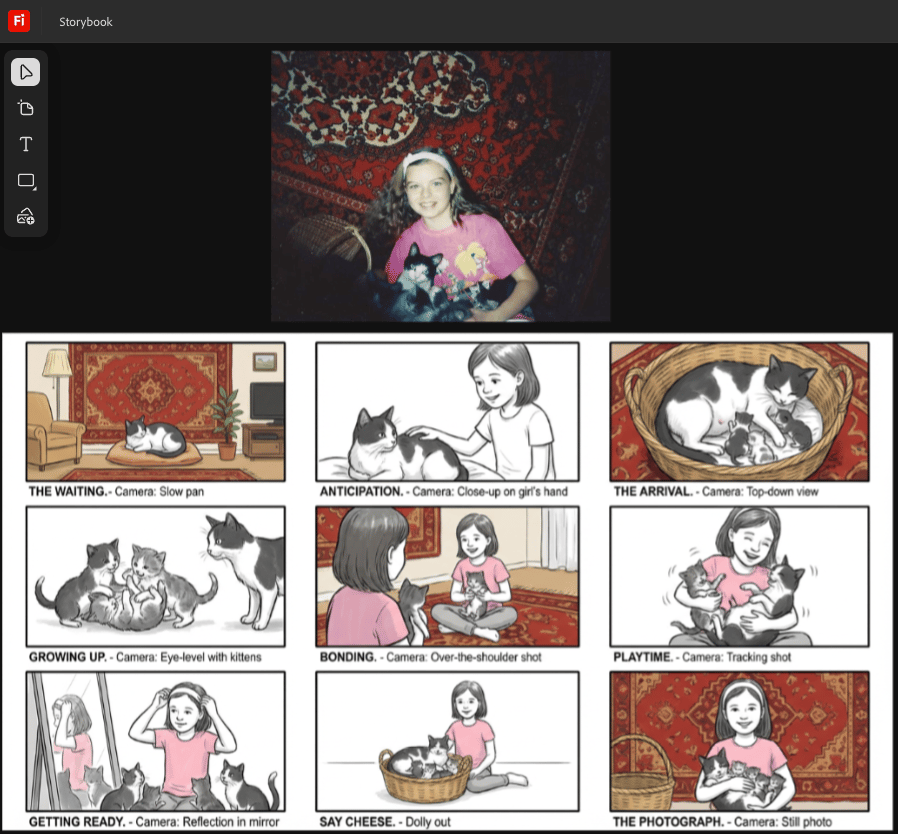
Storyboard from childhood photo
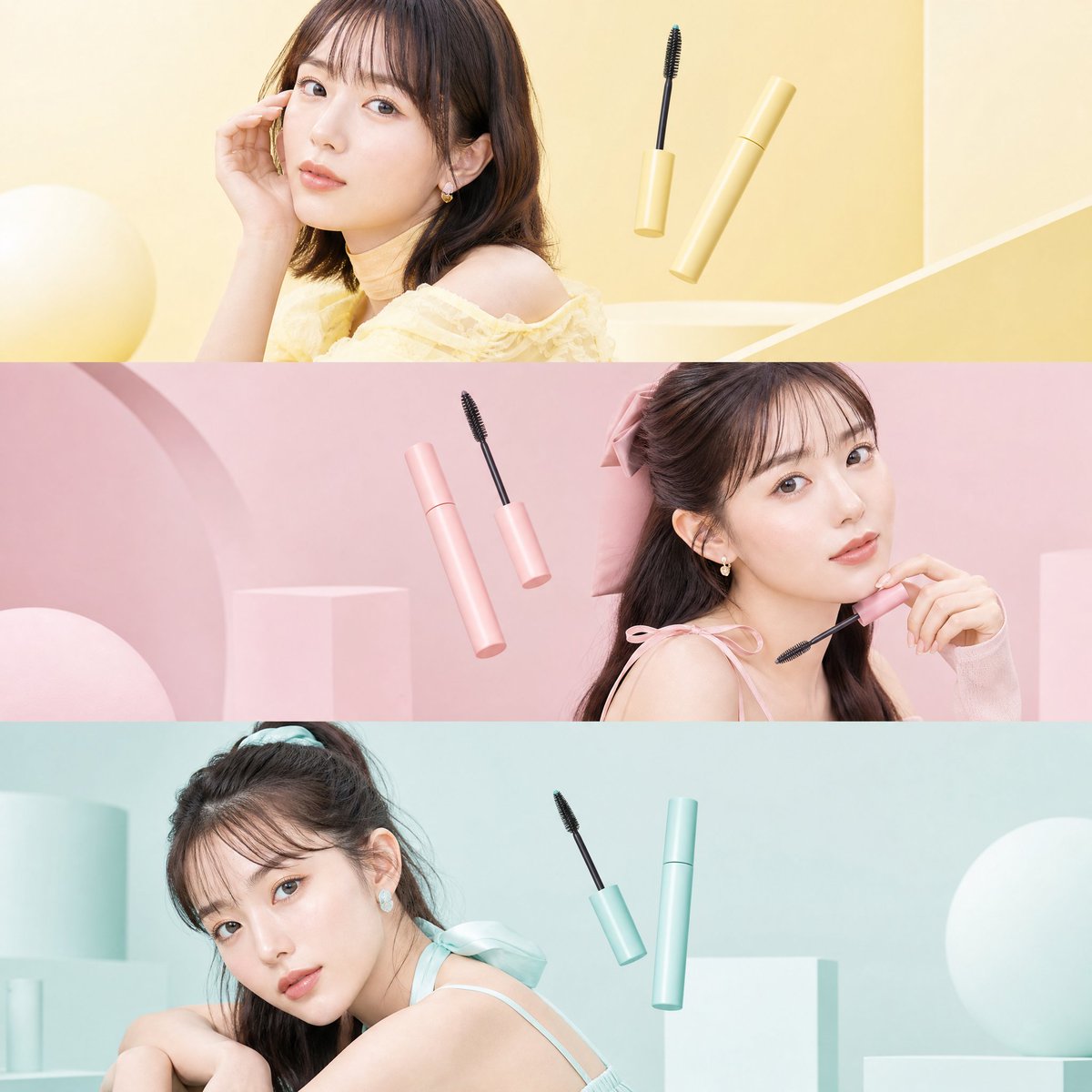
Japanese Beauty Editorial Collage
Browse template categories
Gothic Royal Podcast Cover questions
How do I use the Gothic Royal Podcast Cover template?
Add your photo if the template asks for one, edit the prompt if you like — the template's model and format are already selected — and press Generate. Your version opens in PicX Studio.
Can I customize the Gothic Royal Podcast Cover template?
Yes. You can change the subject, setting, lighting, mood, format, and available model controls before creating your image.
Is the Gothic Royal Podcast Cover template free?
Opening and editing this template is free. Generating uses credits, shown on the Generate button when you are signed in.
Which AI model should I use?
Start with GPT Image 2, which is the model associated with this template. You can compare another compatible model for a different finish.
Looking for something else? Browse all templates.

Your photo, any look
Thousands of ready templates for every top image and video model, from one credit balance.