
Tri-Cloud UI Anime Infographic
A polished wide-format marketing visual showing Azure, AWS, and Google Cloud as realistic dashboard UI concepts fused with distinct anime mascots, suitable for keynote slides, social posts, and product design showcases.
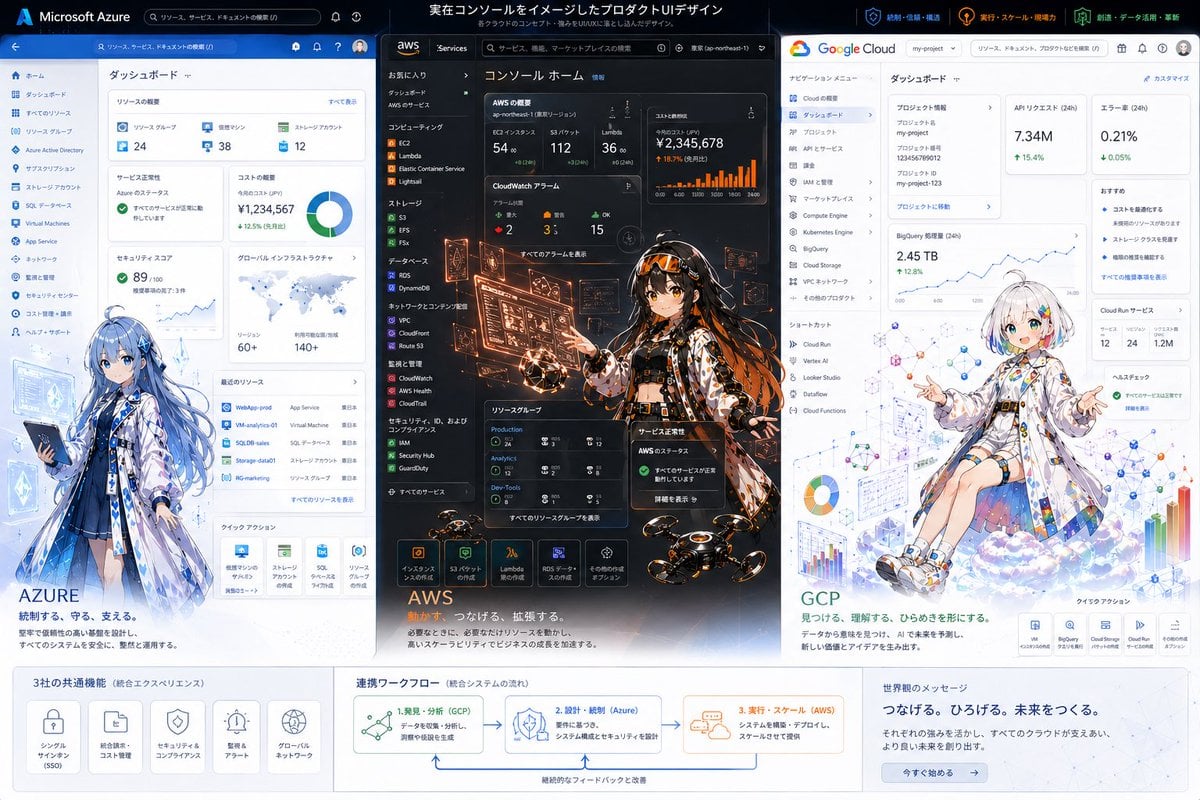
- Prompt included
- Model and format preset
- Free template
The prompt behind this image
Copy the exact prompt behind Tri-Cloud UI Anime Infographic, or open it in the studio and make it yours.
- Type
- tri-cloud platform hero infographic illustration
- Style
- high-end product UI concept art combining real dashboard interfaces with anime character illustrations, clean corporate tech presentation, crisp vector-like UI mixed with detailed painterly characters, polished marketing key visual
- Canvas › Aspect Ratio
- 16:9
- Canvas › Background
- light gray presentation board with three vertical product panels and a bottom information band
- Headline › Text
- 実在コンソールをイメージしたプロダクトUIデザイン
- Headline › Subtext
- 各クラウドのコンセプト・思想をUI体験に落とし込んだイメージデザイン
- Layout › Columns
- 3
- Layout › Sections › 0 › Title
- Microsoft Azure
- Layout › Sections › 0 › Position
- left panel
- Layout › Sections › 0 › Count
- 1
- Layout › Sections › 0 › Labels
- ダッシュボード
- Layout › Sections › 1 › Title
- aws
- Layout › Sections › 1 › Position
- center panel
- Layout › Sections › 1 › Count
- 1
- Layout › Sections › 1 › Labels
- コンソール ホーム
- Layout › Sections › 2 › Title
- Google Cloud
- Layout › Sections › 2 › Position
- right panel
- Layout › Sections › 2 › Count
- 1
- Layout › Sections › 2 › Labels
- ダッシュボード
- Layout › Sections › 3 › Title
- 3社の共通機能
- Layout › Sections › 3 › Position
- bottom left band
- Layout › Sections › 3 › Count
- 5
- Layout › Sections › 3 › Labels
- シングルサインオン (SSO), 統合請求・コスト管理, セキュリティ&コンプライアンス, 監視&アラート, グローバルネットワーク
- Layout › Sections › 4 › Title
- 連携ワークフロー
Raw JSON
{"type":"tri-cloud platform hero infographic illustration","style":"high-end product UI concept art combining real dashboard interfaces with anime character illustrations, clean corporate tech presentation, crisp vector-like UI mixed with detailed painterly characters, polished marketing key visual","canvas":{"aspect_ratio":"16:9","background":"light gray presentation board with three vertical product panels and a bottom information band"},"headline":{"text":"実在コンソールをイメージしたプロダクトUIデザイン","subtext":"各クラウドのコンセプト・思想をUI体験に落とし込んだイメージデザイン"},"layout":{"columns":3,"sections":[{"title":"Microsoft Azure","position":"left panel","count":1,"labels":["ダッシュボード"]},{"title":"aws","position":"center panel","count":1,"labels":["コンソール ホーム"]},{"title":"Google Cloud","position":"right panel","count":1,"labels":["ダッシュボード"]},{"title":"3社の共通機能","position":"bottom left band","count":5,"labels":["シングルサインオン (SSO)","統合請求・コスト管理","セキュリティ&コンプライアンス","監視&アラート","グローバルネットワーク"]},{"title":"連携ワークフロー","position":"bottom center band","count":3,"labels":["1. 発見・分析(GCP)","2. 設計・統制(Azure)","3. 実行・スケール(AWS)"]},{"title":"世界へのメッセージ","position":"bottom right band","count":1,"labels":["つなげる。ひろげる。未来をつくる。"]}],"panel_order":["Azure","AWS","GCP"]},"panels":{"left":{"brand":"{argument name=\"left cloud brand\" default=\"Azure\"}","theme_color":"blue and white","ui":"a realistic cloud management dashboard screenshot style interface with a top blue bar, a left navigation rail, and 8 analytics cards visible: resource overview, service health, cost summary, donut chart, security risk score, global infrastructure map, recent resources table, quick actions; small icons, Japanese labels, dense enterprise admin layout","character":"full-body anime girl standing in front of the lower-left area of the dashboard, long flowing blue hair, white and blue translucent coat over a dark outfit, holding a tablet, calm and protective posture, futuristic cloud-admin mage vibe","tagline":"AZURE","subline":"統制する、守る、支える。"},"center":{"brand":"{argument name=\"center cloud brand\" default=\"AWS\"}","theme_color":"black and orange","ui":"a dark realistic cloud console home screen with left sidebar navigation, top search bar, and 7 prominent monitoring cards showing KPIs, bar charts, alarms, status widgets, resource groups, and service launch icons; high-density console layout with Japanese labels","character":"centered anime girl in a dynamic standing pose, long dark hair with orange accents, black futuristic outfit under a patterned coat, surrounded by glowing orange holographic admin panels and floating monitoring screens, hands interacting with the UI, energetic operations-engineer vibe","effects":"orange holograms, sparks, illuminated data overlays, several small hovering drones near the bottom foreground","tagline":"AWS","subline":"計算力で、つなげる、拡張する。"},"right":{"brand":"{argument name=\"right cloud brand\" default=\"GCP\"}","theme_color":"white with Google accent colors","ui":"a realistic cloud dashboard with a white top bar, left navigation menu, and 8 cards visible: project information, API requests, error rate, BigQuery metrics, trend line chart, recommendations, Cloud Run services, help/health check; clean minimalist enterprise UI with Japanese labels","character":"anime girl seated on a soft cloud near the lower-right area, short white bob haircut with subtle rainbow-colored streak accents, oversized white tech coat decorated with colorful geometric symbols, relaxed open-arm pose, bright analytical and playful mood","background_graphics":"floating charts, network diagrams, colorful nodes, bar graphs, pie chart, schematic data visualizations integrated around the character","tagline":"GCP","subline":"見つける、理解する、ひらめきを形にする。"}},"bottom_band":{"style":"white information strip with subtle gray separators","left_block":"five rounded icon cards for shared features","center_block":"workflow diagram with arrows connecting GCP to Azure to AWS and a loop-back improvement arrow","right_block":"message area with a blue call-to-action button reading 今すぐ始める"},"branding":{"top_right_badges":3,"badge_labels":["統制・信頼・構築","実行・スケール・現場力","創造・データ活用・革新"]},"rendering_notes":"keep all three panels vertically aligned and equal width, with the AWS center panel slightly more visually intense and darker; preserve readable Japanese-style UI typography without requiring exact legibility; emphasize the contrast between each cloud provider through color palette, interface language, and character design; corporate presentation quality, highly detailed, sharp, elegant, meaningful integration of data structure and illustration"}How to use Tri-Cloud UI Anime Infographic in 3 steps
- 1Upload ImagePNG, JPG or paste
Add your photo
Upload the photo the template builds on. The prompt, model and format are already set.
- 2…a portrait of your subject in softgolden-hour light, 85mm…
Personalize
Edit the subject and creative details for your destination.
- 3Generate
Generate
Press Generate — your image is created in PicX Studio, so you can compare it with the original and refine one variable at a time.
More like this
Templates with the same subject, style or setup. Open one to see its prompt.
Ghibli Castle Cloud Sea

Pixar Anime Cloud Whale
Isometric Process Educational Diorama
Gpt2 Infographic Edu Visual Ink Wash Tribute Poster for Chen Uen

Japan Travel Brochure Poster
Japanese Pediatric Disease Infographic

Cel 2D Finale Fireworks

Cel 2D Garden Maze

Cel 2D Rooftop Concert
Cel 2D Bicycle Coast

Cel 2D Castle Gate

Cel 2D Kitchen Chaos
Make it yours
Tri-Cloud UI Anime Infographic works as-is. These are the safest ways to change it without losing the look.
Swap the setting
Keep the rest of the prompt and replace the location block. The current setting is “light gray presentation board with three vertical product panels and a bottom in”.
Change one field
Copy a single group, rewrite it, and generate again so you can see what that field is doing.
Keep the frame, change the subject
Hold the composition and light of Tri-Cloud UI Anime Infographic, then swap wardrobe, props or the person for a new take.
| If the result… | Why | Fix |
|---|---|---|
| The result drifts from the preview | Too many fields changed at once. | Reuse Tri-Cloud UI Anime Infographic as-is first, then change one group — subject, light, or setting. |
| GPT Image 2 ignores part of the JSON | Some models flatten or skip nested keys. | Keep the same values and paste them as a short paragraph instead. |
More GPT Image 2 templates
Other prompts made for GPT Image 2.

Six VTuber Japanese Logo Sheet

Realistic Portrait of Woman and Deer

The Vista Modular Condo Poster

AI Model Routing Comparison Infographic

2.5D Anime Art Board

Isometric Productivity Desk Scene

New York Double Exposure Poster

Four-Panel AI Landscape Comparison

Japanese Tatami Lifestyle Magazine Cover

NESCAFÉ Coffee Map Poster
More image prompts
Fresh picks from across the catalog.
Sadia Sink Queen of Hearts Fashion Portrait
Slide Document Generation Feature
Hybrid Product Shot Grid (T-Rex and Ferrari)
Panel Collage Portrait with Identity Lock Prompt
Cinematic 3x2 storyboard grid from a single image reference
KNIGHT MECHA GIRL Figure Generation Prompt
Miniature City Tiny Worlds
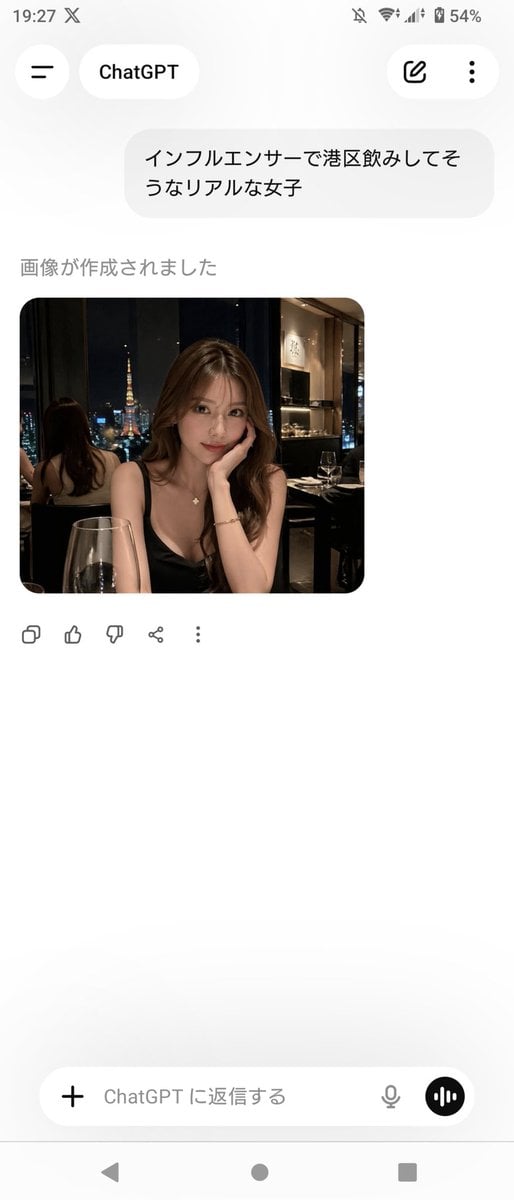
ChatGPT App Screenshot With Generated Portrait
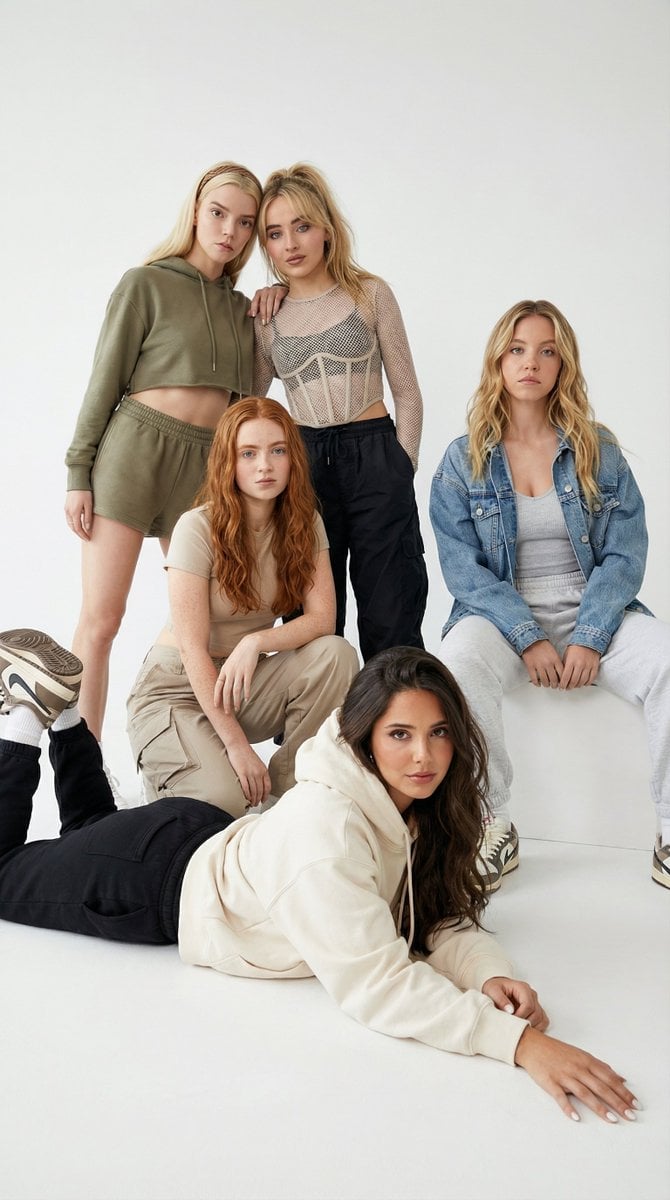
Group Portrait with Strict Identity Lock
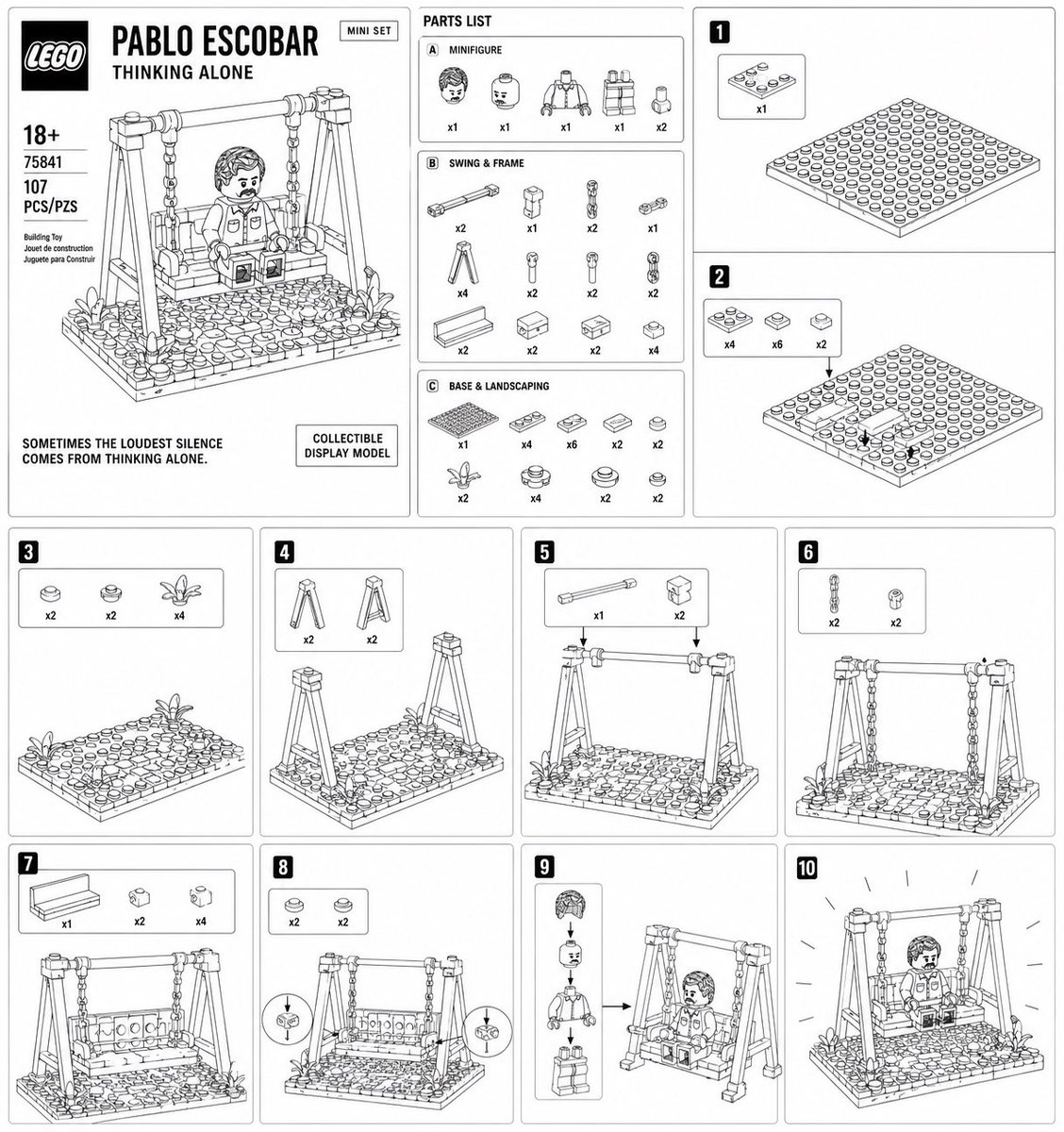
LEGO Mini Set Instruction Poster
Browse template categories
Tri-Cloud UI Anime Infographic questions
How do I use the Tri-Cloud UI Anime Infographic template?
Add your photo if the template asks for one, edit the prompt if you like — the template's model and format are already selected — and press Generate. Your version opens in PicX Studio.
Can I customize the Tri-Cloud UI Anime Infographic template?
Yes. You can change the subject, setting, lighting, mood, format, and available model controls before creating your image.
Is the Tri-Cloud UI Anime Infographic template free?
Opening and editing this template is free. Generating uses credits, shown on the Generate button when you are signed in.
Which AI model should I use?
Start with GPT Image 2, which is the model associated with this template. You can compare another compatible model for a different finish.
Looking for something else? Browse all templates.

Your photo, any look
Thousands of ready templates for every top image and video model, from one credit balance.