
Pink Panther Xbox 360 Combat Screenshot
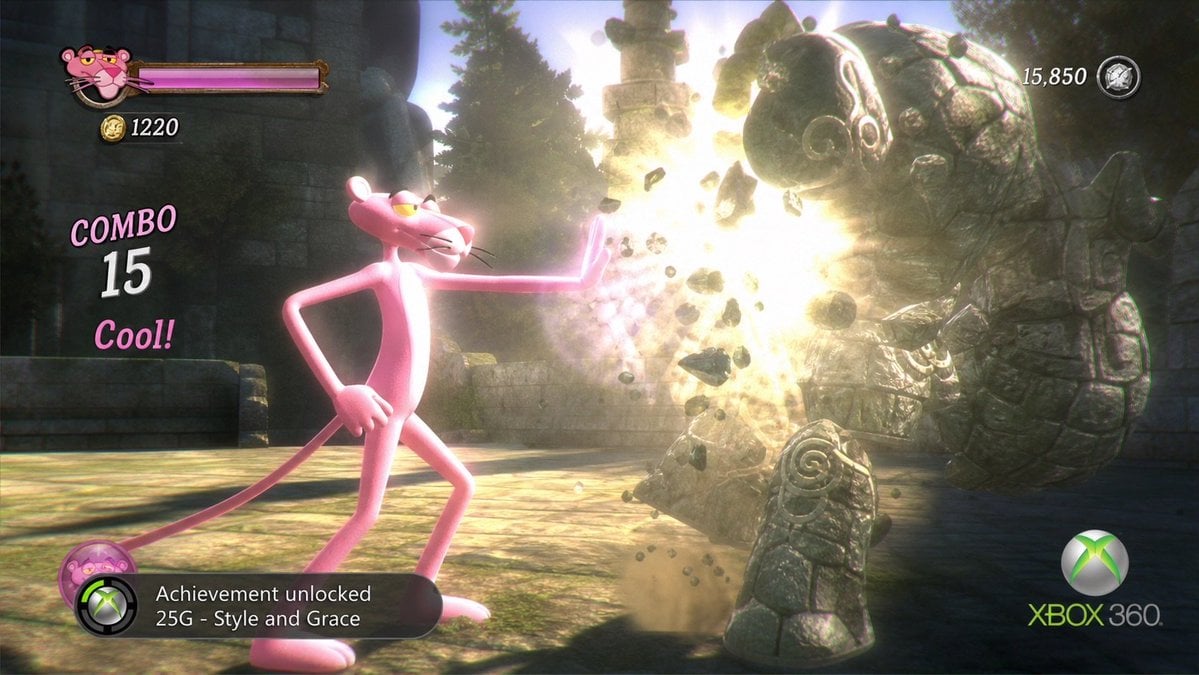
Generates a cinematic fictional Xbox 360 action-game screenshot featuring Pink Panther stylishly defeating a stone golem with full HUD and achievement UI.
- Prompt included
- Model and format preset
- Free template
The prompt behind this image
Copy the exact prompt behind Pink Panther Xbox 360 Combat Screenshot, or open it in the studio and make it yours.
- Type
- cinematic Xbox 360 era 3D action game screenshot parody
- Aspect Ratio
- 16:9 widescreen
- Scene › Setting
- ancient mossy stone temple courtyard with ruined walls, carved pillars, evergreen trees in background, dusty sunbeams and volumetric light
- Scene › Camera
- third-person side view, low cinematic game camera, slight motion blur, depth of field, bloom-heavy high contrast lighting
- Scene › Mood
- stylish arcade combat, humorous licensed-character brawler, late-2000s console graphics
- Main Subject › Character
- {argument name="main character" default="Pink Panther"}
- Main Subject › Appearance
- tall skinny pink cartoon panther with white muzzle and belly, yellow half-lidded eyes, black whiskers, long tail, oversized paws, confident smirk
- Main Subject › Pose
- standing left of center, one hand on hip, right arm stretched forward with palm out, casually stopping or blasting an enemy with elegant attitude
- Enemy › Description
- large stone golem on the right, made of chunky cracked gray rock pieces with spiral carvings and ancient ornamental patterns, hunched forward and being shattered by impact
- Enemy › Count
- 1 enemy golem
- Enemy › Effects
- bright golden-white explosion at the palm impact point, flying debris, dust clouds, separated boulders and cracked fragments suspended in midair
- Hud And Ui › Count
- 6 discrete UI elements
- Hud And Ui › Elements › 0 › Label
- player portrait and health bar
- Hud And Ui › Elements › 0 › Position
- top left
- Hud And Ui › Elements › 0 › Description
- small Pink Panther head icon beside a long magenta health bar in a bronze frame
- Hud And Ui › Elements › 1 › Label
- coin counter
- Hud And Ui › Elements › 1 › Position
- upper left below health bar
- Hud And Ui › Elements › 1 › Text
- 1220
- Hud And Ui › Elements › 1 › Description
- gold coin icon followed by white number
- Hud And Ui › Elements › 2 › Label
- combo indicator
- Hud And Ui › Elements › 2 › Position
- left center
- Hud And Ui › Elements › 2 › Text
- COMBO 15 Cool!
- Hud And Ui › Elements › 2 › Description
- pink stylized COMBO text, large white 15, pink Cool!
- Hud And Ui › Elements › 3 › Label
- score counter
Raw JSON
{"type":"cinematic Xbox 360 era 3D action game screenshot parody","aspect_ratio":"16:9 widescreen","scene":{"setting":"ancient mossy stone temple courtyard with ruined walls, carved pillars, evergreen trees in background, dusty sunbeams and volumetric light","camera":"third-person side view, low cinematic game camera, slight motion blur, depth of field, bloom-heavy high contrast lighting","mood":"stylish arcade combat, humorous licensed-character brawler, late-2000s console graphics"},"main_subject":{"character":"{argument name=\"main character\" default=\"Pink Panther\"}","appearance":"tall skinny pink cartoon panther with white muzzle and belly, yellow half-lidded eyes, black whiskers, long tail, oversized paws, confident smirk","pose":"standing left of center, one hand on hip, right arm stretched forward with palm out, casually stopping or blasting an enemy with elegant attitude"},"enemy":{"description":"large stone golem on the right, made of chunky cracked gray rock pieces with spiral carvings and ancient ornamental patterns, hunched forward and being shattered by impact","count":"1 enemy golem","effects":"bright golden-white explosion at the palm impact point, flying debris, dust clouds, separated boulders and cracked fragments suspended in midair"},"hud_and_ui":{"count":"6 discrete UI elements","elements":[{"label":"player portrait and health bar","position":"top left","description":"small Pink Panther head icon beside a long magenta health bar in a bronze frame"},{"label":"coin counter","position":"upper left below health bar","text":"1220","description":"gold coin icon followed by white number"},{"label":"combo indicator","position":"left center","text":"COMBO 15 Cool!","description":"pink stylized COMBO text, large white 15, pink Cool!"},{"label":"score counter","position":"top right","text":"15,850","description":"white score number beside a small silver medallion icon"},{"label":"achievement notification","position":"bottom left","text":"Achievement unlocked 25G - Style and Grace","description":"black translucent rounded Xbox notification bar with Xbox orb icon and small pink character badge"},{"label":"console branding","position":"bottom right","text":"XBOX 360","description":"green and gray Xbox sphere logo with Xbox 360 wordmark"}]},"text_to_render":{"achievement":"{argument name=\"achievement text\" default=\"Achievement unlocked 25G - Style and Grace\"}","combo":"{argument name=\"combo text\" default=\"COMBO 15 Cool!\"}","coin_count":"{argument name=\"coin count\" default=\"1220\"}","score":"{argument name=\"score\" default=\"15,850\"}"},"visual_style":"polished 3D render resembling a paused gameplay screenshot from a fictional Xbox 360 action game, glossy cartoon character contrasted with realistic stone ruins, intense bloom, particle debris, screen-space effects, clean readable HUD overlays, authentic late-2000s achievement pop-up, no real game title screen"}How to use Pink Panther Xbox 360 Combat Screenshot in 3 steps
- 1Upload ImagePNG, JPG or paste
Add your photo
Upload the photo the template builds on. The prompt, model and format are already set.
- 2…a portrait of your subject in softgolden-hour light, 85mm…
Personalize
Edit the subject and creative details for your destination.
- 3Generate
Generate
Press Generate — your image is created in PicX Studio, so you can compare it with the original and refine one variable at a time.
More like this
Templates with the same subject, style or setup. Open one to see its prompt.

Minecraft Next-Gen Voxel World Screenshot
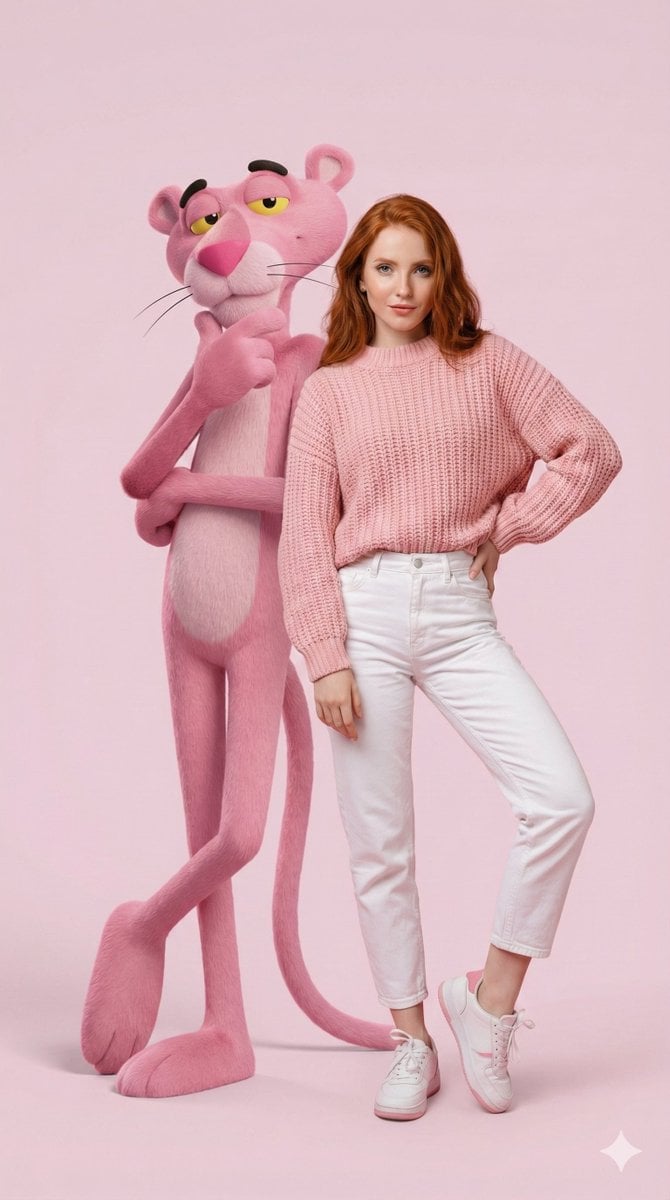
Hyper-Realistic Portrait with Giant Pink Panther
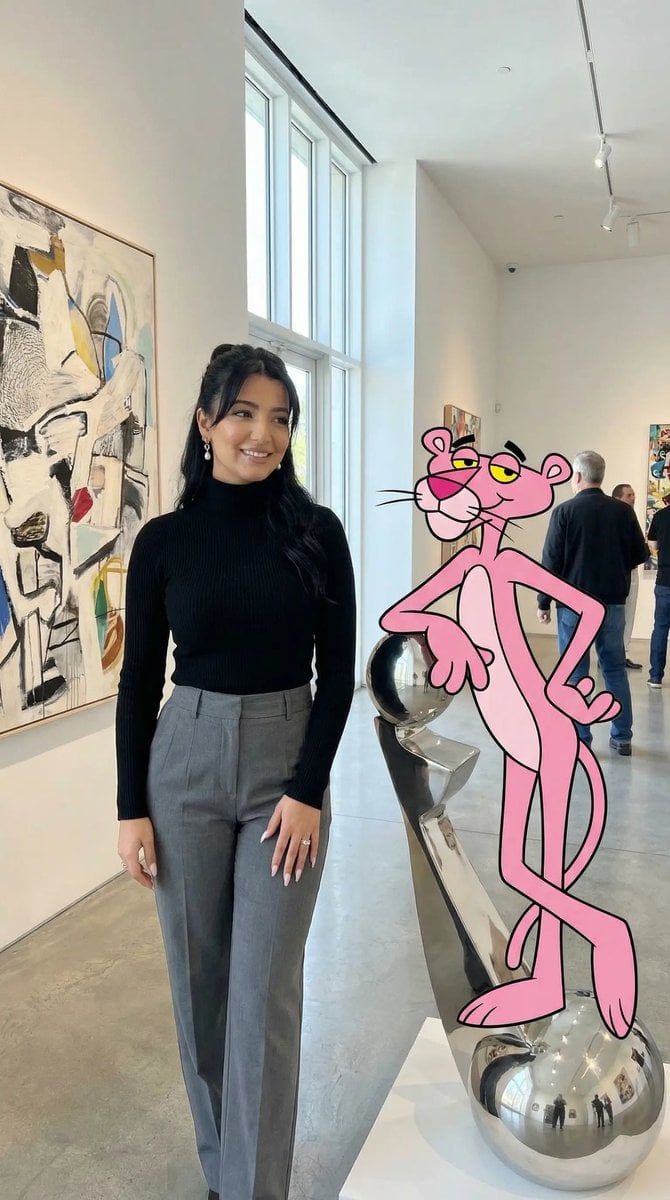
Ultra Photoreal Cartoon Reality Scene with Pink Panther
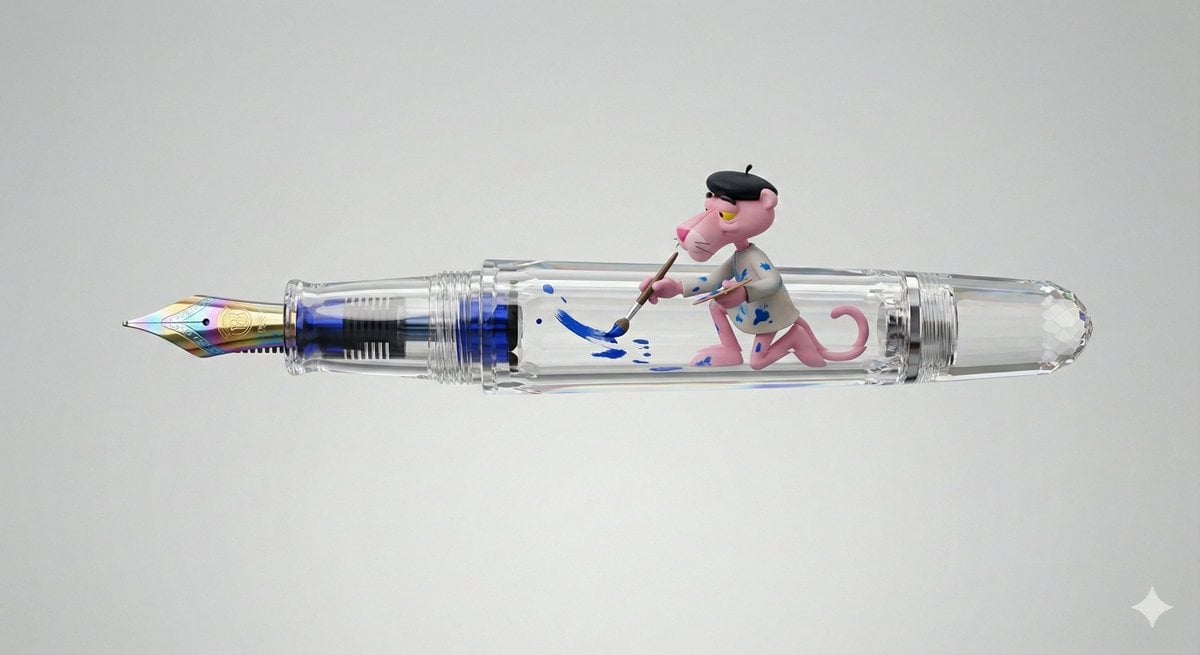
Pink Panther Fountain Pen 3D Render Prompt

A hyper-realistic beauty product photograph of a pink jar placed
Action Combat Anime Storyboard

Portrait with Cartoon Pink Rabbit
Black Panther and Female Knight Portrait
Blonde Knight with Black Panther
Blonde Knight and Black Panther Battle Charge
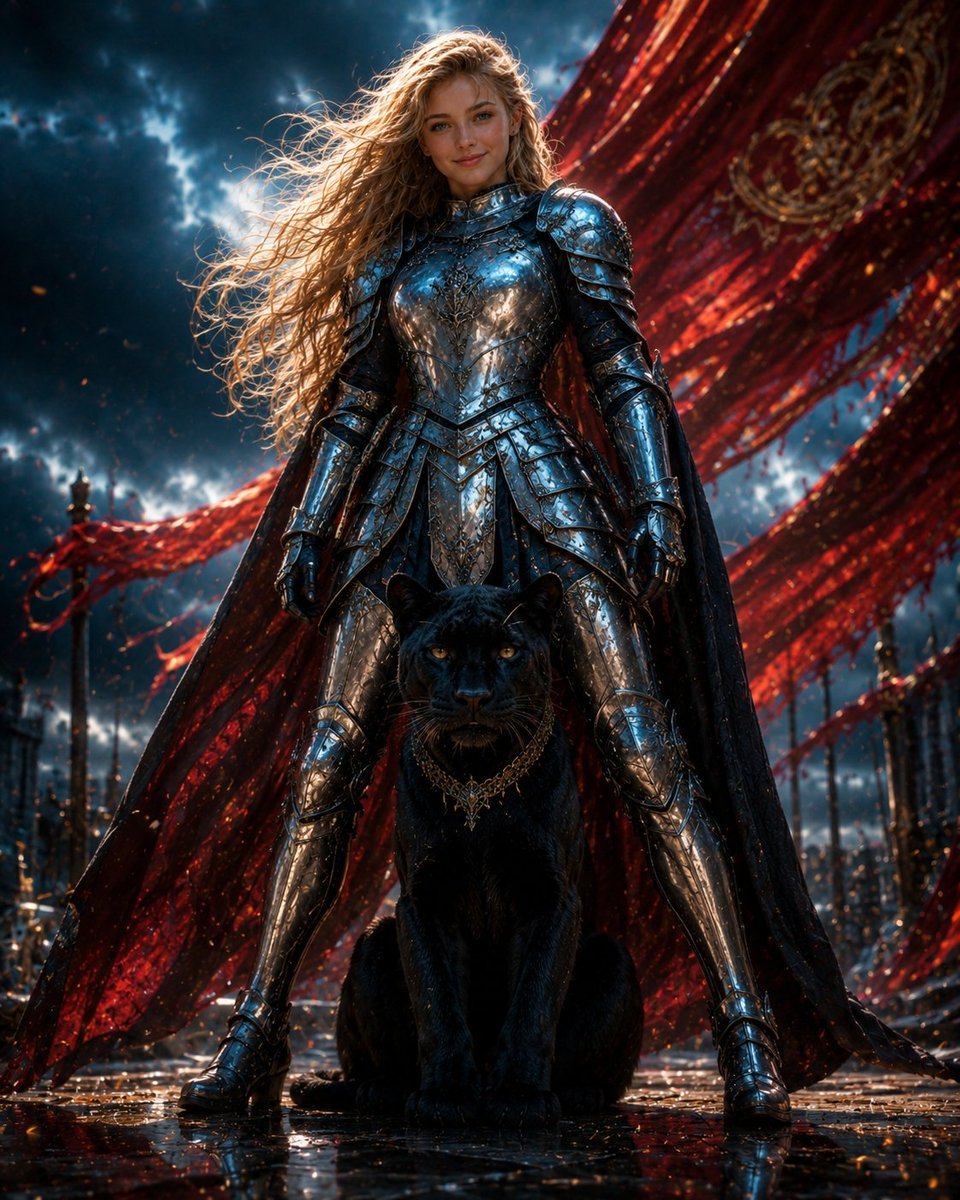
Armored Warrior with Black Panther

Pink Lounge Set Mirror Selfie
Make it yours
Pink Panther Xbox 360 Combat Screenshot works as-is. These are the safest ways to change it without losing the look.
Swap the setting
Keep the rest of the prompt and replace the location block. The current setting is “ancient mossy stone temple courtyard with ruined walls, carved pillars, evergree”.
Change one field
Copy a single group, rewrite it, and generate again so you can see what that field is doing.
Keep the frame, change the subject
Hold the composition and light of Pink Panther Xbox 360 Combat Screenshot, then swap wardrobe, props or the person for a new take.
| If the result… | Why | Fix |
|---|---|---|
| The result drifts from the preview | Too many fields changed at once. | Reuse Pink Panther Xbox 360 Combat Screenshot as-is first, then change one group — subject, light, or setting. |
| GPT Image 2 ignores part of the JSON | Some models flatten or skip nested keys. | Keep the same values and paste them as a short paragraph instead. |
More GPT Image 2 templates
Other prompts made for GPT Image 2.

Six VTuber Japanese Logo Sheet

Realistic Portrait of Woman and Deer

The Vista Modular Condo Poster

AI Model Routing Comparison Infographic

2.5D Anime Art Board

Isometric Productivity Desk Scene

New York Double Exposure Poster

Four-Panel AI Landscape Comparison

Japanese Tatami Lifestyle Magazine Cover

NESCAFÉ Coffee Map Poster
More image prompts
Fresh picks from across the catalog.
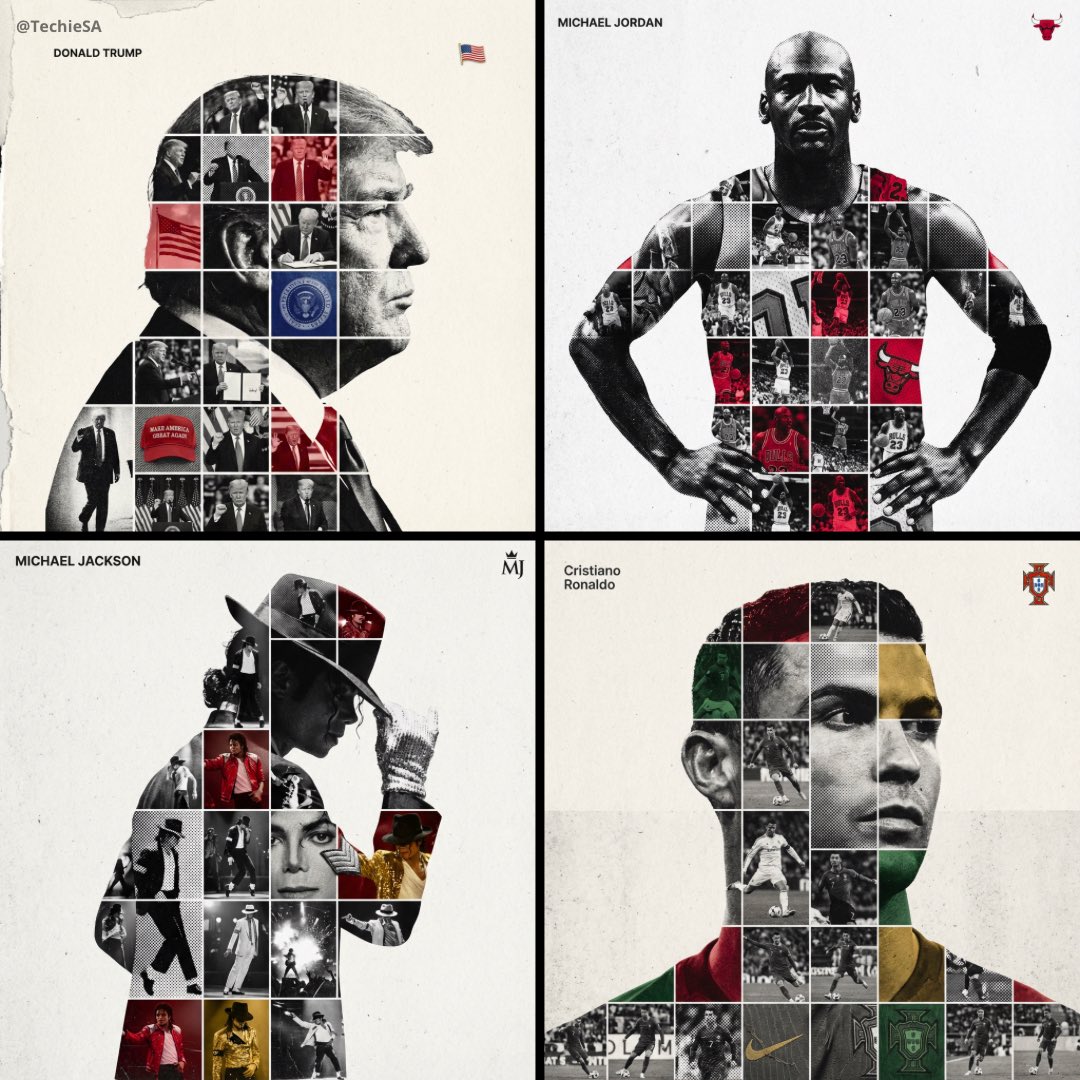
Mixed Media Sports Tribute
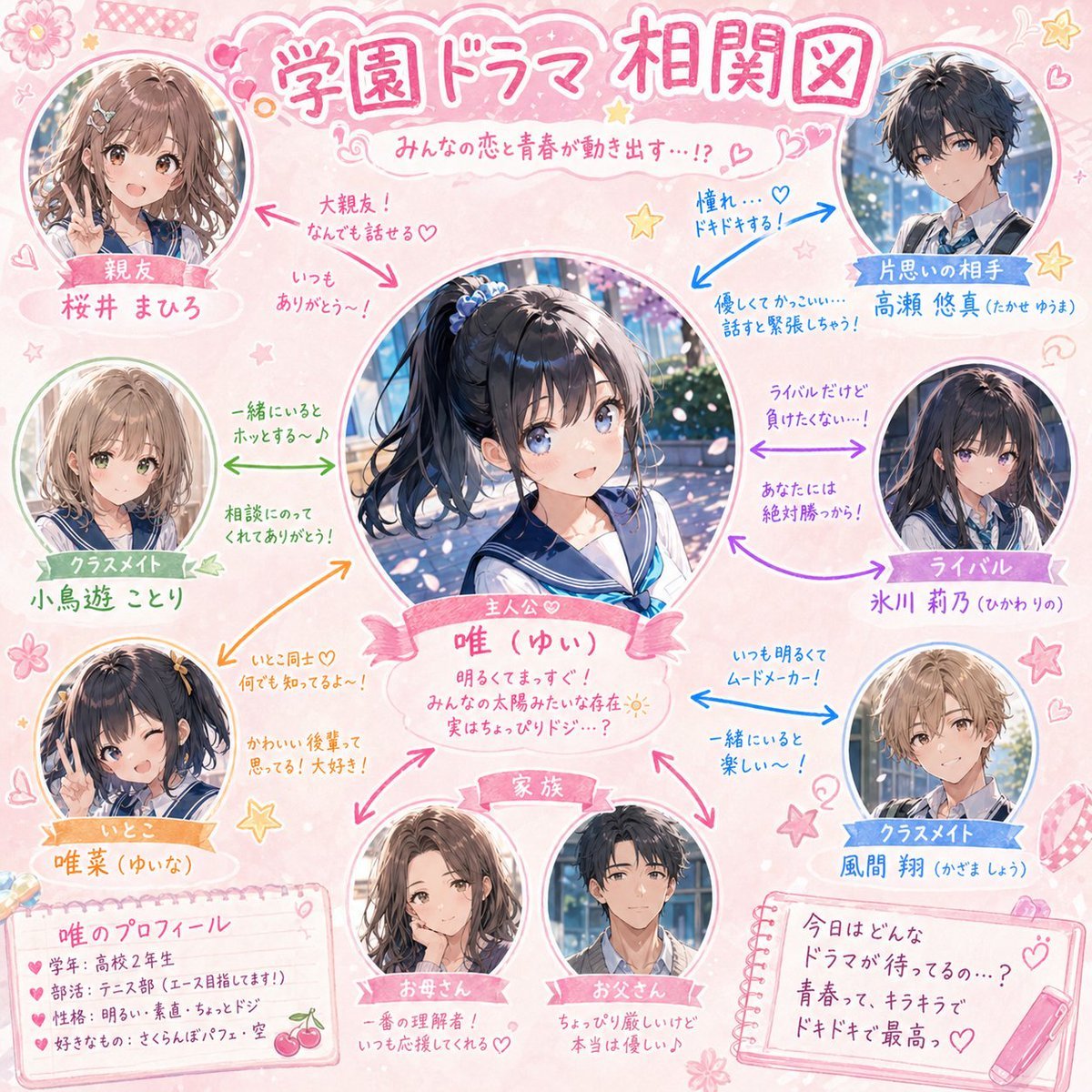
School Drama Relationship Chart Generator
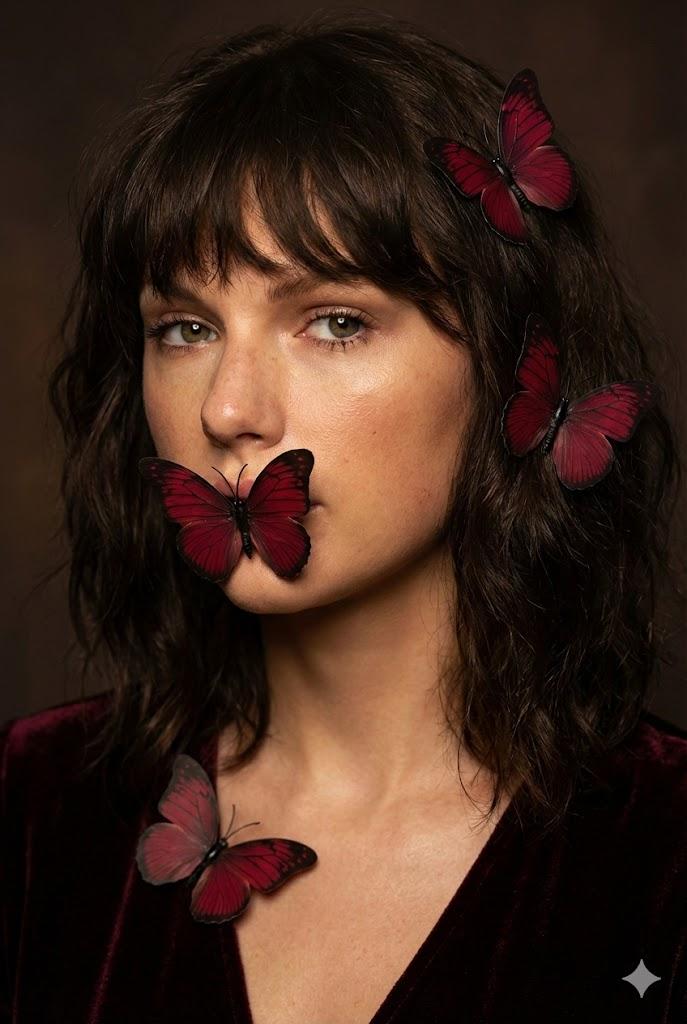
Mysterious Portrait with Butterflies (Duplicate)
Photorealistic Urban Night Portrait of a British Man

Ultra-Realistic Top-Down Flat Lay Photo of a Custom Conference Table
Monochrome Avant-Garde Portrait: Obsidian Ritual
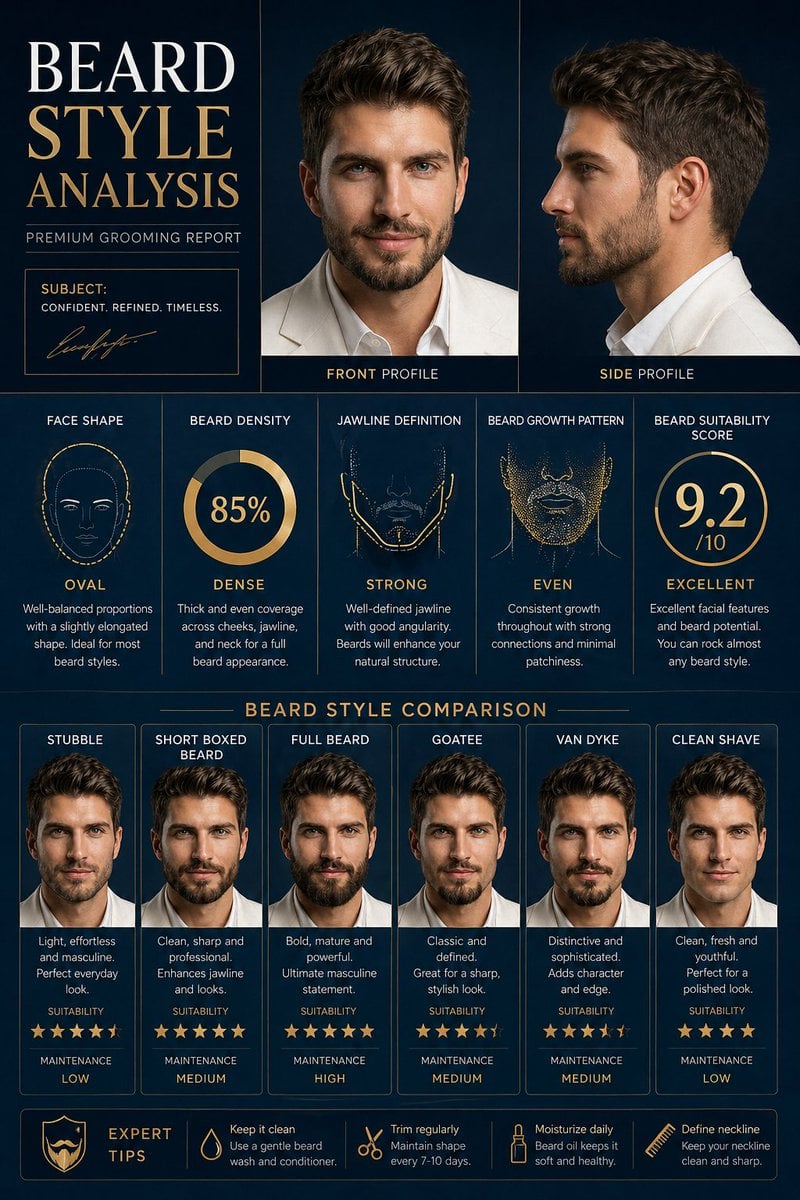
Beard Style Analysis Poster
Dark Fantasy Knight Wallpaper Generation with Nano Banana 2
AI Illustration Quality Upscaler
Man Holding Holographic Drone Prompt
Browse template categories
Pink Panther Xbox 360 Combat Screenshot questions
How do I use the Pink Panther Xbox 360 Combat Screenshot template?
Add your photo if the template asks for one, edit the prompt if you like — the template's model and format are already selected — and press Generate. Your version opens in PicX Studio.
Can I customize the Pink Panther Xbox 360 Combat Screenshot template?
Yes. You can change the subject, setting, lighting, mood, format, and available model controls before creating your image.
Is the Pink Panther Xbox 360 Combat Screenshot template free?
Opening and editing this template is free. Generating uses credits, shown on the Generate button when you are signed in.
Which AI model should I use?
Start with GPT Image 2, which is the model associated with this template. You can compare another compatible model for a different finish.
Looking for something else? Browse all templates.

Your photo, any look
Thousands of ready templates for every top image and video model, from one credit balance.