
Neon Pulse Idol Profile Poster
Generates a square Japanese idol group debut profile sheet with five school-uniform members, bios, and seven outfit concept thumbnails.
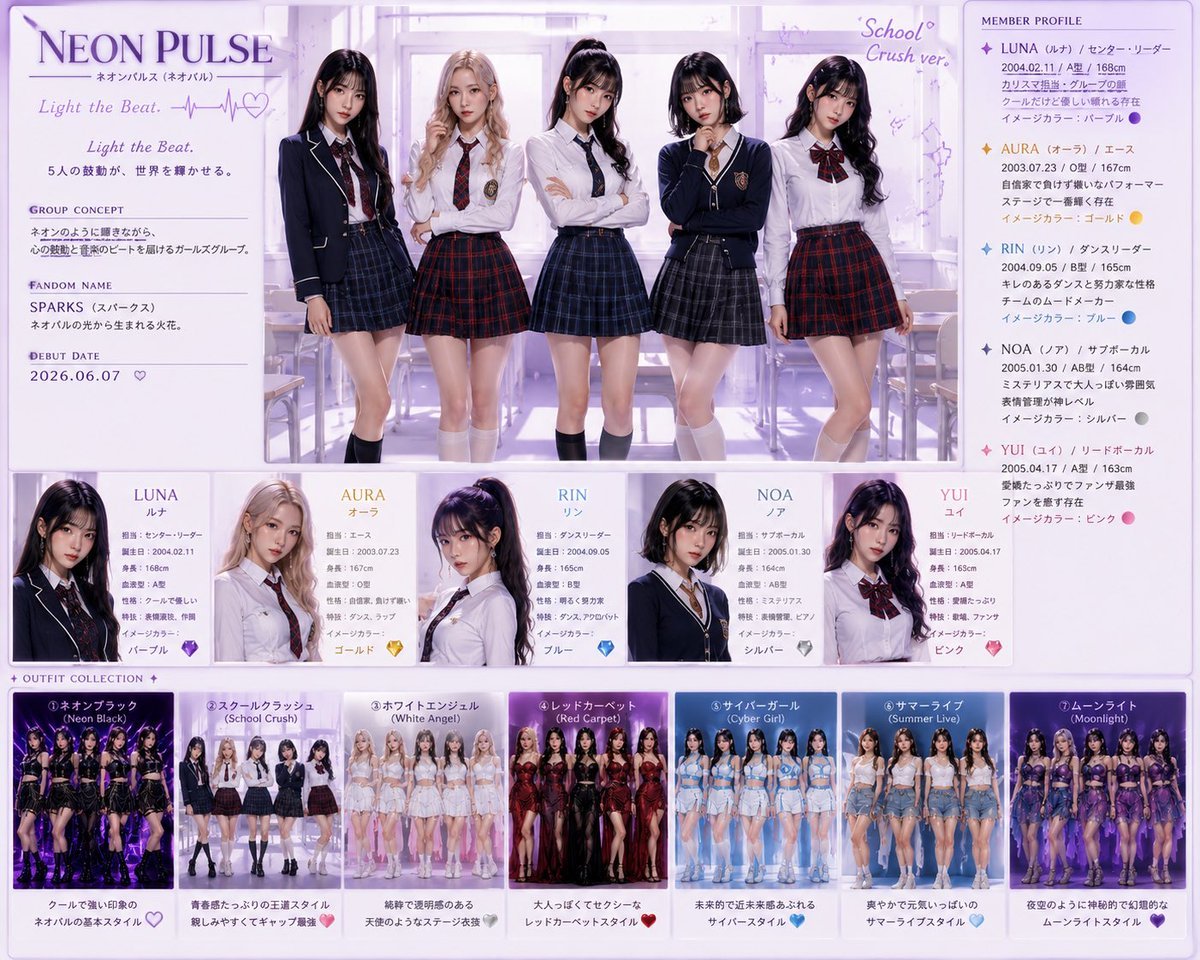
- Prompt included
- Model and format preset
- Free template
The prompt behind this image
Copy the exact prompt behind Neon Pulse Idol Profile Poster, or open it in the studio and make it yours.
Goal: Create a polished Japanese idol group profile poster for {argument name="idol group name" default="NEON PULSE"}, a fictional five-member school-crush themed girl group, designed like a glossy agency debut one-sheet with lavender accents, school uniforms, member bios, and outfit concept previews. Canvas: Square 1:1 poster, high resolution, soft pastel lavender and white palette, thin purple borders, clean magazine-layout typography, dreamy classroom background with sunlight through large windows. Overall look should combine a K-pop/J-pop idol promotional profile sheet, fashion lookbook, and debut announcement. Main layout: Use exactly 5 female idol members standing full-body in the large central image, wearing coordinated school uniforms with navy blazers, white shirts, plaid mini skirts, ribbon ties or neckties, knee socks, and loafers. Arrange them shoulder-to-shoulder in a bright classroom. Faces may be softly anonymized or blurred, but hair, clothing, poses, and silhouettes should remain clear. Include a handwritten-style note in the upper right of the central photo reading “School Crush ver.” Left information panel: At top left, large title “{argument name="idol group name" default="NEON PULSE"}” with Japanese subtitle beneath it. Add the tagline “Light the Beat.” with a small waveform line and heart icon. Include exactly 3 text blocks: 1) GROUP CONCEPT, describing a neon-like shine and delivering heartbeats of excitement and healing; 2) FANDOM NAME, “SPARKS” with a short explanation; 3) DEBUT DATE, “{argument name="debut date" default="2026.06.07"}” followed by a small heart. Right member profile panel: Add a vertical “MEMBER PROFILE” card listing exactly 5 members, each with a colored star/diamond marker, name, role, birthday, age, height, blood type, personality note, and image color. The five visible members must be: 1) LUNA, center/leader, 2004.02.11, 168cm, cool and reliable, image color purple; 2) AURA, ace, 2003.07.23, 167cm, warm performer, image color gold; 3) RIN, dance leader, 2004.09.05, 165cm, powerful and cool, image color blue; 4) NOA, sub vocal, 2005.01.30, 164cm, mysterious and calm, image color silver; 5) YUI, lead vocal, 2005.04.17, 163cm, cute fan-loving youngest, image color pink. Middle member cards: Under the main photo, create exactly 5 horizontal profile cards with portrait crops and names: LUNA, AURA, RIN, NOA, YUI. Each card should show a close-up portrait, Japanese name reading under the English name, role, birth date, height, blood type, personality, special skill or appeal point, and a small colored gemstone matching her image color. Keep each card compact and elegant. Bottom outfit collection: Add an “OUTFIT COLLECTION” strip with exactly 7 concept thumbnails, each showing the same 5-member group in a different coordinated stage outfit. Label the seven thumbnails clearly: 1) Neon Black, dark black-and-purple neon idol outfits; 2) School Crush, the school uniform look; 3) White Angel, white angelic stage dresses; 4) Red Carpet, mature black-and-red glamorous outfits; 5) Cyber Girl, futuristic blue-and-white cyber outfits; 6) Summer Live, bright denim-and-white summer styling; 7) Moonlight, mysterious purple moonlit stage outfits. Include a short Japanese-style description under each thumbnail and a small colored heart/gem accent. Visual style: Crisp editorial graphic design, pastel lavender frame lines, subtle sparkles, small hearts, diamond icons, waveform motifs, elegant serif title mixed with clean sans-serif body text, a soft glow around the central classroom scene. Make the poster information-dense but tidy and legible, like an official idol debut profile sheet. Constraints: Use exactly 5 members and exactly 7 outfit thumbnails. Preserve the visible English labels and member names. Avoid adding extra members, extra outfit concepts, watermarks, QR codes, or unrelated logos. Keep the design square, balanced, and highly readable.
How to use Neon Pulse Idol Profile Poster in 3 steps
- 1Upload ImagePNG, JPG or paste
Add your photo
Upload the photo the template builds on. The prompt, model and format are already set.
- 2…a portrait of your subject in softgolden-hour light, 85mm…
Personalize
Edit the subject and creative details for your destination.
- 3Generate
Generate
Press Generate — your image is created in PicX Studio, so you can compare it with the original and refine one variable at a time.
More like this
Templates with the same subject, style or setup. Open one to see its prompt.

Cartoon TV Show Poster Pack

Cyberpunk Neon Profile Fashion Portrait
Low-Angle Cyberpunk Neon Profile Portrait

Neon Glitch Cyber Symbiote Music Poster
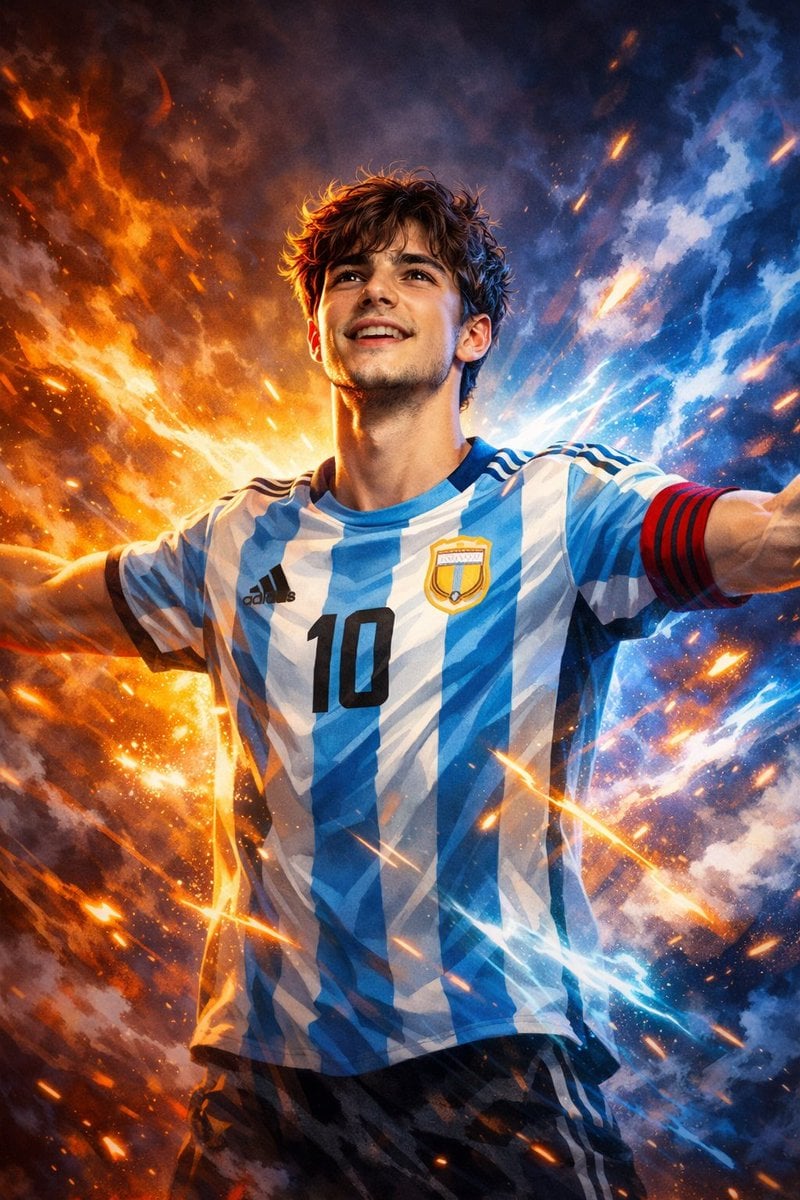
Victory Aura Superhero Neon Poster
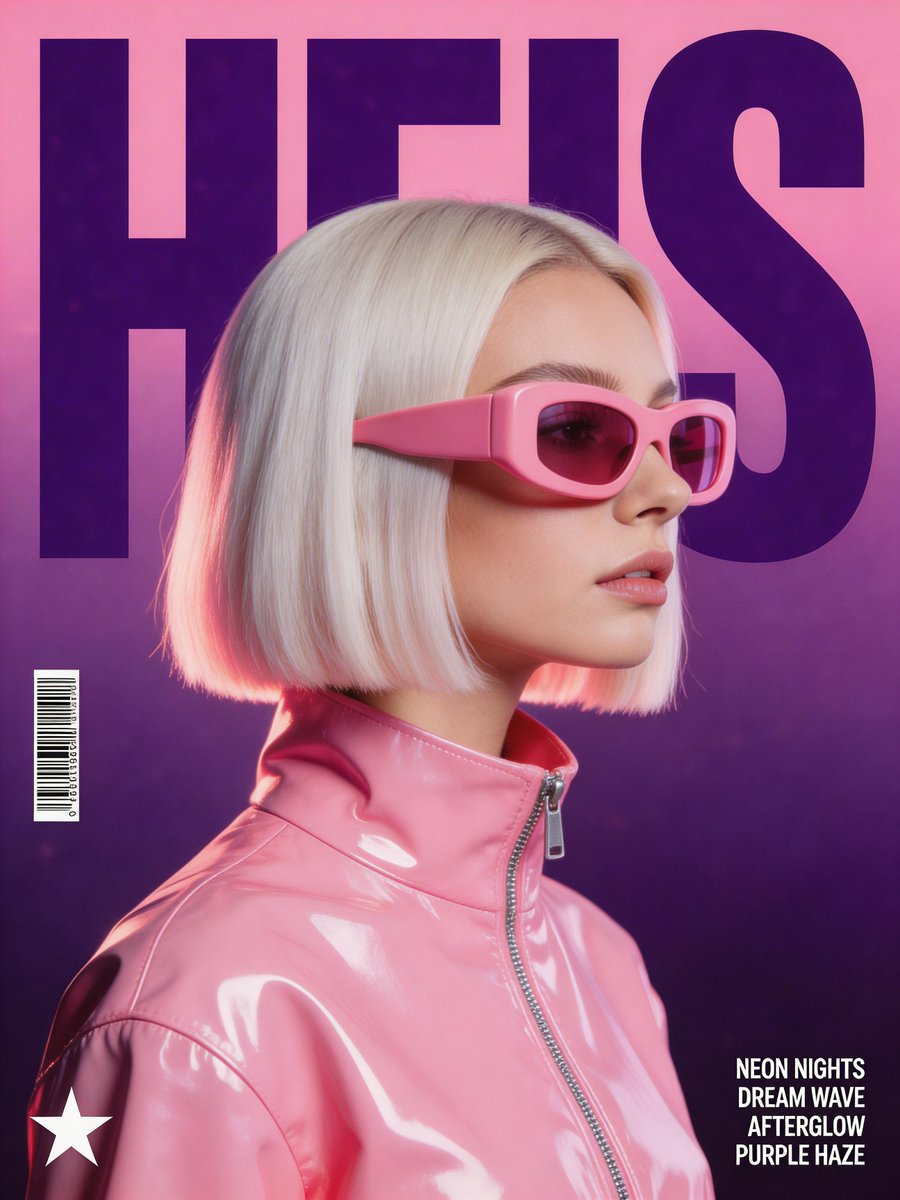
Synthwave Retro Superhero Music Poster
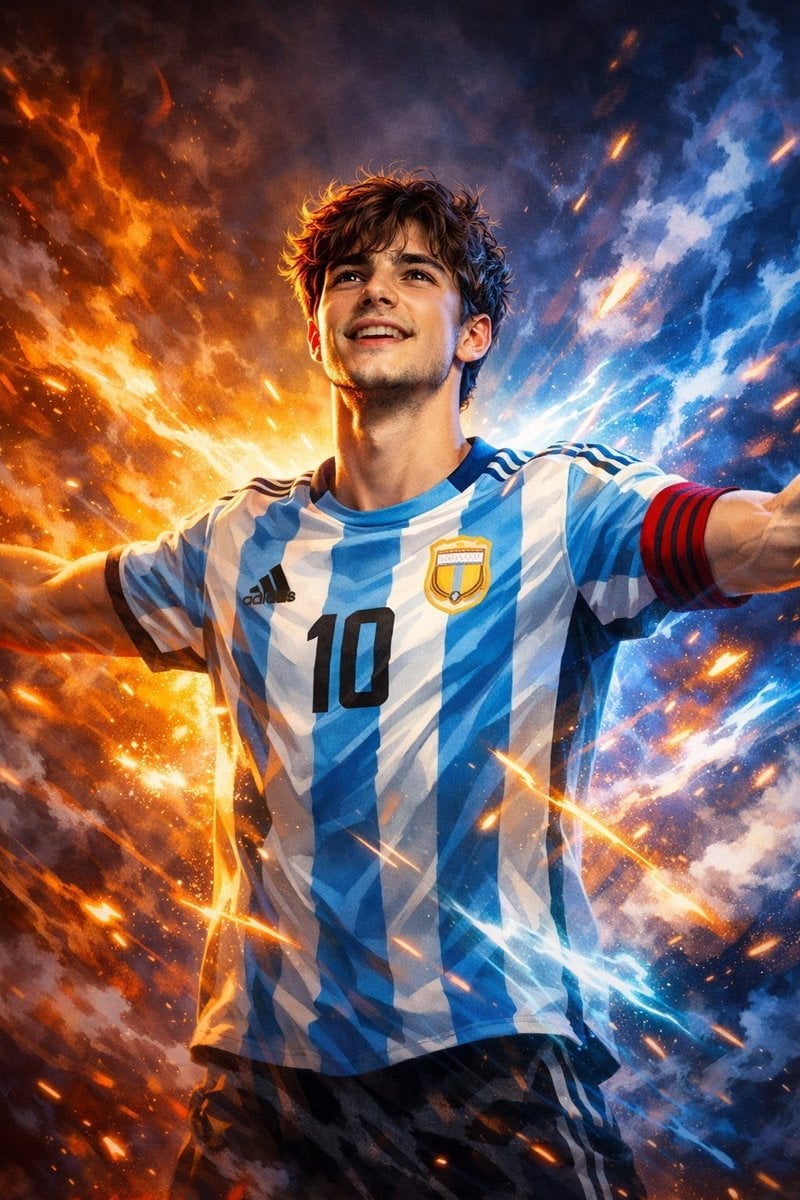
Victory Aura Football Poster
Korean Idol Partial Shadow Editorial Portrait

Cinematic Sci-Fi Commander Side Profile Portrait

Cinematic Side Profile Cyberpunk Hero Poster
80s Neon Disco Night

Japan Travel Brochure Poster
Make it yours
Neon Pulse Idol Profile Poster works as-is. These are the safest ways to change it without losing the look.
Change one field
Copy a single group, rewrite it, and generate again so you can see what that field is doing.
Keep the frame, change the subject
Hold the composition and light of Neon Pulse Idol Profile Poster, then swap wardrobe, props or the person for a new take.
| If the result… | Why | Fix |
|---|---|---|
| The result drifts from the preview | Too many fields changed at once. | Reuse Neon Pulse Idol Profile Poster as-is first, then change one group — subject, light, or setting. |
| The model over-stylizes the scene | The prose prompt leaves finish and camera underspecified. | Add one camera or lighting sentence and stay on GPT Image 2. |
More GPT Image 2 templates
Other prompts made for GPT Image 2.

Six VTuber Japanese Logo Sheet

Realistic Portrait of Woman and Deer

The Vista Modular Condo Poster

AI Model Routing Comparison Infographic

2.5D Anime Art Board

Isometric Productivity Desk Scene

New York Double Exposure Poster

Four-Panel AI Landscape Comparison

Japanese Tatami Lifestyle Magazine Cover

NESCAFÉ Coffee Map Poster
More image prompts
Fresh picks from across the catalog.
Culinary Pop-Up Book Diorama of Swedish Meatballs

High-Fashion Magic Carpet Editorial Shot
News Reporter Toy Store Scene
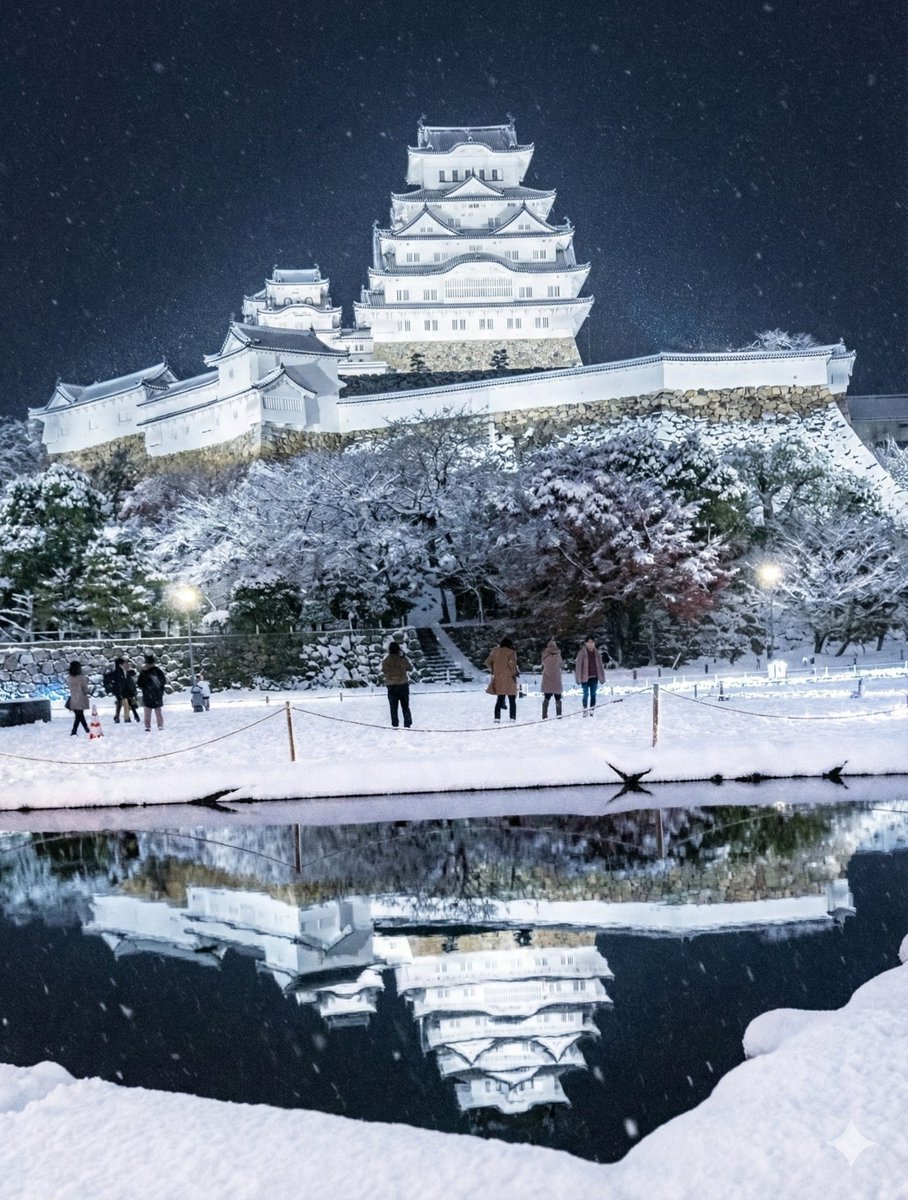
Snowy Himeji Castle in Kyouka Suigetsu Style
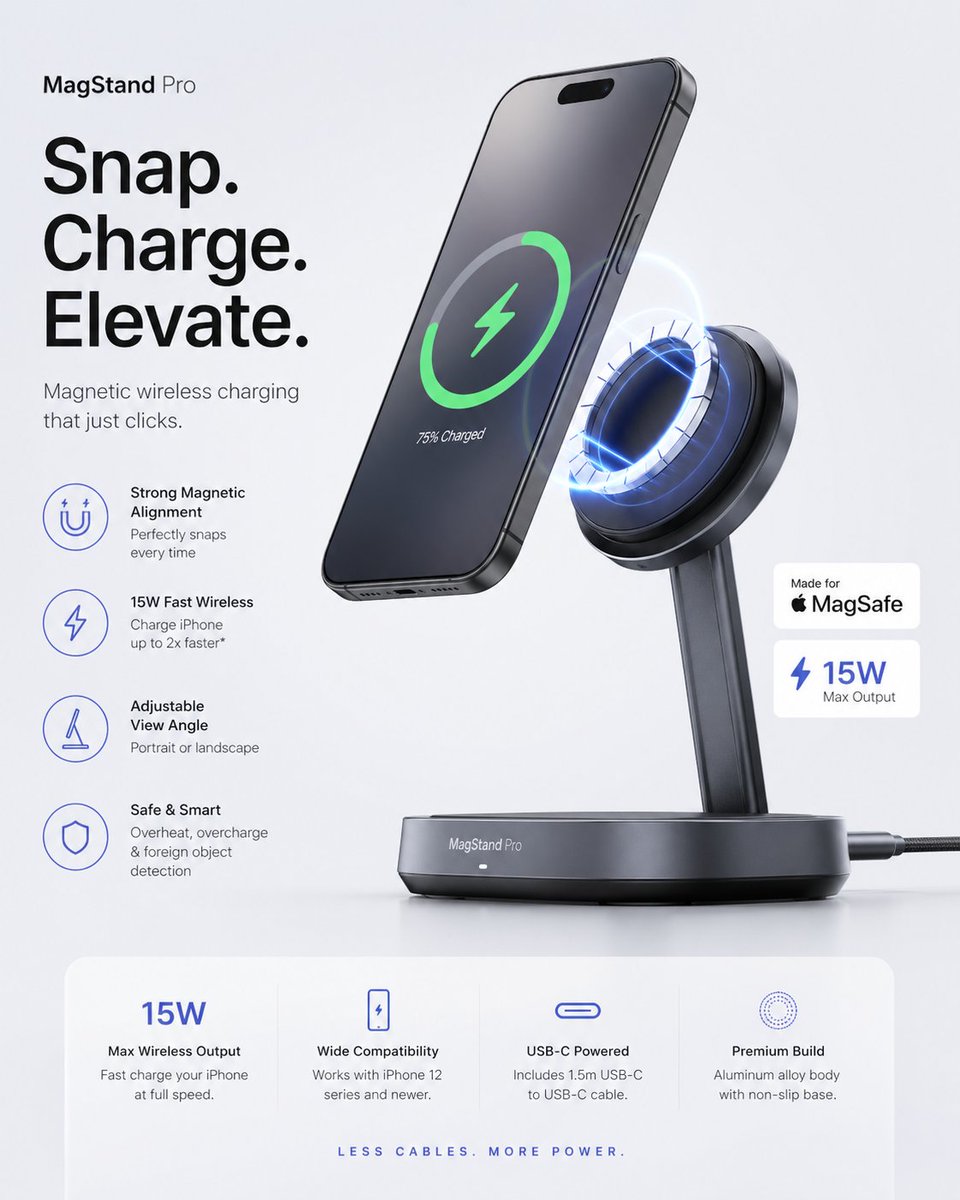
Minimalist Tech Accessory Advertisement
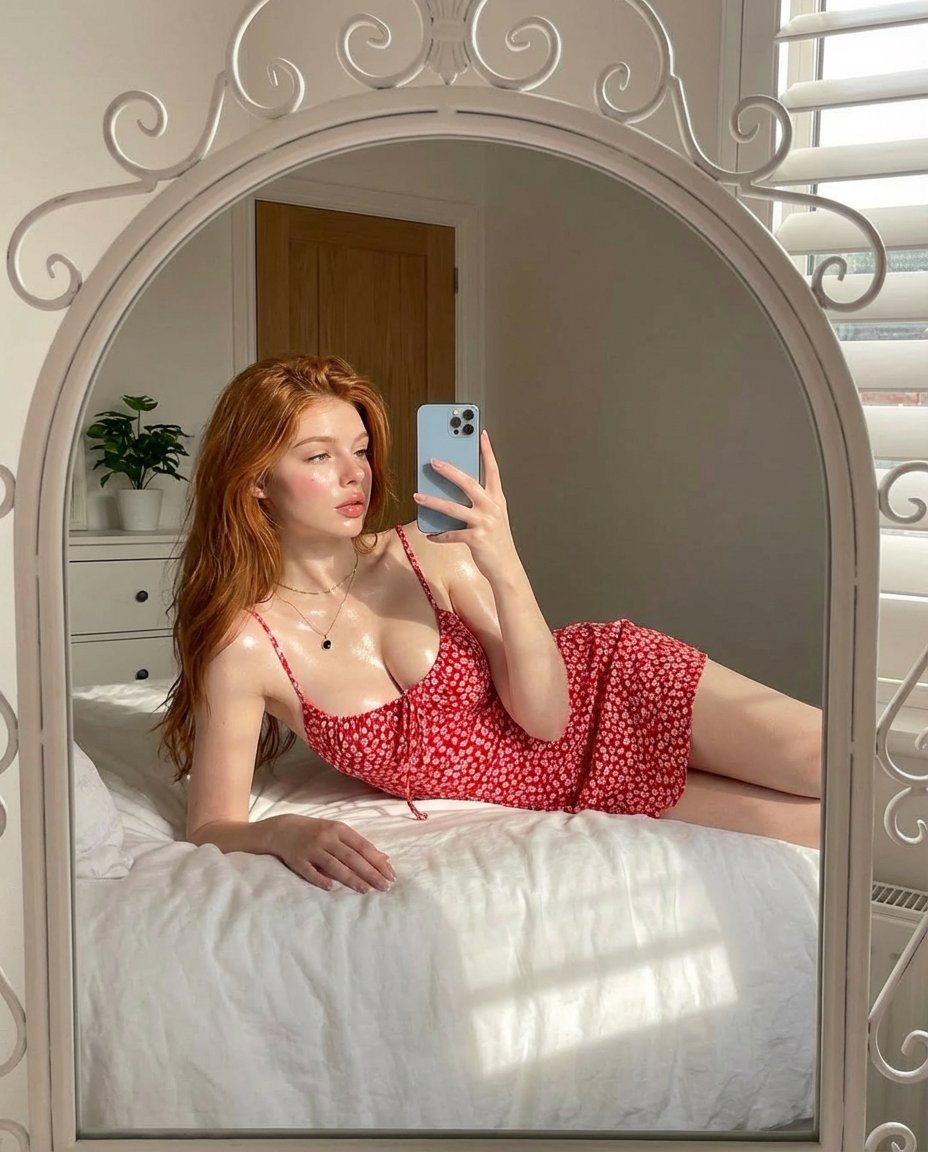
Aesthetic Mirror Selfie in Sunlight
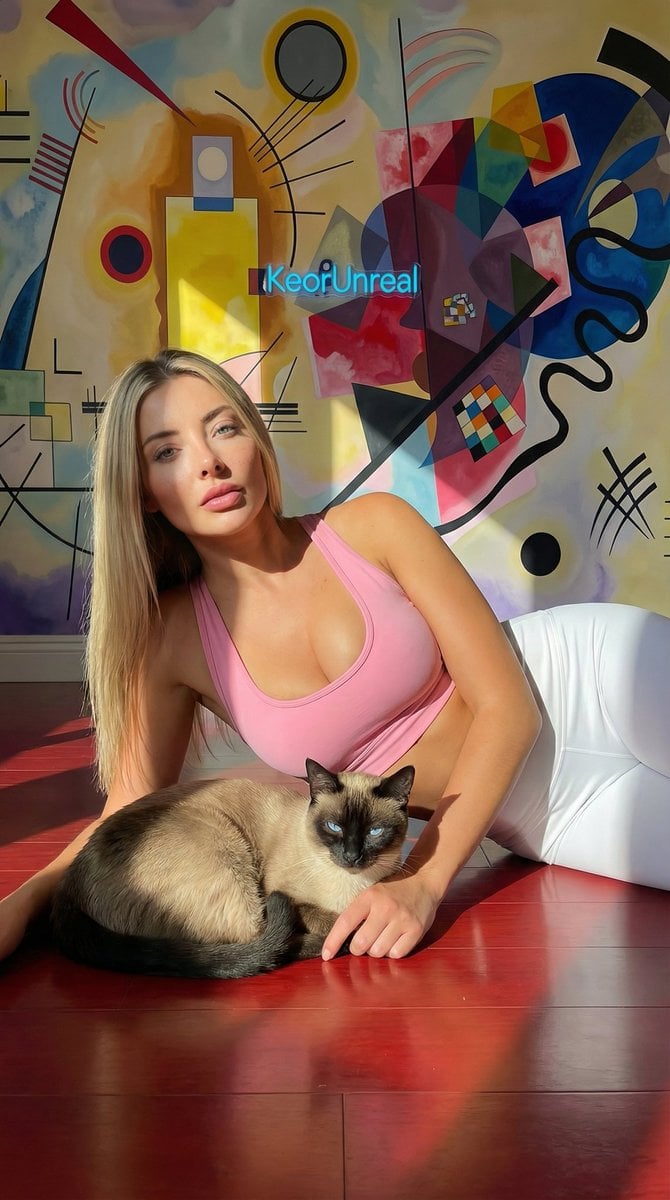
Photorealistic Portrait with Kandinsky Wall and Cat Prompt

AI Vision Augmented Reality Overlay Concept
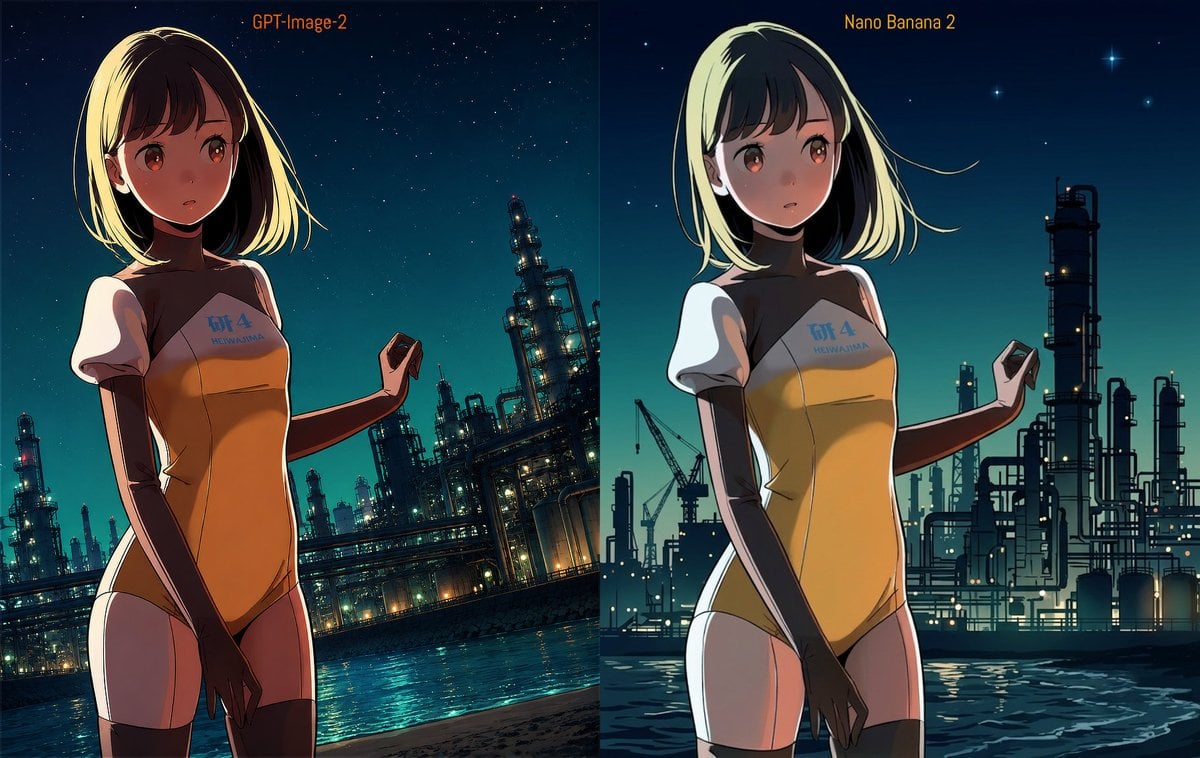
Industrial Night Background Replacement
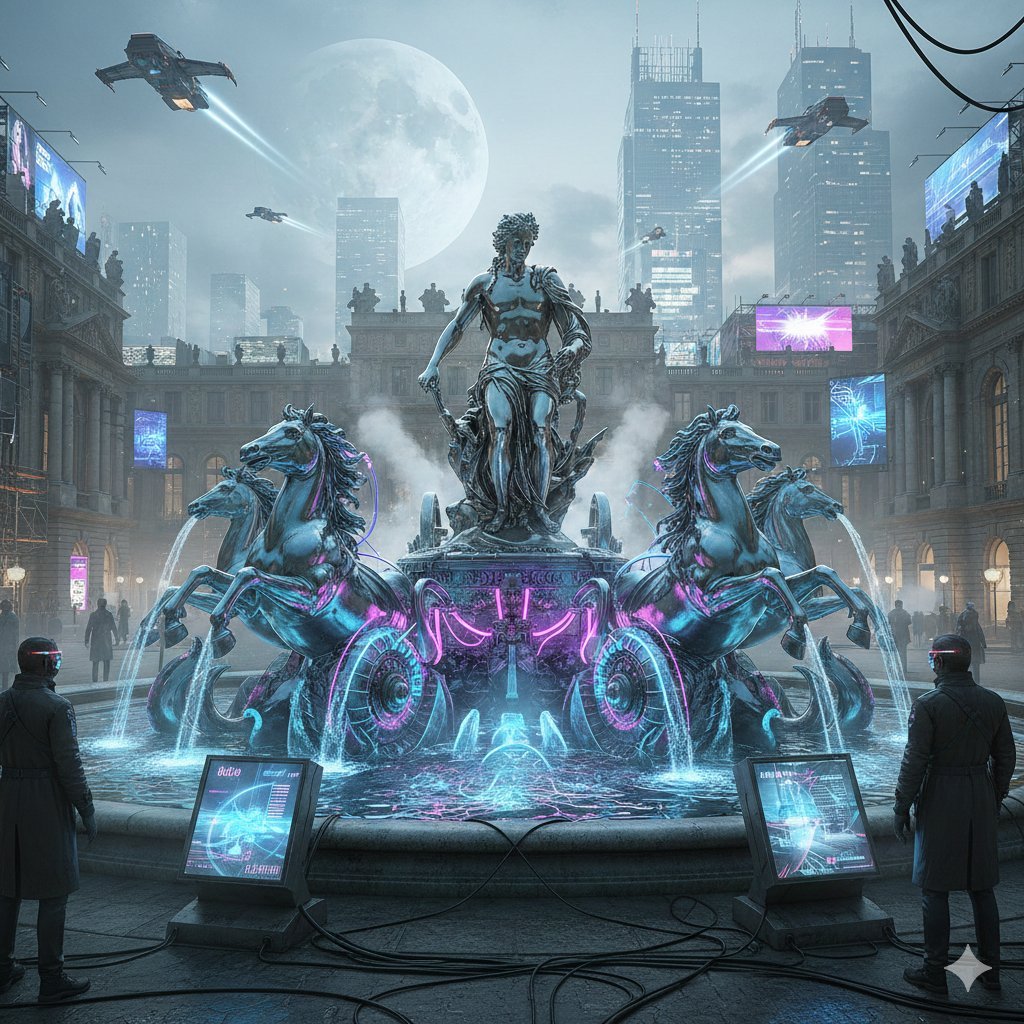
Cyberpunk Apollo's Fountain Generation
Browse template categories
Neon Pulse Idol Profile Poster questions
How do I use the Neon Pulse Idol Profile Poster template?
Add your photo if the template asks for one, edit the prompt if you like — the template's model and format are already selected — and press Generate. Your version opens in PicX Studio.
Can I customize the Neon Pulse Idol Profile Poster template?
Yes. You can change the subject, setting, lighting, mood, format, and available model controls before creating your image.
Is the Neon Pulse Idol Profile Poster template free?
Opening and editing this template is free. Generating uses credits, shown on the Generate button when you are signed in.
Which AI model should I use?
Start with GPT Image 2, which is the model associated with this template. You can compare another compatible model for a different finish.
Looking for something else? Browse all templates.

Your photo, any look
Thousands of ready templates for every top image and video model, from one credit balance.