
Miniature City Weather Poster
This prompt generates a polished vertical weather poster combining centered forecast typography with a whimsical miniature Chinese cityscape, ideal for travel-themed app visuals and social media weather art.
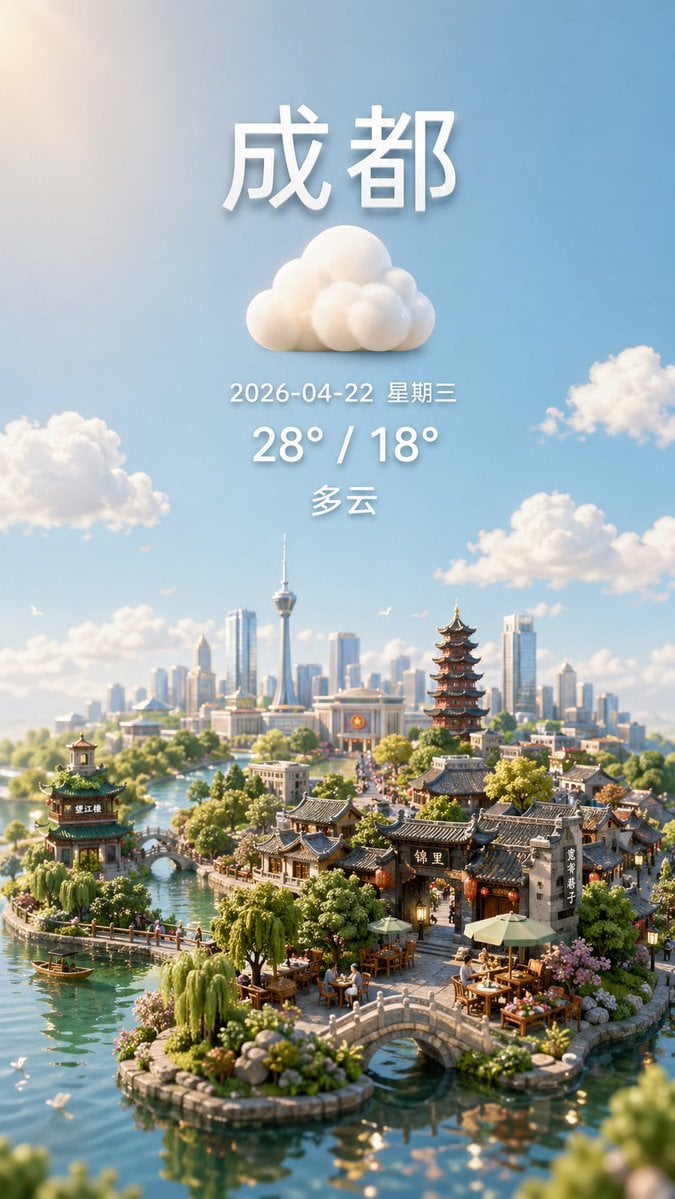
- Prompt included
- Model and format preset
- Free template
The prompt behind this image
Copy the exact prompt behind Miniature City Weather Poster, or open it in the studio and make it yours.
A vertical smartphone-style weather poster for {argument name="city name" default="成都"}, designed as a dreamy ultra-detailed miniature diorama cityscape under a bright blue sky. At the top center, place large bold white Chinese characters for the city name with soft 3D depth and a gentle drop shadow. Directly below it, center a fluffy white cloud icon made of rounded sculpted forms. Under the icon, add one line of smaller white text showing {argument name="date text" default="2026-04-22 星期三"}, then a larger bold white temperature line reading {argument name="temperature text" default="28° / 18°"}, then one more centered weather-condition line in white reading {argument name="condition text" default="多云"}. Keep all text vertically stacked, evenly spaced, and cleanly centered in the upper half of the image. In the lower half, create an enchanting hybrid city of traditional Chinese water-town architecture and a modern skyline: calm turquoise canals winding around tiny islands, 2 small arched stone bridges in the foreground, 1 pavilion on the left island, 1 tall multi-tier pagoda near the right-center, clusters of grey-tiled traditional houses and shopfronts, outdoor tea tables with umbrellas, lush willows, shrubs, flowers, and a few tiny boats on the water. In the distant background, show a contemporary skyline with many glass skyscrapers and 1 prominent needle-like observation tower. Scatter exactly 5 soft cumulus clouds across the sky including the central weather icon area, and add a few tiny birds for life. Use warm morning sunlight, cinematic atmospheric perspective, shallow depth of field, tilt-shift miniature photography aesthetics, highly realistic materials, delicate reflections in the water, and a polished whimsical travel-poster mood. Preserve a clean composition with generous sky above and the miniature city concentrated at the bottom, like a premium weather app hero image.
How to use Miniature City Weather Poster in 3 steps
- 1Upload ImagePNG, JPG or paste
Add your photo
Upload the photo the template builds on. The prompt, model and format are already set.
- 2…a portrait of your subject in softgolden-hour light, 85mm…
Personalize
Edit the subject and creative details for your destination.
- 3Generate
Generate
Press Generate — your image is created in PicX Studio, so you can compare it with the original and refine one variable at a time.
More like this
Templates with the same subject, style or setup. Open one to see its prompt.

Clay Miniature Landmark Travel Diorama

Japan Neon Speed City Racing Poster
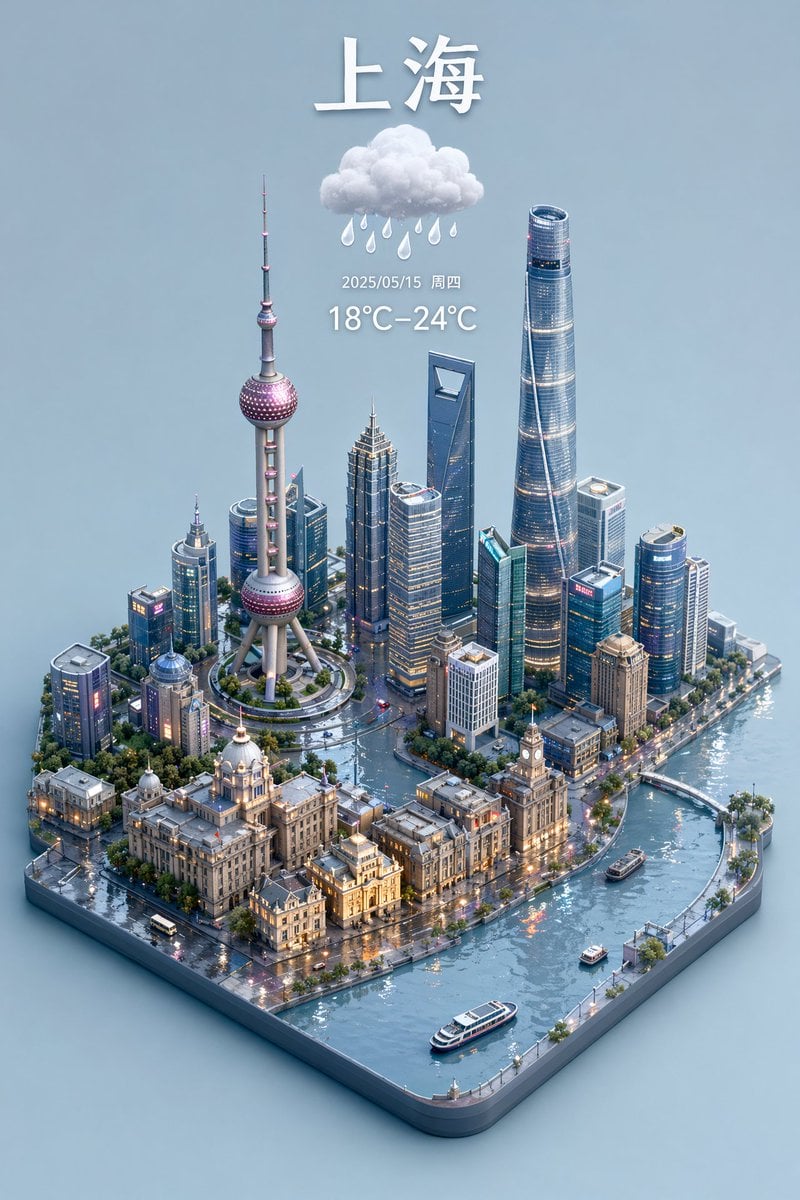
3D Isometric Miniature City Weather Map
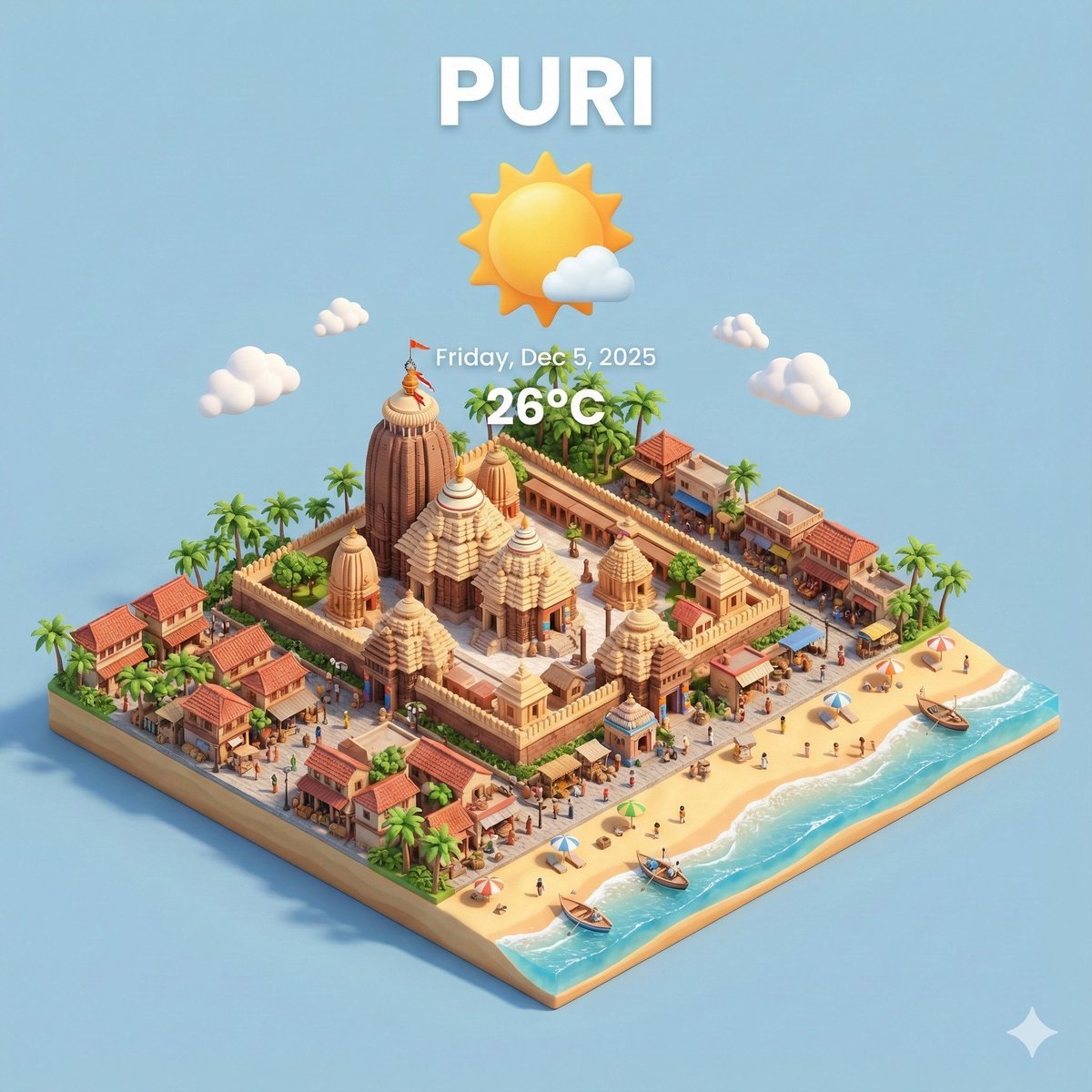
Miniature 3D City with Live Weather Prompt

Japan Travel Brochure Poster
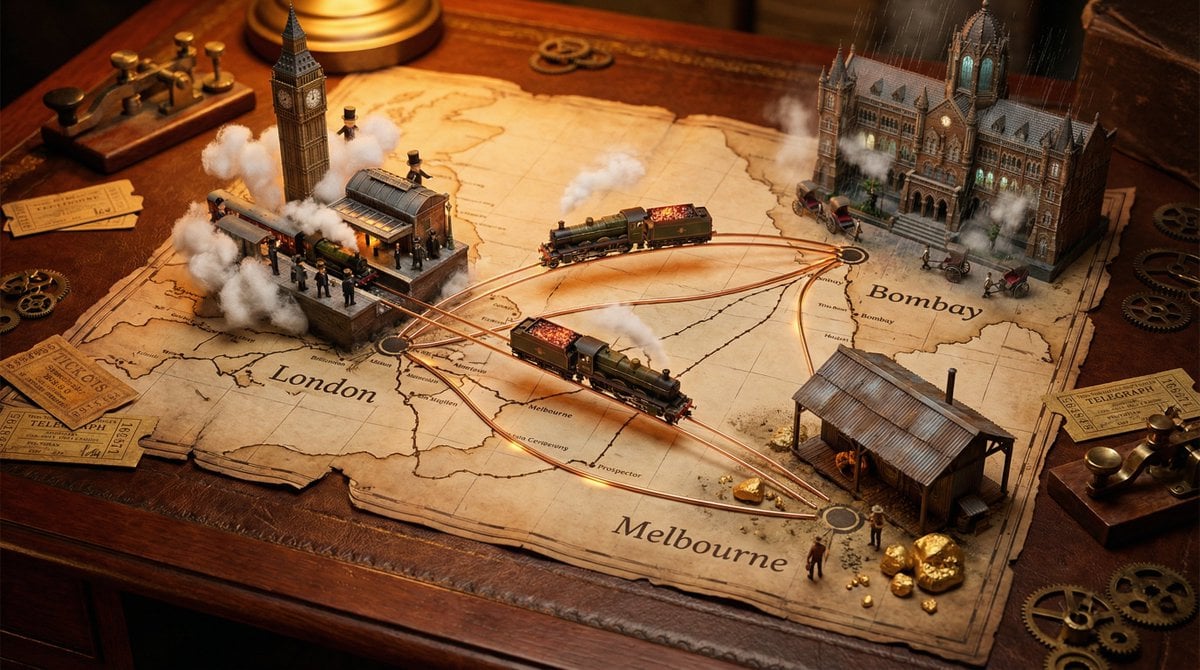
A weathered map spread across, bursting with photorealistic miniature

Cartoon TV Show Poster Pack

Trendy Cafe Drink Promo Poster

Urban Fashion Editorial Collage Streetwear Poster

Premium Fashion Editorial Cover Layout System

Polo Ralph Lauren Luxury American Heritage Fashion Campaign

Monochrome Halftone Editorial Fashion Poster
Make it yours
Miniature City Weather Poster works as-is. These are the safest ways to change it without losing the look.
Change one field
Copy a single group, rewrite it, and generate again so you can see what that field is doing.
Keep the frame, change the subject
Hold the composition and light of Miniature City Weather Poster, then swap wardrobe, props or the person for a new take.
| If the result… | Why | Fix |
|---|---|---|
| The result drifts from the preview | Too many fields changed at once. | Reuse Miniature City Weather Poster as-is first, then change one group — subject, light, or setting. |
| The model over-stylizes the scene | The prose prompt leaves finish and camera underspecified. | Add one camera or lighting sentence and stay on GPT Image 2. |
More GPT Image 2 templates
Other prompts made for GPT Image 2.

Six VTuber Japanese Logo Sheet

Realistic Portrait of Woman and Deer

The Vista Modular Condo Poster

AI Model Routing Comparison Infographic

2.5D Anime Art Board

Isometric Productivity Desk Scene

New York Double Exposure Poster

Four-Panel AI Landscape Comparison

Japanese Tatami Lifestyle Magazine Cover

NESCAFÉ Coffee Map Poster
More image prompts
Fresh picks from across the catalog.
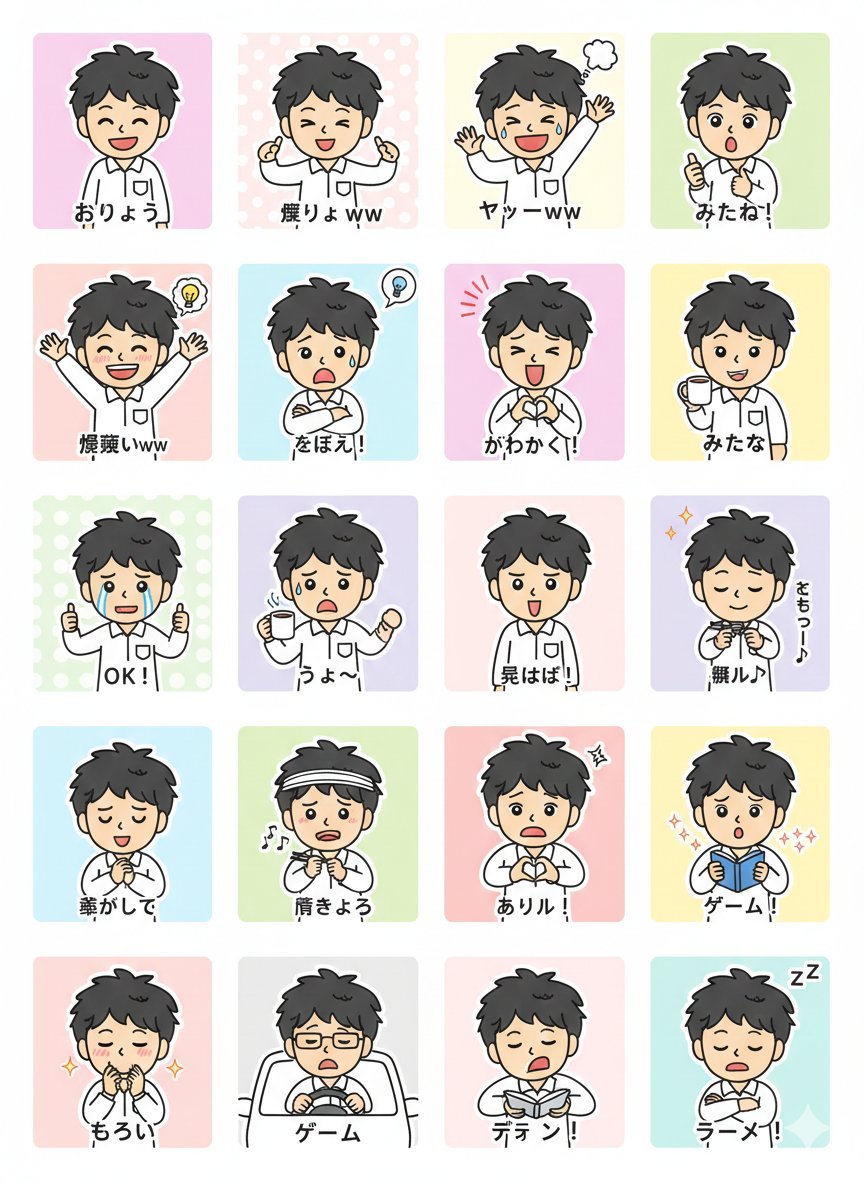
LINE Sticker Generation Prompt
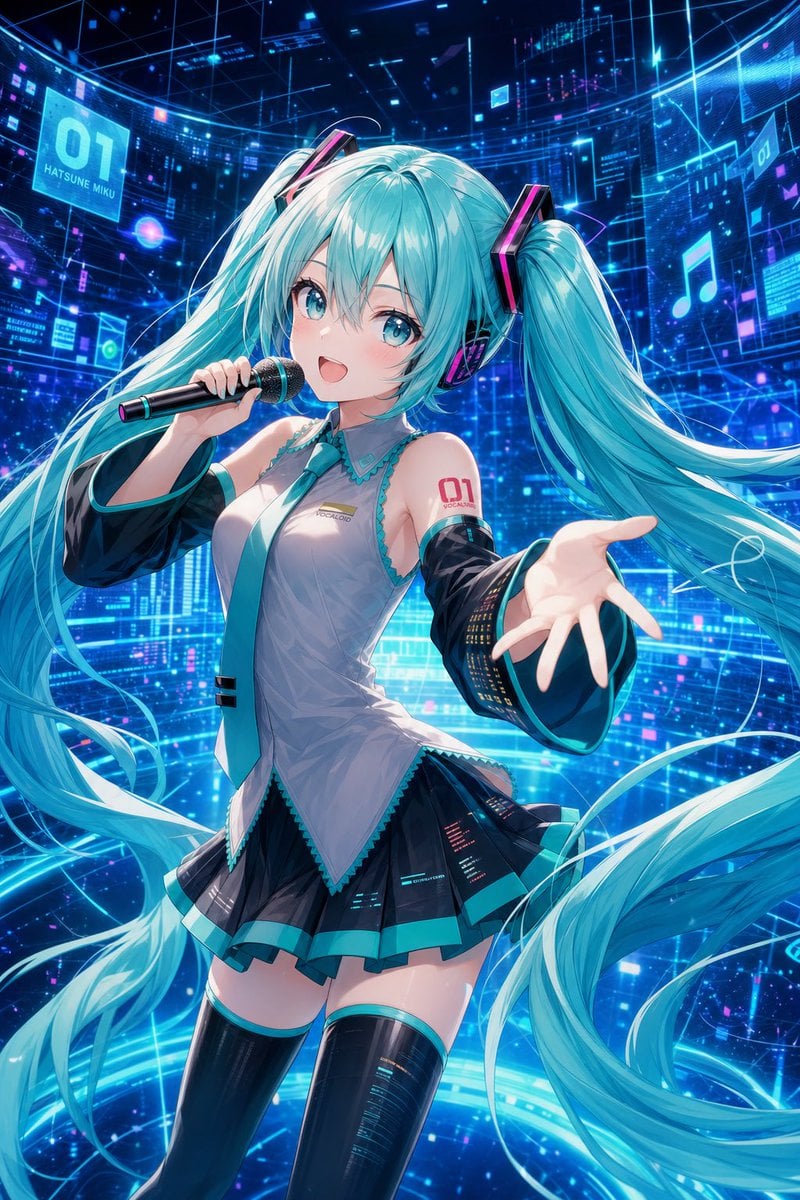
Cyber Vocaloid Concert Idol

Lego-style self portrait

Japanese AI Product Landing Page Hero
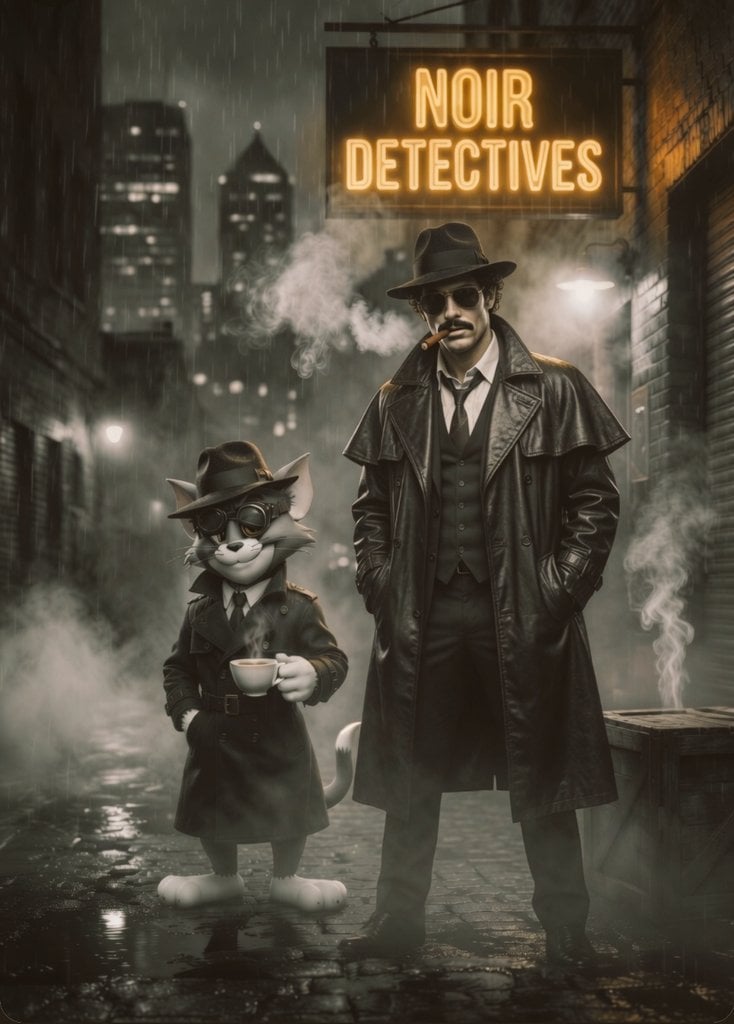
Noir Detective Film Masterpiece
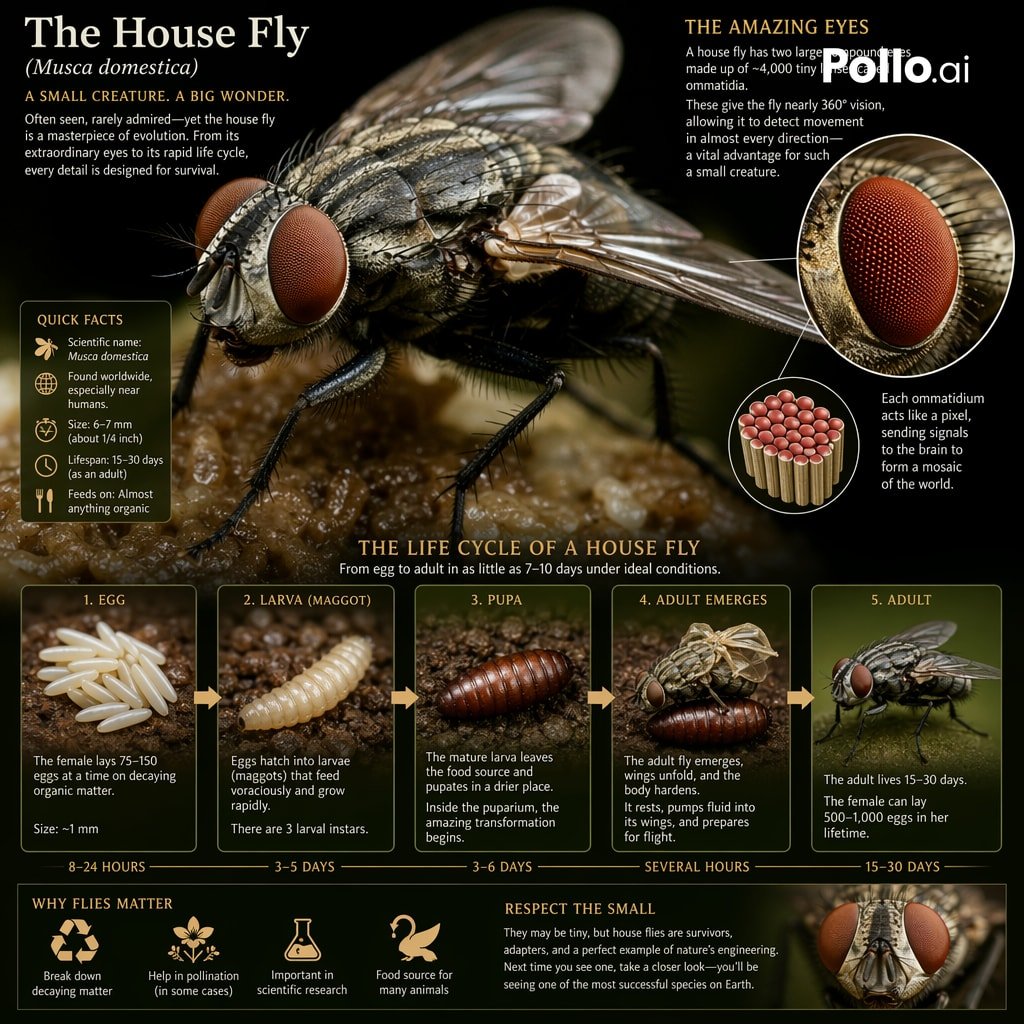
Biological Life Cycle Diagram
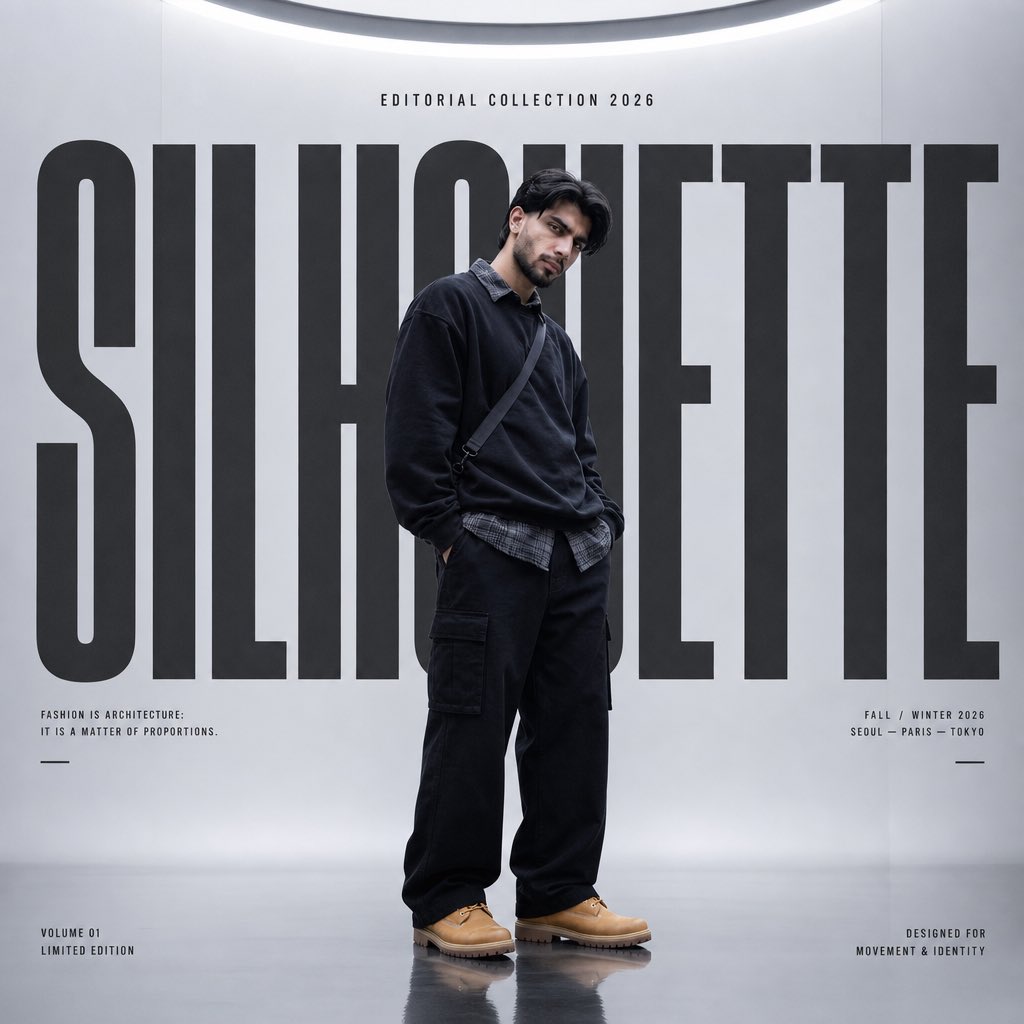
Silhouette High Fashion Editorial Poster
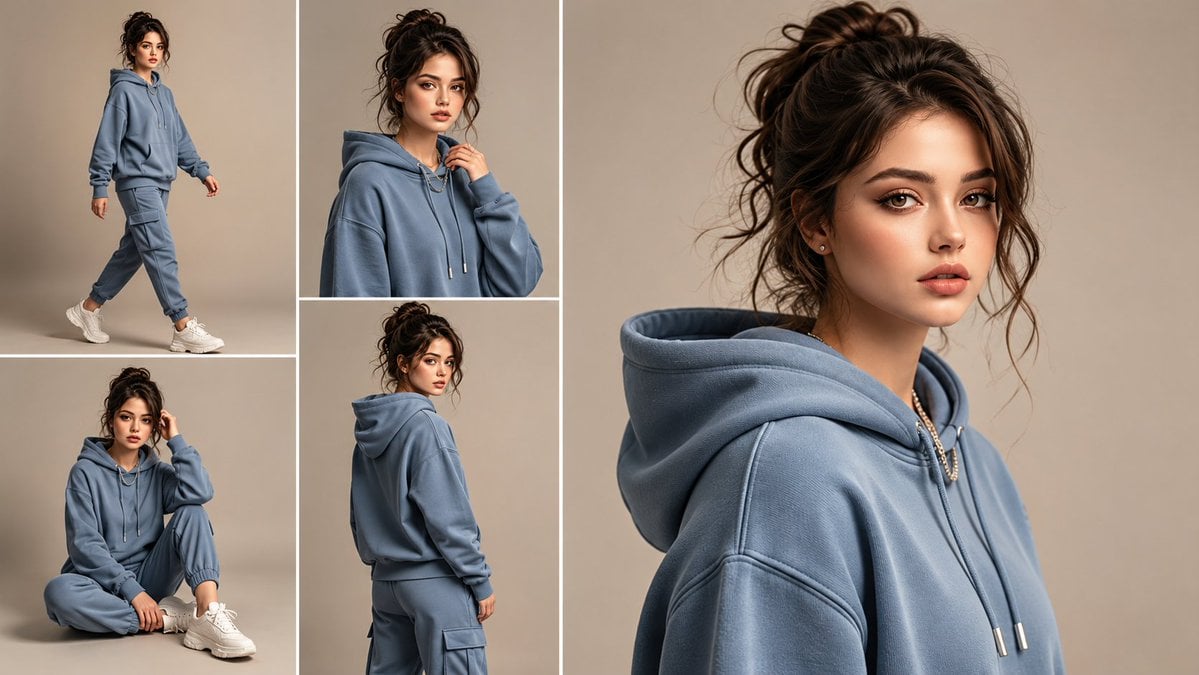
Anonymous Tracksuit Lookbook Collage
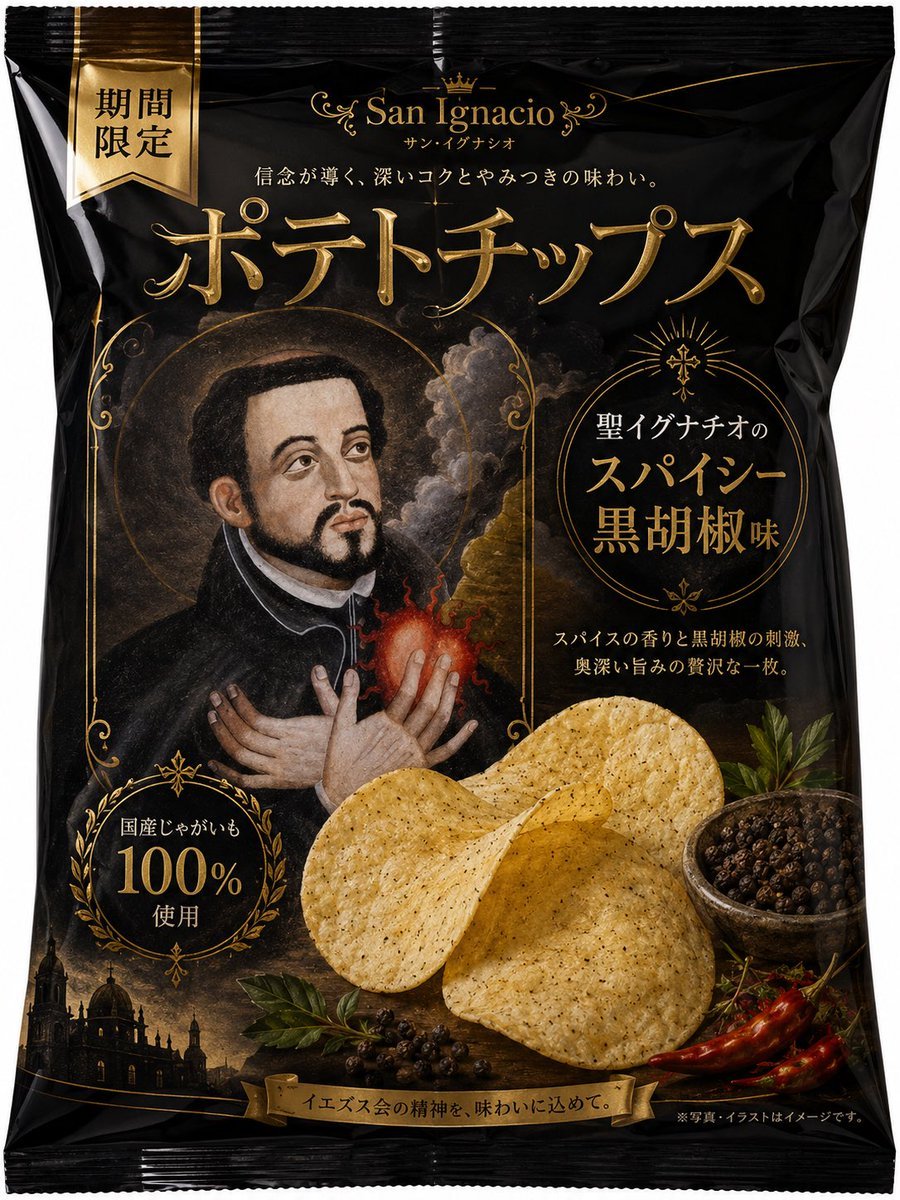
Luxury Saint Potato Chips Package
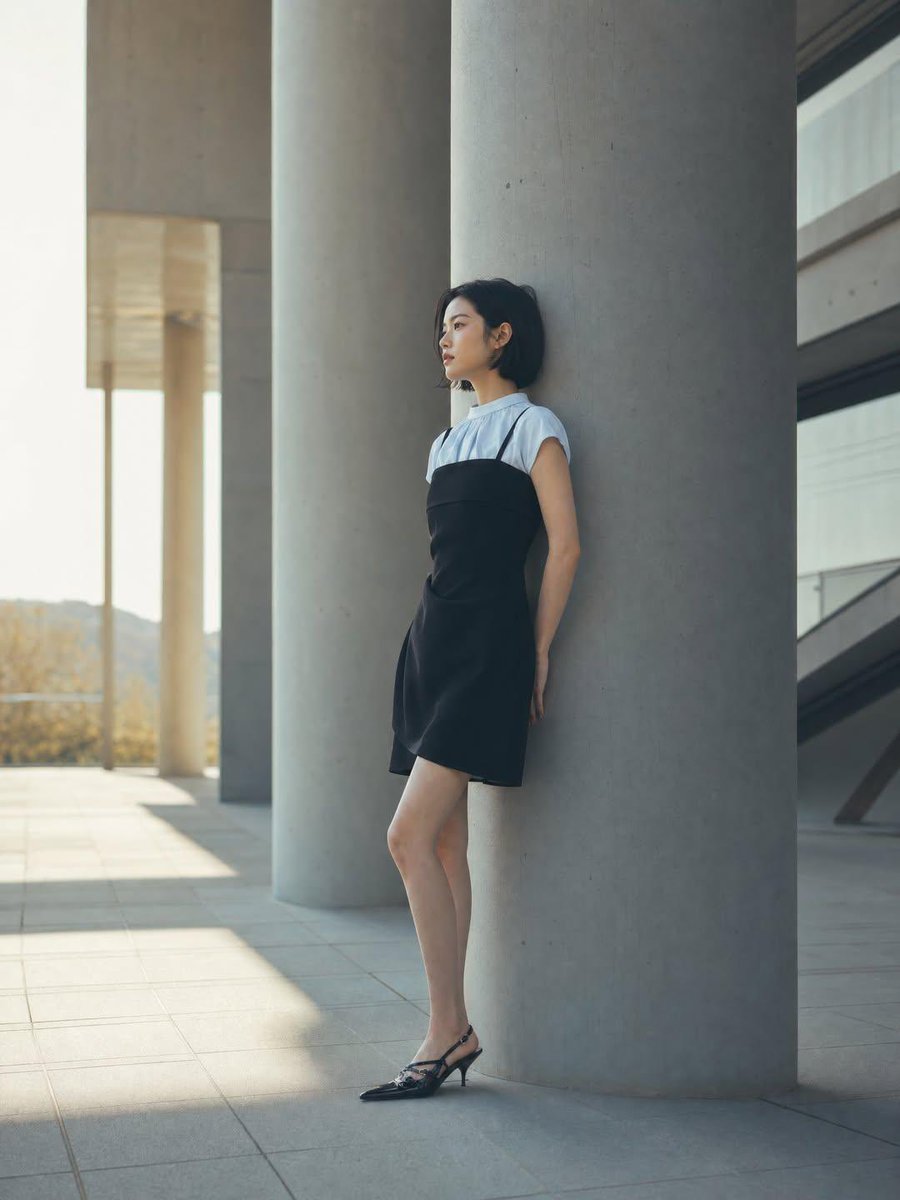
Minimalist Architectural Fashion Editorial
Browse template categories
Miniature City Weather Poster questions
How do I use the Miniature City Weather Poster template?
Add your photo if the template asks for one, edit the prompt if you like — the template's model and format are already selected — and press Generate. Your version opens in PicX Studio.
Can I customize the Miniature City Weather Poster template?
Yes. You can change the subject, setting, lighting, mood, format, and available model controls before creating your image.
Is the Miniature City Weather Poster template free?
Opening and editing this template is free. Generating uses credits, shown on the Generate button when you are signed in.
Which AI model should I use?
Start with GPT Image 2, which is the model associated with this template. You can compare another compatible model for a different finish.
Looking for something else? Browse all templates.

Your photo, any look
Thousands of ready templates for every top image and video model, from one credit balance.