
AI Filmmaking Prompt Workflow Infographic
A premium Chinese cinematic infographic explaining how GPT Image 2 and Seedance 2.0 work together through production-team roles and prompt-writing steps.
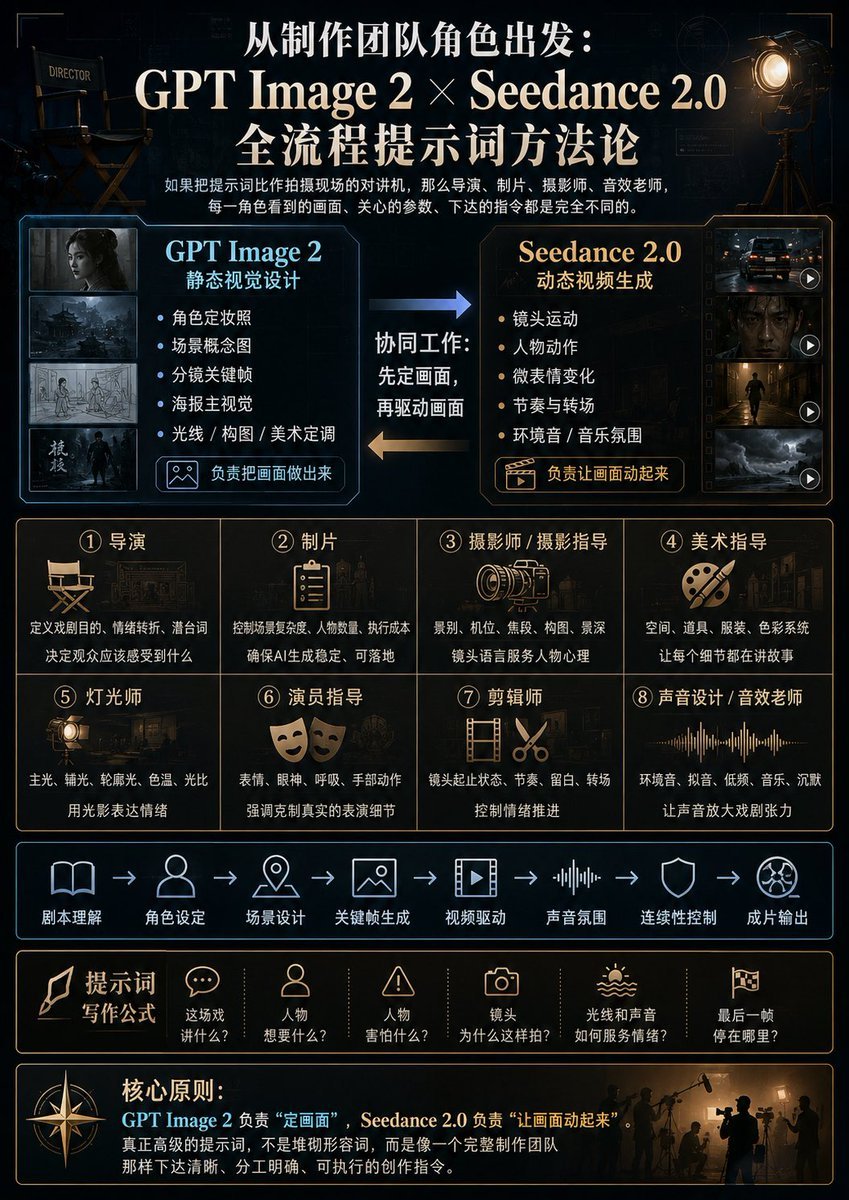
- Prompt included
- Model and format preset
- Free template
The prompt behind this image
Copy the exact prompt behind AI Filmmaking Prompt Workflow Infographic, or open it in the studio and make it yours.
- Type
- cinematic Chinese infographic poster for an AI filmmaking prompt workflow
- Format
- vertical 3:4 poster
- Overall Style
- dark premium film-production control-room aesthetic, black and deep navy background, subtle blueprint grids and technical HUD lines, warm gold and cool cyan accents, high contrast, polished editorial layout, realistic cinematic props mixed with clean vector icons, elegant Chinese typography
- Headline › Position
- top center
- Headline › Text
- {argument name="main headline" default="从制作团队角色出发:\nGPT Image 2 × Seedance 2.0\n全流程提示词方法论"}
- Headline › Style
- large bold white serif Chinese title with gold emphasis, centered
- Subtitle › Position
- under headline
- Subtitle › Text
- 如果把提示词比作拍摄现场的对讲机,那么导演、制片、摄影师、音效老师,每一角色看到的画面、关心的参数、下达的指令都是完全不同的。
- Subtitle › Style
- small white explanatory Chinese text
- Top Props › Count
- 2
- Top Props › Items › 0 › Description
- director chair on the upper left, labeled DIRECTOR, dimly lit
- Top Props › Items › 1 › Description
- large vintage film spotlight on tripod at upper right, glowing warm amber
- Main Comparison › Position
- upper middle
- Main Comparison › Count
- 2
- Main Comparison › Panels › 0 › Title
- GPT Image 2
- Main Comparison › Panels › 0 › Subtitle
- 静态视觉设计
- Main Comparison › Panels › 0 › Position
- left
- Main Comparison › Panels › 0 › Accent Color
- cyan blue
- Main Comparison › Panels › 0 › Thumbnail Count
- 4
- Main Comparison › Panels › 0 › Thumbnails
- dark character portrait still, stormy cinematic city or battlefield environment, storyboard sketch frame, moody poster-like key visual with a standing figure
- Main Comparison › Panels › 0 › Bullet Count
- 5
- Main Comparison › Panels › 0 › Bullets
- 角色定妆照, 场景概念图, 分镜关键帧, 海报主视觉, 光线 / 构图 / 美术定调
- Main Comparison › Panels › 0 › Button Label
- 负责把画面做出来
- Main Comparison › Panels › 0 › Button Icon
- image icon
Raw JSON
{"type":"cinematic Chinese infographic poster for an AI filmmaking prompt workflow","format":"vertical 3:4 poster","overall_style":"dark premium film-production control-room aesthetic, black and deep navy background, subtle blueprint grids and technical HUD lines, warm gold and cool cyan accents, high contrast, polished editorial layout, realistic cinematic props mixed with clean vector icons, elegant Chinese typography","headline":{"position":"top center","text":"{argument name=\"main headline\" default=\"从制作团队角色出发:\\nGPT Image 2 × Seedance 2.0\\n全流程提示词方法论\"}","style":"large bold white serif Chinese title with gold emphasis, centered"},"subtitle":{"position":"under headline","text":"如果把提示词比作拍摄现场的对讲机,那么导演、制片、摄影师、音效老师,每一角色看到的画面、关心的参数、下达的指令都是完全不同的。","style":"small white explanatory Chinese text"},"top_props":{"count":2,"items":[{"description":"director chair on the upper left, labeled DIRECTOR, dimly lit"},{"description":"large vintage film spotlight on tripod at upper right, glowing warm amber"}]},"main_comparison":{"position":"upper middle","count":2,"panels":[{"title":"GPT Image 2","subtitle":"静态视觉设计","position":"left","accent_color":"cyan blue","thumbnail_count":4,"thumbnails":["dark character portrait still","stormy cinematic city or battlefield environment","storyboard sketch frame","moody poster-like key visual with a standing figure"],"bullet_count":5,"bullets":["角色定妆照","场景概念图","分镜关键帧","海报主视觉","光线 / 构图 / 美术定调"],"button_label":"负责把画面做出来","button_icon":"image icon"},{"title":"Seedance 2.0","subtitle":"动态视频生成","position":"right","accent_color":"warm gold","thumbnail_count":4,"thumbnails":["night car chase or vehicle shot with play icon","dark close-up video still with play icon","figure walking through cinematic corridor with play icon","stormy landscape motion shot with play icon"],"bullet_count":5,"bullets":["镜头运动","人物动作","微表情变化","节奏与转场","环境音 / 音乐氛围"],"button_label":"负责让画面动起来","button_icon":"clapperboard play icon"}]},"workflow_arrows":{"position":"between comparison panels","count":2,"labels":["协同工作:先定画面,再驱动画面","left-to-right blue arrow","right-to-left gold arrow"]},"production_team_grid":{"position":"middle","count":8,"layout":"2 rows by 4 columns","cells":[{"number":"1","title":"导演","icon":"director chair","text":"定义戏剧目的、情绪转折、潜台词;决定观众应该感受到什么"},{"number":"2","title":"制片","icon":"clipboard","text":"控制场景复杂度、人物数量、执行成本;确保AI生成稳定、可落地"},{"number":"3","title":"摄影师 / 摄影指导","icon":"cinema camera lens","text":"景别、机位、焦段、构图、景深;镜头语言服务人物心理"},{"number":"4","title":"美术指导","icon":"paint palette and brush","text":"空间、道具、服装、色彩系统;让每个细节都在讲故事"},{"number":"5","title":"灯光师","icon":"studio light","text":"主光、辅光、轮廓光、色温、光比;用光影表达情绪"},{"number":"6","title":"演员指导","icon":"theater masks","text":"表情、眼神、呼吸、手部动作;强调克制真实的表演细节"},{"number":"7","title":"剪辑师","icon":"film strip and scissors","text":"镜头起止状态、节奏、留白、转场;控制情绪推进"},{"number":"8","title":"声音设计 / 音效老师","icon":"audio waveform","text":"环境音、拟音、低频、音乐、沉默;让声音放大戏剧张力"}]},"pipeline_strip":{"position":"lower middle","count":8,"style":"cyan line icons connected by arrows","steps":["剧本理解","角色设定","场景设计","关键帧生成","视频驱动","声音氛围","连续性控制","成片输出"]},"prompt_formula_bar":{"position":"below pipeline","title":"提示词写作公式","count":6,"items":[{"icon":"speech bubble","label":"这场戏讲什么?"},{"icon":"person","label":"人物想要什么?"},{"icon":"warning triangle","label":"人物害怕什么?"},{"icon":"camera","label":"为什么这样拍?"},{"icon":"sun and sound waves","label":"光线和声音如何服务情绪?"},{"icon":"film flag","label":"最后一帧停在哪里?"}]},"core_principle_footer":{"position":"bottom","title":"核心原则:","text":"{argument name=\"core principle text\" default=\"GPT Image 2 负责“定画面”,Seedance 2.0 负责“让画面动起来”\\n真正高级的提示词,不是堆砌形容词,而是像一个完整制作团队那样下达清晰、分工明确、可执行的创作指令。\"}","decorations":"large compass icon on the left, silhouettes of a film crew and boom operator on the right, warm backlight"},"color_palette":{"background":"near-black navy","primary_text":"ivory white","accent_1":"cyan blue","accent_2":"gold amber","lines":"thin gold and cyan borders"},"composition_notes":"Use many precise rectangular modules with thin glowing borders, balanced spacing, cinematic poster hierarchy, legible Chinese text, premium tutorial infographic for creators, no clutter outside the designed panels.","customization":{"topic":"{argument name=\"topic\" default=\"AI cinematic prompt methodology\"}","left tool name":"{argument name=\"left tool name\" default=\"GPT Image 2\"}","right tool name":"{argument name=\"right tool name\" default=\"Seedance 2.0\"}"}}How to use AI Filmmaking Prompt Workflow Infographic in 3 steps
- 1Upload ImagePNG, JPG or paste
Add your photo
Upload the photo the template builds on. The prompt, model and format are already set.
- 2…a portrait of your subject in softgolden-hour light, 85mm…
Personalize
Edit the subject and creative details for your destination.
- 3Generate
Generate
Press Generate — your image is created in PicX Studio, so you can compare it with the original and refine one variable at a time.
More like this
Templates with the same subject, style or setup. Open one to see its prompt.

Japan Travel Brochure Poster
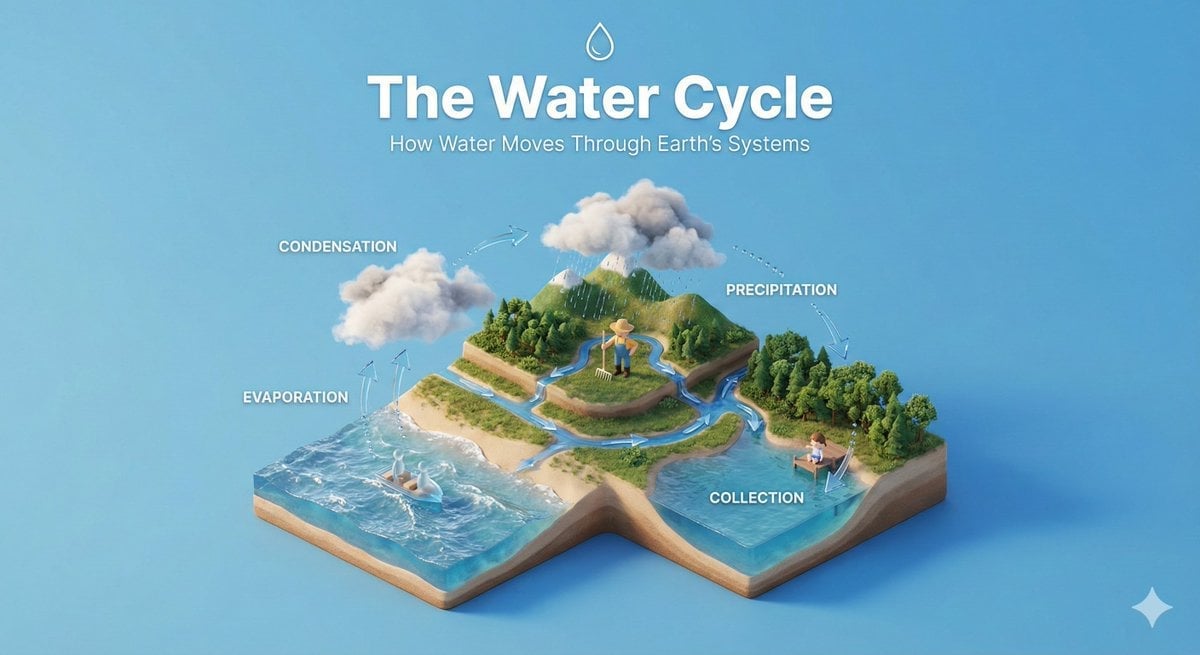
Isometric Process Educational Diorama
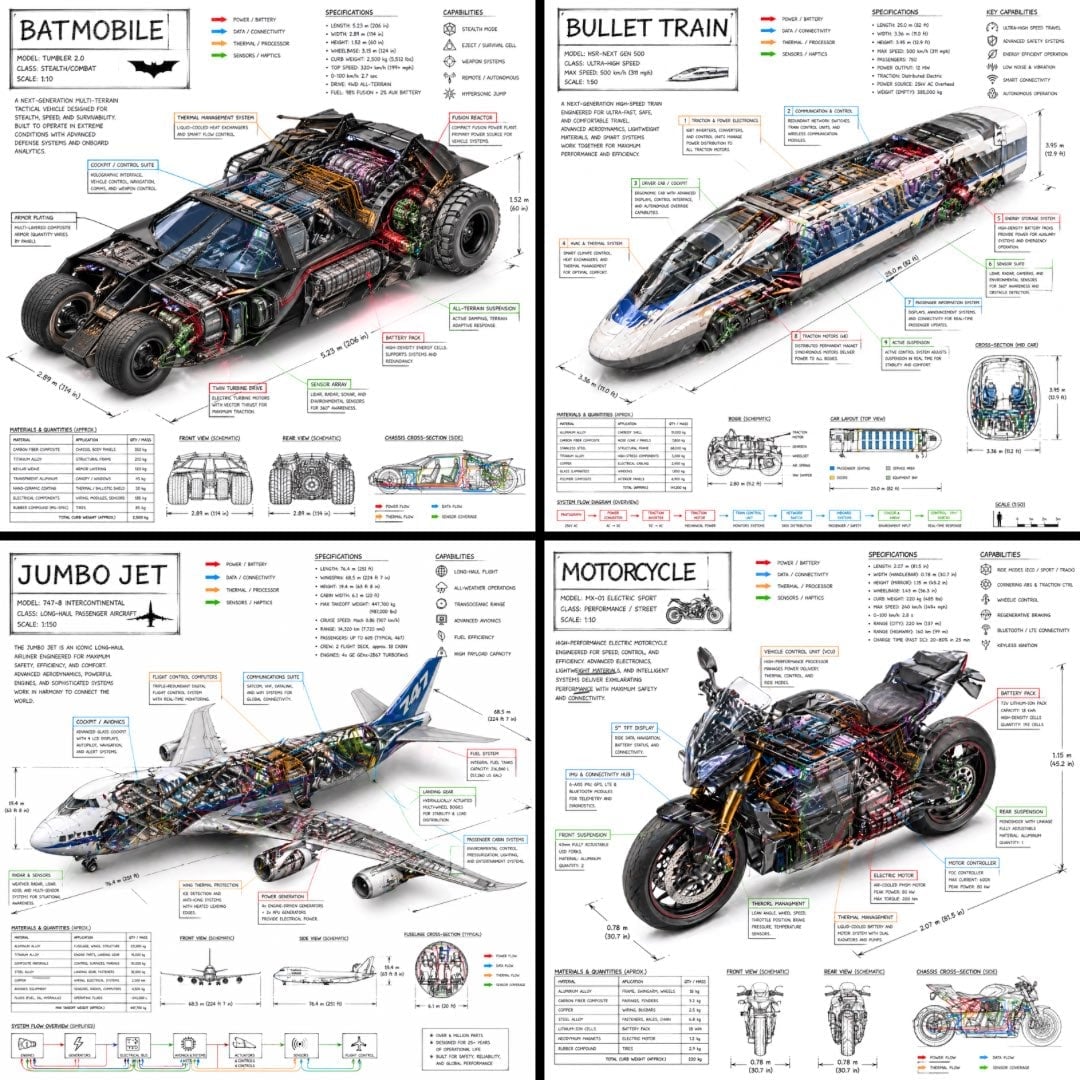
Isometric Vehicle Teardown Infographic Template
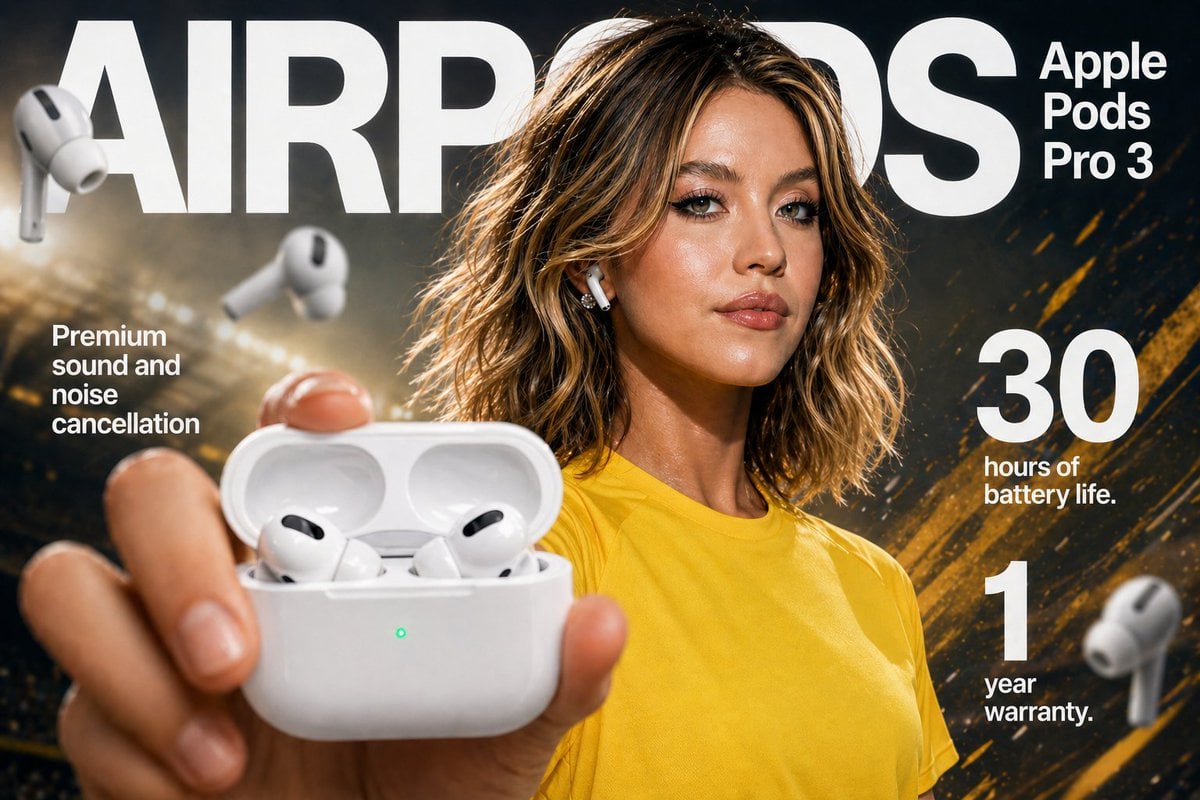
Gpt2 E Commerce Main Image Earbuds E Commerce Infographic
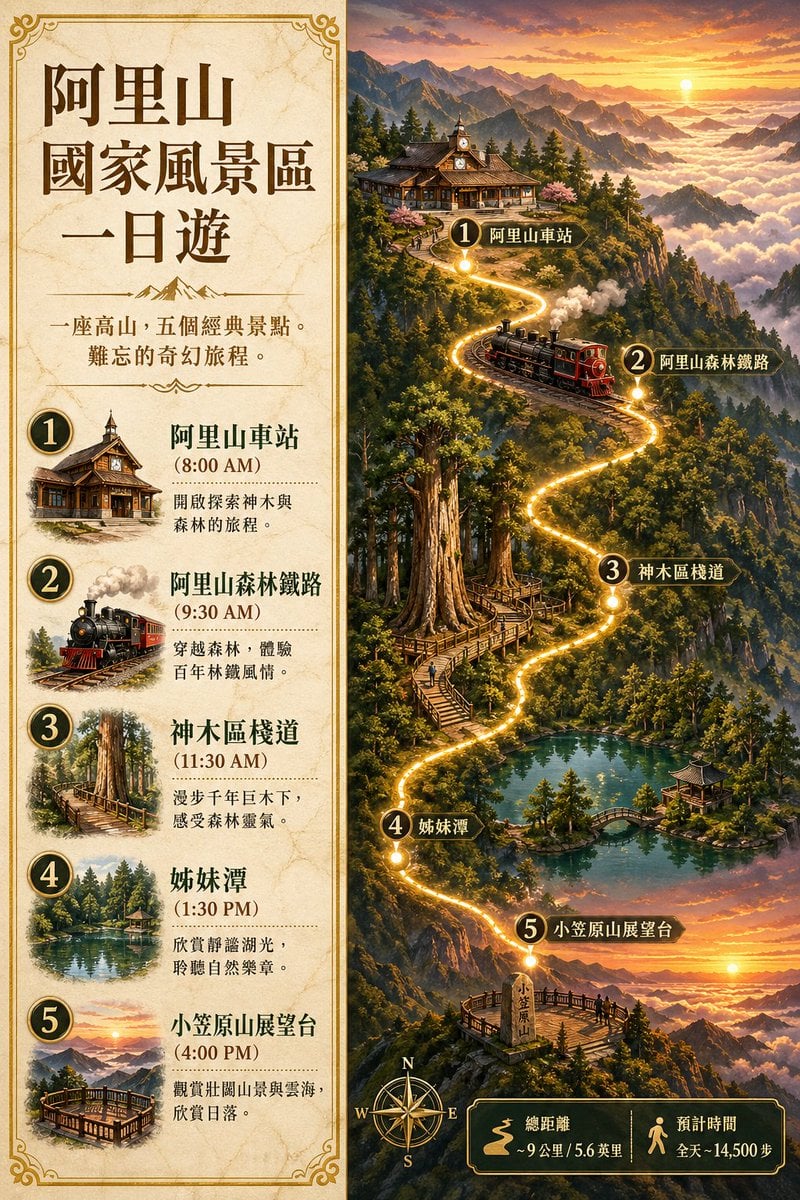
Gpt2 Infographic Edu Visual Alishan One Day Travel Poster

Gpt2 Infographic Edu Visual Ethnographic Plate for Tibetan Ceremonial Hat
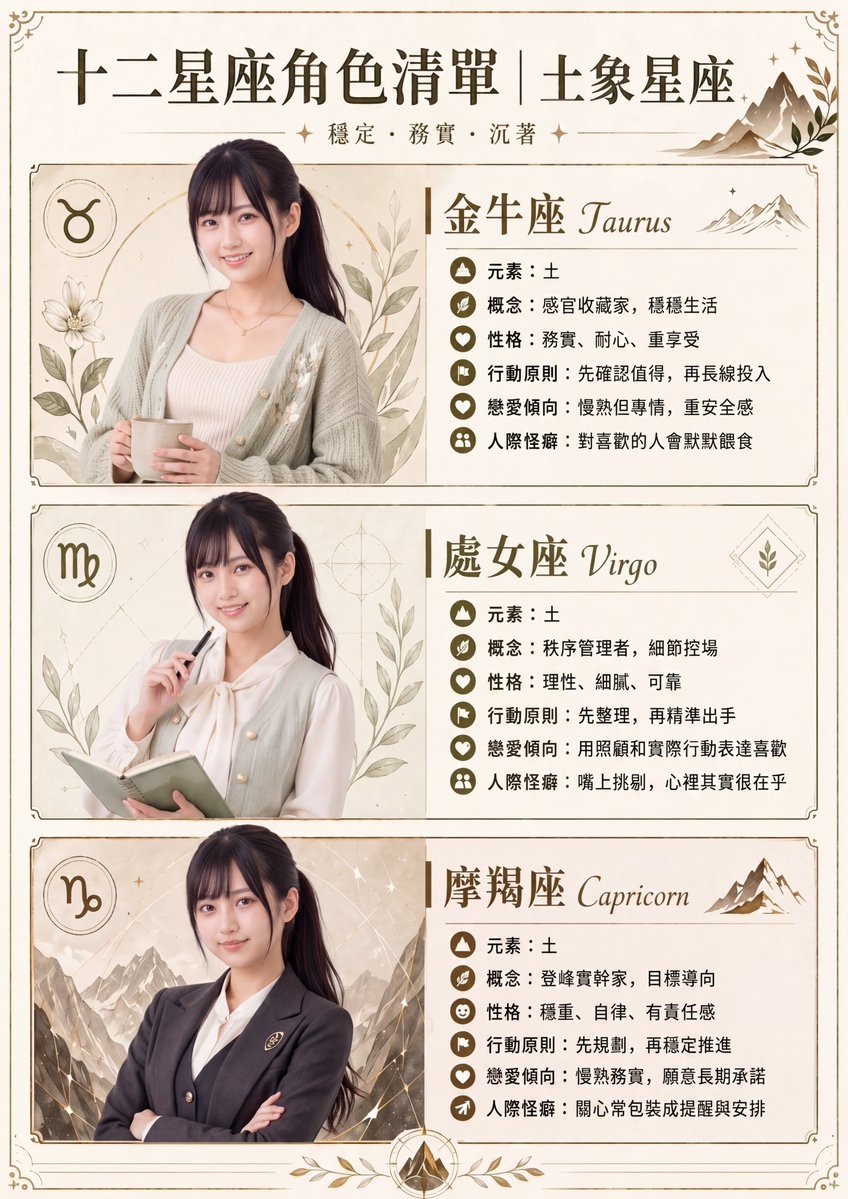
Gpt2 Infographic Edu Visual Earth Signs Zodiac Character Poster
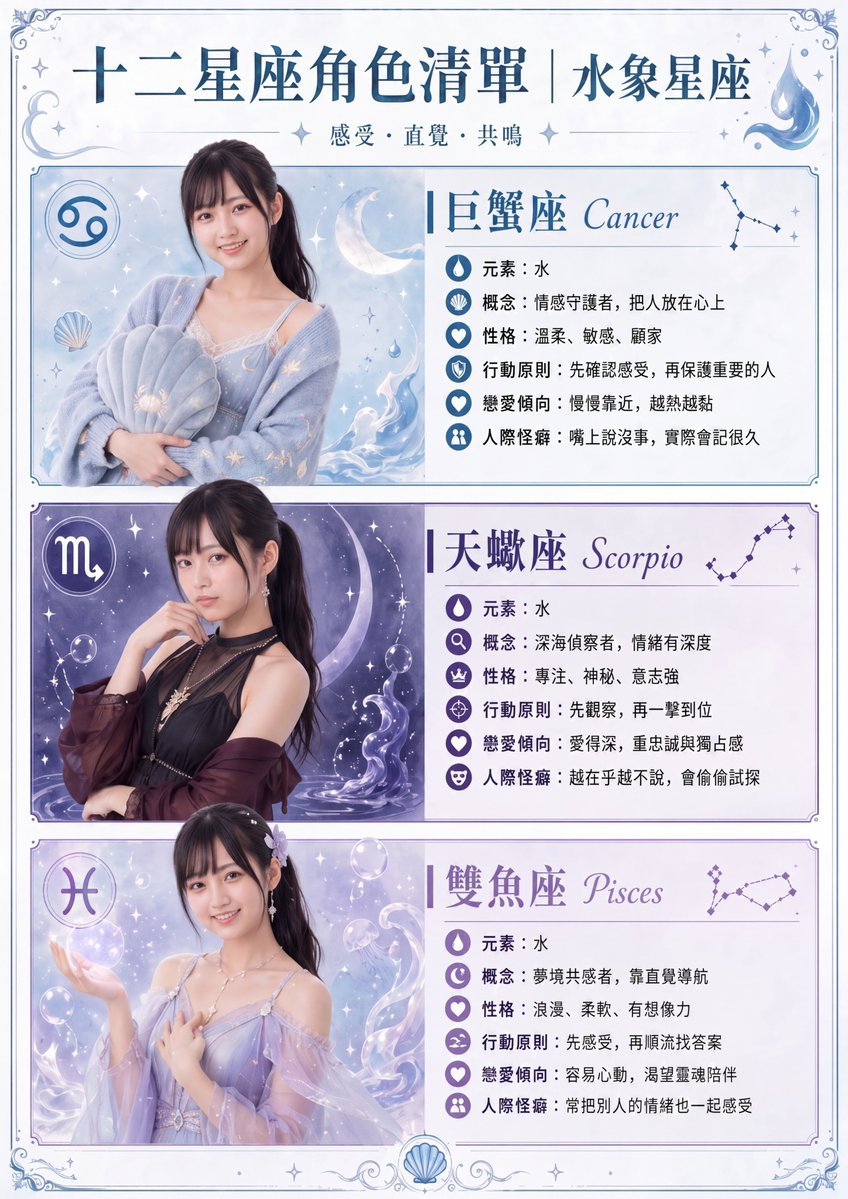
Gpt2 Infographic Edu Visual Water Signs Zodiac Character Poster
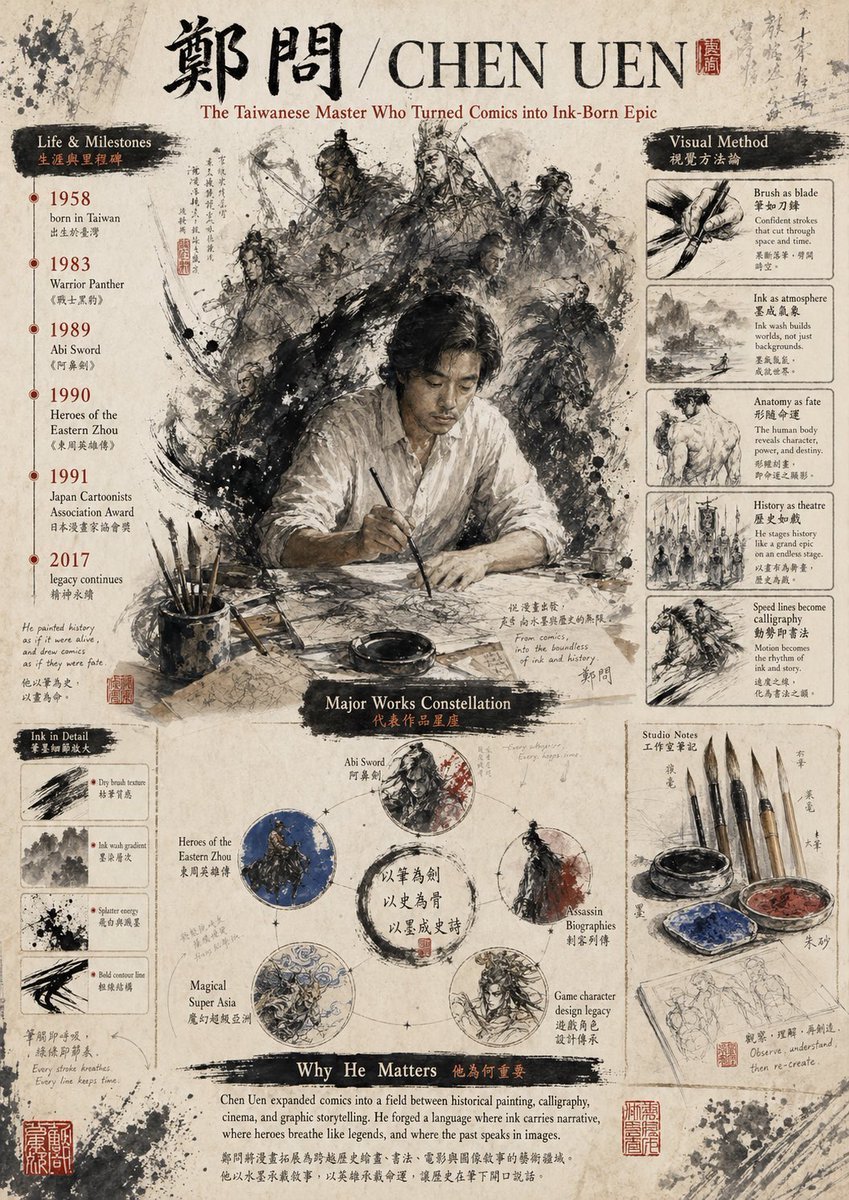
Gpt2 Infographic Edu Visual Ink Wash Tribute Poster for Chen Uen
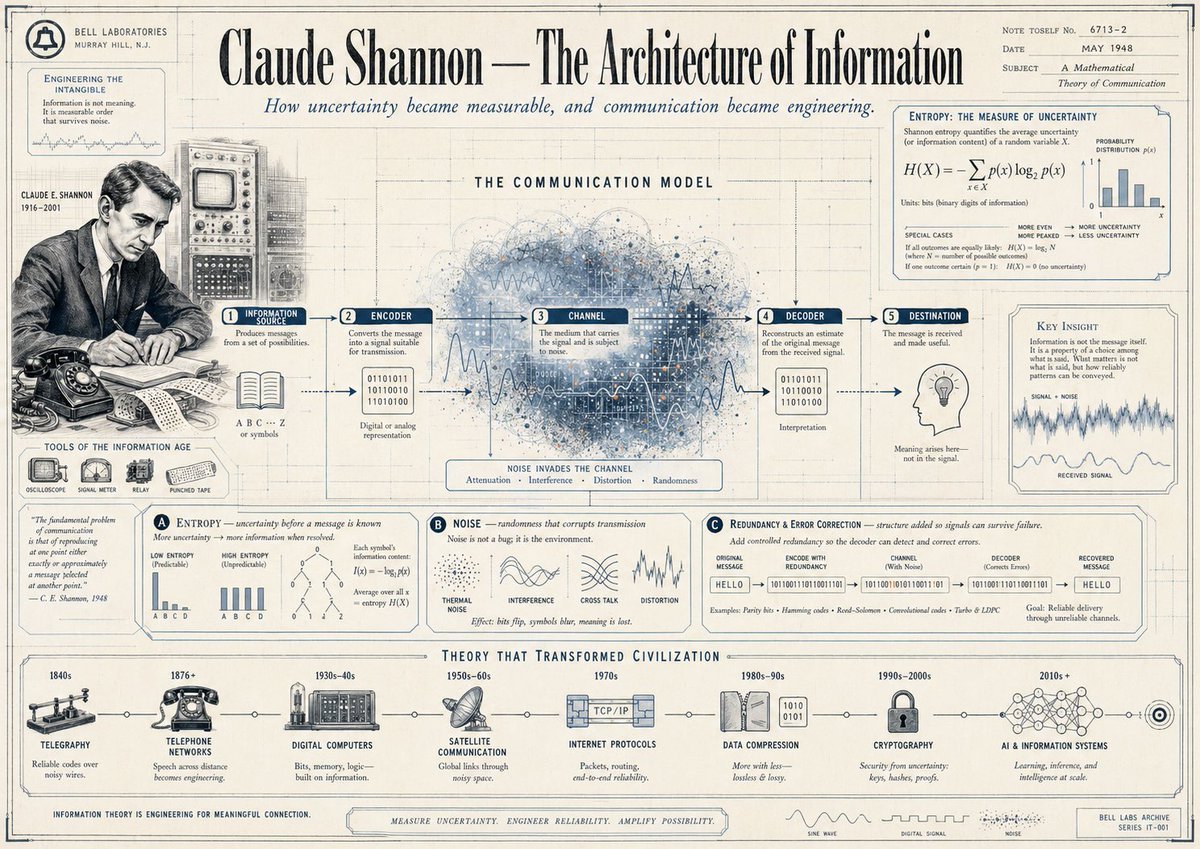
Gpt2 Infographic Edu Visual Vintage Claude Shannon Infographic Poster
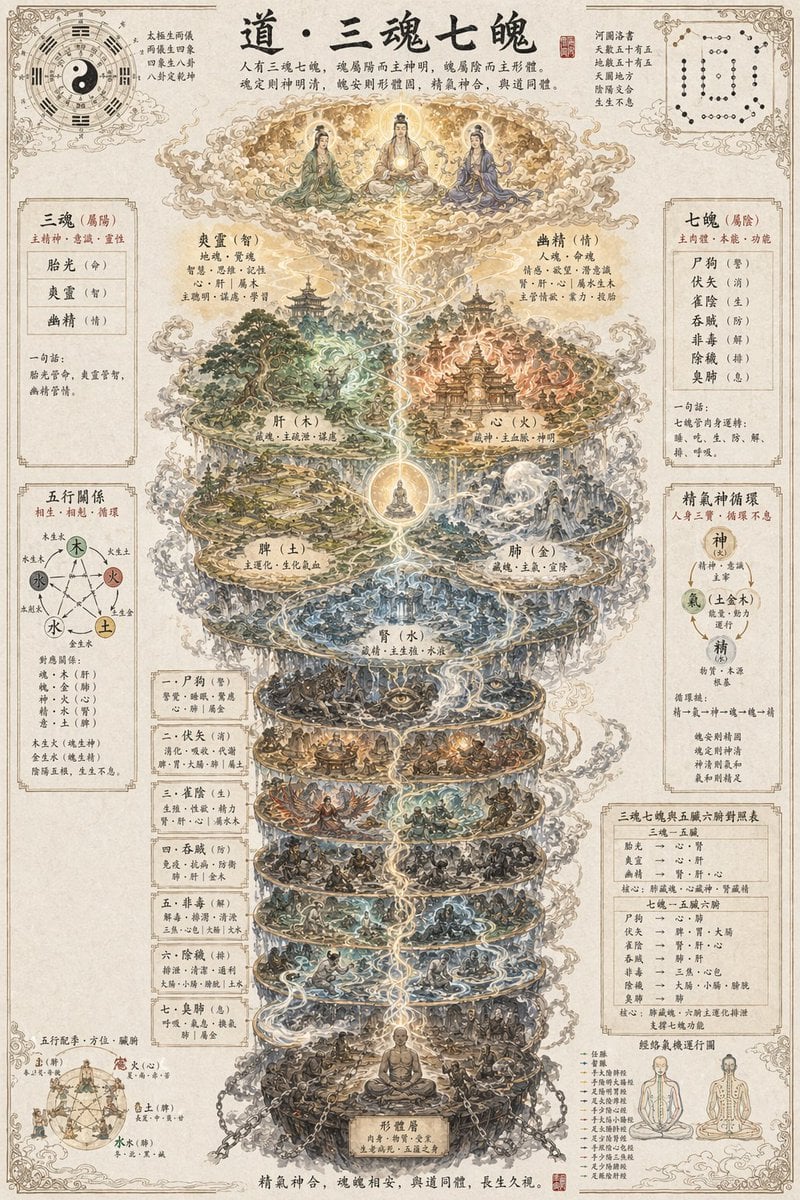
Gpt2 Infographic Edu Visual Taoist Three Souls Seven Po Poster
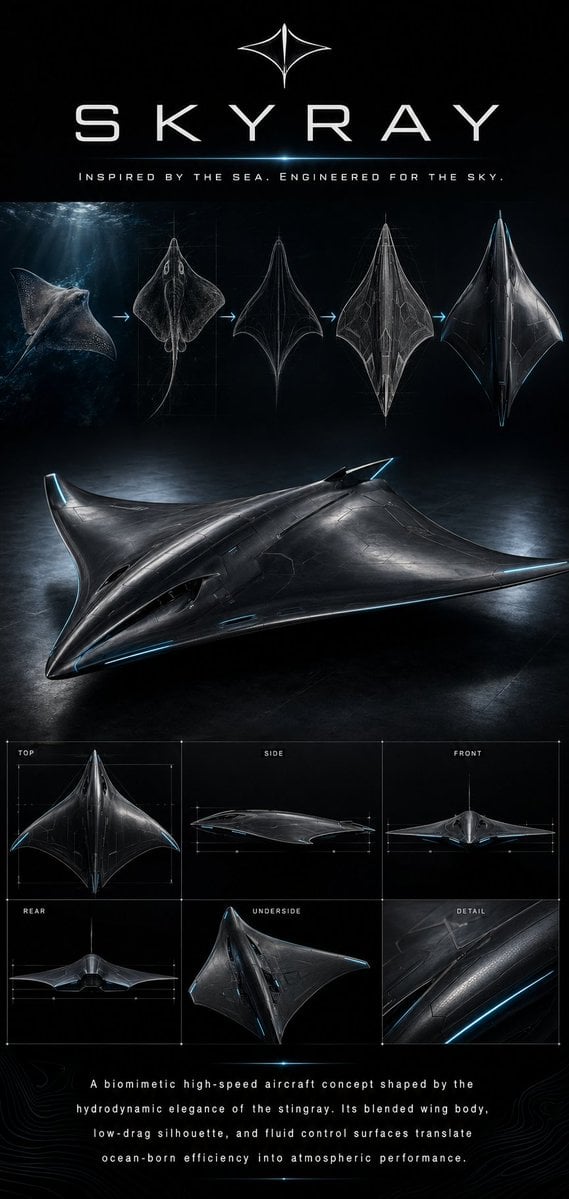
Gpt2 Infographic Edu Visual Biomimetic Skyray Aircraft Poster
Make it yours
AI Filmmaking Prompt Workflow Infographic works as-is. These are the safest ways to change it without losing the look.
Swap the setting
Keep the rest of the prompt and replace the location block. The current setting is “near-black navy”.
Change one field
Copy a single group, rewrite it, and generate again so you can see what that field is doing.
Keep the frame, change the subject
Hold the composition and light of AI Filmmaking Prompt Workflow Infographic, then swap wardrobe, props or the person for a new take.
| If the result… | Why | Fix |
|---|---|---|
| The result drifts from the preview | Too many fields changed at once. | Reuse AI Filmmaking Prompt Workflow Infographic as-is first, then change one group — subject, light, or setting. |
| GPT Image 2 ignores part of the JSON | Some models flatten or skip nested keys. | Keep the same values and paste them as a short paragraph instead. |
More GPT Image 2 templates
Other prompts made for GPT Image 2.

Six VTuber Japanese Logo Sheet

Realistic Portrait of Woman and Deer

The Vista Modular Condo Poster

AI Model Routing Comparison Infographic

2.5D Anime Art Board

Isometric Productivity Desk Scene

New York Double Exposure Poster

Four-Panel AI Landscape Comparison

Japanese Tatami Lifestyle Magazine Cover

NESCAFÉ Coffee Map Poster
More image prompts
Fresh picks from across the catalog.
Hyper-Realistic Vertical Mirror Selfie Prompt
MLK 'I Have a Dream' Speech Scene Prompt
Smart Doorbell Product Visualization Collage Prompt
Crowd Energy at Idol Live Concert
Retro Constructivist Fight Poster
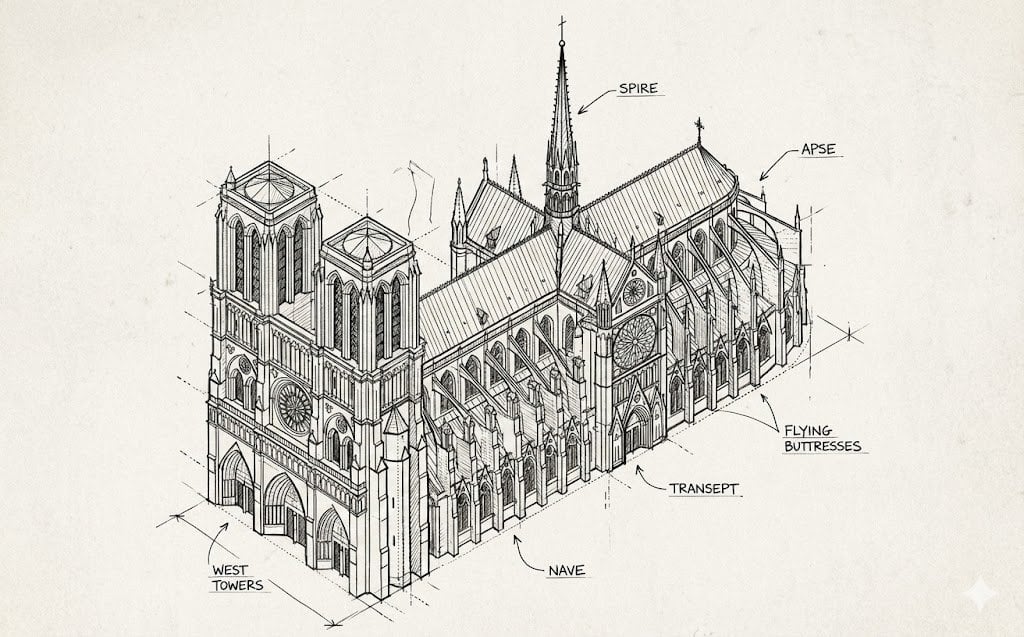
Isometric Schematic Diagram of Notre Dame Prompt
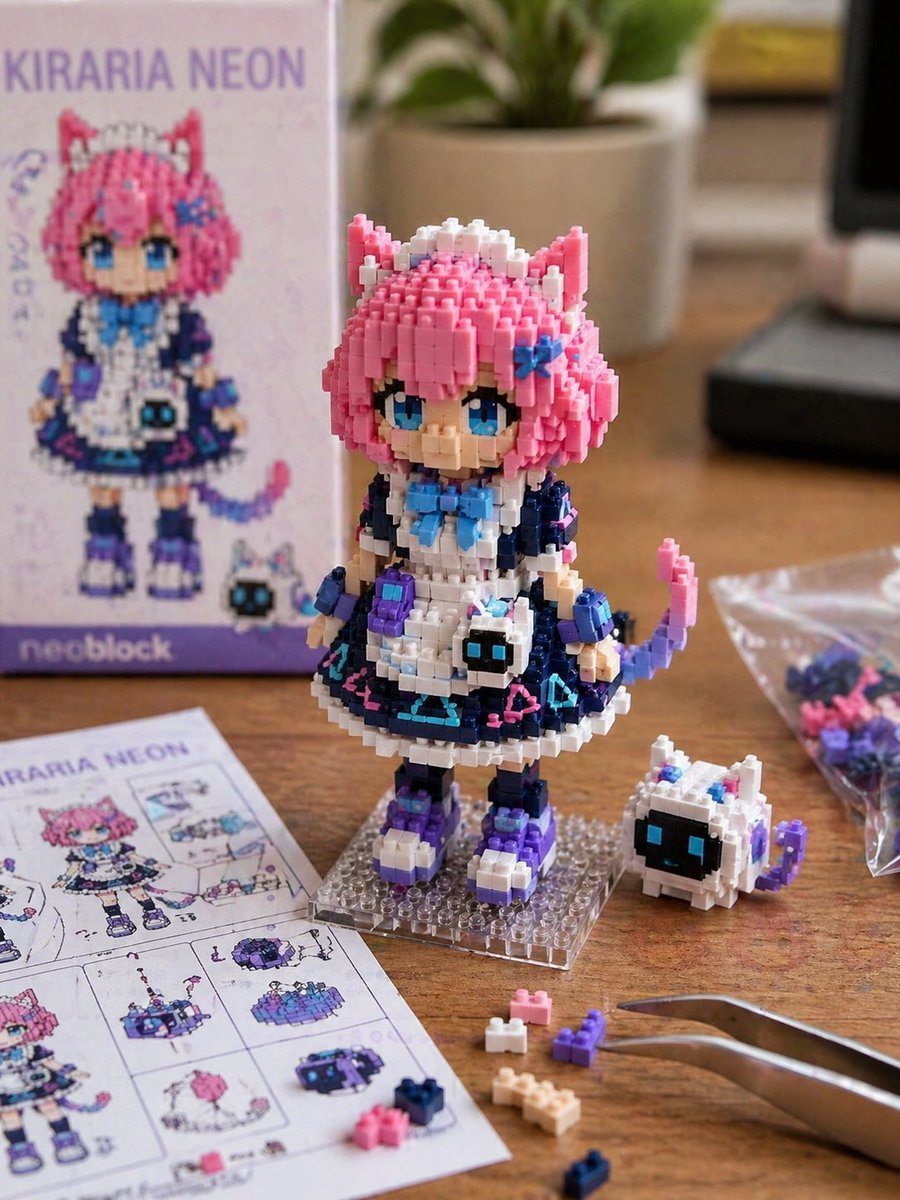
Custom Nanoblock Toy Creator
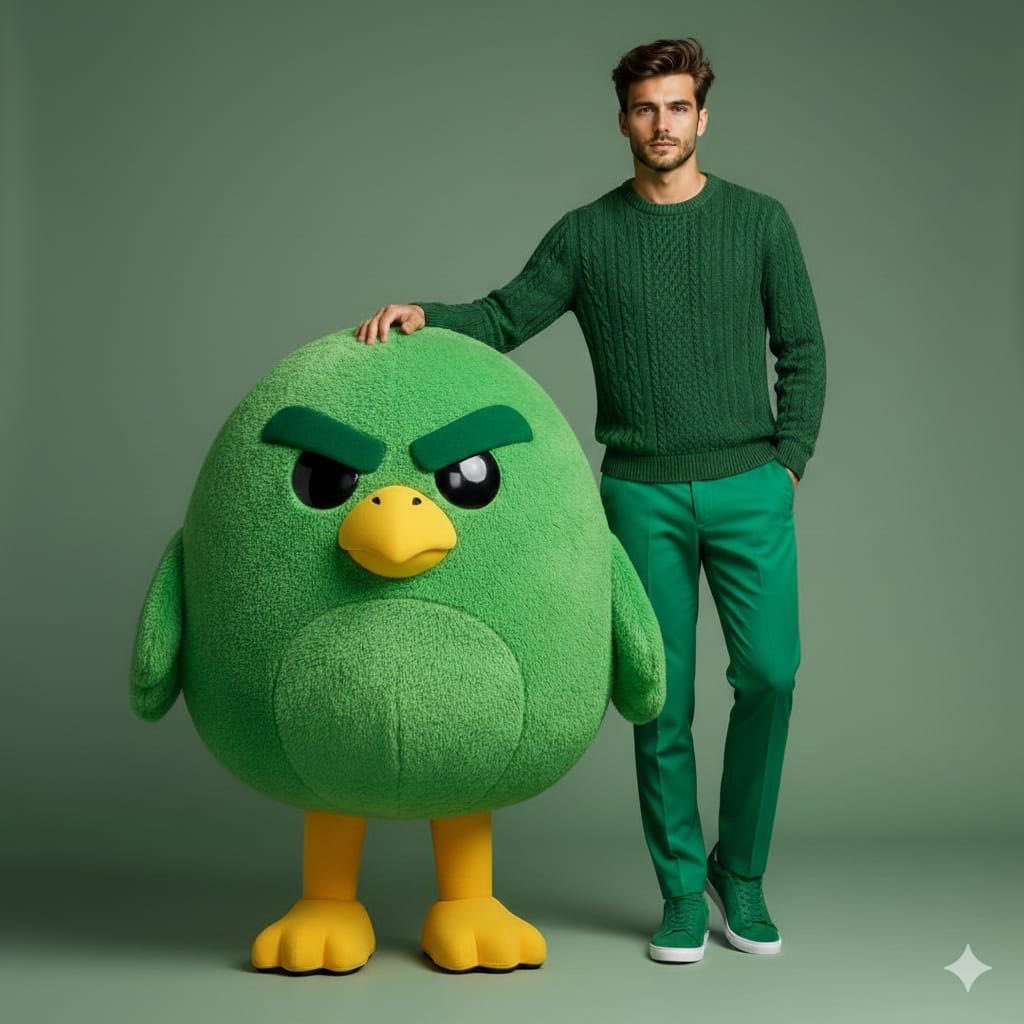
High-end fashion portrait with plush cartoon mascot
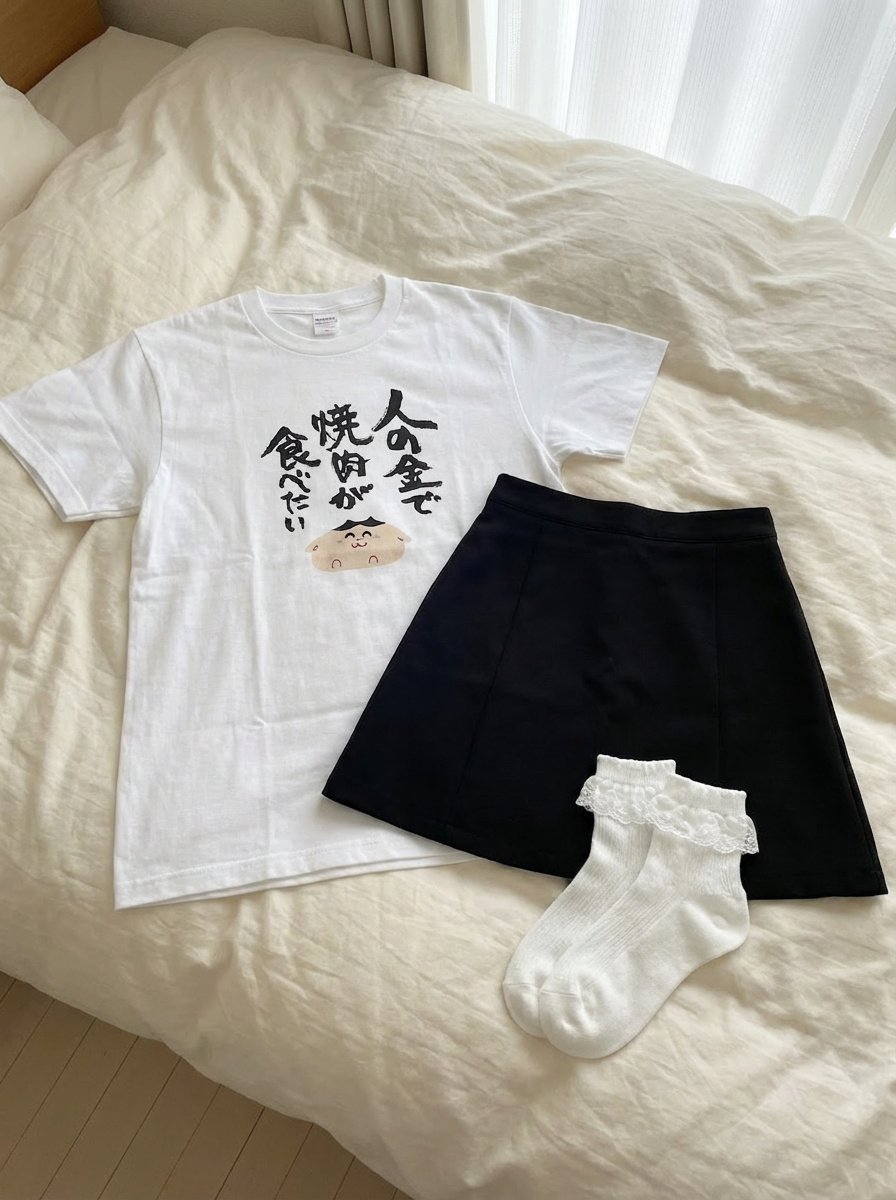
Clothing separated on the bed
VOGUE Paris Haute Couture Cover
Browse template categories
AI Filmmaking Prompt Workflow Infographic questions
How do I use the AI Filmmaking Prompt Workflow Infographic template?
Add your photo if the template asks for one, edit the prompt if you like — the template's model and format are already selected — and press Generate. Your version opens in PicX Studio.
Can I customize the AI Filmmaking Prompt Workflow Infographic template?
Yes. You can change the subject, setting, lighting, mood, format, and available model controls before creating your image.
Is the AI Filmmaking Prompt Workflow Infographic template free?
Opening and editing this template is free. Generating uses credits, shown on the Generate button when you are signed in.
Which AI model should I use?
Start with GPT Image 2, which is the model associated with this template. You can compare another compatible model for a different finish.
Looking for something else? Browse all templates.

Your photo, any look
Thousands of ready templates for every top image and video model, from one credit balance.