
Vintage Claude Code Release Blueprint
Generates a nostalgic engineering blueprint poster that visualizes a Claude Code software release as an exploded mechanical engine diagram.
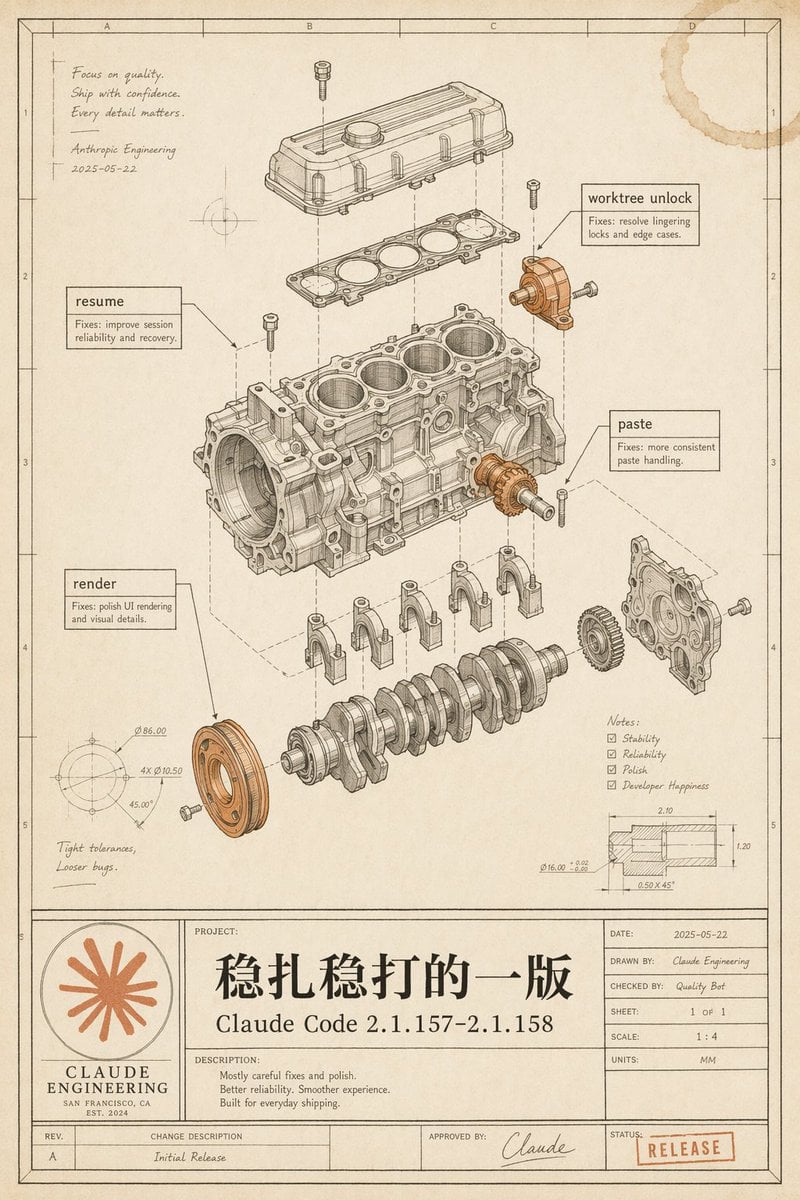
- Prompt included
- Model and format preset
- Free template
The prompt behind this image
Copy the exact prompt behind Vintage Claude Code Release Blueprint, or open it in the studio and make it yours.
Goal: Create a vintage engineering blueprint poster for {argument name="software release name" default="Claude Code 2.1.157–2.1.158"}, presented as an exploded mechanical engine assembly diagram that metaphorically documents a polished software release. Canvas: Portrait technical drawing sheet, 4:5 aspect ratio, warm aged cream paper with subtle stains, worn edges, faint grid coordinates, thin black drafting border, and a title-block table along the bottom. Use monochrome ink linework with selective muted copper-orange highlights on a few mechanical parts and the logo/stamp. Main illustration: Center the page on a detailed exploded isometric engine block assembly, drawn like a patent/automotive CAD manual. Show exactly 11 major visible mechanical groups: 1) top valve cover, 2) gasket plate beneath it, 3) main engine block with four cylinder bores, 4) crankshaft at the bottom, 5) four connecting caps beneath the block, 6) front circular pulley highlighted in copper-orange, 7) right-side gear highlighted in copper-orange, 8) right-side front cover plate, 9) upper-right small bracket/actuator highlighted in copper-orange, 10) scattered bolts/screws around the assembly, 11) dashed vertical and diagonal alignment/construction lines connecting the exploded components. Keep all linework precise, layered, and technically plausible. Callouts and annotations: Include exactly 4 rectangular software-fix callout boxes with leader lines: 1) “resume” with small text “Fixes: improve session reliability and recovery.” 2) “worktree unlock” with small text “Fixes: resolve lingering locks and edge cases.” 3) “paste” with small text “Fixes: more consistent paste handling.” 4) “render” with small text “Fixes: polish UI rendering and visual details.” Add a handwritten note in the upper-left: “Focus on quality. Ship with confidence. Every detail matters.” followed by “Anthropic Engineering” and the date “2025-05-22”. Add lower-left handwritten note: “Tight tolerances, Looser bugs.” Add a lower-right notes checklist with exactly 4 checked items: “Stability”, “Reliability”, “Polish”, “Developer Happiness”. Add two small technical detail drawings: one circular dimension diagram in the lower-left with tiny dimension labels, and one sectional dimension diagram in the lower-right with tiny measurements. Bottom title block: Make a large blueprint title panel spanning the bottom. On the left, include a circular orange Claude-like radial starburst logo above the words “CLAUDE ENGINEERING”, “SAN FRANCISCO, CA”, and “EST. 2024”. In the central project area, write a very large Chinese project title {argument name="main Chinese title" default="稳扎稳打的一版"}, with the release name below it. Under “DESCRIPTION:” include exactly 3 short lines: “Mostly careful fixes and polish.” “Better reliability. Smoother experience.” “Built for everyday shipping.” On the right, include a standard engineering metadata table with: “DATE: 2025-05-22”, “DRAWN BY: Claude Engineering”, “CHECKED BY: Quality Bot”, “SHEET: 1 OF 1”, “SCALE: 1 : 4”, “UNITS: MM”. Along the bottom revision row include “REV. A”, “CHANGE DESCRIPTION Initial Release”, “APPROVED BY: Claude” with a signature, and a red-orange rubber stamp reading {argument name="status stamp" default="RELEASE"}. Visual style: High-end retro technical illustration, fine black/brown ink, hatching, small dimension ticks, subtle perspective, realistic paper grain, faint coffee-ring stain in the top-right corner, no glossy modern UI styling. The image should feel like a carefully archived engineering release drawing, elegant, intentional, and slightly nostalgic. Constraints: Preserve all listed text exactly where specified, keep the Chinese title prominent, avoid extra software names, avoid photorealistic rendering, avoid clutter outside the blueprint page, and make the mechanical diagram the visual focus.
How to use Vintage Claude Code Release Blueprint in 3 steps
- 1Upload ImagePNG, JPG or paste
Add your photo
Upload the photo the template builds on. The prompt, model and format are already set.
- 2…a portrait of your subject in softgolden-hour light, 85mm…
Personalize
Edit the subject and creative details for your destination.
- 3Generate
Generate
Press Generate — your image is created in PicX Studio, so you can compare it with the original and refine one variable at a time.
More like this
Templates with the same subject, style or setup. Open one to see its prompt.












Make it yours
Vintage Claude Code Release Blueprint works as-is. These are the safest ways to change it without losing the look.
Change one field
Copy a single group, rewrite it, and generate again so you can see what that field is doing.
Keep the frame, change the subject
Hold the composition and light of Vintage Claude Code Release Blueprint, then swap wardrobe, props or the person for a new take.
| If the result… | Why | Fix |
|---|---|---|
| The result drifts from the preview | Too many fields changed at once. | Reuse Vintage Claude Code Release Blueprint as-is first, then change one group — subject, light, or setting. |
| The model over-stylizes the scene | The prose prompt leaves finish and camera underspecified. | Add one camera or lighting sentence and stay on GPT Image 2. |
More GPT Image 2 templates
Other prompts made for GPT Image 2.

Six VTuber Japanese Logo Sheet

Realistic Portrait of Woman and Deer

The Vista Modular Condo Poster

AI Model Routing Comparison Infographic

2.5D Anime Art Board

Isometric Productivity Desk Scene

New York Double Exposure Poster

Four-Panel AI Landscape Comparison

Japanese Tatami Lifestyle Magazine Cover

NESCAFÉ Coffee Map Poster
More image prompts
Fresh picks from across the catalog.
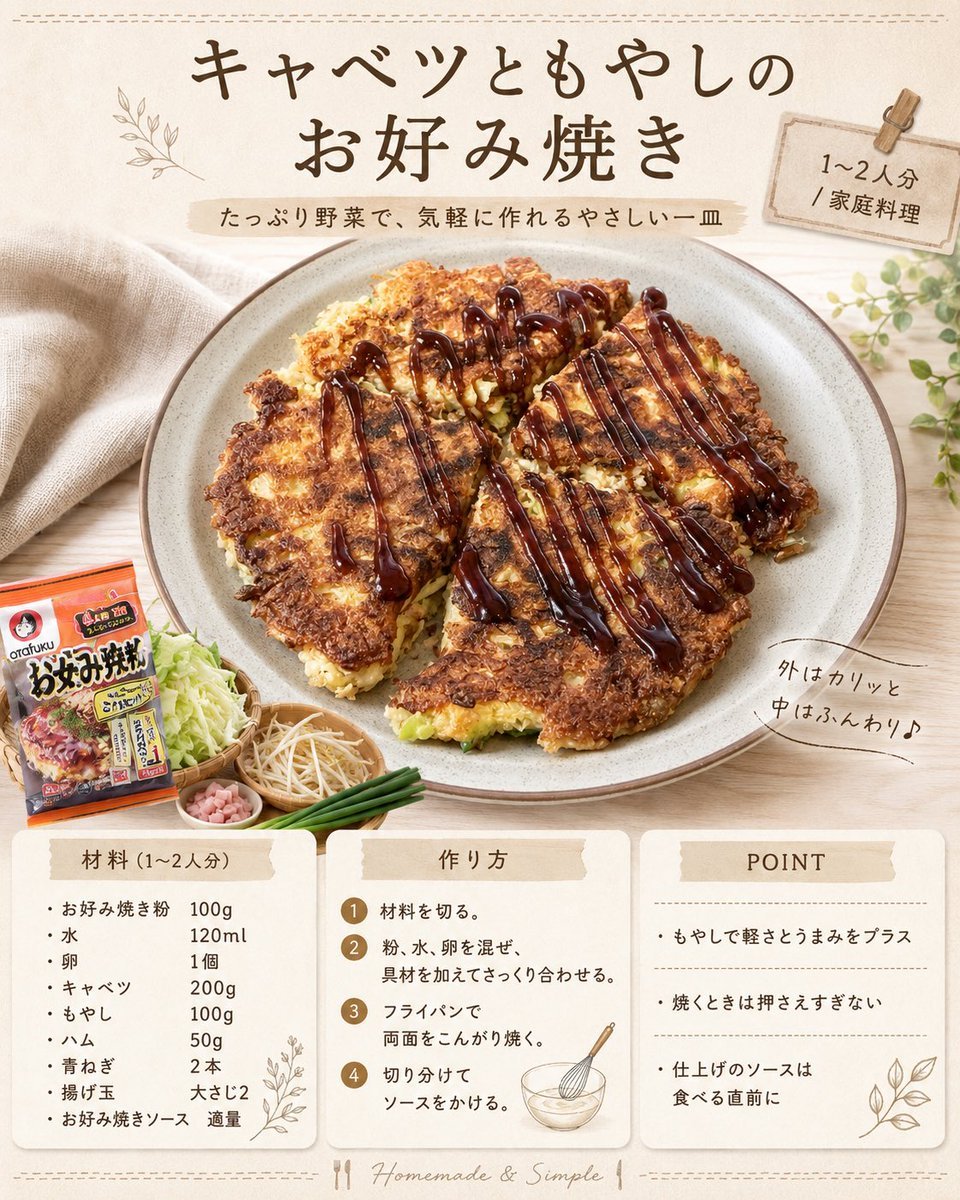
Japanese Okonomiyaki Recipe Card
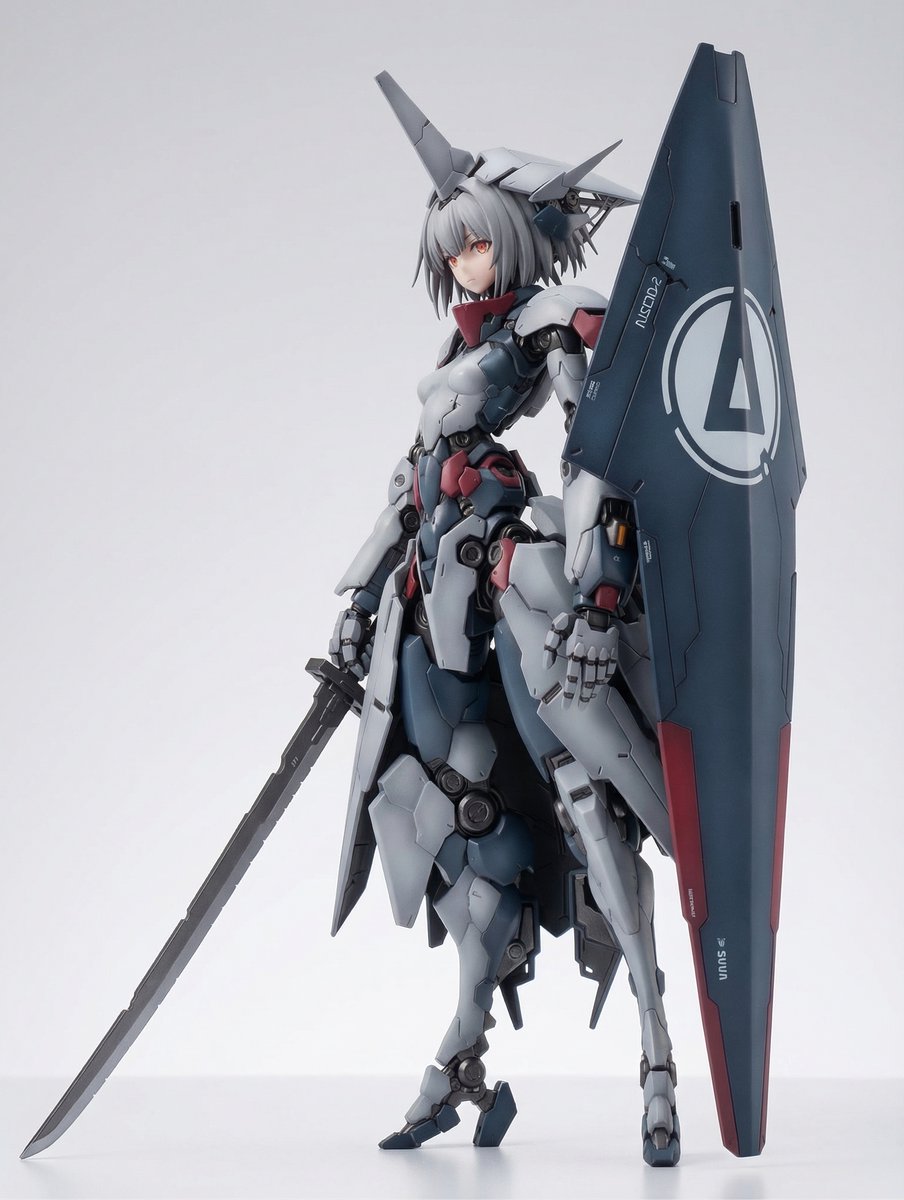
KNIGHT MECHA GIRL Figure Concept

Cinematic Portrait with Window Shadows and Typography Overlay
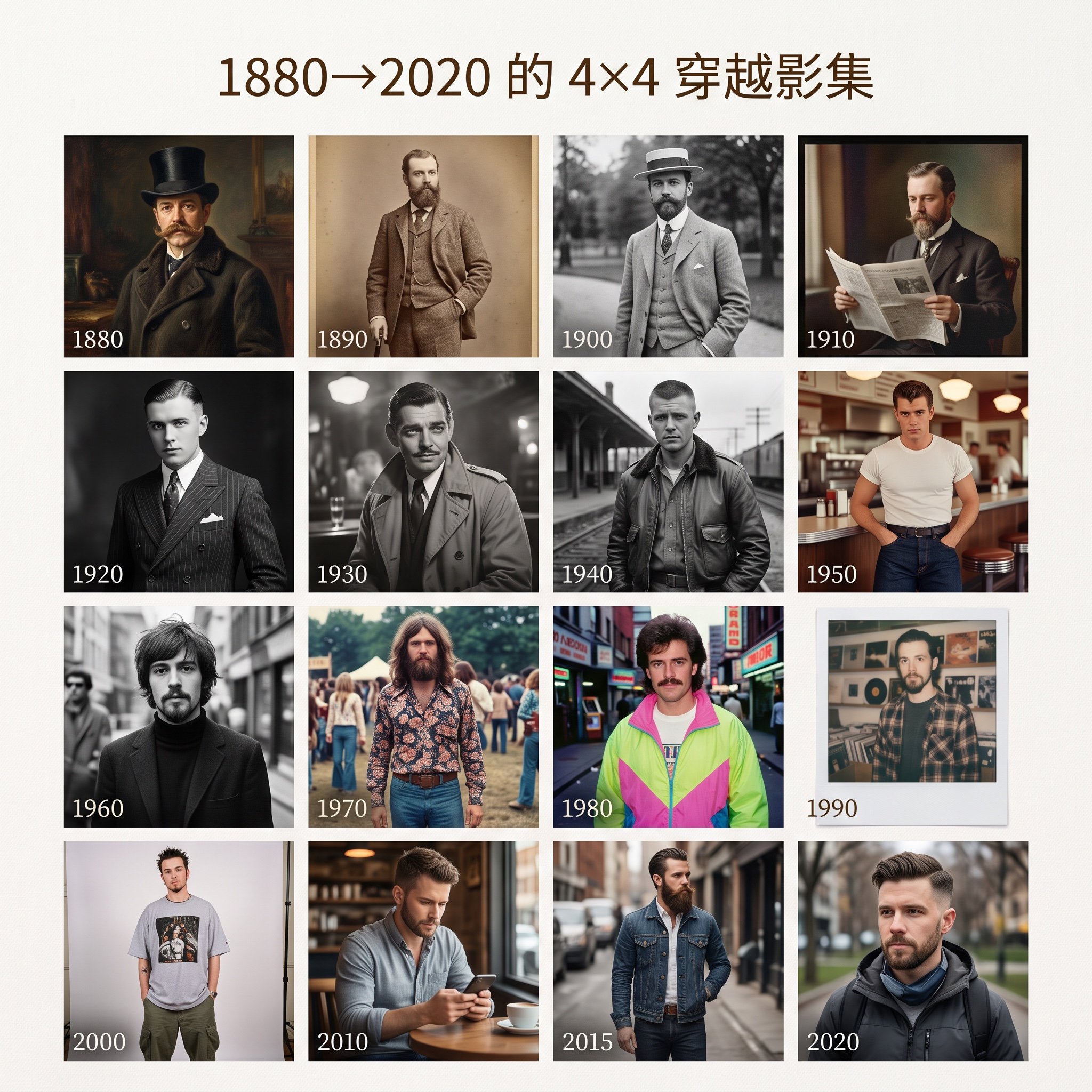
4x4 Time Travel Photo Album
LZA

16K Cinematic Night Portrait with Strict Identity Lock

Anime Sunset Mountain Landscape
Mint Green Coastal Car Portrait
Industrial Packaging Design Sheet

Dynamic Equestrian Model in Tuscan Fields at Golden Hour
Browse template categories
Vintage Claude Code Release Blueprint questions
How do I use the Vintage Claude Code Release Blueprint template?
Add your photo if the template asks for one, edit the prompt if you like — the template's model and format are already selected — and press Generate. Your version opens in PicX Studio.
Can I customize the Vintage Claude Code Release Blueprint template?
Yes. You can change the subject, setting, lighting, mood, format, and available model controls before creating your image.
Is the Vintage Claude Code Release Blueprint template free?
Opening and editing this template is free. Generating uses credits, shown on the Generate button when you are signed in.
Which AI model should I use?
Start with GPT Image 2, which is the model associated with this template. You can compare another compatible model for a different finish.
Looking for something else? Browse all templates.

Your photo, any look
Thousands of ready templates for every top image and video model, from one credit balance.