
Barbarian Camp in Moonlit Ruins
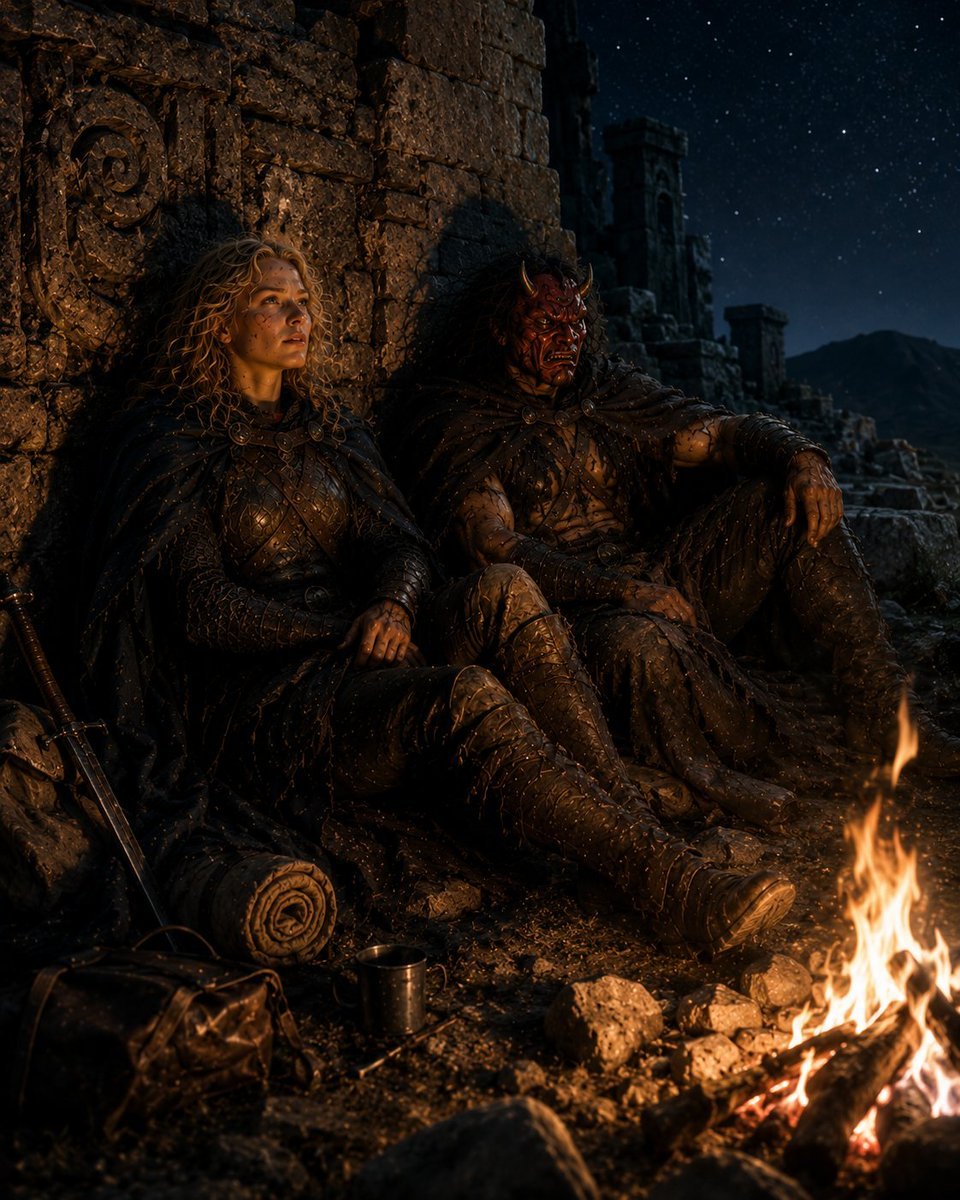
Generates a cinematic dark fantasy scene of two exhausted travelers resting by a campfire among ancient ruins, useful for fantasy story art or RPG atmosphere.
- Prompt included
- Model and format preset
- Free template
The prompt behind this image
Copy the exact prompt behind Barbarian Camp in Moonlit Ruins, or open it in the studio and make it yours.
Create a dark cinematic fantasy travel scene titled by mood only, with {argument name="number of travelers" default="two"} weary adventurers resting at night beside a small campfire in ancient stone ruins. The scene contains exactly two seated figures: on the left, a blond curly-haired female warrior in dark weathered leather armor and a black cloak, leaning against a carved stone wall; on the right, a large rugged barbarian companion with wild dark hair and heavy fur-and-leather armor, reclining with one arm draped over a raised knee. Their faces should be hidden in deep shadow or intentionally obscured, while their armor, hands, boots, and cloaks catch warm orange firelight. Place them against crumbling medieval ruins with rough stacked blocks, spiral stone carvings, broken towers, stairs, and jagged silhouettes. The foreground contains exactly four travel objects: one sheathed sword leaning against the wall at left, one rolled bedroll near the warriors' feet, one dark leather satchel on the ground, and one small metal cup reflecting the fire. In the lower right foreground, show one bright campfire made of burning logs and surrounded by scattered stones, casting sparks and glowing embers across muddy ground. Use a deep blue-black starry sky with distant mountains in the background, strong chiaroscuro lighting, wet gritty textures, ash and dust on the clothing, realistic medieval fantasy costume design, dramatic low-key photography, shallow atmospheric haze, high detail, vertical composition, no modern objects, no readable text.
How to use Barbarian Camp in Moonlit Ruins in 3 steps
- 1Upload ImagePNG, JPG or paste
Add your photo
Upload the photo the template builds on. The prompt, model and format are already set.
- 2…a portrait of your subject in softgolden-hour light, 85mm…
Personalize
Edit the subject and creative details for your destination.
- 3Generate
Generate
Press Generate — your image is created in PicX Studio, so you can compare it with the original and refine one variable at a time.
More like this
Templates with the same subject, style or setup. Open one to see its prompt.
Rainy Barbarian Canyon Camp

Ancient Temple Portrait — White Dress Nano Banana

Moonlit Fox Mask Night Market

Lone Mountaineer in Moonlit Snow

Moonlit Ghost Lotus Anime Portrait
Night Starlit Camping Portrait

Golden Retriever Sunset Campfire Photography
Astronaut Tending Bonsai in Space Ruins
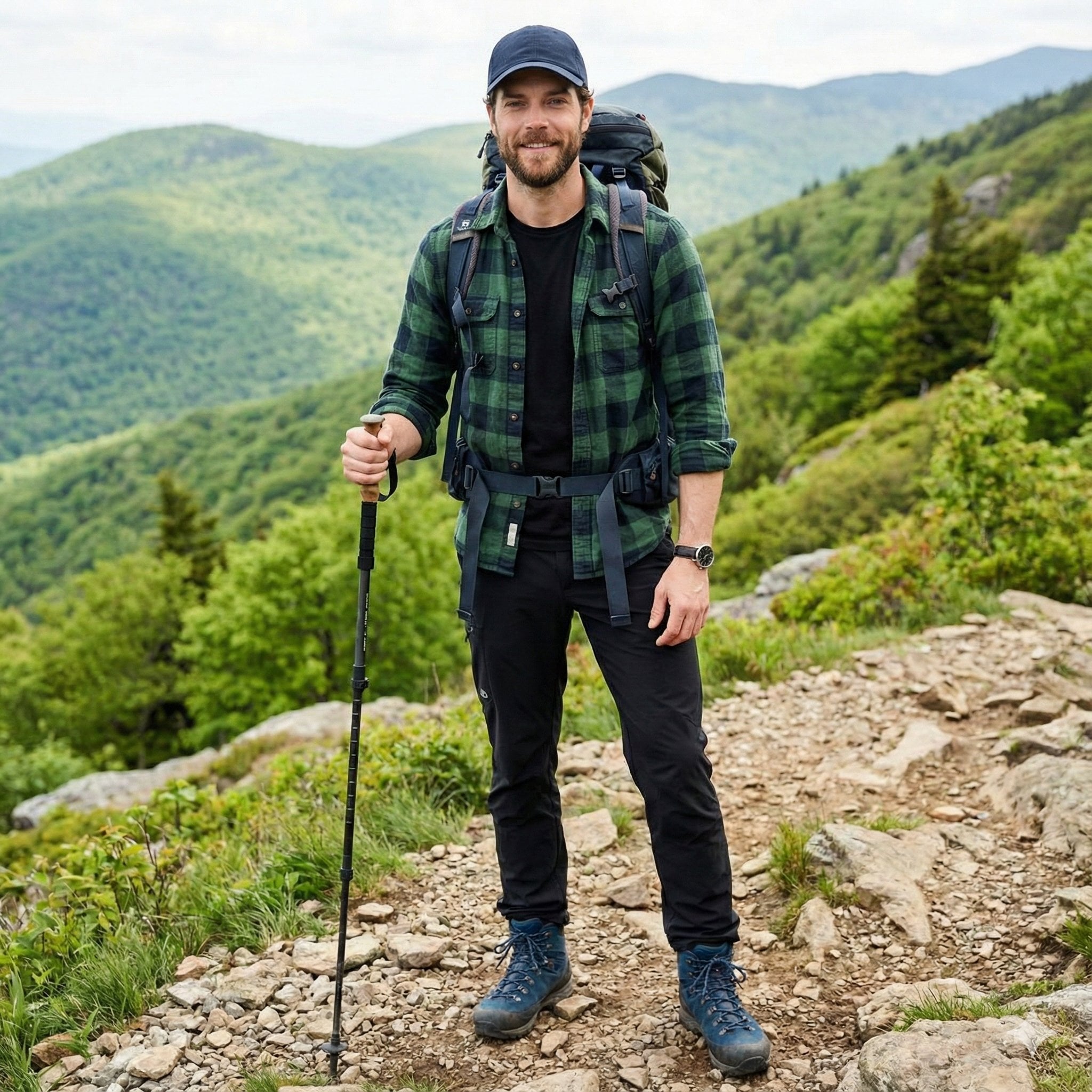
A handsome male trekker sitting comfortably at a mountain campsite, no
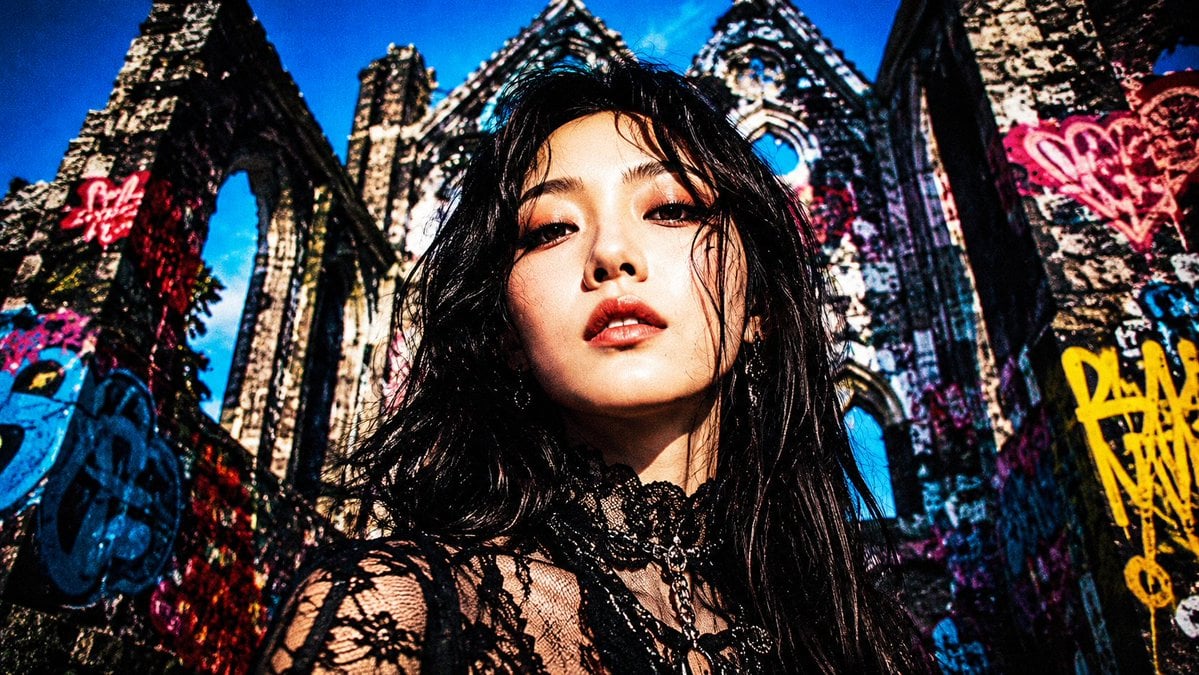
Censored Goth Portrait in Graffiti Ruins
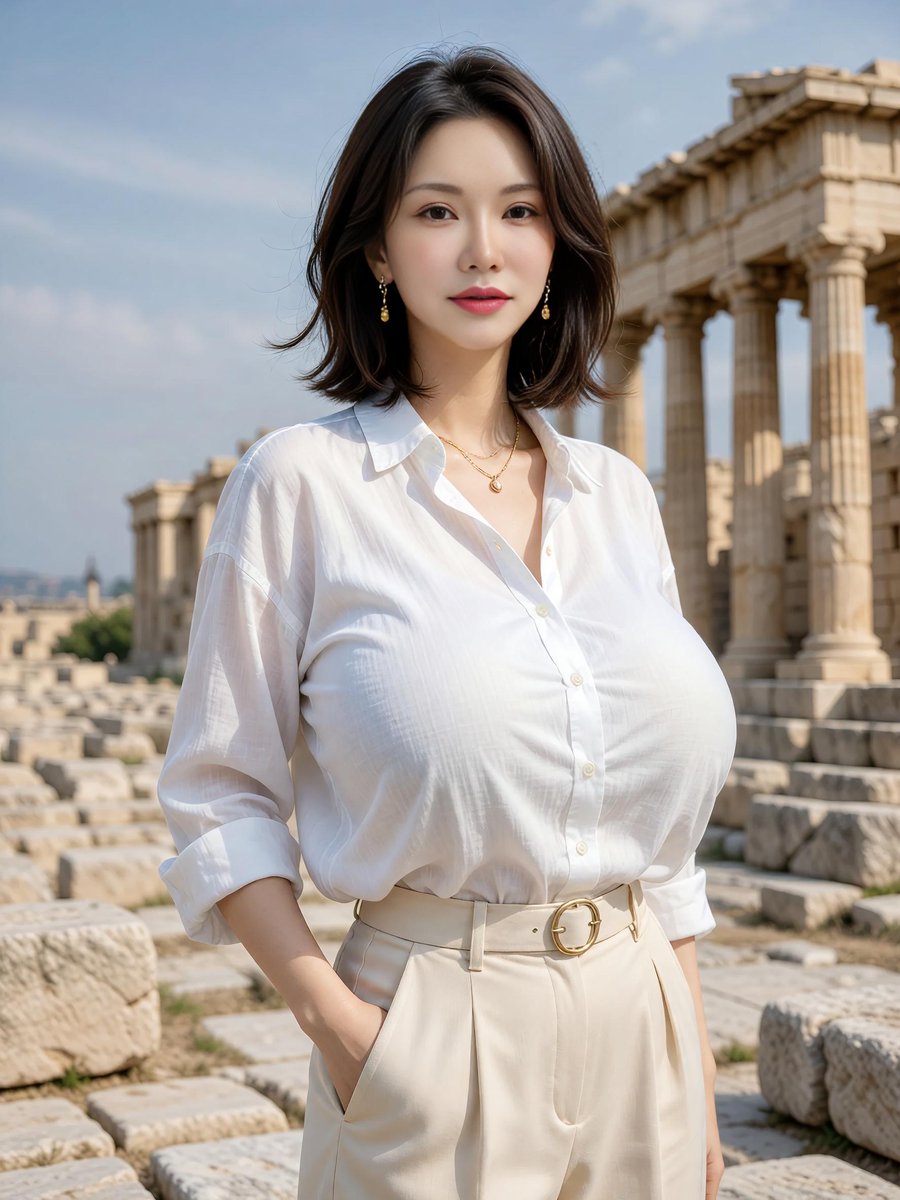
Elegant Portrait at Greek Temple Ruins
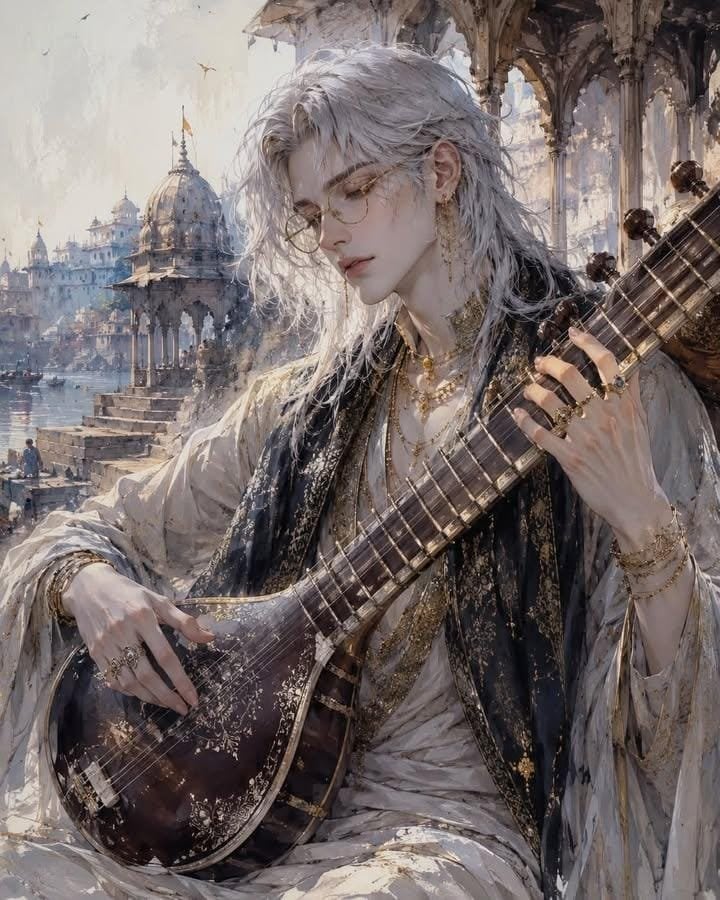
Ethereal Androgynous Musician in Ancient Ruins
Make it yours
Barbarian Camp in Moonlit Ruins works as-is. These are the safest ways to change it without losing the look.
Change one field
Copy a single group, rewrite it, and generate again so you can see what that field is doing.
Keep the frame, change the subject
Hold the composition and light of Barbarian Camp in Moonlit Ruins, then swap wardrobe, props or the person for a new take.
| If the result… | Why | Fix |
|---|---|---|
| The result drifts from the preview | Too many fields changed at once. | Reuse Barbarian Camp in Moonlit Ruins as-is first, then change one group — subject, light, or setting. |
| The model over-stylizes the scene | The prose prompt leaves finish and camera underspecified. | Add one camera or lighting sentence and stay on GPT Image 2. |
More GPT Image 2 templates
Other prompts made for GPT Image 2.

Six VTuber Japanese Logo Sheet

Realistic Portrait of Woman and Deer

The Vista Modular Condo Poster

AI Model Routing Comparison Infographic

2.5D Anime Art Board

Isometric Productivity Desk Scene

New York Double Exposure Poster

Four-Panel AI Landscape Comparison

Japanese Tatami Lifestyle Magazine Cover

NESCAFÉ Coffee Map Poster
More image prompts
Fresh picks from across the catalog.
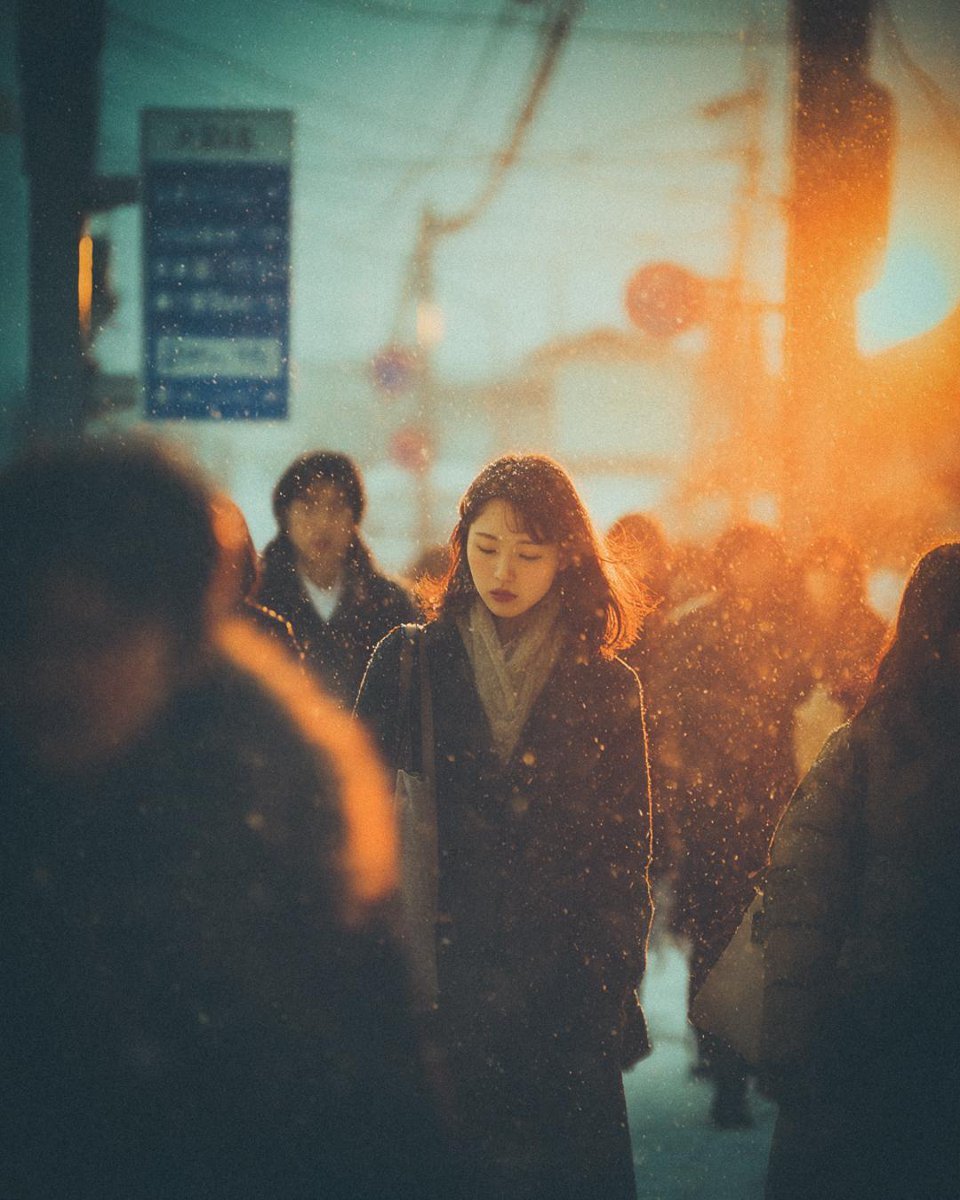
Cinematic Moody Street Photography Prompt
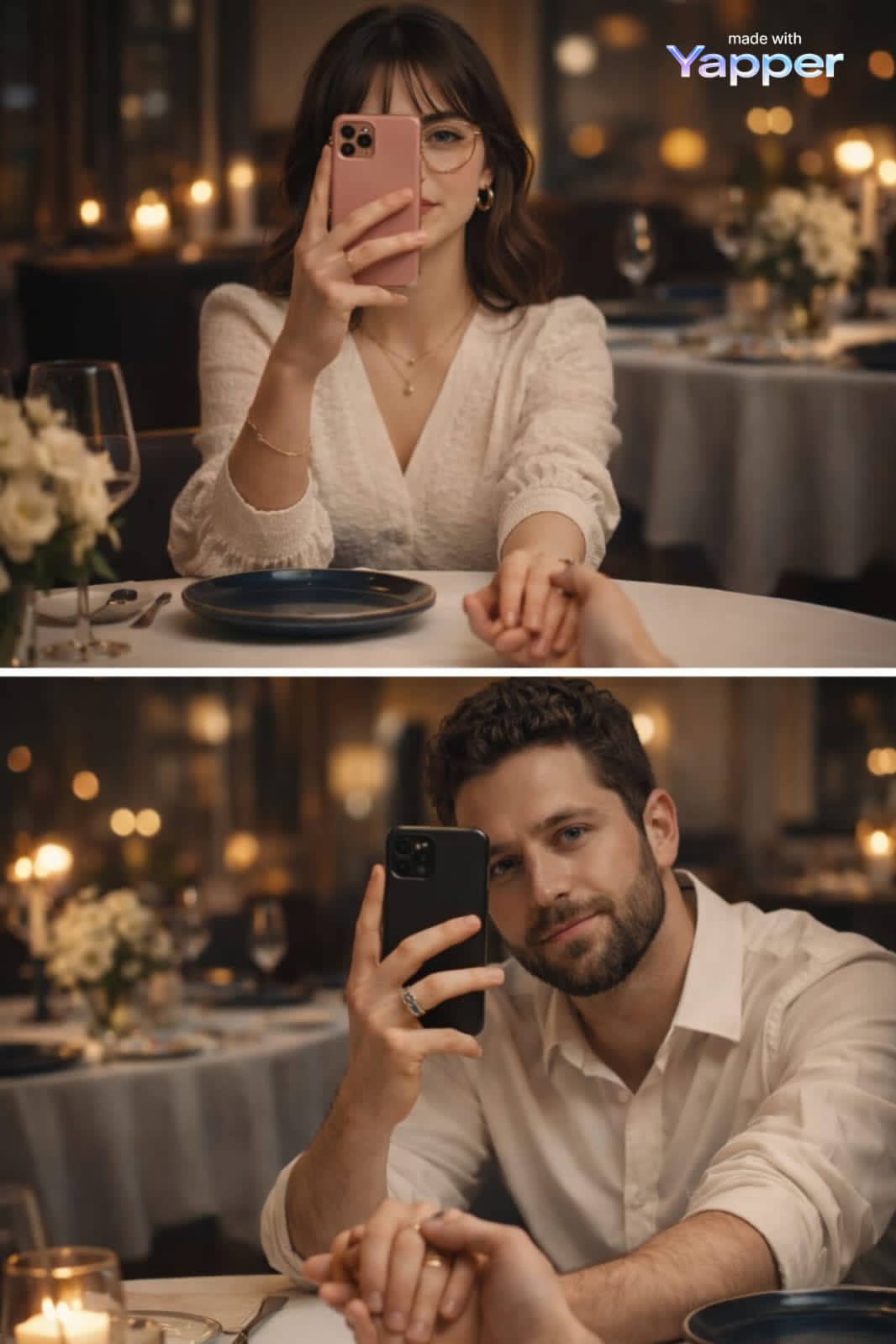
Cinematic Portrait with Reference Photo

Social Media Fashion Outfit Generation
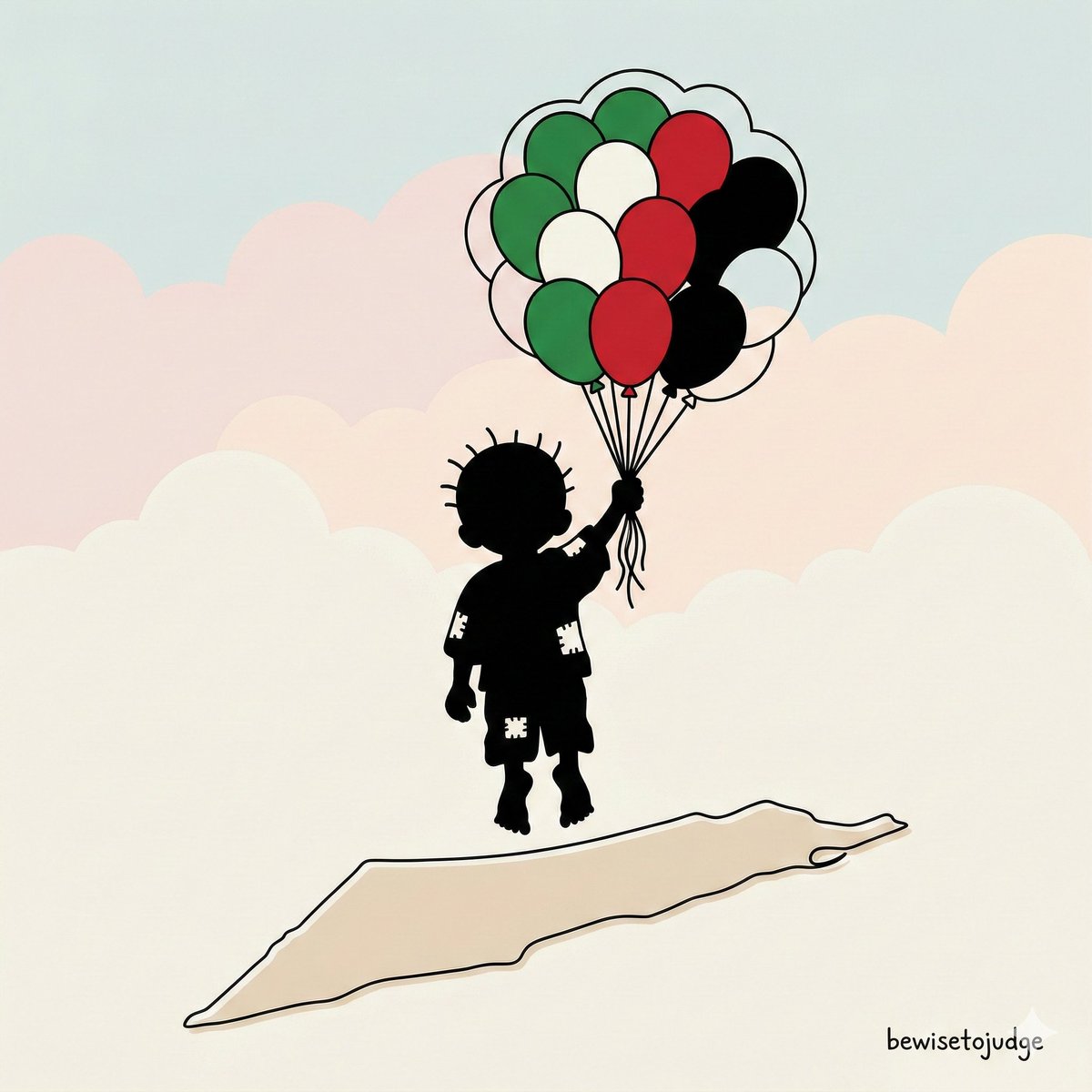
Minimalist Symbolic Illustration in Handala Style
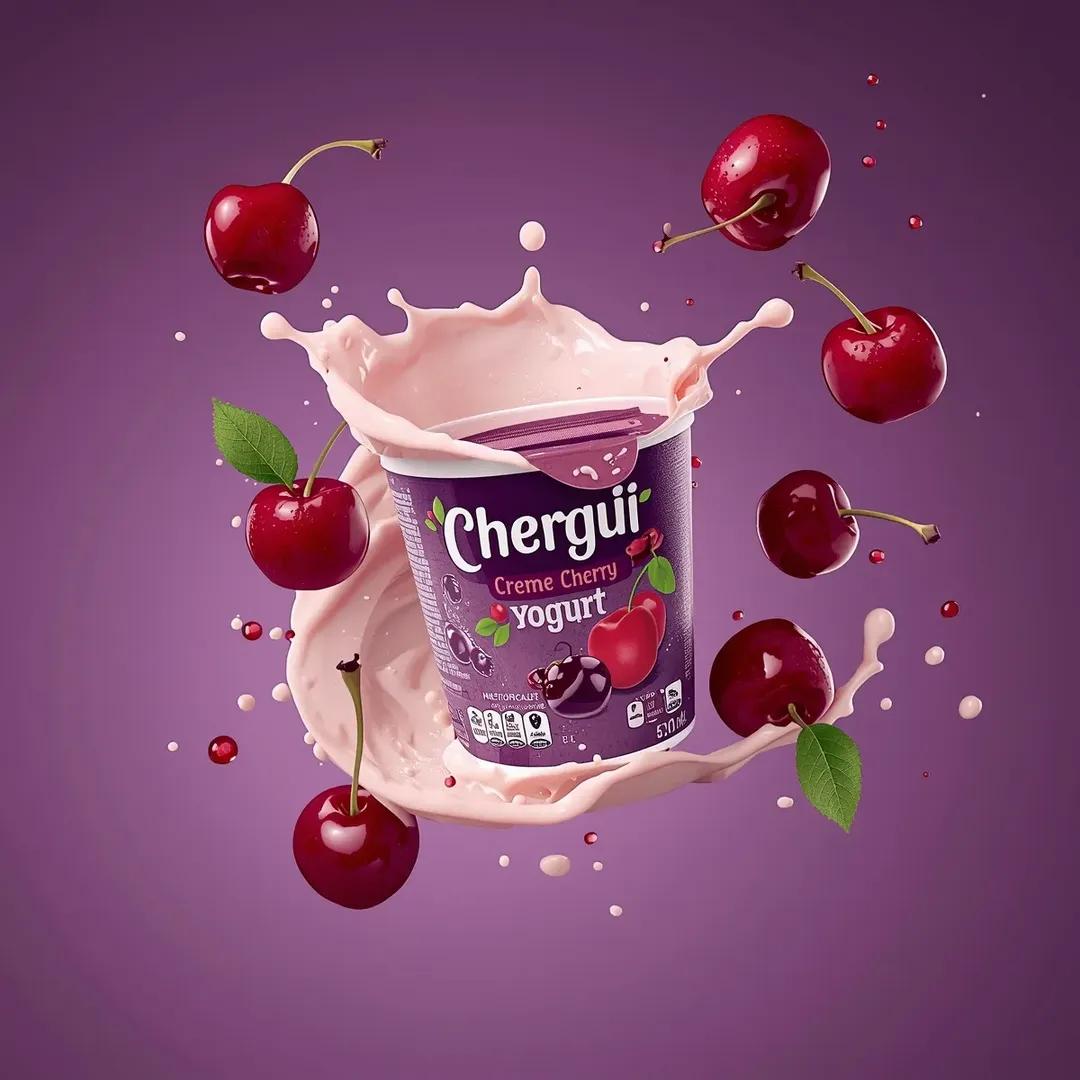
High-End Commercial Yogurt Product Photography Prompt for Nano Banana Pro
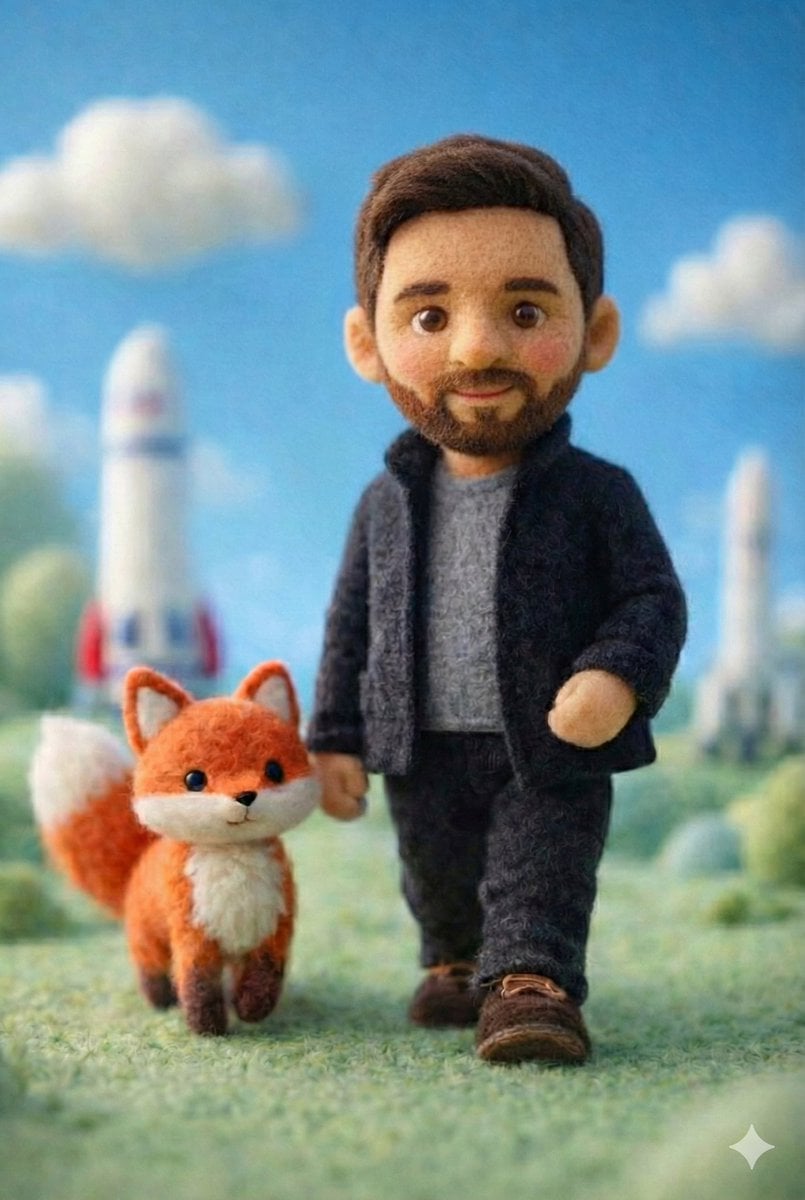
Handcrafted Felt Miniature Scene with Tech Character
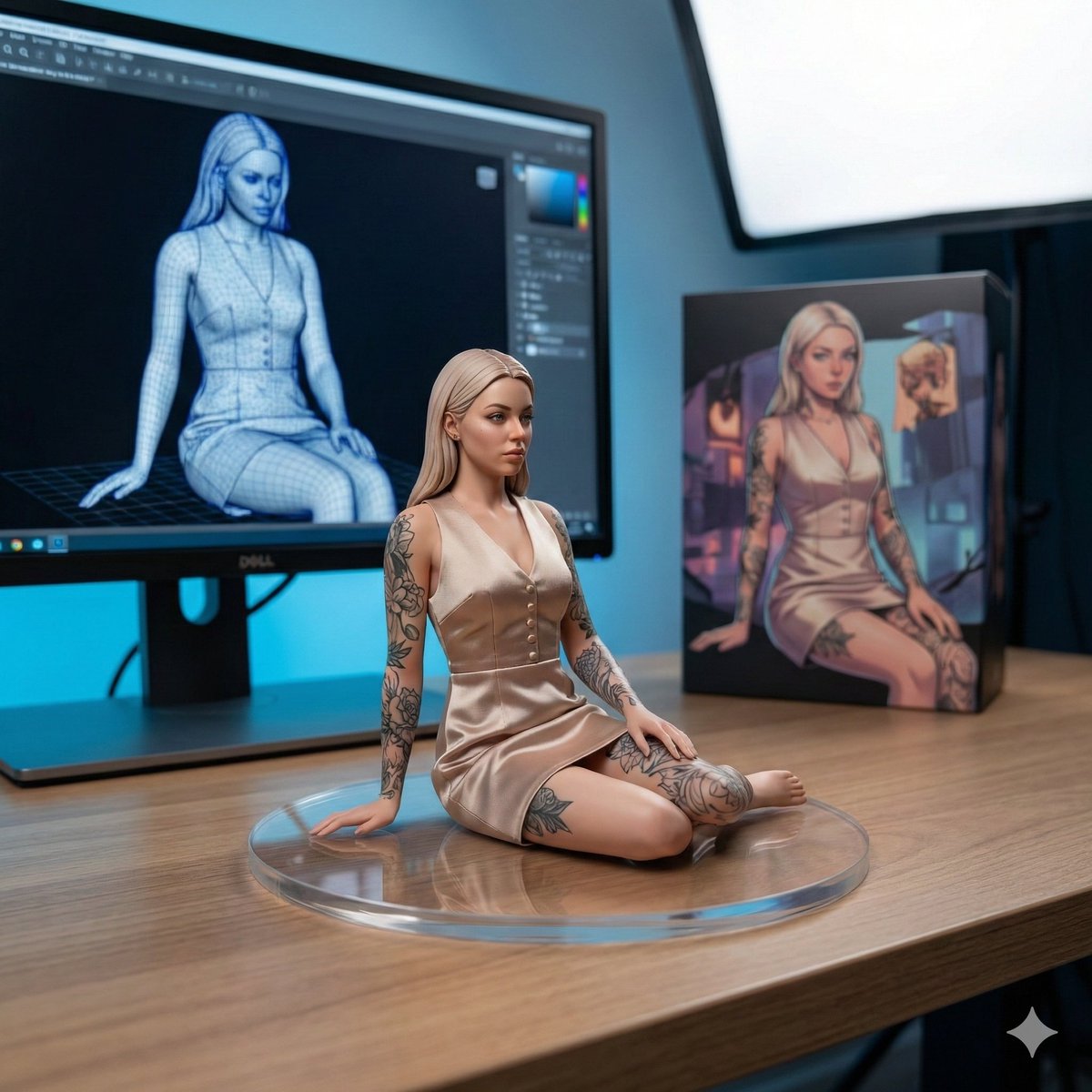
1/7 Scale Collectible Figure Product Shot

AI-Generated Web Page Summary and Message
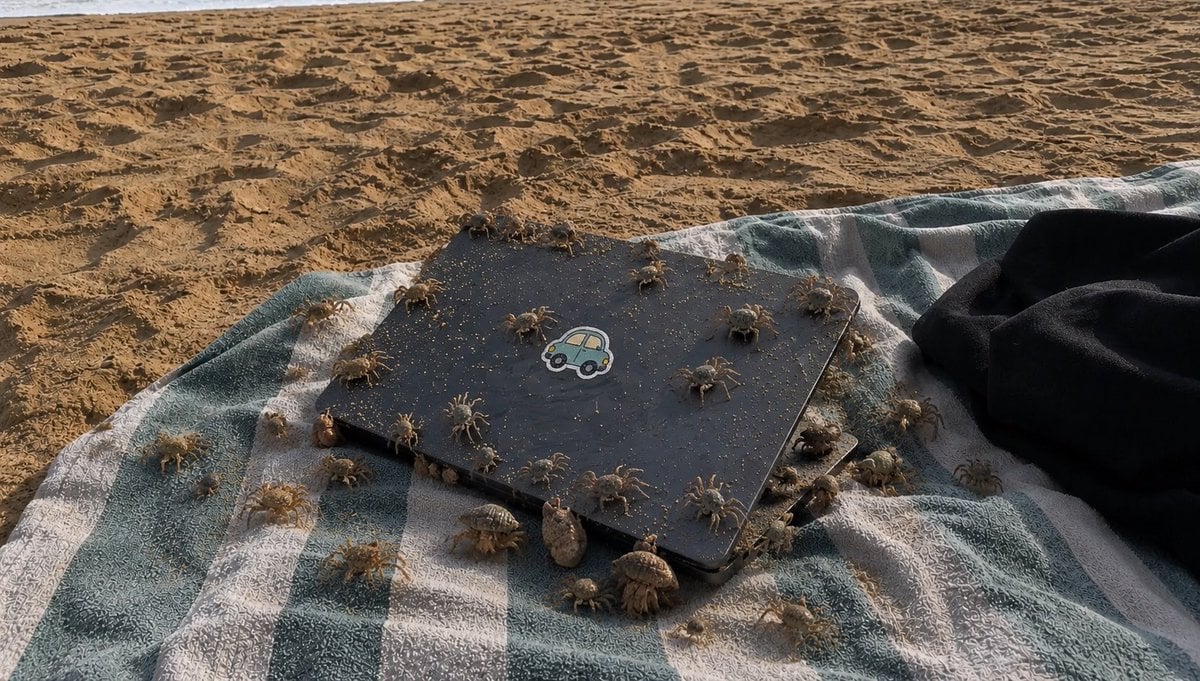
Crowded Crab Beach Laptop Scene
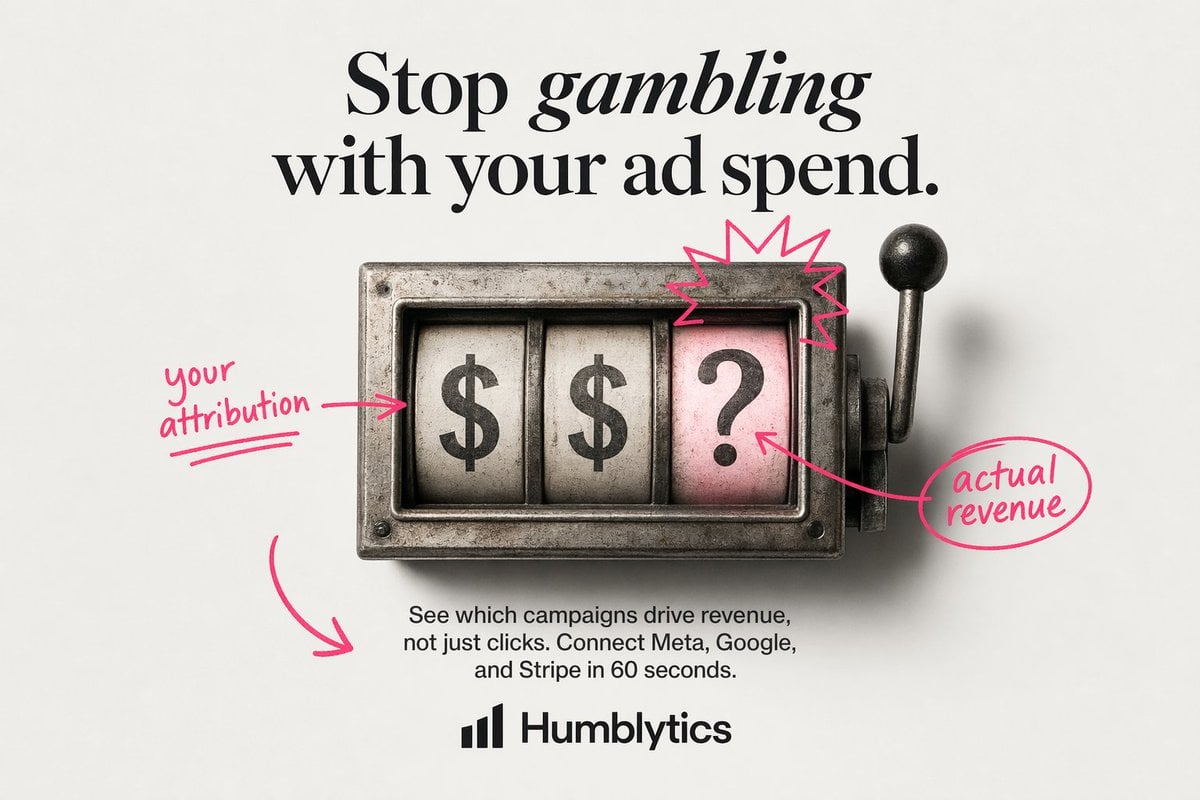
Minimal Slot Machine Attribution Ad
Browse template categories
Barbarian Camp in Moonlit Ruins questions
How do I use the Barbarian Camp in Moonlit Ruins template?
Add your photo if the template asks for one, edit the prompt if you like — the template's model and format are already selected — and press Generate. Your version opens in PicX Studio.
Can I customize the Barbarian Camp in Moonlit Ruins template?
Yes. You can change the subject, setting, lighting, mood, format, and available model controls before creating your image.
Is the Barbarian Camp in Moonlit Ruins template free?
Opening and editing this template is free. Generating uses credits, shown on the Generate button when you are signed in.
Which AI model should I use?
Start with GPT Image 2, which is the model associated with this template. You can compare another compatible model for a different finish.
Looking for something else? Browse all templates.

Your photo, any look
Thousands of ready templates for every top image and video model, from one credit balance.