
Rainy Barbarian Canyon Camp
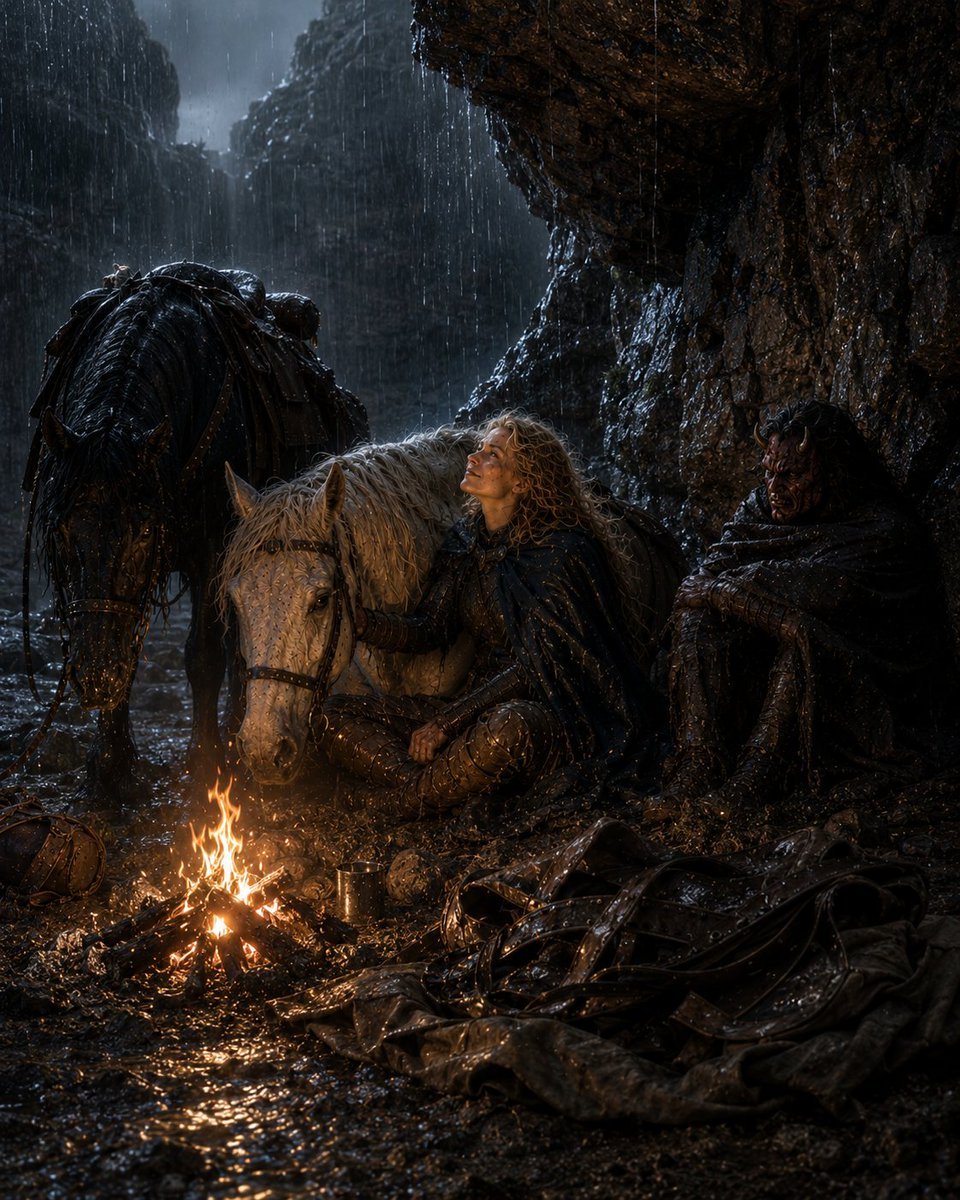
A cinematic medieval fantasy scene of two anonymous travelers and two horses resting by a campfire in a rain-soaked canyon.
- Prompt included
- Model and format preset
- Free template
The prompt behind this image
Copy the exact prompt behind Rainy Barbarian Canyon Camp, or open it in the studio and make it yours.
Create a dark cinematic fantasy scene titled {argument name="series title" default="Journey with a Barbarian 6"}: two weary medieval travelers shelter in a narrow rocky canyon during heavy rain at night, resting beside a small bright campfire on muddy wet ground. The scene contains exactly 2 travelers: one central blond, curly-haired adventurer in soaked dark cloak and leather armor sitting on the ground and leaning against a pale gray horse, and one hooded barbarian-like companion in a black rain-drenched cloak sitting against the right rock wall with arms folded. Their faces should be obscured by deep shadow or simple dark square censor-like blocks, making them anonymous. Include exactly 2 horses: one pale gray horse lying or kneeling close to the fire beside the central traveler, and one large black horse standing on the left with wet mane, saddle, harness, and pack gear. Include exactly 5 notable foreground objects: a small campfire made of sticks, a metal cup near the flames, a leather travel bag on the left, a heap of black leather armor and straps on the lower right, and a soaked cloth or cloak spread across the mud. The canyon walls are steep, jagged, and glossy with rain, forming a narrow passage receding into misty blue-gray darkness. Use dramatic low firelight with warm orange highlights reflected in puddles and cold moonlit blue shadows in the background, ultra-detailed wet textures, realistic medieval fantasy costume design, grim survival atmosphere, high-contrast chiaroscuro, vertical composition, no text, no watermark.
How to use Rainy Barbarian Canyon Camp in 3 steps
- 1Upload ImagePNG, JPG or paste
Add your photo
Upload the photo the template builds on. The prompt, model and format are already set.
- 2…a portrait of your subject in softgolden-hour light, 85mm…
Personalize
Edit the subject and creative details for your destination.
- 3Generate
Generate
Press Generate — your image is created in PicX Studio, so you can compare it with the original and refine one variable at a time.
More like this
Templates with the same subject, style or setup. Open one to see its prompt.
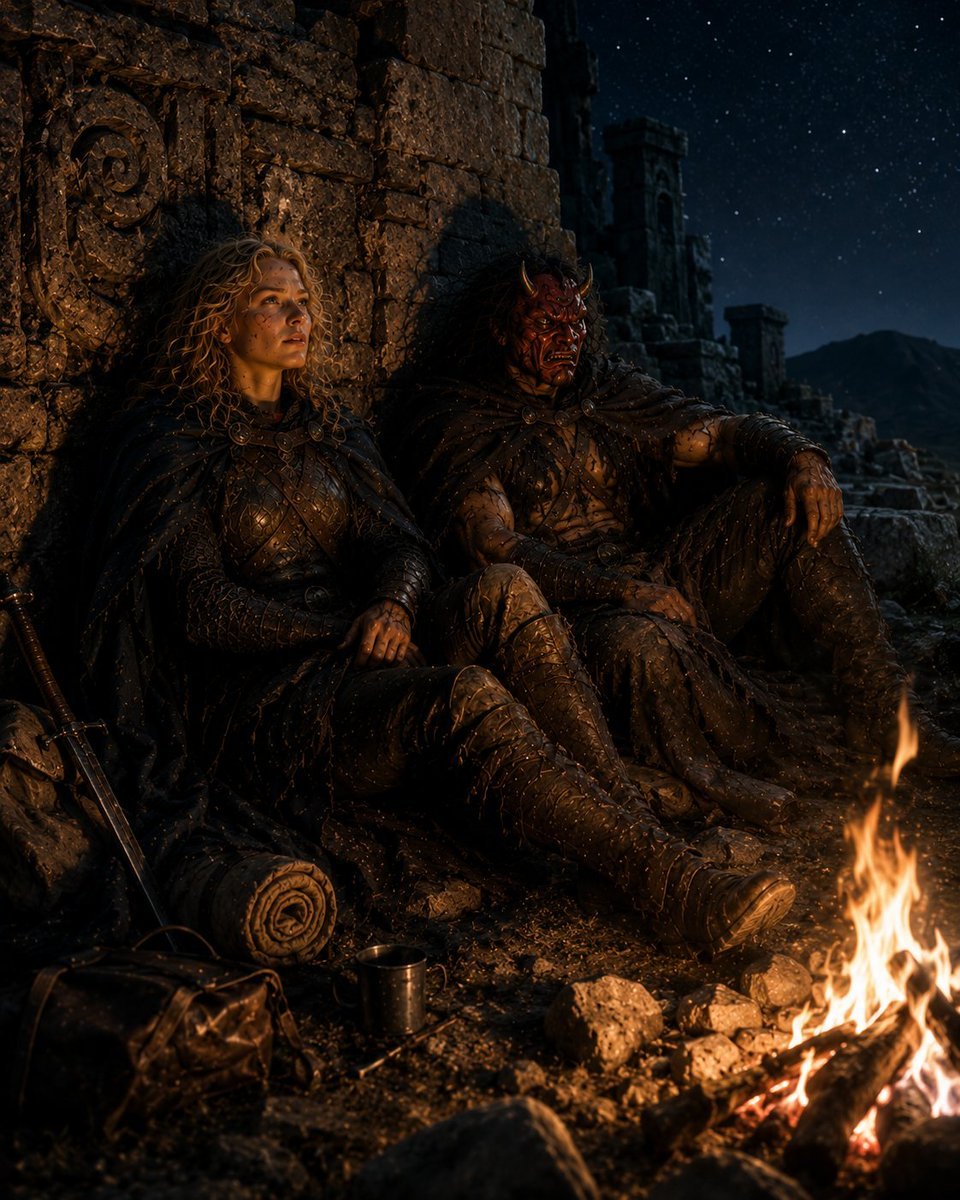
Barbarian Camp in Moonlit Ruins
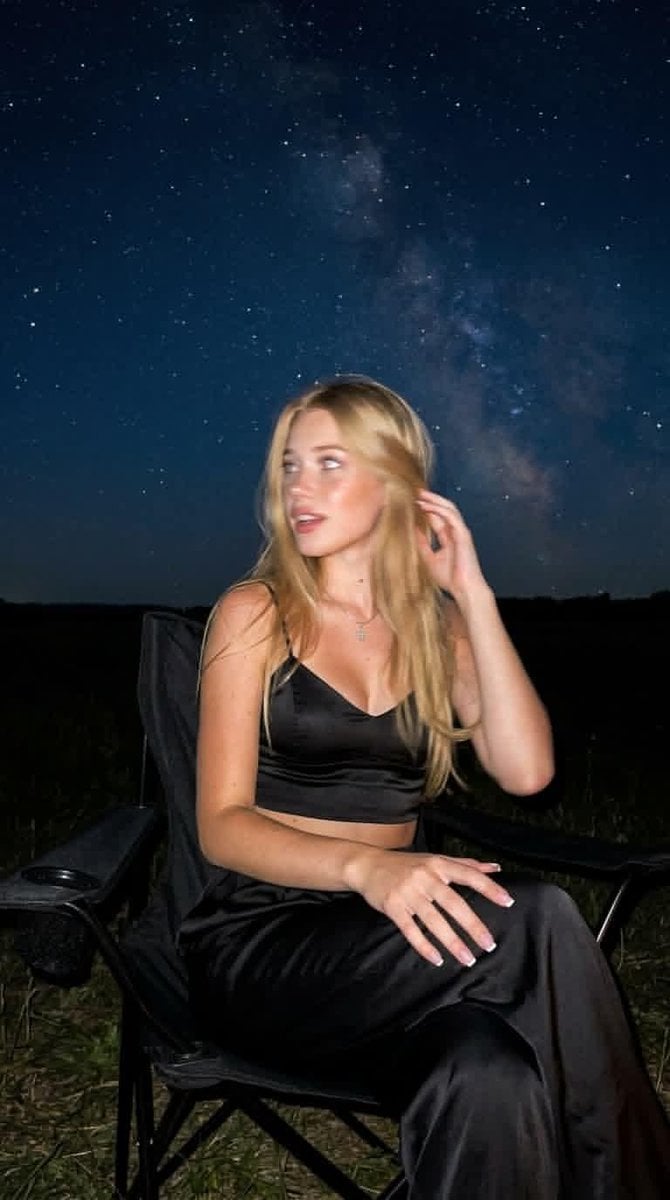
Night Starlit Camping Portrait

Golden Retriever Sunset Campfire Photography
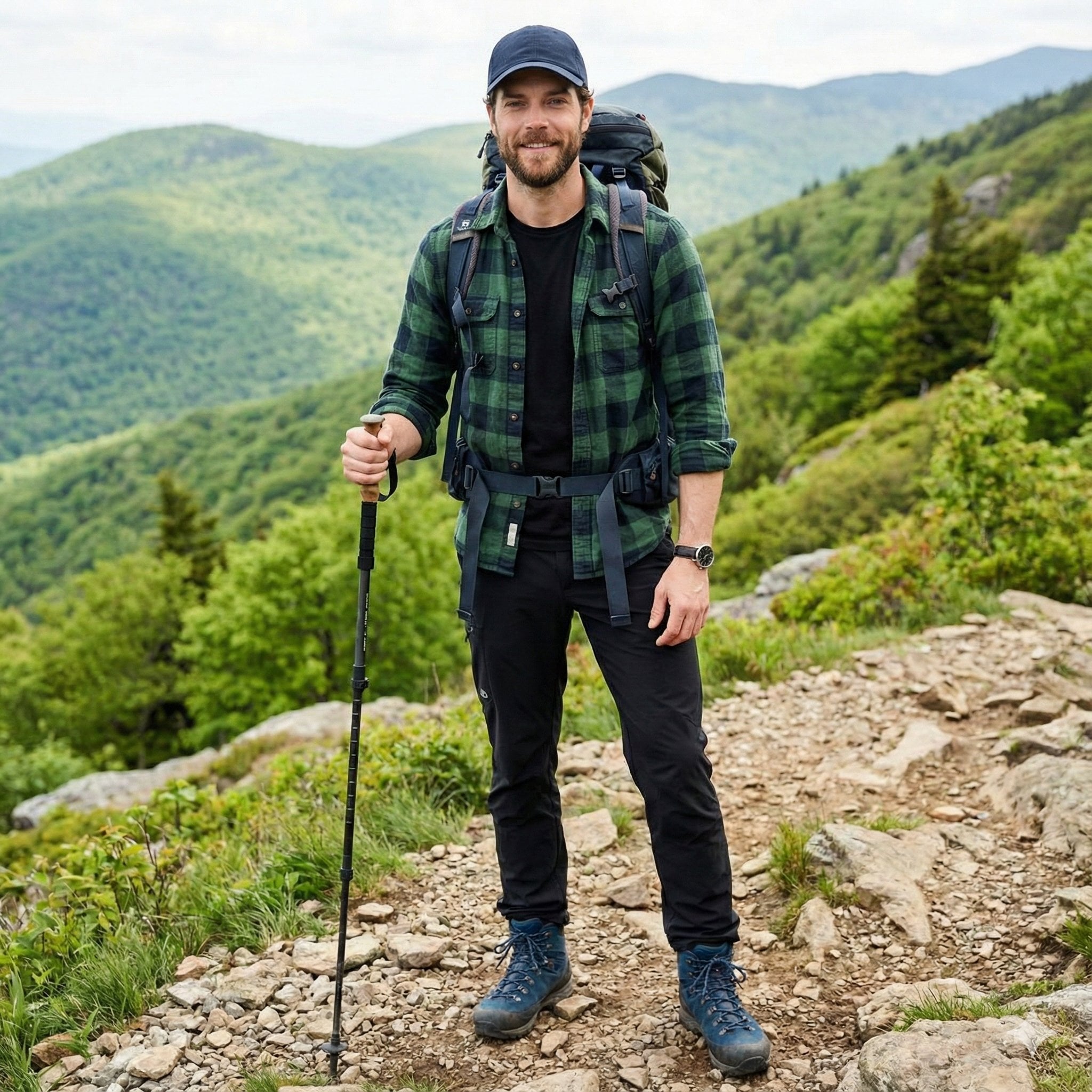
A handsome male trekker sitting comfortably at a mountain campsite, no
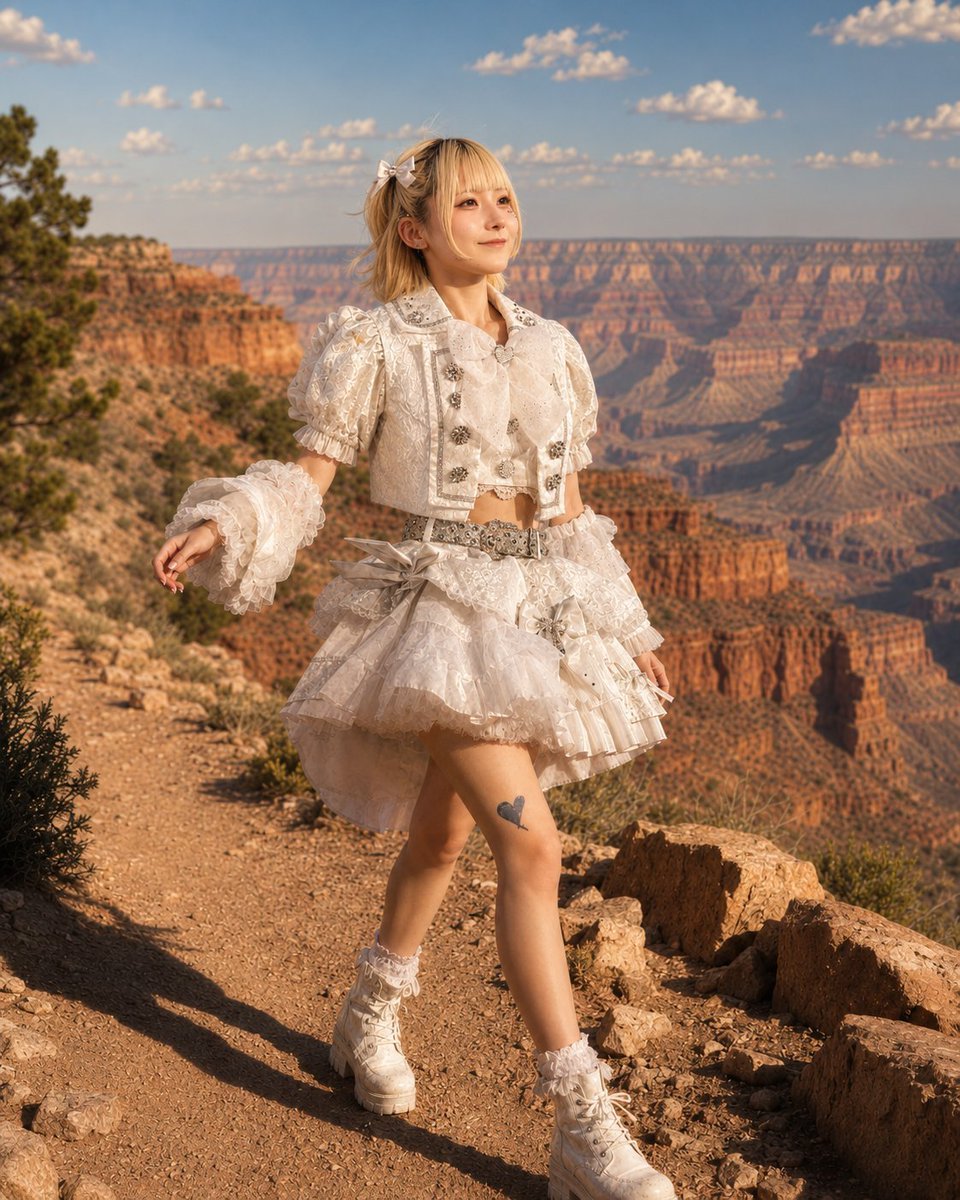
Character in Grand Canyon Scene
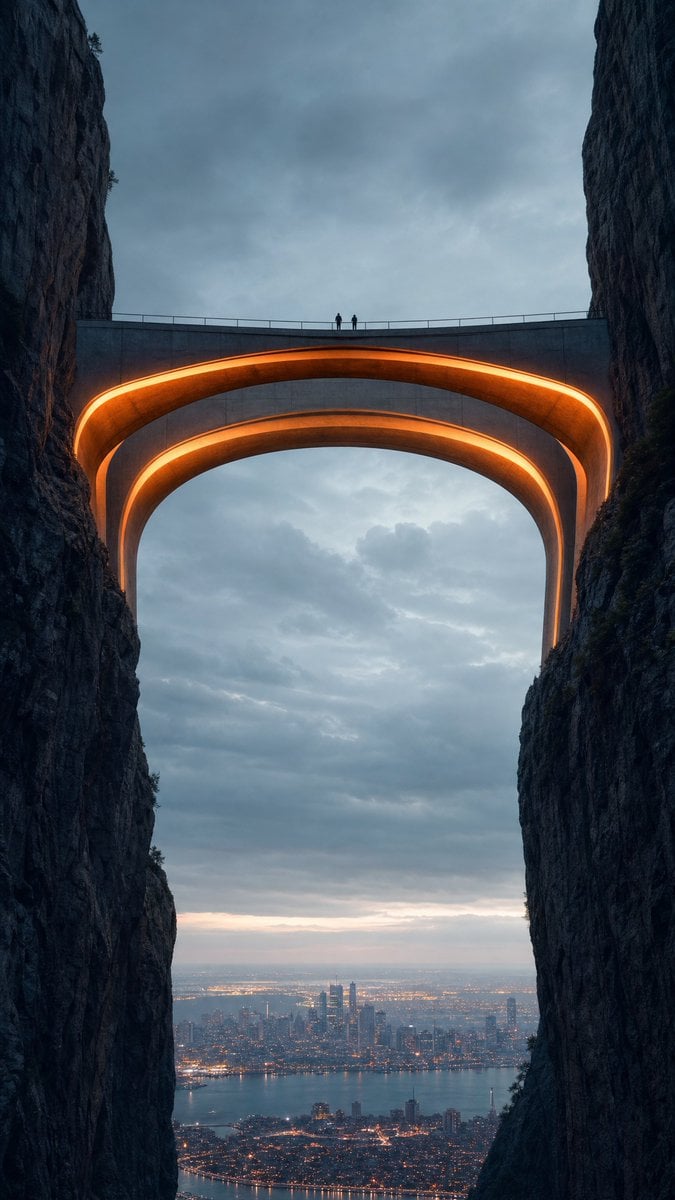
Neon Bridge Over City Canyon
VHS Cover Horror Camp
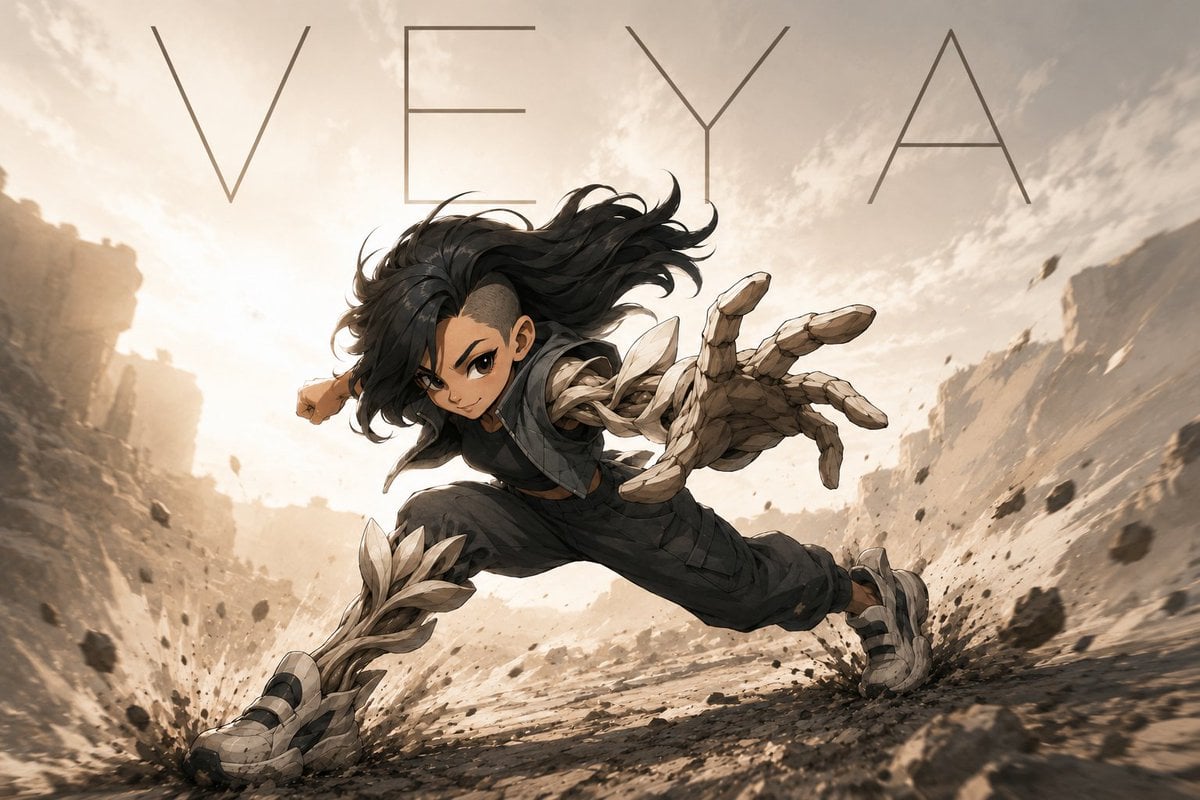
VEYA Anime Canyon Action Poster
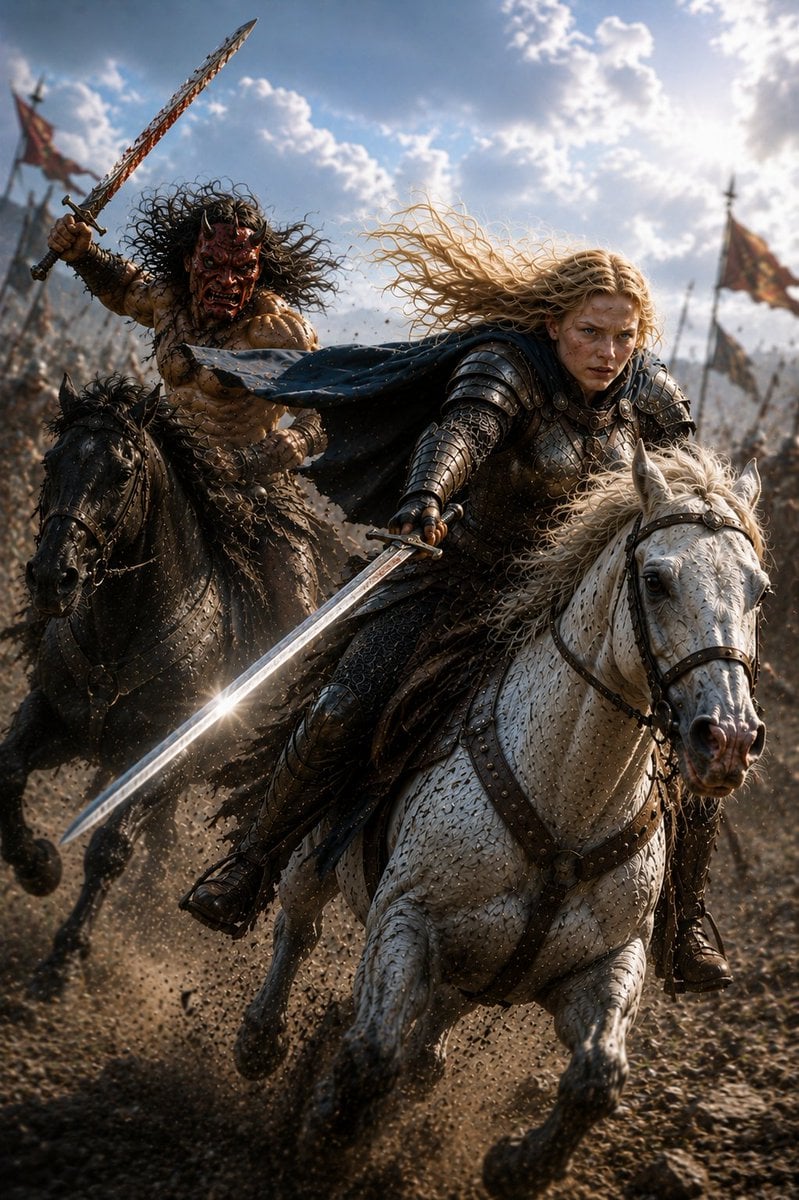
Mounted Knight and Barbarian Charge
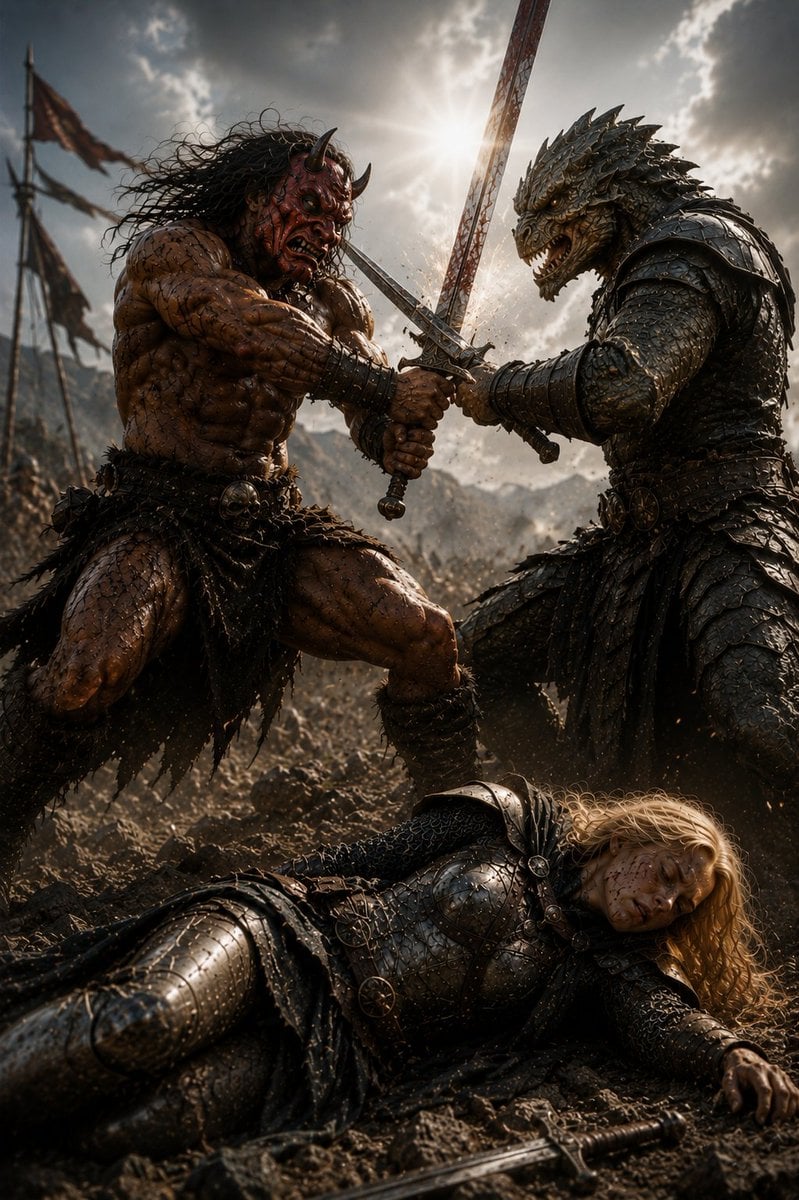
Barbarian and Dragon Knight Battlefield Duel
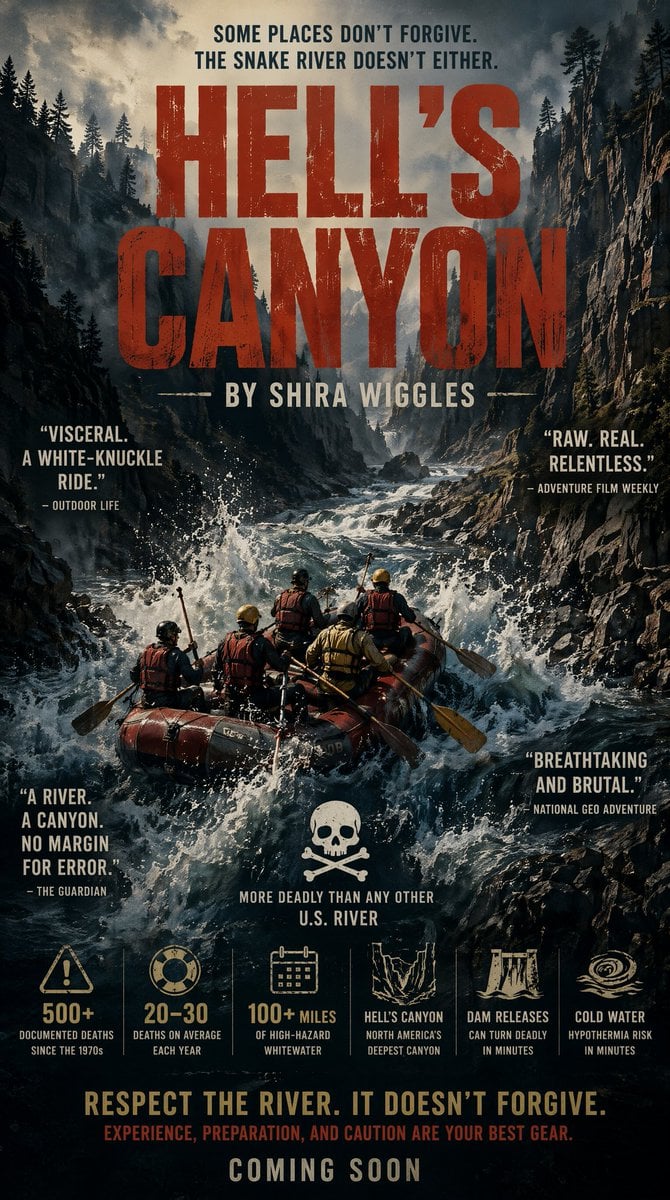
Hell's Canyon Survival Thriller Poster
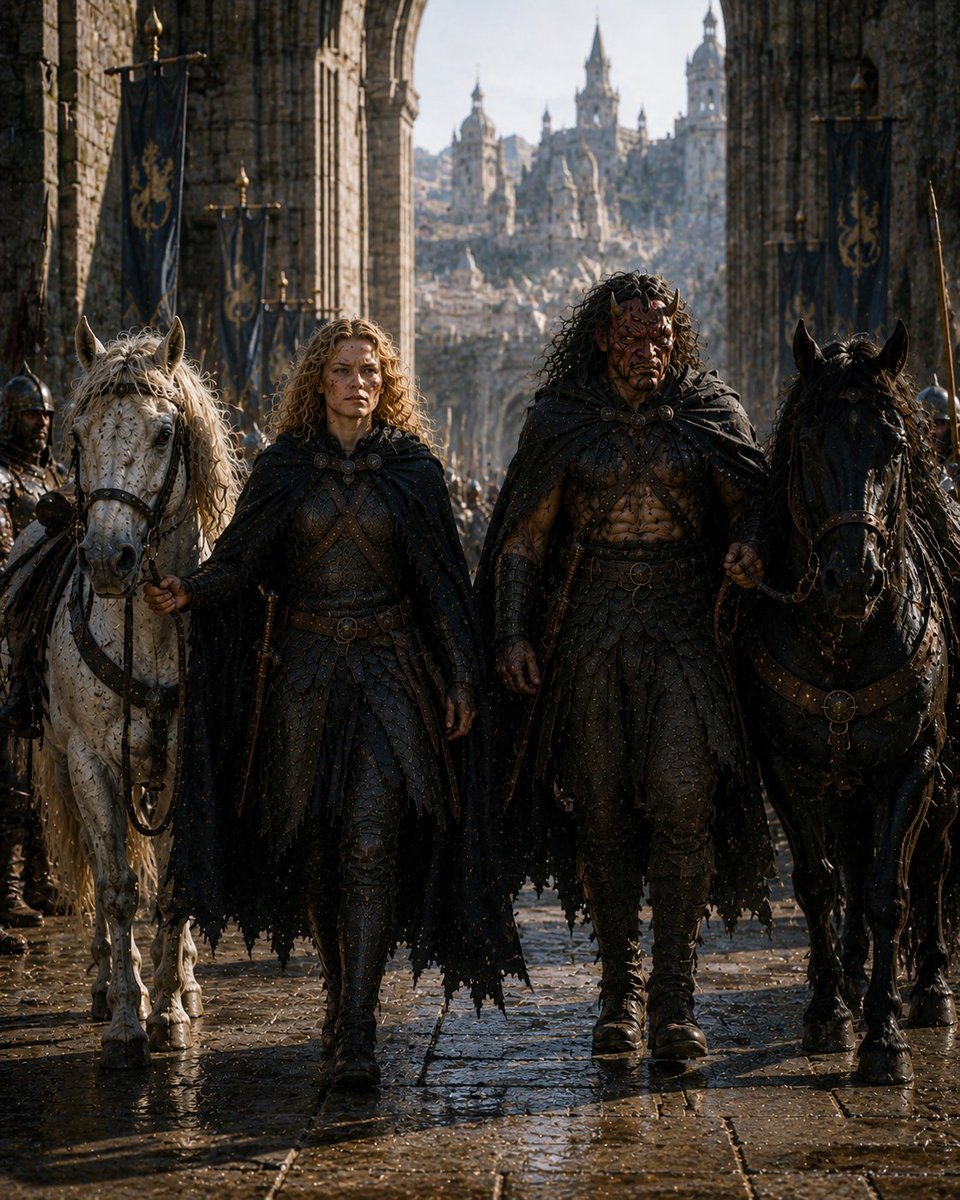
Barbarian Fantasy City Gate Procession
Make it yours
Rainy Barbarian Canyon Camp works as-is. These are the safest ways to change it without losing the look.
Change one field
Copy a single group, rewrite it, and generate again so you can see what that field is doing.
Keep the frame, change the subject
Hold the composition and light of Rainy Barbarian Canyon Camp, then swap wardrobe, props or the person for a new take.
| If the result… | Why | Fix |
|---|---|---|
| The result drifts from the preview | Too many fields changed at once. | Reuse Rainy Barbarian Canyon Camp as-is first, then change one group — subject, light, or setting. |
| The model over-stylizes the scene | The prose prompt leaves finish and camera underspecified. | Add one camera or lighting sentence and stay on GPT Image 2. |
More GPT Image 2 templates
Other prompts made for GPT Image 2.

Six VTuber Japanese Logo Sheet

Realistic Portrait of Woman and Deer

The Vista Modular Condo Poster

AI Model Routing Comparison Infographic

2.5D Anime Art Board

Isometric Productivity Desk Scene

New York Double Exposure Poster

Four-Panel AI Landscape Comparison

Japanese Tatami Lifestyle Magazine Cover

NESCAFÉ Coffee Map Poster
More image prompts
Fresh picks from across the catalog.
Photorealistic 4K Coffee Image Prompt

Tang Lychee Courseware Cover
VINCO Editorial Moodboard Screenshot
Photorealistic Portrait Prompt of Woman Lying on Bed with Teddy Bear
Spring Fashion Photo Collage
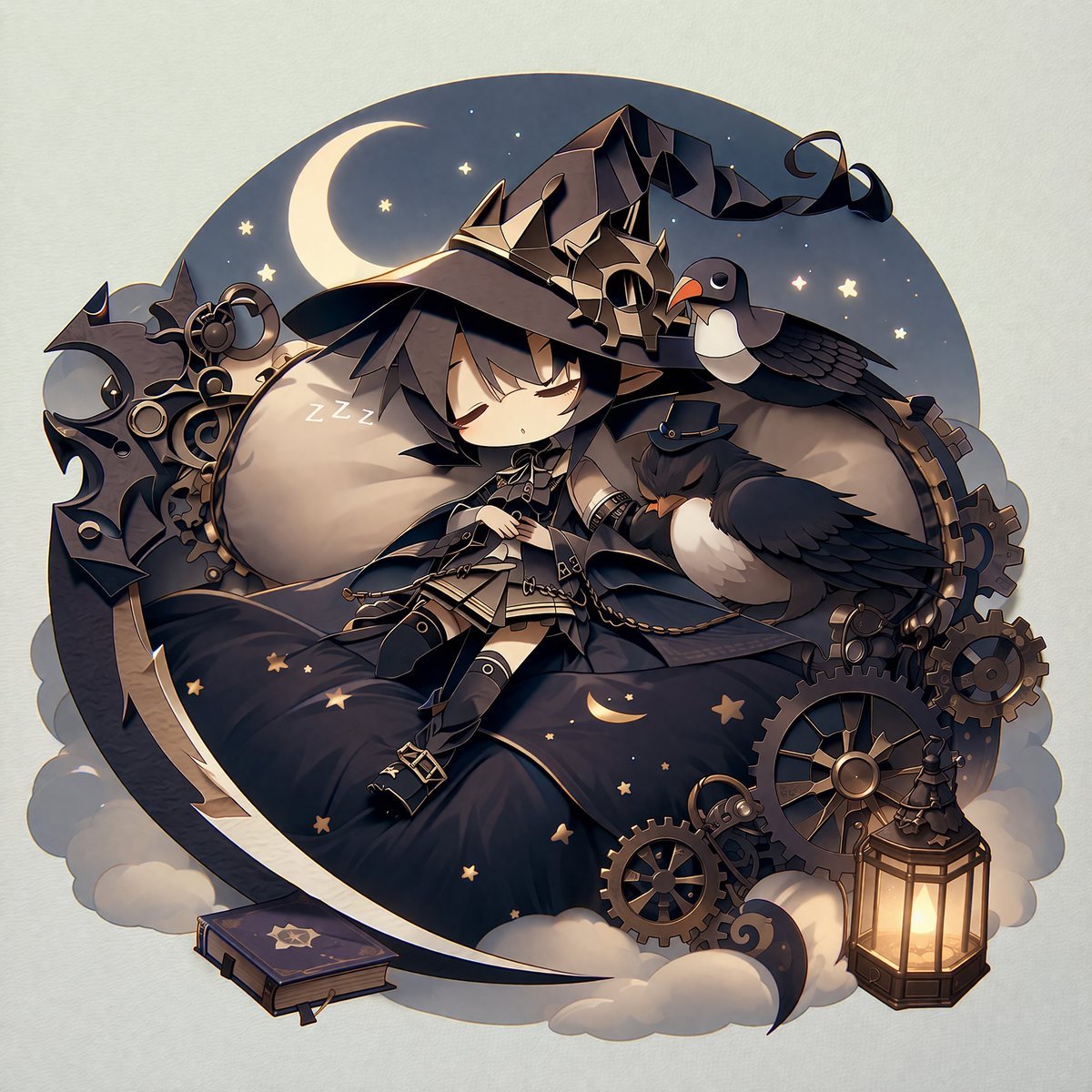
Steampunk Chibi Witch Sticker Illustration

3D Chibi Character Transformation Prompt for Nano Banana 2

Cinematic Portrait of Tailor and Miniature Mannequin
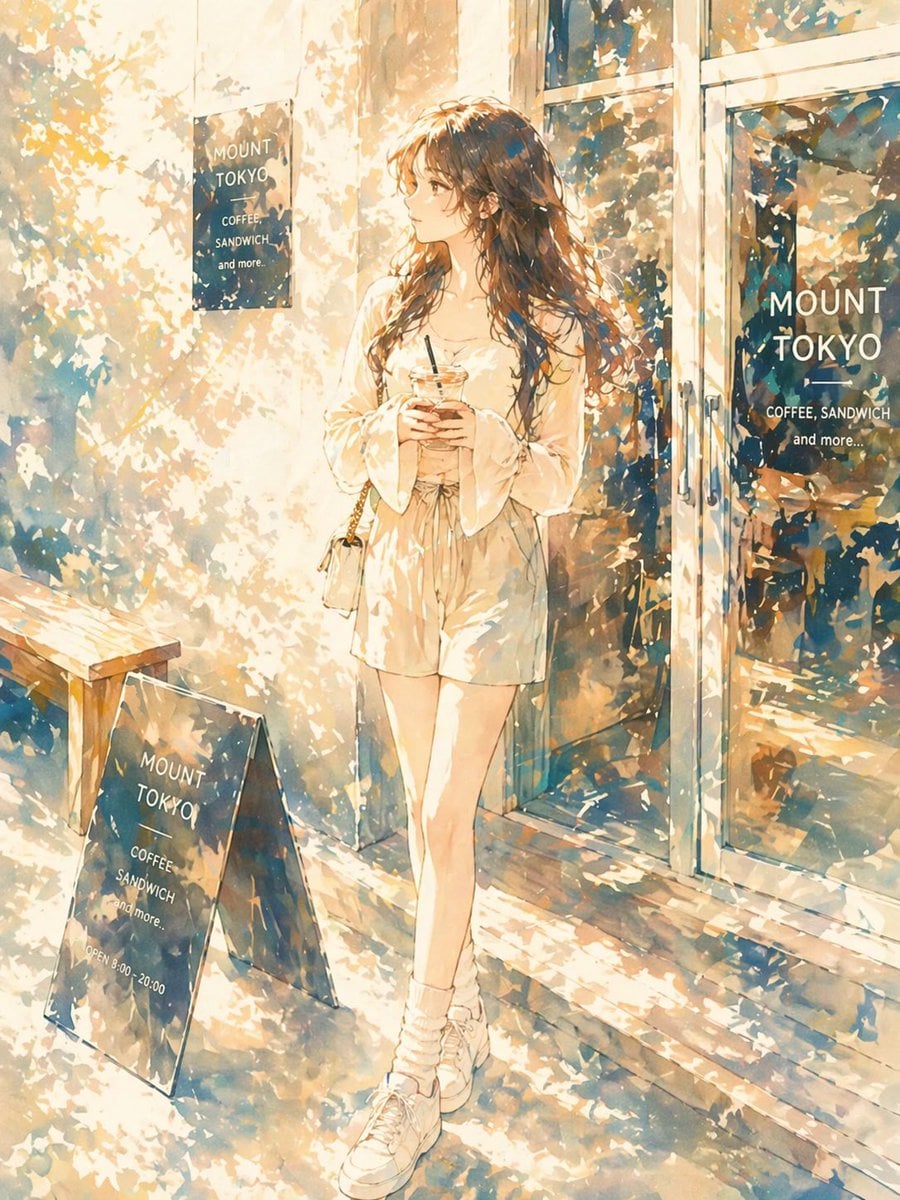
Sunlit Anime Girl Outside Cafe
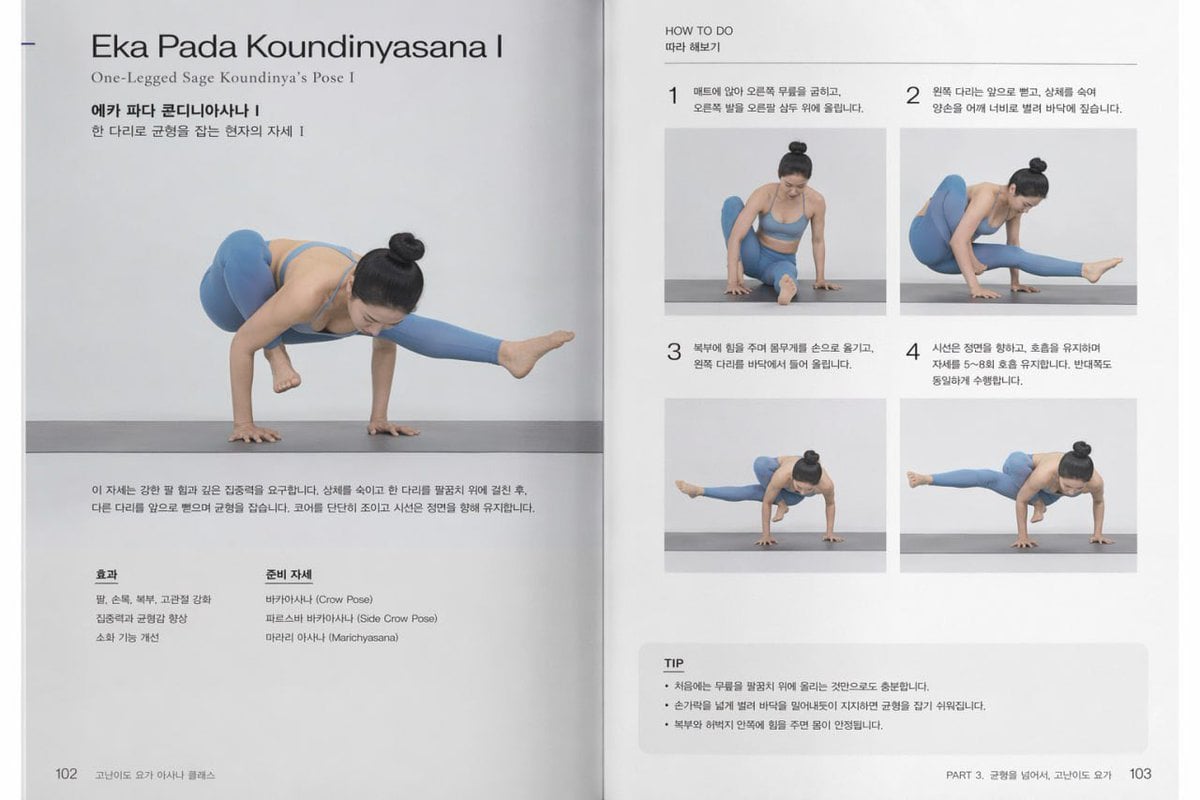
Yoga Book Two-Page Spread
Browse template categories
Rainy Barbarian Canyon Camp questions
How do I use the Rainy Barbarian Canyon Camp template?
Add your photo if the template asks for one, edit the prompt if you like — the template's model and format are already selected — and press Generate. Your version opens in PicX Studio.
Can I customize the Rainy Barbarian Canyon Camp template?
Yes. You can change the subject, setting, lighting, mood, format, and available model controls before creating your image.
Is the Rainy Barbarian Canyon Camp template free?
Opening and editing this template is free. Generating uses credits, shown on the Generate button when you are signed in.
Which AI model should I use?
Start with GPT Image 2, which is the model associated with this template. You can compare another compatible model for a different finish.
Looking for something else? Browse all templates.

Your photo, any look
Thousands of ready templates for every top image and video model, from one credit balance.