
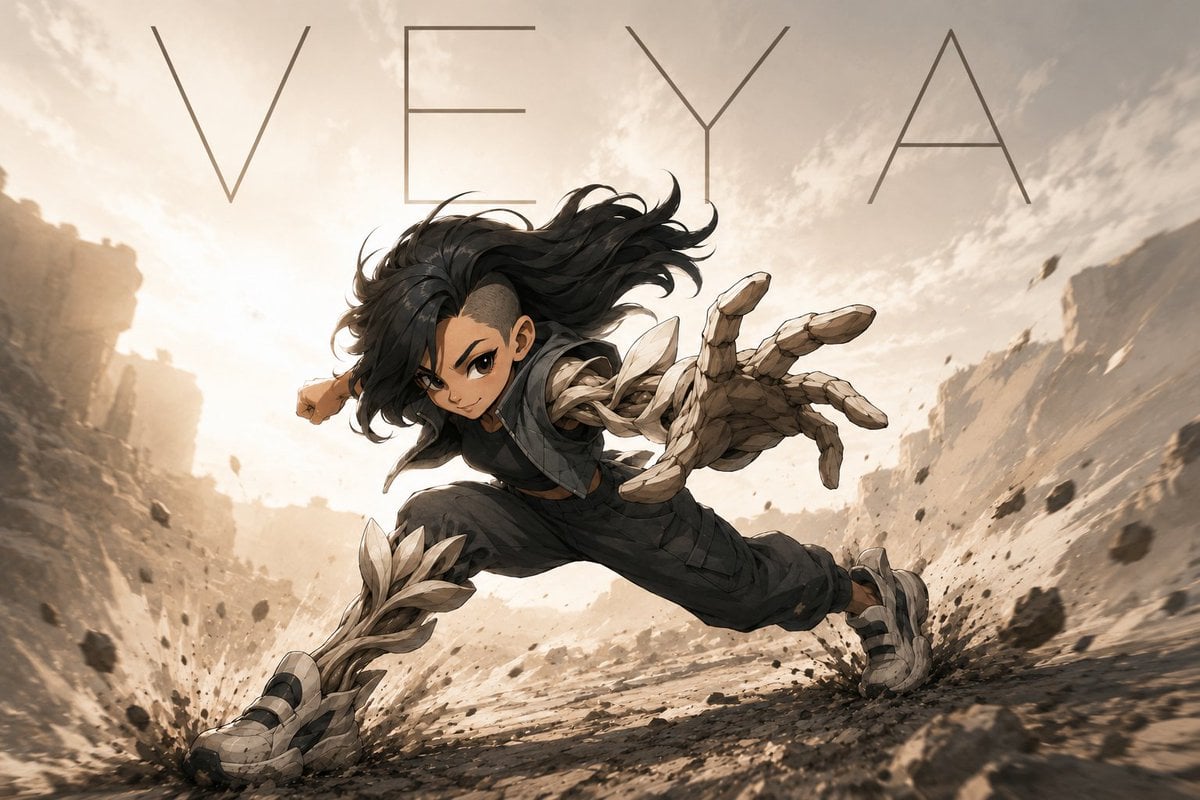
VEYA Anime Canyon Action Poster
Generates a cinematic anime action poster of a stone-armored warrior lunging through a dusty canyon with a minimalist title.
- Prompt included
- Model and format preset
- Free template
The prompt behind this image
Copy the exact prompt behind VEYA Anime Canyon Action Poster, or open it in the studio and make it yours.
Create a dynamic cinematic anime-style action poster of {argument name="character name" default="VEYA"}, a young warrior sprinting and lunging low across a rocky desert canyon at sunset. The composition is wide 16:9, with an extreme low-angle perspective and strong motion blur: the character is centered, hair whipping wildly backward, one huge stone-and-crystal armored hand reaching toward the viewer in foreshortened perspective, the other arm pulled behind, legs spread in a powerful running leap. The outfit is dark tactical clothing in charcoal and black, with organic jagged pale stone armor wrapping the forearm, hand, shin guards, and rugged shoes; the armor looks like layered shards of bone, crystal, and rock. Add flying gravel, dust explosions at both feet, scattered debris suspended in the air, and canyon walls receding into a bright hazy sunlit background. Use warm beige, sand, sepia, and smoky gray tones, high contrast lighting, detailed painterly linework, and an epic manga-meets-concept-art finish. Across the top, place the large thin uppercase title text {argument name="headline text" default="VEYA"} in a minimalist widely spaced geometric font, dark gray, spanning nearly the full width. Keep the face hidden by a centered opaque square censor block in muted brown, covering the facial features while leaving the hair, ears, body pose, and action readable. No additional text, no watermark.
How to use VEYA Anime Canyon Action Poster in 3 steps
- 1Upload ImagePNG, JPG or paste
Add your photo
Upload the photo the template builds on. The prompt, model and format are already set.
- 2…a portrait of your subject in softgolden-hour light, 85mm…
Personalize
Edit the subject and creative details for your destination.
- 3Generate
Generate
Press Generate — your image is created in PicX Studio, so you can compare it with the original and refine one variable at a time.
More like this
Templates with the same subject, style or setup. Open one to see its prompt.

Captain Tsubasa Anime World Cup Poster

Gpt2 Youtube Thumbnail Anime Music Bootcamp Promo Poster

Japan Travel Brochure Poster

Nice Day Anime Poster
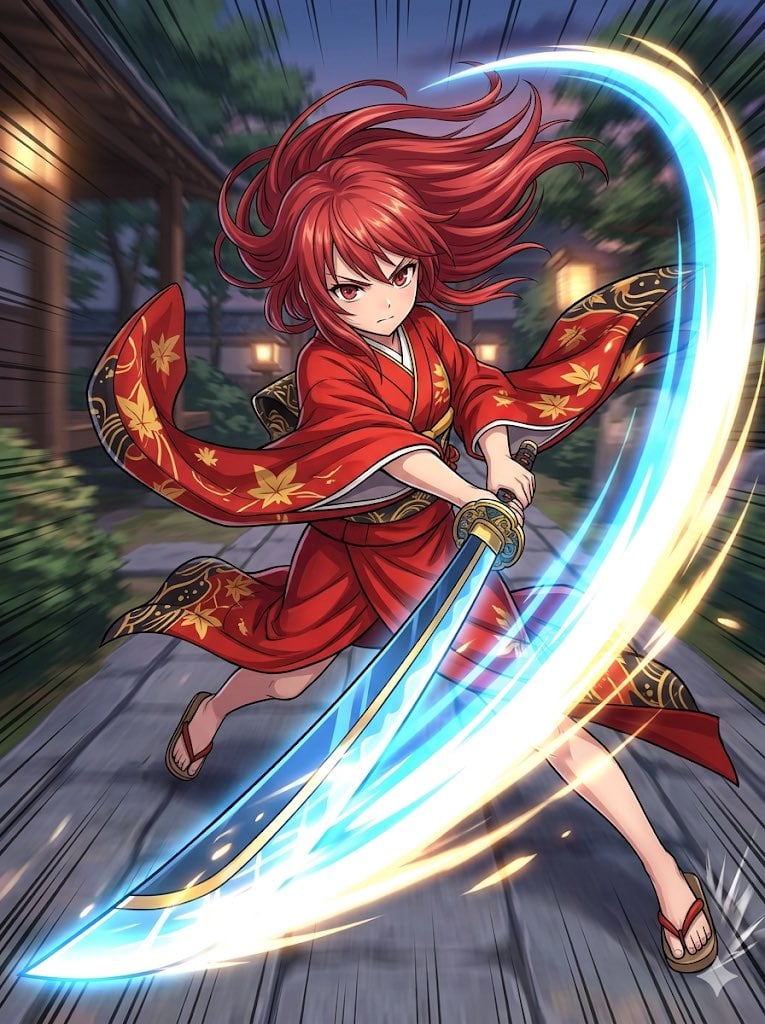
Anime Action Girl in Kimono

Cel 2D Finale Fireworks

Cel 2D Garden Maze

Cel 2D Rooftop Concert

Cel 2D Bicycle Coast

Cel 2D Castle Gate

Cel 2D Kitchen Chaos

Cel 2D Carnival Ride
Make it yours
VEYA Anime Canyon Action Poster works as-is. These are the safest ways to change it without losing the look.
Change one field
Copy a single group, rewrite it, and generate again so you can see what that field is doing.
Keep the frame, change the subject
Hold the composition and light of VEYA Anime Canyon Action Poster, then swap wardrobe, props or the person for a new take.
| If the result… | Why | Fix |
|---|---|---|
| The result drifts from the preview | Too many fields changed at once. | Reuse VEYA Anime Canyon Action Poster as-is first, then change one group — subject, light, or setting. |
| The model over-stylizes the scene | The prose prompt leaves finish and camera underspecified. | Add one camera or lighting sentence and stay on GPT Image 2. |
More GPT Image 2 templates
Other prompts made for GPT Image 2.

Six VTuber Japanese Logo Sheet

Realistic Portrait of Woman and Deer

The Vista Modular Condo Poster

AI Model Routing Comparison Infographic

2.5D Anime Art Board

Isometric Productivity Desk Scene

New York Double Exposure Poster

Four-Panel AI Landscape Comparison

Japanese Tatami Lifestyle Magazine Cover

NESCAFÉ Coffee Map Poster
More image prompts
Fresh picks from across the catalog.
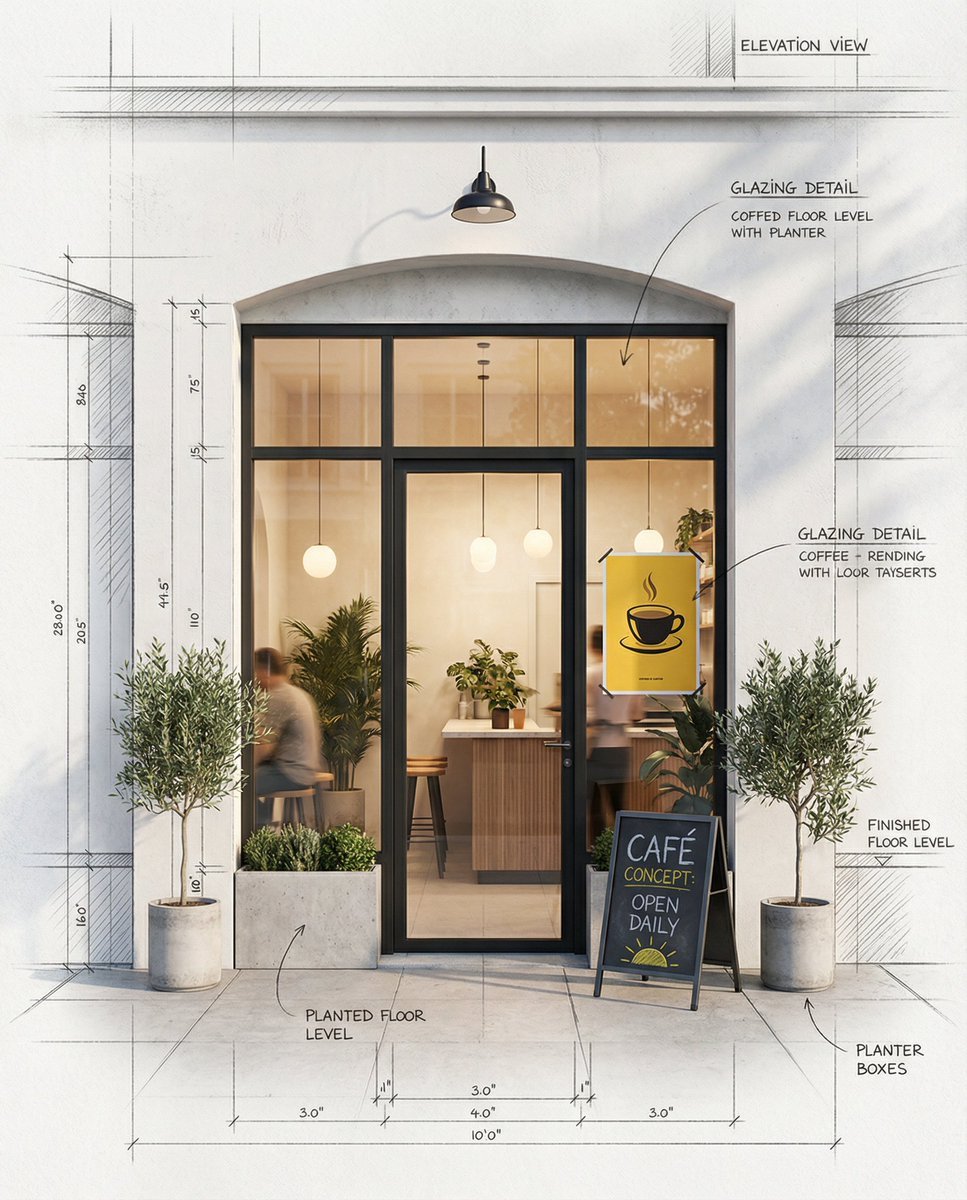
Architectural Concept Rendering: Sketch to Photorealism
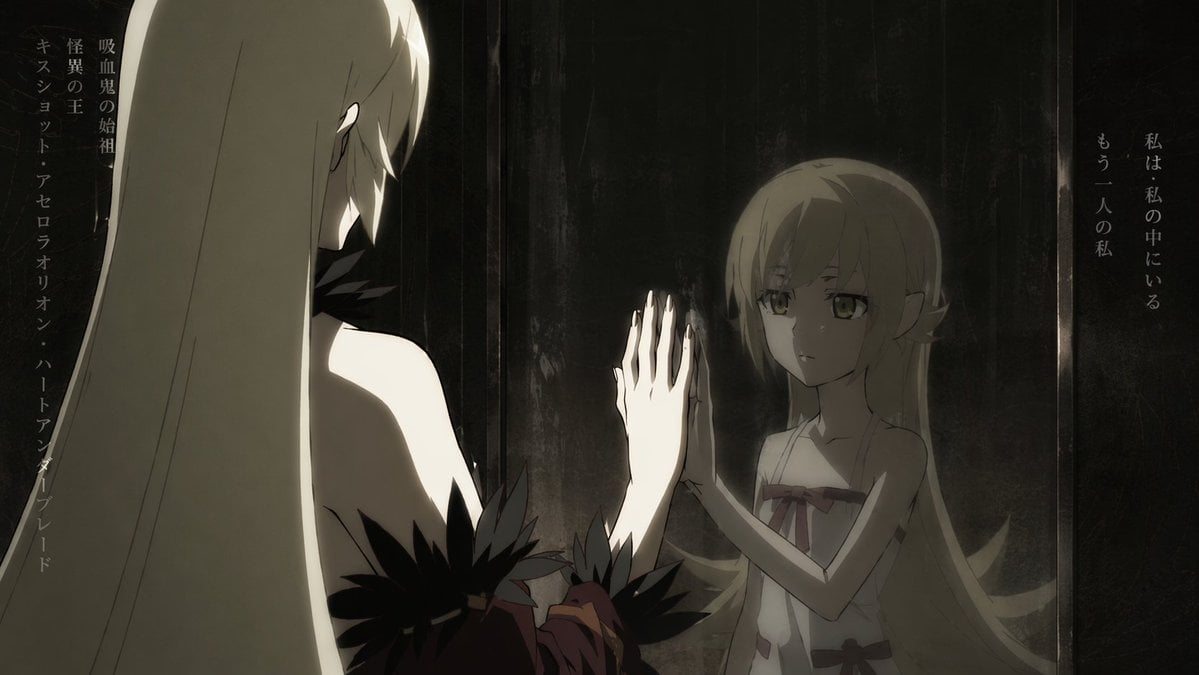
Anime Mirror Reflection of Younger Self

Cinematic Futuristic Studio Portrait Template
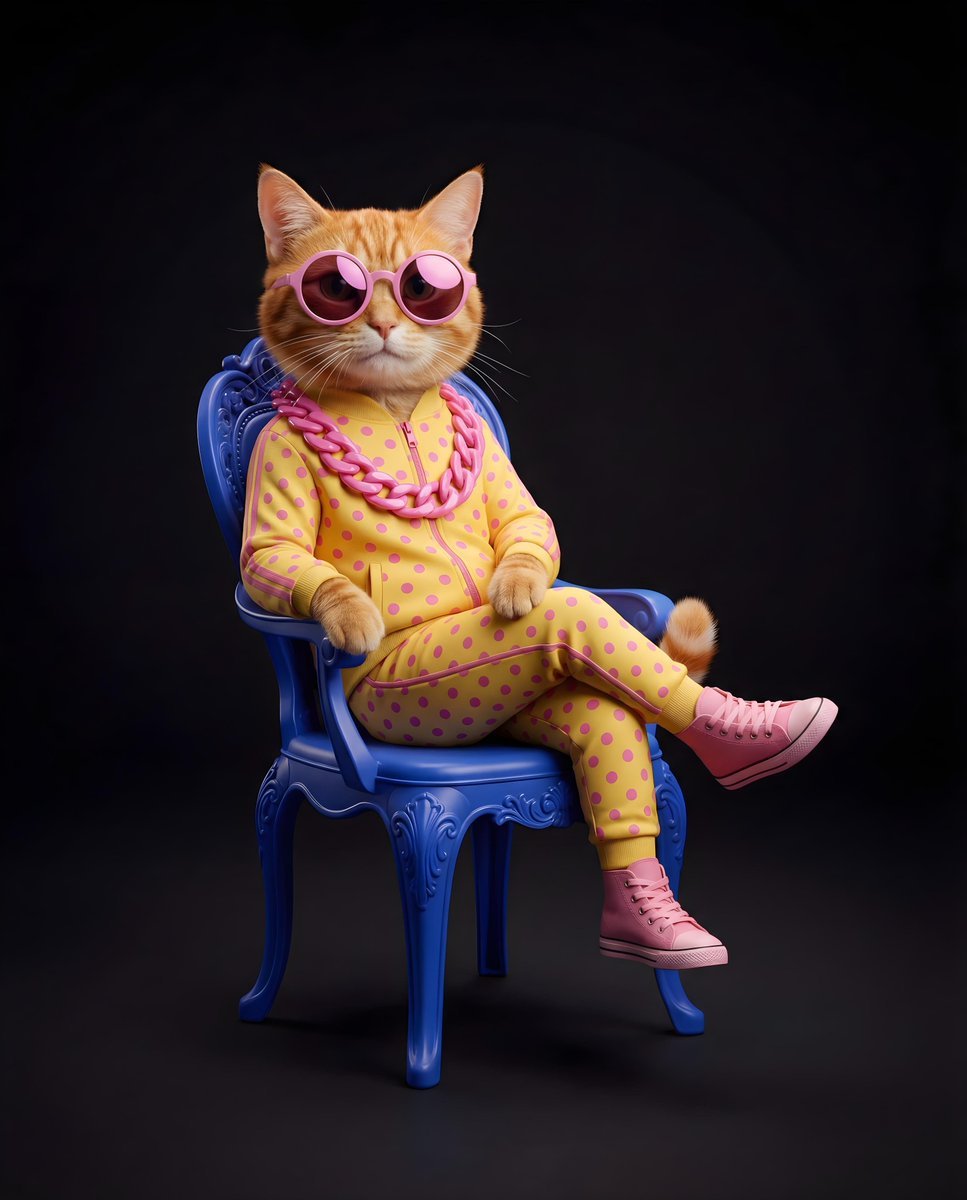
Stylish Anthropomorphic Cat in Tracksuit
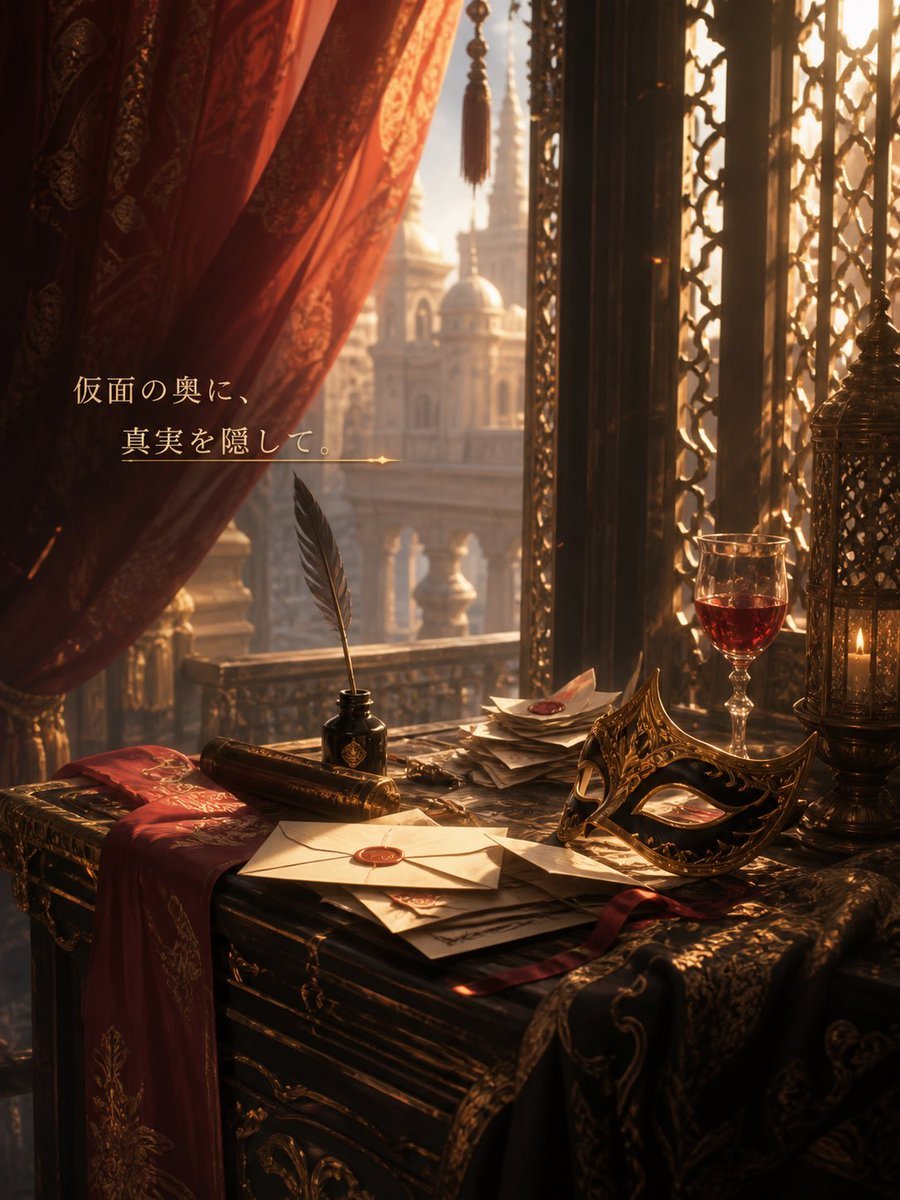
Masquerade Palace Wallpaper
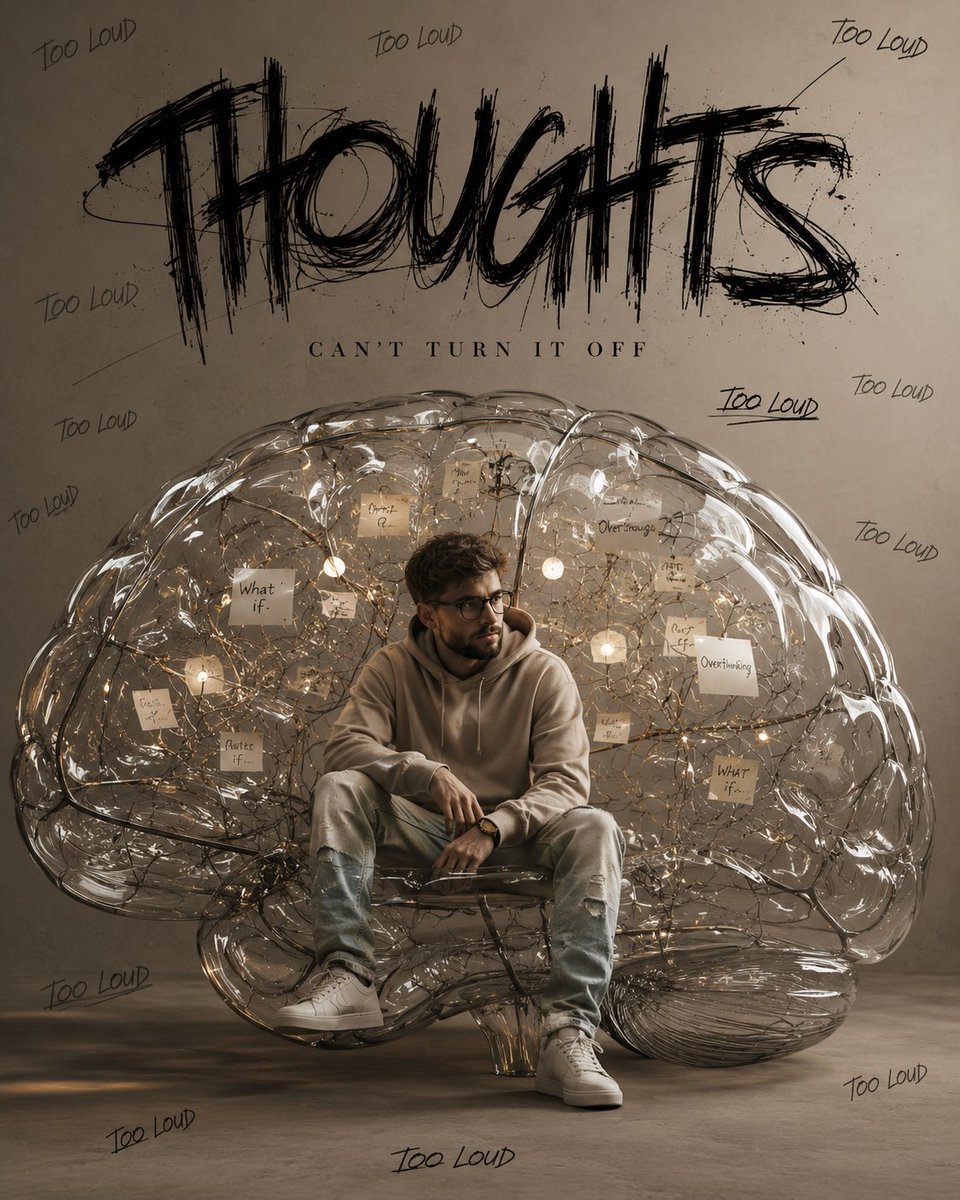
Ultra-Realistic Brain Sculpture Portrait
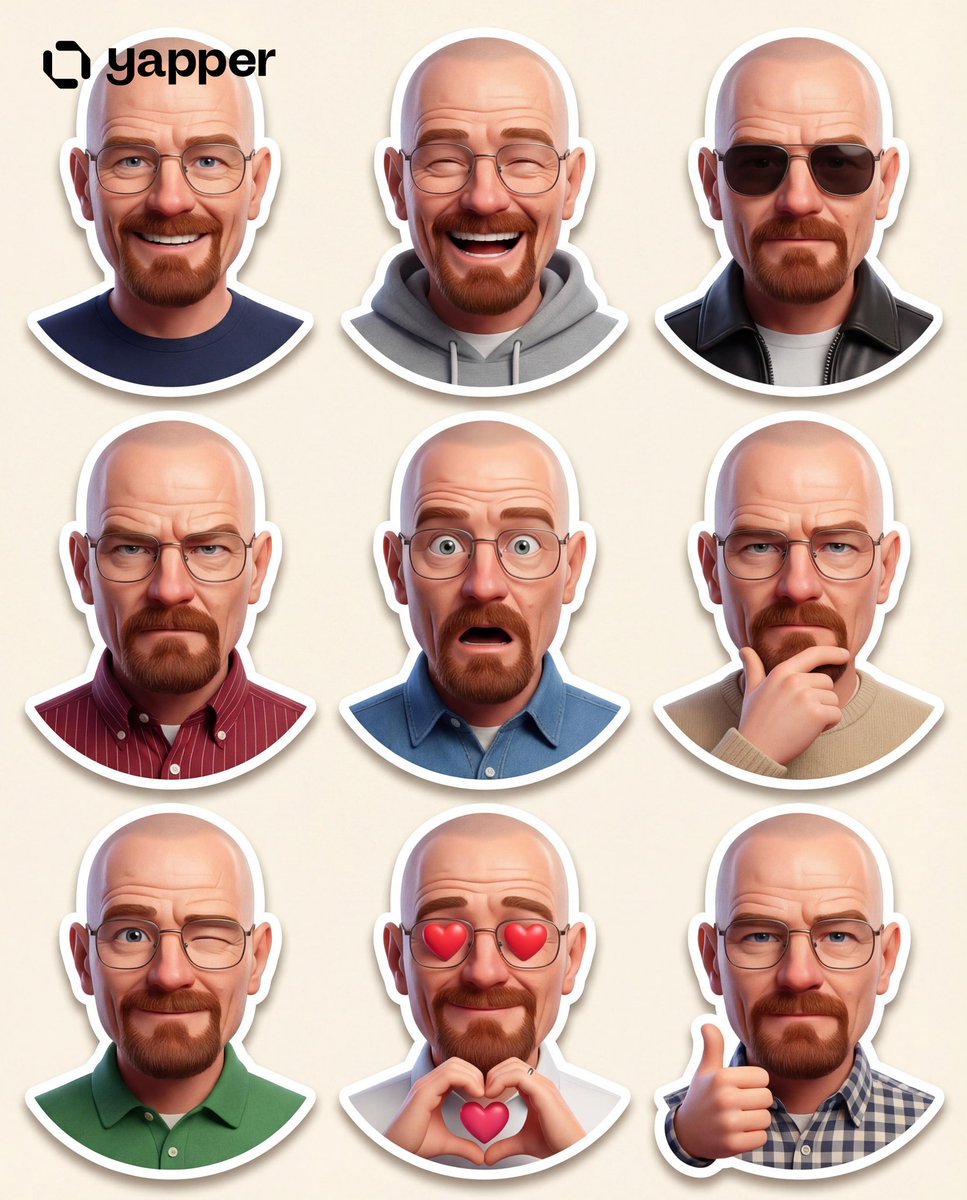
Pixar-Style 3D Character Sticker Set (9 Variations)

Image Generation Prompt with Strong Light Effects and Neutral Expression (Japanese)
90s Japanese Izakaya Snapshot
3D Notebook World Travel Poster
Browse template categories
VEYA Anime Canyon Action Poster questions
How do I use the VEYA Anime Canyon Action Poster template?
Add your photo if the template asks for one, edit the prompt if you like — the template's model and format are already selected — and press Generate. Your version opens in PicX Studio.
Can I customize the VEYA Anime Canyon Action Poster template?
Yes. You can change the subject, setting, lighting, mood, format, and available model controls before creating your image.
Is the VEYA Anime Canyon Action Poster template free?
Opening and editing this template is free. Generating uses credits, shown on the Generate button when you are signed in.
Which AI model should I use?
Start with GPT Image 2, which is the model associated with this template. You can compare another compatible model for a different finish.
Looking for something else? Browse all templates.

Your photo, any look
Thousands of ready templates for every top image and video model, from one credit balance.