
Neon Bridge Over City Canyon
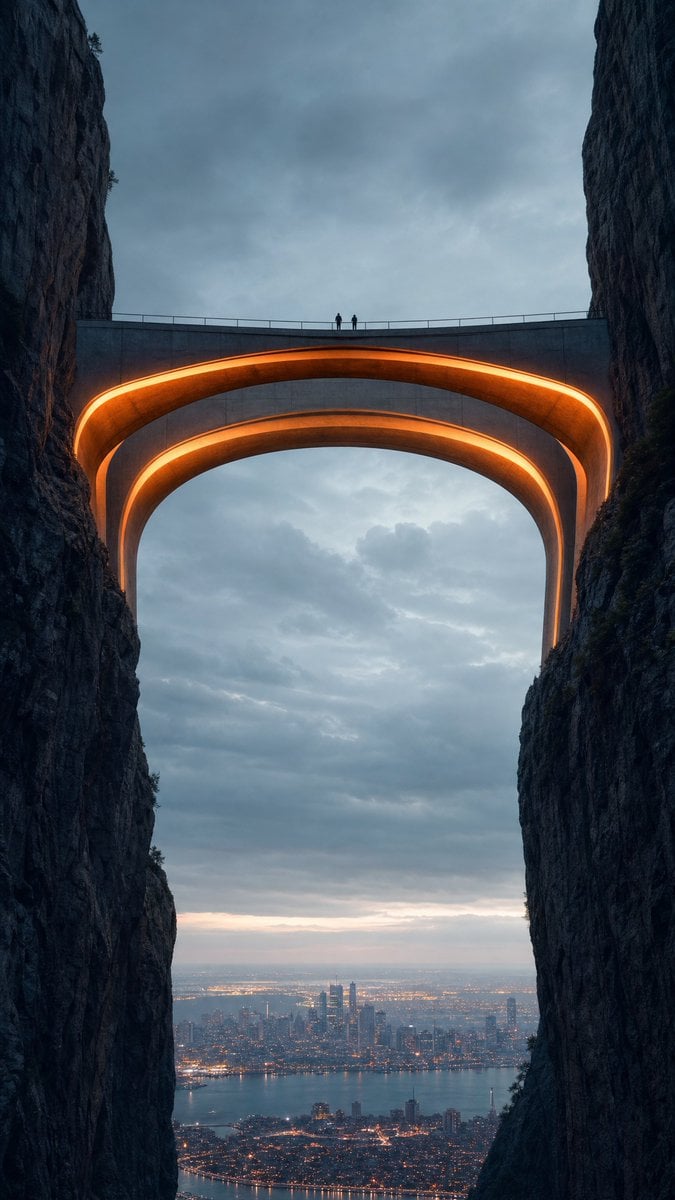
A cinematic photorealistic prompt for generating a futuristic glowing bridge between cliffs overlooking a luminous coastal city at dusk.
- Prompt included
- Model and format preset
- Free template
The prompt behind this image
Copy the exact prompt behind Neon Bridge Over City Canyon, or open it in the studio and make it yours.
Create a vertical cinematic photorealistic scene of a futuristic concrete observation bridge spanning a narrow gap between two towering dark rock cliffs, viewed from below and centered symmetrically. The bridge has exactly two large curved arch layers beneath it, each traced by a continuous warm orange neon light strip, creating a dramatic glowing double-arc frame against the cool blue-gray environment. On the top deck, place exactly two tiny human silhouettes standing near the center behind a simple railing, emphasizing the immense scale. The cliffs are exactly two massive vertical rock walls, one on the left and one on the right, rugged, nearly black, with sparse vegetation. Through the opening below the bridge, reveal a distant modern city skyline beside water at dusk, filled with countless small golden city lights, skyscrapers, shoreline roads, and reflections across the bay. The sky is overcast and moody with layered storm clouds and a faint pale horizon glow. Use {argument name="aspect ratio" default="vertical 9:16"}, {argument name="lighting mood" default="cool blue twilight with warm orange neon accents"}, {argument name="bridge style" default="minimal futuristic concrete bridge"}, {argument name="city setting" default="distant coastal metropolis"}, and {argument name="viewpoint" default="low-angle view from inside a rocky canyon"}. Ultra-realistic architectural photography, high dynamic range, crisp details, atmospheric depth, cinematic color grading, no text, no watermark, no extra people, no vehicles on the bridge.
How to use Neon Bridge Over City Canyon in 3 steps
- 1Upload ImagePNG, JPG or paste
Add your photo
Upload the photo the template builds on. The prompt, model and format are already set.
- 2…a portrait of your subject in softgolden-hour light, 85mm…
Personalize
Edit the subject and creative details for your destination.
- 3Generate
Generate
Press Generate — your image is created in PicX Studio, so you can compare it with the original and refine one variable at a time.
More like this
Templates with the same subject, style or setup. Open one to see its prompt.

Night City Bridge Triptych Portrait Session
Night City Bridge Triptych Portrait Session

Spider-Man 2099 Cyberpunk Neon Future City

Japan Neon Speed City Racing Poster

80s Neon Disco Night

Cozy Knit Sweater Window Portrait

Minimalist Hand-Drawn Doodle Portrait
Bridge City Classic Dawn

Cartoon TV Show Poster Pack

Rainy Night Android Cyberpunk Portrait

Korean Idol Partial Shadow Editorial Portrait

Cyberpunk Neon Profile Fashion Portrait
Make it yours
Neon Bridge Over City Canyon works as-is. These are the safest ways to change it without losing the look.
Change one field
Copy a single group, rewrite it, and generate again so you can see what that field is doing.
Keep the frame, change the subject
Hold the composition and light of Neon Bridge Over City Canyon, then swap wardrobe, props or the person for a new take.
| If the result… | Why | Fix |
|---|---|---|
| The result drifts from the preview | Too many fields changed at once. | Reuse Neon Bridge Over City Canyon as-is first, then change one group — subject, light, or setting. |
| The model over-stylizes the scene | The prose prompt leaves finish and camera underspecified. | Add one camera or lighting sentence and stay on GPT Image 2. |
More GPT Image 2 templates
Other prompts made for GPT Image 2.

Six VTuber Japanese Logo Sheet

Realistic Portrait of Woman and Deer

The Vista Modular Condo Poster

AI Model Routing Comparison Infographic

2.5D Anime Art Board

Isometric Productivity Desk Scene

New York Double Exposure Poster

Four-Panel AI Landscape Comparison

Japanese Tatami Lifestyle Magazine Cover

NESCAFÉ Coffee Map Poster
More image prompts
Fresh picks from across the catalog.
Scenic Travel Ad Banner Generator
Detailed Mirror Selfie/Indoor Portrait Prompt
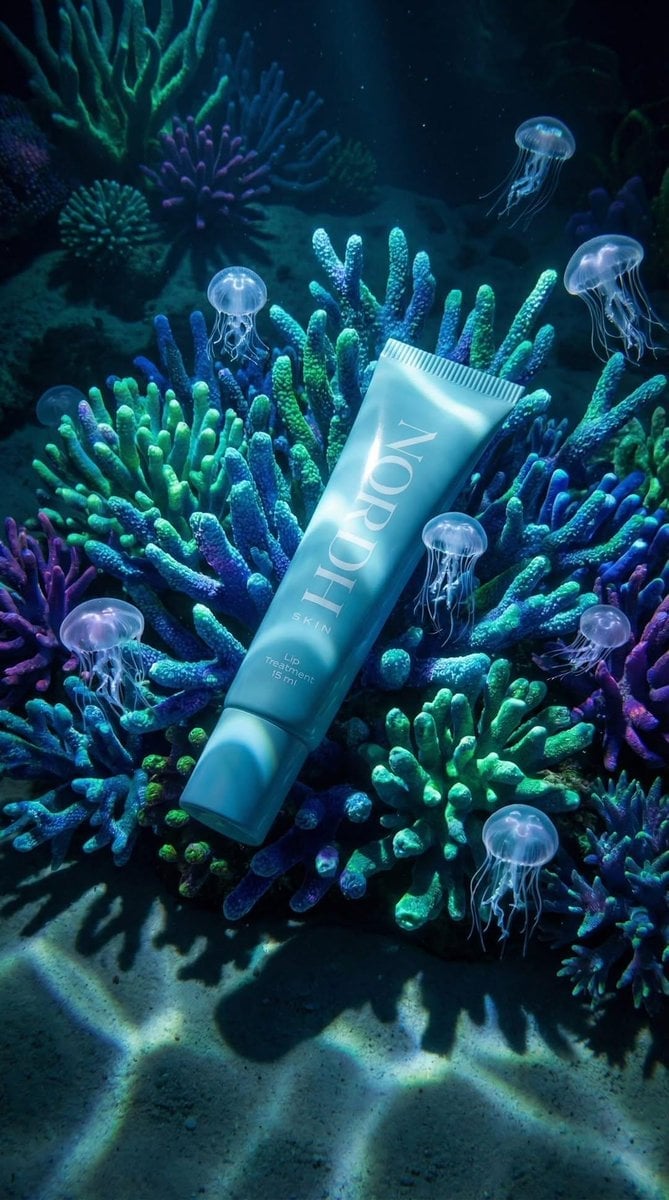
Underwater Luxury Skincare Product Ad
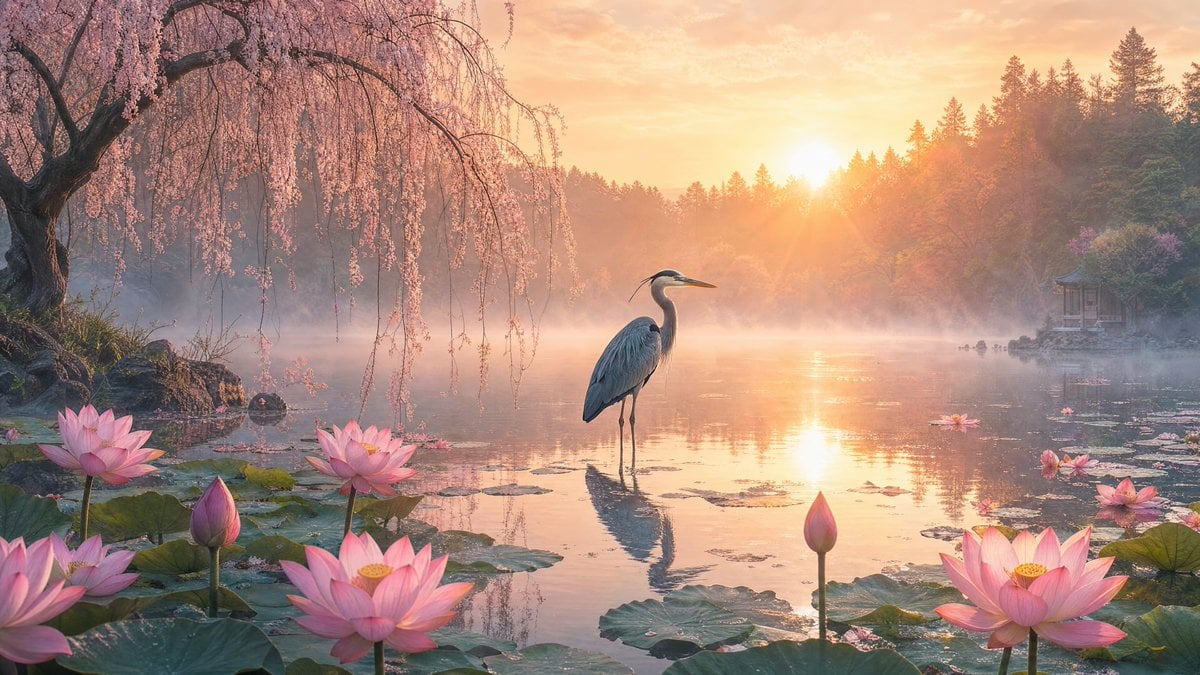
Misty Lotus Pond at Sunrise

Nano Banana Pro Photoreal Playful Couple
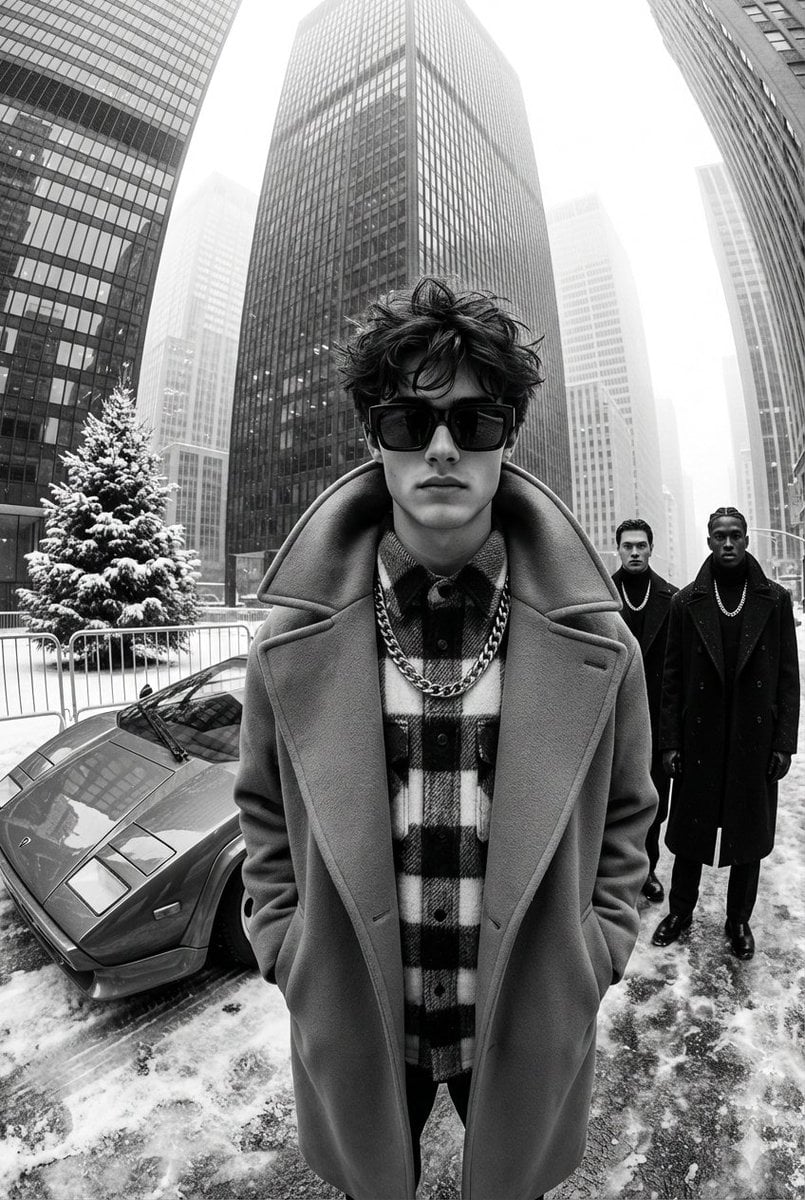
High-Contrast Black and White Street Fashion Editorial
Ultra-Realistic Character Transformation Prompt

Cinematic Pixar-Style Girl Portrait Prompt
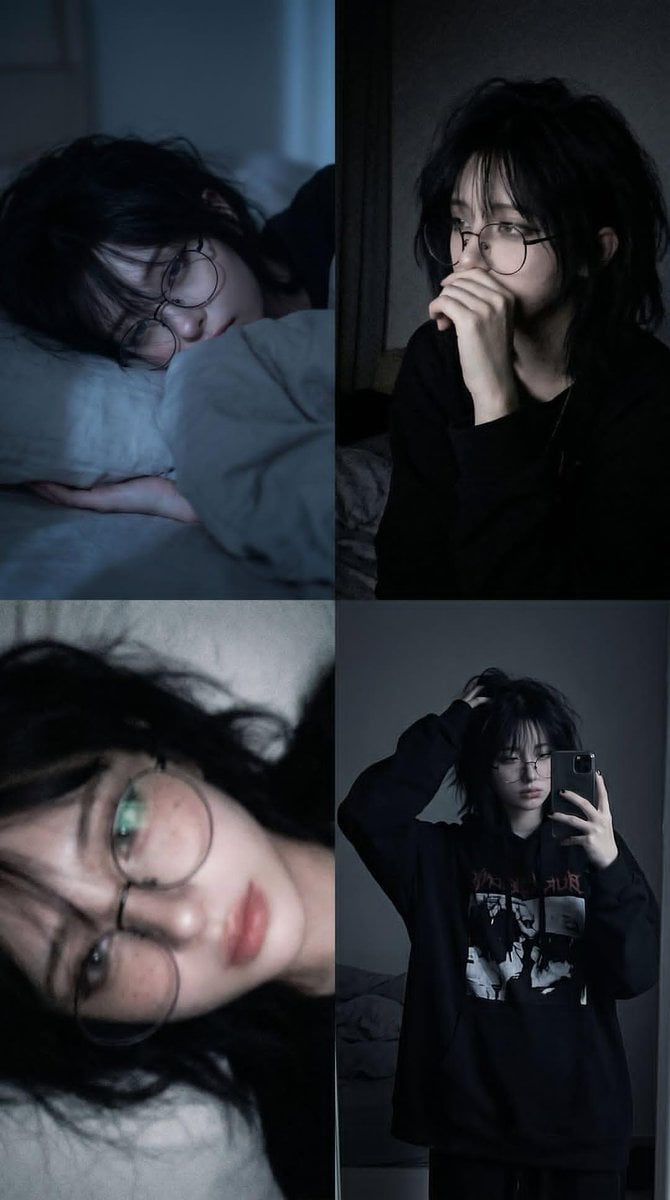
Melancholic 2x2 Photo Collage
Old Photo Restoration and Upscaling
Browse template categories
Neon Bridge Over City Canyon questions
How do I use the Neon Bridge Over City Canyon template?
Add your photo if the template asks for one, edit the prompt if you like — the template's model and format are already selected — and press Generate. Your version opens in PicX Studio.
Can I customize the Neon Bridge Over City Canyon template?
Yes. You can change the subject, setting, lighting, mood, format, and available model controls before creating your image.
Is the Neon Bridge Over City Canyon template free?
Opening and editing this template is free. Generating uses credits, shown on the Generate button when you are signed in.
Which AI model should I use?
Start with GPT Image 2, which is the model associated with this template. You can compare another compatible model for a different finish.
Looking for something else? Browse all templates.

Your photo, any look
Thousands of ready templates for every top image and video model, from one credit balance.